-
-
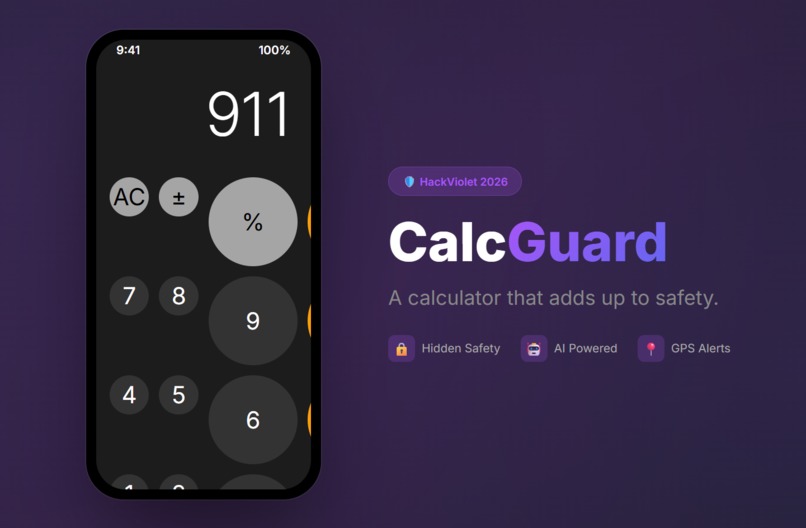
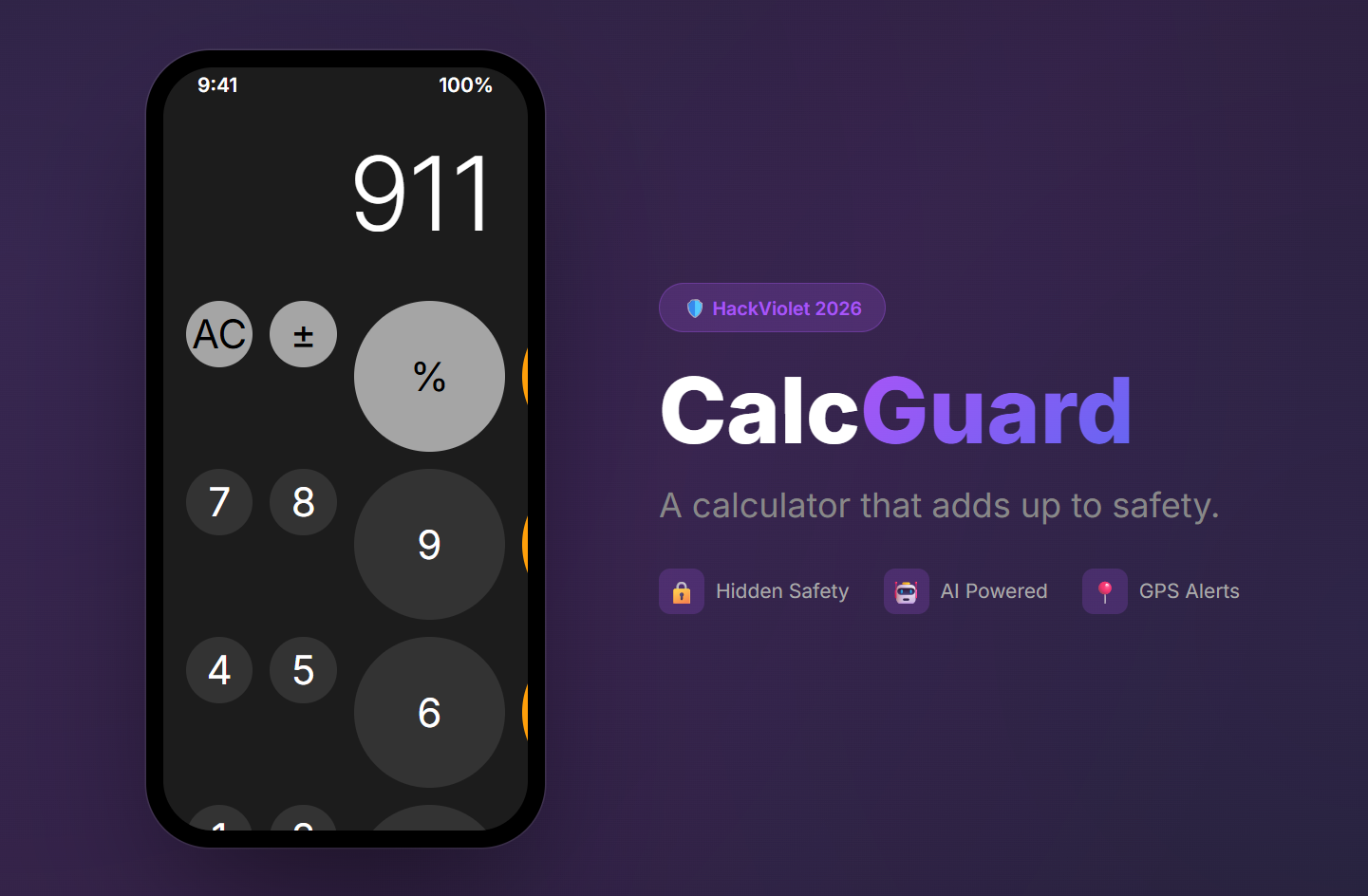
A calculator that adds up to safety.
Inspiration
Existing safety apps have a critical flaw — they look like safety apps. In a dangerous situation, opening something called "Emergency SOS" can escalate things. We wanted to build something that hides in plain sight. A calculator is the most boring, unsuspicious app on anyone's phone. No one would think twice about seeing it open.
What it does
CalcGuard is a fully functional iOS-style calculator. Type a secret numeric code and press equals to silently trigger safety features:
- 911= sends emergency contacts an email with your GPS location and an AI-crafted natural-sounding message
- 200= records your voice, then Gemini AI processes your speech and GPS to display turn-by-turn directions on the calculator screen
- 300= starts silent audio recording saved to Firebase Cloud Storage
- 400= triggers a realistic fake incoming call with AI-generated voice via ElevenLabs
- 500= sends a "I'm safe" check-in to contacts
- 600= makes the screen go black, faking a phone shutdown while recording continues All codes are customizable. To anyone watching, it's just a calculator doing math.
How we built it
React Native with Expo SDK 54 in TypeScript. Firebase Cloud Functions handle email delivery via Nodemailer. Google Gemini 2.0 Flash powers two features: generating natural-sounding emergency messages that don't look like SOS alerts, and processing multimodal audio input with GPS coordinates for voice-activated directions. ElevenLabs generates realistic AI voice audio for fake phone calls. All settings and contacts are stored locally with expo-secure-store encryption.
Challenges we ran into
Getting Gemini to accept audio input was tricky — the recording format differs between iOS and Android, and we had to auto-detect MIME types and use the correct multimodal content structure. We originally built SMS alerts with Twilio but hit toll-free verification walls and A2P registration requirements, so we pivoted to email via Gmail and Nodemailer which ended up being simpler and free. Keeping the calculator fully functional while intercepting secret codes required a careful input buffer system that doesn't interfere with normal math.
Accomplishments that we're proud of
The app is genuinely indistinguishable from a real iOS calculator. The AI emergency messages sound like casual texts, not alerts. The voice directions feature — speak a destination and see turn-by-turn steps on a calculator display — feels like something out of a spy movie. We have 55 passing unit tests and zero TypeScript errors.
What we learned
How to work with Gemini's multimodal API for audio processing, how to handle cross-platform audio recording formats in React Native, Firebase Cloud Functions deployment with environment-based secrets, and ElevenLabs voice synthesis integration. Most importantly, we learned that the best safety tool is one that doesn't look like a safety tool.
What's next for CalcGuard
Real-time navigation using Google Maps Directions API instead of Gemini-generated routes. SMS delivery through a verified messaging service. Silent video recording. A shake-to-activate gesture as a backup trigger. Smartwatch integration for wrist-based alerts. Community-sourced safe location data so the directions feature can route users to the nearest safe space.
Built With
- elevenlabs-text-to-speech-api
- expo-av
- expo-location
- expo-sdk-54
- expo-secure-store
- firebase-cloud-functions
- firebase-cloud-storage
- firestore
- gmail-smtp
- google-gemini-2.0-flash-api
- jest
- nodemailer
- react-native
- typescript

Log in or sign up for Devpost to join the conversation.