Calabrass: The Open Source Personal AI Agent
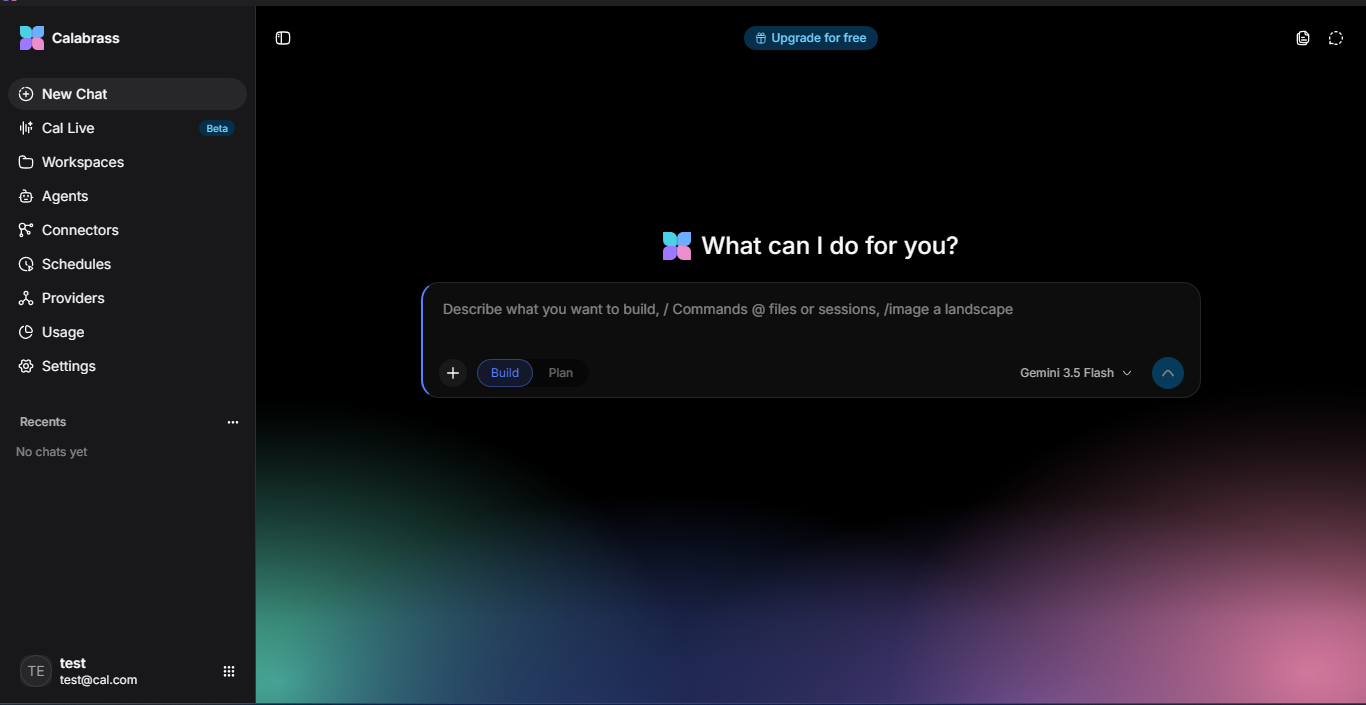
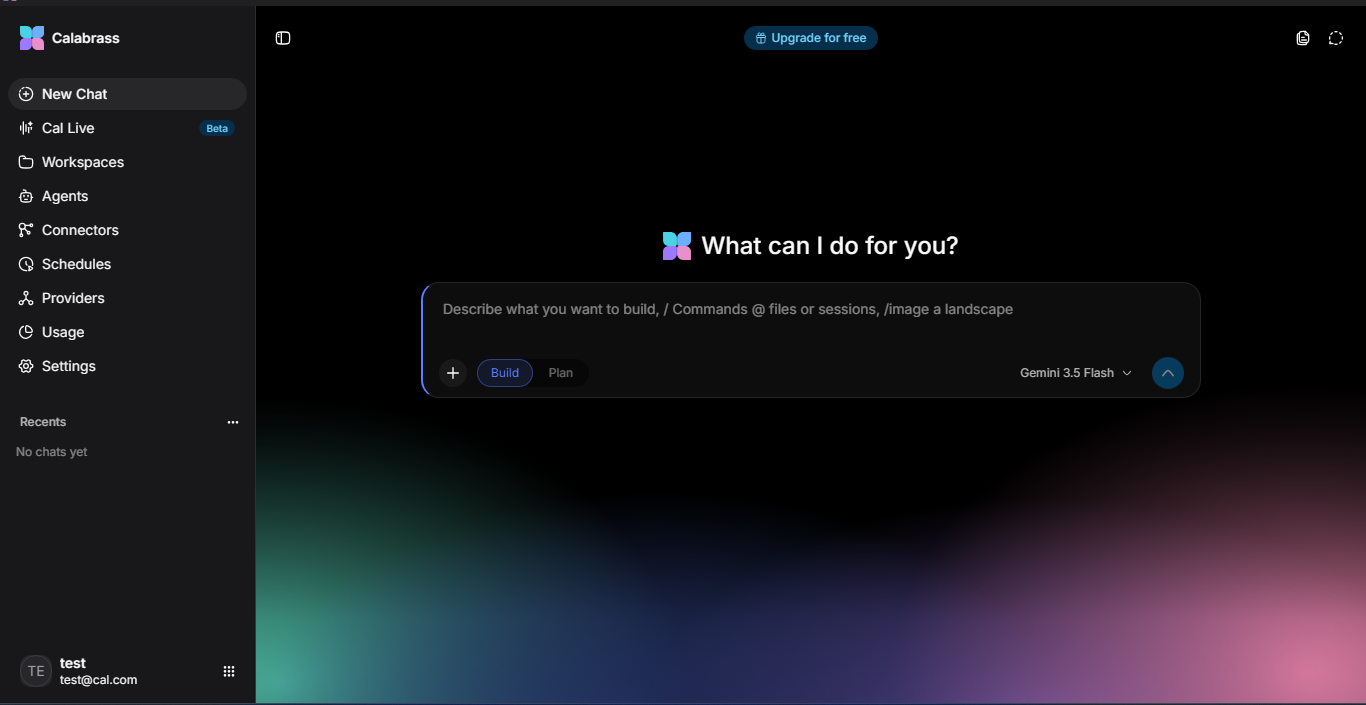
Calabrass is a local-first AI assistant that lives on your machine, works inside your project folders, and asks before it acts. Your chats, files and settings stay on your computer, with no Calabrass cloud account.
Inspiration
Most AI assistants live in someone else's cloud, hold your data on their servers, and either can't touch your files or touch them without asking. I wanted an agent that is genuinely useful on real work (reading code, editing files, running commands, automating the desktop) while keeping the user in control of their data, their keys and every risky action.
What it does
- Chat with any model. Streaming replies, a separate reasoning/thinking trace, auto-generated chat titles, and a model picker that shows live models from every provider you configure.
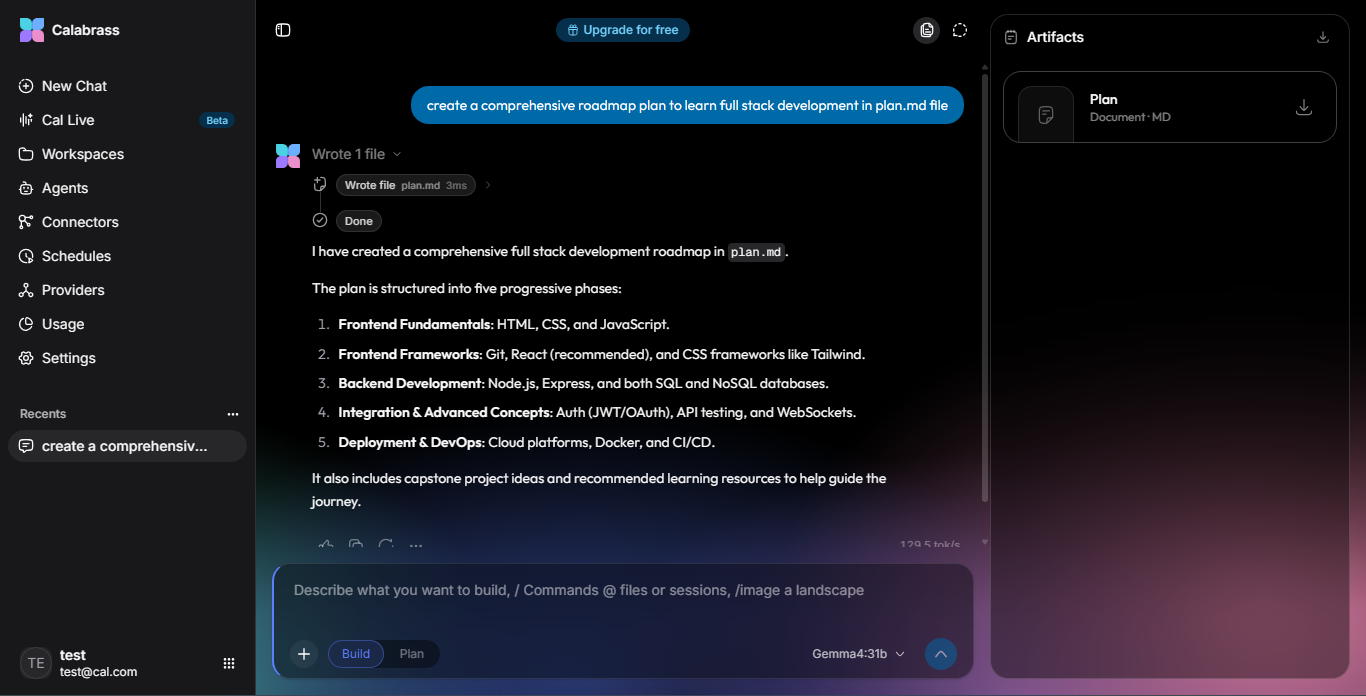
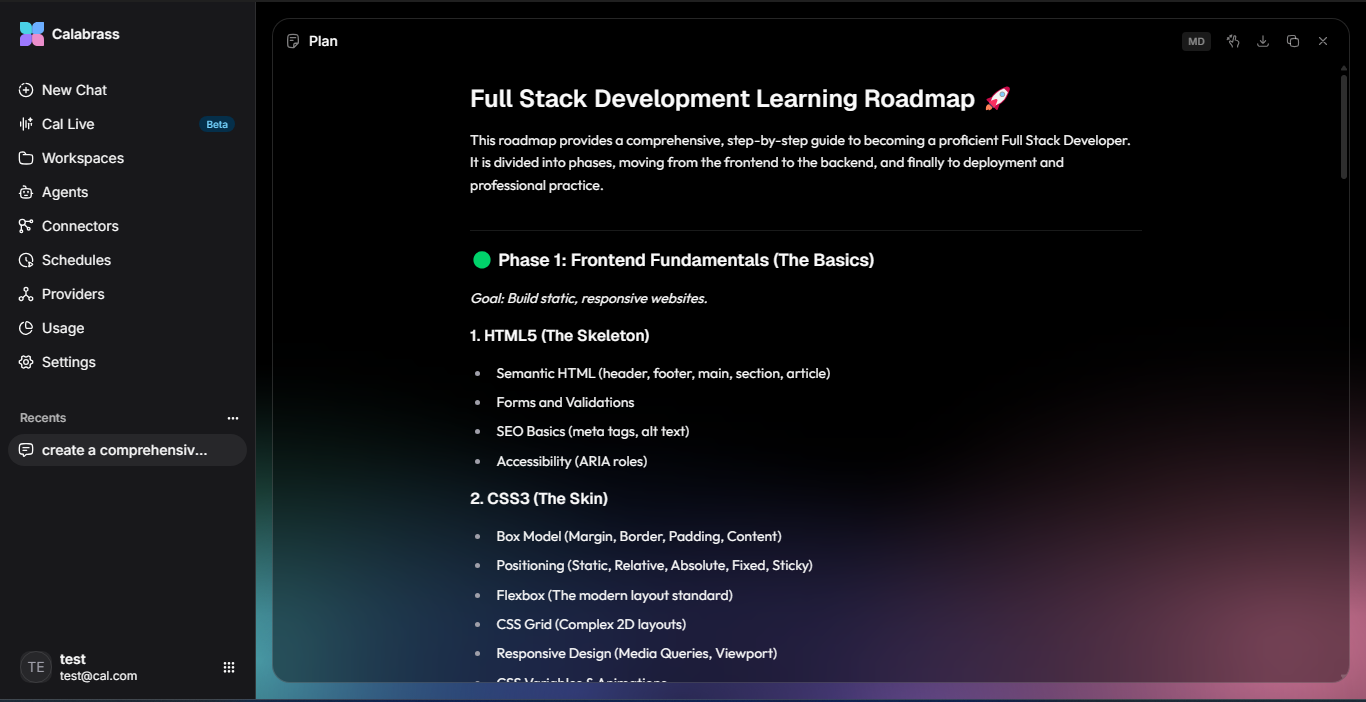
- An agent that uses tools. It plans, calls tools and iterates until the task is done. Built-in tools include
read_file,write_file,edit_file,grep,glob,list_dirandrun_command. - Workspaces. Point it at a folder and it works there with full file context. File tools are confined to that folder.
- Approvals by design. The agent edits files in your project freely, but asks before running a command, reaching outside the project, or doing anything that affects the outside world.
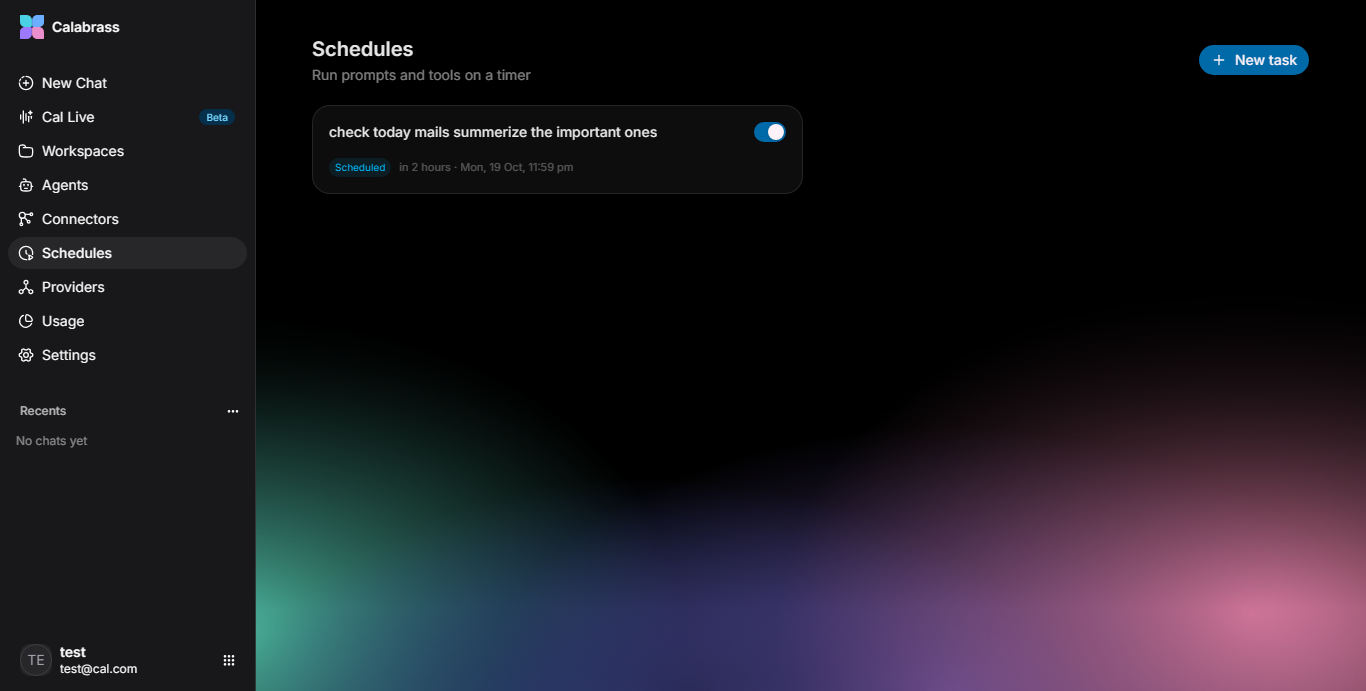
- Scheduled tasks. One-time unattended runs that can only edit project files and run the commands you whitelist up front.
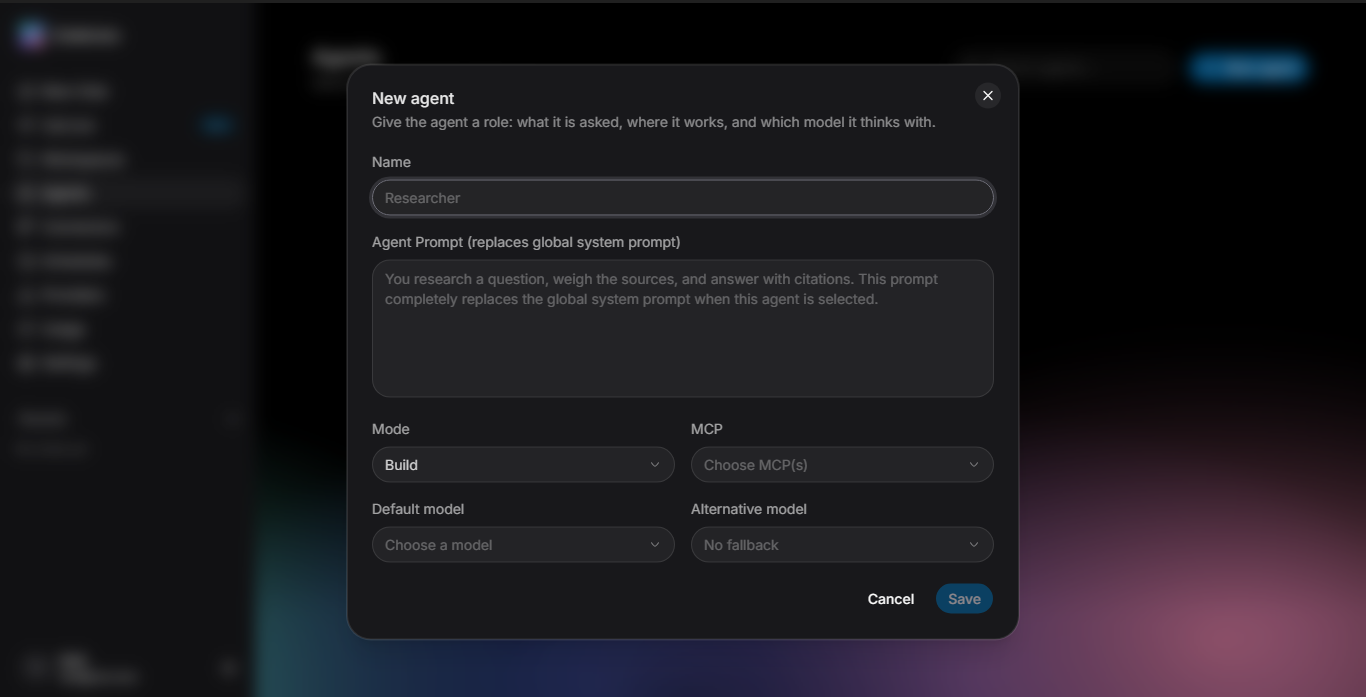
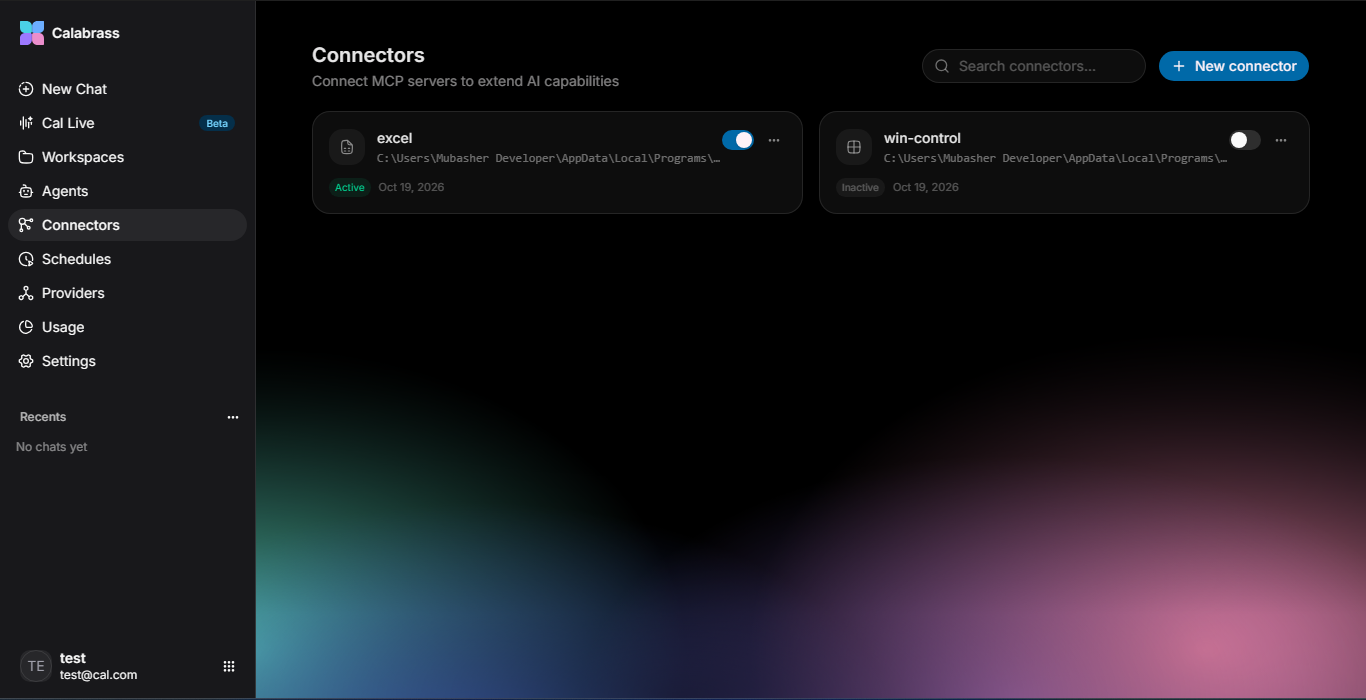
- MCP host. Calabrass starts and manages Model Context Protocol servers. Bundled opt-in servers cover Excel automation (
excel-mcp) and Windows desktop control (win-control-mcp), and you can add your own. - Bring your own keys. No built-in providers. Add any OpenAI-compatible endpoint (Groq, OpenAI, Together, local vLLM/Ollama) or Google Gemini. API keys are encrypted at rest with an OS-held master key and are never sent back to the web page.
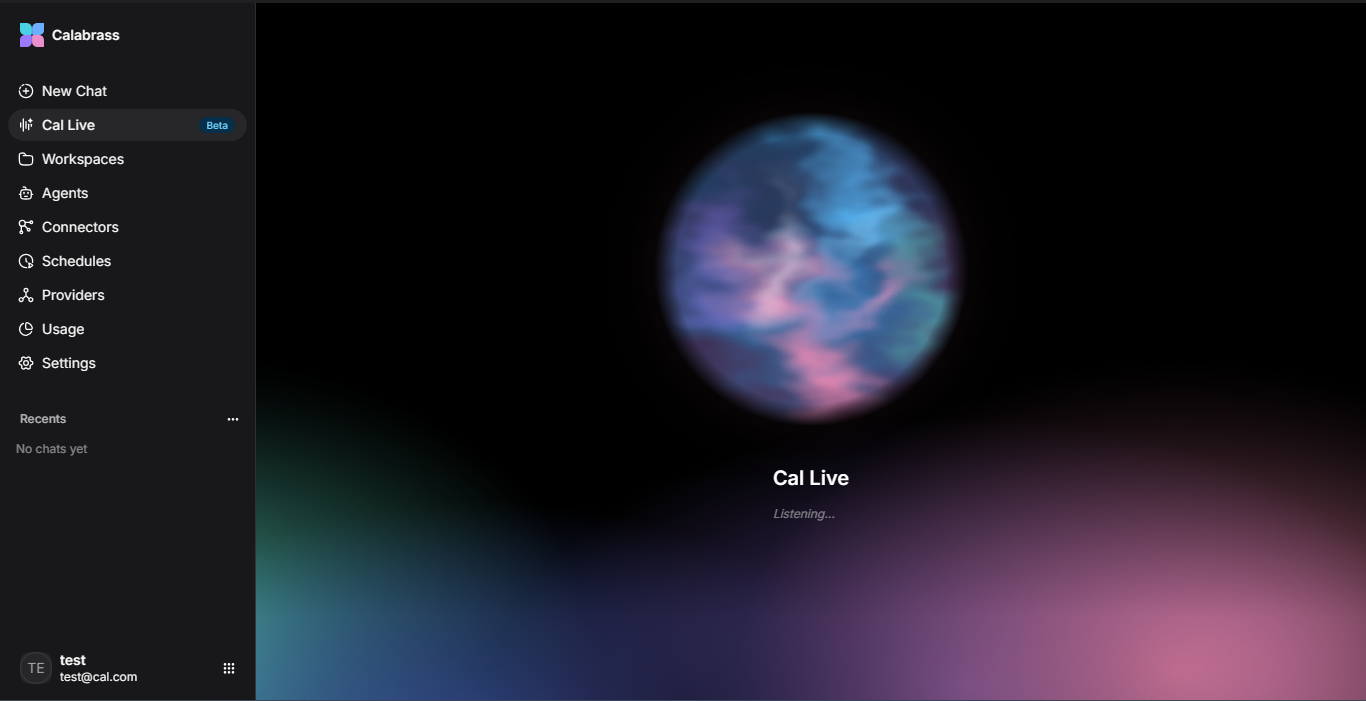
- Cal Live (voice). Push-to-talk or voice-activity detection with Mistral or Groq Whisper; transcripts land in the composer.
One host, many faces
A single Calabrass host runs per machine and owns your data, keys, schedules and approvals. Three interfaces share it:
| Face | Best at |
|---|---|
| Desktop app (Wails) | Home base: native notifications when the agent needs you or a scheduled run finishes, drag a folder in to work there |
Terminal (cal) |
Folder-native workbench, scriptable, works over SSH, cal run for scripts and CI |
| Web page | Control room, including the Ledger of what the agent did while you were away |
Other machines can connect only by one-time-code pairing (cal pair / cal connect), and the API listens on 127.0.0.1 only by default.
npm install -g calabrass
cal

git diff | cal run "write a commit message for this"
How I built it
- Backend: Go, SQLite (pure Go,
modernc.org/sqlite), the GoAI SDK for unified provider streaming, and Server-Sent Events for live tokens. - Frontend: React 19, TypeScript, Vite, Tailwind v4, Base UI, TanStack Router and Query.
- Desktop: Wails v2 with a native WebView2 window, plus a per-user Windows installer with no UAC prompt.
- Terminal client: Go with Bubble Tea, shipped on npm as
calabrass. - MCP: the official Go MCP SDK over stdio, with MCP servers run as managed child processes.
- Security: keys encrypted via Windows DPAPI, macOS Keychain or Linux Secret Service; bcrypt auth; loopback-only by default; cross-site web requests refused.
Challenges
- Designing a permission model that is safe without being annoying: free edits inside the project, an approval for every command or outside action.
- Making one host serve three very different interfaces (desktop, terminal, web) with shared chats, providers and schedules.
- Handling provider quirks across OpenAI-compatible endpoints and Gemini's native API, including streaming reasoning content on its own channel.
- Keeping secrets safe: keys encrypted at rest and never readable back through the UI.
Accomplishments I'm proud of
- A fully working, installable product, not just a demo: Windows installer, npm package and web UI.
- Real local-first privacy: nothing user-made is written into the source checkout, and your data stays in your own folder.
- A genuine MCP host that lets the agent control Excel and the Windows desktop.
What I learned
- Trust is a UX problem: clear approvals and an audit trail matter as much as model quality.
- Local-first architecture makes privacy a default rather than a promise.
- MCP is a powerful way to extend an agent without bloating the core.
What's next
- Code-signed installer to remove the SmartScreen warning
- macOS and Linux builds
- Recurring schedules, a run ledger and a system-tray icon
- Agent memory across sessions
- Plugin system and more MCP servers (browser, database, git)
Try it
- GitHub: https://github.com/CodewithMubasher/Calabrass
- Download: Calabrass-setup-v1.0-x64.exe
- License: MIT
Built With
- batchfile
- css
- go
- html
- inno-setup
- javascript
- powershell
- shell
- typescript

