-
-
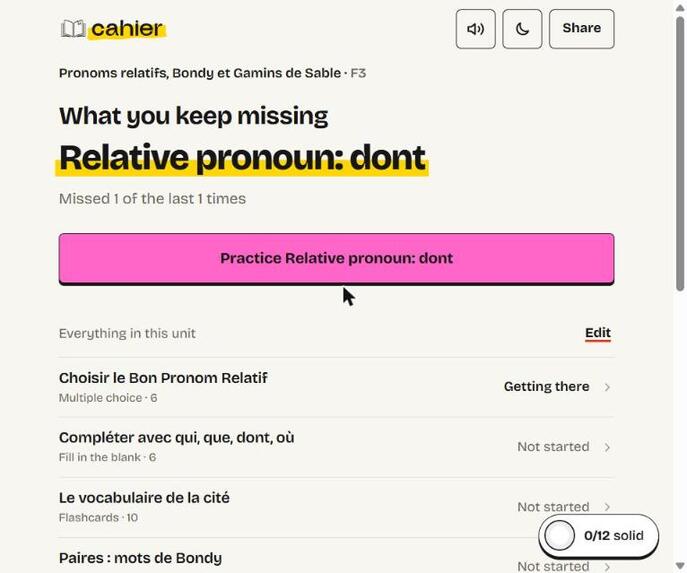
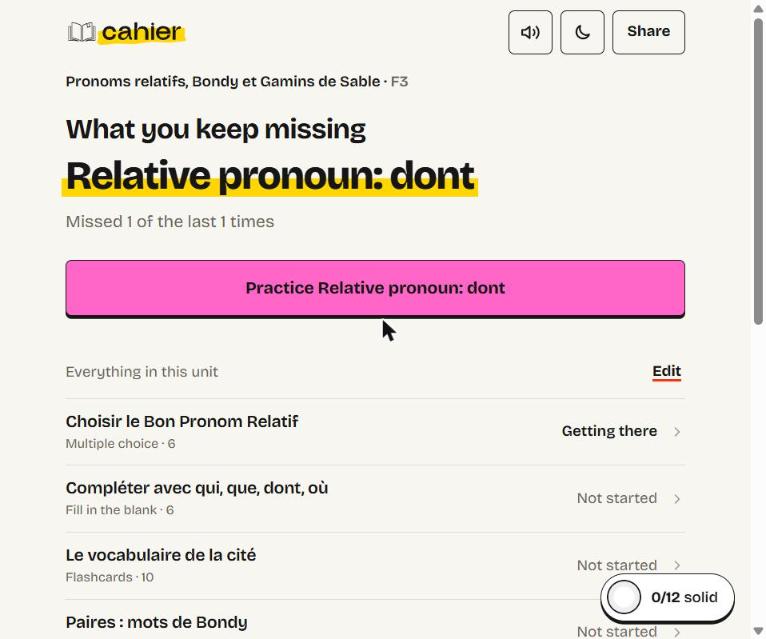
The study home opens on the skill you keep missing.
-
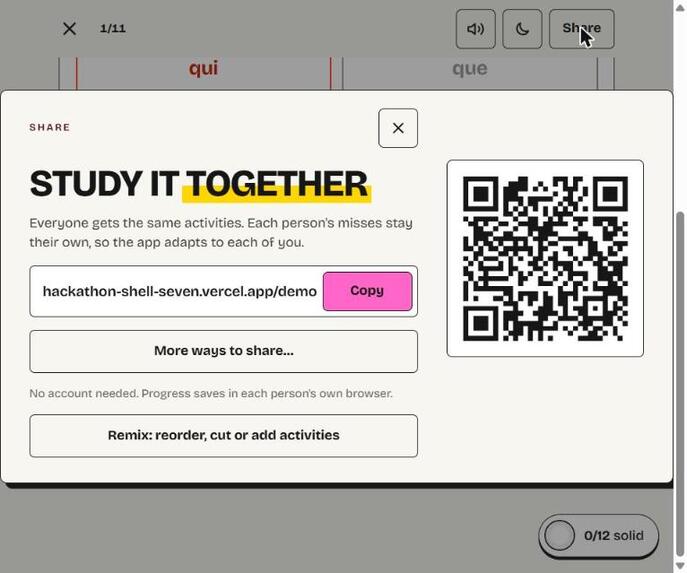
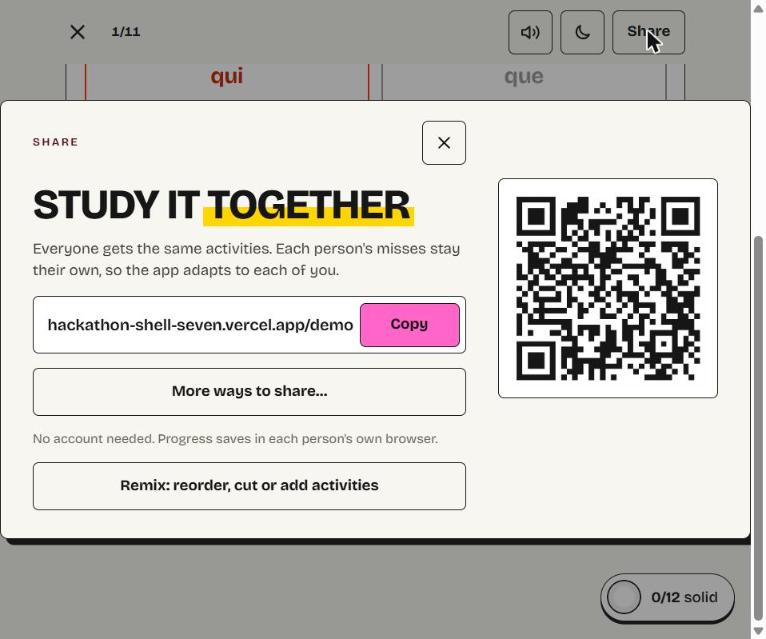
Share the whole app with your class by link or QR code. No account needed.
-
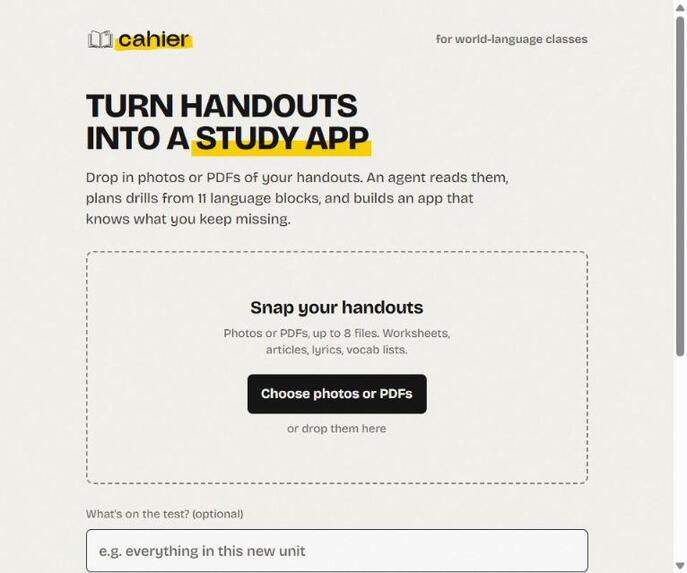
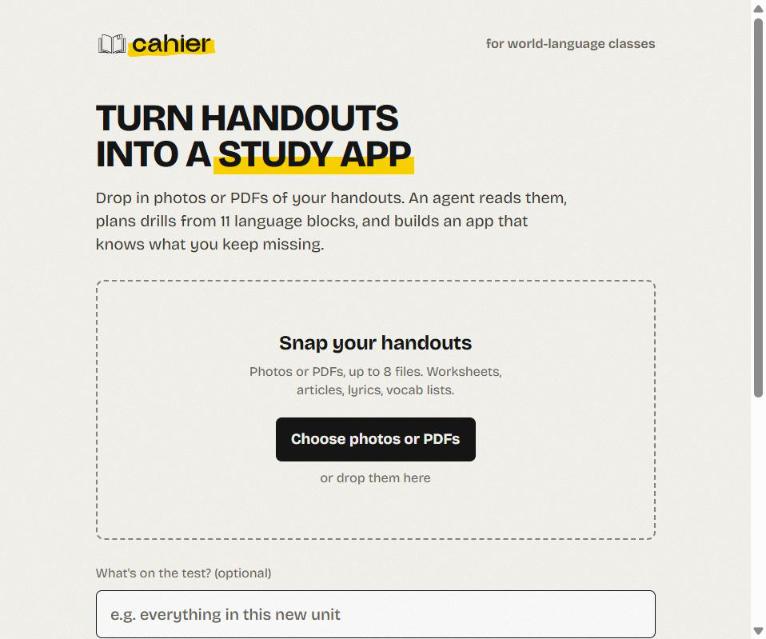
Drop in photos or PDFs of your handouts and say what the test covers.
-
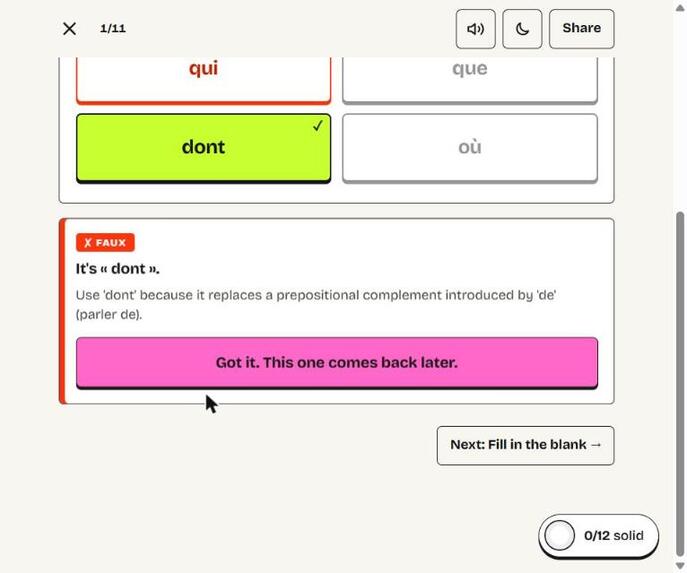
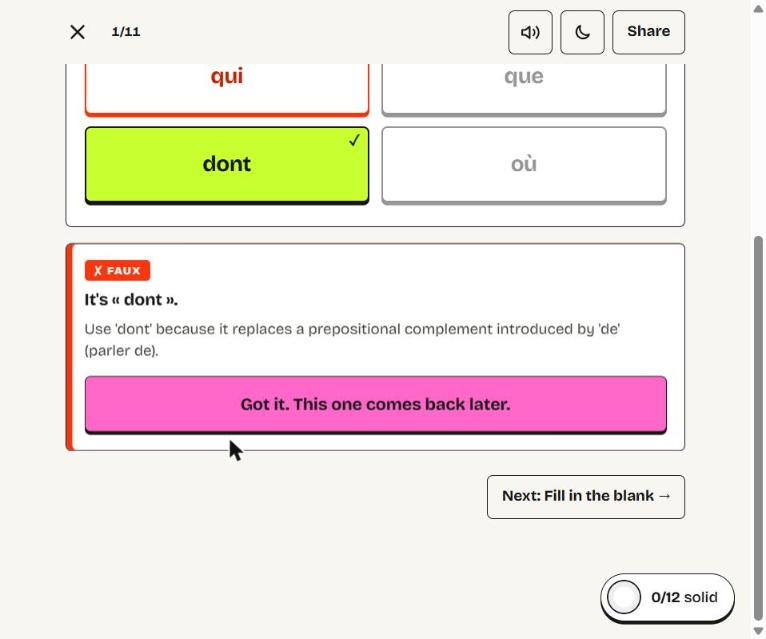
Get one wrong and you get a one-line red-pen correction. Our code grades every answer, not the AI.
-
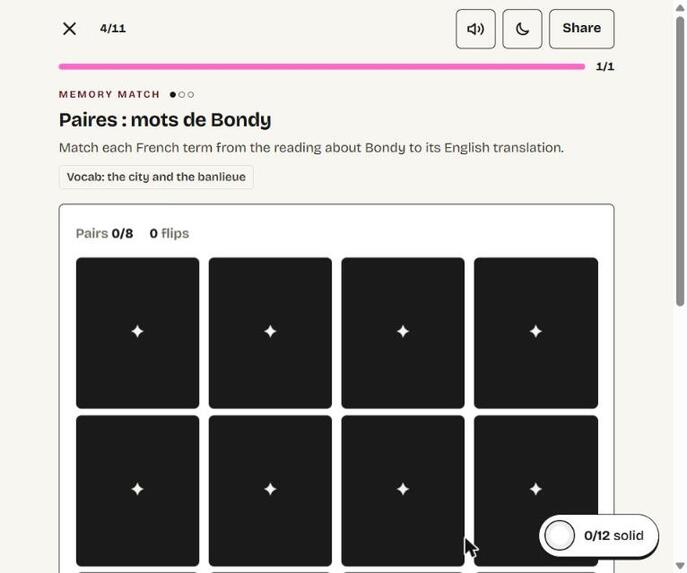
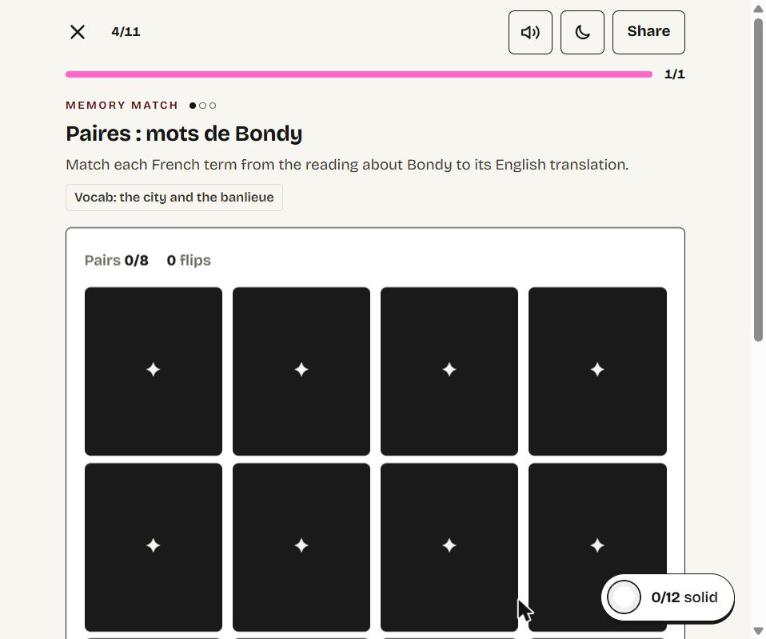
One of 11 activity types: memory match on vocab from the class reading about Bondy.
Inspiration
Our French test is Tuesday, and our teacher gave us five handouts. Like most students, the plan for tonight was to reread them, even though learning researchers rate rereading one of the least effective ways to study (Dunlosky et al., 2013). In one study, students who quizzed themselves remembered 61% a week later; students who reread remembered 40%.
So why doesn't everyone quiz themselves? Because turning your teacher's handouts into a quiz takes hours. Sansar built his own French trainer with Claude this fall, and it still took hours. The problem isn't motivation, it's setup time. Cahier makes the study method that works as fast as rereading.
What it does
Cahier turns your class handouts into a personal study app for that exact test.
- Build. Snap or upload the handouts for your unit and say what the test covers. Cahier finds the exact grammar skills and vocab your teacher taught (for our unit: the relative pronouns qui, que, dont and où) and proposes a plan. You cut, add or reorder anything, and about 25 seconds later you're quizzing yourself on your own class's material.
- Adapt. Every question is tagged to a skill. Get one wrong and you get a one-line "red pen" correction. Miss the same skill three times and Cahier writes five new drills on exactly that skill, live, in about six seconds. The home screen opens on what you keep missing, so you spend your time there instead of on what you already know.
- Share. Every app gets a link and a QR code. One student builds it, the whole class gets the same activities, and each person's practice follows their own mistakes.
There are 11 activity types made for language class: multiple choice, fill in the blank, flashcards, memory match, passage cloze with listening (a song you fill in by ear), reading check, sentence combiner, conjugation grid, tap to spot, sort into categories (a culture sort), and error hunt.
How we built it
- Frontend: React, Vite and TypeScript. Each of the 11 blocks has its own layout, built for phone-width first.
- Upload: photos and PDFs go from the browser straight to Vercel Blob.
- Blueprint:
/api/blueprintasks Gemini 3.8 Flash for structured JSON describing which skills the handouts teach and which blocks to make. Skill ids are limited to a fixed skills list, so the model can't invent skills. - Build:
/api/buildwrites every block in parallel and validates each item with zod. Invalid items are dropped, and a block that loses more than half its items is retried once. The finished app is saved to Blob. - Adapt: progress lives in your browser. Mastery is your share right in the last 5 answers per skill, missed items come back 3 steps later, and
/api/refillwrites a new block from the app's saved skill notes when you're struggling. - Testing: Playwright end-to-end tests in real Chrome, plus fixture checks for every block.
How we used AI
In the product: Gemini reads the handouts, finds the skills, plans the blocks, writes the questions, and writes new drills when you're struggling.
What AI never does: grade you, or write your French for you. Our code renders every block and checks every answer against a fixed list. The AI returns JSON, never HTML, and our React components render it. That matches our teacher's AI rules.
To build it: we used Claude to lock the spec, Claude Design for 23 screens, and Claude Code wrote about 9,000 lines today with 13 agents working in parallel. 10 of our 11 activity types were built at the same time, and a review agent found 7 bugs that we fixed.
Does it work?
Measured on production with our real handouts:
- Setup: 25 seconds from upload to studying.
- Reliability: 136 questions generated, zero thrown out, zero API errors.
- Coverage: all four grammar skills on the test.
- Adaptation: 10 out of 10 missed skills came back as new drills, about 6 seconds after the third miss.
- Answer keys: 99.4% pass our own grader.
Challenges we ran into
- Trusting AI-written answer keys. We validate every item with a schema, show the handout page each question came from, grade with code instead of AI, and hand-checked the answer keys for our unit.
- A white screen only in new Chrome. After "Reading your handouts" the app went blank. A scroll effect was returning a Promise, and React tried to call it as a cleanup function. Our bundled test browser didn't catch it, so we moved our end-to-end tests to real Chrome.
- Speed. To beat rereading, setup has to feel instant, so blocks are generated in parallel and new drills come back in seconds.
What we learned
Building for one specific person made every decision easier. We picked language class on purpose: answers can be checked exactly, grammar breaks cleanly into skills, and it needs more than flashcards. Tools like NotebookLM and Padlet Arcade make quizzes from files, but none of them lead with the exact grammar skill you keep missing and write new drills on it.
What's next
Spanish and Latin, then a teacher mode for whole classes.
Built With
- claude-code
- claude-design
- gemini
- playwright
- react
- typescript
- vercel
- vercel-blob
- vite
- zod


Log in or sign up for Devpost to join the conversation.