Challenges we ran into
- Integrating the Chrome extension with various CAD applications to capture real-time screen data
- Creating and optimizing a RAG process to curate data and provide relevant and accurate advice based on captured screenshots and project context
- Balancing the frequency of API calls to Claude 3.5 to provide timely advice without overwhelming the system
- Ensuring the extension's UI remained responsive and user-friendly while processing complex CAD data and AI responses
- Implementing effective error handling and fallback mechanisms for various scenarios
Accomplishments that we're proud of
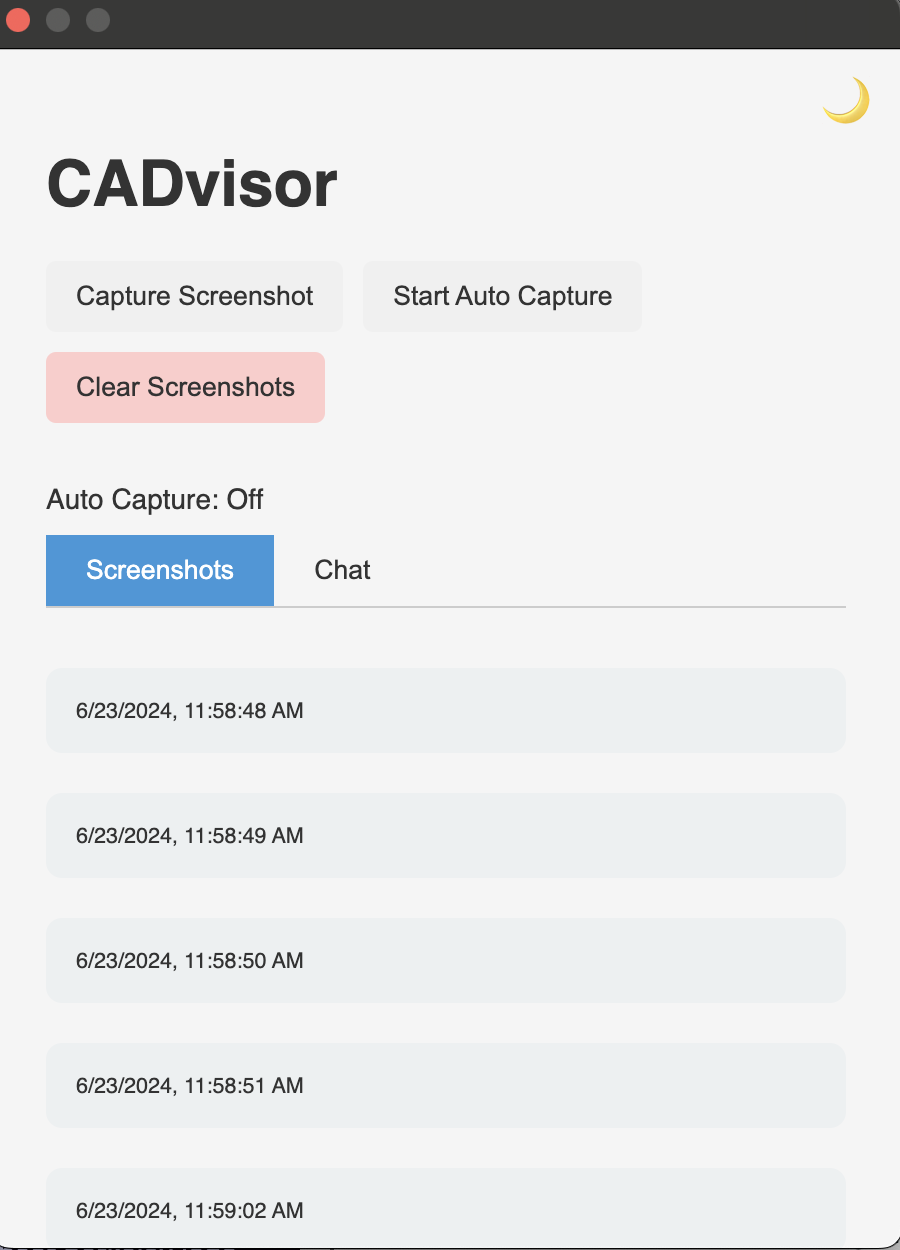
- Successfully developing a functional Chrome extension that integrates seamlessly with online CAD applications
- Implementing a RAG system that effectively combines Claude 3.5 with relevant CAD design principles and best practices
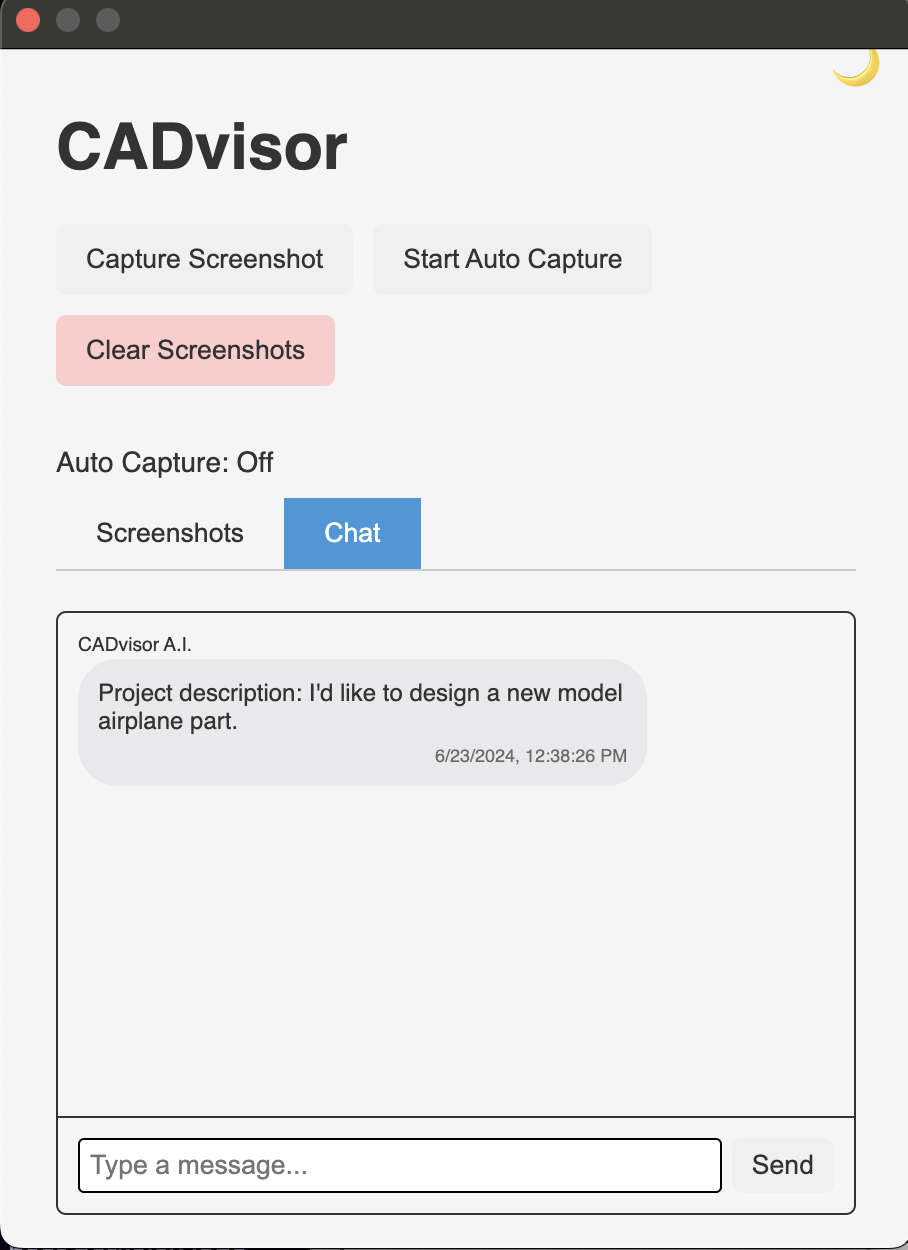
- Creating an intuitive user interface for easy interaction with the AI assistant during CAD work
- Developing a system that provides real-time, context-aware advice across different skill levels and project types
- Collaborating effectively as a team to bring together various components into a cohesive product within the hackathon timeframe
What we learned
- Intricacies of developing Chrome extensions and integrating them with complex web applications like CAD software
- Techniques for effectively prompting and utilizing large language models for specialized tasks
- Importance of user experience design in creating tools for technical applications
- Strategies for rapid prototyping and iterative development in a hackathon environment
- Potential of AI to augment and enhance complex design processes in fields like mechanical engineering
What's next for CADvisor AI
- Expand compatibility to support a wider range of CAD software and platforms
- Implement advanced computer vision techniques for better 3D model analysis
- Develop features to suggest specific CAD operations based on the user's design stage and goals

Log in or sign up for Devpost to join the conversation.