-
-
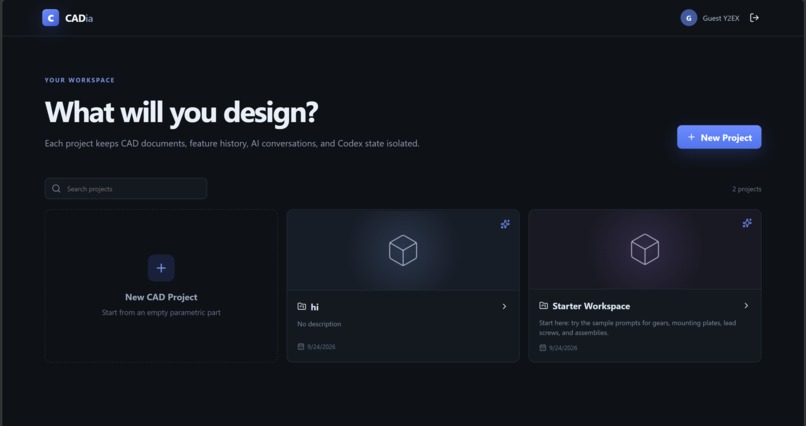
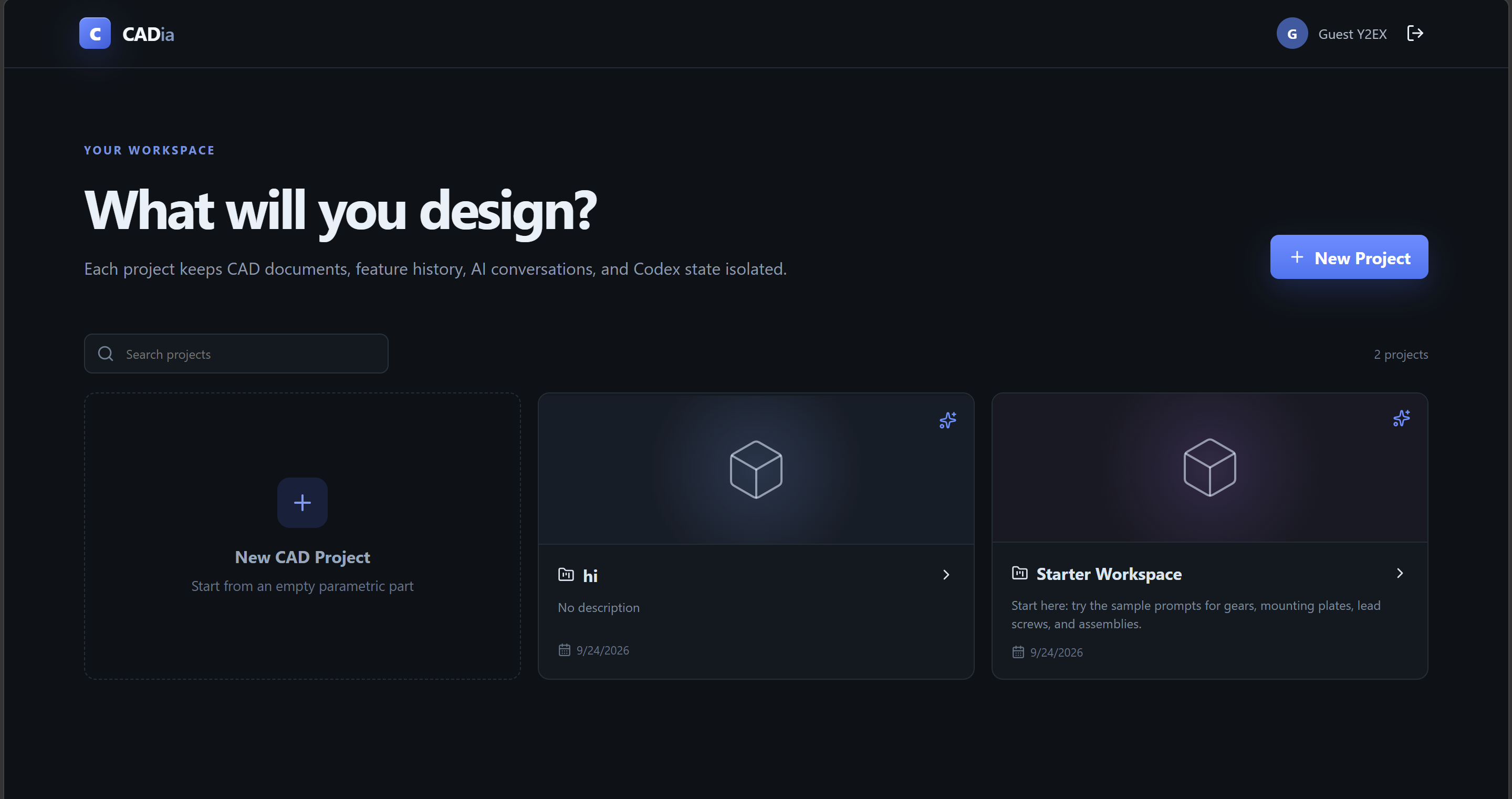
CADia project workspace with persistent project state
-
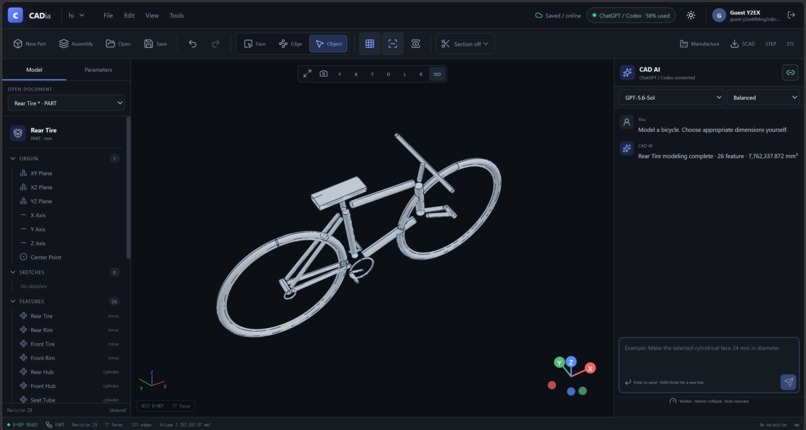
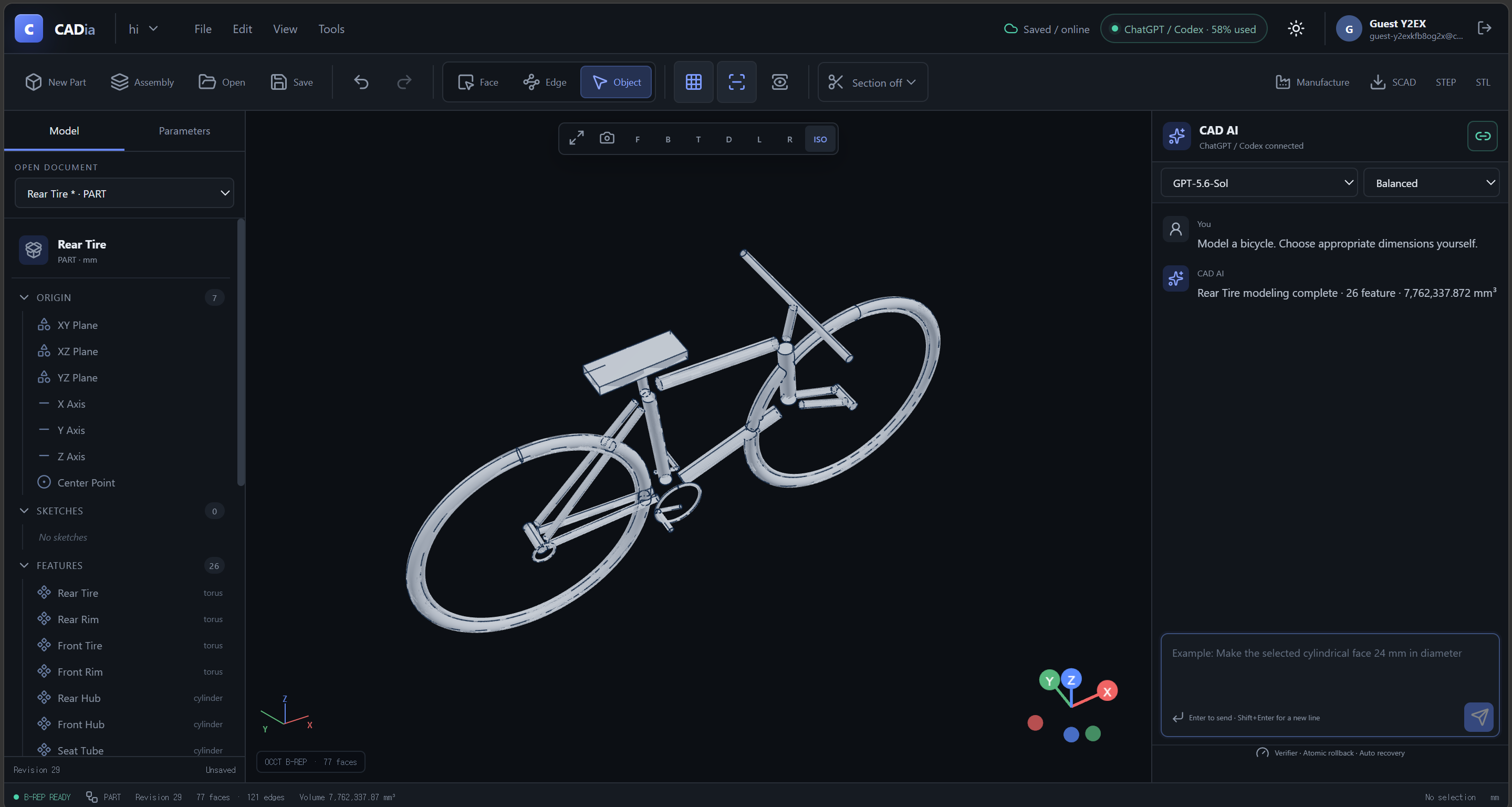
Bicycle generated as editable B-Rep CAD from natural language
-
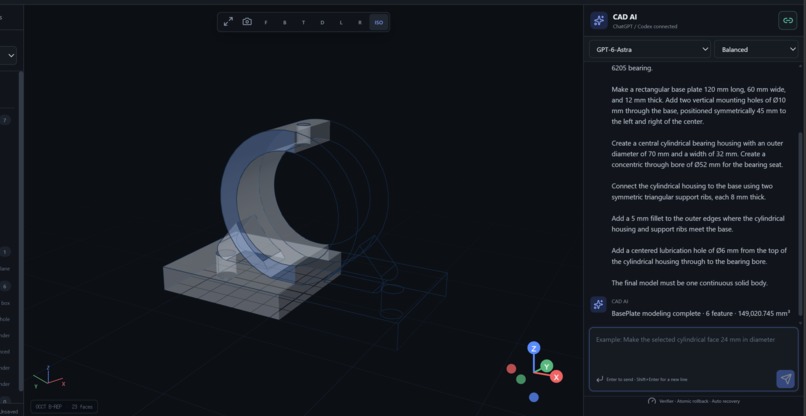
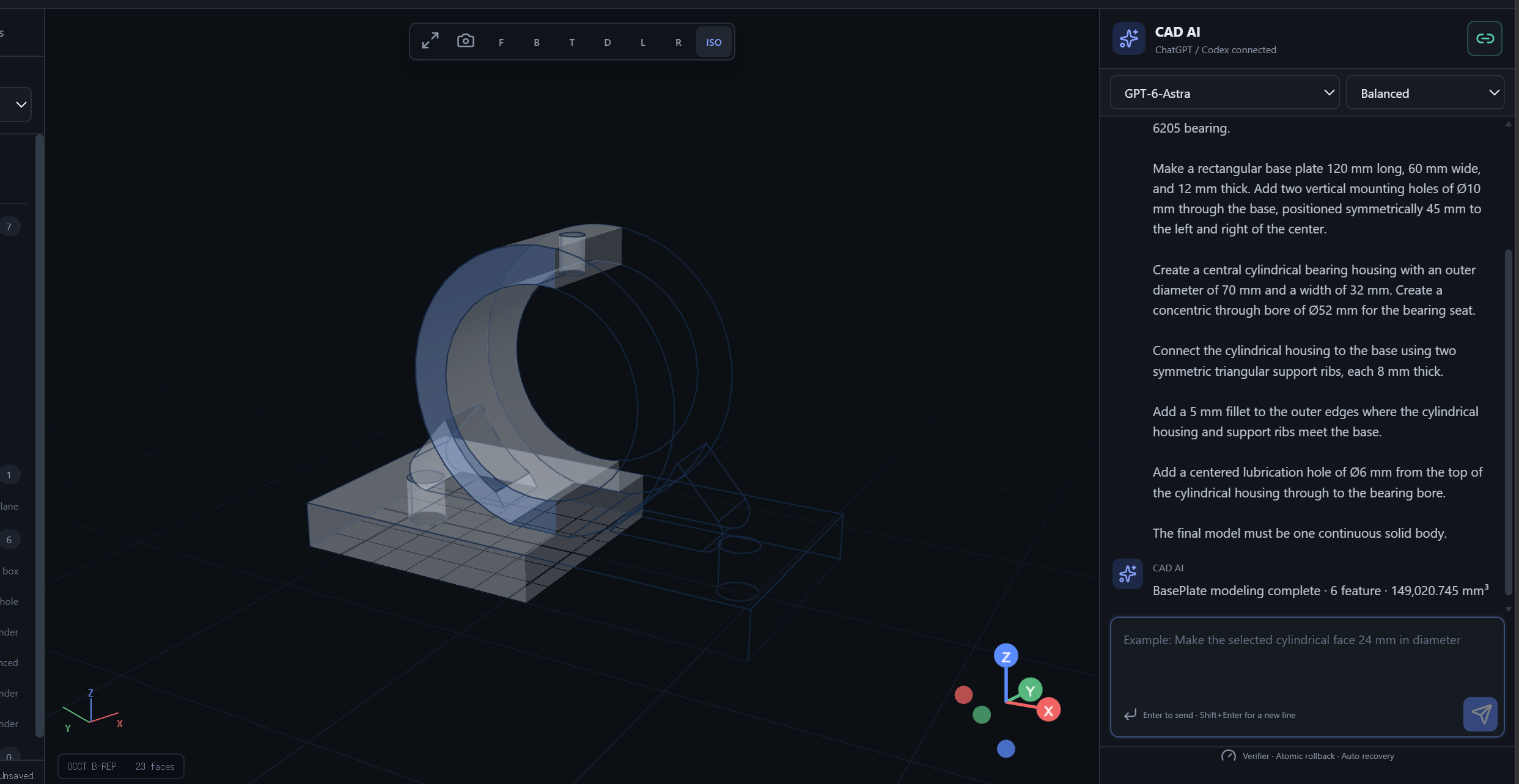
6205 pillow block bearing housing generated from a single natural-language request
-
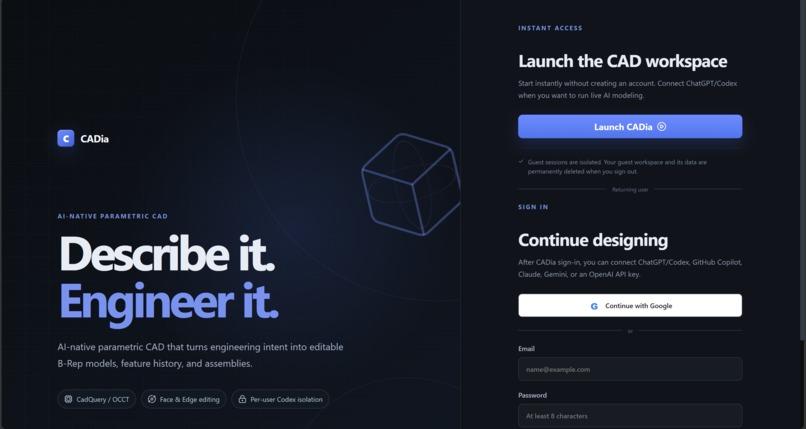
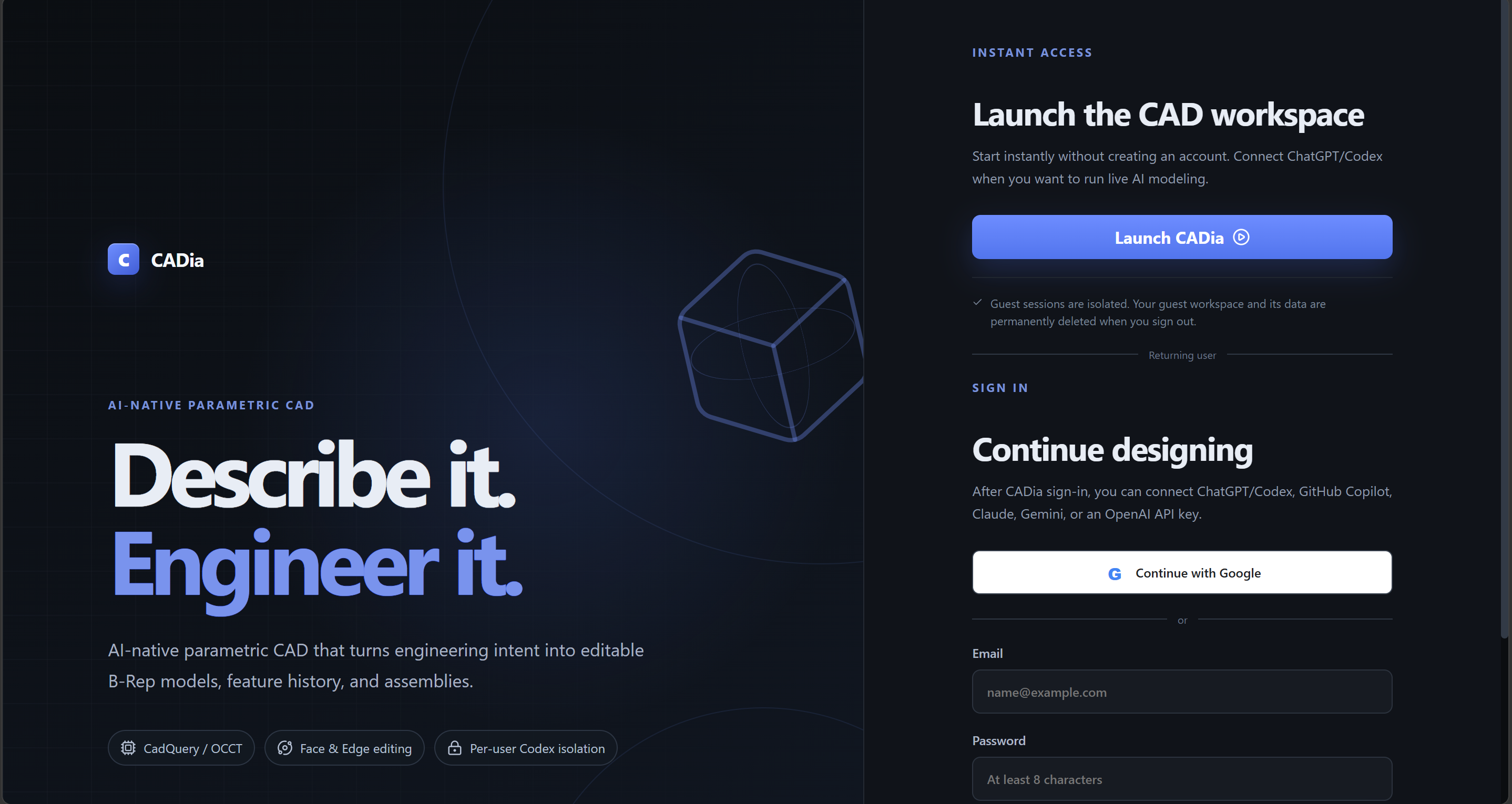
CADia browser-based guest access
-
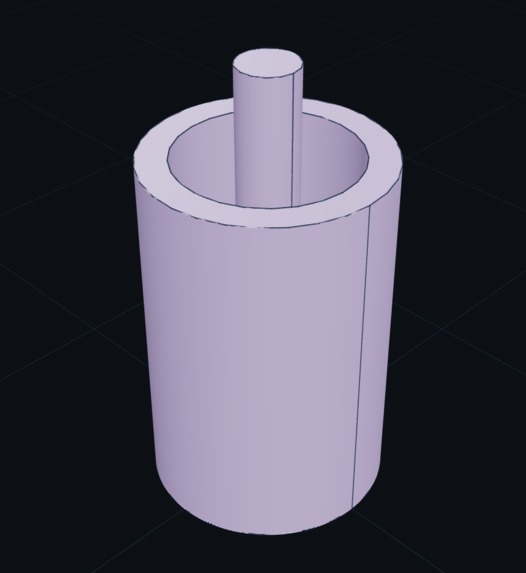
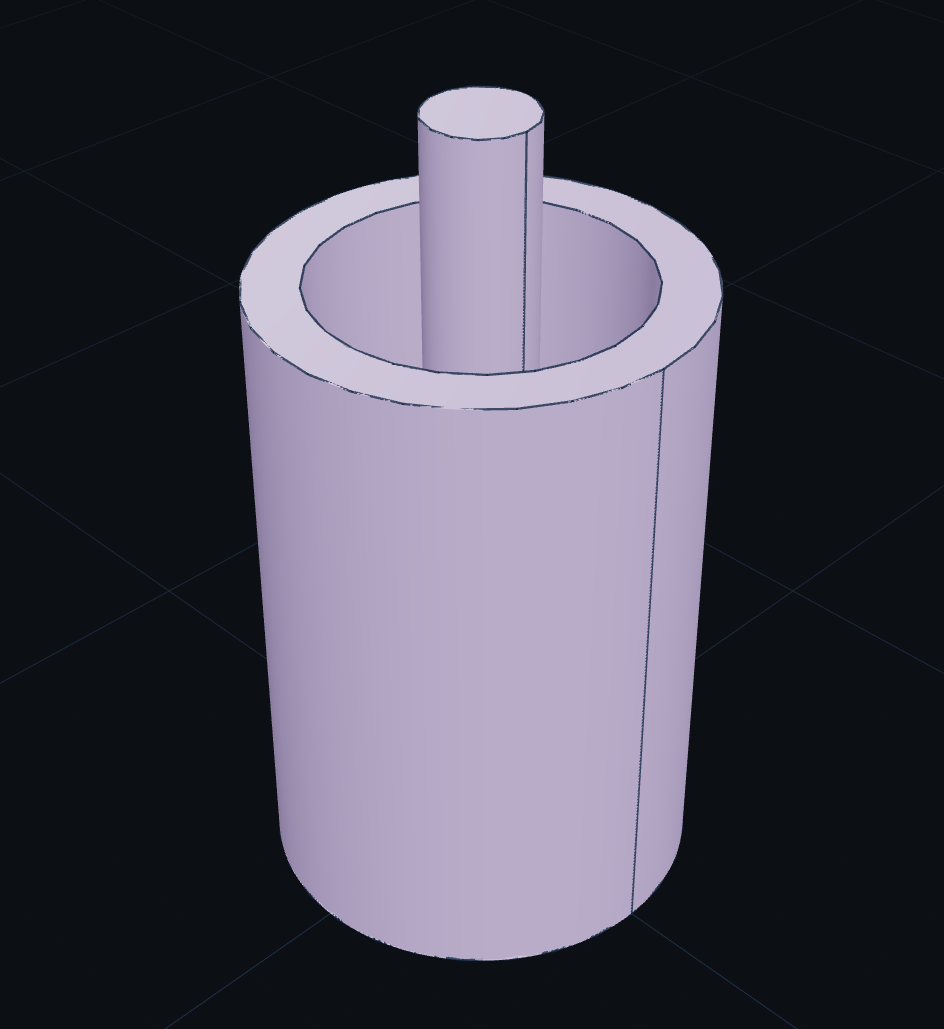
Piston and cylinder assembly
-
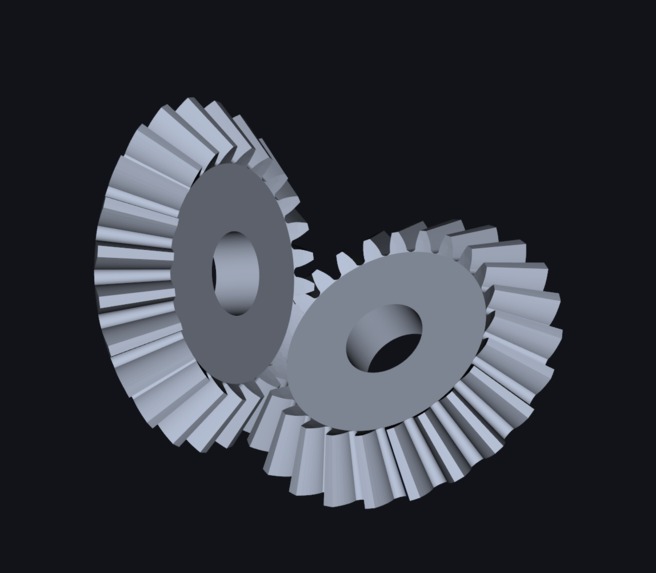
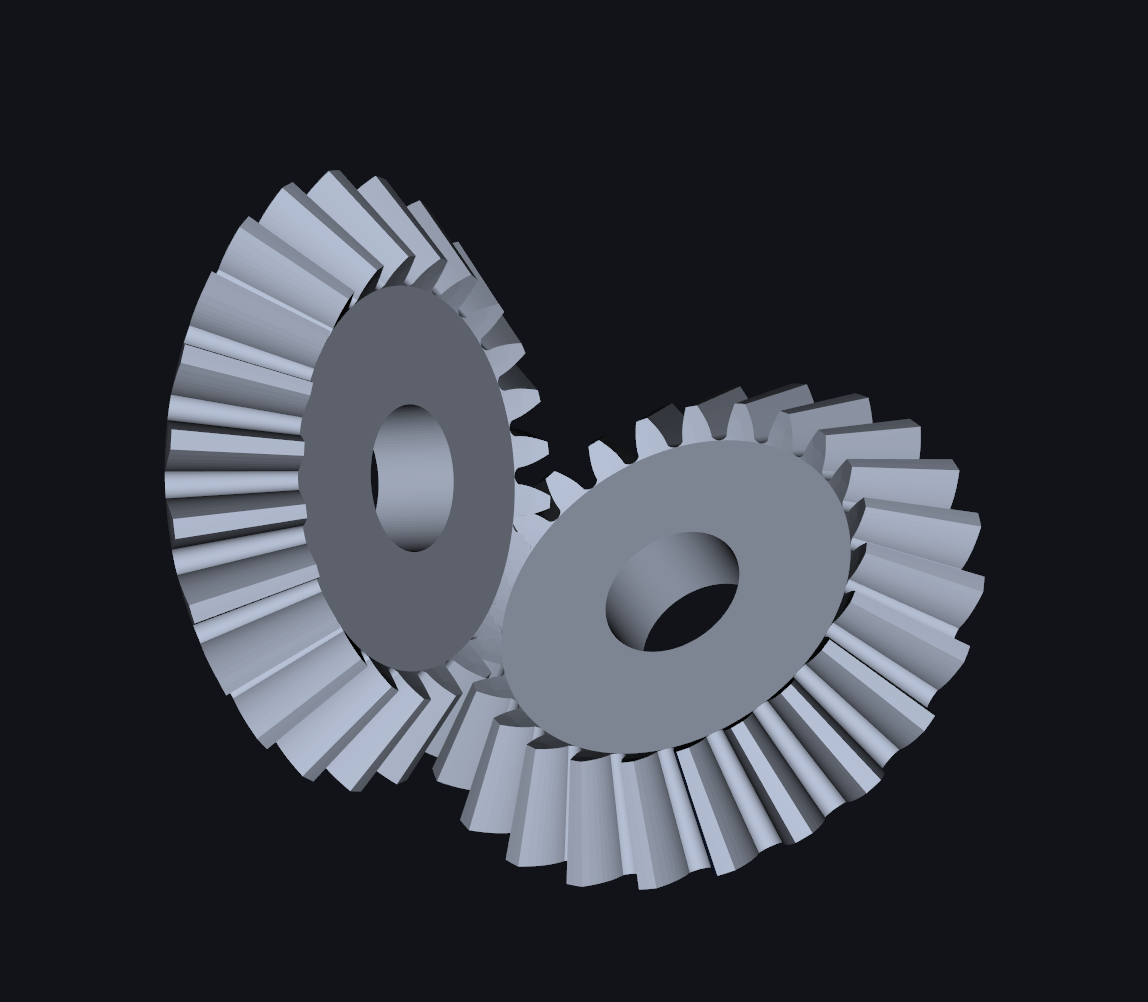
Bevel gear assembly
-
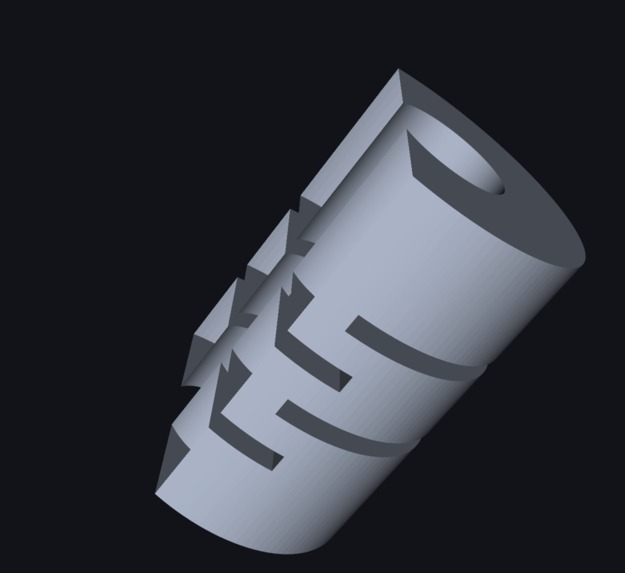
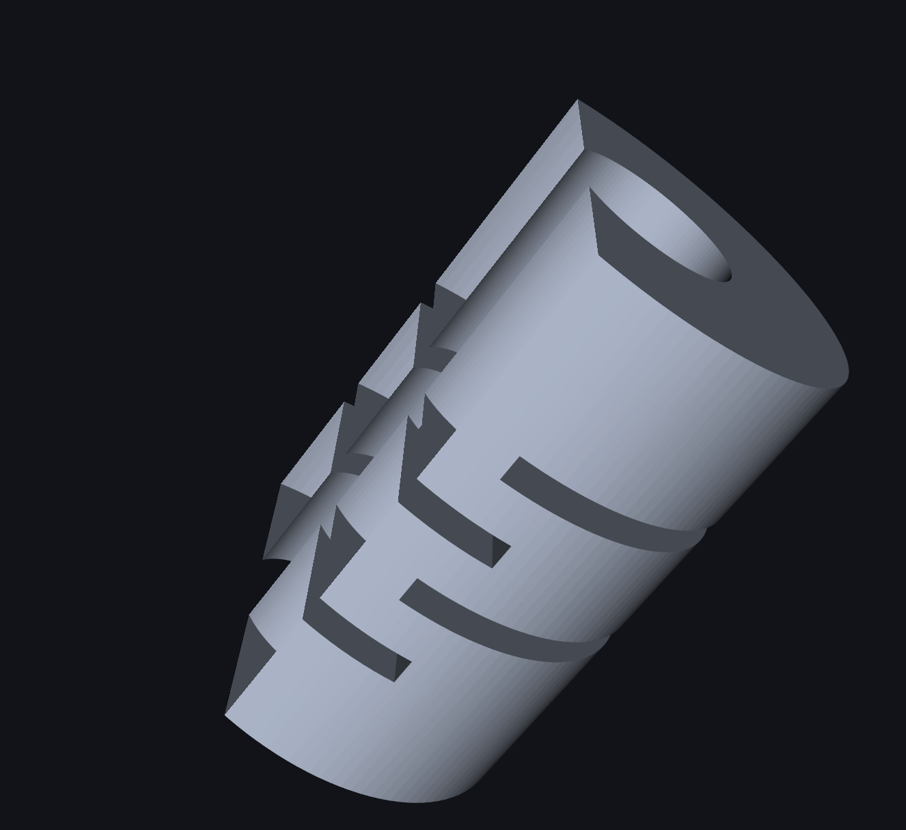
Flexible coupling shown in a half-section view
-
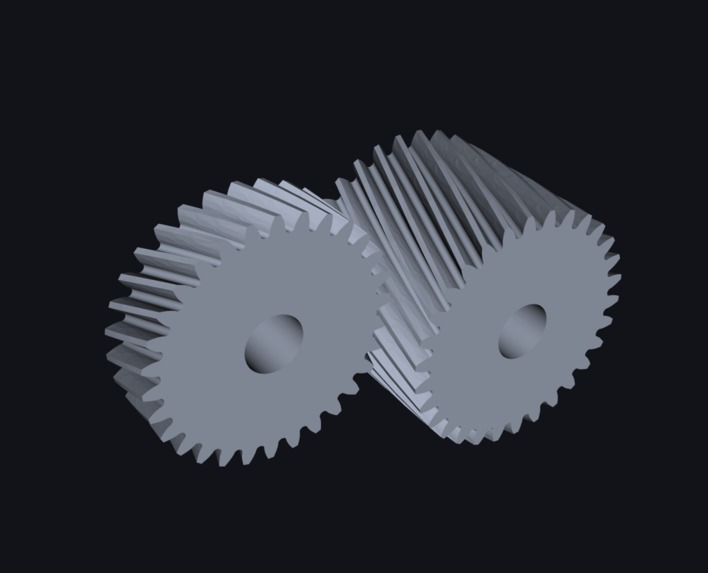
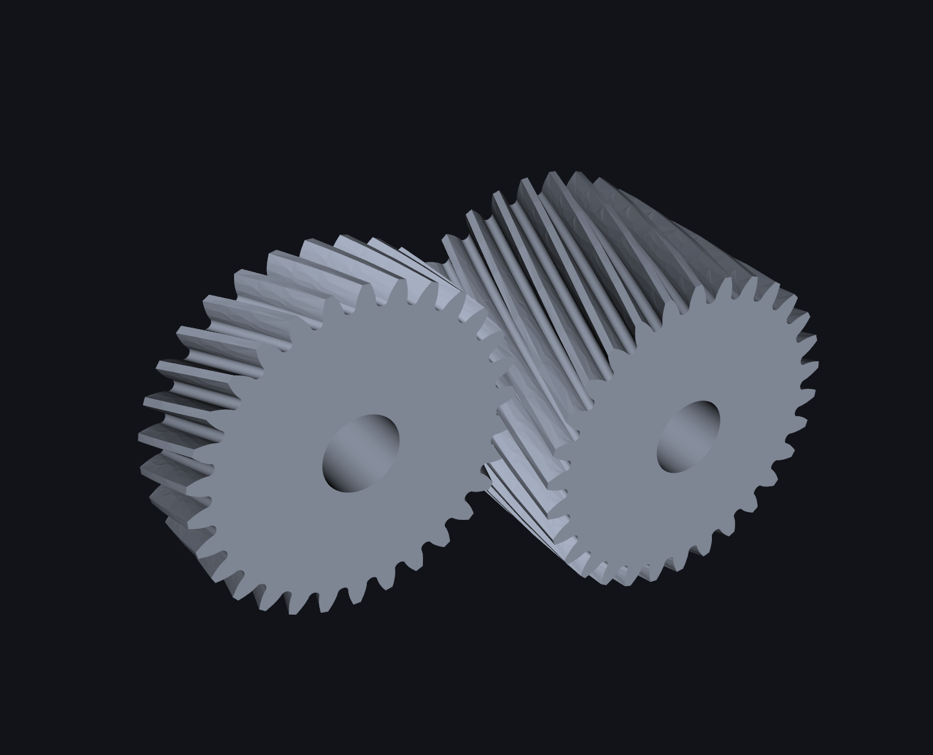
Helical gear assembly
Inspiration
Traditional CAD is powerful, but it still has a high barrier to entry.
Users often need to install large desktop applications, work on a suitable machine, and learn complex commands, feature history, constraints, and modeling workflows before they can turn an idea into an engineering model.
CADia was built to reduce that friction without giving up the structure that makes CAD useful.
A user can open CADia in a browser, describe a part in natural language, create a real CAD model, and continue editing the same project later from another location or device without installing a full desktop CAD package.
But easier access was only one part of the problem.
AI can already generate 3D geometry. The harder engineering problem is what happens afterward: dimensions change, holes move, features are added, specific faces and edges need to be modified, and the same model must remain editable through repeated changes.
CADia focuses not only on generating the first model, but on keeping that model editable as it continues to change.
What it does
CADia is a browser-based AI-native CAD system for creating and continuously editing real B-Rep models.
Users can create mechanical parts and assemblies through natural language, then continue modifying the same model through follow-up requests.
They can also select exact faces, edges, objects, or features directly in the browser and use that selection as part of the next instruction.
Selection-aware editing itself is not the entire point of CADia.
The focus is keeping that selection meaningful after the geometry changes.
CADia connects browser selections back to the underlying B-Rep model, stores persistent topology information, and attempts to rebind the selected geometry after operations such as Booleans, fillets, chamfers, or feature rebuilds.
When a selected face or edge can be traced back to its originating feature, CADia can resolve the driving parameter, modify it, and regenerate the downstream model.
When a history-based edit is not appropriate, CADia can use direct B-Rep editing instead.
This allows the same model to continue evolving instead of being regenerated from scratch.
CADia also supports:
- Assemblies
- Constraints
- Joints
- Standard mechanical components
- STEP and STEP AP242 export
- STL and 3MF export
- 3D-print DFM checks
- G-code generation
How we built it
The CAD engine is written in Python using Open CASCADE through OCP and CadQuery.
The AI is not used as the geometry engine.
It interprets the user's request, current CAD state, and active selection, then plans operations against a structured tool surface containing 118 project-scoped CAD operations.
The CAD kernel performs the actual deterministic geometry work and remains responsible for the model state.
The frontend is built with:
- React
- TypeScript
- Three.js
- Vite
The backend uses:
- FastAPI
- SQLAlchemy
- PostgreSQL
CADia is deployed with Docker, Nginx, and AWS Lightsail.
The browser displays a tessellated representation of the model for interaction, while the actual B-Rep geometry, topology, feature history, and parameters remain in the CAD engine.
The AI interprets design intent and plans operations. The CAD kernel remains responsible for geometry and model state.
Challenges we ran into
One of the hardest problems was keeping selections valid after the model changed.
A face cannot safely be stored only as something like "Face 12" because CAD topology can change after Booleans, fillets, chamfers, and feature regeneration.
CADia therefore uses persistent topology descriptors based on geometric type, position, direction, size, neighboring geometry, and model-history context.
After regeneration, CADia attempts to rebind the selection to the corresponding entity in the new B-Rep instead of assuming the old index is still valid.
Another difficult problem was connecting a selected entity back to design intent.
When the relationship is unambiguous, CADia traces the selected geometry through feature history, identifies the originating feature, resolves the parameter responsible for the requested change, updates it, and rebuilds downstream geometry.
The other major challenge was failure recovery.
A complex natural-language request may require many CAD operations. If an operation near the end fails, discarding everything that already succeeded is wasteful and can make recovery less reliable.
CADia uses per-operation savepoints.
If one operation fails, that operation is rolled back while the successful prefix is preserved.
The planner then receives the actual intermediate CAD state together with the CAD-kernel error and generates a continuation for only the unfinished part of the request.
That continuation is validated and executed against the real current model.
If the continuation still cannot complete safely, CADia restores the request-level snapshot and falls back to a bounded recovery path.
In short, the recovery process is:
successful operations → savepoint → failed operation rollback → preserve successful prefix → kernel feedback → continuation planning → validation and re-execution → request-level rollback if recovery still fails
This lets CADia recover from failed multi-step modeling requests while protecting the last valid CAD state.
Accomplishments that we're proud of
CADia currently combines:
- Natural-language B-Rep CAD generation
- Continuous editing of the same model
- Browser-based face and edge selection
- Persistent topology descriptors
- Topology rebinding after regeneration
- Feature-history provenance tracing
- Driving-parameter resolution
- Parametric regeneration
- Direct B-Rep editing
- Assemblies, constraints, and joints
- Standard mechanical component generation
- Per-operation savepoints
- Kernel-feedback continuation and recovery
- 118 project-scoped CAD operations
- STEP and STEP AP242 export
- STL and 3MF export
- 3D-print DFM checks
- G-code generation
- Browser-based project access without requiring a full local CAD installation
- Multiple AI-provider integrations sharing the same CAD core
We also prepared 22 modeling evidence cases containing the original prompts, screenshots, and available CAD or manufacturing outputs.
These include gears, bearings, shafts, cams, brackets, springs, pulleys, couplings, assemblies, product-style models, and a single-solid pillow block bearing housing.
What we learned
The biggest lesson was that generating the first shape is only a small part of AI CAD.
The harder problem is preserving design intent after the model starts changing.
Topology, feature history, parameters, user selections, and valid model state all need to survive repeated edits.
We also learned that AI works better as the intent and planning layer, while a deterministic CAD kernel remains responsible for geometry.
Selection-aware editing is useful, but the more important problem is maintaining reliable editability across:
- Regeneration
- Topology changes
- Parameter updates
- Failed multi-step operations
That became the main technical direction behind CADia.
What's next for CADia
The next step is to further improve CADia's modeling performance, accuracy, and reliability for more complex geometry and editing tasks.
A user who does not know CAD should be able to describe a part, create and modify it through the browser, and then send the finished model directly to a connected 3D-printing or prototyping provider and receive the physical part.
We also want CADia to understand more than text.
A future workflow could start from:
- An engineering drawing
- A reference image
- Photographs taken from multiple angles
CADia could reconstruct the part as editable CAD, allow the user to refine it through natural language and direct editing, and then send the finished result to manufacturing.
Built With
- amazon-web-services
- api
- cadquery
- cascade
- codex
- copilot
- docker
- fastapi
- github
- lightsail
- mcp
- nginx
- ocp
- open
- openai
- postgresql
- python
- react
- sqlalchemy
- three.js
- typescript
- vite


Log in or sign up for Devpost to join the conversation.