-
-
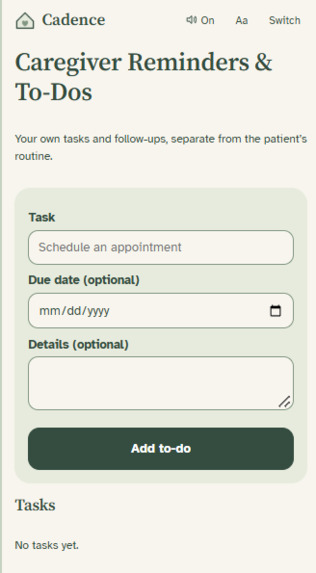
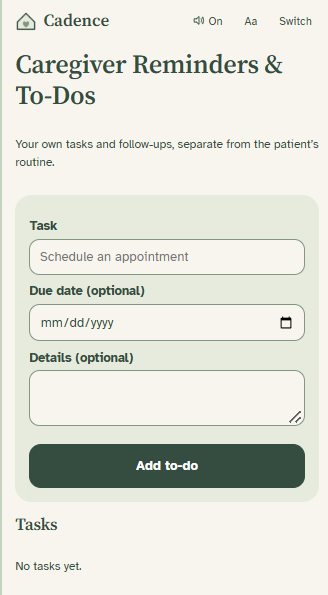
Caregiver To-Do List
-
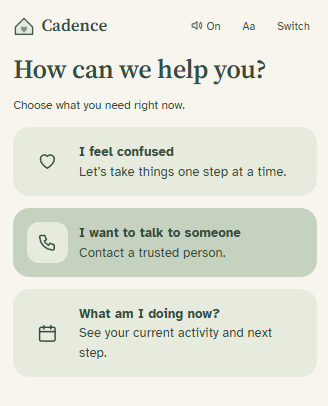
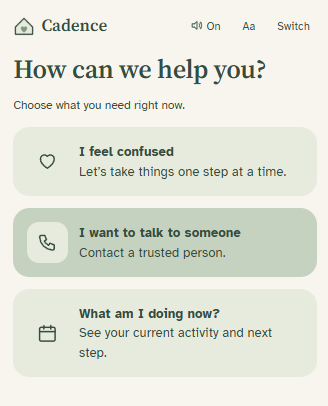
Patient Help
-
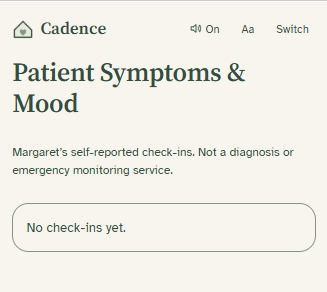
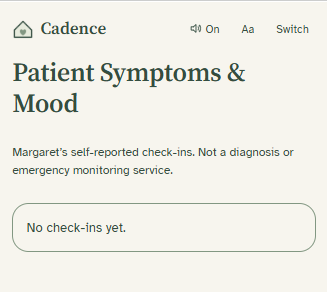
Caregiver Check in Logs
-
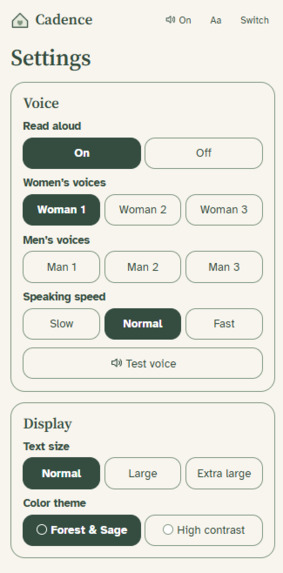
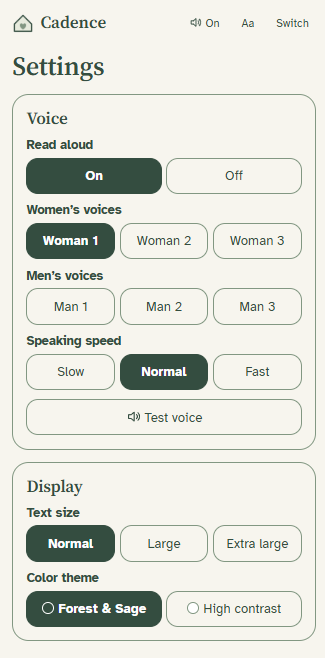
Settings
-
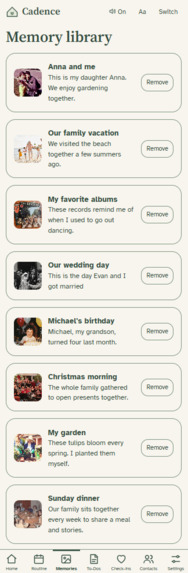
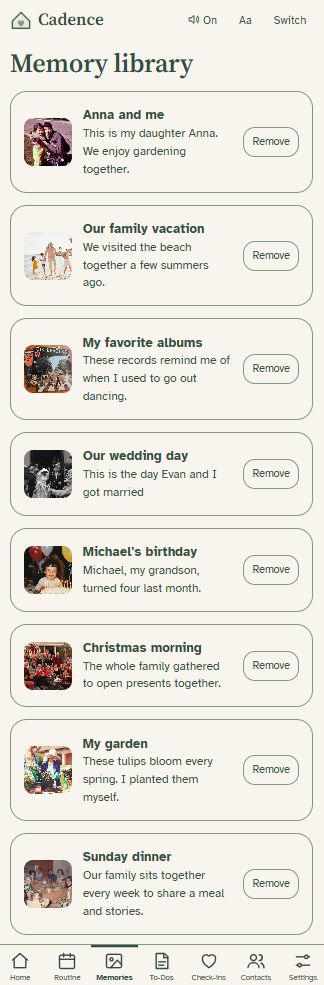
Caregiver Memories List
-
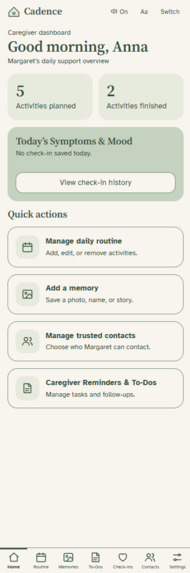
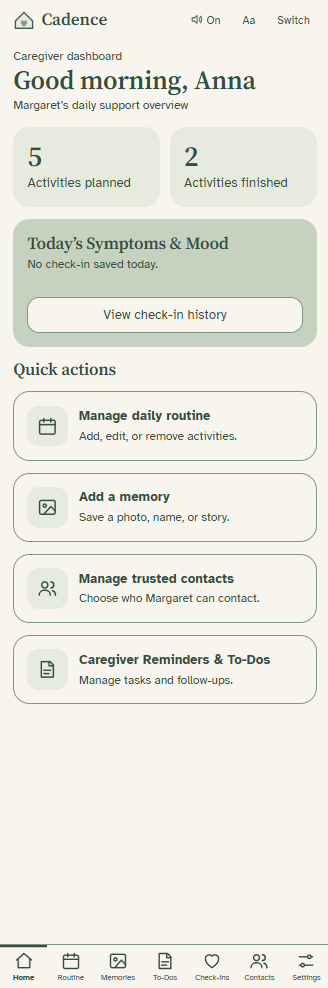
Caregiver Dashboard
-
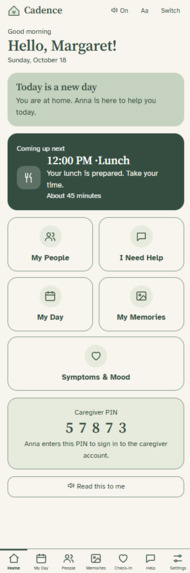
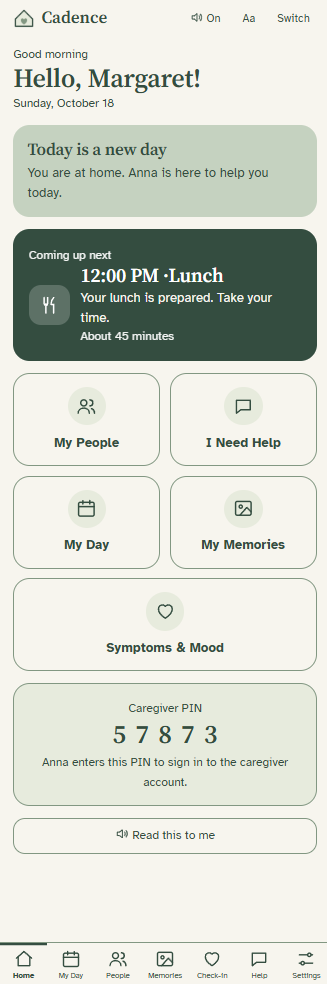
Patient Dashboard
-
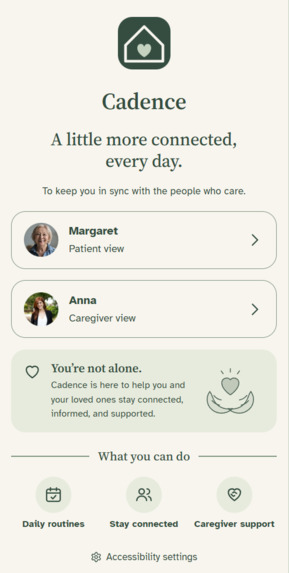
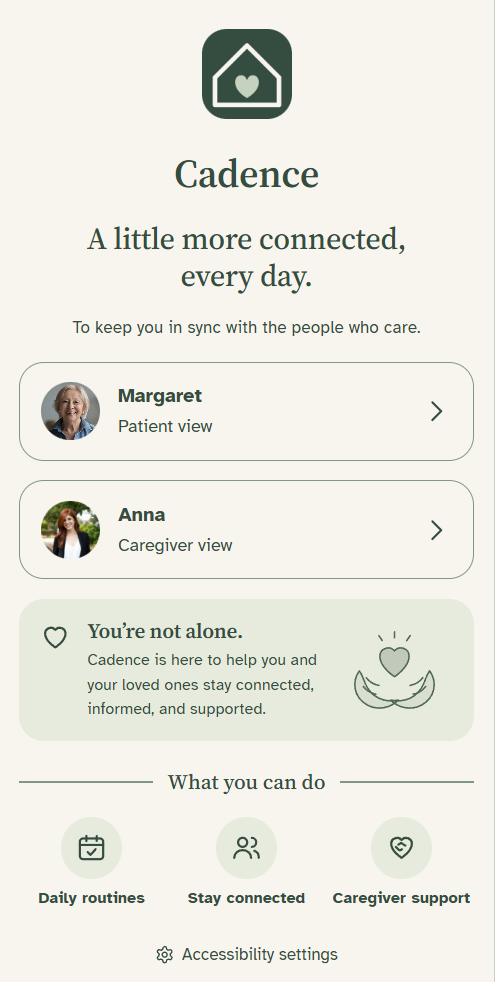
Home Screen
-
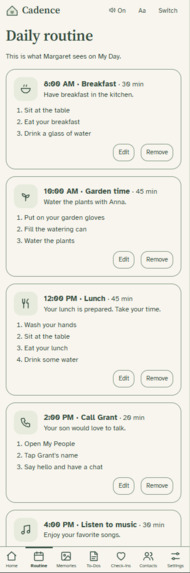
Caregiver Routine List
-
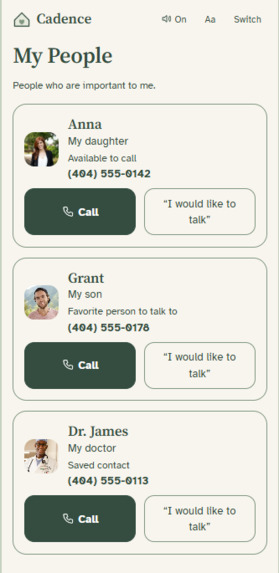
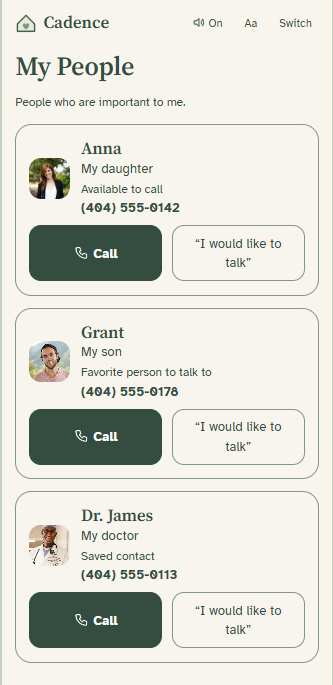
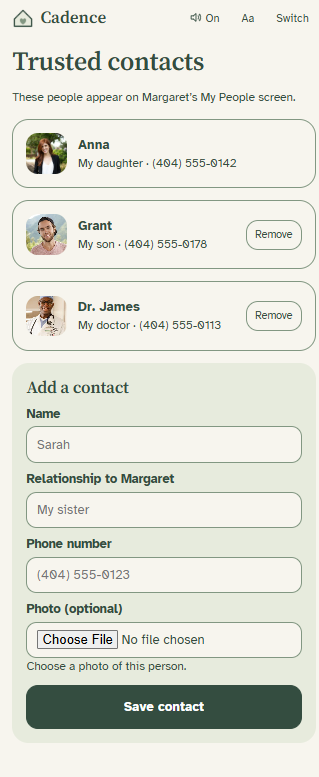
Patient Contacts
-
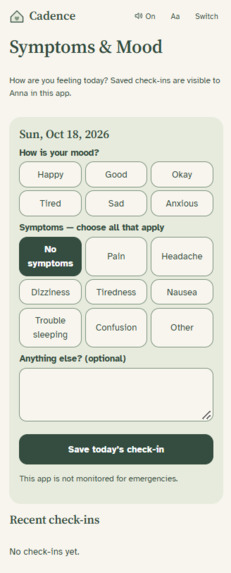
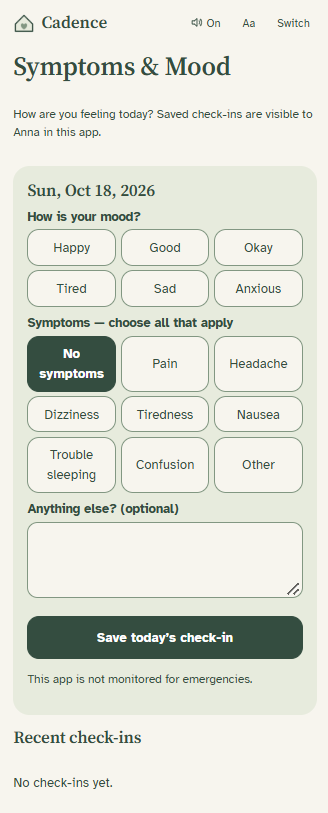
Patient Check in
-
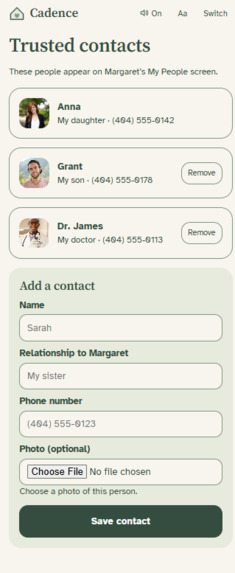
Caregiver Contact List
-
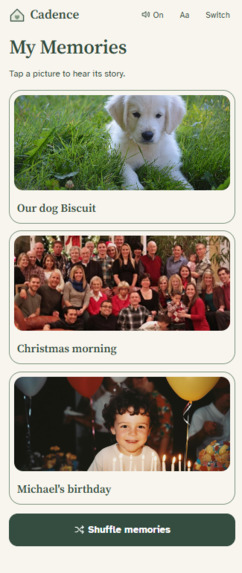
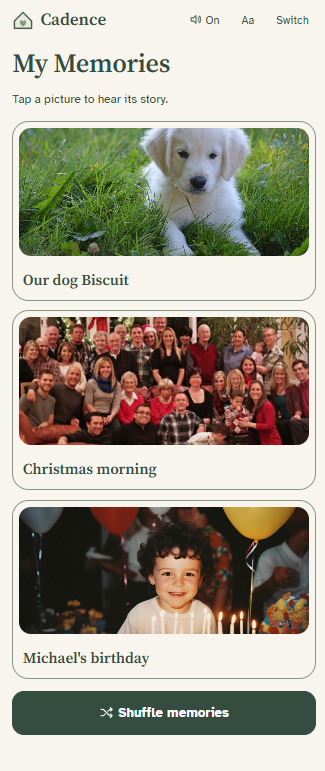
Patient Memories
-
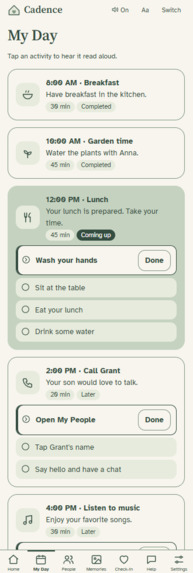
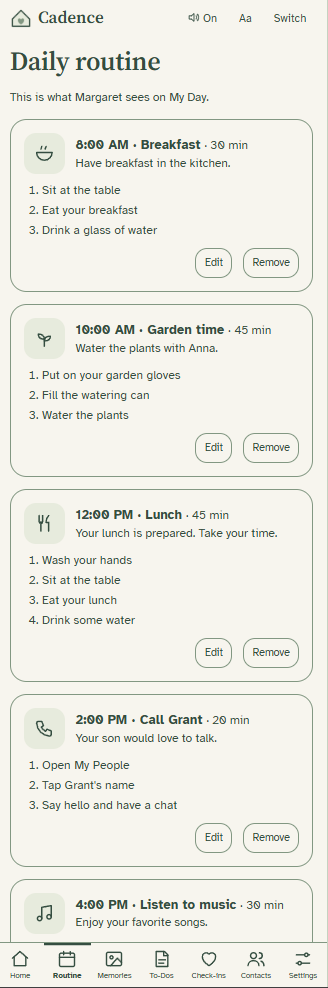
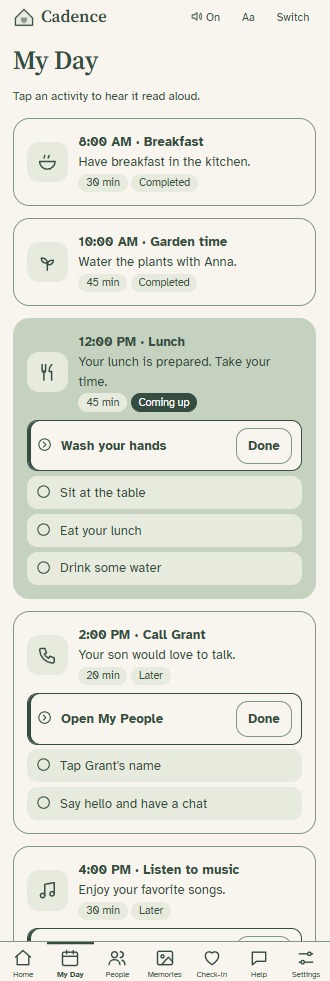
Patient Routine
1. Inspiration
We wanted to design a tool that helps seniors, particularly those with dementia, preserve their independence while still being able to easily interact with the people that care for them. We thought of our app’s name, Cadence, as representing the unique routines everyone has in their daily lives and the ways in which they interact with loved ones. We also thought it was important to have a carousel of old memories with vivid descriptions and easy access to resources for users to feel less alone.
2. What It Does
Cadence is an application that assists seniors in getting through their daily routines. The app guides them through their typical activities through visual directions, easily accessible text, and audio. There are two viewing perspectives: that of the senior and the caregiver. The first lets seniors go through their tasks step by step, and the latter is for caregivers to design and send routines for the seniors to follow. The application also features a memories tab with reminders and photos meant to promote connection and joy.
3. Our Approach
We designed the application to be easily accessible and intuitive. We chose an interface with sage green and cream colors based on research findings, a simple navigation bar, and readable text with the goal of improving accessibility through functionality as well as aesthetics. We also developed the app around its primary feature, the customizable routines, but added supplementary features including a symptom and mood tracker as well as a tab to reach out for help.
4. Challenges We Faced
Our biggest challenge was to make the two primary perspectives, the senior and the caregiver view, into one app, rather than separate, disconnected applications. In order to do this, we brainstormed in depth about the features of each side and the interactions between the two. We also had to consider the ways in which a caregiver may assist a senior without taking away the independence that the app is meant to bring about.
5. Accomplishments We’re Most Proud Of
We're most proud of how the app addresses a real need and makes technology accessible for a demographic that is often given very little autonomy or trust to manage their own lives. Instead of focusing on supervision, we designed an application that is meant to empower senior citizens, as well as address their need for connection and compassion.
6. What We Learned
In terms of accessibility, we learned that it is essential to intentionally select each element, such as larger text and easier navigation, to best cater to the target audience. We also learned that senior citizens have a variety of individual needs, so an application that attempts to simplify their lives should still consider the individual preferences of the users. In designing this app, we realized that elements that contribute to wellbeing, such as easily contacting caregivers or being reminded about often forgettable details, are also of crucial importance.
7. Our Future Vision for the Application
We intend on building the prototype further by consulting with the target audience and interested caregivers as well as medical professionals, in order to ensure the application is useful and accessible. We also hope to expand upon the concept of memories and the audio journaling feature so that seniors and their families can record voice notes that would accompany the photo carousel.
Built With
- css
- html
- javascript
- ui/ux

Log in or sign up for Devpost to join the conversation.