-
-

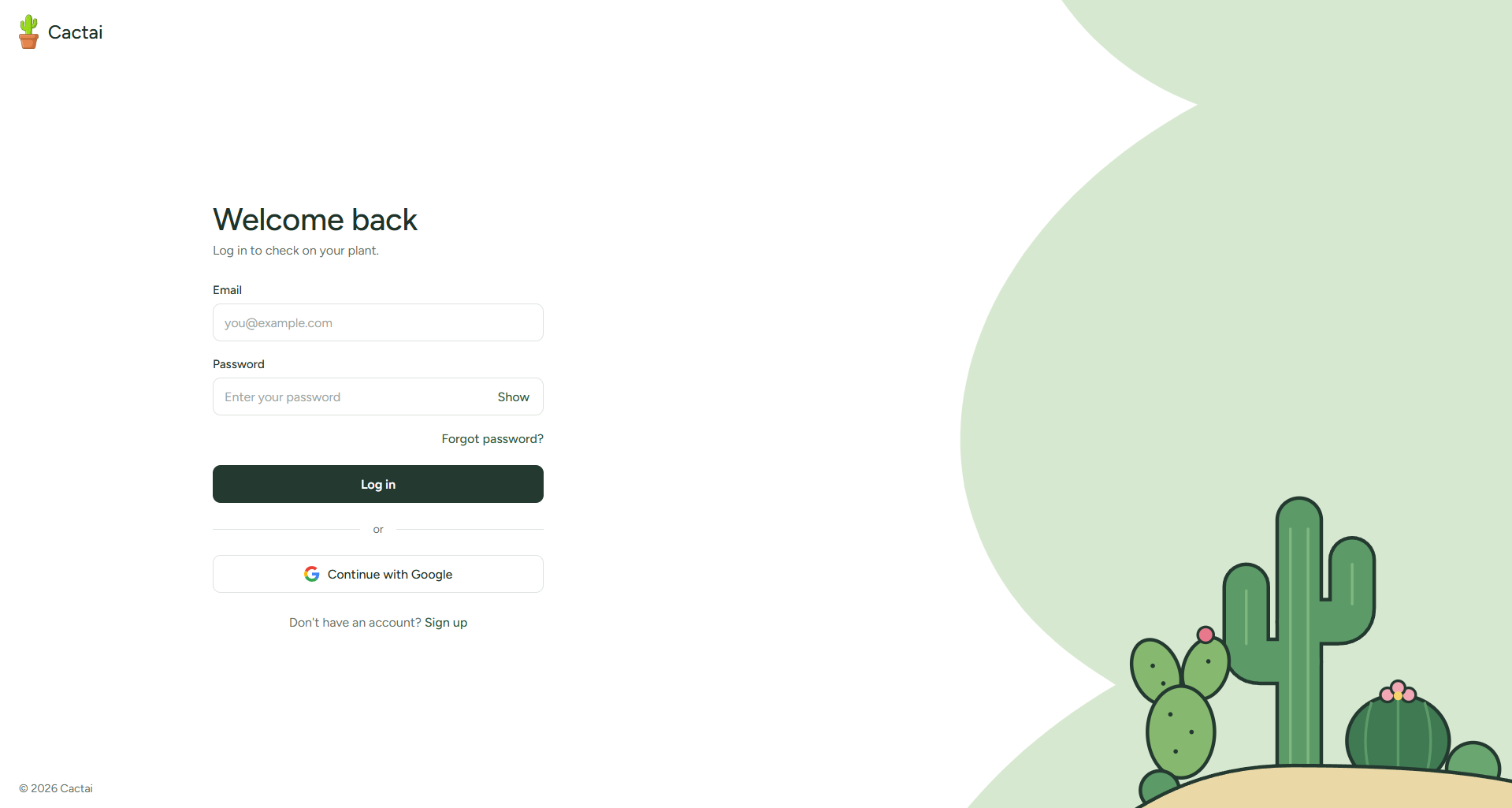
Login page
-

Sign up page
-
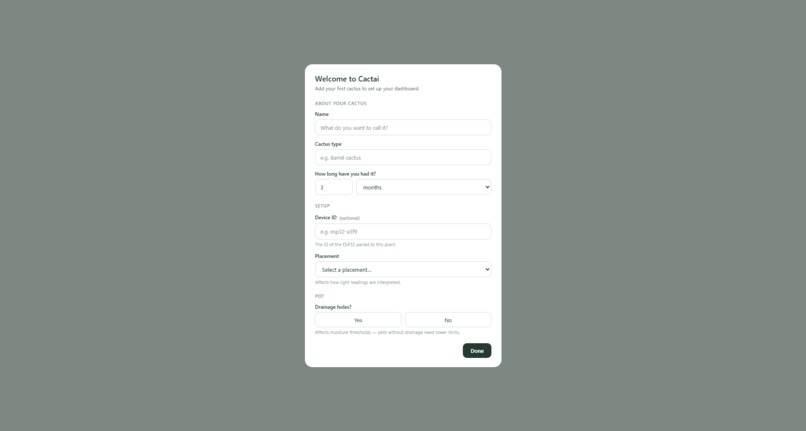
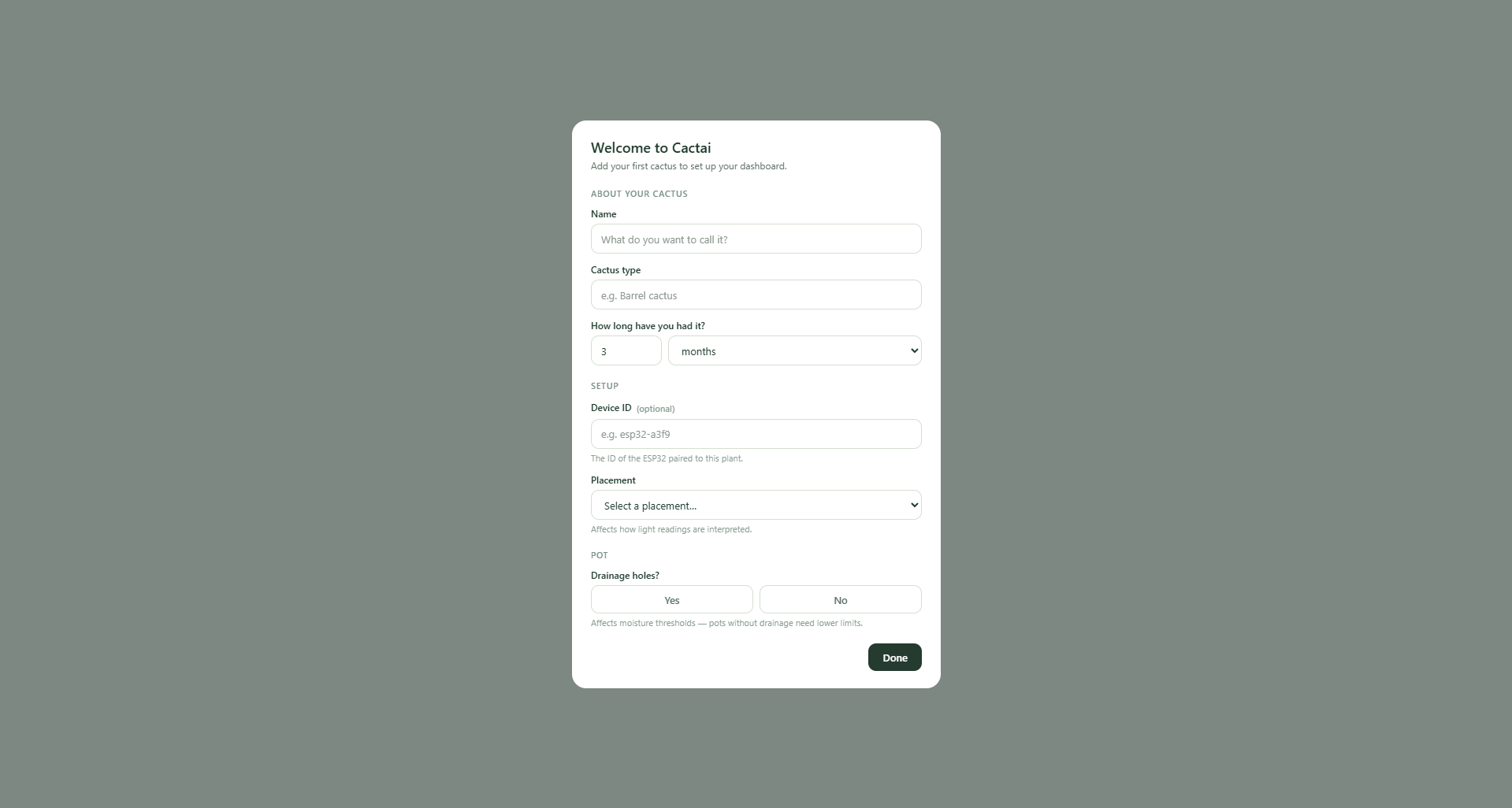
First time login
-
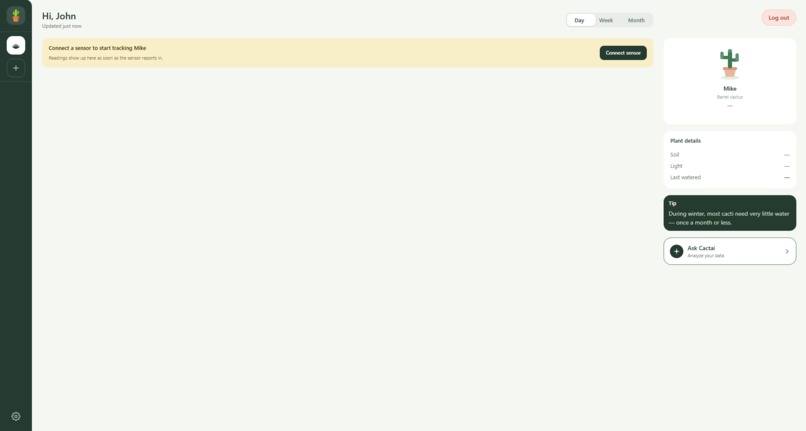
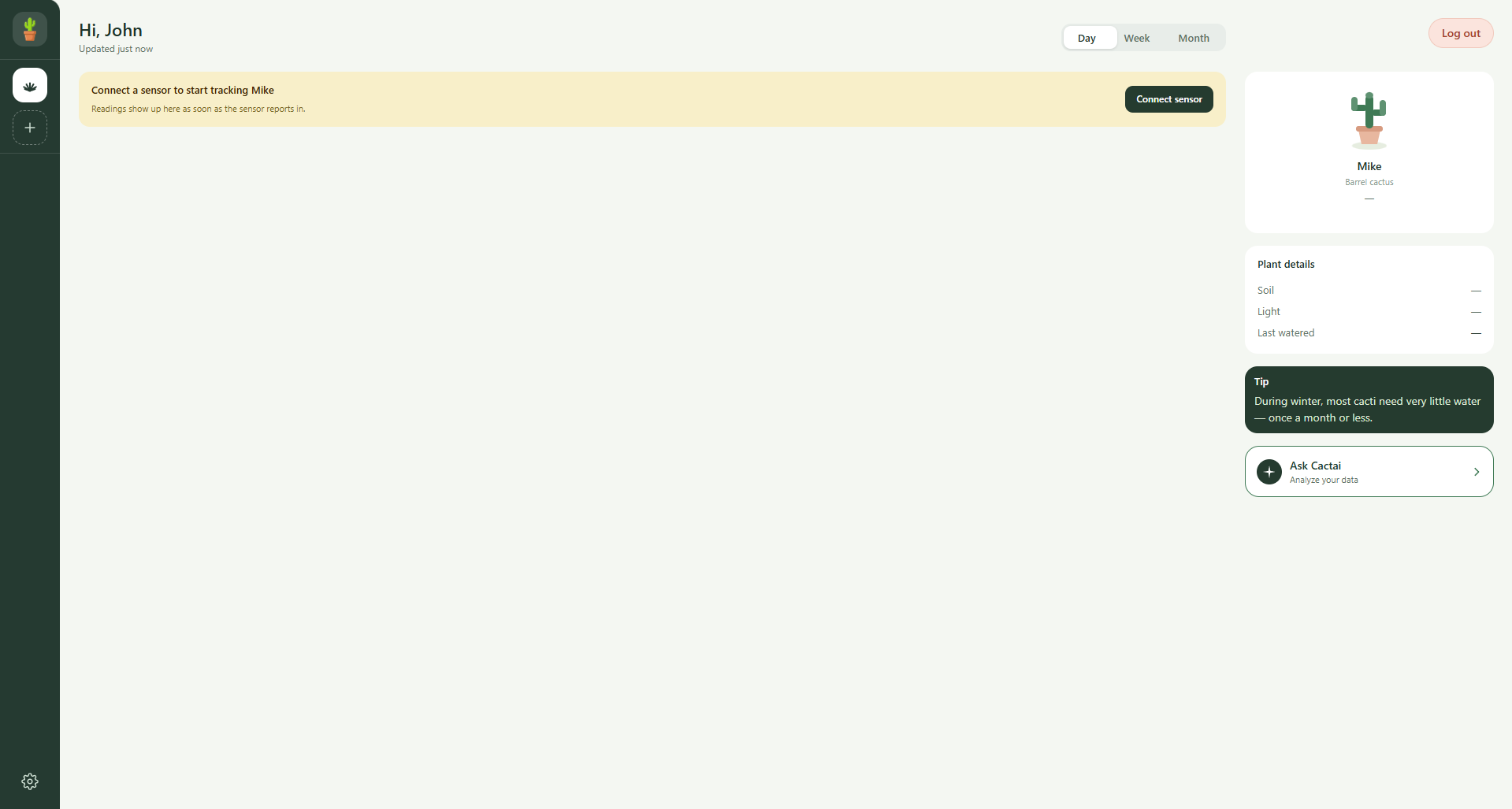
Empty dashboard
-
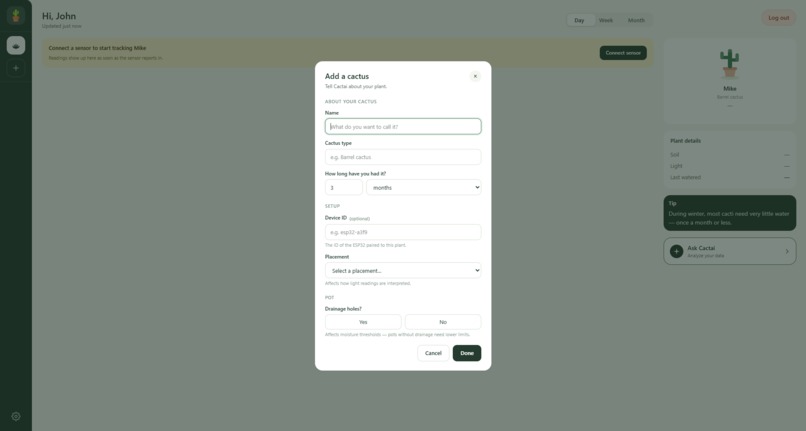
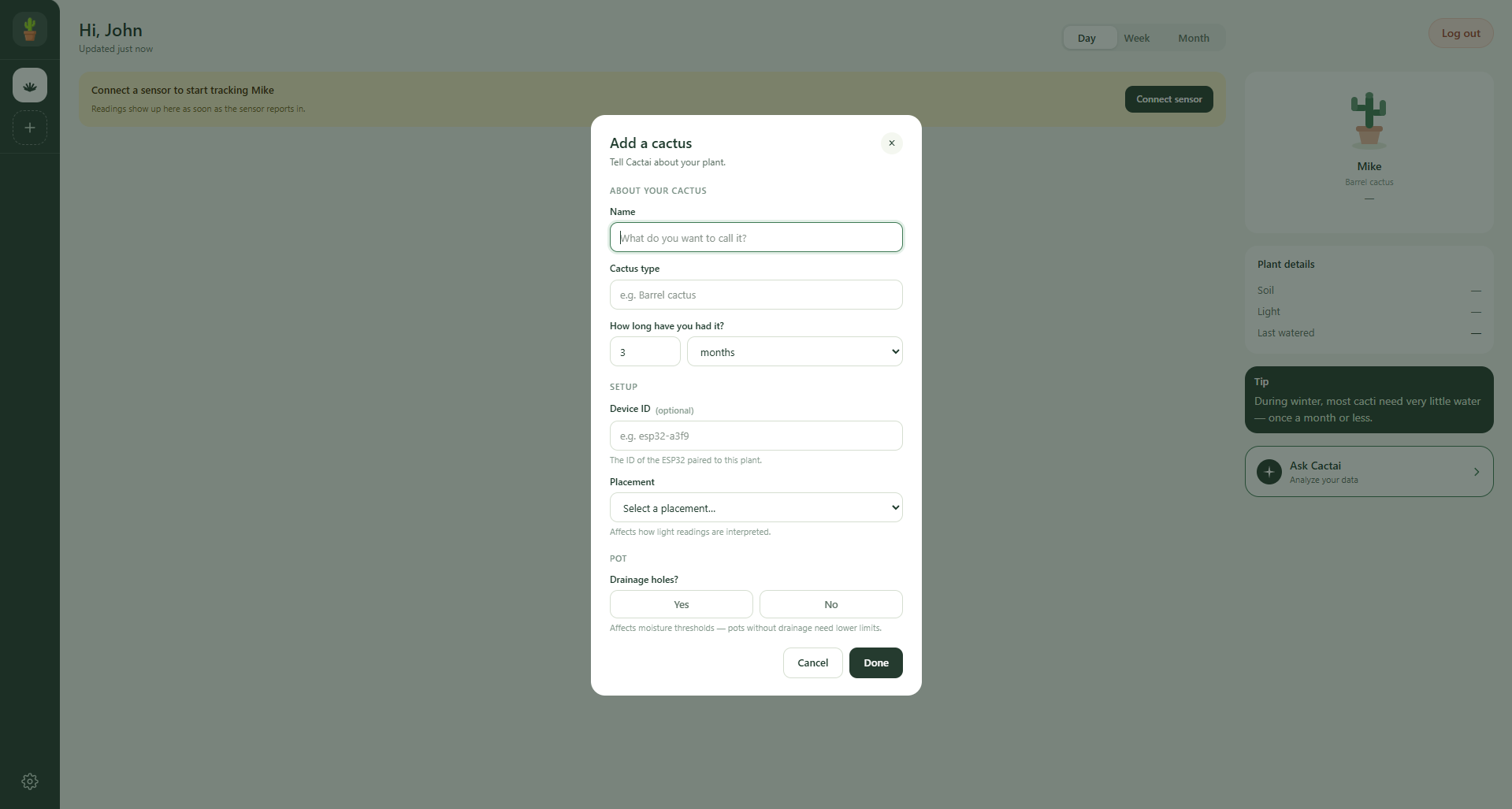
Add cactus in dashboard
-
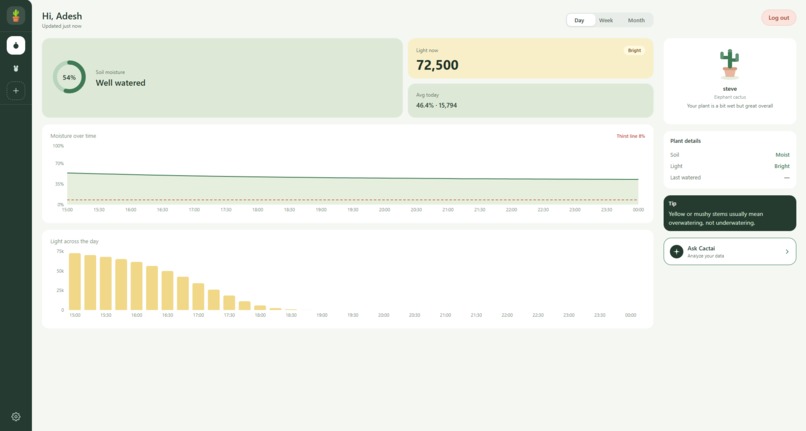
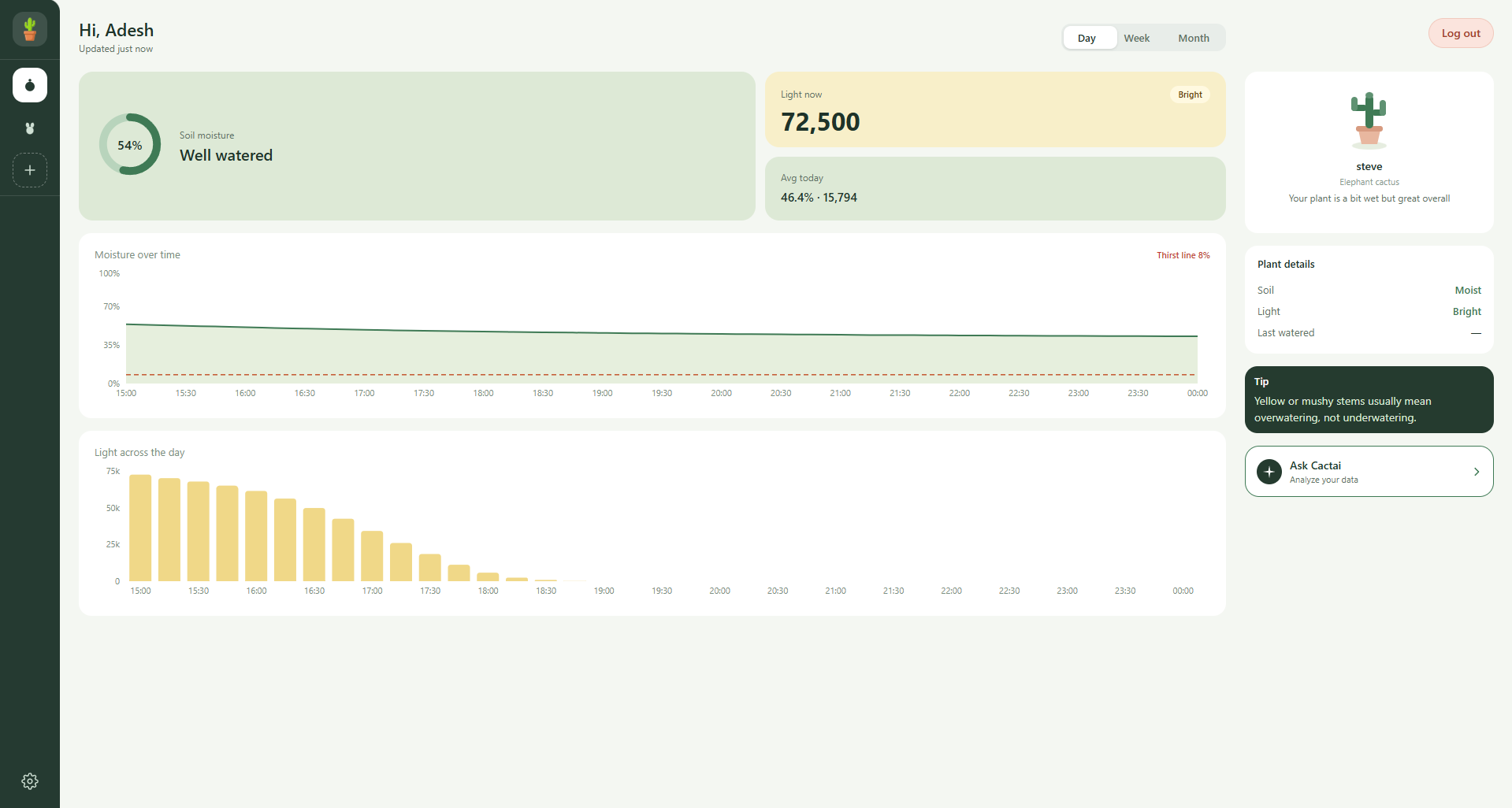
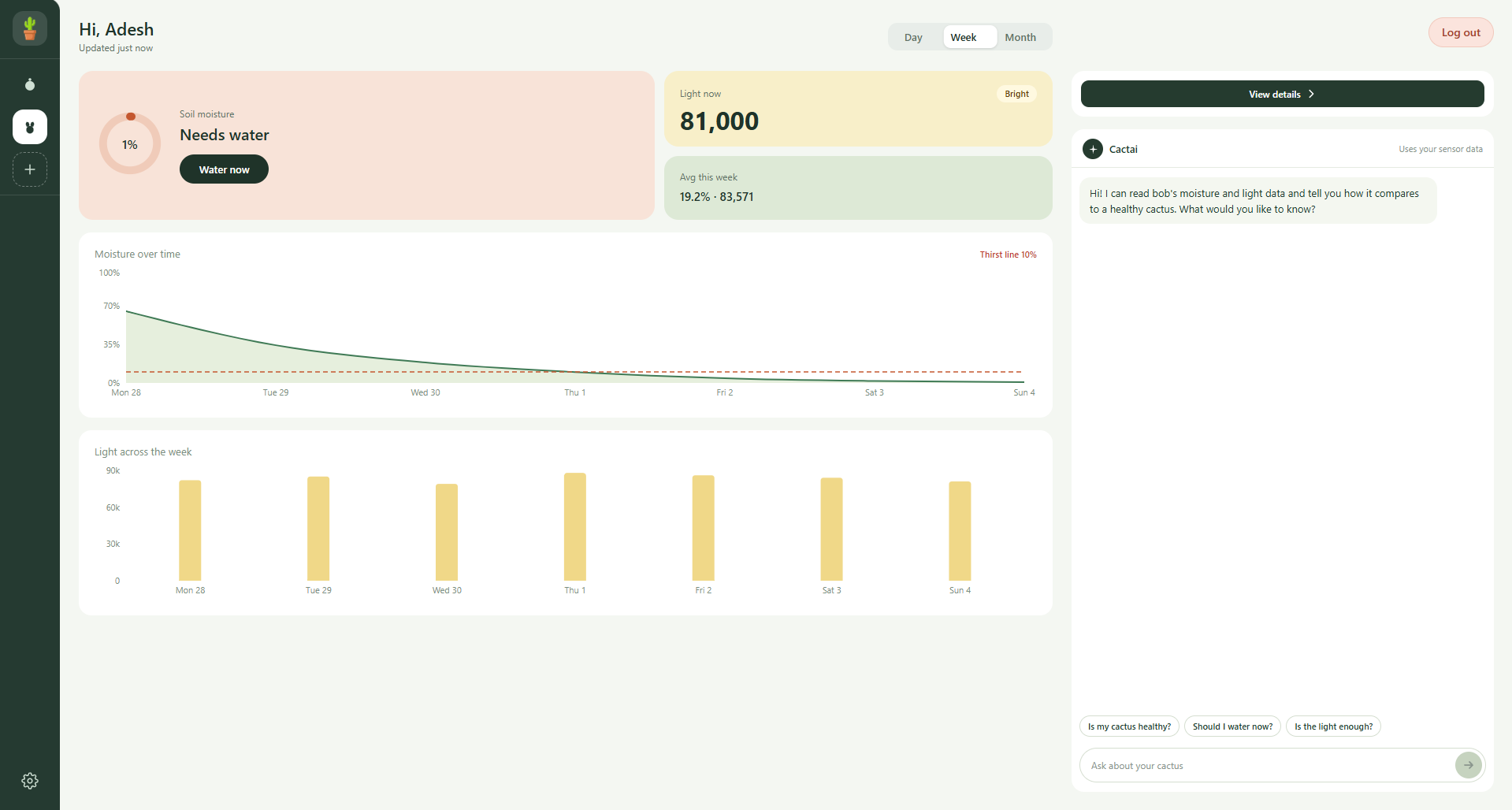
Dashboard with plant data
-
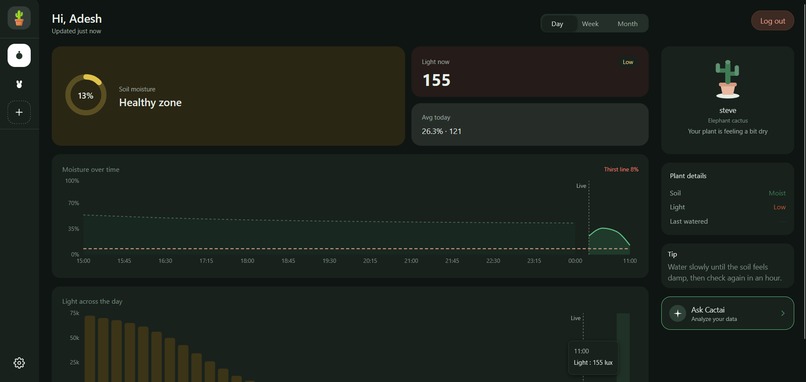
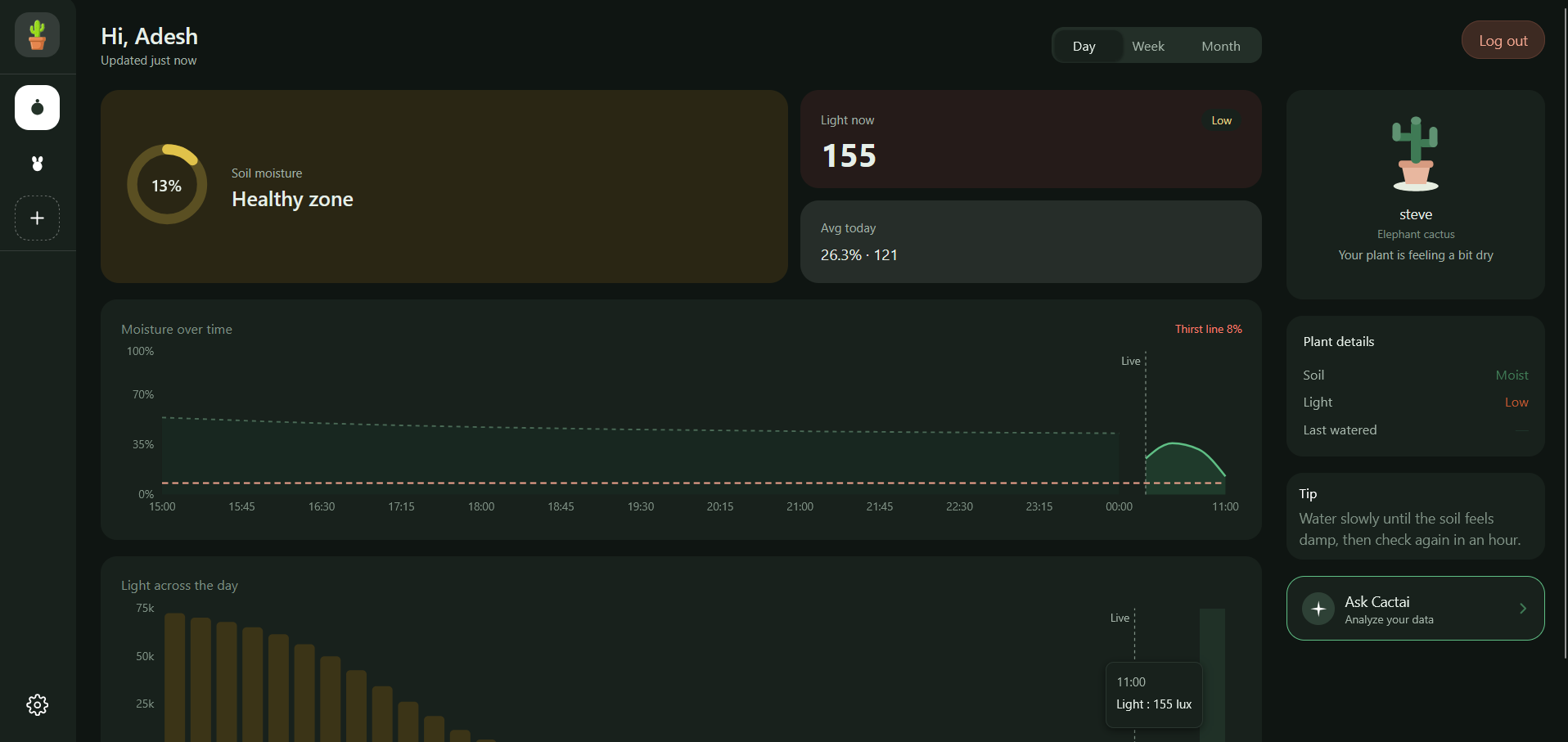
Dark mode dashboard page
-
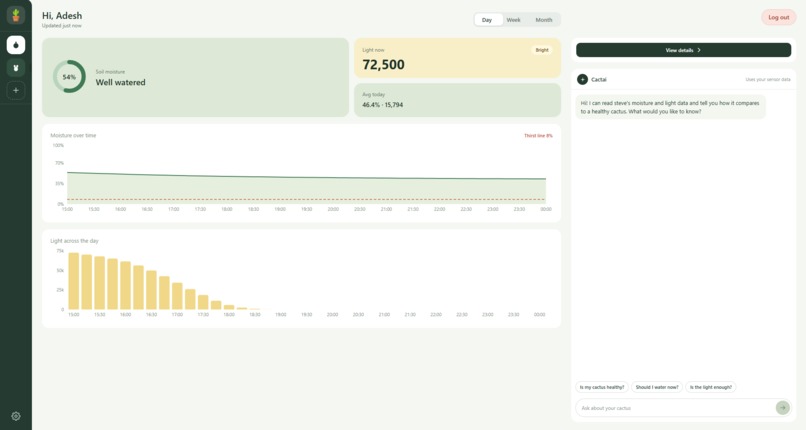
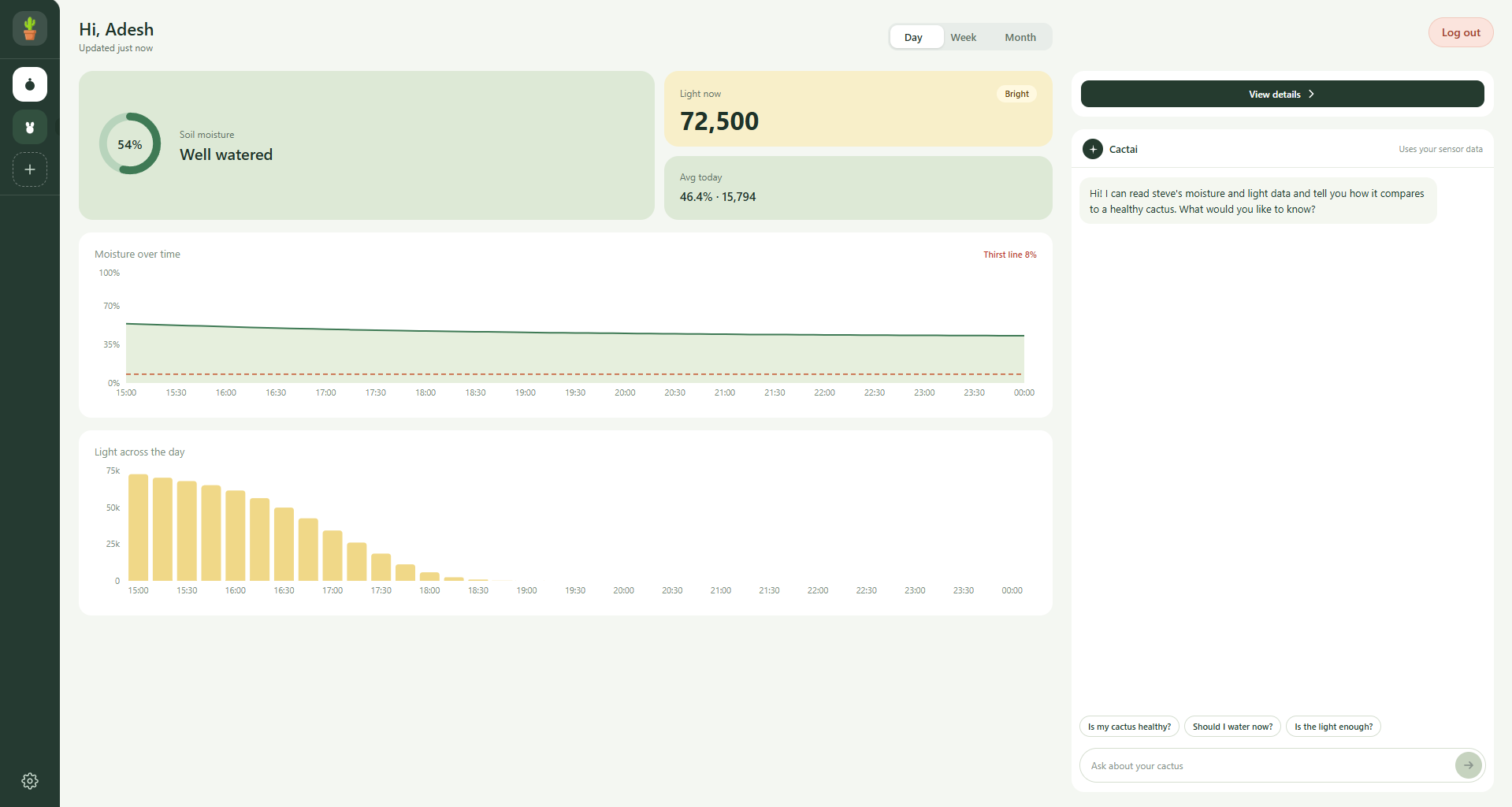
Chatbot open with the "Day" view selected
-
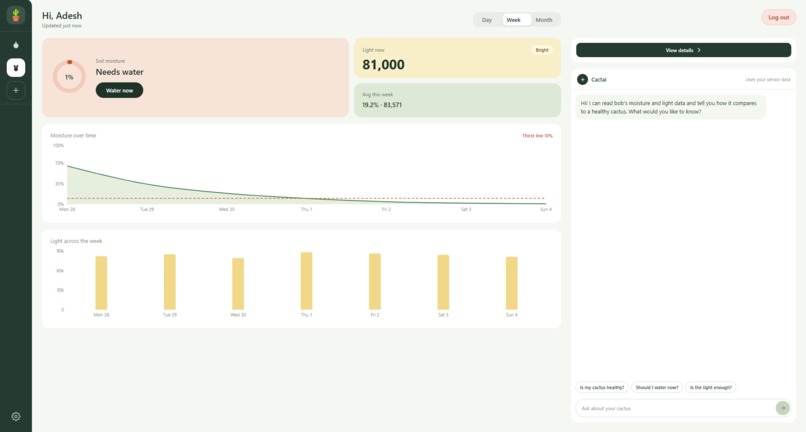
Chatbot open with the "Week" view selected
-
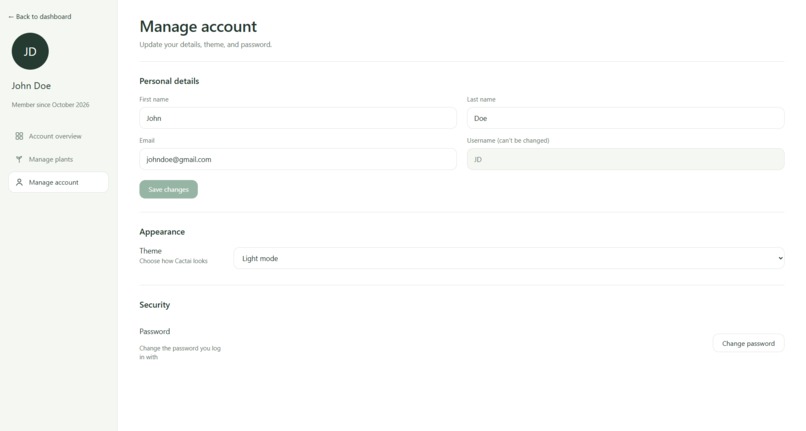
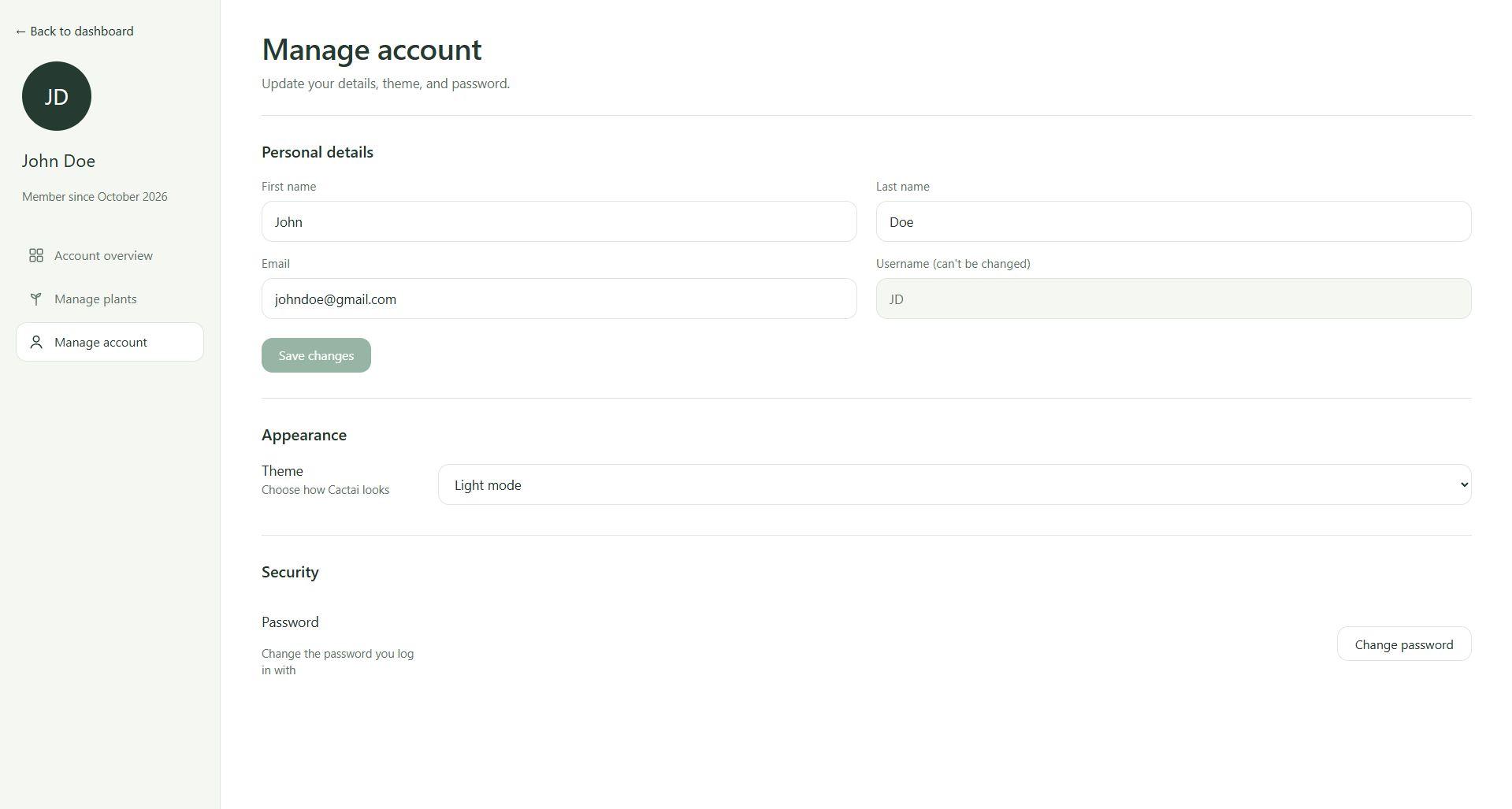
Manage account page
-
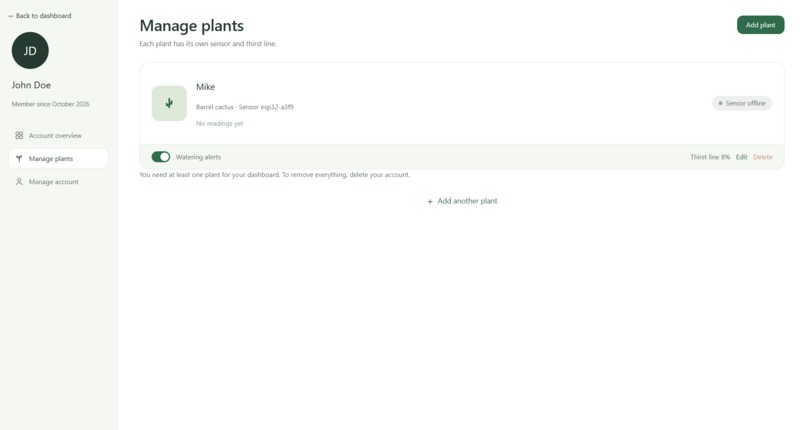
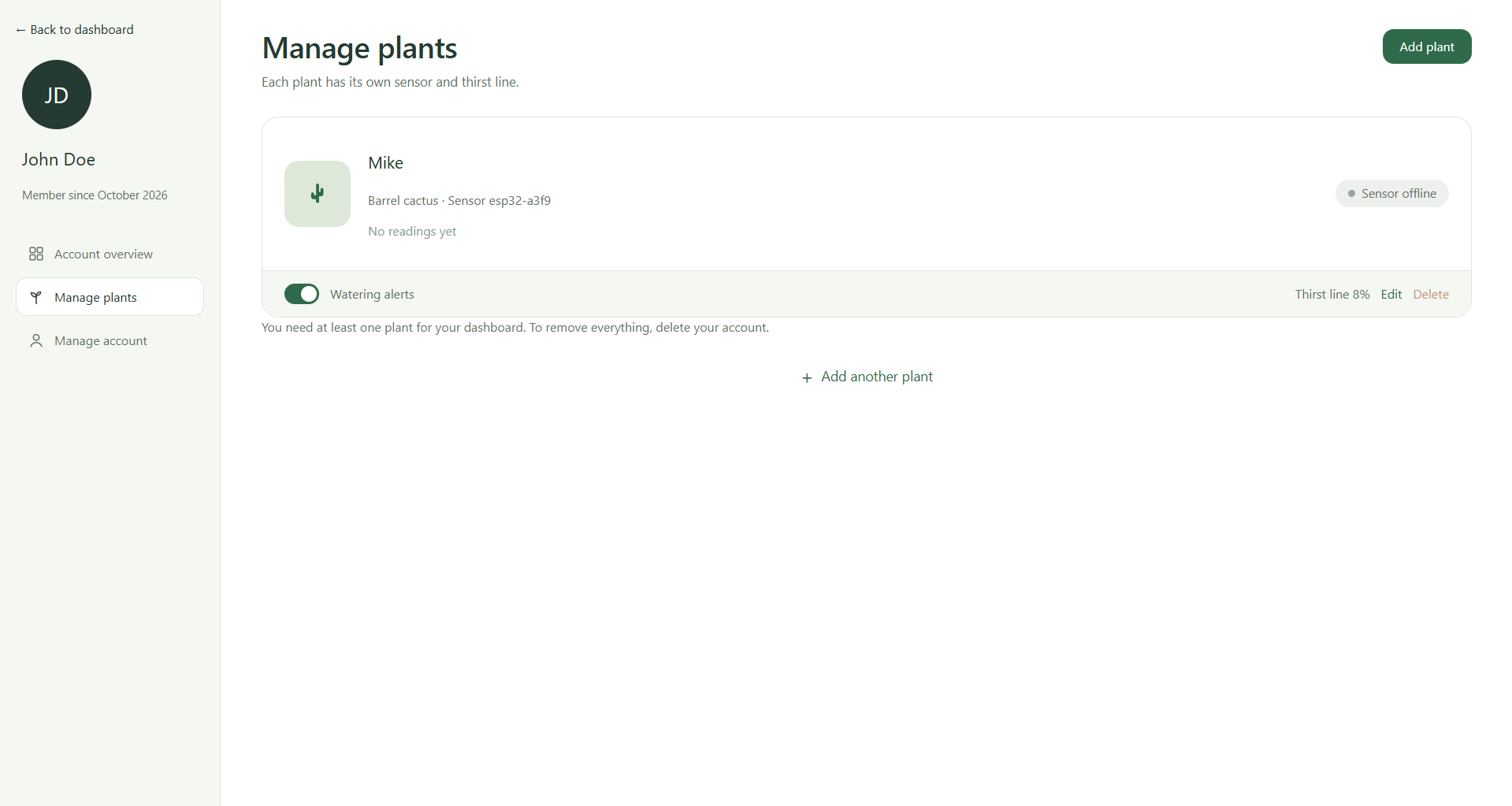
Manage plants page
-
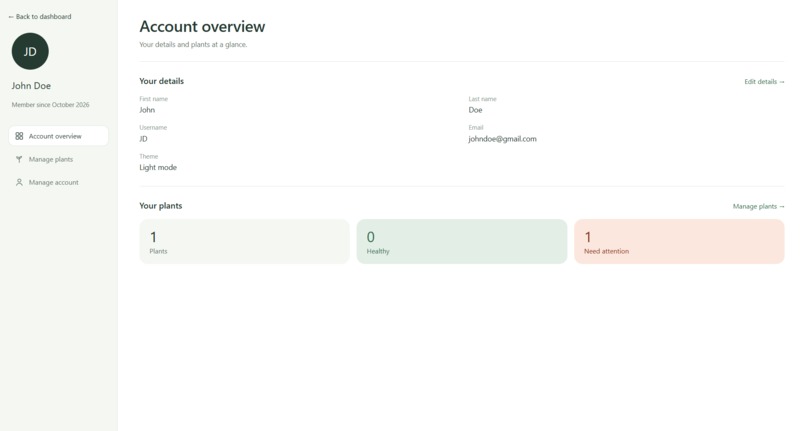
Account overview page
-
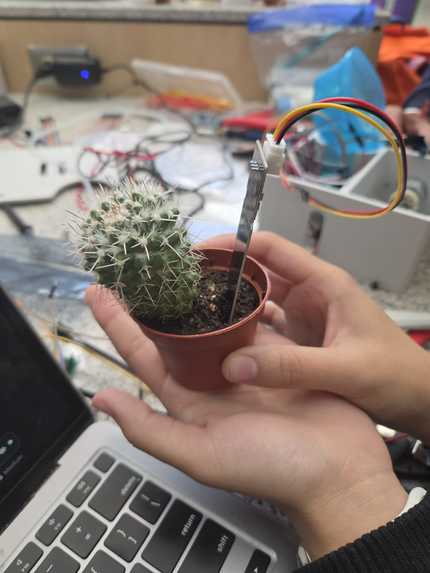
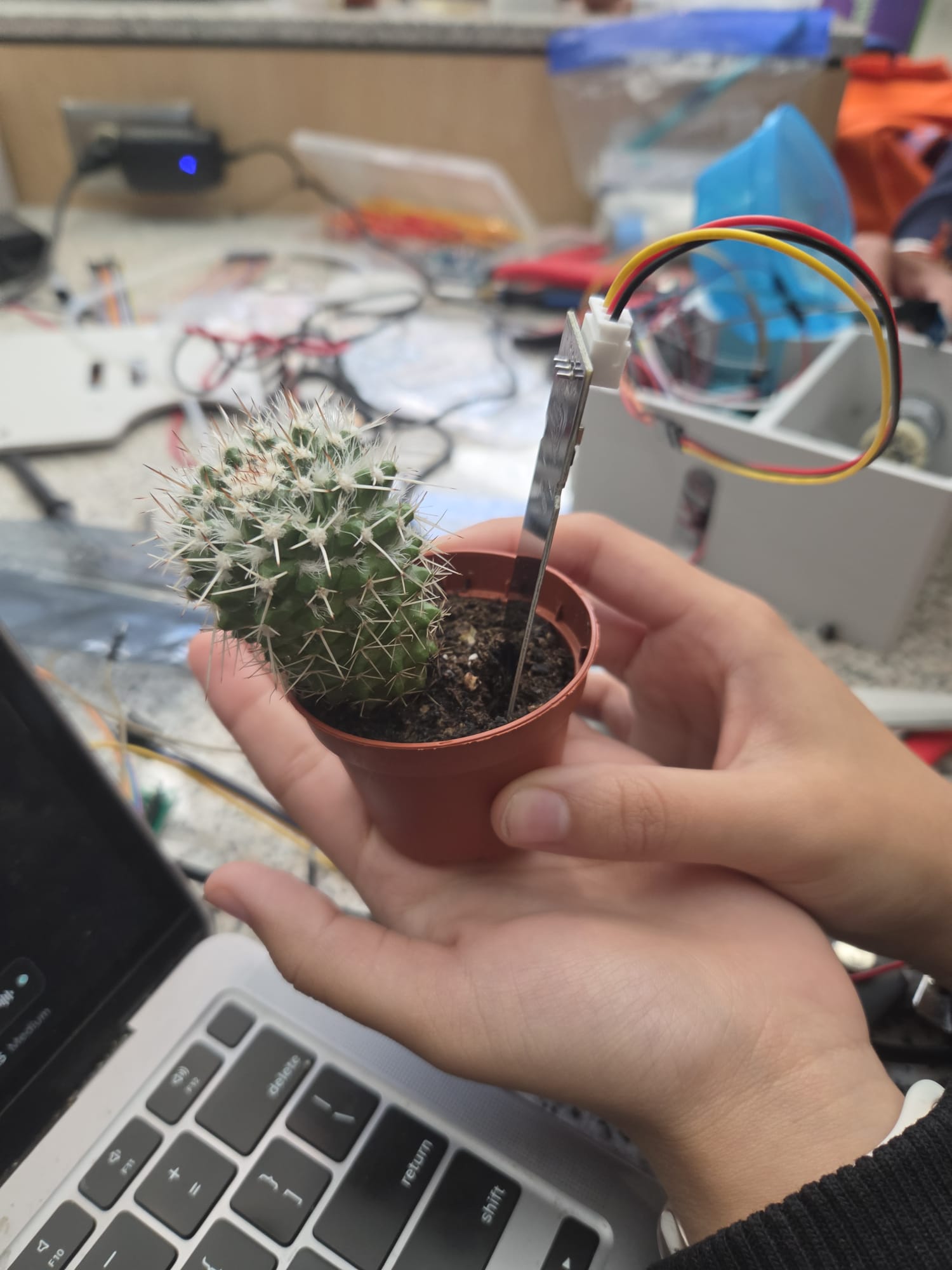
Soil sensor in cactus
-
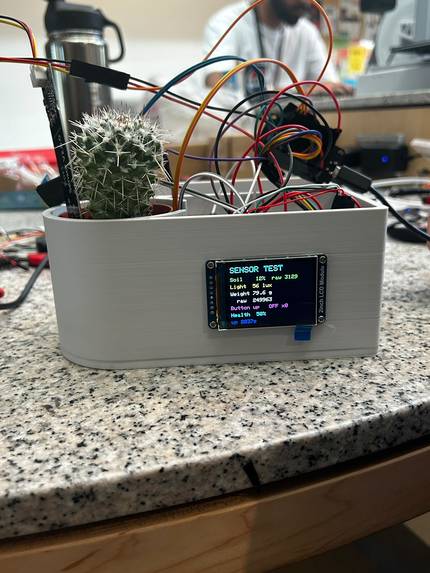
Full hardware setup
-
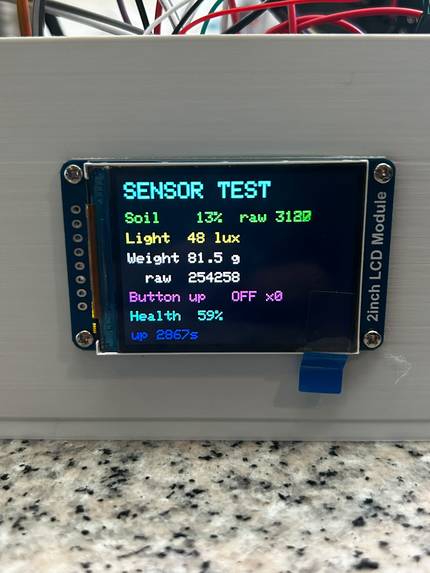
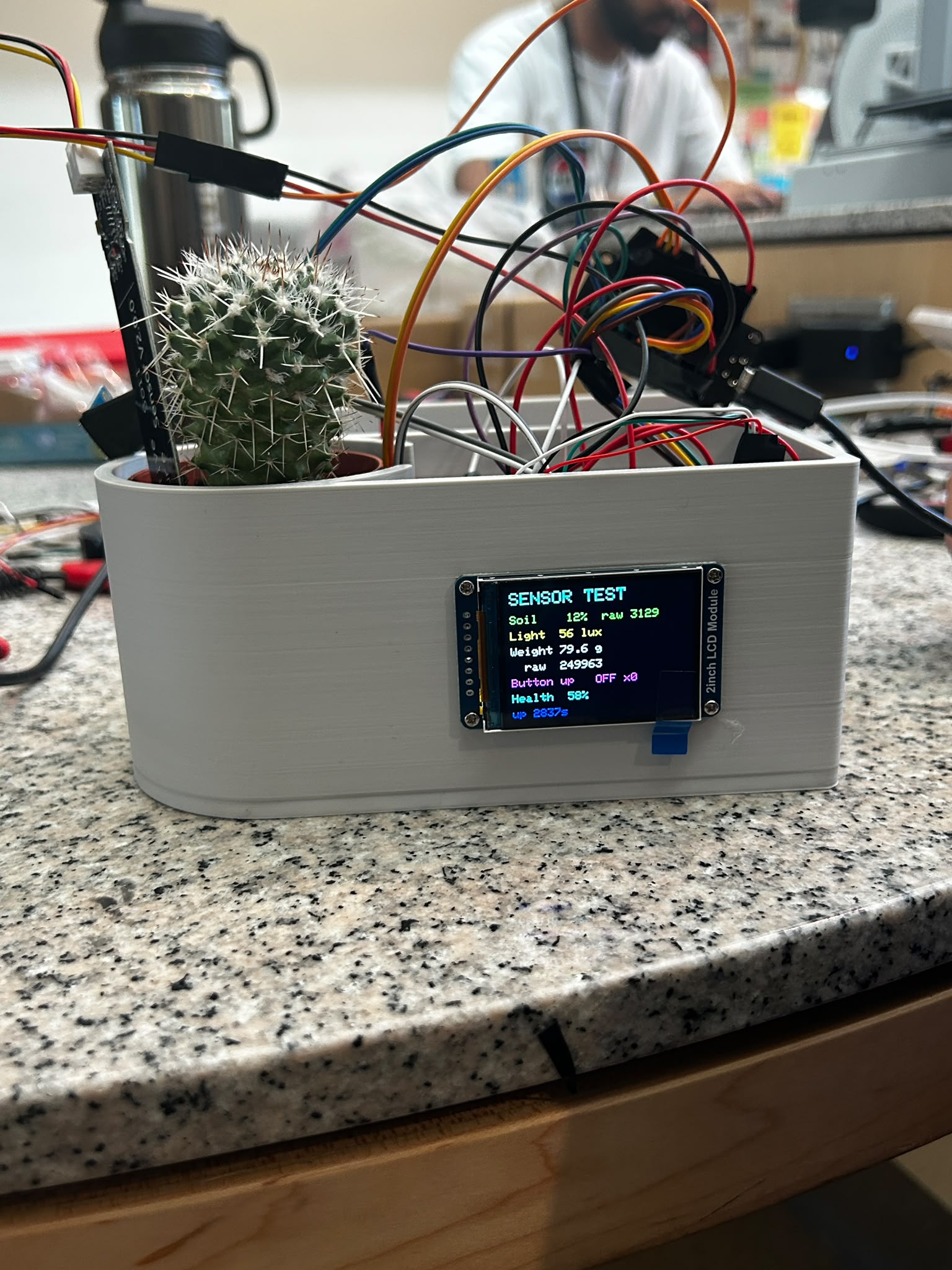
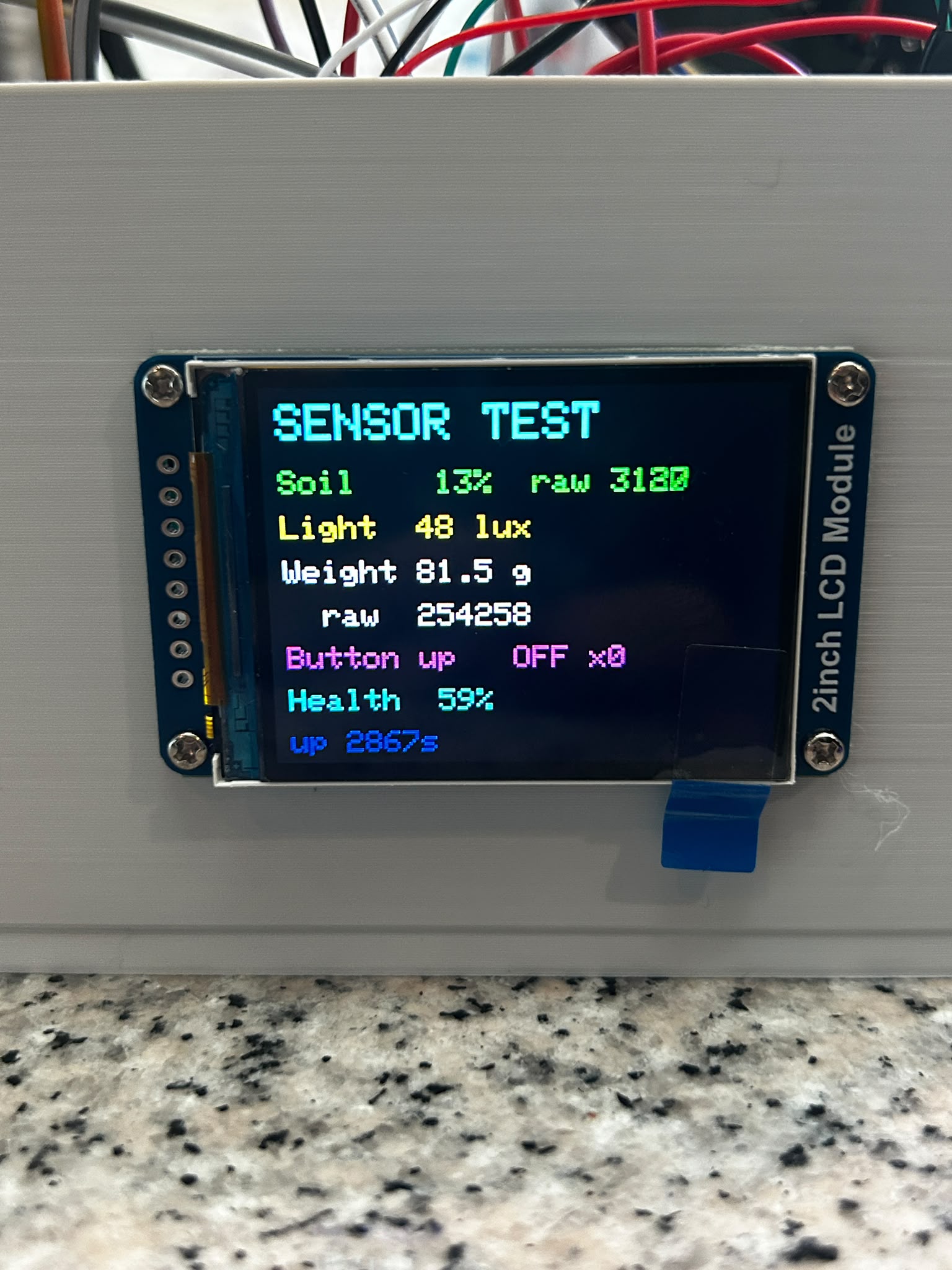
Sensor readings


Inspiration
Cacti have a reputation as the plant you can't kill, yet most die from overwatering. Owners can't see how wet the soil is below the surface, so they water based on guesses and a set schedule. We wanted a pot that knows when its plant needs water, can explain why, and can automatically fill
What it does
Cactai tracks soil moisture, light and plant weight from sensors in the pot, and waters the cactus when the soil gets too dry. A web dashboard shows current readings and Day/Week/Month trends for each plant. A built-in AI chatbot, Cactai, reads the plant's data and answers questions like "Should I water today?" in plain language. It can also search the internet, identify the specific cactus species, and provide information about it. A display on the pot itself shows the plant's status, so you can check on it without opening the app.
How we built it
The frontend runs on React with Vite, and is entirely responsive from wide monitors down to phones. A Python FastAPI backend handles accounts, plants, and sensor readings, and stores everything in PostgreSQL hosted on Supabase. Passwords get hashed with bcrypt, and logins issue a signed JWT that the browser keeps in an httpOnly cookie, out of reach of page scripts. The chatbot calls Google's Gemini API through the backend, which keeps the API key off the client. On the hardware side, the sensors report moisture, light, and weight readings every minute to the backend, and the pump waters the plant when moisture drops below the threshold for that plant type. Every five minutes, the dashboard refreshes its chart data using the most recent five minutes of sensor readings, giving users an up-to-date view of their plant's conditions.
Firmware was written in C/C++ for an ESP32 microcontroller. Firmware takes sensor readings, uploads them to the backend server, and features precise motor control and a control algorithm for dispensing a specific volume of water. It also communicates with an LCD screen to let the user know how their plant is doing.
This project also features electrical hardware. The electrical power input comes from a wall outlet via a 12V AC/DC adapter. This voltage is used to drive the motor, and a switching regulator is used to step the voltage down to 5V as an input to the ESP32 microcontroller. The motor controls works via PWM signals from the microcontroller driving a low-side MOSFET which opens and closes the motor circuit (from 12V - Ground). the motor also has a flyback diode and the MOSFET has a pull-down resistor to prevent accidental power-on from a floating micrcontroller pin. The remainder of hardware work required connecting components to ground, power, and data lines to the microcontroller.
We also designed (SolidWorks CAD) and built a 3d printed model which stores the water to be dispensed, dispensing mechanism, cactus, soil sensor, light sensor, and weight monitor. There is also space for the screen on the 3d printed model to directly show the values and status of the plant without having to open any app and login.
Challenges we ran into
Authentication took more work than expected. Moving the token from localStorage to cookies broke our route guards as well as our whole usage of the Gemini API. The cookies clashed with the implementation of Gemini setting us back a couple hours since none of that implementation could be used again. Database setup caused its own problems. Using Docker as a virtual PostgreSQL database caused many problems like wrong port mapping and misplaced scripts, so we later moved to Supabase so the whole team can share one database. There were many other minor issues as well. Python packages were not installing as intended, and the app was not responsive to different screen sizes.
Hardware work is incredibly time consuming and it can be tough to create an extensive hardware project in 24 hours. We ran into some serious time constraints that led us to having to simplify our design. Wire management was also a large issue for us. Our project needed over 40 wires confined in a small 13x10cm space. Given that our wires were much longer than needed, our wires quickly made a mess and it became increasingly hard to debug our circuit.
Accomplishments that we're proud of
The full loop works: a sensor reading travels from the pot to the database, appears on the dashboard, and feeds the chatbot's answers. We built real authentication with hashed passwords and httpOnly cookies rather than a placeholder login. The dashboard holds up from a large monitor down to a phone, where the sidebar turns into a dropdown menu. We are especially proud of how seamlessly our live sensor readings update on the dashboard with minimal bugs. None of us had worked with live sensor data like this before, so seeing the readings make their way from the hardware to the backend and then appear on the dashboard in real time was really fulfilling. Finishing all of this in 24 hours was something we honestly thought we couldn't do, but we are extremely proud of the effort each of us put into this app.
We are proud that we got a working hardware prototype by the end of this competition. The motor pump and volume controller was found to be accurate within +/- 3ml, a huge accomplishment on the hardware side. To accomplish this, we needed reliable integration with hardware and firmware, as well as theoretical knowledge on what physical systems can and cannot do, which is something we take great pride in.
What we learned
We learned how cookie-based auth works between a frontend and a separate backend, including same-site rules and why a dev proxy makes the setup simpler. We learned to keep secrets on the server, pin dependencies in a requirements file, and leave virtual environments out of Git. Sharing one hosted database also showed us the value of migration scripts over editing tables by hand. We also learned how to connect sensors to the frontend by working through the entire pipeline, from firmware to the backend and finally to the frontend, allowing raw sensor readings to be displayed in a simple, user-friendly format. Additionally, we learned how to display these same readings in a more minimal format directly on the device's screen, giving users a quick way to view the plant's current conditions without opening the dashboard.
We also learned to put an extensive focus on wire management early on. If we had spent time on this earlier, we would have saved hours of debugging work and likely gotten more sleep.
What's next for Cactai
Right now, each cactus needs its own sensor pot. In the future, we want to replace the fixed pots with a mobile robot that carries a soil probe, a water reservoir, and a screen. The robot would travel between plants, insert the probe at each stop, send the moisture, light and health readings to the backend, and water only the plants that need it. One robot could then look after a whole collection of cacti, and the dashboard and chatbot would work the same way, with readings arriving from the robot's route instead of from fixed sensors.
From there, the system can move beyond cacti. Other houseplants, greenhouses and eventually farms all face the same problem: knowing which plants need attention without checking each one by hand. On a farm, a fleet of robots could sample soil across a field, map dry or struggling areas, and water them in place. That would save farmers hours of manual checks and cut wasted water.
The robot could also carry fertilizer and other nutrients. With soil readings and each plant's health score, it could feed only the plants or crop rows that need it, in the right amount, instead of treating a whole field the same way. The chatbot would then explain each decision, so owners and farmers can see why the robot watered or fed a given plant.
Built With
- 3dprinting
- c++
- esp32
- geminiapi
- javascript
- microcontroller
- platformio
- postgresql
- python
- react
- supabase

Log in or sign up for Devpost to join the conversation.