-
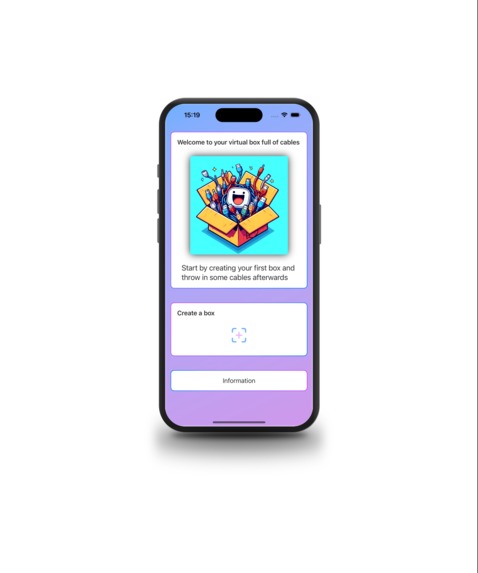
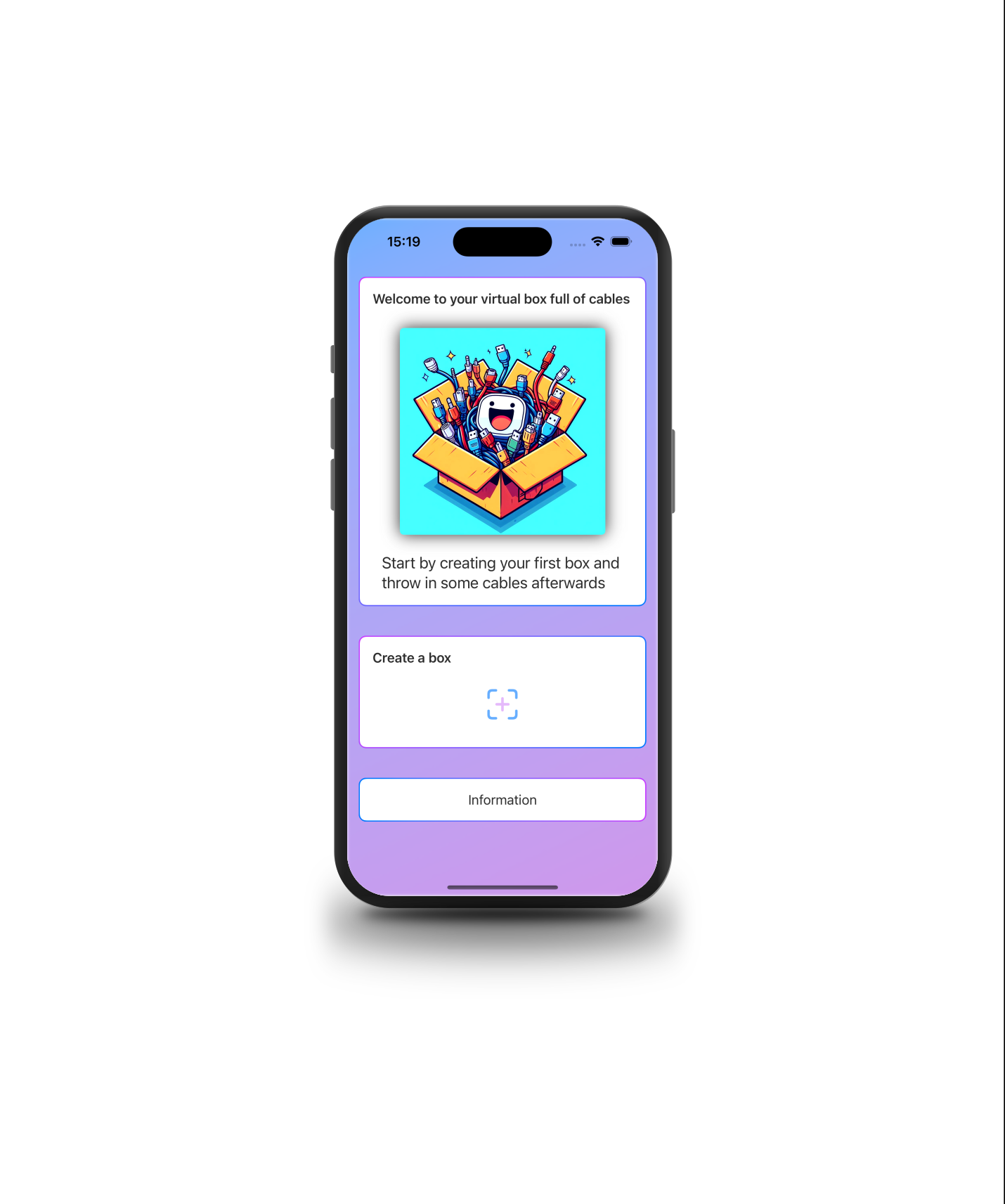
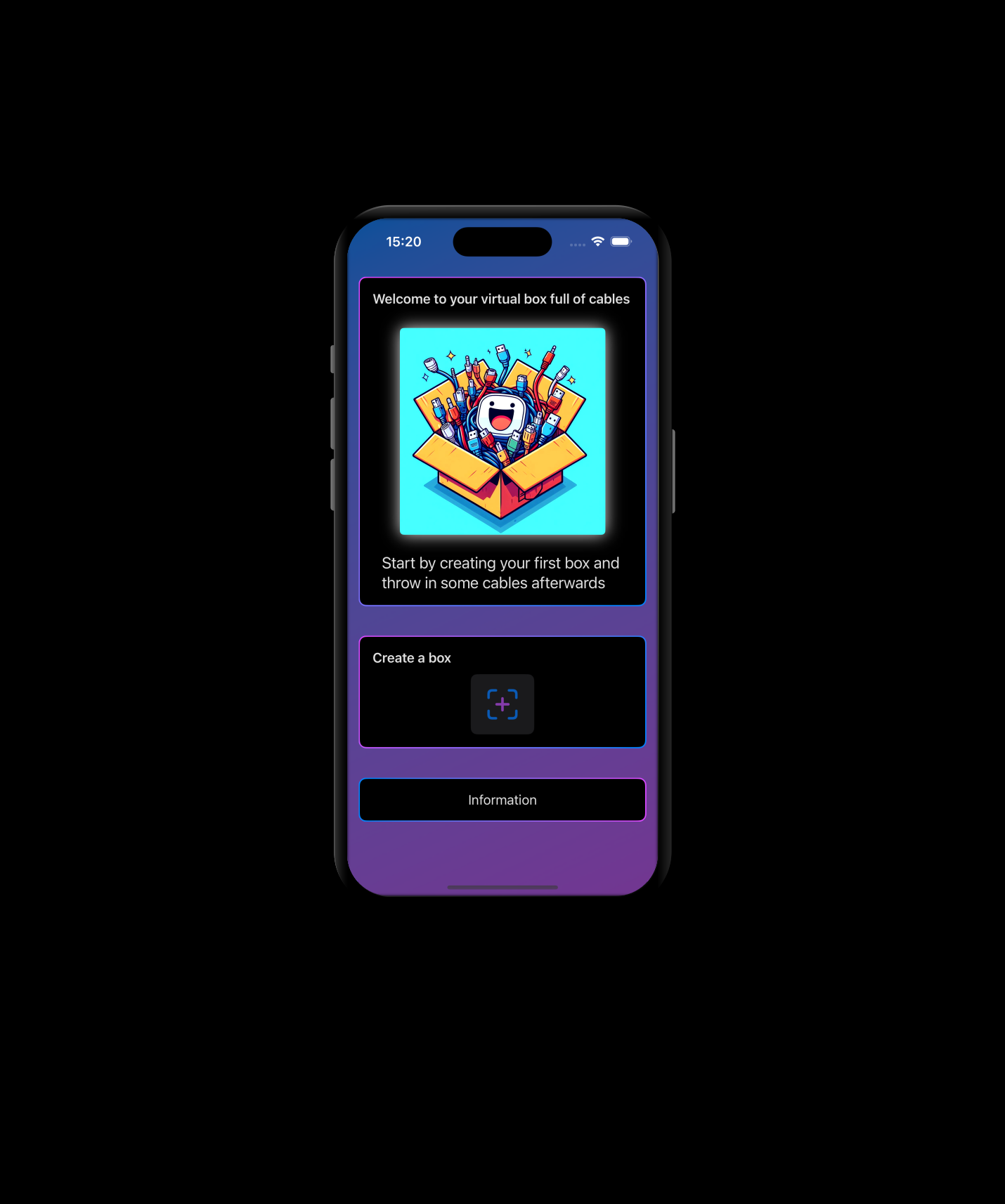
Welcome Screen, light
-
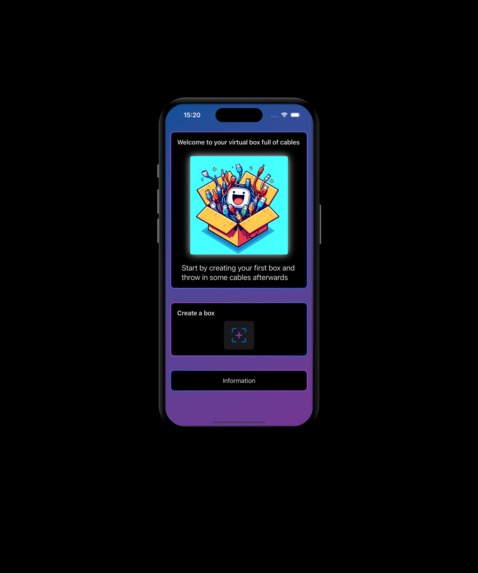
Welcome Screen, dark
-
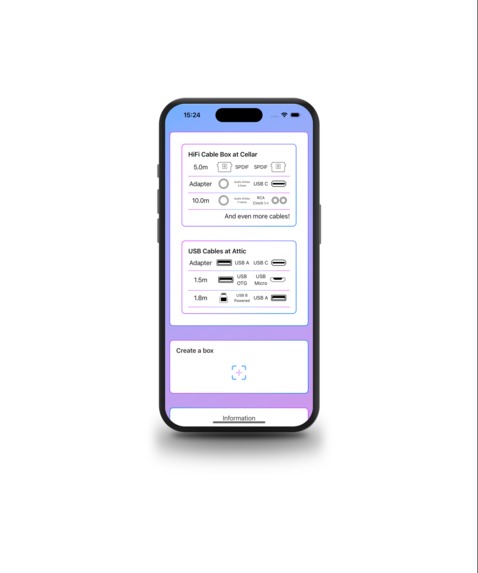
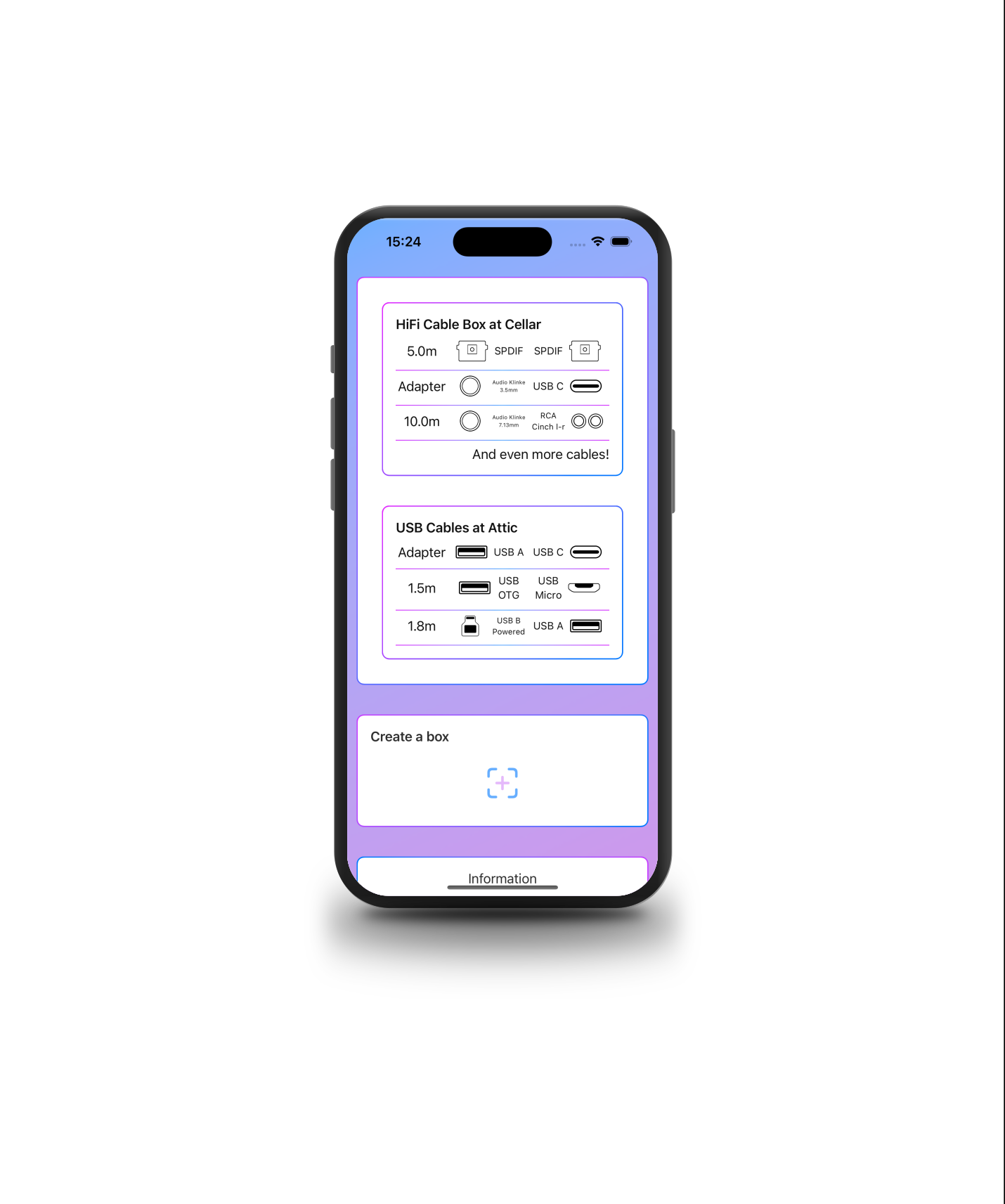
Overview Boxes, light
-
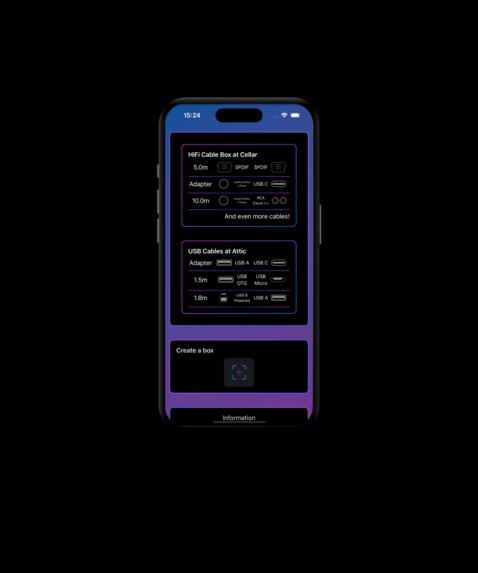
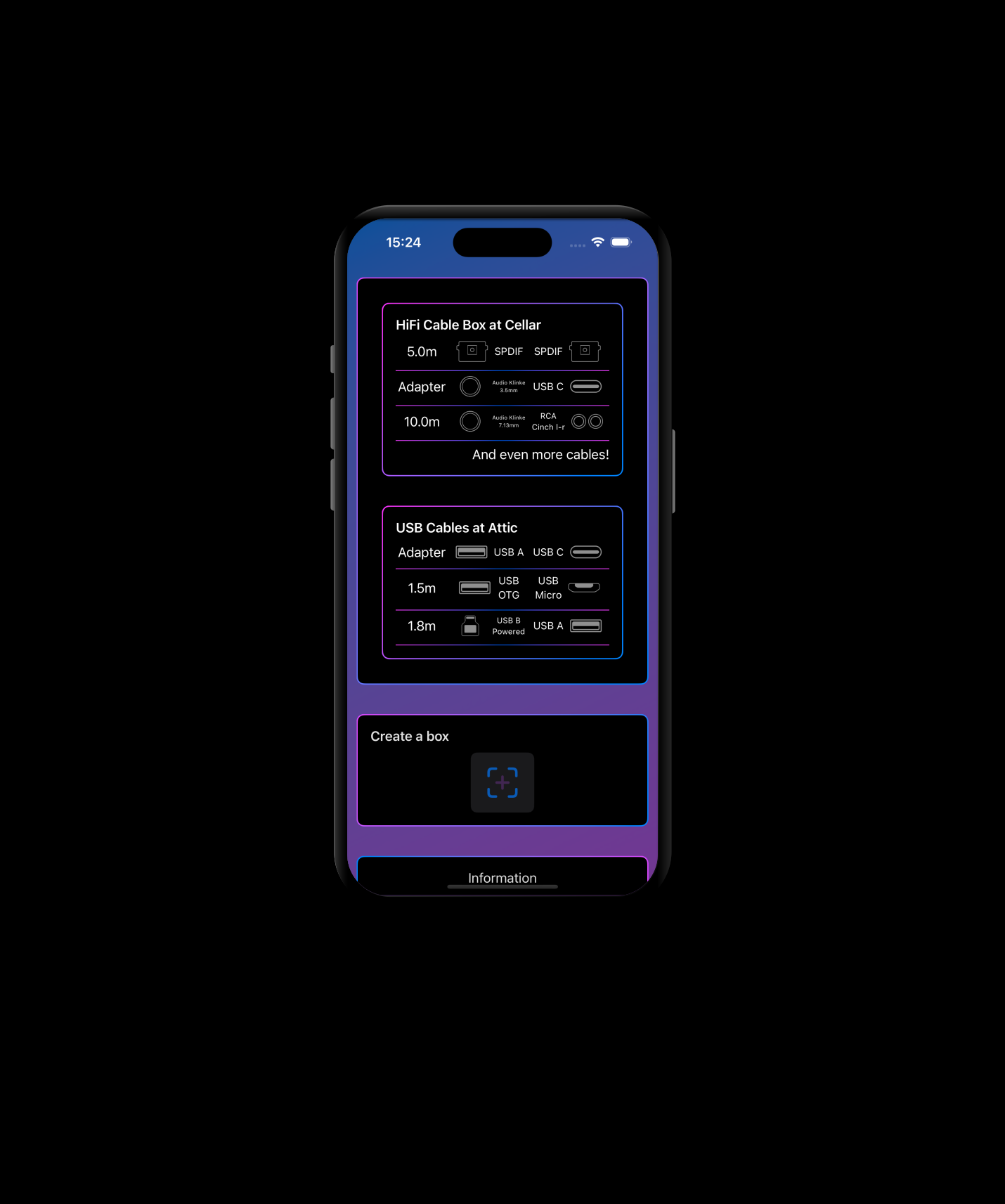
Overview Boxes, dark
-
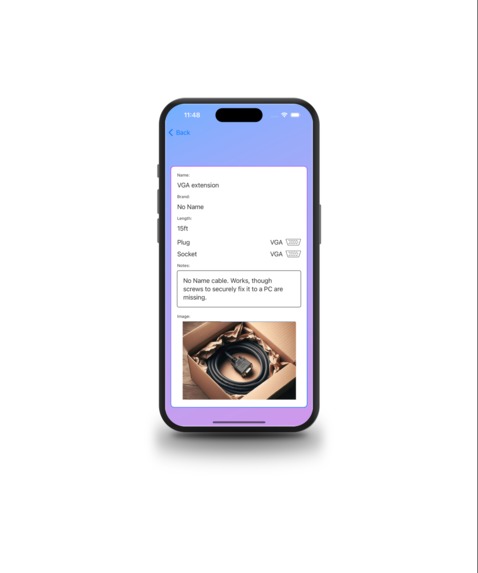
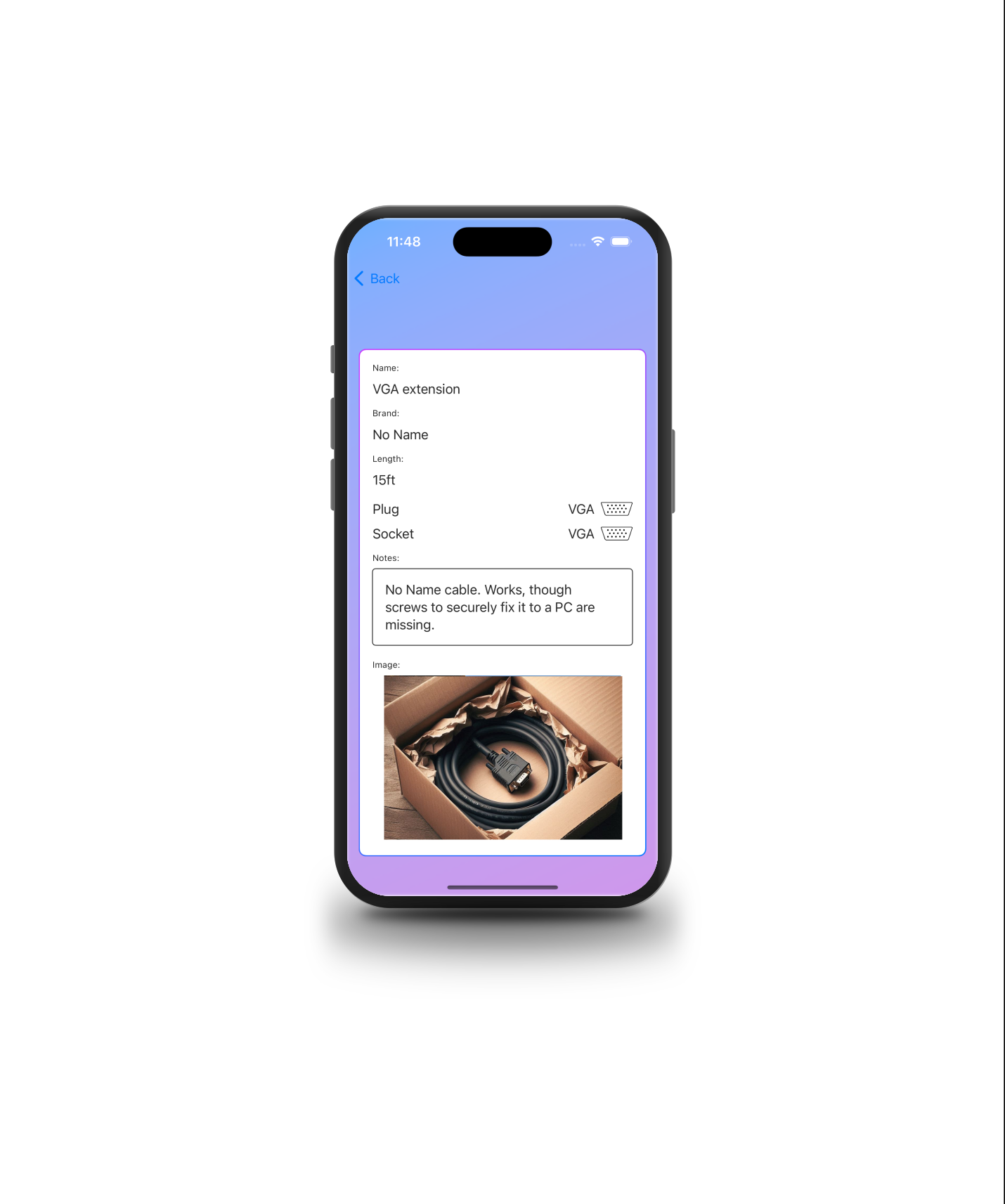
Cable Detail View, light
-
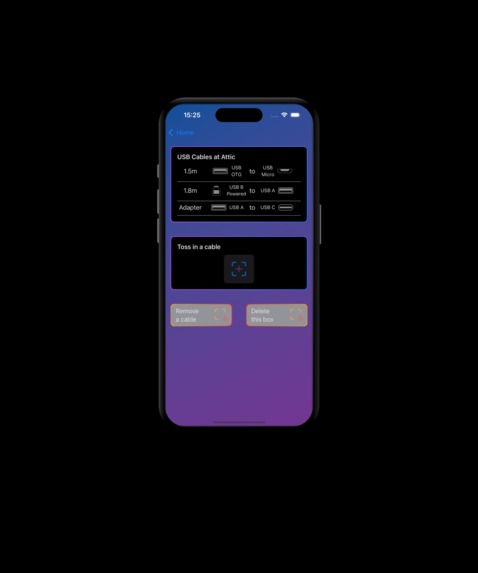
USB Box, dark
-
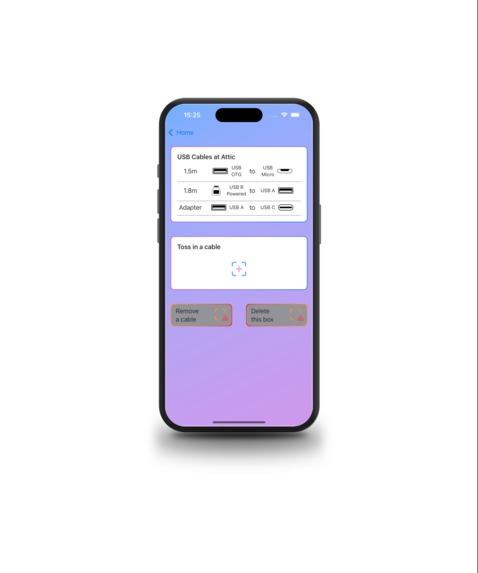
USB Box, light
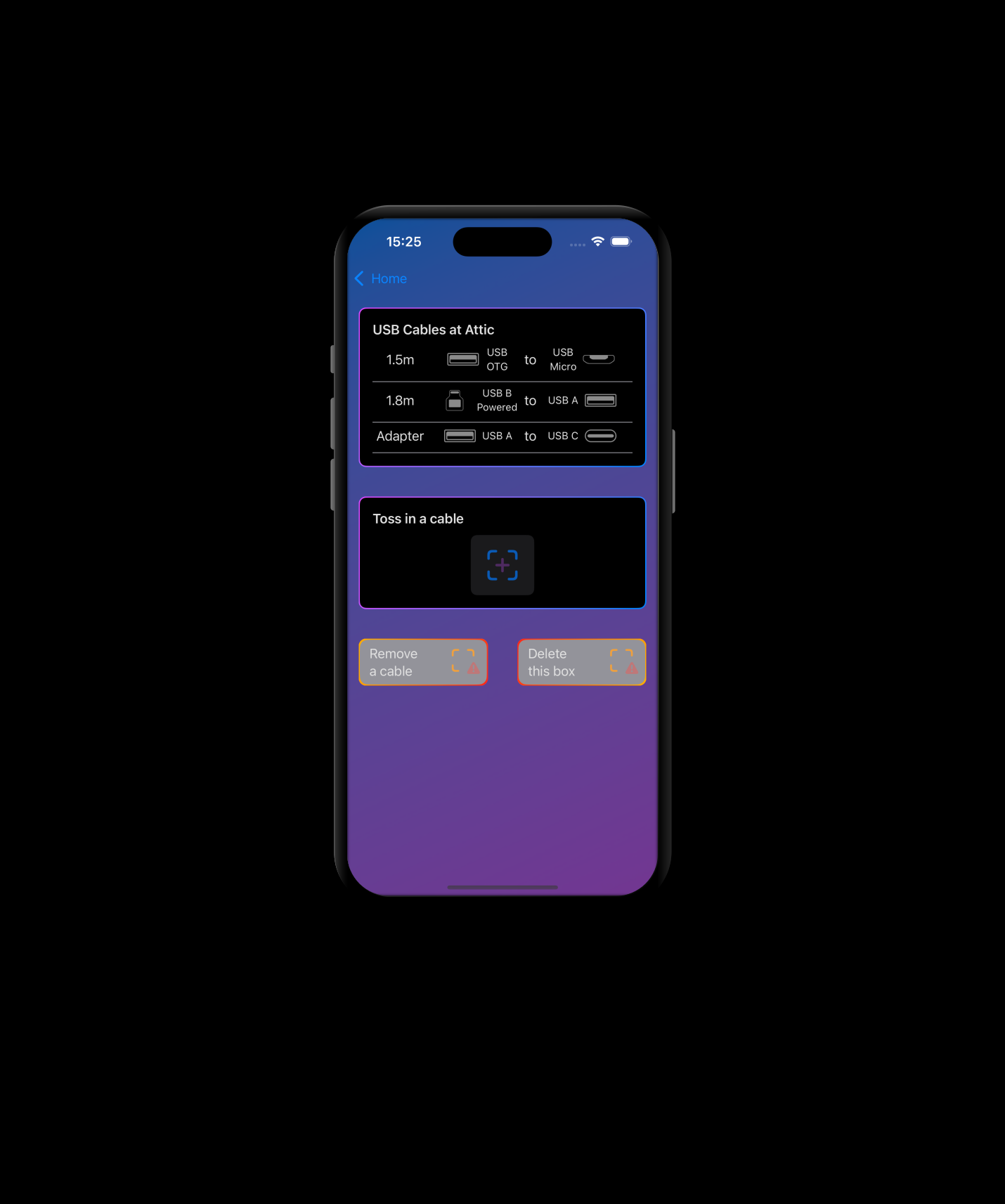
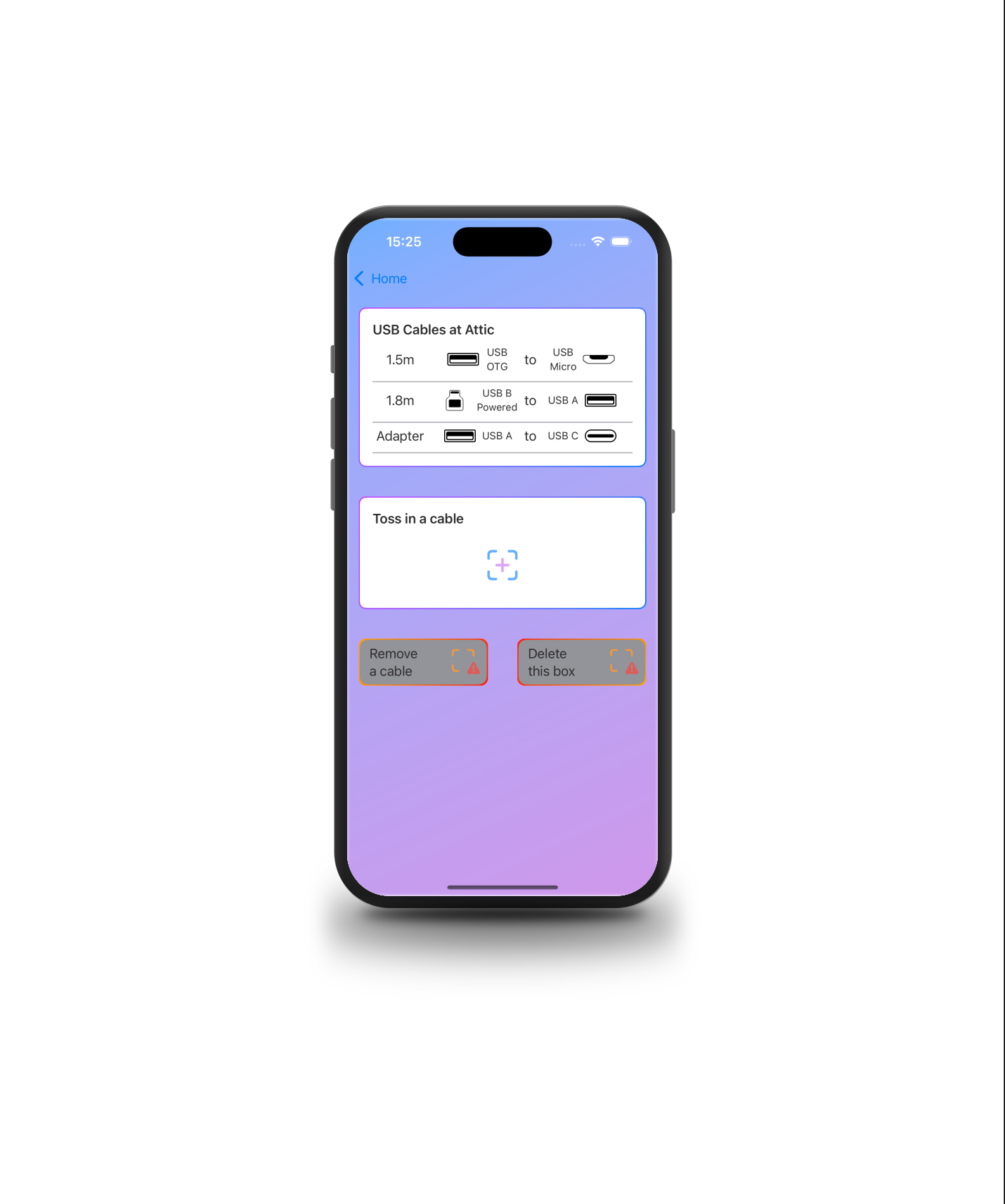
Inspiration
Various groups on the internet (dull men on facebook, 9gaggers on 9gag, comic creators on Instagram, etc.) own a box full of old cables which they will never throw away, because you may need one cable at one time. I also have such a box. And to be honest, not only one box. Several boxes. I can't keep track if I have a certain cable or adapter in one of my boxes. I needed a digital twin.
What it does
My app "CableBox" lets you create virtual boxes (you can name them and specify their location), and you can toss in your cables. You can name a cable, write a note, take a picture, specify the connectors, specify if it's a plug or a socket, and add its length. Now, you have a great overview of all your cables in all your boxes.
How we built it
Using SwiftUI and SwiftData, CableBox is my third app released to the Apple App Store. In this app, I focussed on using modifiers such as GroupBoxes, ViewThatFits, and I created my own modifiers to quickly adapt views to a given "theme". I also digged into Inkscape to create my assets.
Challenges we ran into
From a data point of view, arrays in arrays were more complicated than initially thought. Also, passing dats from one view to another is easy once you grab the concept, and I only grabbed the concept during the creation of CableBox. Saving an image as "Data" instead of an "Image" was a bit challenging, but doable. RevenueCat was completely new for me, and setting up everything for the paywall and how to display the paywall was not a breeze, but OK. I think, some tutorials in the RevenueCat documentation are outdated.
Accomplishments that we're proud of
I created the whole app in my sparetime (I have a 9to5 job which usually starts before 9 and ends after 5). I'm especially proud that I stuck to this project and got not distracted by side projects (what had happened in the past). I learned new things in SwiftUI by overcoming challenges which I ran into while coding (as an example: ViewThatFits or a ForEach loop with modifier .prefix(Int)). Furthermore, the first iteration was rejected by the Apple Review team, testing the app on iOS 18 (currently, iOS 17.5 is available). I had to install a beta version of XCode to replicate the issue & overcome it (successfully). As a novice developer, this was not easy, as the app was fully functional with iOS 17.5, but froze with iOS 18.0 without a meaningful error description (mostly, no error at all).
What we learned
I learned how to use new modifiers in SwiftUI and of course how to use RevenueCat and its paywalls. Especially using RevenueCat for a real project is so much more satisfying than just following a tutorial but not using RevenueCat in real life.
What's next for CableBox
Search Functionality Editing information from existing Boxes and Cables Using the camera to take a picture (not only selecting it from the camera roll)

Log in or sign up for Devpost to join the conversation.