C.H.U.D — Consumer Heads-Up Display
Tagline: Your deadpan AI financial advisor in your pocket. Point, scan, get a straight answer: “Should I buy this?”
Inspiration
Smart glasses and AR apps are good at answering “What is this?” but not “Can I afford it?” or “Is this a good idea for me?”. We wanted a guardrail that lives in the moment you’re about to buy something—no opening a budget app, no mental math—just point your phone, and get a clear, personalized verdict.
We were also inspired by:
- Heads-up displays that keep your eyes on the world instead of a tiny screen.
- Gesture-first interaction so you can trigger a scan without tapping (e.g. open palm).
- Personality — a dry, witty “advisor” that feels like a sharp friend, not a spreadsheet.
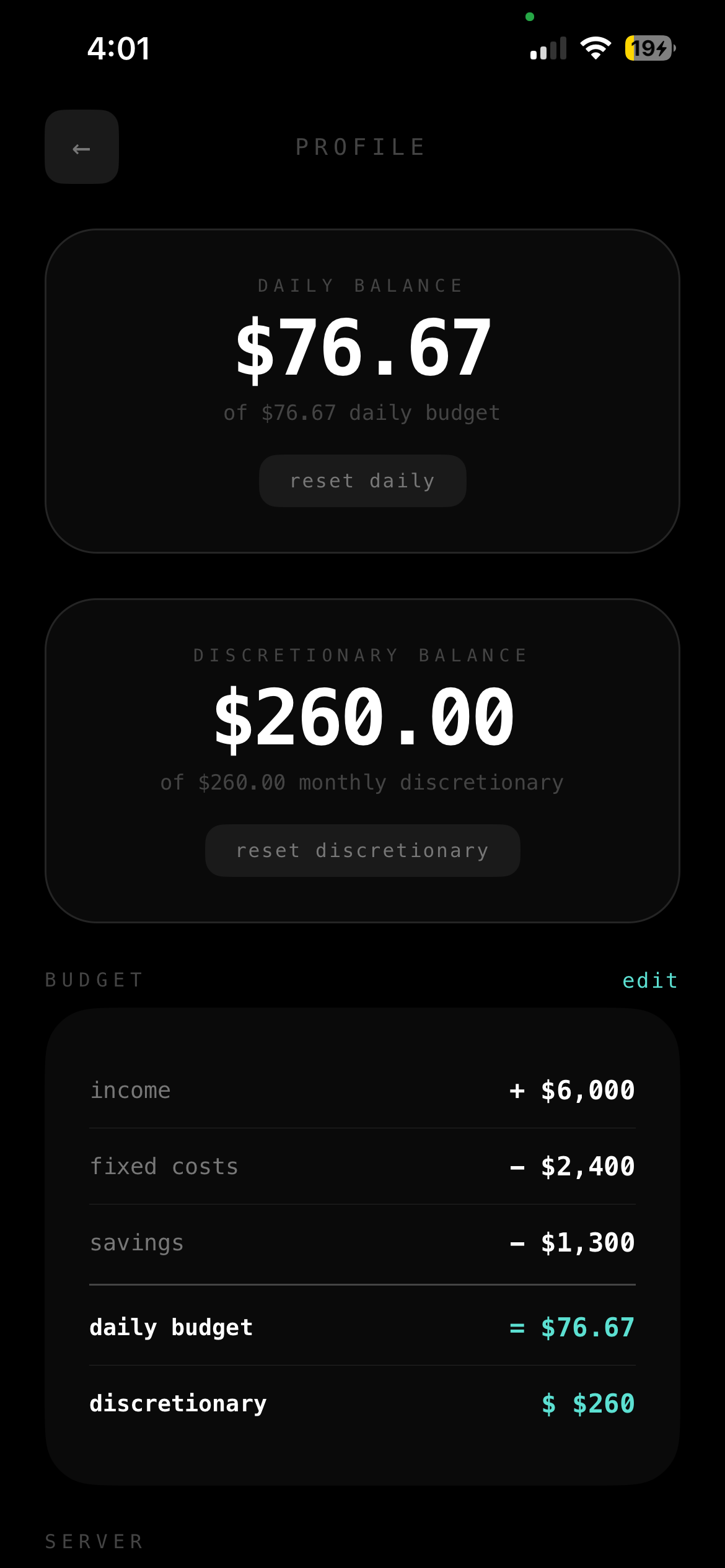
- Real budgets — daily spending (food, coffee) vs. monthly discretionary (electronics, treats), so the advice matches how people actually think about money.
What it does
C.H.U.D is a financial guardrail delivered as a heads-up camera overlay on your phone:
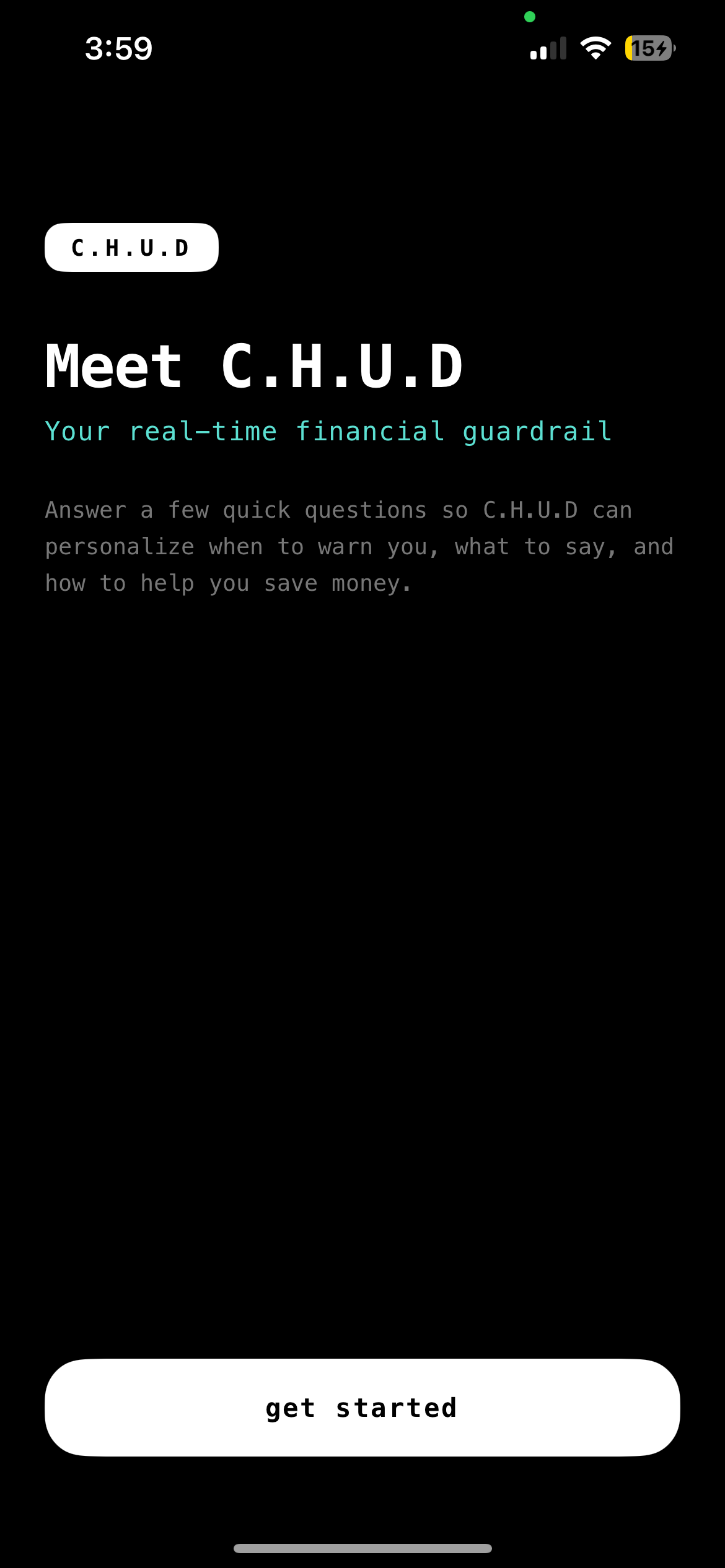
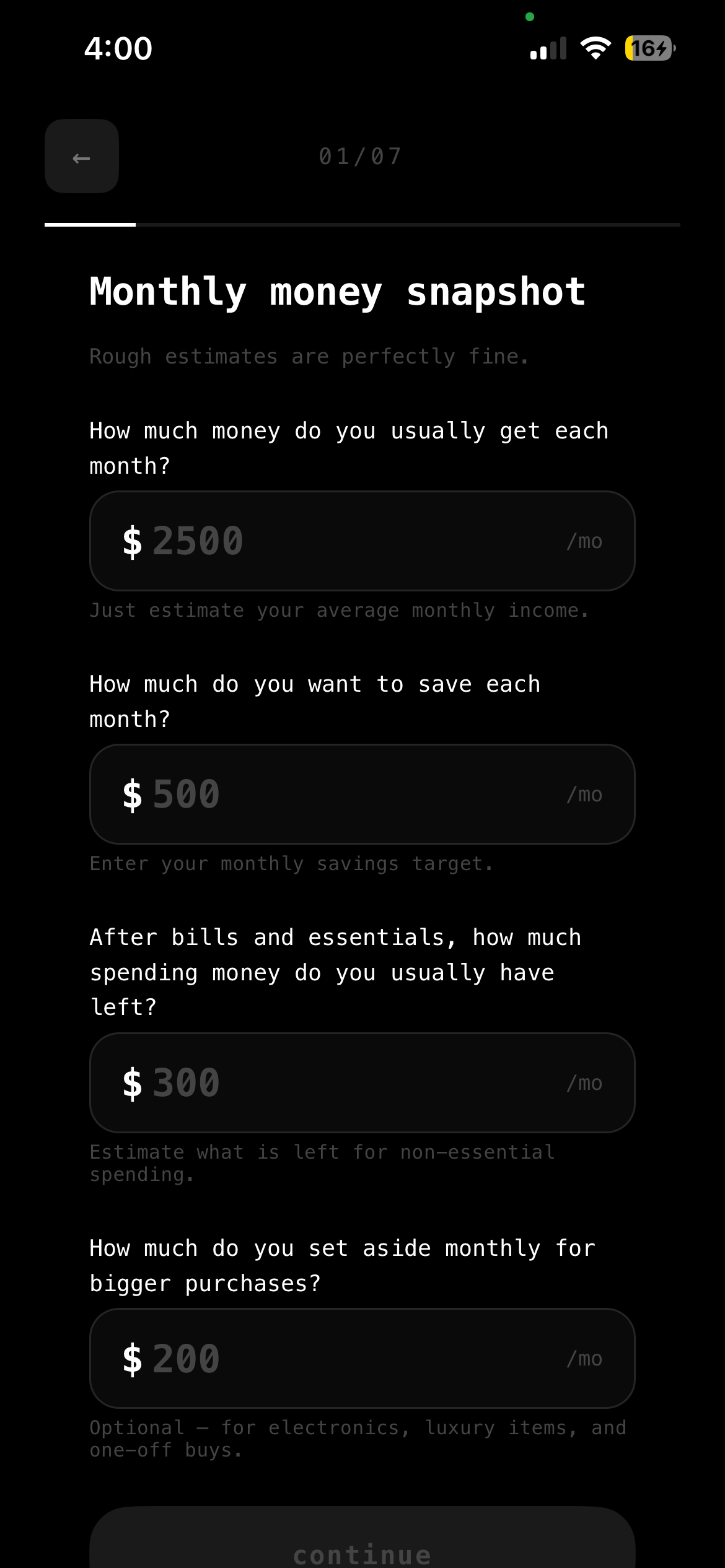
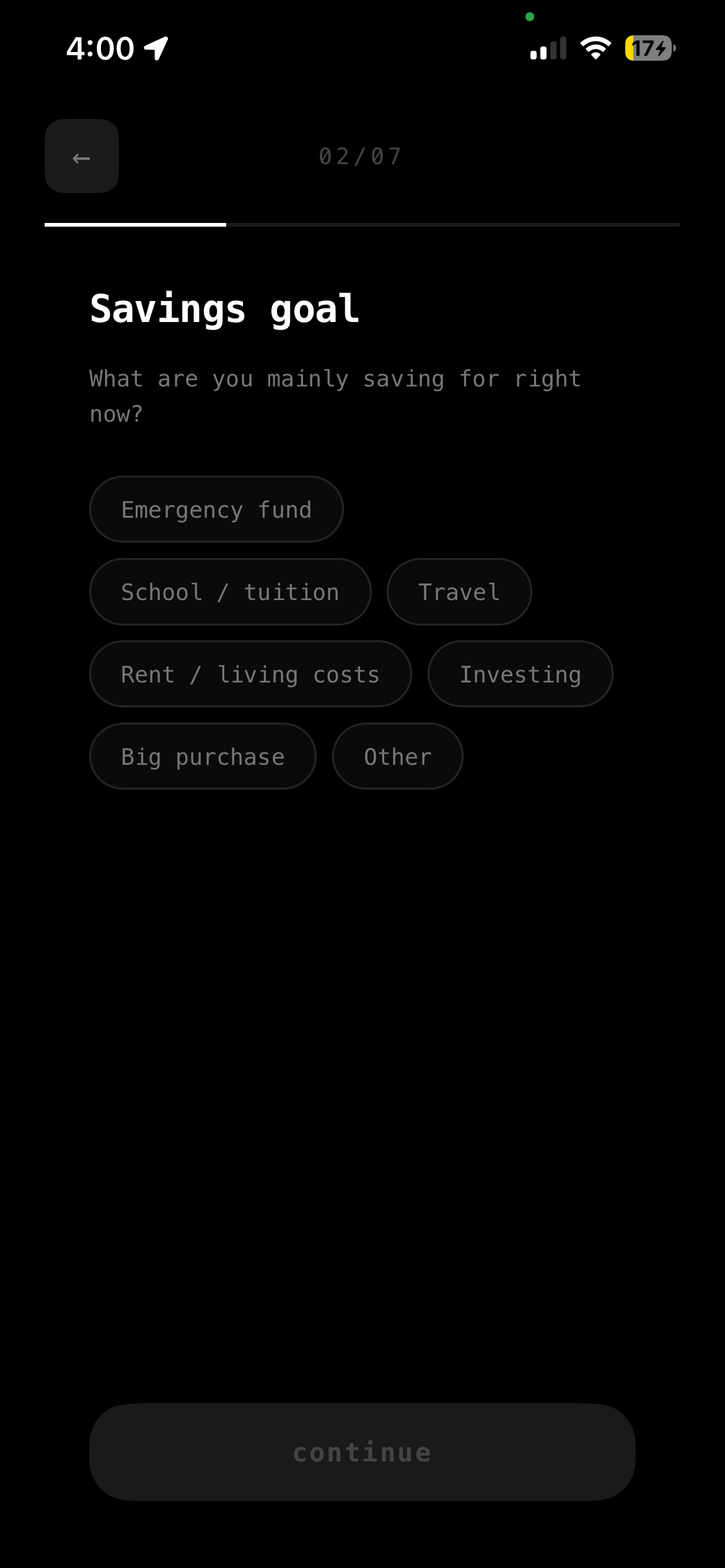
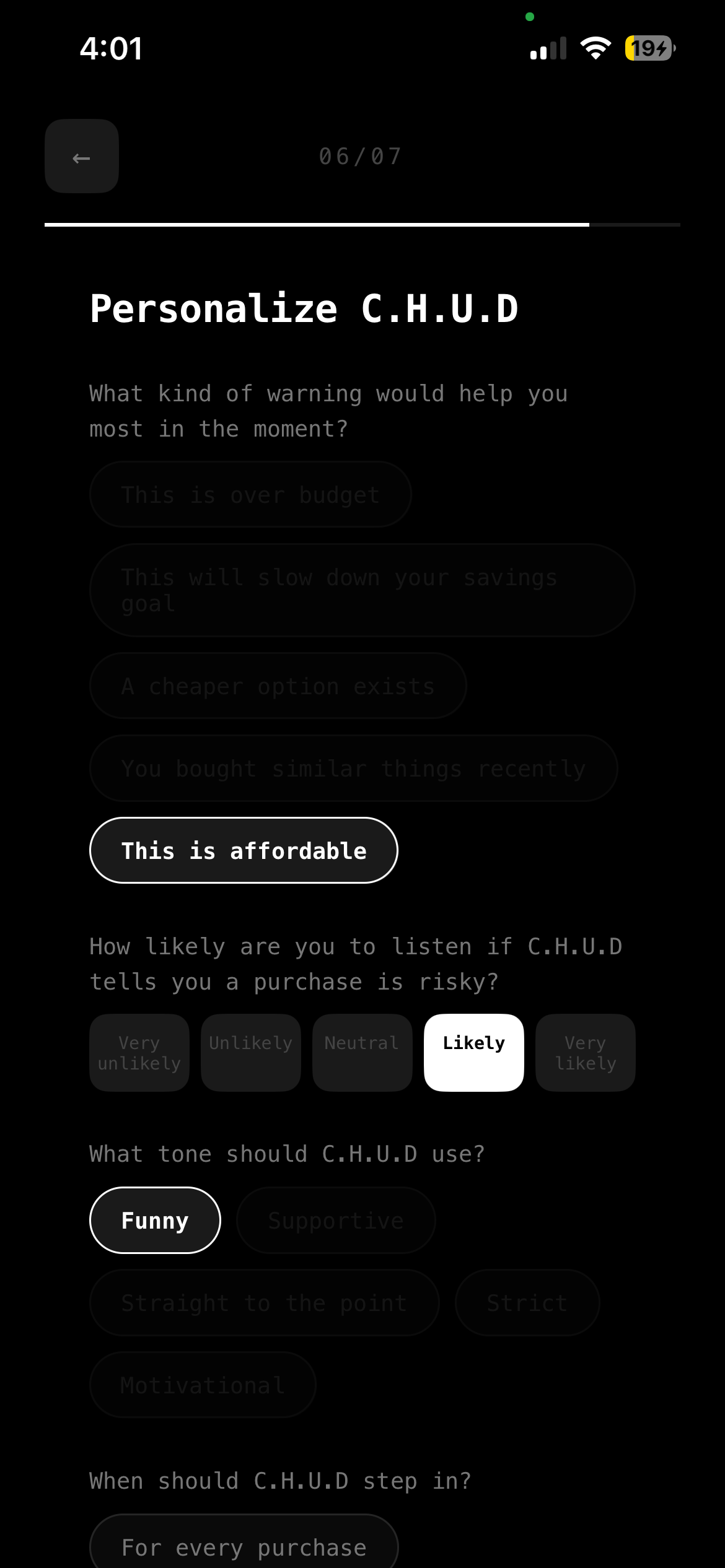
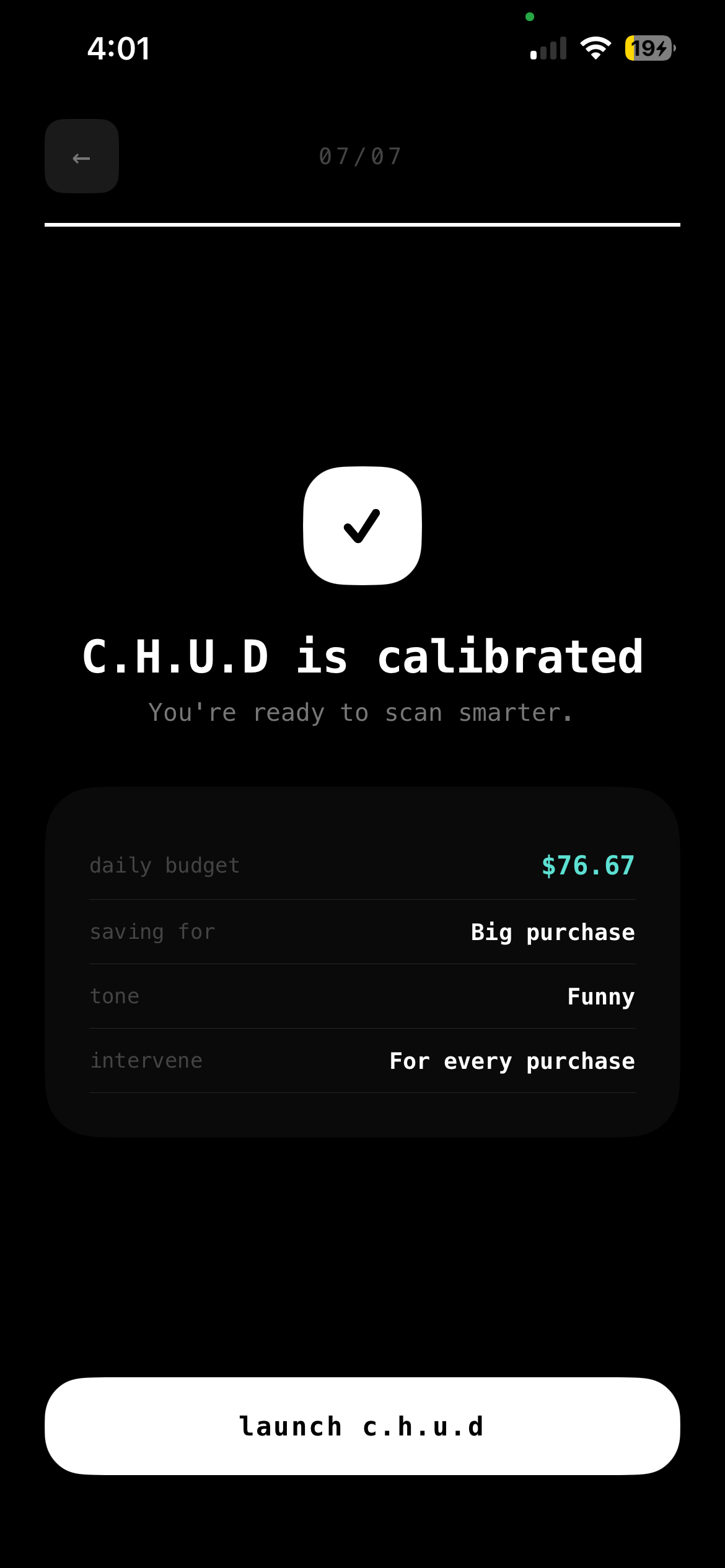
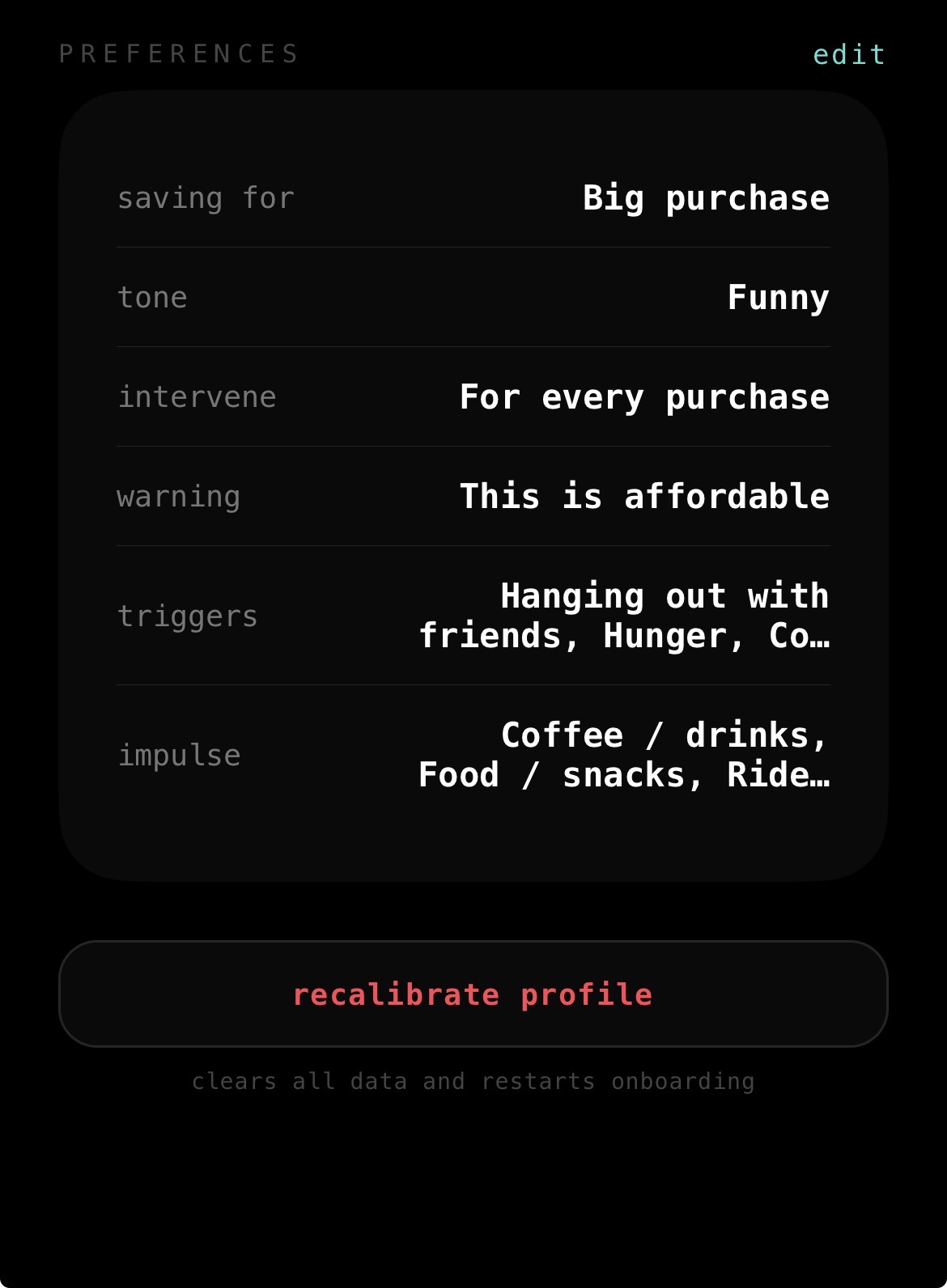
- Calibration — You set income, savings goals, flexible spending, and preferences (tone, when to intervene, impulse triggers). C.H.U.D uses this to personalize every scan.
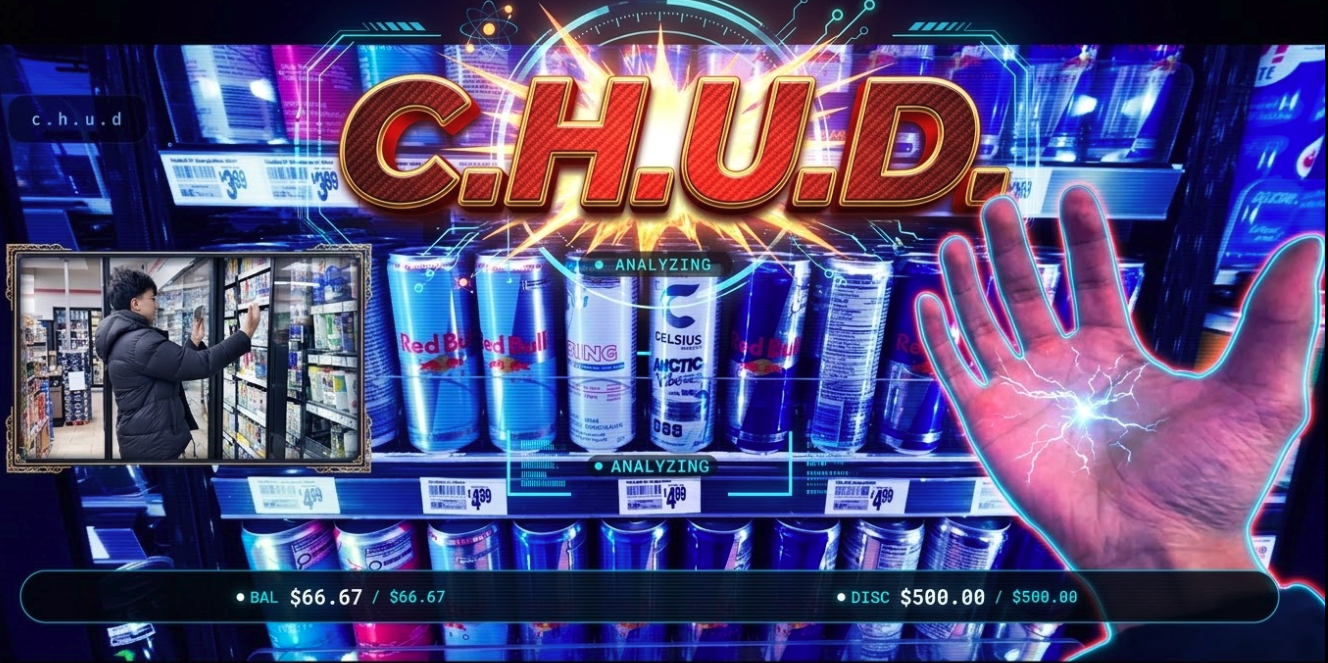
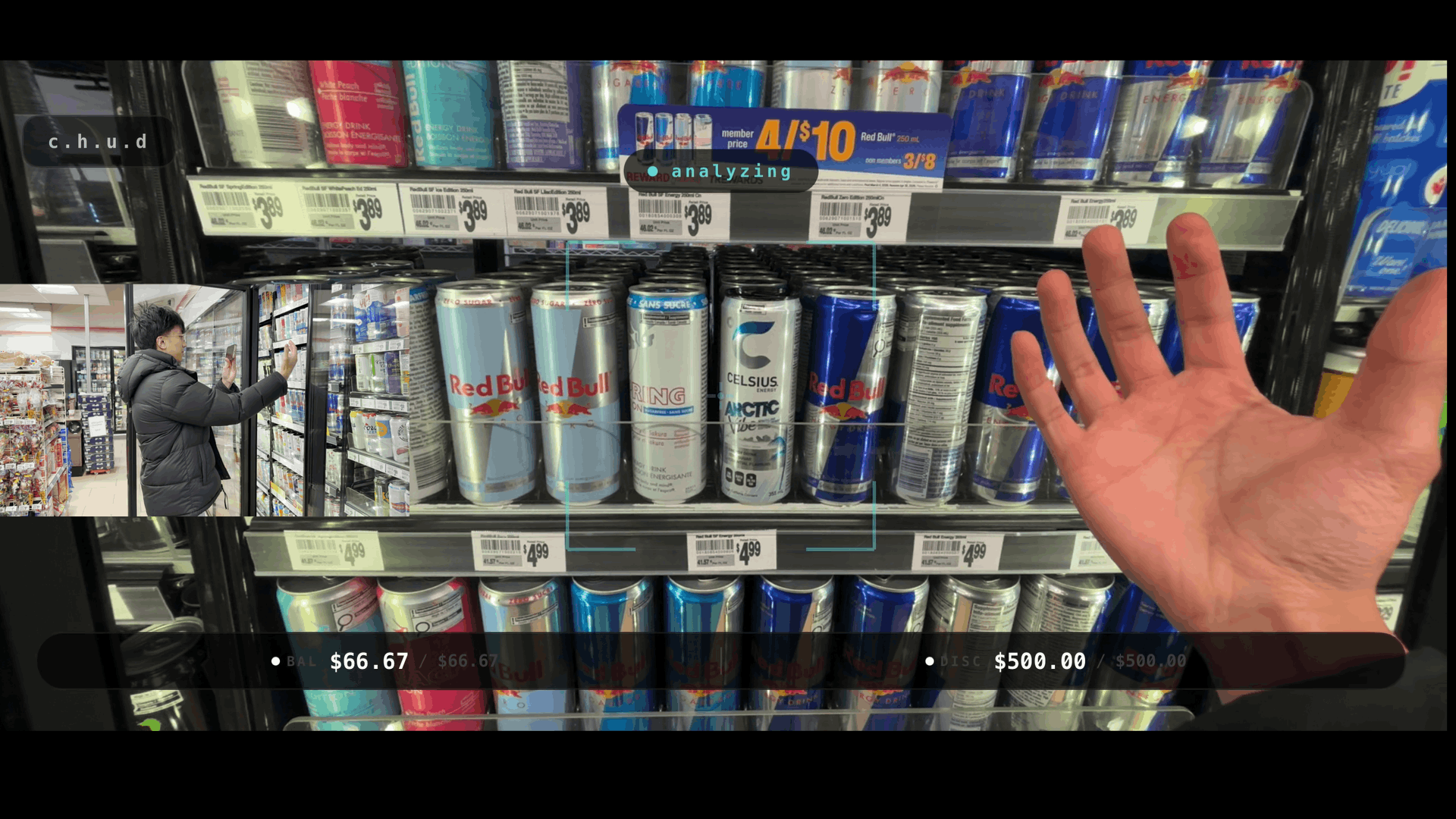
- Scan — Point the camera at a product. Use an open-palm gesture (or tap) to trigger a scan. No need to touch the screen while holding the phone.
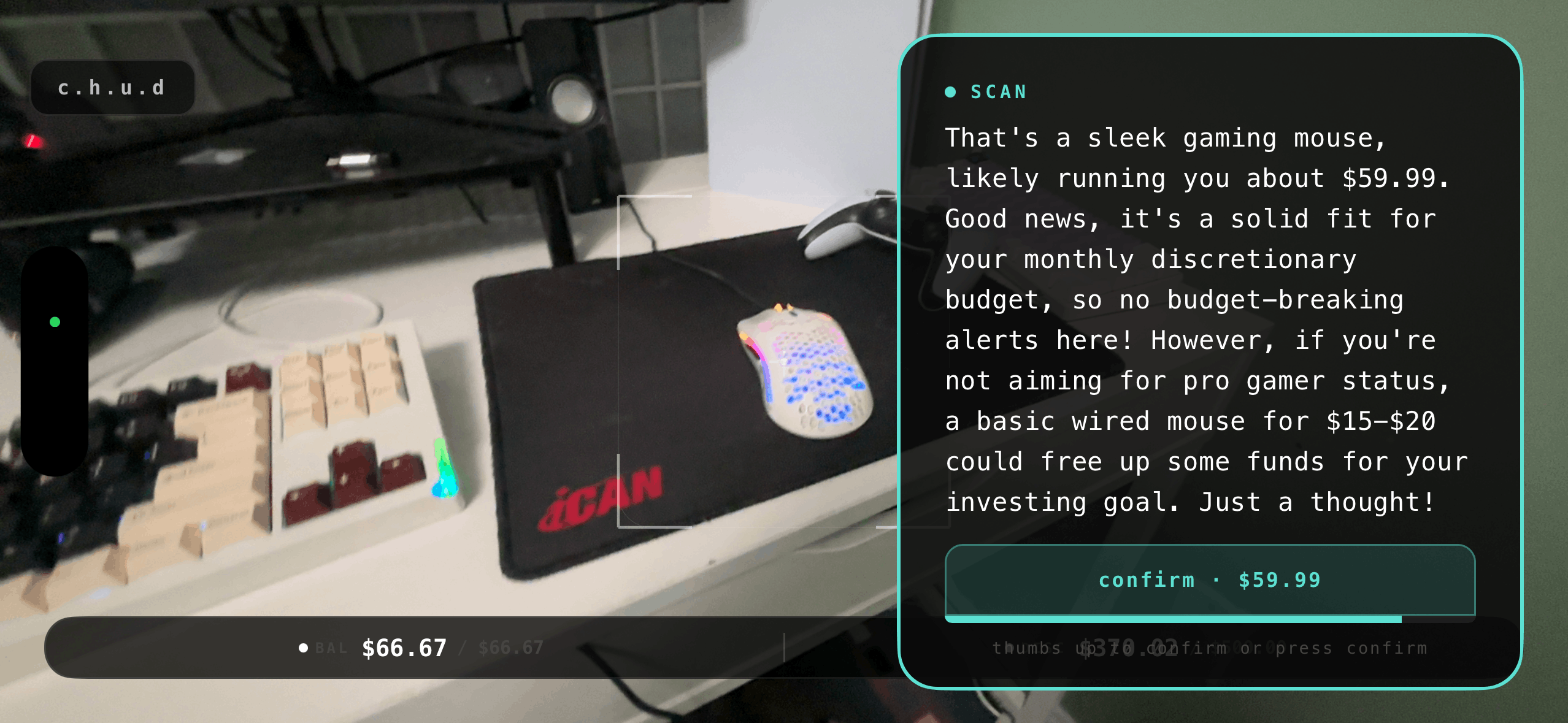
- Verdict — Gemini identifies the item, estimates price, and returns a short analysis plus a rating: bad (red), okay (yellow), or good (green), based on your profile and whether the purchase is a daily essential (e.g. food) or a bigger discretionary buy (e.g. a controller).
- Overlay — A compact result card shows the text, price, and a colored border (red / yellow / green). In landscape, the card sits on the right so the reticle and product stay centered; a vertical confirm strip on the far right has the confirm button and a countdown bar tied to the same rating.
- Confirm or dismiss — Thumbs up or tap “confirm” to log the purchase and deduct from your balance; otherwise the overlay auto-dismisses when the countdown (or voice) ends.
So in practice: you look at a coffee, scan with your palm, get “good” and a green border; you look at an expensive gadget, get “bad” and a red border plus alternatives—all without leaving the camera view.
How we built it
- Mobile: React Native (Expo) with Expo Router — HUD (camera, reticle, overlays), onboarding, profile, and landscape-specific layout for the scan card and vertical button strip.
- Backend: FastAPI (Python) — “C.H.U.D Brain”: scan and analyze endpoints, rate limiting, built with Railtracks.
- Vision & reasoning: Gemini for product ID, price estimation, and personalized rating (daily vs. monthly budget, your goals and triggers).
- Gestures: MediaPipe hand landmarker for open palm and thumbs up; gesture polling runs only when the HUD is focused (no camera/gesture calls from profile or onboarding).
- UX: Themed overlay (red/yellow/green border), countdown bar (horizontal in portrait, vertical next to the button in landscape), and safe-area-aware layout.
Challenges we ran into
- Orientation — Making the scan result and confirm strip work in landscape (card on the right, vertical button and countdown on the far right) without blocking the reticle.
- Budget logic — Teaching the model to treat “daily” (food, coffee) vs. “non-essential” (e.g. PS5 controller) differently and rate against the right budget (daily vs. monthly).
- Gesture scope — Ensuring camera and gesture polling only run on the HUD screen so we don’t take pictures or call the backend from profile or calibration.
Accomplishments we’re proud of
- A single flow: calibrate once, then point and scan with minimal friction.
- Personality-driven copy and voice that make the guardrail feel like a sharp, consistent advisor.
- Clear visual language (red/yellow/green borders) and a layout that keeps the product and reticle in view, especially in landscape.
- Rating and budgets that respect “daily essentials” vs. “monthly discretionary” and your stated goals and triggers.
What we learned
- How to combine Gemini (vision + reasoning) and MediaPipe (gestures) in one real-time flow.
- How to keep the HUD responsive and the center of the screen uncluttered while still showing price, rating, and confirm in a glanceable way.
- The importance of calibration (income, goals, tone, triggers) so the AI’s verdict feels relevant and fair.
What’s next for C.H.U.D
- Optional link to bank or budgeting apps for real balance and transaction history.
- Richer “alternatives” (e.g. nearby deals, similar items) when the rating is red or yellow.
- Deeper use of Railtown/observability to improve prompts and rating logic from production behavior.
- Optional support for other form factors (e.g. wearables, glasses) reusing the same backend and rating model.
Built With
- fastapi
- gemini
- mediapipe
- react-native


Log in or sign up for Devpost to join the conversation.