-
-
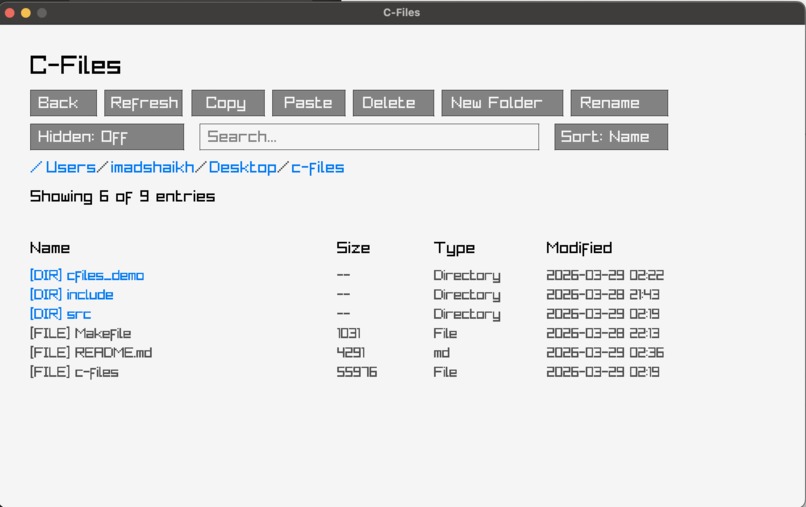
GUI
Inspiration
I wanted to understand how file systems work under the hood by building a file explorer from scratch. This project bridges the gap between everyday tools and low-level system behavior.
What it does
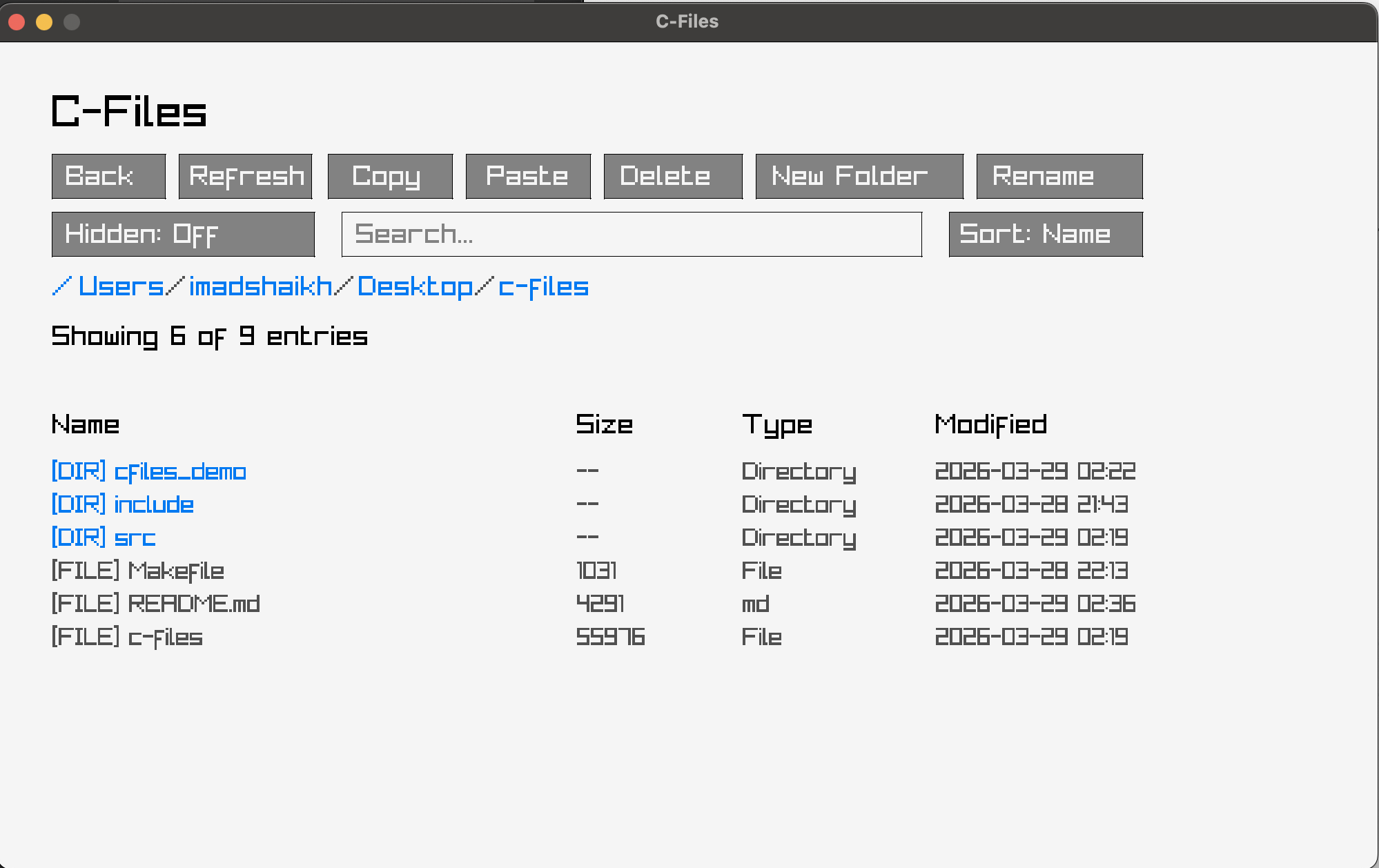
C-Files is a lightweight file explorer that supports navigation, search, sorting, and file operations like copy, paste, delete, rename, and folder creation. It also displays file metadata and supports hidden file toggling.
How I built it
I used C with raylib for the GUI and POSIX system calls for file operations. The project is modular, separating navigation, file operations, search, sorting, and UI logic.
Challenges I ran into
Managing UI state was difficult, especially ensuring rename and delete modes didn’t conflict with navigation. Recursive directory deletion and input handling were also tricky to implement correctly.
Accomplishments that I am proud of
I built a fully functional file explorer in C with a responsive GUI and real file system operations. I also created a clean, modular architecture with features comparable to standard file managers.
What I learned
I gained a deeper understanding of file systems, system calls, and managing state in GUI applications. I also improved our ability to structure larger C projects and handle user input effectively.
What's next for C-Files
I plan to add features like file preview, keyboard shortcuts, and improved UI components. I also want to refine performance and expand cross-platform support.
Built With
- c
- posix
- raylib

Log in or sign up for Devpost to join the conversation.