-
-
Logo
-
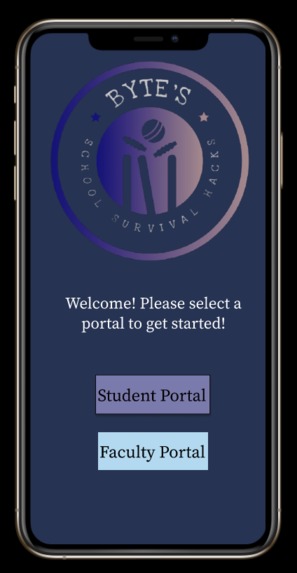
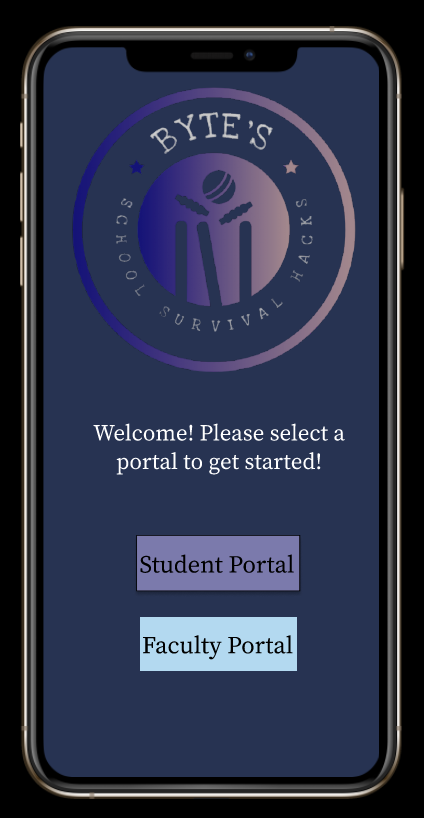
Homepage
-
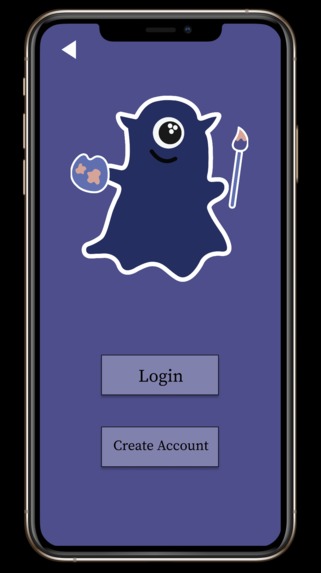
Student Portal - Login or Create Account
-
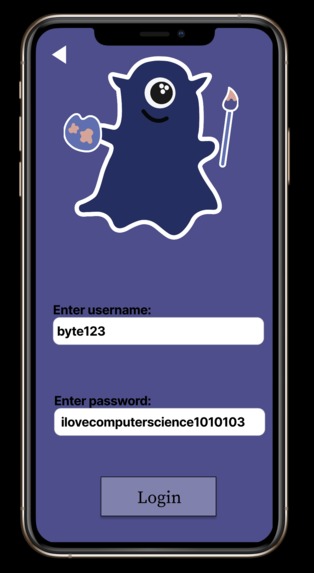
Student Login
-
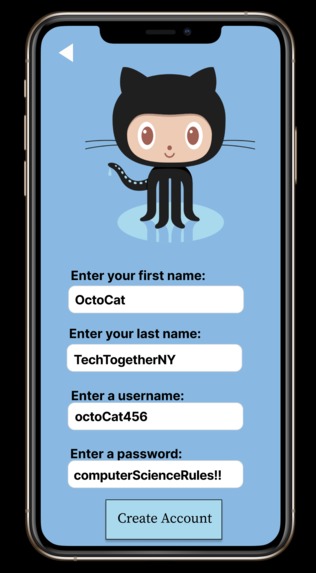
Faculty Create an Account
-
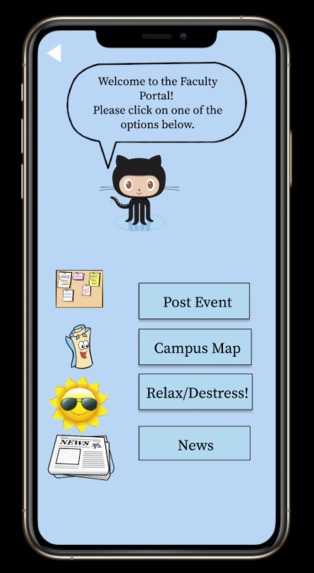
Faculty Hub
-
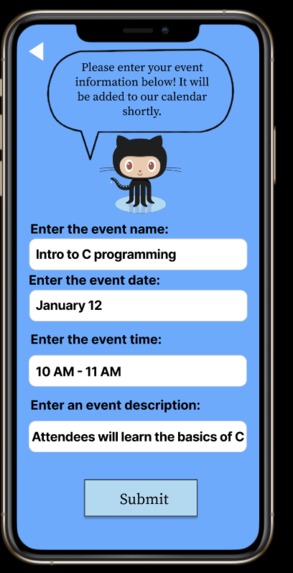
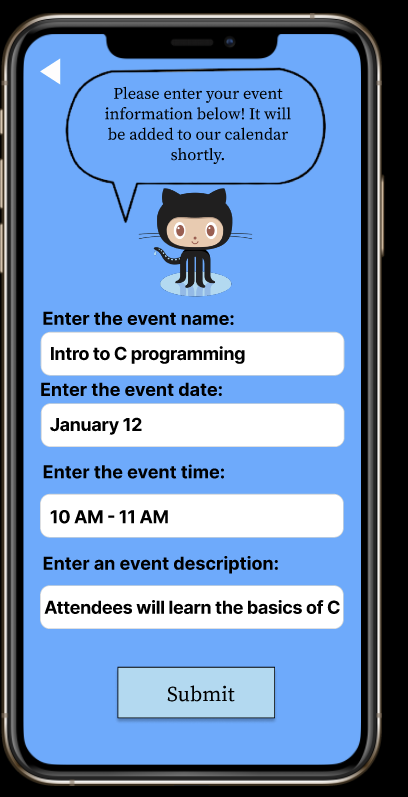
Faculty- adding an event
-
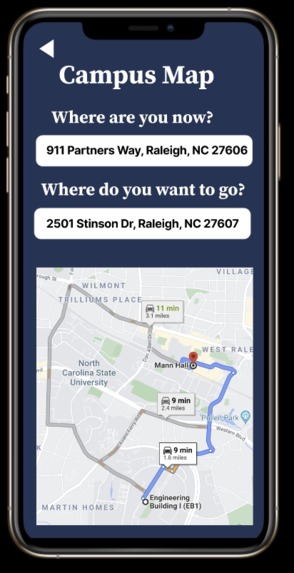
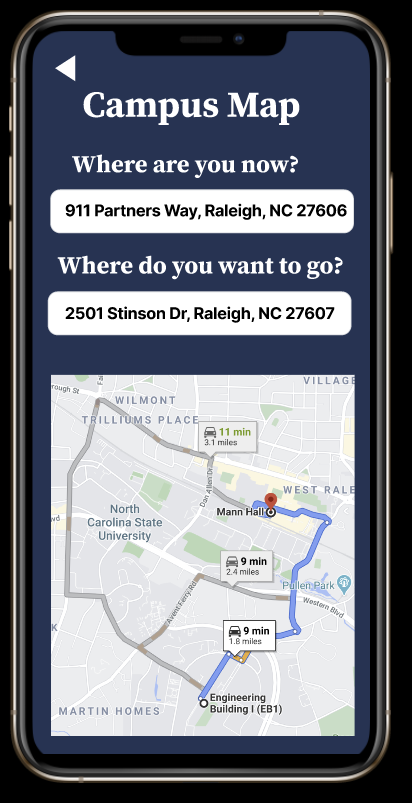
Campus Map
-
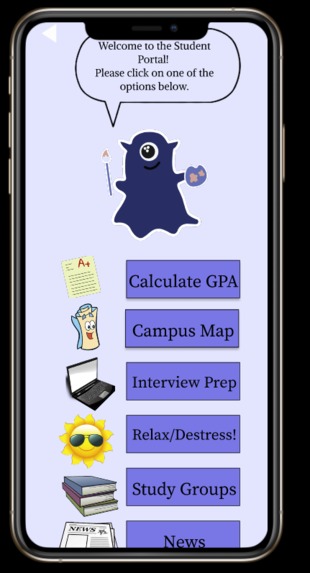
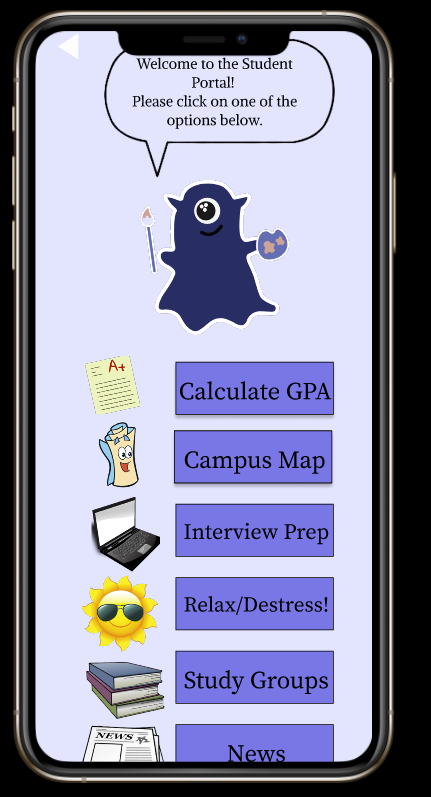
Student Hub
-
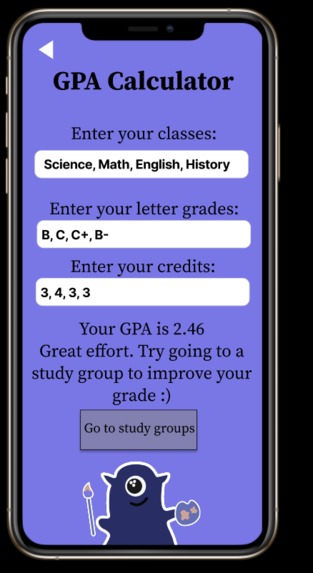
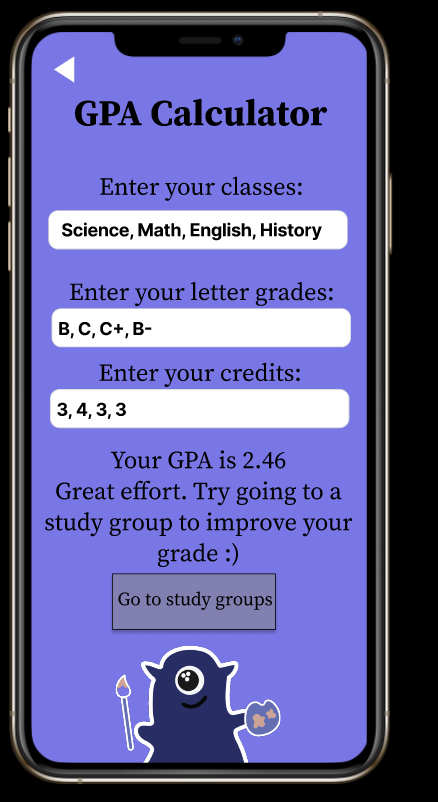
Student- GPA Calculator
-
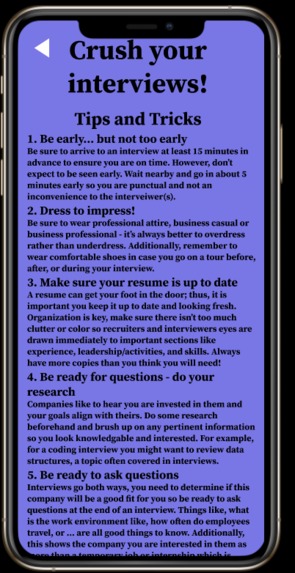
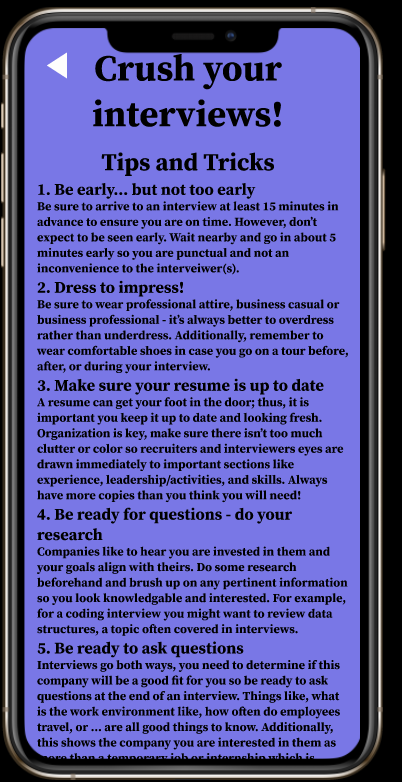
Student- Interview Prep
-
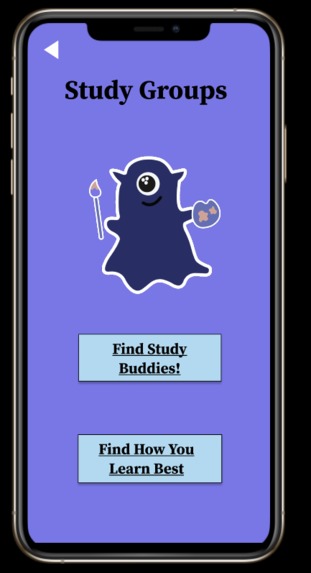
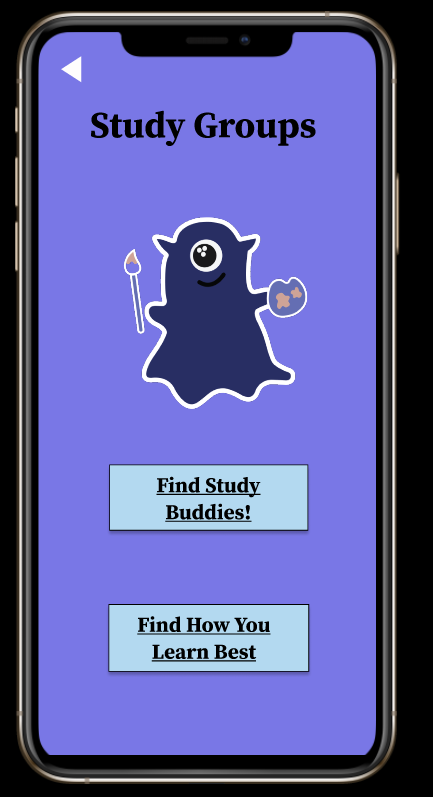
Student- Study Groups & Learning Style Quiz
-
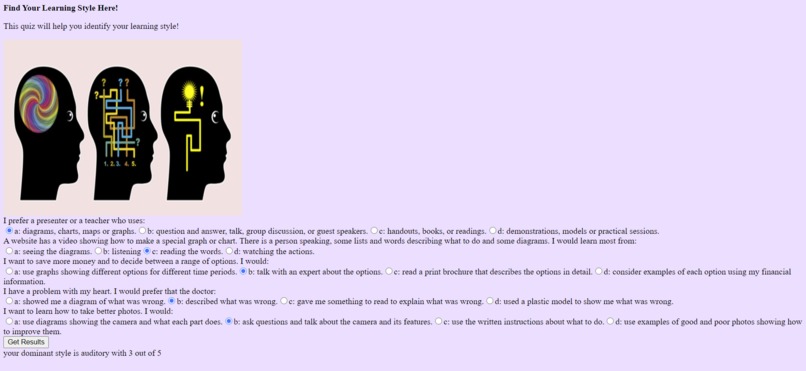
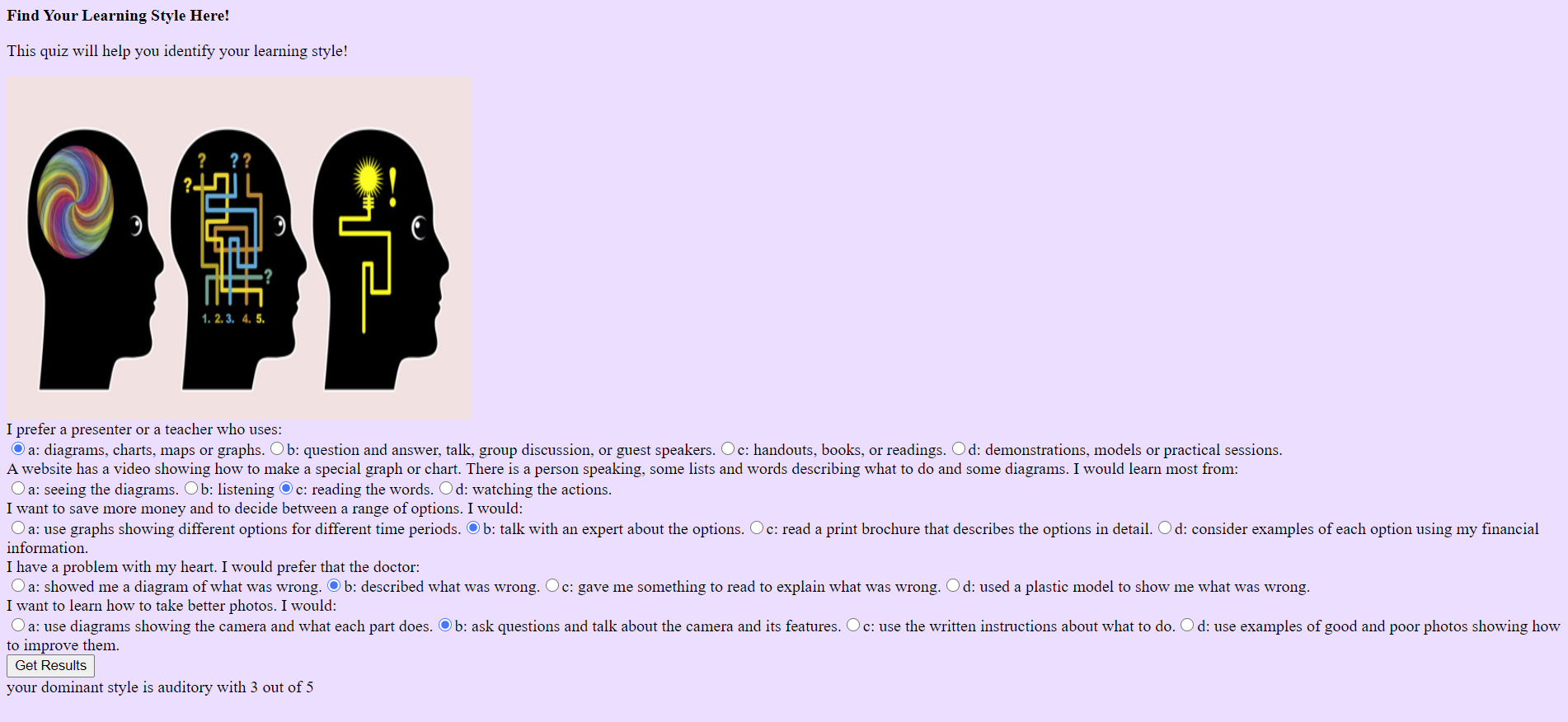
Student- Learning Style Quiz Website
-
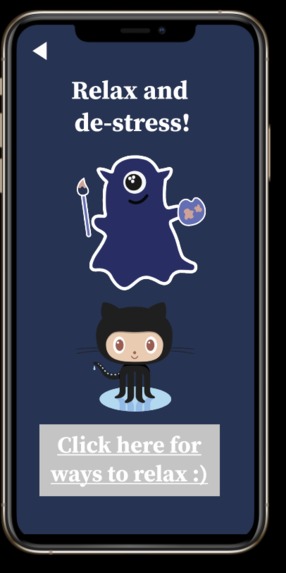
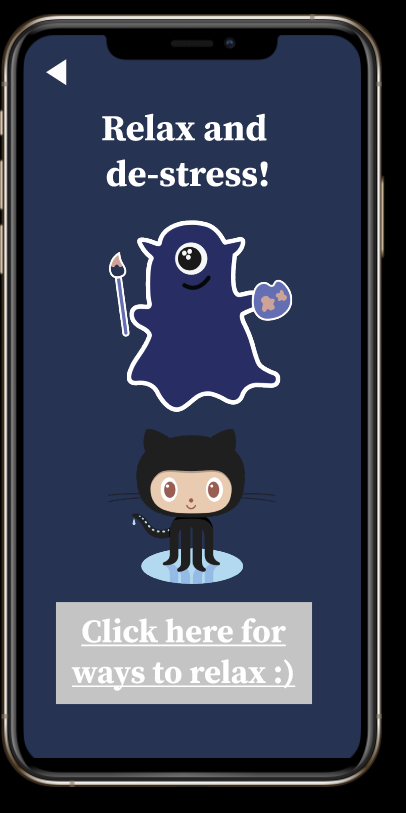
Relaxation Hub
-
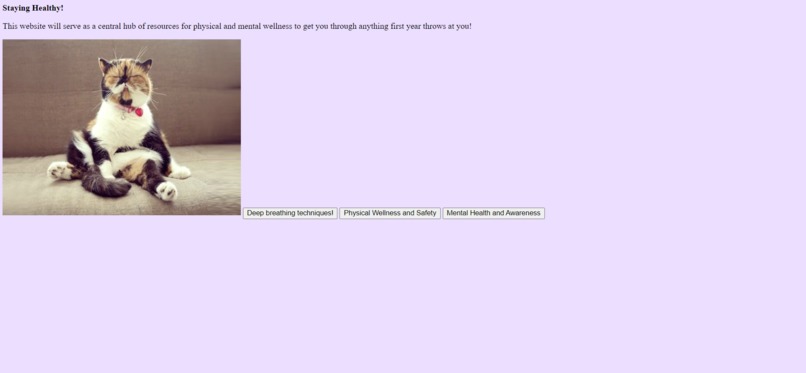
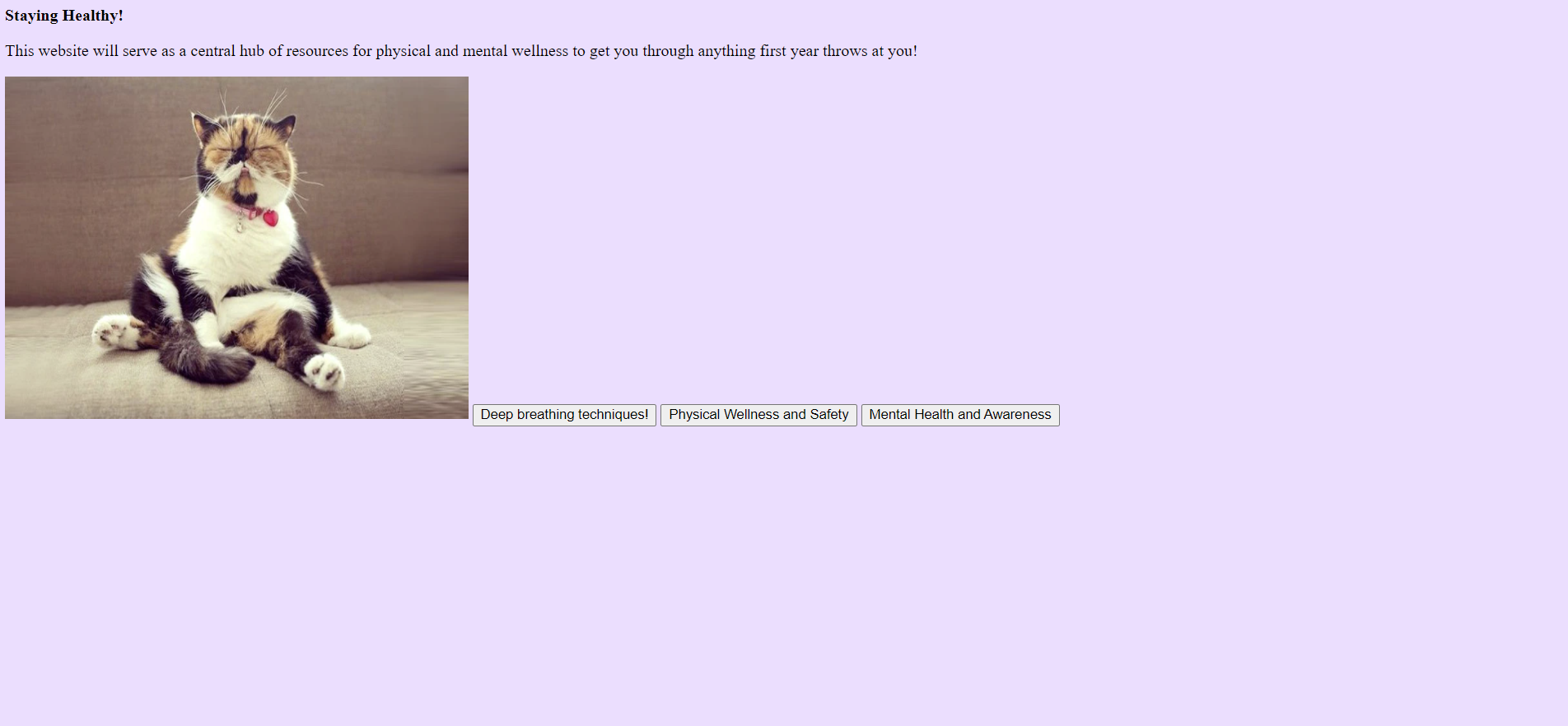
Relaxation Website
-
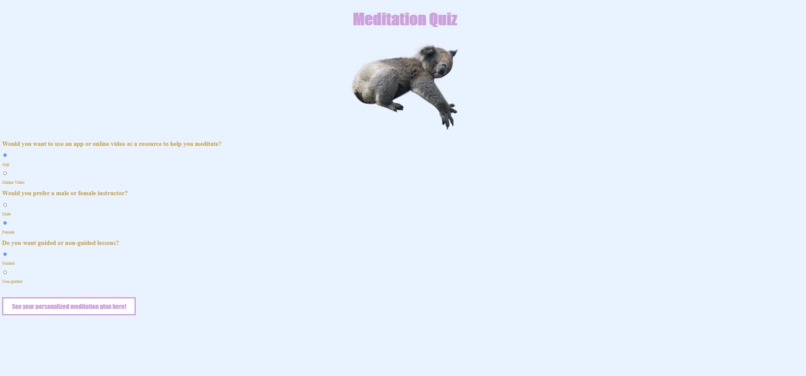
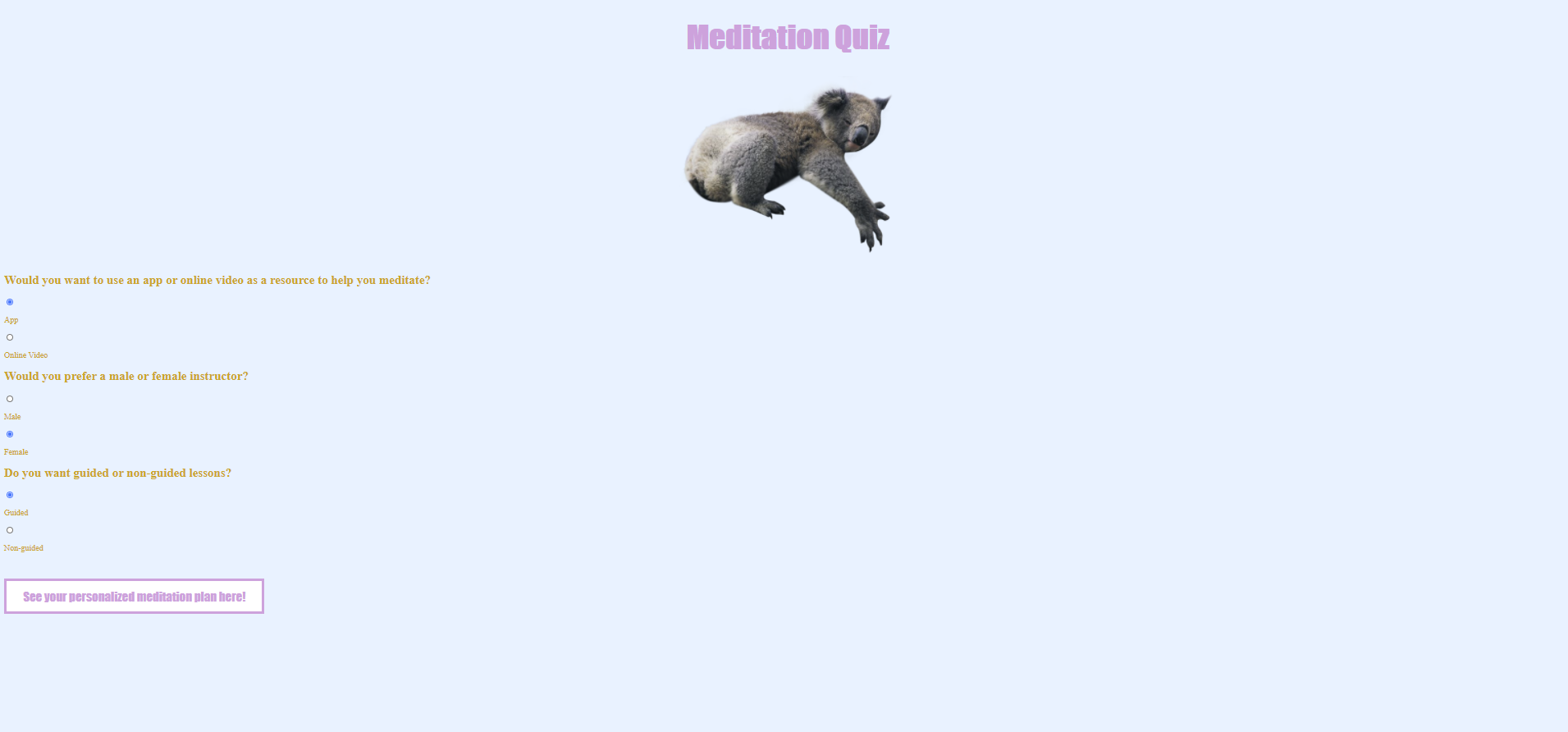
Meditation Quiz
-
-
Inspiration
We wanted to design an app that would benefit college freshmen because often the adjustment, particularly for students far from home, can be challenging. This is especially true during a pandemic where it’s harder for students to mix, mingle, and find peers to hang out with in a safe manner as well as peers to study with for difficult classes. As college sophomores, we are familiar with the freshman year experience and feel for those going through freshman year amidst a pandemic. Thus, when brainstorming ideas we began to think of ways to better their first year experience. We wanted to encapsulate as many resources as possible to better their experience and created a list of necessary resources: study groups, de-stressing, news and events, interview preparation, a campus map, and a GPA calculator.
What it does
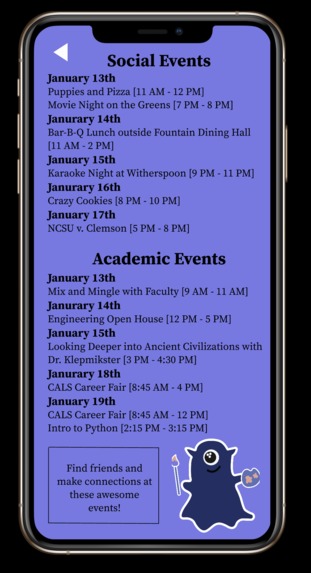
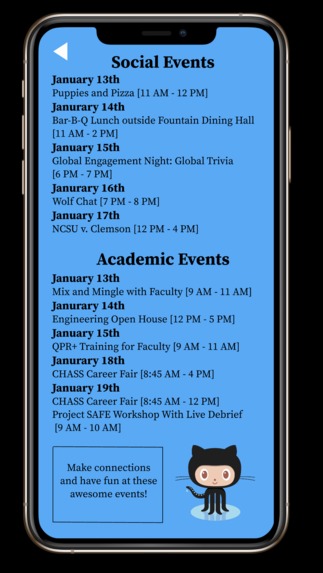
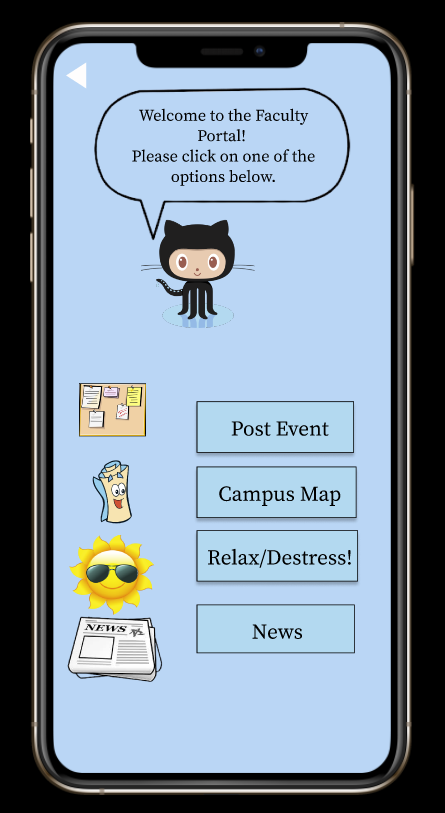
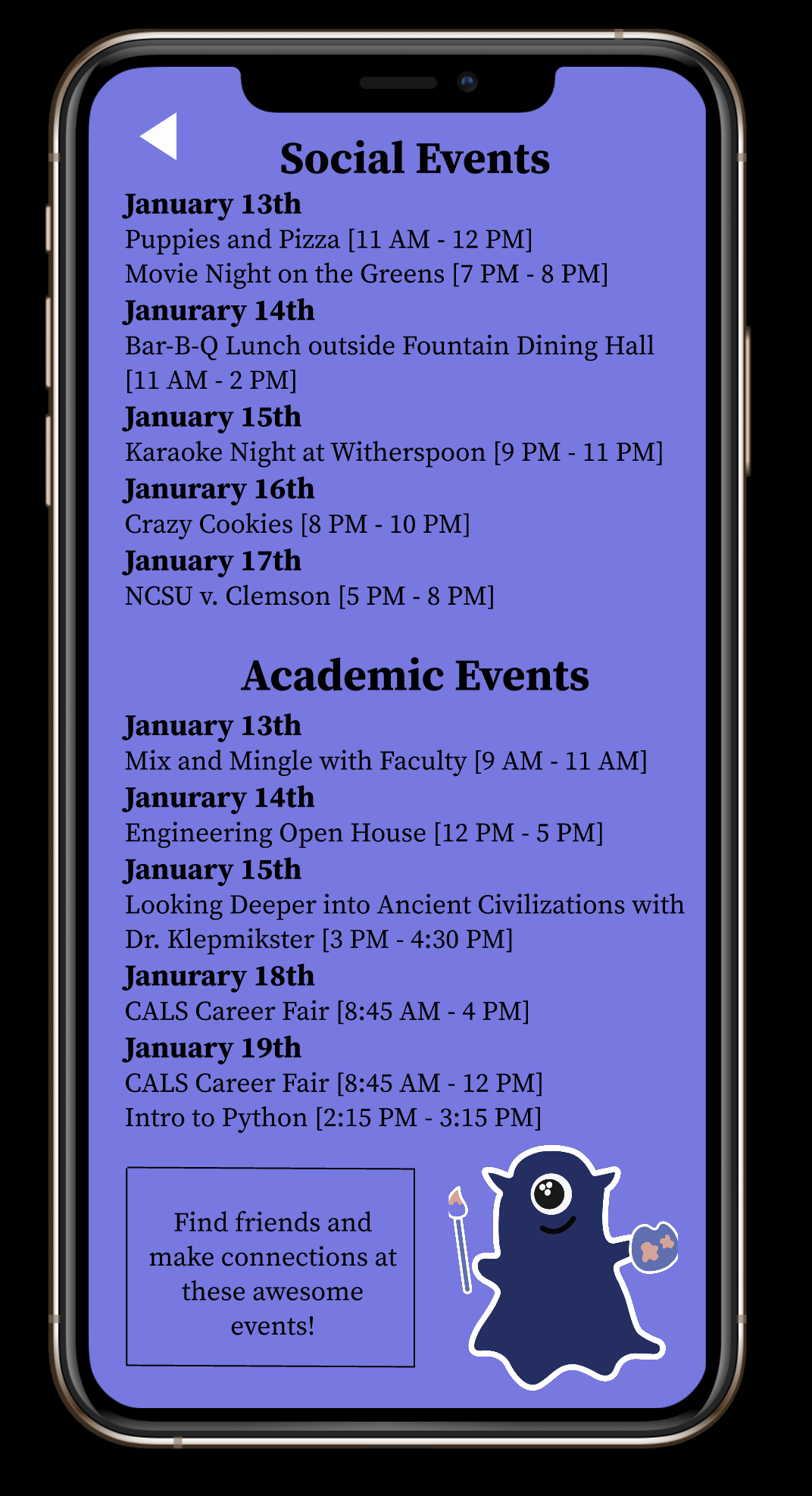
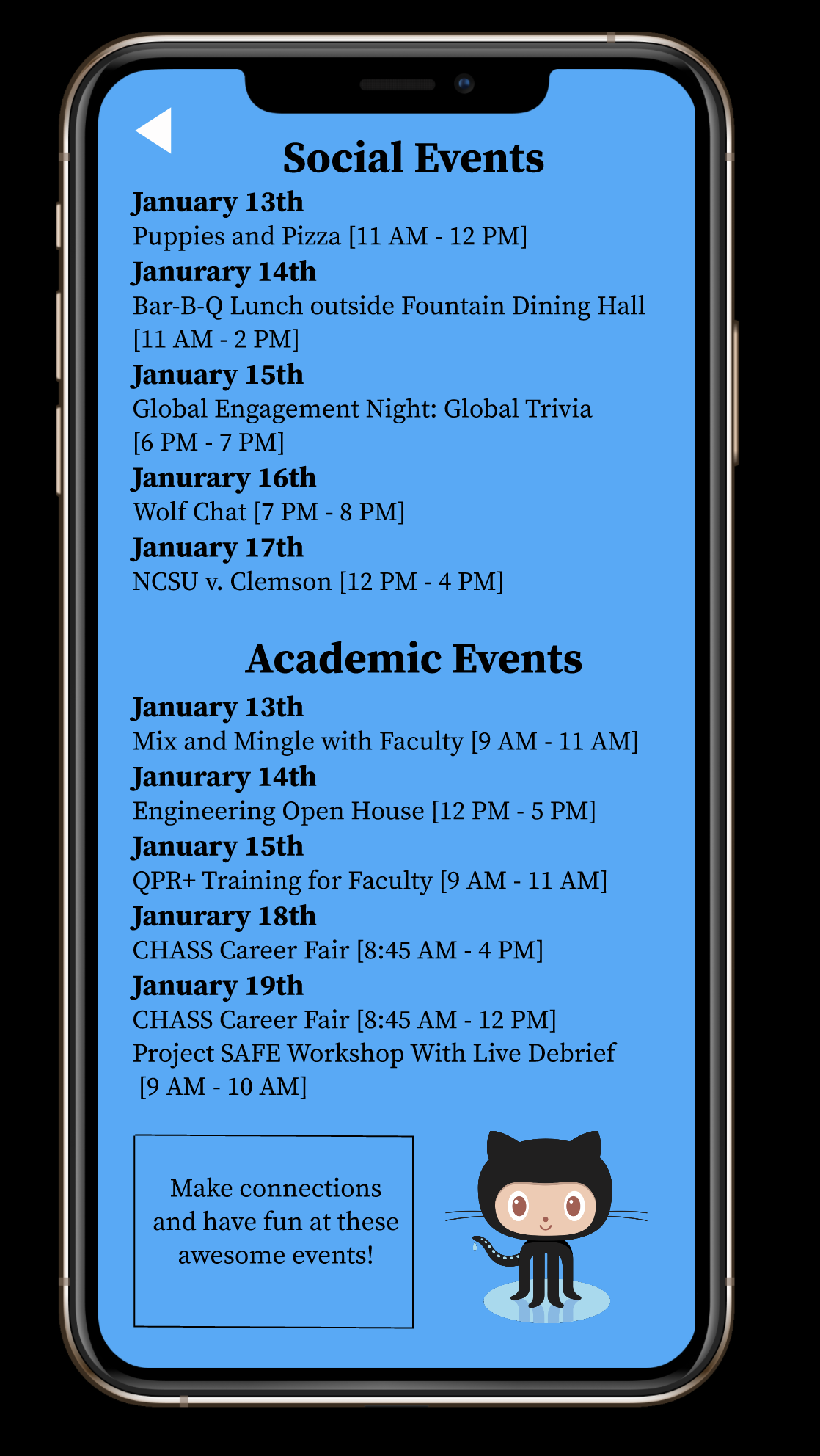
There are several apps on the market designed to make college a bit easier for students; however, none of these apps are all encompassing - thus, none are quite like ours. Our app includes vital resources like a campus map, study resources, GPA calculator, relaxation hub, and interview preparation information. The campus map serves to help both students and faculty get from one location to another in the most efficient manner. The study resources include quizzes and forms to help students determine how they study best and to create study groups. The GPA calculator calculates a student’s term or overall grade and based on the outcome, may suggest the student go to our study groups page in order to learn more about how to study to their strengths and find a group of friends to make studying easier. The relaxation hub links to a website we made where students and faculty can go to explore deep breathing techniques, physical wellness and safety, and mental health and awareness. Additionally, our app includes a page of important interview preparation tips and tricks to help freshmen secure an internship or co-op which can be difficult that first year, especially virtually. Lastly, we have a news page for students and faculty respectively, where our users can find the latest events, both social and academic - both of which are crucial to living freshman year to the fullest. Faculty serve as moderators for both their news board and the student news board, adding events for students and themselves. This helps keep the news board up to date with the latest information and students can make the most of their college experience.
How We Built It
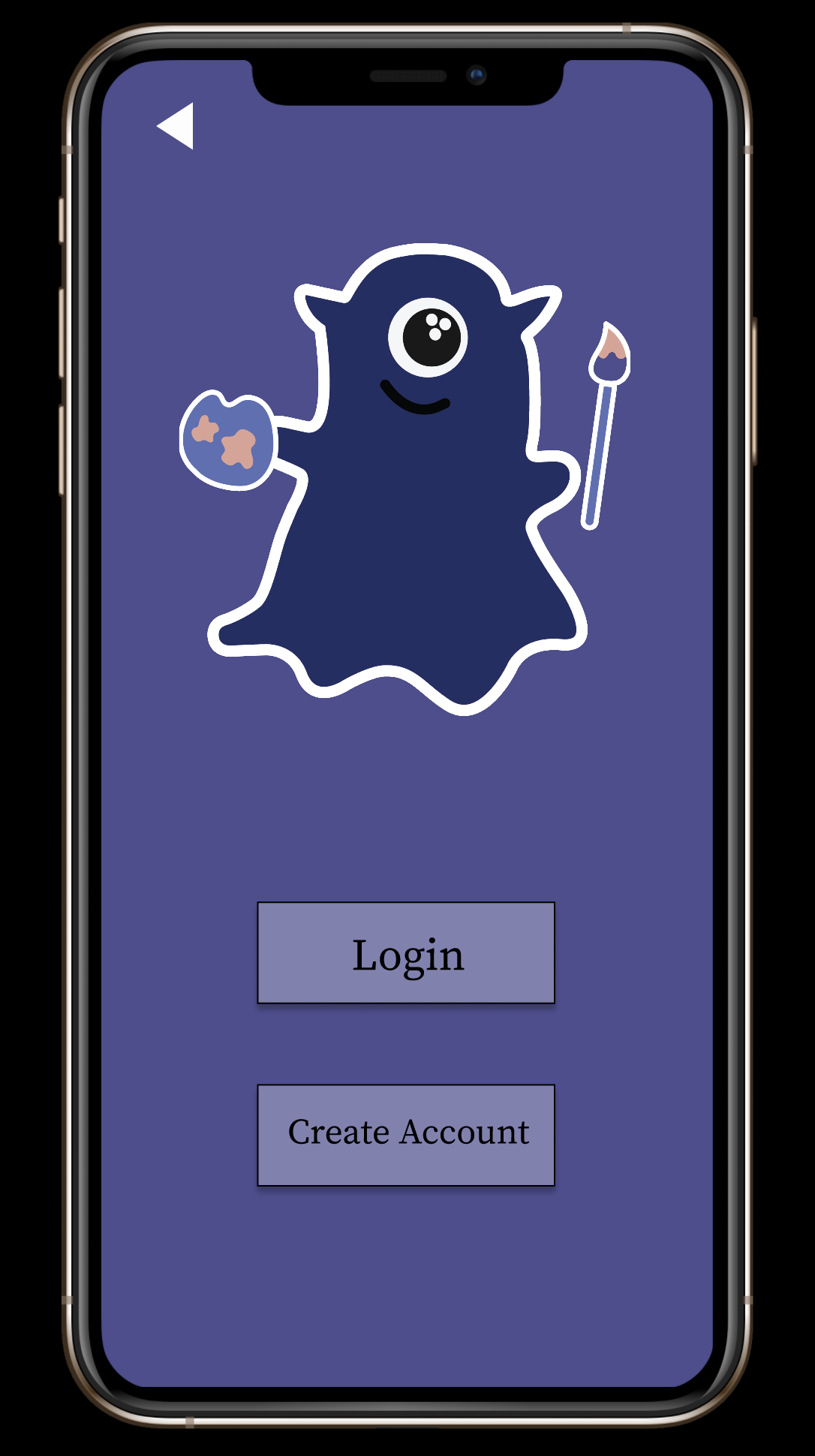
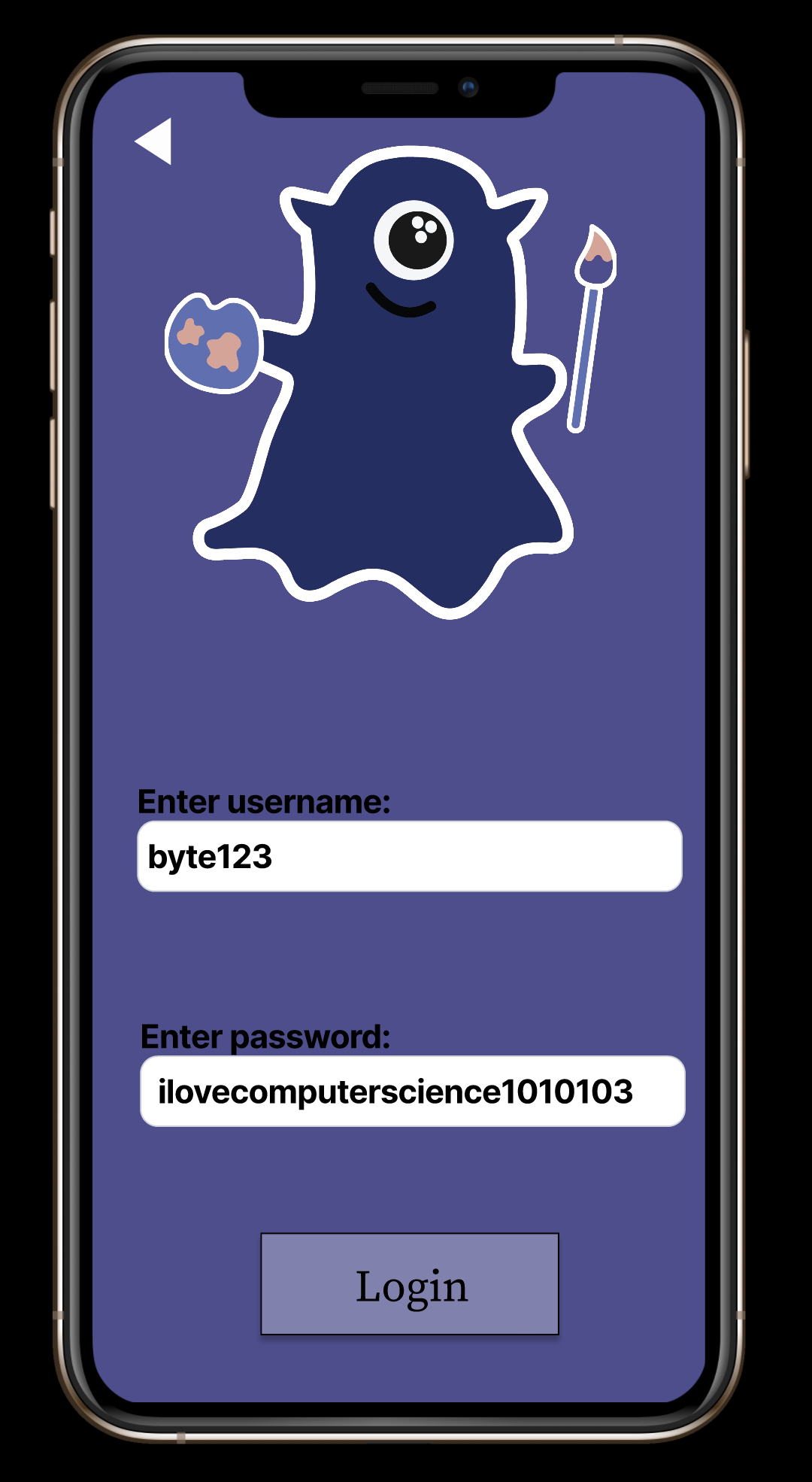
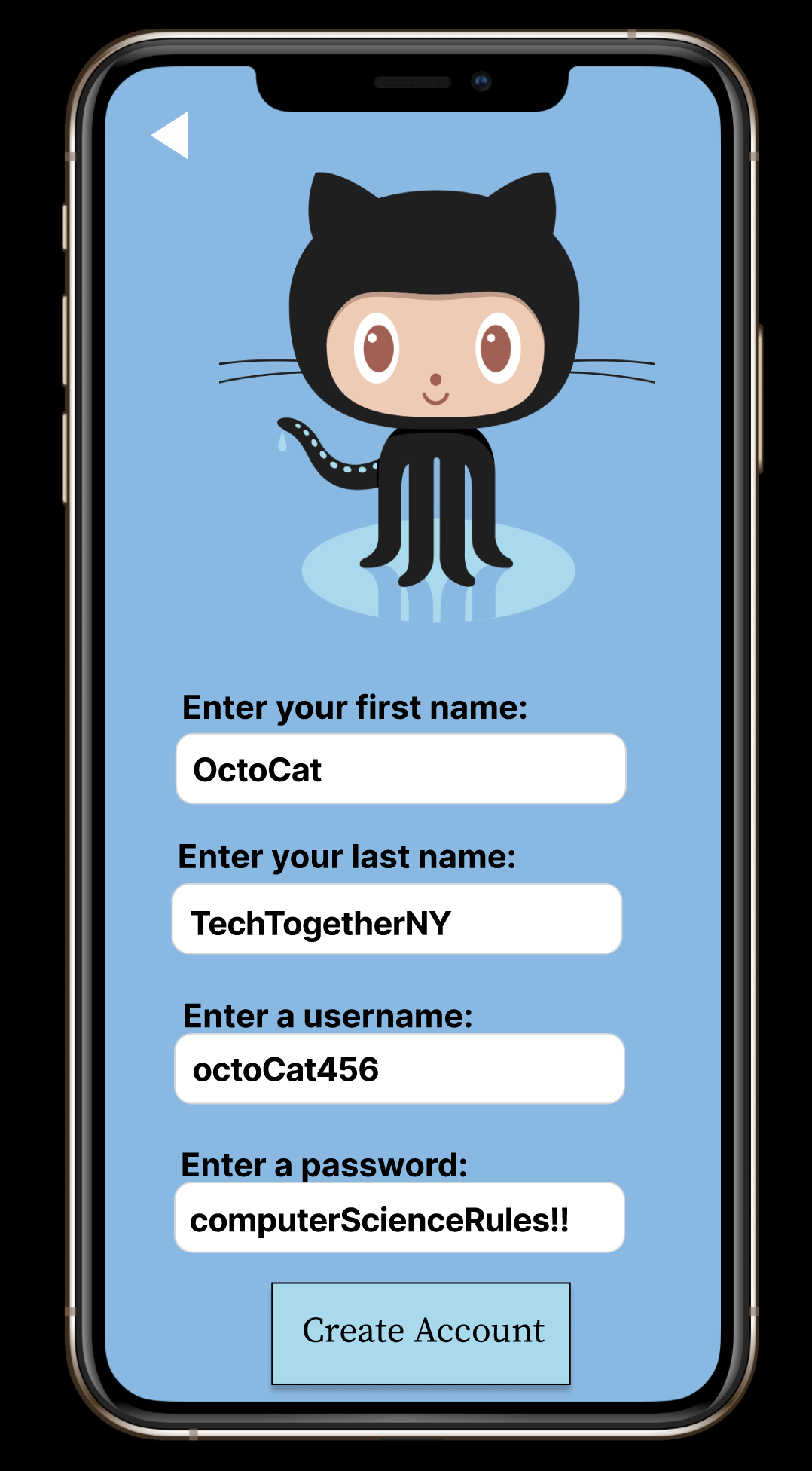
Our group decided to use Figma, a collaborative interface design tool that can be used to design and prototype a project, to model our app. Within our prototype we used websites, quizzes, and a google form to make things more interactive for our users. On the backend we utilized Javascript, HTML, and CSS for the websites and quizzes, creating 2 fully developed website quizzes which highlight learning styles and wellness tips. We also used Java to create the grade calculator where students can enter their grades for courses and determine their term or overall GPA. Java was also used to create the framework of how users, students and faculty, would log in or create accounts. This functionality ensured that students could not share the same username and faculty could not share the same username respectively.
Challenges We Ran Into
Our team is composed of four members, half of which this was their first hackathon project, and the other half of which this was their second. This project was difficult but rewarding. Half of the code was written in Java, a language familiar to half of the team, and the other half in JavaScript and HTML, a language no one on the team had more than a very rudimentary understanding of. Due to the lack of common technical languages known that would be useful to create our ideal viable product, a lot of pair programming and researching helpful tutorials and examples was required, as well as much frustration when embedding Javascript into our HTML webpages regarding the format of the final product. Another hurdle our team overcame through this project was learning how to use Figma. No one on the team had used the resource before and it was a bit of a steep learning curve trying to connect frames so that the prototype functioned as a prototype and also utilizing various plugins, particularly with our map. A plethora of searching for examples, online forums, and instructions helped us to put together a working prototype on Figma as well as two functioning web pages, which was quite a feat for our team. Additionally, when creating our campus map, we ran into some difficulty making it interactive; our original plan to use the Google Maps API proved a sizeable task, and the plugins we attempted to use alternatively did not function in the way we thought they would.
Accomplishments that We're proud of
We were able to gain a vast amount of knowledge across a range of topics including UI/UX design using Figma, as well as delve deeper into webpage development using HTML, CSS, and Javascript, of which most of us had little to no experience with. Considering our lack of experience with these tools and technologies, our final products (a working Figma prototype and a set of functioning webpages with embedded quizzes) far surpassed our expectations in terms of quality and functionality!
What We Learned
We learned about what goes into an appealing front-end design to help maximize the user experience, and that simple designs and eye-catching graphics are often the key to drawing interest in a product. We also gained basic knowledge in languages such as Javascript and HTML/CSS, as well as web development techniques. Finally, we learned that learning a new coding language isn't nearly as difficult as it may seem, and that we could use our newfound knowledge as a team to help push our product forward in a relevant way!
What's next for Byte’s School Survival Hacks
There is a vast array of features we see ourselves being able to implement for Byte’s School Survival Hacks in the future. A major one is successfully using the Google Maps API to make our campus map more interactive and help freshmen plan out routes to class; additionally, we plan to address pass/fail grading in our GPA calculator and help students find study groups based on data extracted from our study group form, as well as base don intersections from the learning styles quiz. Finally, we plan to redesign the websites to reflect our growing knowledge in HTML, CSS and Javascript and how to make them more visually appealing and interactive.


Log in or sign up for Devpost to join the conversation.