-
-

Bypass Logo
-
Bypass App
-
Bypass App
-
Bypass App

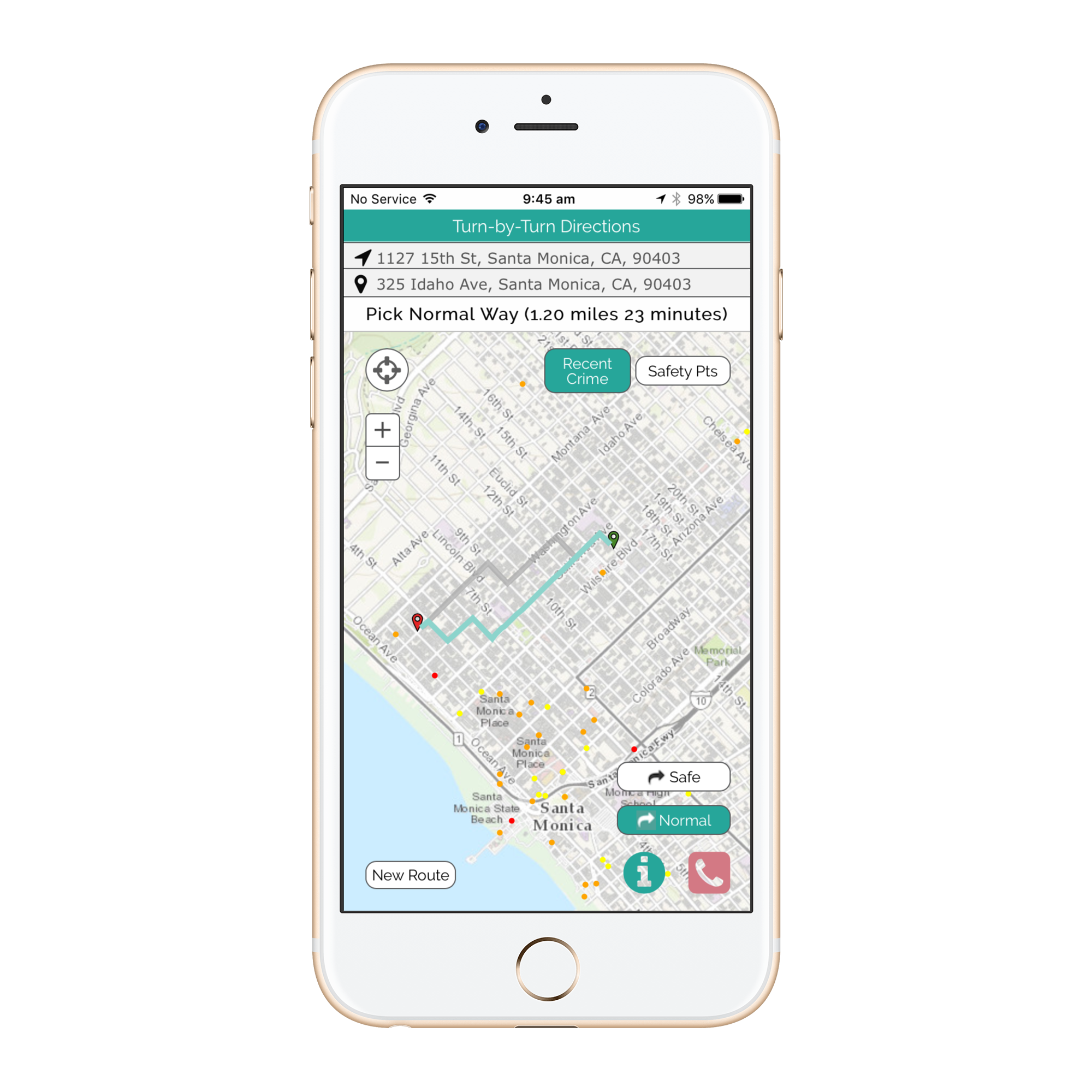
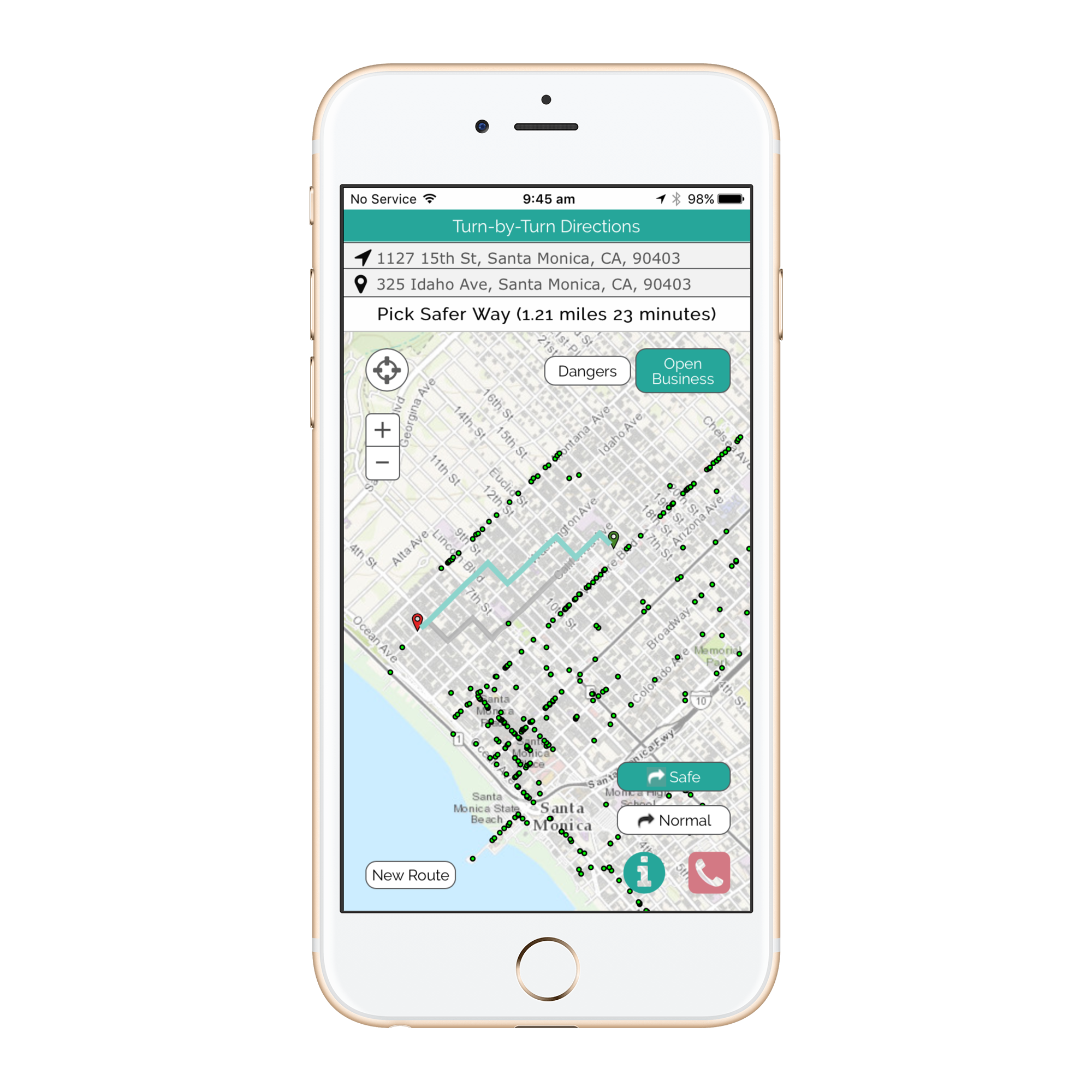
Instruction
Bypass will help you get from A-B using the safest route.
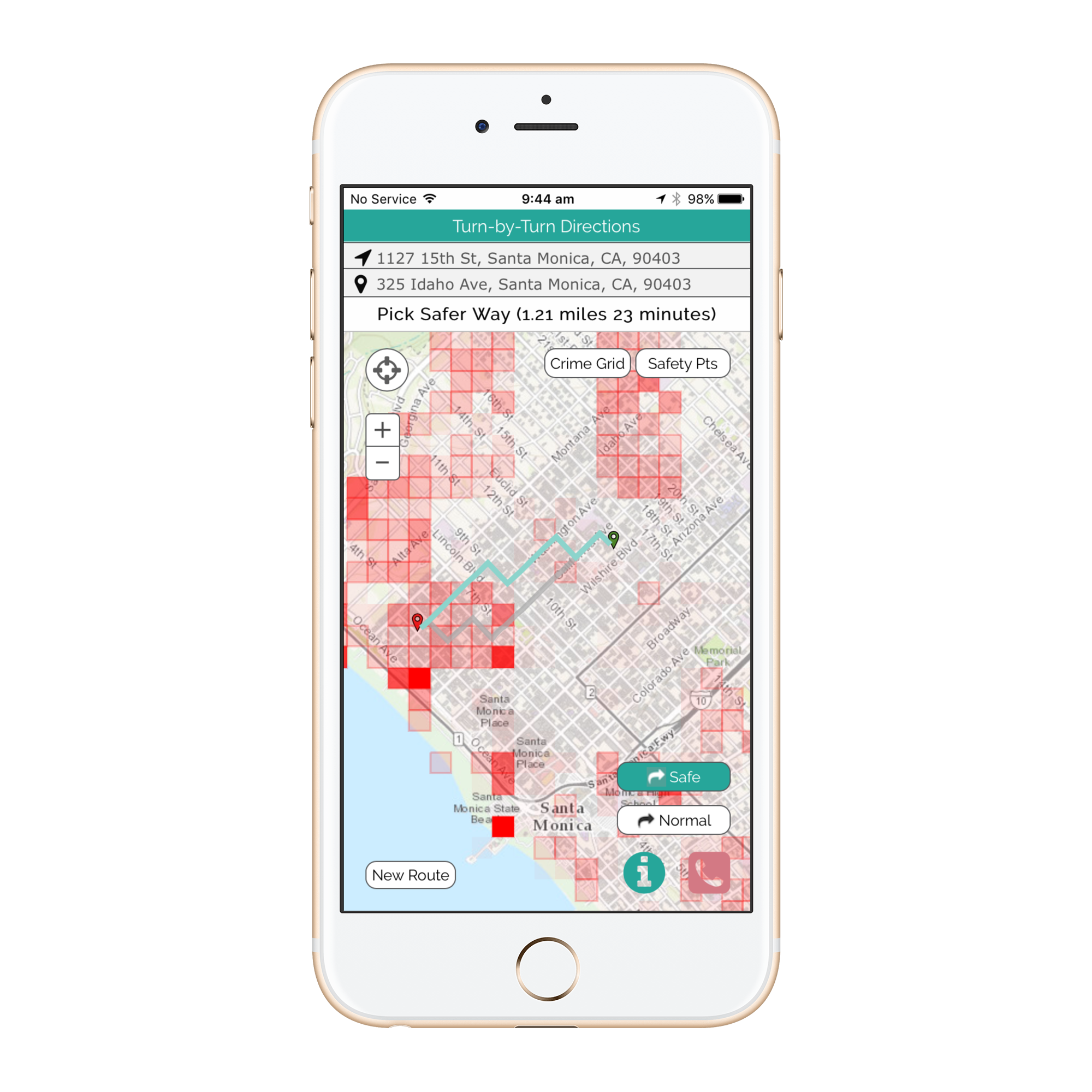
The 'Red Call' button will call the police and send a message to your allocated emergency contact.
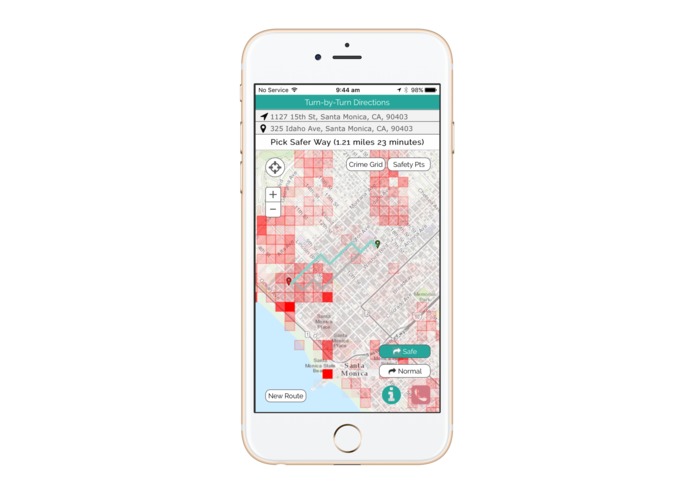
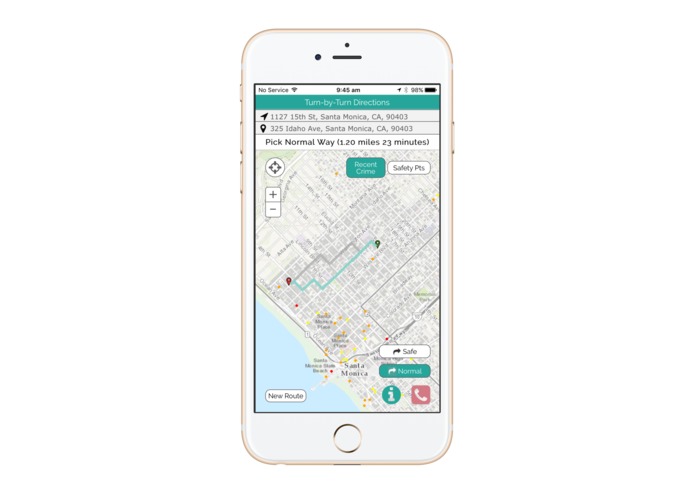
Enter your destination in the 'End Location' and 'Start Location' space by typing in your address, clicking on the map, or clicking on the My Location Button. Once the routes are generated, you can toggle between the Bypass and Normal route. Pushing Go allows you to choose your route.
Pressing the directions button after route chosen will give you written directions to your desired locations.
You can use the filter button to show the map layers available in your area.
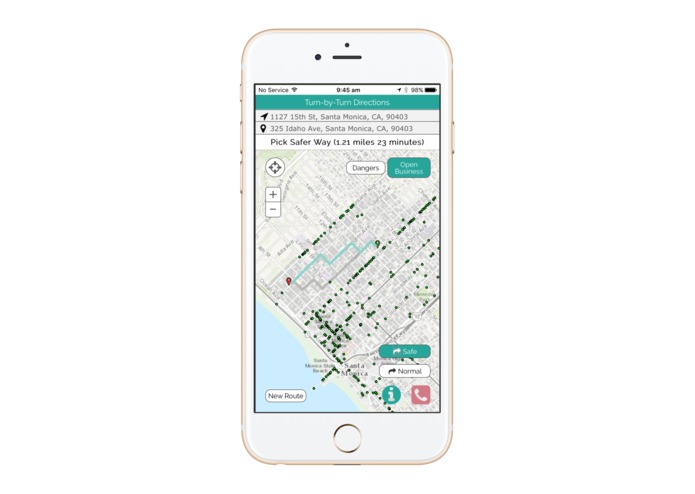
Crime grid overlays the aggregated analysis. Raw data allows see crimes, businesses, and points of interest. Please allow for loading. Not all browsers may be supported.
About
Bypass is a big data application focusing on safety. We are showcasing our learning through a mobile application mitigating the public’s exposure to dangerous areas by taking them around high crime risk streets.
Bypass leverages machine learning, crunching thousands of dynamic data sets, to continually learn from crime reports, seasonal data and the user’s feedback to track how crime areas evolve and to ensure people are being routed the fastest way around real threat areas.
Bypass operates at a street level granularity not only at a neighborhood level. Bypass takes you the relatively safest route whether you are in a historically dangerous or safe area.
Bypass not only provides a routing feature. Bypass visualizes data to show a heat maps of crime, raw crime data, points of interest (eg shopping centers, hospitals, police stations etc), where public street lamps are as well as the free wifi zones.
Bypass is keeping users proactively safe rather than reacting to crime.
Created by Harry Dixon, Herminio Garcia, Austin Hubbell, Roy Lee, Brian Cottrell, Ivy Lin and Tony Li

Log in or sign up for Devpost to join the conversation.