-
-
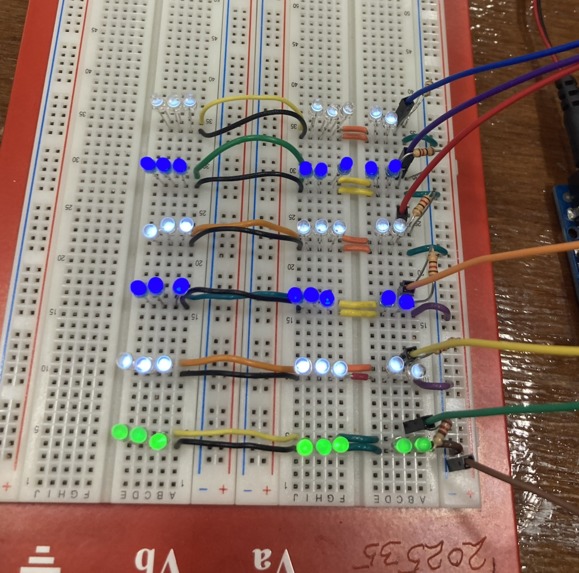
circuit with all lights on
-
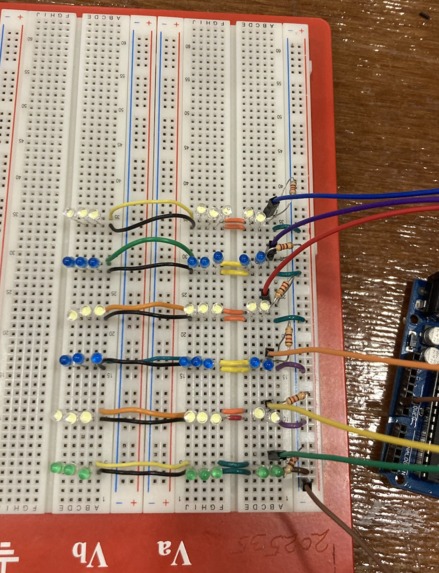
circuit
Inspiration
I'm a computer engineering major, and I knew I'd want to complete a hardware hack. I use the Pomodoro method while studying, which is 50 min on and 5 min off, and I find that it really helps me. I wanted to be able to see a pomodoro timer in a fun, cute, tactical sense, and the Bye Bye Study Blues project was born.
What it does
The times are scaled down for easier demo-ability. As the 50 min (50 seconds) go by, a row of lights goes off every 10 min (10 seconds). This lets the user know how much time is passing. Once the study time is up, a green light flashes at the bottom to get the users attention. Next, break time starts, and a row of lights goes off every 1 min (1 second). After break, the top row flashes next to get the users attention, and the timer starts once again.
How I built it
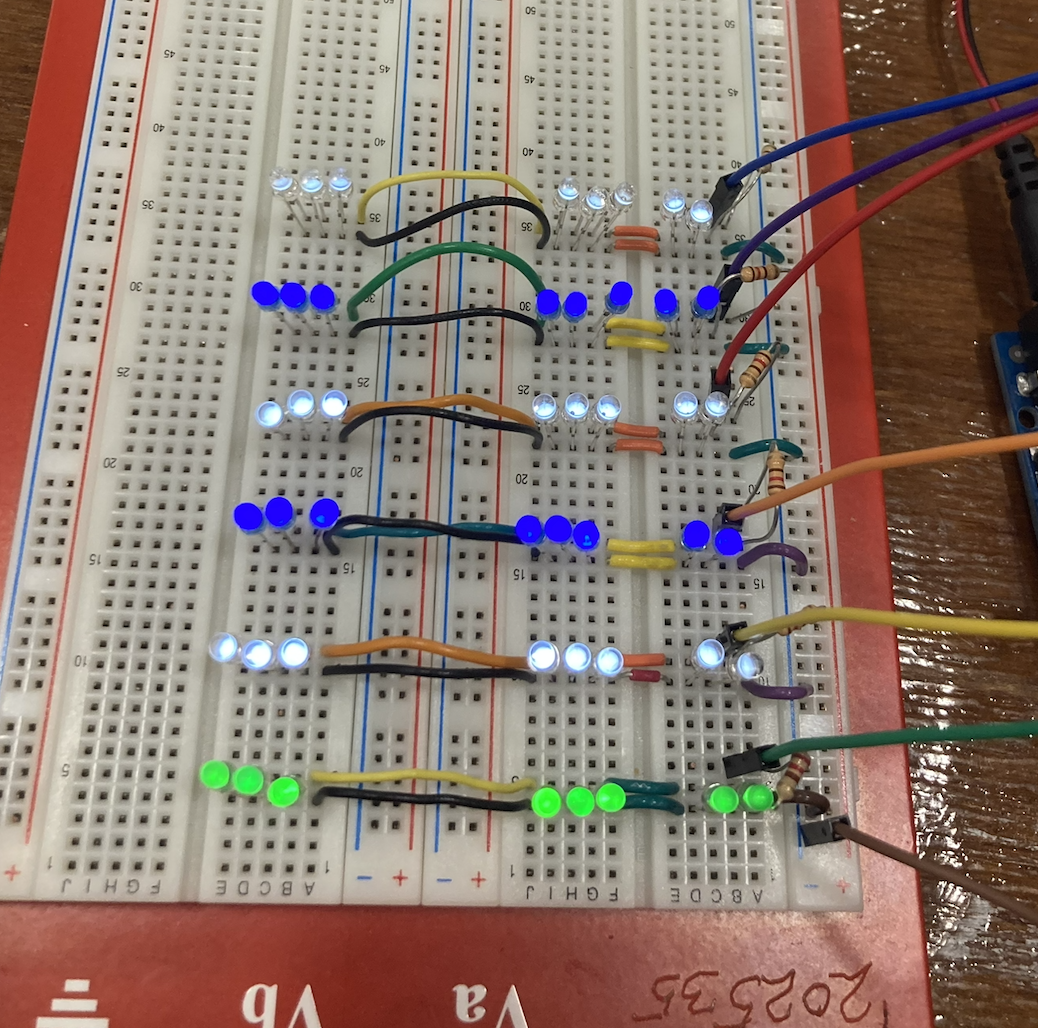
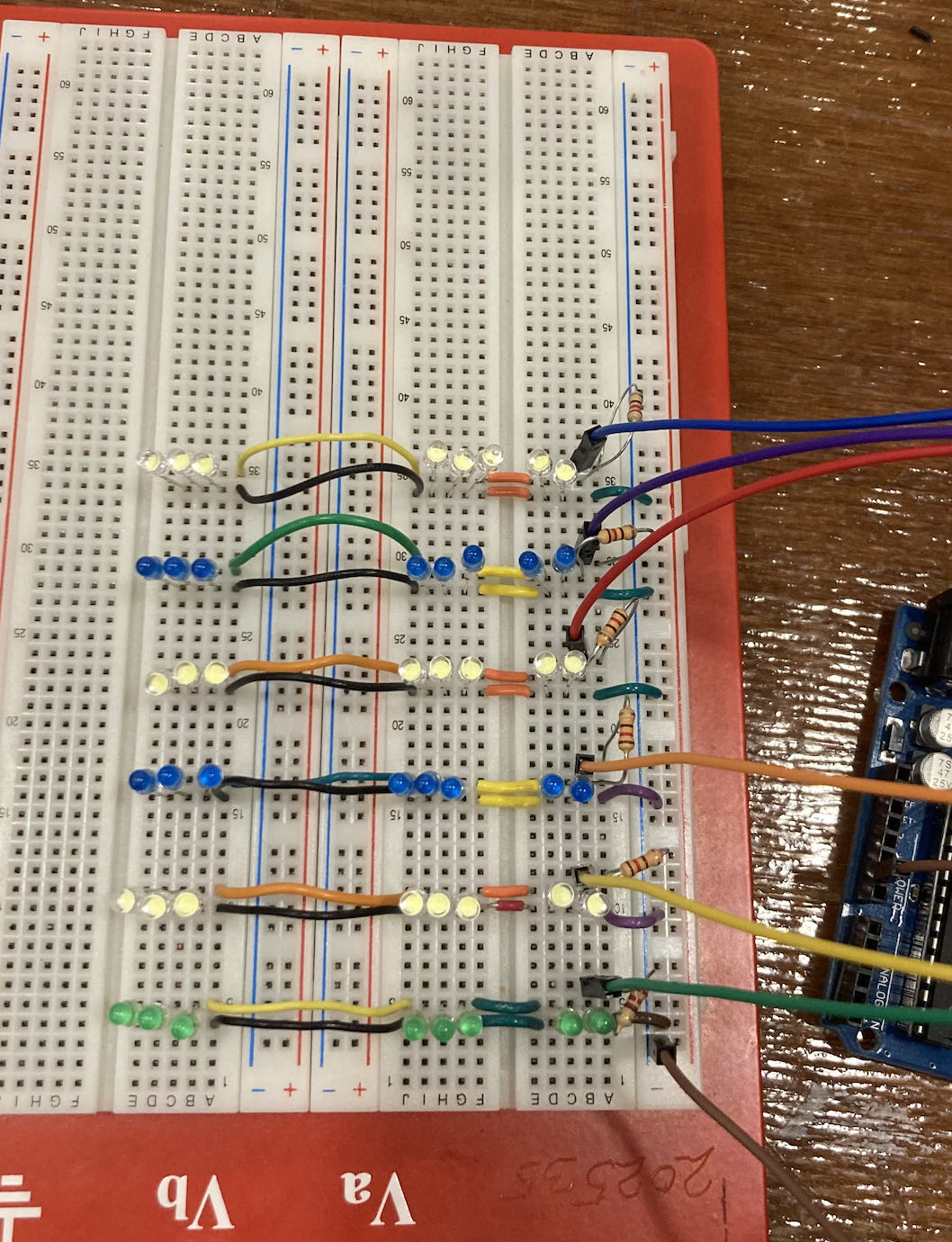
The circuit is compiled of essentially six mini-circuits (or what I'll call branches), each powered by its own arduino digital pin and grounded. Each branch is comprised of a resistor and 8 LEDs in parallel. The code was written in Arduino IDE and was uploaded to the board.
Challenges I ran into
It took a while to determine whether to use series or parallel connections. I also struggled with getting numerous lights to light up.
Accomplishments that I'm proud of
I'm happy I got all the strips to light up separately! It took me a while to figure out, and while it seems simple, I was really happy when each took in the Arduino power input properly and was programmable.
What I learned
I learned that the stuff I learn about in class actually matters. I learned that different color lights and types of LEDs take different amounts of current to light up the same amount, and that concepts like current division, parallel and series connections, and voltage management play a big role in circuits.
What's next for Bye Bye Study Blues
Soldering! Once I get better at soldering, I want to turn this into a more official-looking electronic. However, I am not good enough at soldering these days to solder 48 LEDs and components.


Log in or sign up for Devpost to join the conversation.