-
-
Splash Screen
-
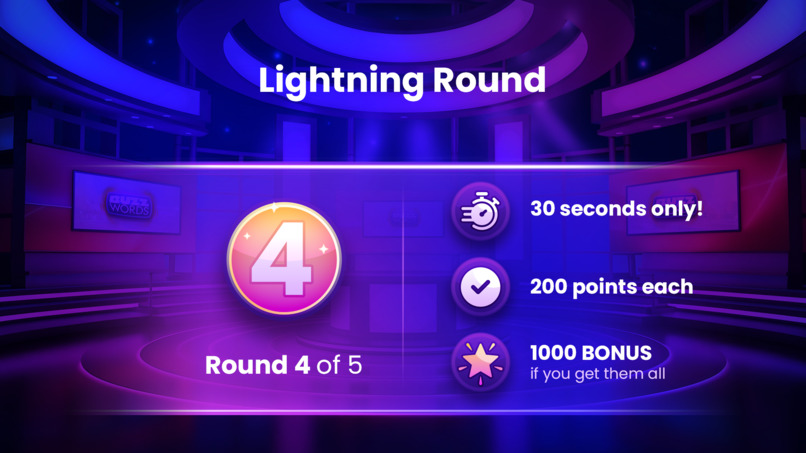
Question Screen
-
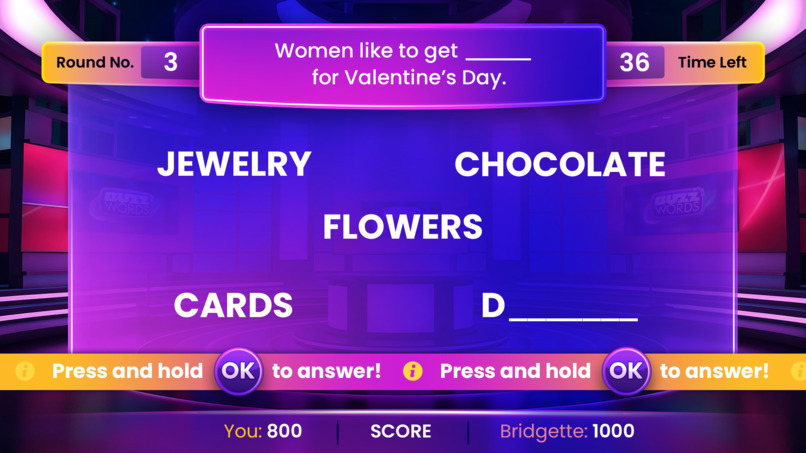
Question Screen
-
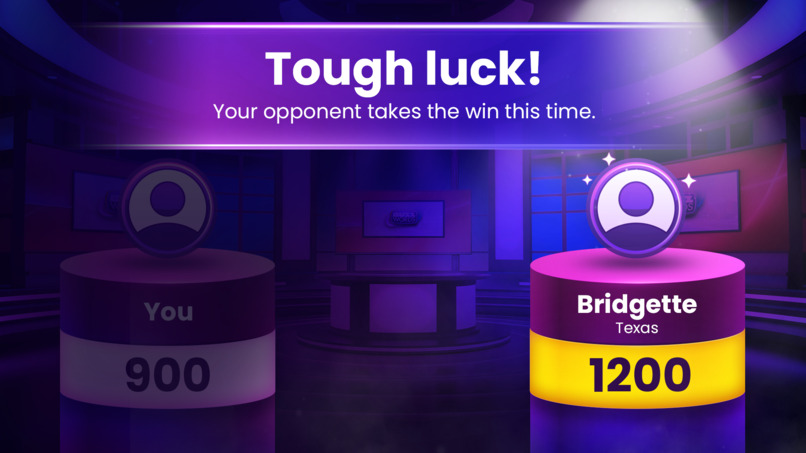
Result screen
-
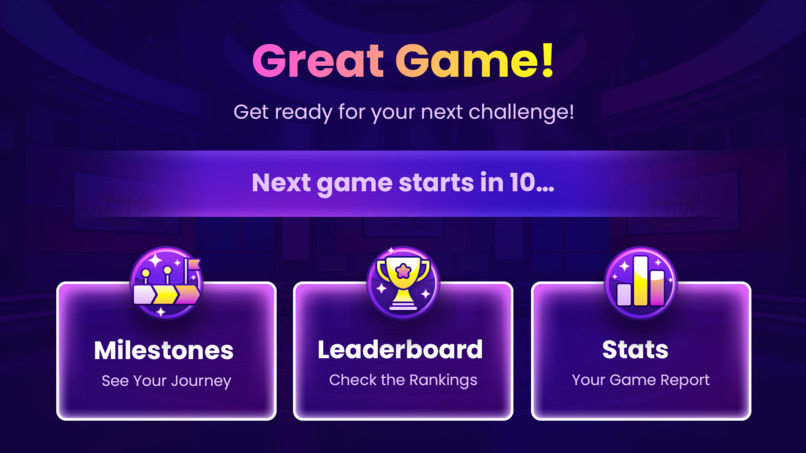
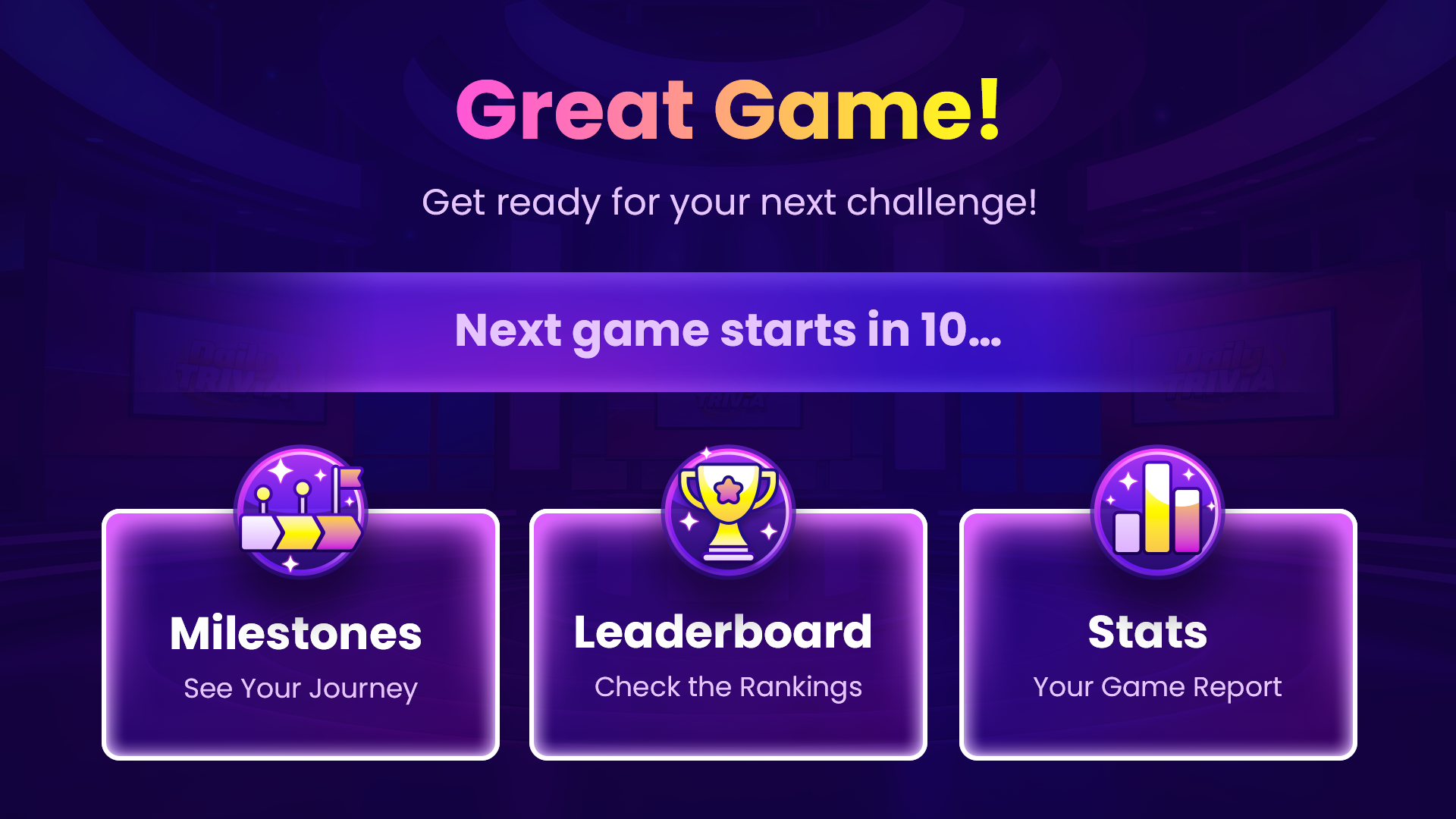
End Screen
-
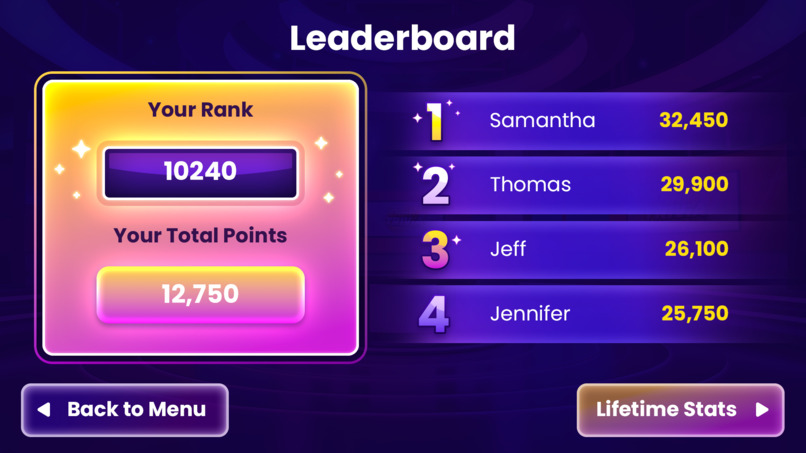
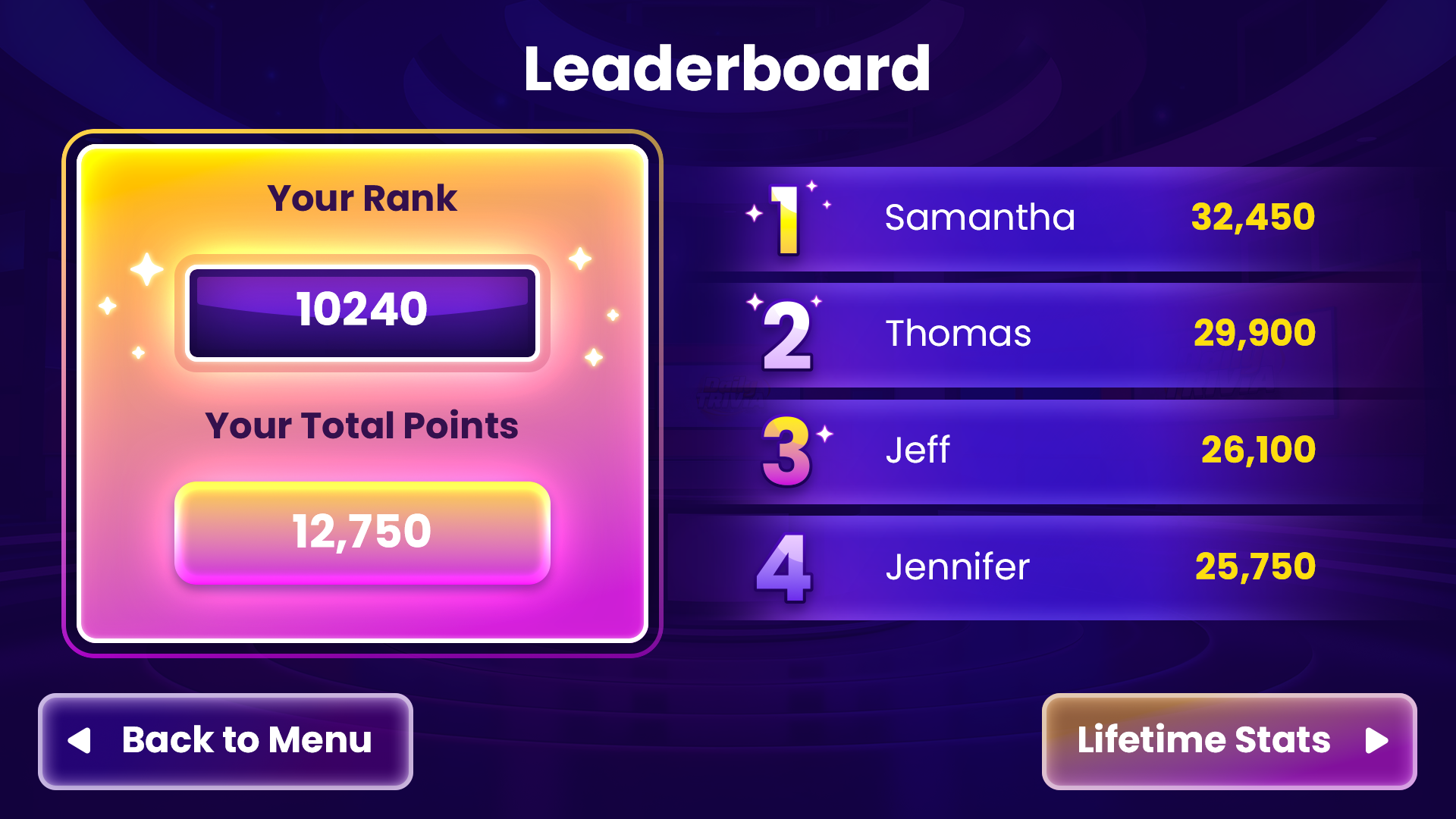
Leaderbaord Screen
-
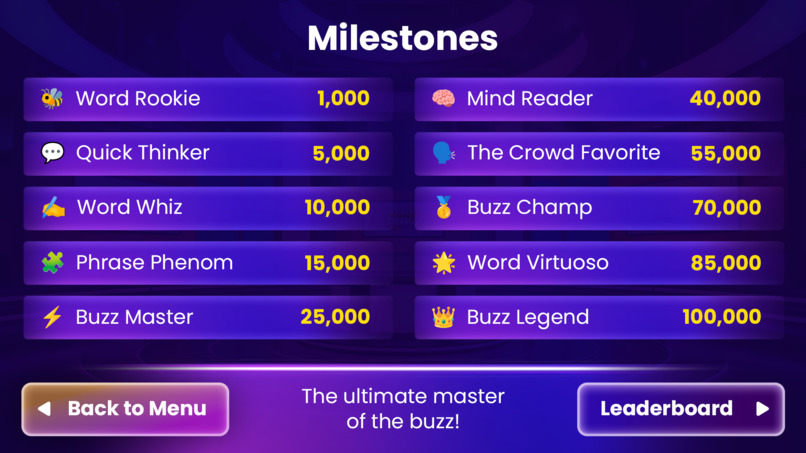
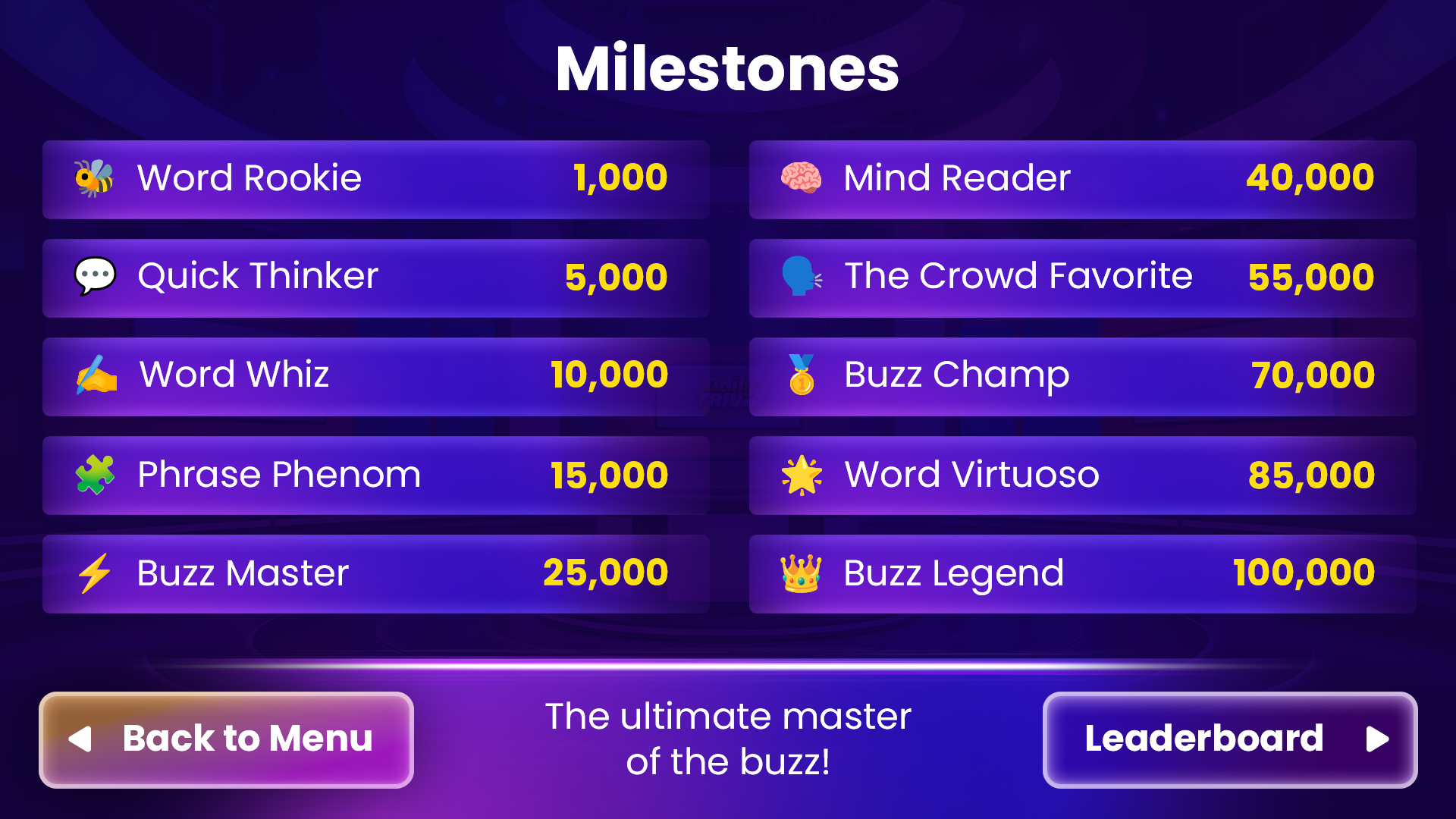
Milestone Screen
-
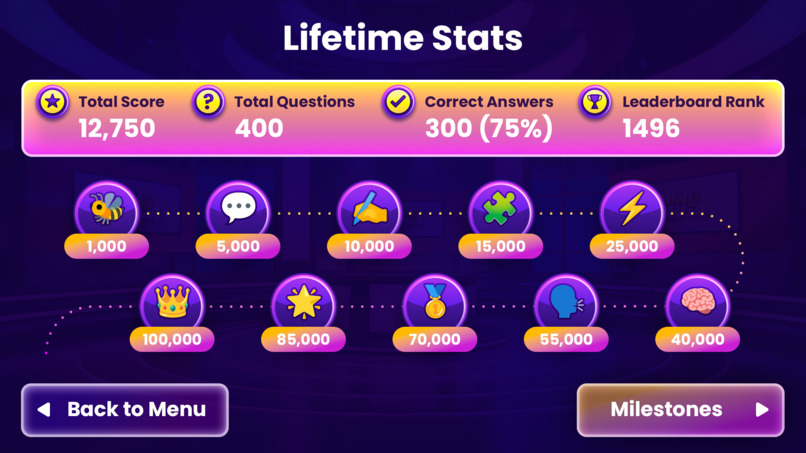
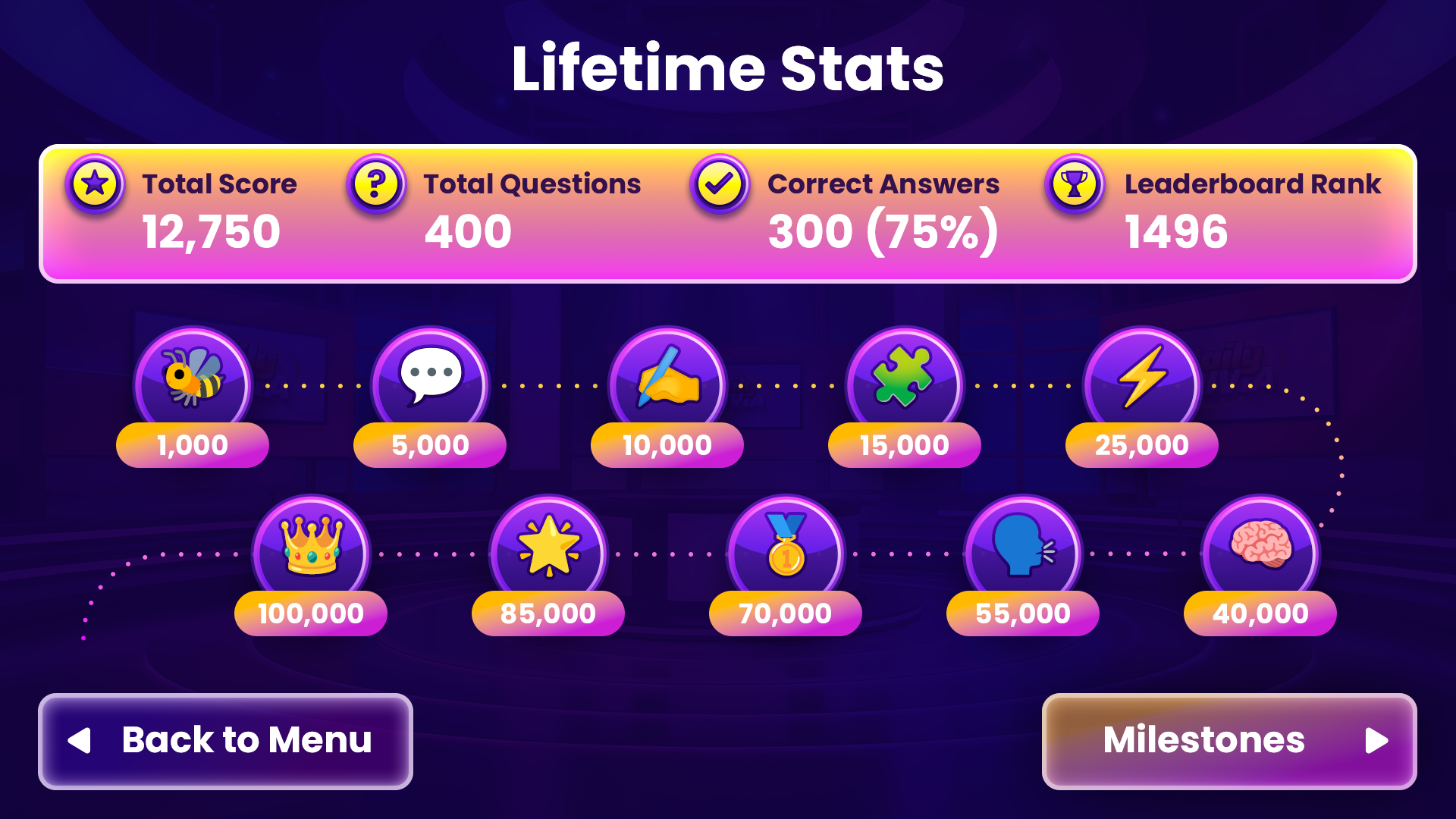
Stats Screen
Inspiration
We wanted to bring the excitement of a TV game show into the living room. But traditional TV word games have a problem: entering answers with a remote and an on-screen keyboard is slow and frustrating, especially when you're racing against the clock.
We asked ourselves a simple question: What if the TV became the game-show stage, and your phone became the controller?
That's the idea behind Buzzwords for Fire TV, a fast-paced, fill-in-the-blank word game where players enter answers using their phones while the action unfolds on the big screen.
No extra gamepads. No companion phone app to download. Just scan, guess, and play.
What it does
Buzzwords transforms Fire TV into an interactive word-guessing game show.
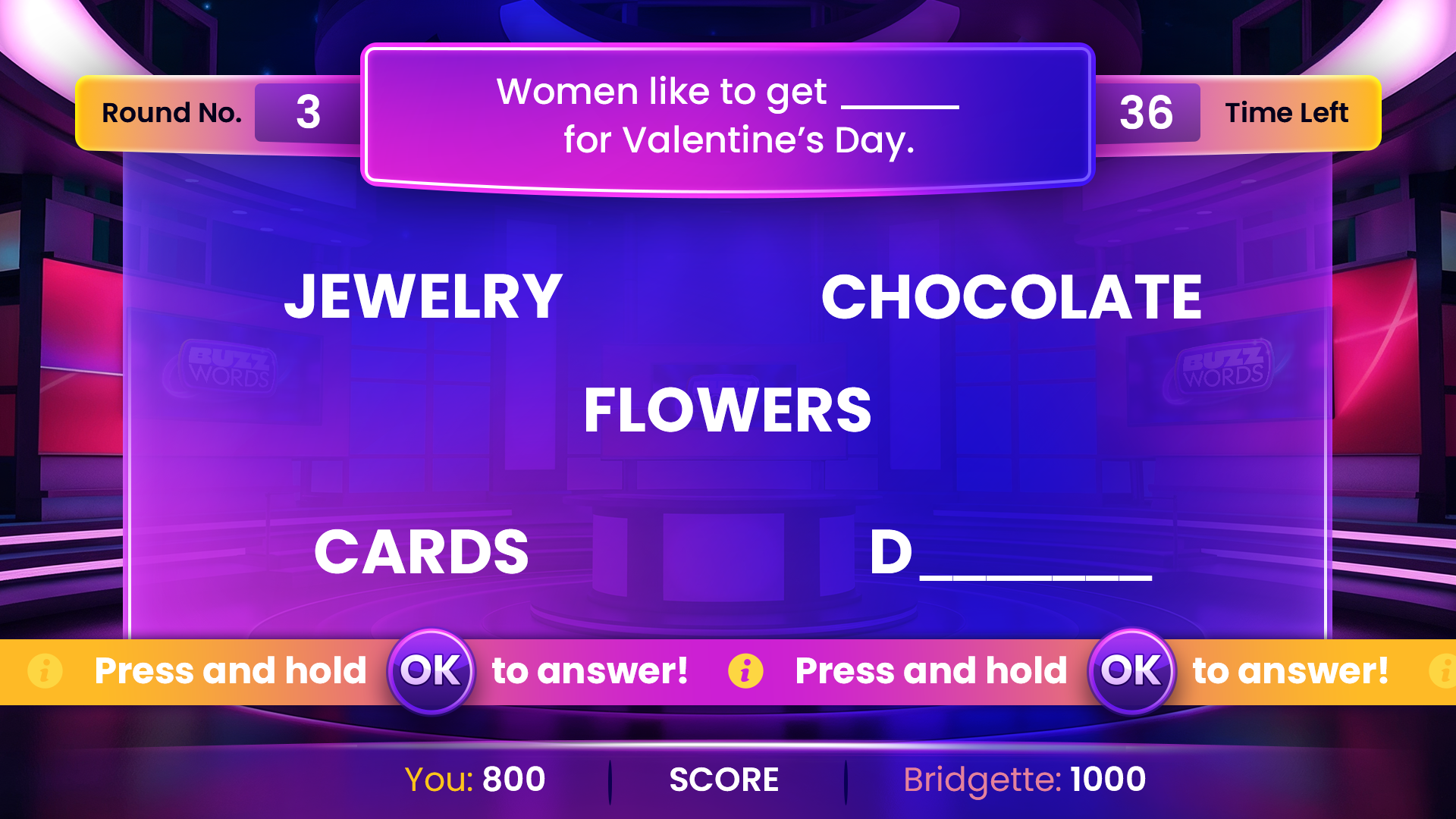
Each round presents a fun fill-in-the-blank question, such as:
"I can't eat a burger without ___"
Five answers are hidden on the TV screen. Players race against the clock to uncover them, earn points, and outperform a computer opponent.
Getting started is simple:
- Scan: Scan the QR code displayed on Fire TV.
- Connect: The QR code opens a web-based phone controller with the game-room code already filled in.
- Guess: Type answers using your phone's keyboard.
- Score: Correct answers are revealed on the TV in real time, and the score updates.
There is no separate phone app to install or account to create.
Five rounds, three gameplay formats
The challenge evolves across five rounds:
- Rounds 1–3 — Regular: Find five hidden answers in 60 seconds. Earn 100 points per answer and a 500-point bonus for uncovering all five.
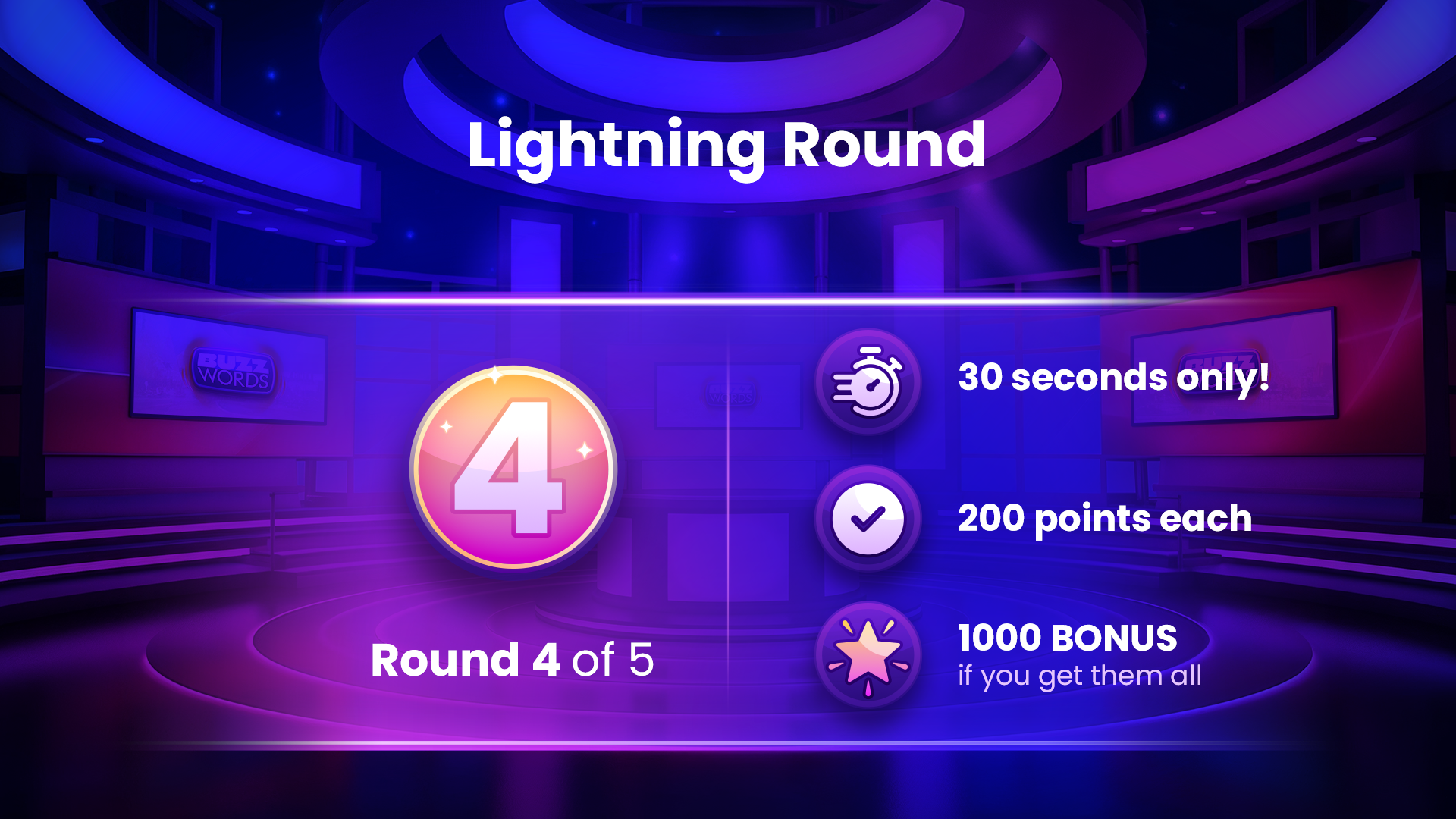
- Round 4 — Lightning: Just 30 seconds to guess, with double points.
- Round 5 — Sudden Death: One wrong answer ends the round.
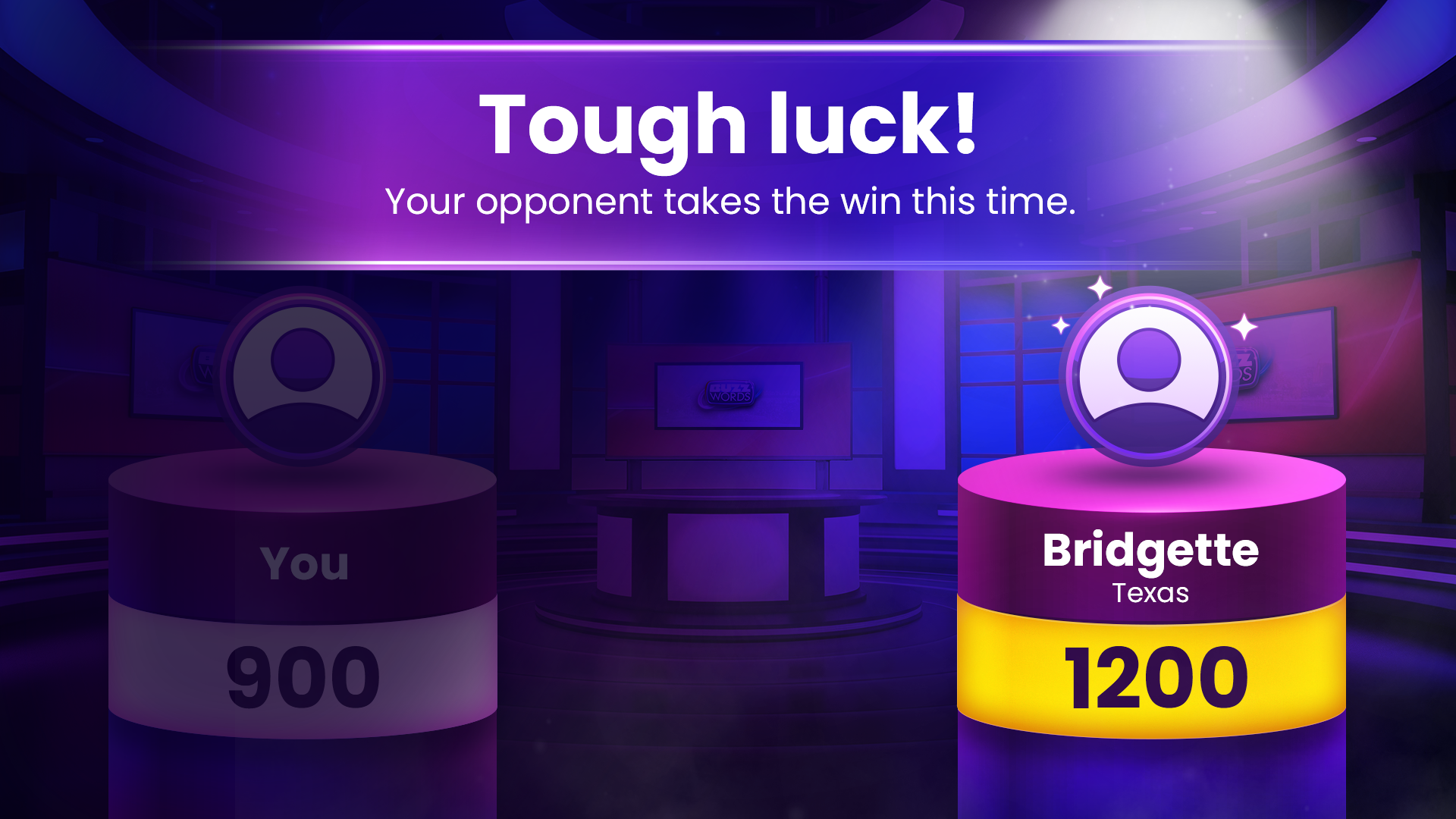
After each round, players see how the computer opponent performed. At the end of the game, they can explore the global leaderboard, lifetime statistics, and milestones.
Buzzwords also recognizes natural variations in answers. For example, ketsup can match KETCHUP, parties can match PARTY, and dancing can match DANCE. However, invalid partial matches are rejected, so cheesecake doesn't count as CHEESE.
How we built it
Buzzwords combines a Fire TV application, a browser-based phone controller, and a real-time backend to deliver a synchronized gaming experience across two screens.
Fire TV application
We built the Fire TV app using Expo SDK 55, React Native TV (react-native-tvos 0.83), Expo Router, Zustand, and TanStack Query.
The interface is designed specifically for television viewing, with large, readable text, D-pad navigation, and layouts optimized for the big screen. The remote also supports familiar TV navigation, including a confirmation dialog when exiting the game.
Smartphone controller
The phone controller is a Next.js and Tailwind CSS web application hosted on Vercel.
Scanning the QR code opens the controller in the phone's browser with the game-room code prefilled. Players can enter answers using their phone's familiar keyboard instead of navigating an on-screen TV keyboard.
Real-time game engine
Our backend uses Node.js, Express, and Socket.IO, hosted on Railway.
Rather than connecting the phone directly to Fire TV, both devices communicate with the game server through a shared Socket.IO room.
The server acts as the single source of truth, validating answers, maintaining game state, and broadcasting updates to both devices. This keeps scores, timers, and revealed answers consistent, while the TV controls the gameplay pace.
Data and supporting services
- Redis: Stores active game state, rooms, and locks, supporting reconnection when a phone temporarily disconnects.
- PostgreSQL and Prisma: Store game sessions and previously played questions, helping select fresh questions for subsequent games.
- Authentication and leaderboard services: Separate Node.js services support player identity and rankings. The leaderboard retrieves player names from the authentication service over gRPC and uses BullMQ on Redis for background jobs.
- CDN-based content: Questions, answer variants, round settings, computer-opponent scenarios, artwork, and voice-over assets are delivered through a CDN, allowing content updates without publishing a new APK.
- Developer tooling: A pnpm monorepo with shared packages for event contracts, Pino logging, and service setup. Sentry handles error tracking, while Vitest and Mocha support automated testing.
Challenges we ran into
1. Keeping two screens synchronized
One of our biggest challenges was ensuring the TV and phone always displayed consistent game information.
When a player submits an answer, the game must validate it, update the score, and reveal any correct answer on the TV while maintaining the correct round state.
We addressed this by making the server authoritative and broadcasting game events to both connected devices, with the TV controlling gameplay pacing.
2. Making answer matching accurate and forgiving
Players type quickly, especially under time pressure. We wanted Buzzwords to recognize common misspellings, plurals, and word forms without accepting incorrect answers.
For example, sodas should match SODA, but cheesecake should not match CHEESE.
We implemented answer-normalization and word-stem rules, including a minimum stem length of three letters, and added unit tests to validate the matching behavior.
3. Handling dropped phone connections
Smartphones can lock, switch networks, or lose connectivity during gameplay.
We designed the backend to maintain live game state in Redis rather than relying on application-process memory. This allows players to rejoin an active game within a 30-second reconnection window.
4. Creating a standalone Fire TV experience
Buzzwords originally existed inside a larger multi-game TV application.
Adapting it into a standalone Fire TV app required separating the game, removing unrelated screens and code, updating the package identifier and branding assets, and preserving shared backend functionality.
5. Designing for a 10-foot interface
A television interface is very different from a mobile or desktop experience.
We refined D-pad focus behavior, question layouts, text alignment, and navigation to make Buzzwords comfortable to play from across the living room.
Accomplishments that we're proud of
We're proud of bringing together TV gameplay, a smartphone controller, and a real-time backend into one cohesive experience.
- Phone-powered gameplay: Players can connect in seconds using a QR code, without downloading a companion phone app or signing up.
- Real-time two-screen interaction: The phone handles answer entry while Fire TV presents the game show, with both synchronized through the backend.
- Five rounds with escalating challenges: Regular, Lightning, and Sudden Death formats introduce different time limits, scoring rules, and levels of difficulty.
- Player-friendly answer matching: Custom answer-validation rules accommodate common variations while protecting gameplay fairness.
- Resilient game sessions: Redis-backed state allows players to recover from temporary phone disconnections.
- Production-oriented architecture: Separate game, authentication, leaderboard, and controller services support the experience.
- Judge-ready build: A Fire TV APK, five-minute testing instructions, and architecture documentation are included in the repository.
What we learned
Building Buzzwords reinforced an important lesson: the best TV controller might already be in your pocket.
Typing on a phone is much more natural than navigating an on-screen keyboard with a D-pad, particularly in a fast-paced word game.
We also learned the value of a server-authoritative architecture for multi-device experiences. Centralizing game state and distributing updates through real-time events simplified synchronization and made it easier to recover from connection interruptions.
Finally, we found that seemingly small details—such as forgiving answer matching, reliable reconnection, and CDN-driven content updates—make a meaningful difference to both the player experience and development process.
What's next for Buzzwords
We see several opportunities to expand the experience:
- Multiplayer: Allow multiple players to connect their phones to the same game room and compete against one another, as well as the computer opponent.
- Voice-powered answers: Explore using the Fire TV remote's microphone to submit guesses without typing.
- More question packs: Introduce themed, seasonal, and localized content to keep gameplay fresh.
- Amazon login: Bring the authentication service's existing Amazon login support into the Fire TV experience, enabling player statistics to carry across devices.
- Daily challenges and friend leaderboards: Give players new reasons to return and compete.
- Amazon Appstore launch: Publish Buzzwords to reach a broader Fire TV audience.
Our vision is simple: turn the biggest screen in the home into a game show anyone can play, using the phone they already have.
Built With
- bullmq
- docker
- expo.io
- express.js
- fire-tv
- firebase
- grpc
- next.js
- node.js
- pnpm
- postgresql
- prisma
- react
- react-native
- react-native-tvos
- redis
- sentry
- socket.io
- tailwindcss
- tanstack-query
- typescript
- websockets
- zod
- zustand

Log in or sign up for Devpost to join the conversation.