-
-
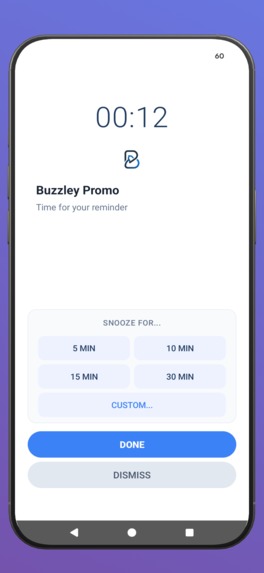
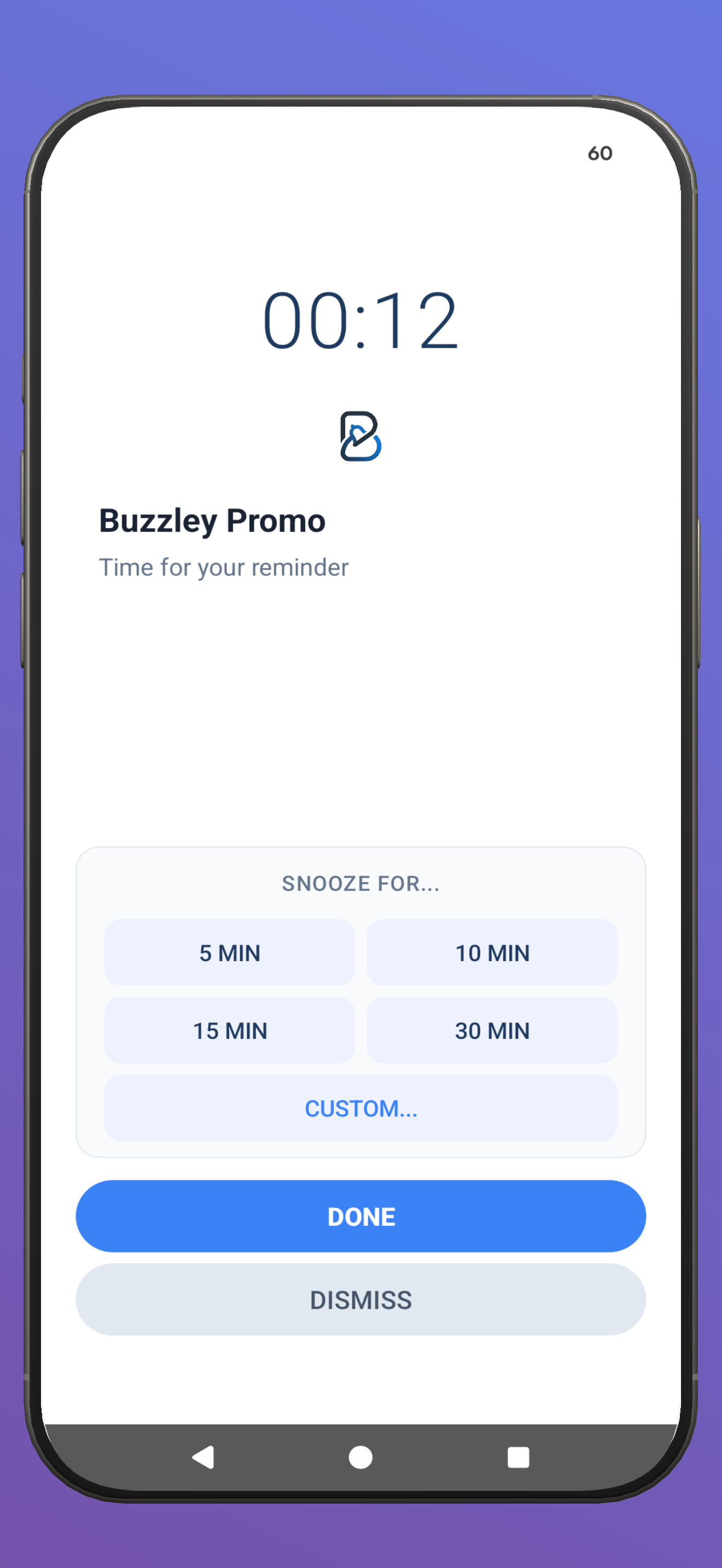
Alrm style notification
-
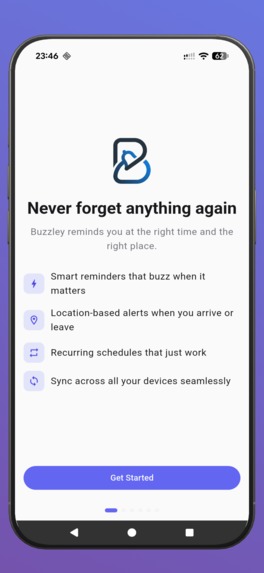
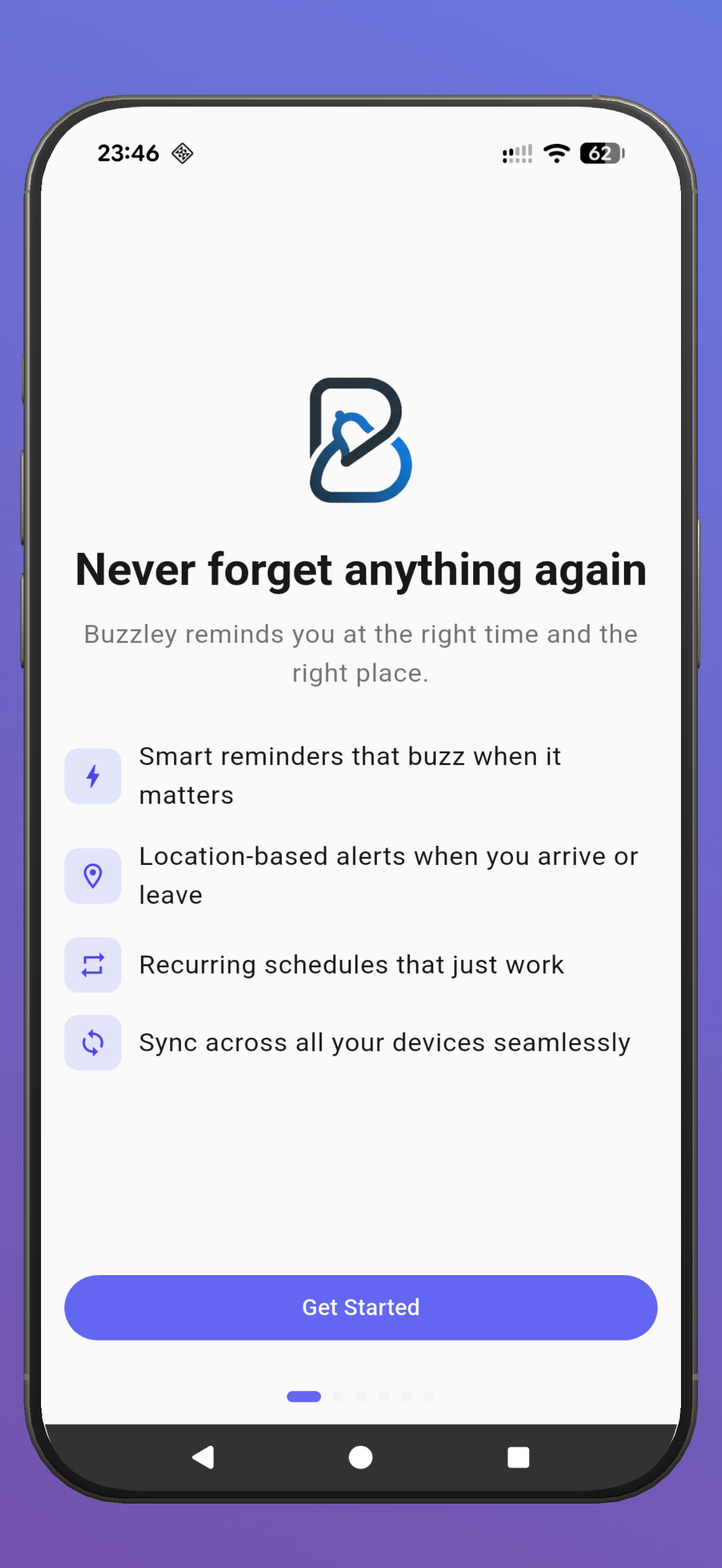
Onboarding
Inspiration
Sam Beckman nailed it in his brief: switching between Android and iOS means rebuilding your entire reminder system from scratch. Every platform locks you in. Your recurring schedules, your categories, your carefully organized system, all gone the moment you pick up a different device.
I live this problem. I use an Android phone, an iPad, and a laptop. No existing reminders app syncs properly across all three. Apple Reminders is iOS only. Google Keep is basic. Todoist and TickTick get close but their notification handling is weak. None of them let you snooze or complete a reminder right from the notification without opening the app.
So I built Buzzley.
What it does
Buzzley is a cross-platform reminders app that syncs across Android, iOS, and web in real time. The core idea is simple: create a reminder on any device, get notified on all of them, and act on it from wherever you are.
What makes it different:
- You can snooze or complete reminders directly from the notification. No opening the app, no context switching.
- Advanced recurring schedules: every N days, specific weekdays, monthly by date, yearly. Not just "repeat daily."
- Location-based reminders that fire when you arrive at or leave a place.
- Voice support with Google Assistant and Siri Shortcuts.
- Group sharing so families or teams can share reminders across devices.
- Passwordless login with magic links. No passwords to remember.
How I built it
The mobile app is Flutter targeting both Android and iOS from a single codebase. The backend runs on Cloudflare Workers with a D1 database, which gives me SQLite at the edge with near-zero latency worldwide.
The sync engine is custom built. It uses a bidirectional push/pull protocol with conflict resolution and change deduplication. When you complete a reminder on your phone, a silent push notification via FCM tells your other devices to sync immediately. The web app picks up changes the same way.
Subscriptions are handled entirely through RevenueCat with three tiers (Core, Plus, Pro) that scale by number of synced devices. The paywall shows on first launch and purchases work through both the App Store and Google Play.
CI/CD runs through Codemagic, which builds and ships to TestFlight and Google Play automatically on every push to main.
Challenges I ran into
Cross-device notification dismissal was the hardest problem. When you complete a reminder on one device, the notification needs to disappear from all other devices too. This required a server-mediated FCM flow where the completing device tells the server, the server broadcasts to all other devices, and each device cancels its local notification.
iOS has a hard limit of 64 scheduled notifications. With power users who might have hundreds of reminders, I had to build a just-in-time scheduling system that keeps only the 48 most urgent notifications queued and reshuffles whenever one fires or gets completed.
Getting the sync conflict resolution right took several iterations. Two devices editing the same reminder offline, recurring instances generating on different devices, deleted reminders coming back from the dead during sync. Each edge case needed its own guard.
What I learned
Building a sync engine from scratch teaches you things no tutorial covers. Timestamps need strict contracts (milliseconds client-side, seconds server-side). Idempotency keys prevent duplicate operations. And you need to test with real network conditions, not just localhost.
What's next
Location-only reminders without requiring a time (just "remind me when I get to the store"), a richer day planner timeline view, and web-based payments through Stripe so users can subscribe from desktop too.
Built With
- amazon-ses
- cloudflare-d1
- cloudflare-workers
- codemagic-ci/cd
- dart
- drift-orm
- firebase-cloud-messaging
- flutter
- freezed
- gorouter
- revenuecat
- riverpod
- typescript


Log in or sign up for Devpost to join the conversation.