-
-
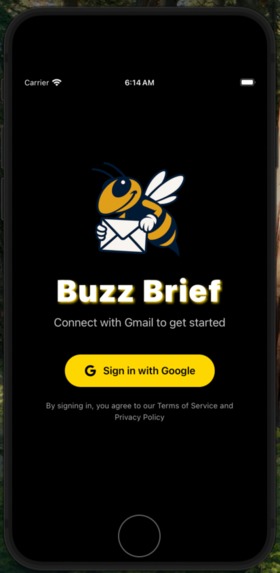
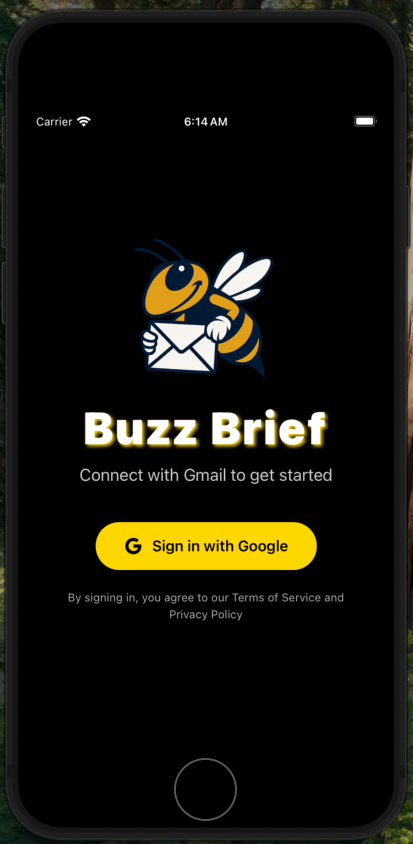
Google Sign-In Page
-
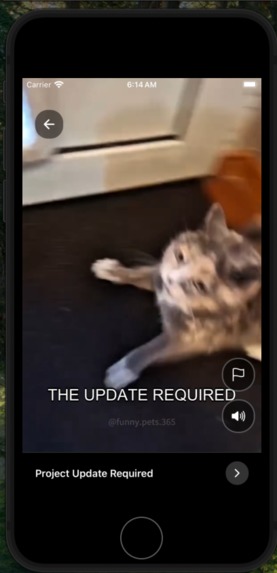
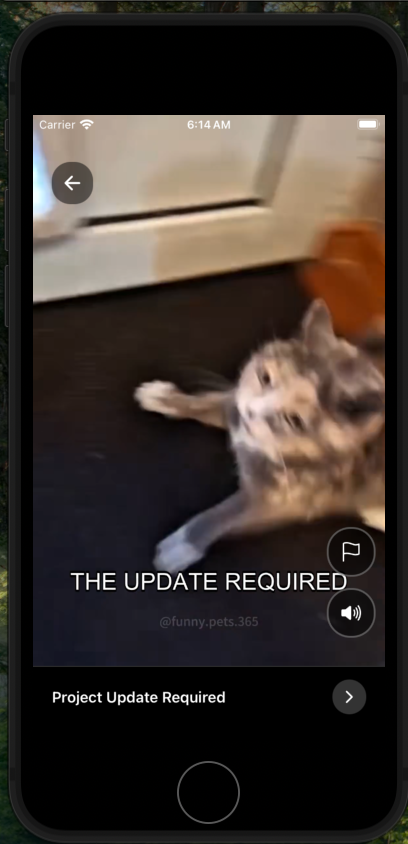
Video Brief #1
-
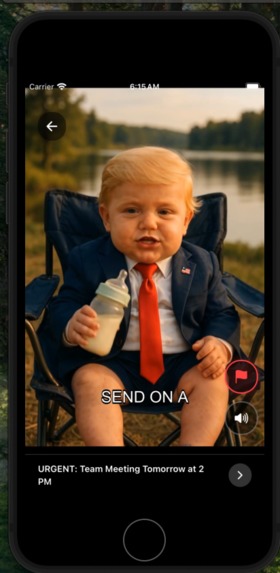
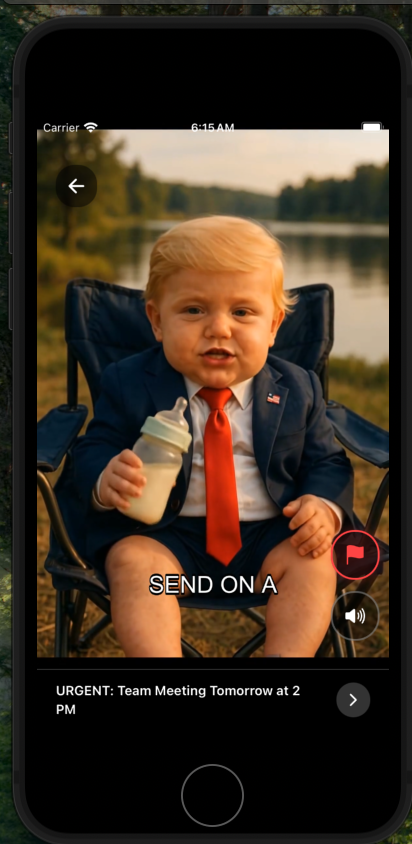
Video Brief #2
-
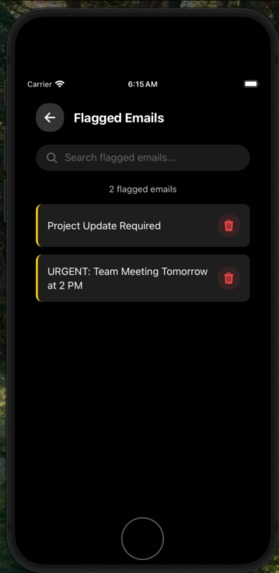
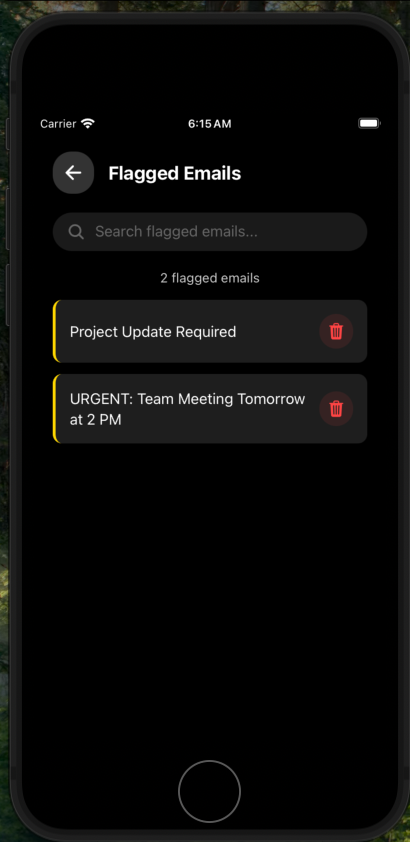
Flagged Emails Manager
-
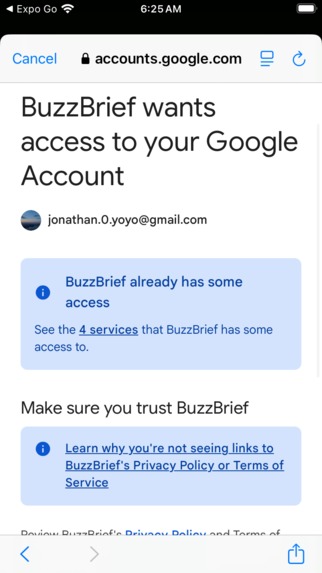
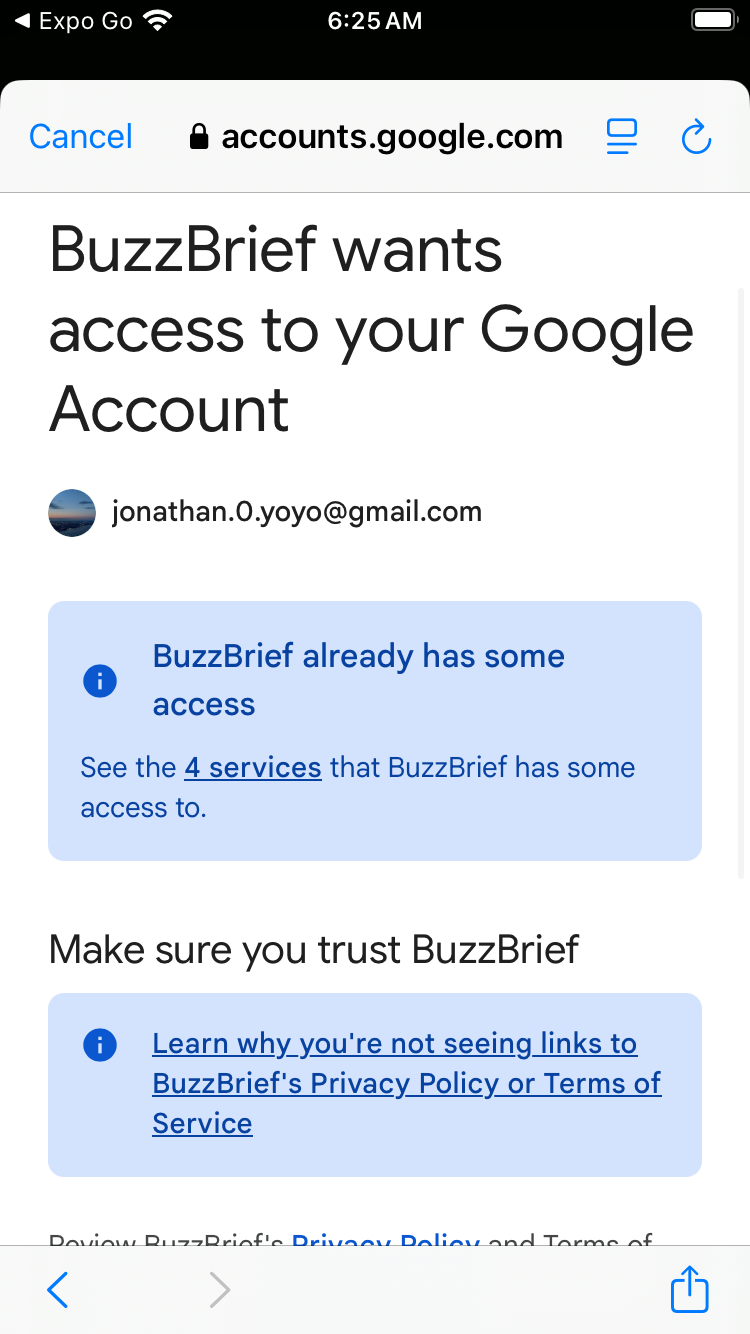
App Requests Permission to Access Google Account
Inspiration
Do you ever get bored scrolling through hundreds of emails, having to read each one separately? It’s not only time-consuming but also mentally draining. That’s when we thought, what if you could digest all your emails easily and actually enjoy it? Imagine consuming your inbox not by reading walls of text, but by watching short, fun, TikTok-style clips that summarize everything for you. Turn a daily hassle into an engaging, exciting, and captivating experience. That’s exactly what inspired Buzz Brief, to transform boring inboxes into entertaining daily briefings.
What it does
Buzz Brief is a mobile application that transforms your daily inbox into a fun, scrollable video feed. It provides:
Email Extraction
- Seamlessly connects to your Gmail account using Google’s secure OAuth flow.
- Automatically retrieves your latest emails each day without any manual setup.
- Parses and structures email content to prepare it for summarization.
AI Summarization & Script Generation
- Uses large language models to summarize each email into short, engaging scripts.
- Adds a humorous and lighthearted tone to make the content fun to consume.
- Employs agenetic AI workflows to generate context-aware scripts for each message.
Audio & Video Creation
- Converts generated scripts into natural-sounding speech using text-to-speech models.
- Pairs the narration with dynamic background videos, music, and auto-generated subtitles.
- Produces short, TikTok-style video clips for each email, optimized for quick viewing.
Interactive Video Feed
- Displays all generated clips in a vertically scrollable interface inspired by TikTok and Instagram Reels.
- Allows users to pause, mute, or swipe through their “email videos” just like social media.
- Preloads clips and caches them locally to ensure smooth playback and minimal delays.
- Enables users to directly from the video feed for later review, adding a quick way to save key content without leaving the app.
All processing is handled through a secure Gmail API connection combined with efficient AI pipelines, enabling users to stay informed in a way that’s fast, engaging, and entertaining.
How we built it
- Technology Stack: Frontend:
- Built with React Native and Expo Go for rapid mobile development and testing across platforms.
- Implemented a TikTok-style video feed with smooth scrolling, pause/mute controls, and flagging functionality.
- Leveraged React Native’s video player libraries and custom hooks for efficient state management and caching.
Backend:
- Developed using FastAPI (Python) to handle email retrieval, LLM processing, and media generation.
- Integrated the Gmail API for secure daily email extraction using OAuth 2.0.
- Used OpenAI GPT-3.5 Turbo to generate short, humorous scripts summarizing each email.
- Used OpenAI TTS-1 for text-to-speech conversion to produce natural-sounding voiceovers.
- Employed FFmpeg for stitching together audio, background videos, and subtitles into final TikTok-style clips.
- Integrated Supabase to serve as the centralized backend database for storing both raw email content and generated video metadata.
Challenges we ran into
- Gmail API Integration:
Authenticating securely with Google’s OAuth flow and handling various email formats (HTML, plaintext, threaded conversations) required careful parsing logic and multiple rounds of testing.
LLM Pipeline Efficiency:
Designing a multi-step agentic workflow including summarization, script generation, text-to-speech, and video rendering while keeping processing times short was tricky. We had to balance speed, cost, and output quality through prompt tuning and pipeline optimization.
Video Generation Latency: Combining audio, subtitles, and background video clips using FFmpeg introduced timing challenges. We iteratively optimized encoding parameters and parallelized tasks to reduce rendering delays.
UI Responsiveness: Building a TikTok-style video feed that feels smooth required fine-tuning preloading, caching, and state management in React Native. Ensuring videos play seamlessly while allowing flagging, muting, and pausing took significant iteration.
Cross-Component Integration: Merging the frontend UI, email extraction backend, and LLM media pipeline into a single, cohesive app surfaced bugs related to timing, data formatting, and async behavior. Coordinating these parts under tight time constraints was challenging but a very rewarding experience.
Accomplishments that we're proud of
- End-to-End Working Prototype:
Built a nearly fully functional mobile app in just 36 hours that connects to Gmail, processes emails using LLMs, and generates TikTok-style video summaries, with all elements integrated seamlessly.
Innovative Email Consumption Experience: Transformed the traditionally tedious act of reading emails into a fun, scrollable video feed with engaging scripts, natural-sounding narration, and smooth UI interactions.
Fast & Efficient Media Pipeline: Successfully combined OpenAI’s GPT-3.5-Turbo, TTS-1, and FFmpeg into a streamlined backend pipeline that can summarize, generate speech, and produce videos quickly with minimal lag.
Strong Team Learning Curve: None of us started with deep experience in Gmail APIs, agentic AI pipelines, or automated video generation. We rapidly picked up these tools and techniques to deliver a polished result under hackathon time pressure.
Robust Modular Architecture: Structured the system into clear layers including email extraction, AI summarization, media generation, and UI. This made parallel development, debugging, and integration far smoother.
What we learned
What we learned
- Building Agentic LLM Pipelines:
We gained hands-on experience designing multi-step AI workflows from summarization to script generation to TTS and learned how to optimize them for speed, cost, and output quality.
TikTok-Style UX Design:
Studying popular short-form content platforms taught us how crucial preloading, smooth scrolling, and intuitive interactions are for user engagement. A slick UX can make or break the product.
Email API Integration:
Working with the Gmail API gave us a deep understanding of secure OAuth flows, message parsing, and handling different email formats which are skills that will transfer to other integrations like Outlook or custom inboxes.
Multimedia Generation Techniques:
We learned how to combine text, speech, video, and subtitles using tools like FFmpeg to create polished, short-form videos dynamically and efficiently.
Team Coordination Under Pressure:
With multiple components (frontend, backend, AI pipeline) in parallel, we developed better strategies for modular development, clear interfaces, and quick debugging, which proved essential in a 36-hour hackathon setting.
What's next for Buzz Brief
- Expanded Email Provider Support:
Extend beyond Gmail to include Outlook, Yahoo, and other major email services, allowing users to centralize their inboxes in one engaging feed.
Multi-Account Integration:
Enable users to connect and manage multiple email accounts simultaneously, making Buzz Brief a true all-in-one daily briefing hub.
Custom Content Sources:
Allow users to add newsletters, websites, or even social media feeds (like Twitter/X) as additional content streams, turning the app into a personalized infotainment dashboard.
Smarter Personalization:
Incorporate user preferences and interaction patterns to tailor tone, video style, and prioritization — ensuring the most relevant and entertaining content is surfaced first.
UI & Performance Optimization:
Further refine the TikTok-style UI for faster loading, smoother transitions, and improved caching, while reducing media generation latency for near real-time updates.
Built With
- expo-go
- fastapi
- ffmpeg
- javascript
- openai
- python
- react-native
- supabase


Log in or sign up for Devpost to join the conversation.