-
-
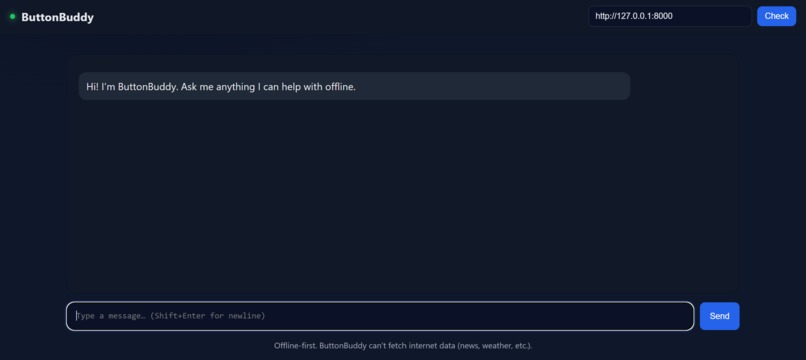
Buttonbuddy in action
Inspiration
ButtonBuddy started as a GPT-OSS hackathon idea. The goal is to build an AI-powered assistant that works entirely offline, so seniors can get instant help without navigating complex screens or relying on the internet. This was inspired by real struggles: older family members getting frustrated with smartphones, endless menus, and voice assistants that suddenly stop working when Wi-Fi goes down. We wanted something tangible, simple, and private — a single button that just works.
What it does
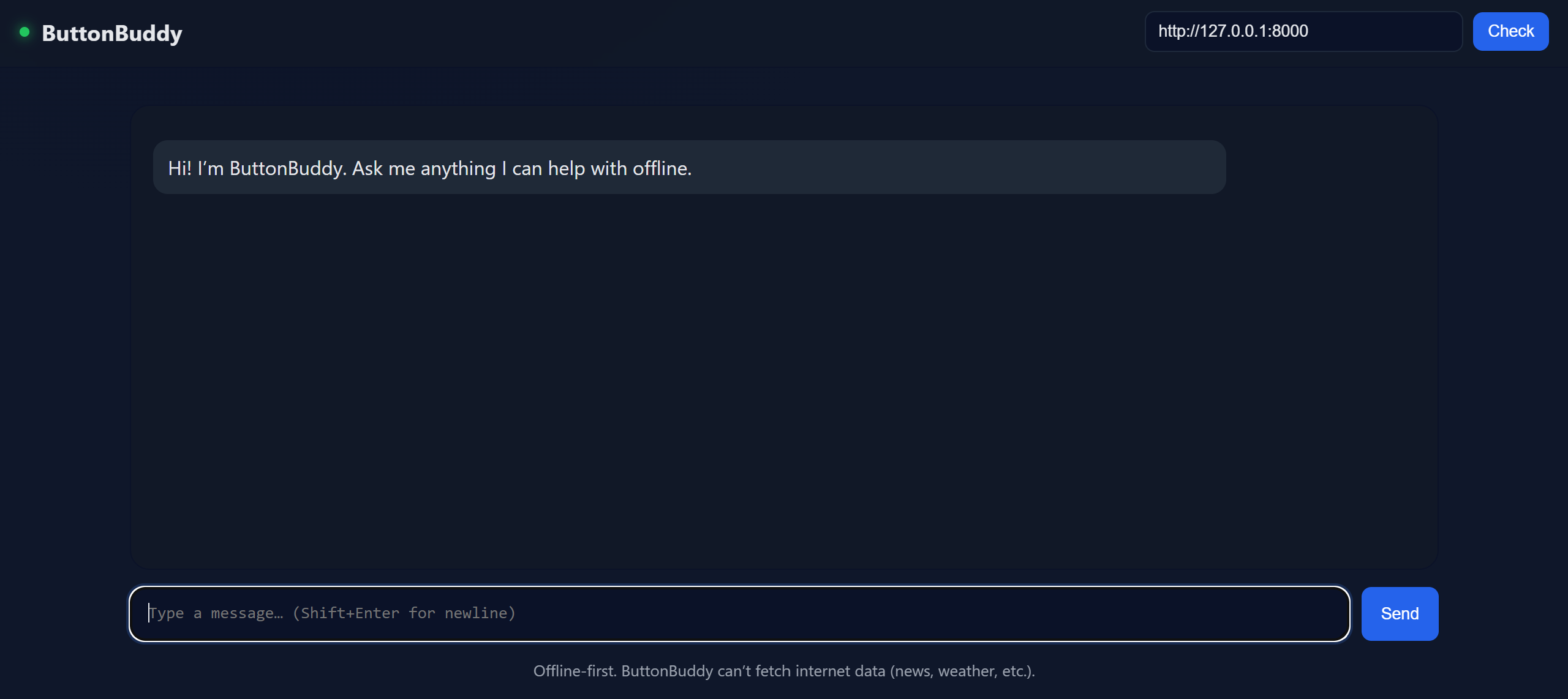
Hosts a local ChatGPT-like interface you can open at http://127.0.0.1:5500/. Lets you chat with an AI assistant securely and offline. Remembers the conversation while the local server is running. Can be extended with custom skills like reminders, local file search, or even device control.
How we built it
GPT-OSS running locally, with a lightweight inference server. Simple browser chat UI built with HTML/CSS/JS. Open-source LLM (GPT-J / LLaMA-based) loaded locally. Just run the provided batch files, leave them running, then open the local web address to start chatting.
Challenges we ran into
Making sure the model loaded correctly on different hardware. Debugging endless “still checking…” issues until the server finally connected. Keeping memory usage low so the model doesn’t freeze on smaller GPUs.
Accomplishments that we're proud of
Got the entire chat system running locally with no internet dependency. Made it easy to start: just click the batch file and go. Kept latency low enough for smooth conversation even on modest GPUs.
What we learned
Local AI setups are sensitive — path issues and environment setup can block everything. Lightweight web servers make running a personal chatbot simple and accessible. Iterative testing is crucial — every fix brought us closer to a stable release.
What's next for ButtonBuddy
Add a config page so users can easily switch models or adjust parameters. Add memory that persists between sessions (saving chats locally). Create a one-click installer so users don’t have to touch the batch files. Explore lightweight multimodal support (images, voice).
Built With
- html
- javascript
- python
- uvicorn

Log in or sign up for Devpost to join the conversation.