Inspiration
Sending a large file should be simple. Yet it often means dealing with upload limits, creating an account, paying for storage, or installing another app.
I built ButterShare around one idea: choose your files, share a link, and transfer directly between devices.
What it does
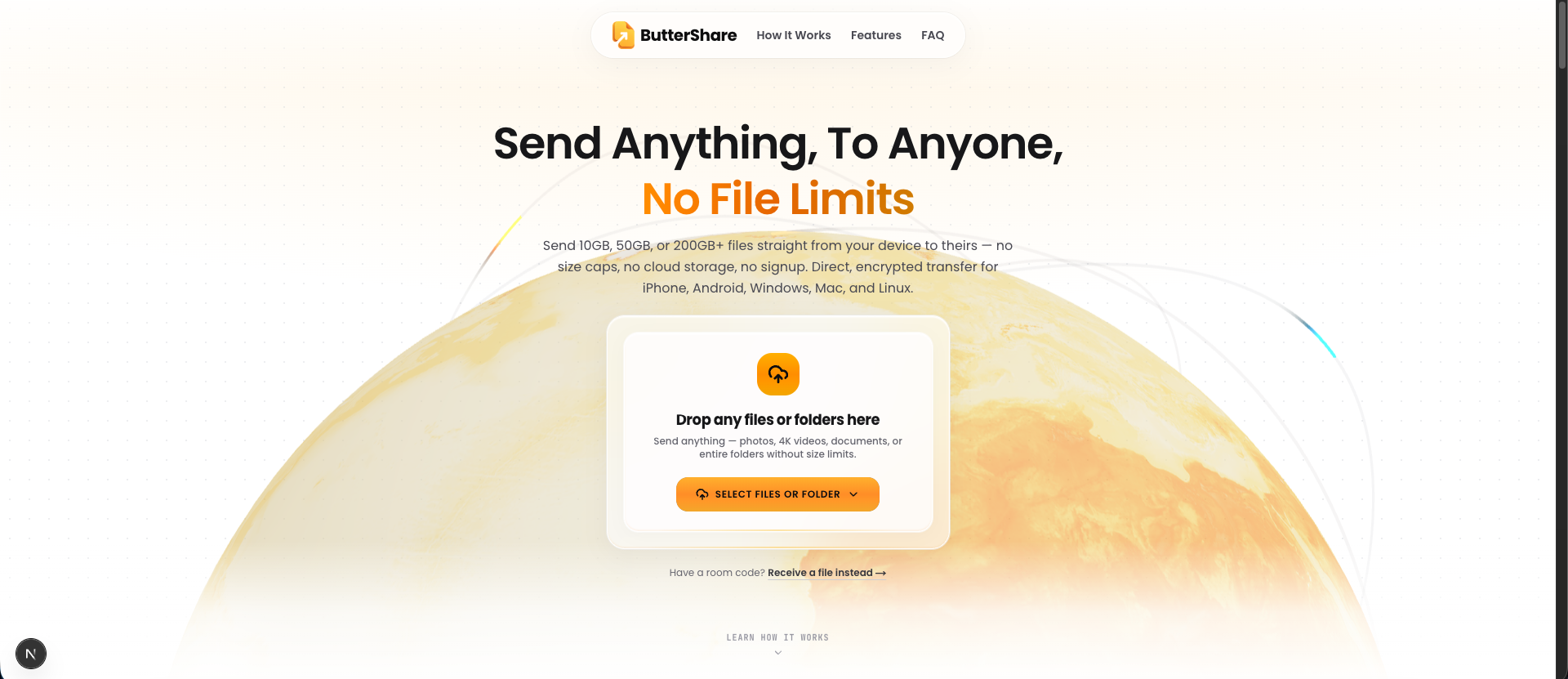
ButterShare is a free browser-based file transfer tool with no imposed file size cap, no signup, and no cloud file storage.
You can share videos, photos, documents, and entire folders between Windows, macOS, Linux, Android, and iPhone.
The process takes three steps:
- Select or drop your files or folders.
- Share the transfer link or let the recipient scan the QR code.
- Keep both browser tabs open while the files transfer.
Files travel through an encrypted connection between the paired devices. Transfer speed and practical capacity depend on your network, browser, and available storage.
How I built it
The interface uses Next.js, React, and Tailwind CSS. WebRTC enables browser-to-browser file transfer, while connection signaling helps the devices establish a session.
Large files are transferred in chunks. On supported browsers, direct disk streaming allows the recipient to save incoming data without holding the entire file in memory.
Share links and QR codes make it easy to connect devices without creating accounts.
Challenges
The main engineering challenges involve handling large transfers, managing browser differences, and communicating connection status clearly.
A direct transfer also requires both devices to stay connected. Making that requirement understandable is just as important as the transfer technology itself.
Accomplishments
ButterShare brings file selection, device pairing, and direct transfer into a simple browser workflow.
It gives people a way to share large files across different operating systems without adding a cloud storage account or installing a companion app.
What I learned
Building ButterShare has reinforced how much good file sharing depends on clear feedback: users need to know when someone has connected, whether a transfer is progressing, and what to do if it stops.
Browser compatibility and memory management also matter far more when working with large files than they do in a typical web interface.
What's next
My focus is improving transfer reliability, expanding browser compatibility, and making the sending and receiving experience clearer through real user feedback.
Try ButterShare: https://buttershare.com/
Built With
- css3
- html5
- javascript
- next.js
- react
- tailwind-css
- webrtc

Log in or sign up for Devpost to join the conversation.