-
-
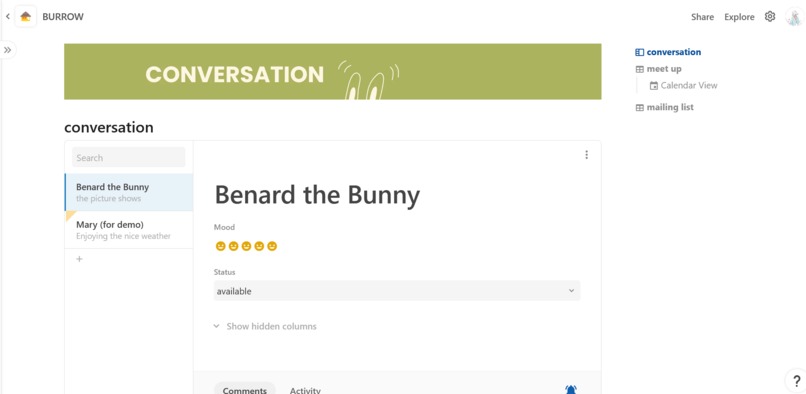
Tunnel(Chat)
-
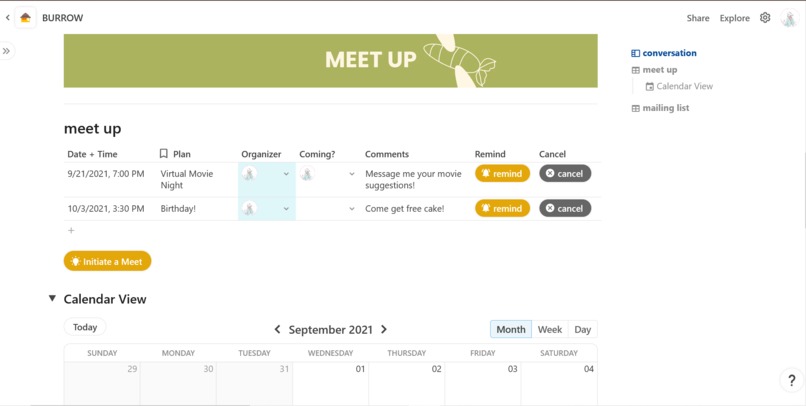
Tunnel(Meet Up)
-
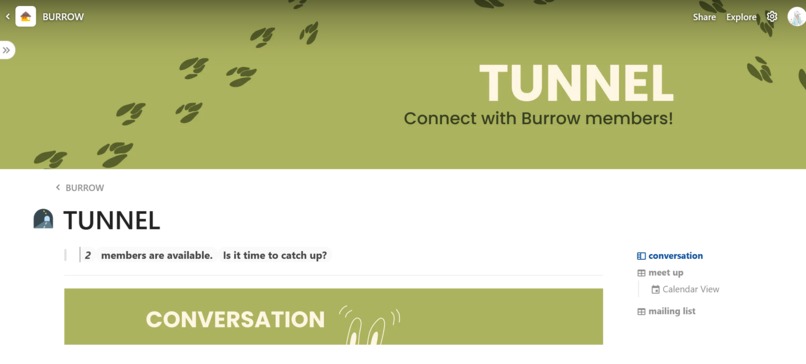
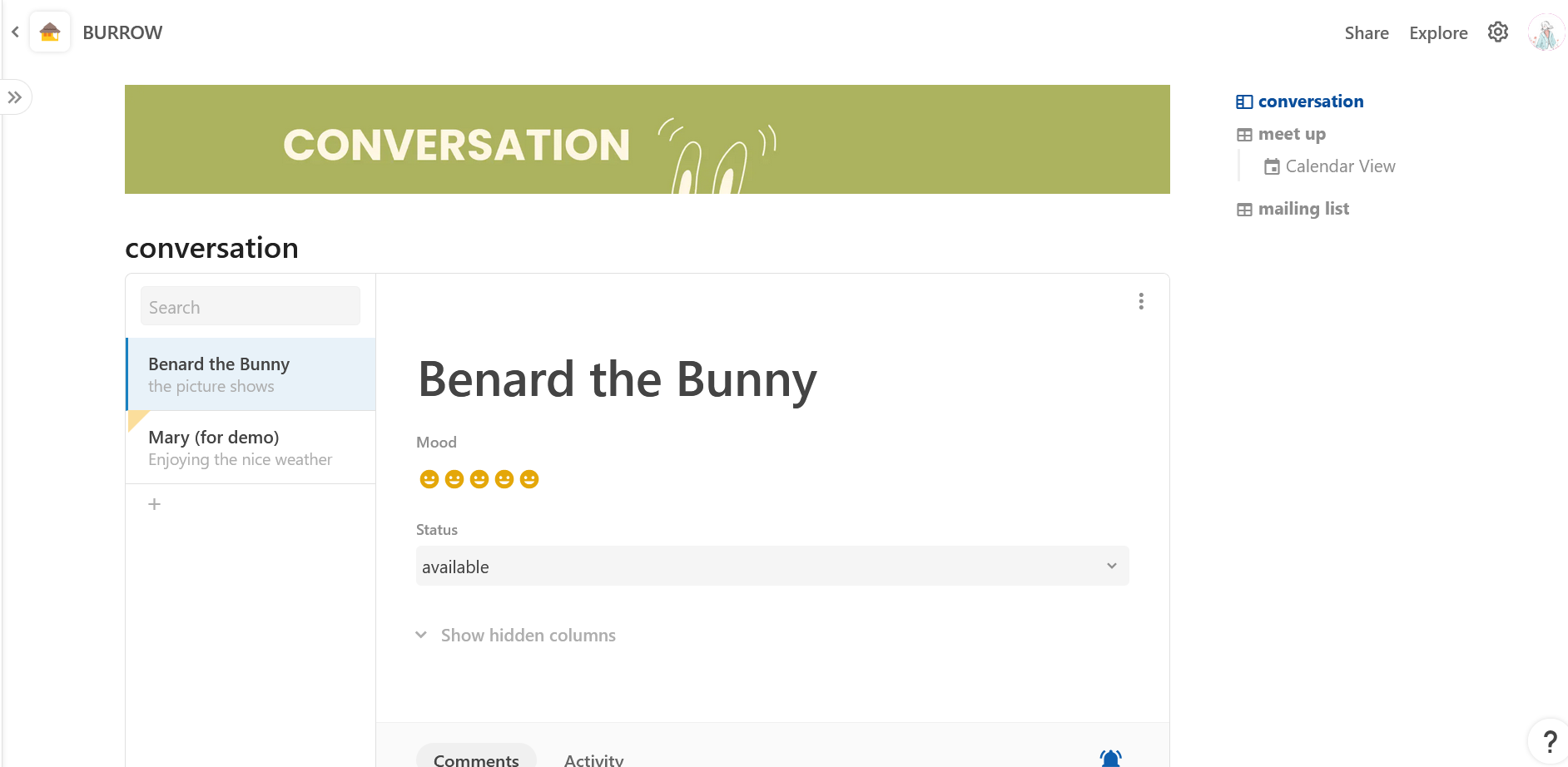
Tunnel
-
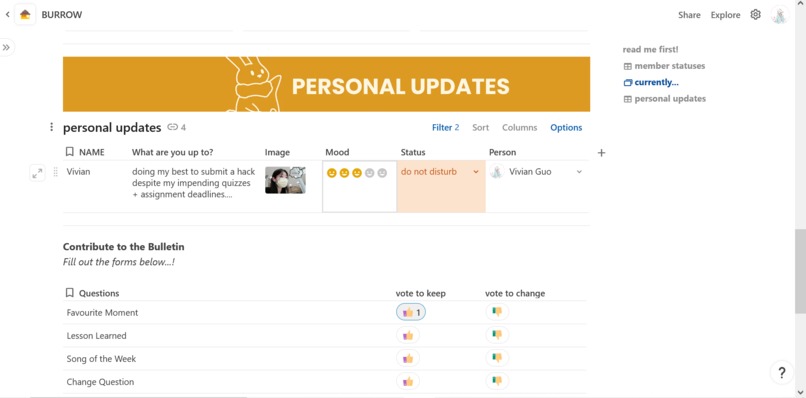
Homepage(Personal Updates)
-
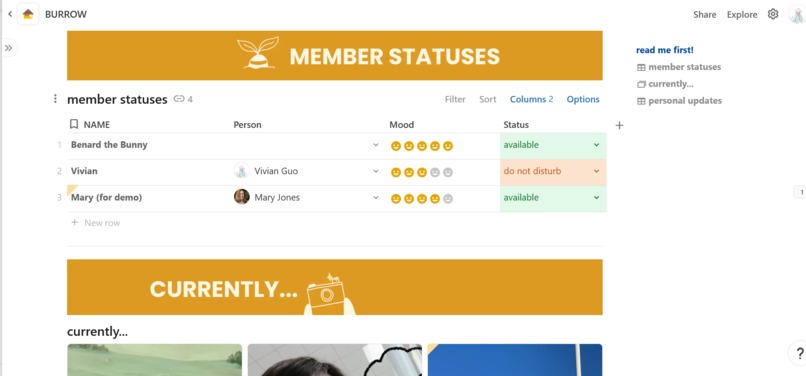
Homepage(Statuses and Gallery)
-
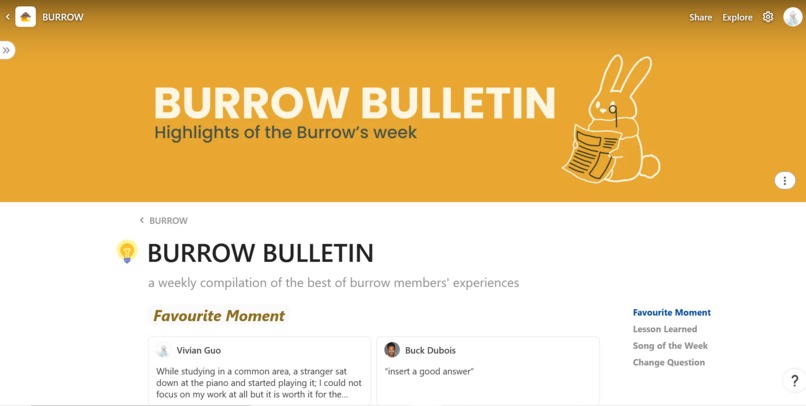
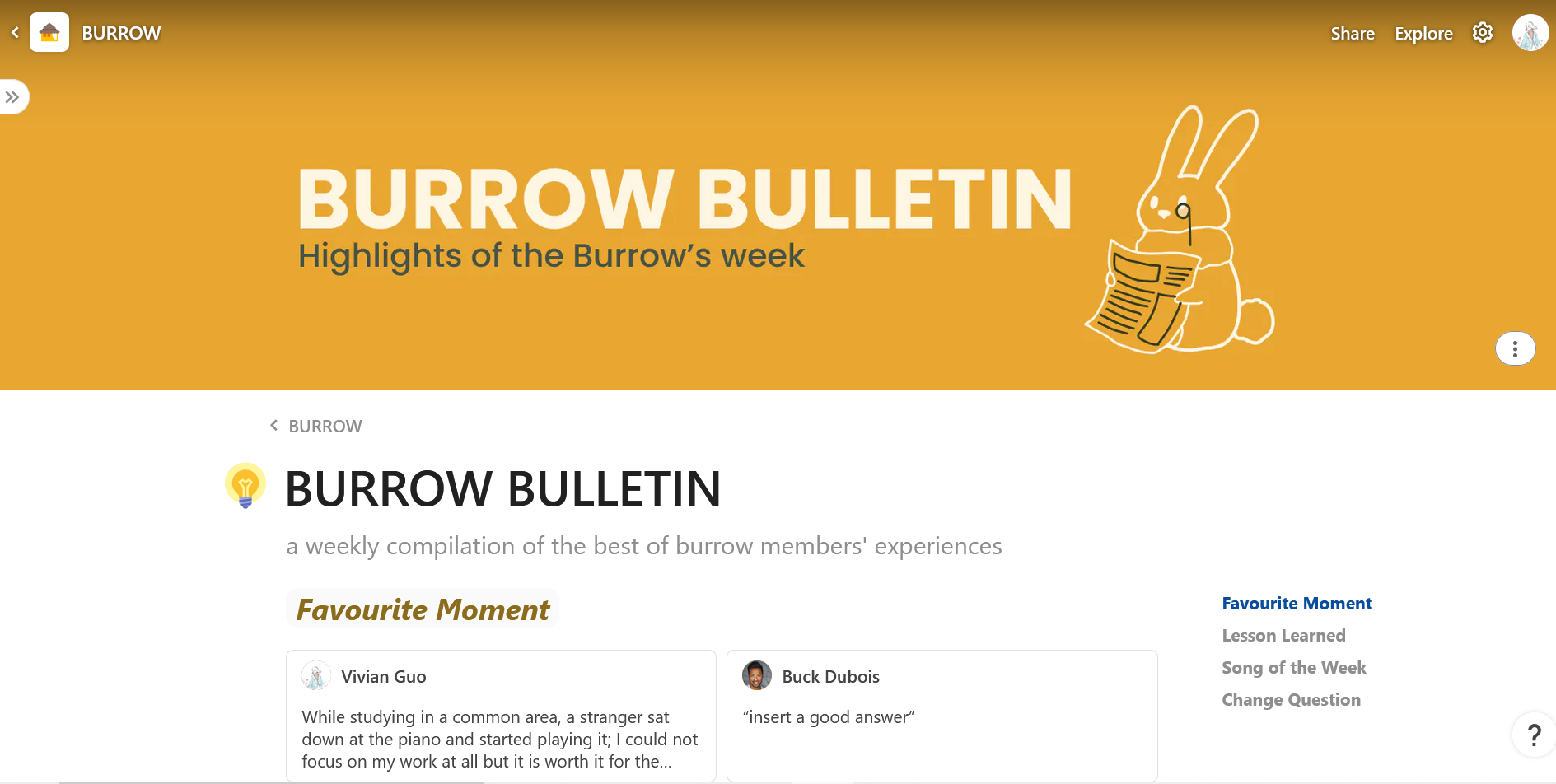
Burrow Bulletin
-
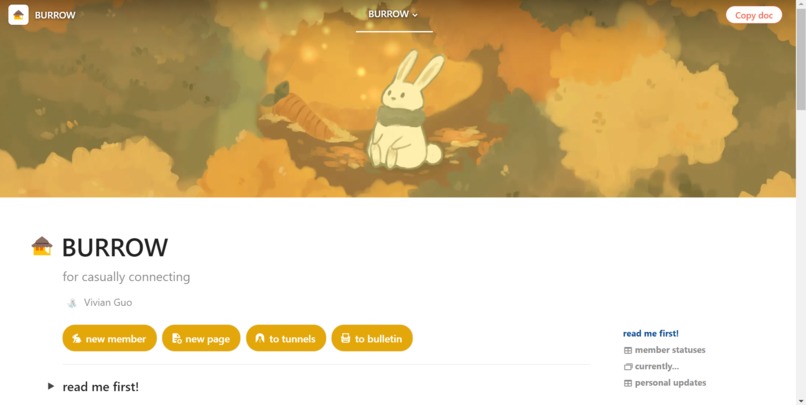
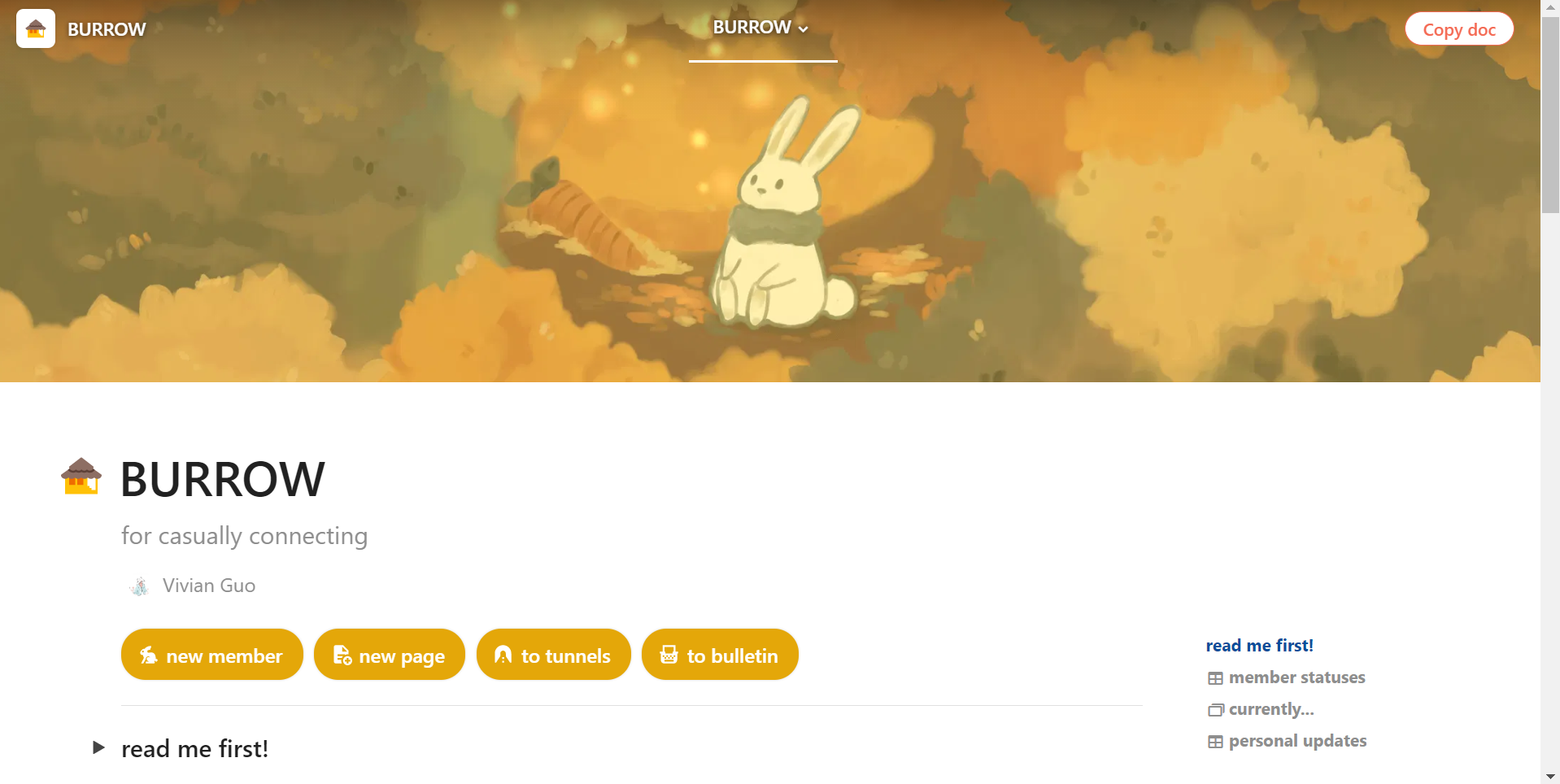
Homepage
Inspiration
The tip of the chain of inspiration for this project was an in-class doodle of a bunny taking notes (view in linked Figma file). I looked at the bunny and thought, "it deserves a break!", from which spawned the concept art.
From there on, I explored the ideas of a platform informally connecting individuals resembling the connecting tunnels of a rabbit's burrow. For many of us, catching up with more than a few friends will often require jumping between several social platforms (eg. Instagram, Discord, Facebook), whereas formal connections have many one-stop web-based outlets (eg. Slack, LinkedIn).
What it does
Burrow casually connects individuals! Simply share the Coda Doc to onboard a friend to your burrow. All members have the burrow have access to the homepage, the "Tunnels", and the "Burrow Bulletin".
Homepage
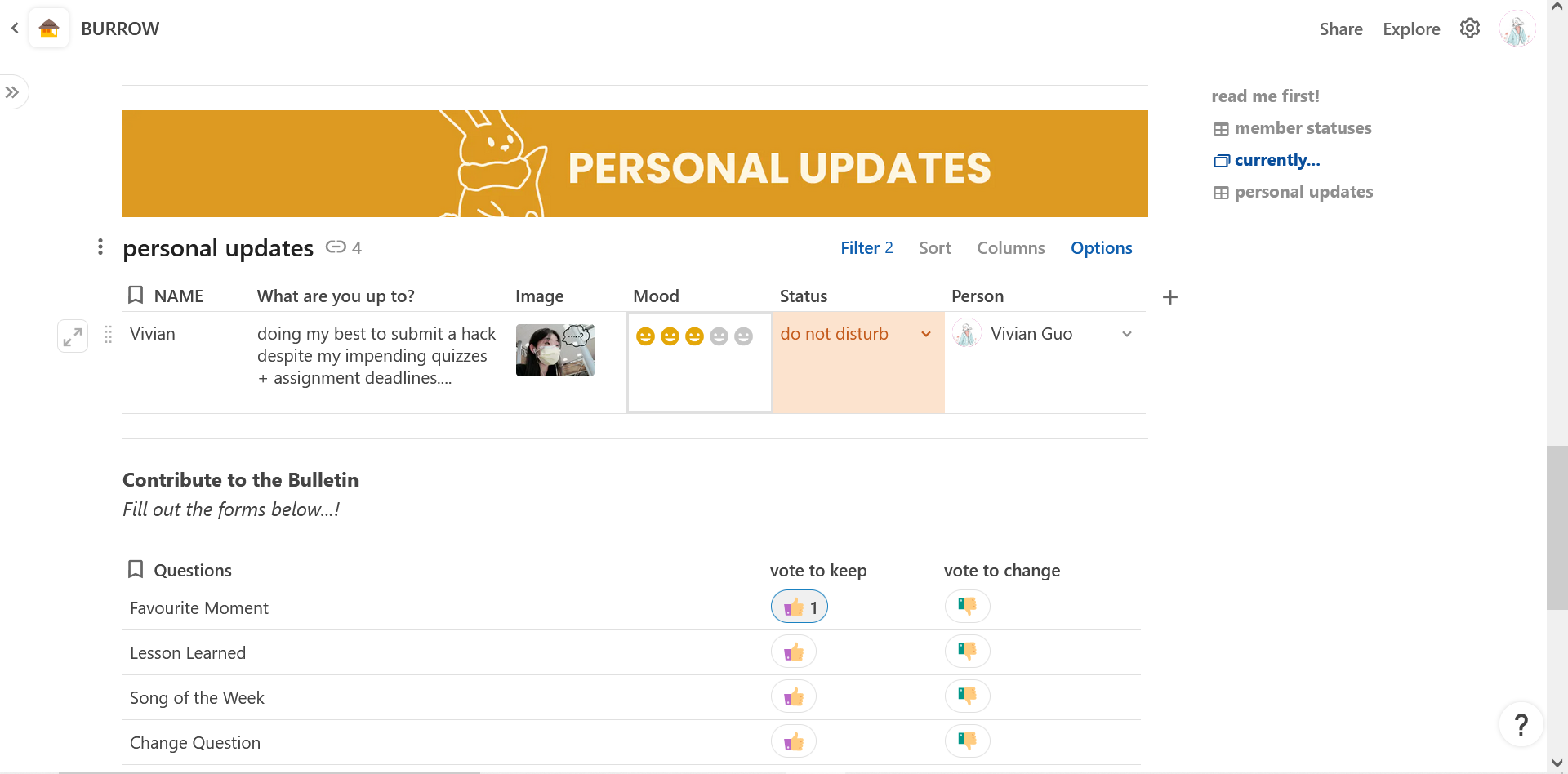
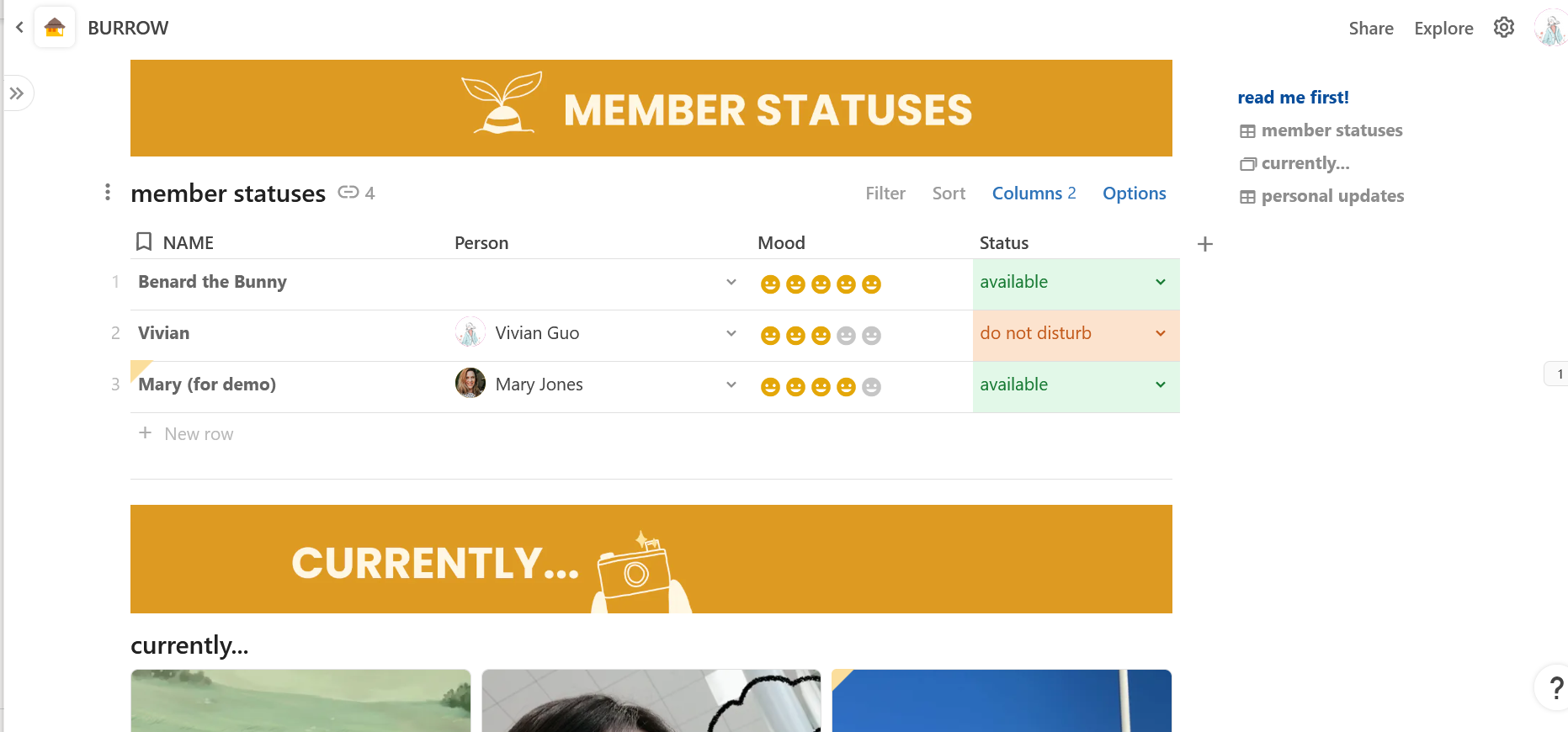
The Burrow, or homepage, connects all members of the workspace through a table display of statuses and a gallery of what everyone is up to. To update the others on your life, toggle to personal updates in the outline and edit the table presented. Each member that views that table will only see the row relevant to them. Changes you make there will reflect through out the workspace! The homepage is also where you can contribute to the weekly Burrow Bulletin issues - more on that below...
Tunnel
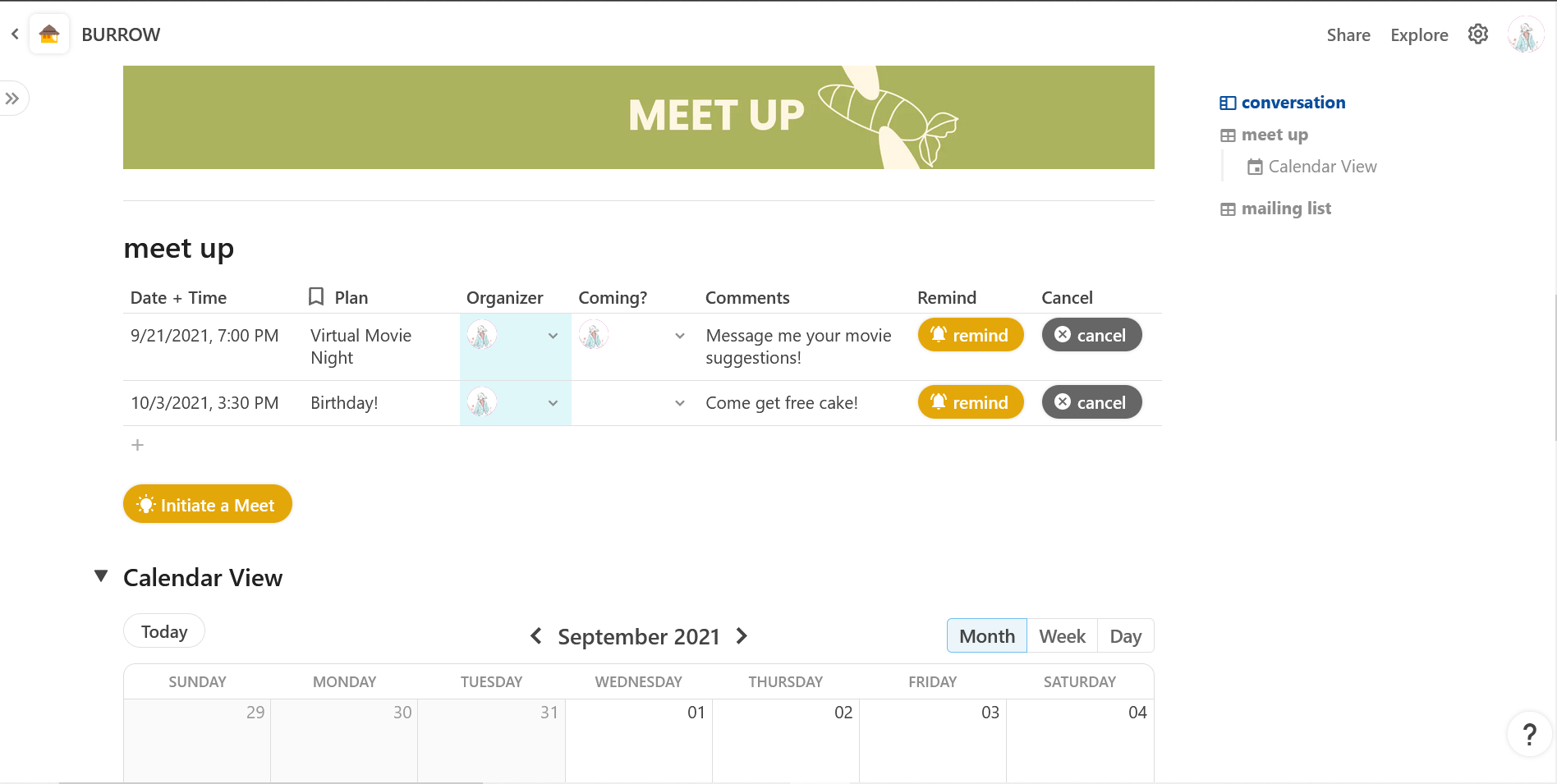
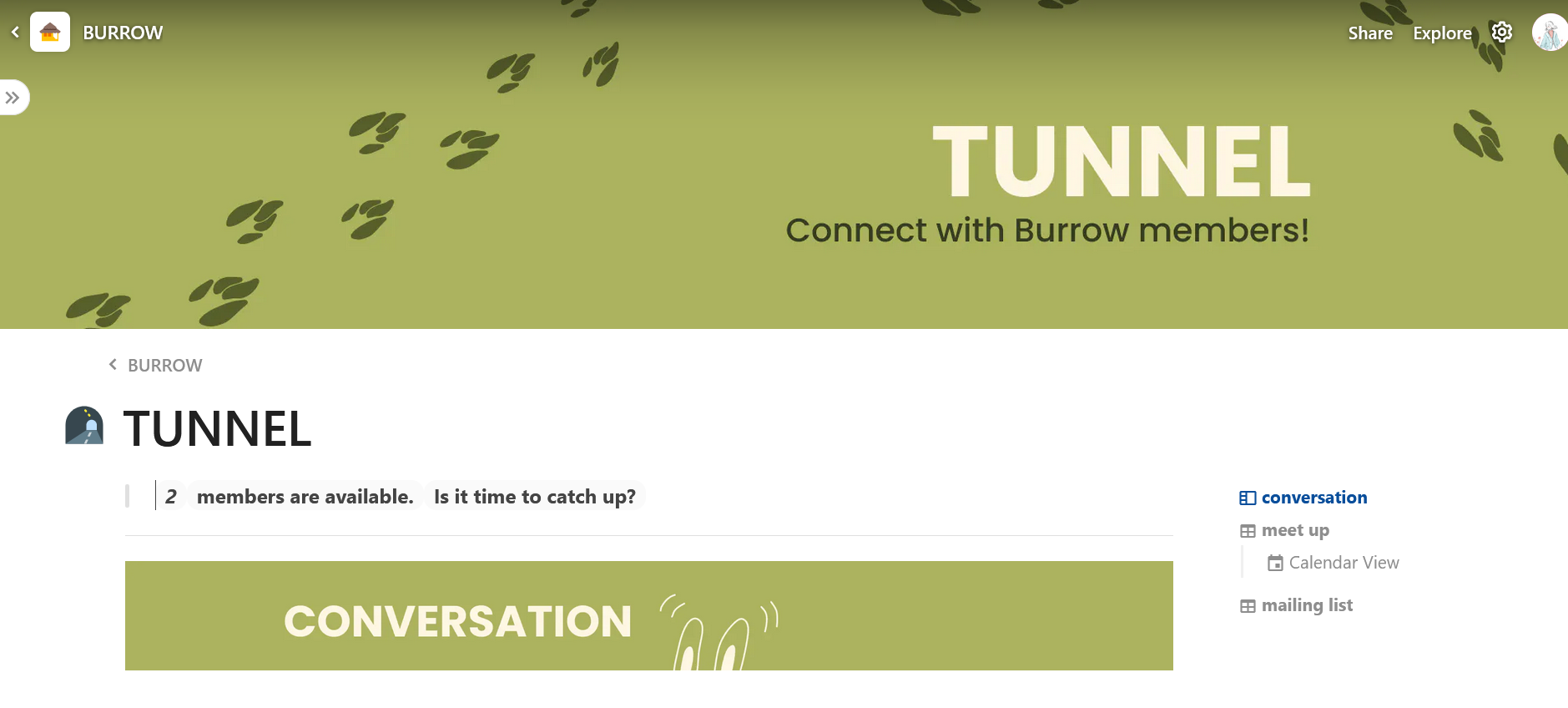
The Tunnel present a easy-access chat and a way to make plans to accommodate for everyone's busy schedules. The chat filters by status and does not show those that are on "do not disturb". The "meet up" table allows individuals to initiate plans and send reminders to those that opt in to the event.
Burrow Bulletin
As mentioned previously, individuals can contribute to the bulletin by answering questions on the homepage. This page is a compilation of all user's responses and will be emailed off to all subscribed members weekly; the bulletin allows everyone to share the highlights of their week even if they cannot make time for conversations.
Personal Pages
Optional: users can add their own page to customize to their liking, which will be displayed as a sub-page of "Tunnel".
How it was built
Burrow was built entirely in Coda (coda.io/). Art assets were illustrated/animated in Krita and graphics were created and formatted in Figma.
Challenges I ran into
Major challenges were mostly working under time constraints and navigating Coda documentations.
Accomplishments that I am proud of
the fact that I am submitting **anything* at all while semi-keeping up with my assignments and getting somewhat sufficient sleep.... Anyways, that aside...*
I am content with the design choices as I feel the colour connotations of a homely atmosphere adheres well to the project purpose.
What I Learned
In Coda, I learned to... -Integrate various views of one database to synchronously update data across a workspace -Use buttons to connect pages and simplify repetitive tasks with better templates (eg. cancelling a plan both deletes a row and notifies all individuals that planned to come).
- Set up automated re-occurring tasks (eg. the weekly mail)
- Set up text that updates as the linked table view updates
- Use pages as templates
- and more
What's next for Burrow
I hope to carry out more of my original vision that was scoped down for time constraint. In particular, I hope to "gamify" this concept and allow features to be accessed as if it is an adventure game. For instance, adding a new member will add a new space in the burrow and a new bunny or another animal avatar that the user can customize.
Built With
- coda



Log in or sign up for Devpost to join the conversation.