-
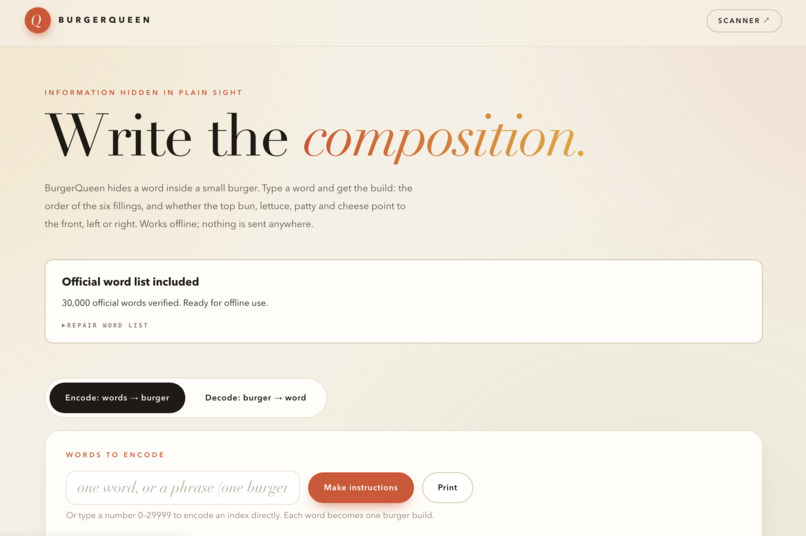
Main Page, word list loaded
-
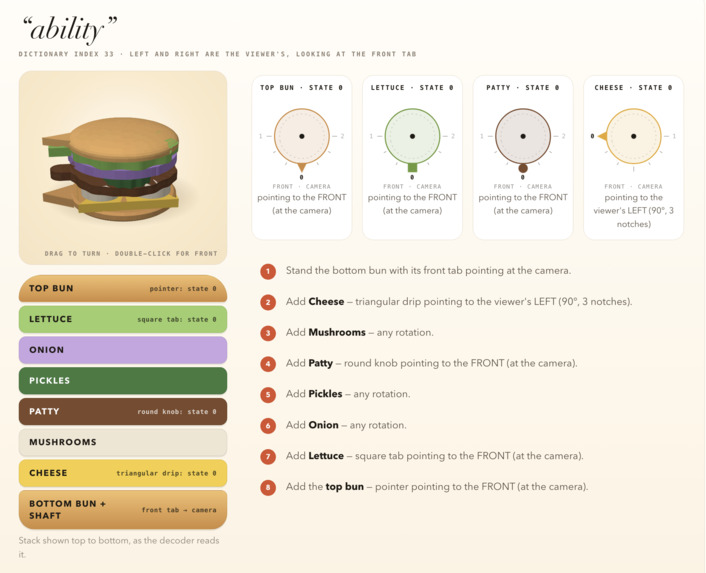
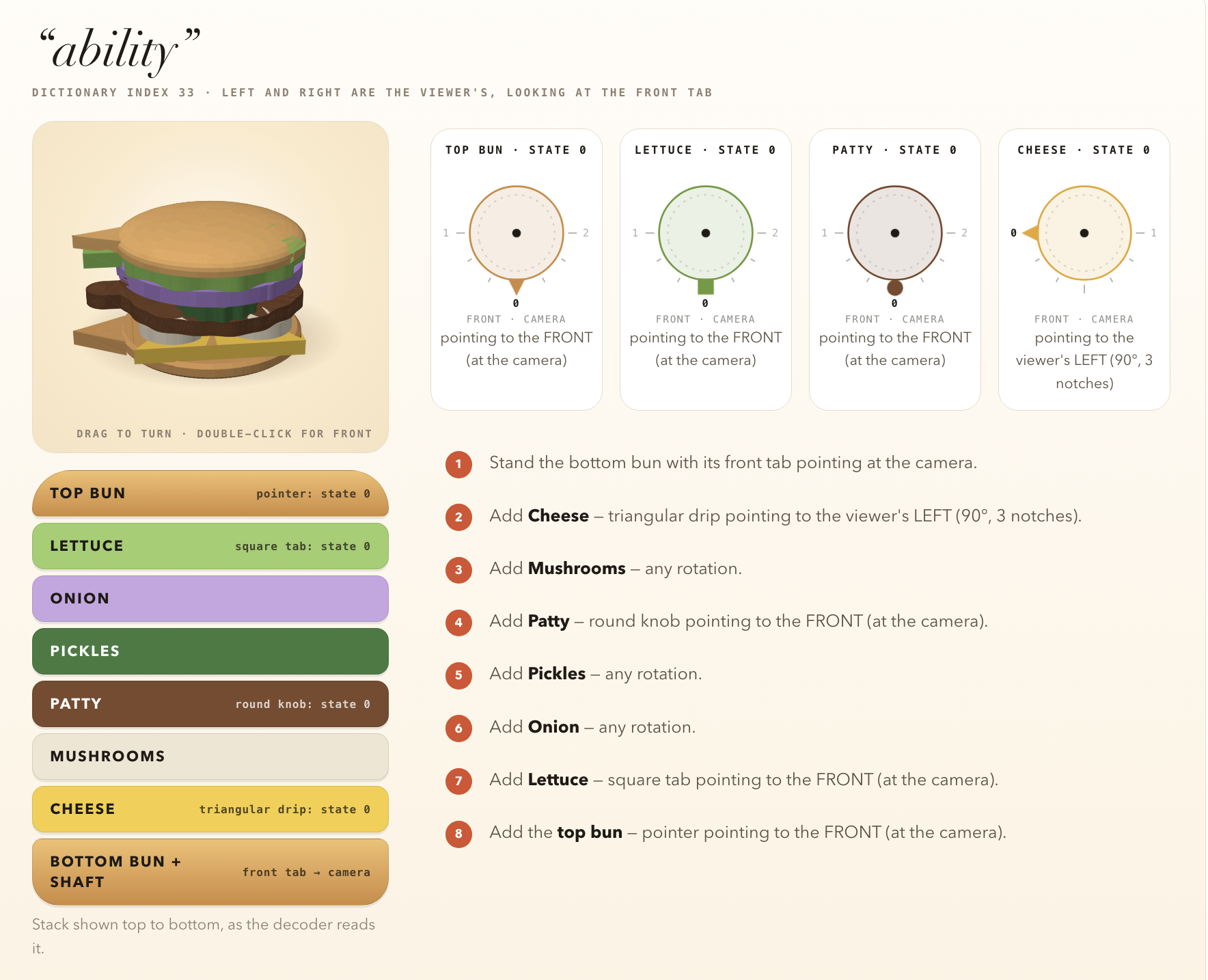
Instructions on how to make a burger (encode) after the word has been given
-
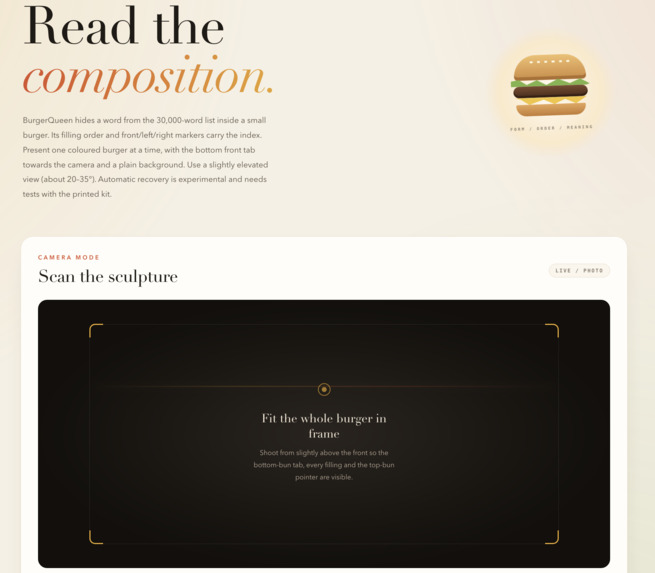
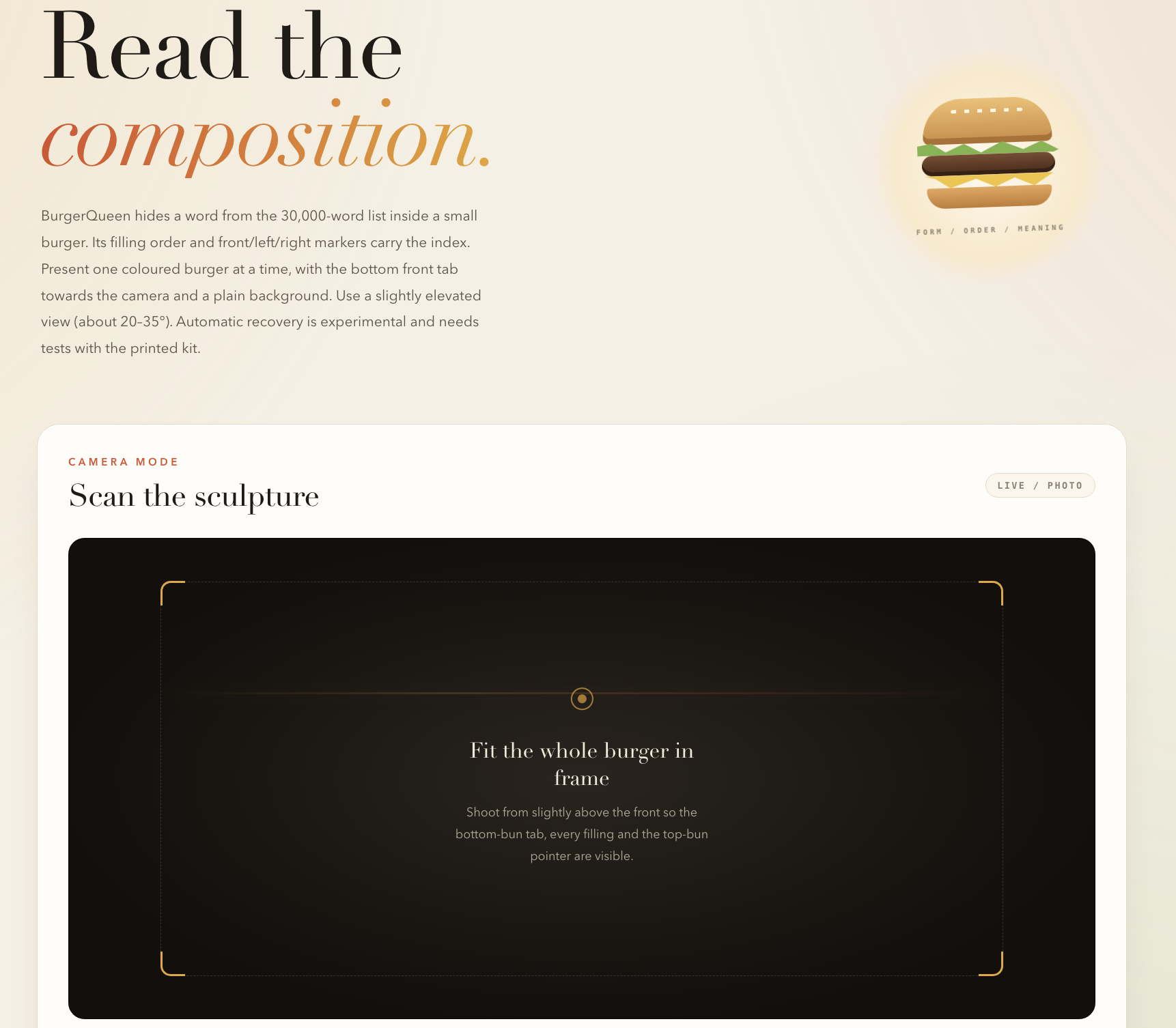
decipher the composition (decode) to find out the hidden word behind the burger
Inspiration
With composition as the theme in mind, nothing is more "composed" than a burger. Everyone knows what one looks like, and nobody suspects it of carrying a message, nor the meticulous design of its ingredient ordering. We wanted an object that looks like a toy on the table but is really a word, with no QR codes, barcodes or text anywhere on it.
What it does
BurgerQueen turns any word from the judges' 30,000-word list into a physical burger, and turns it back.
- Encoder (offline web page): type a word and get build instructions: the order of the six fillings, and how the bun, lettuce, patty and cheese should be put (front, left or right). Building takes a couple of minutes from a kit of reusable printed parts.
- The burger: a bottom bun with a built-in shaft and a front tab that acts as the reference direction, six fillings (lettuce, cheese, onion, pickles, patty, mushrooms) and a top bun that spins freely.
- Scanner (offline web page, separate machine): point a camera at the burger. It reads frames continuously, works out the filling order and marker directions, and locks onto the word when several frames agree. Only the burger carries the message.
How we built it
- CAD in code: every part is generated in Python (
trimesh,manifold3d,shapely) with automatic checks: watertight meshes, single bodies, and no collisions with the 12-ridge shaft at any of its 30° steps. - Printing: sliced in Bambu Studio for a Bambu Lab A1. We also generated a 1:1 cutting template so the burger can be hand-made from craft foam if printing fails.
- Web apps: plain HTML, CSS and JavaScript with no frameworks and no network requests. The word list is checked against a SHA-256 fingerprint so the encoder and decoder are guaranteed to use the identical list.
- Computer vision, written from scratch in the browser: colour classification that copes with shading, the bottom bun's front tab as the reference (which also corrects for a burger turned up to ~35°), filling order from layer heights, and markers found as the parts that stick out of each layer's elliptical outline.
- Testing without a camera: we wrote a small renderer that draws our real STL models into photo-like test images at random angles, so we could measure the recogniser before anything was printed.
Challenges we ran into
- A 2-hour printing budget. Our first kit needed about 5h40m of printer time. We redesigned it: rotation states instead of separate part variants, smaller and thinner parts, and the shaft merged into the bottom bun. The final burger is estimated at about 90 minutes.
- Information you can't see is information you lose. Markers pointing backwards are hidden in a front photo, so our final scheme only uses front, left and right.
- Lighting vs. colour. Similar colours are changed to make ingredients easier to be distinguished from one another.
- Hidden layers. Open shapes like onion rings and mushrooms can disappear between layers, which makes the filling order the hardest part to read.
What we learned
- Designing for the camera matters as much as designing the code: bold, side-facing markers beat subtle details.
- Encoding a word is easy; reading it reliably from the real world is the hard part.
- Building a synthetic test bench early let us measure and improve the recogniser honestly, instead of guessing.
What's next for BurgerQueen
- Test and tune recognition on photos of the printed burger (our current numbers come from rendered test images).
- Make every filling solid round the edge so no layer can hide.
- Add error detection, and a three-burger holder for three-word phrases.
- Improve the aesthetics of the burger by making patterns more subtle and realistic.
