-
-
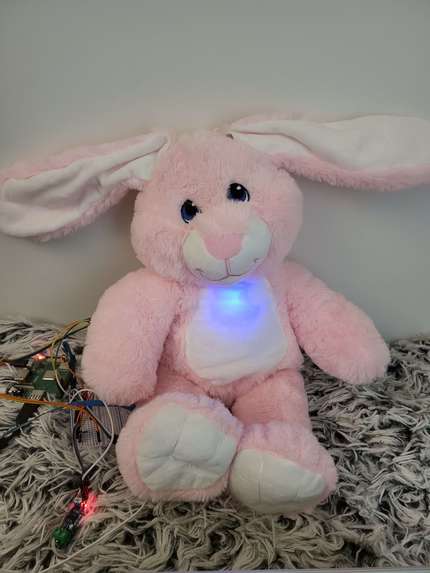
BunnyBot!
-
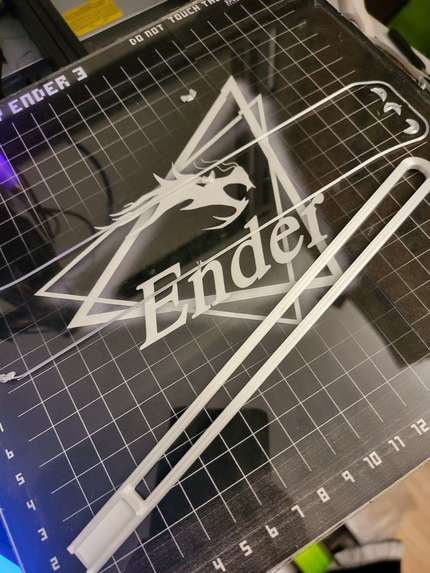
3D print off the build plate
-
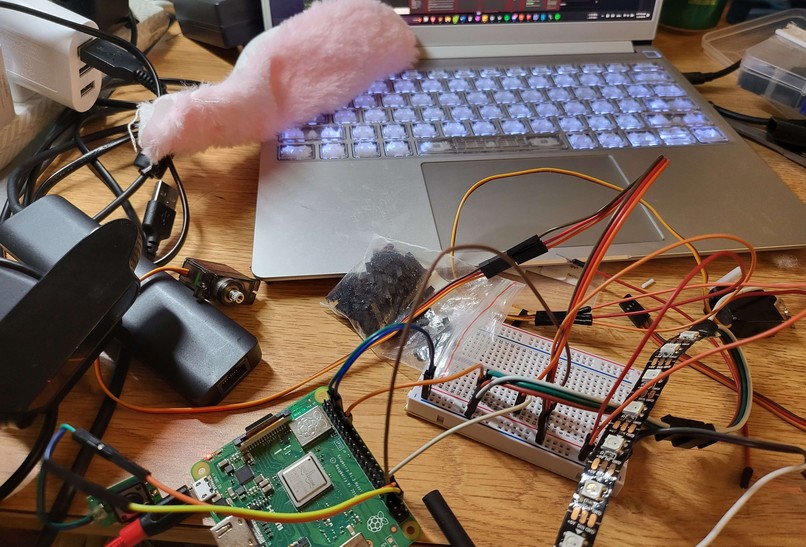
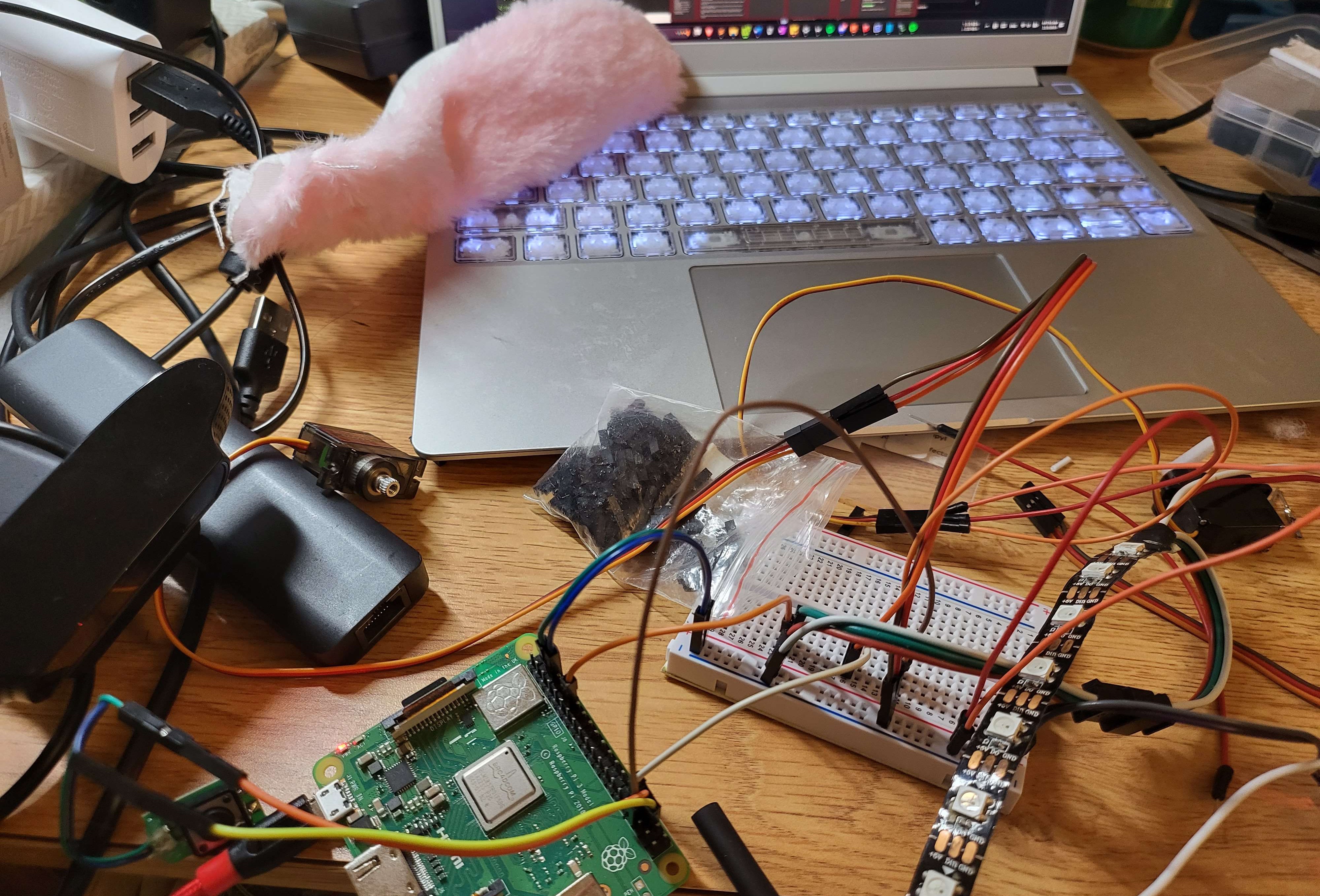
Wire ratsnest before putting into the bunny bot
-
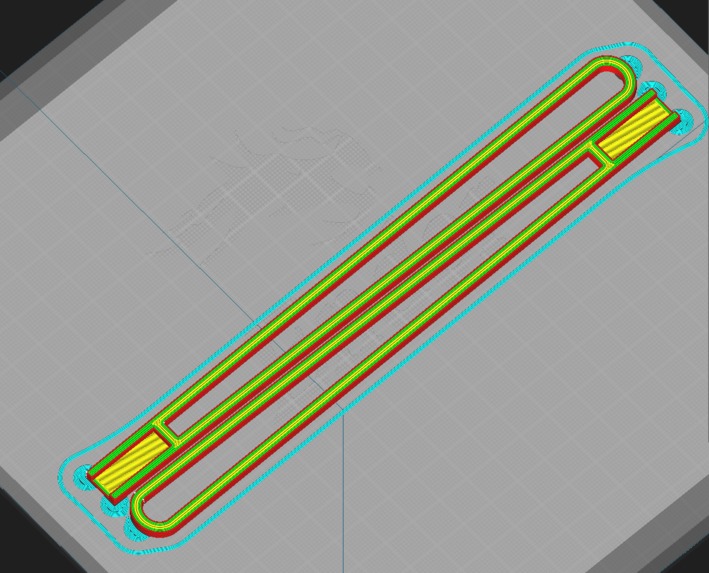
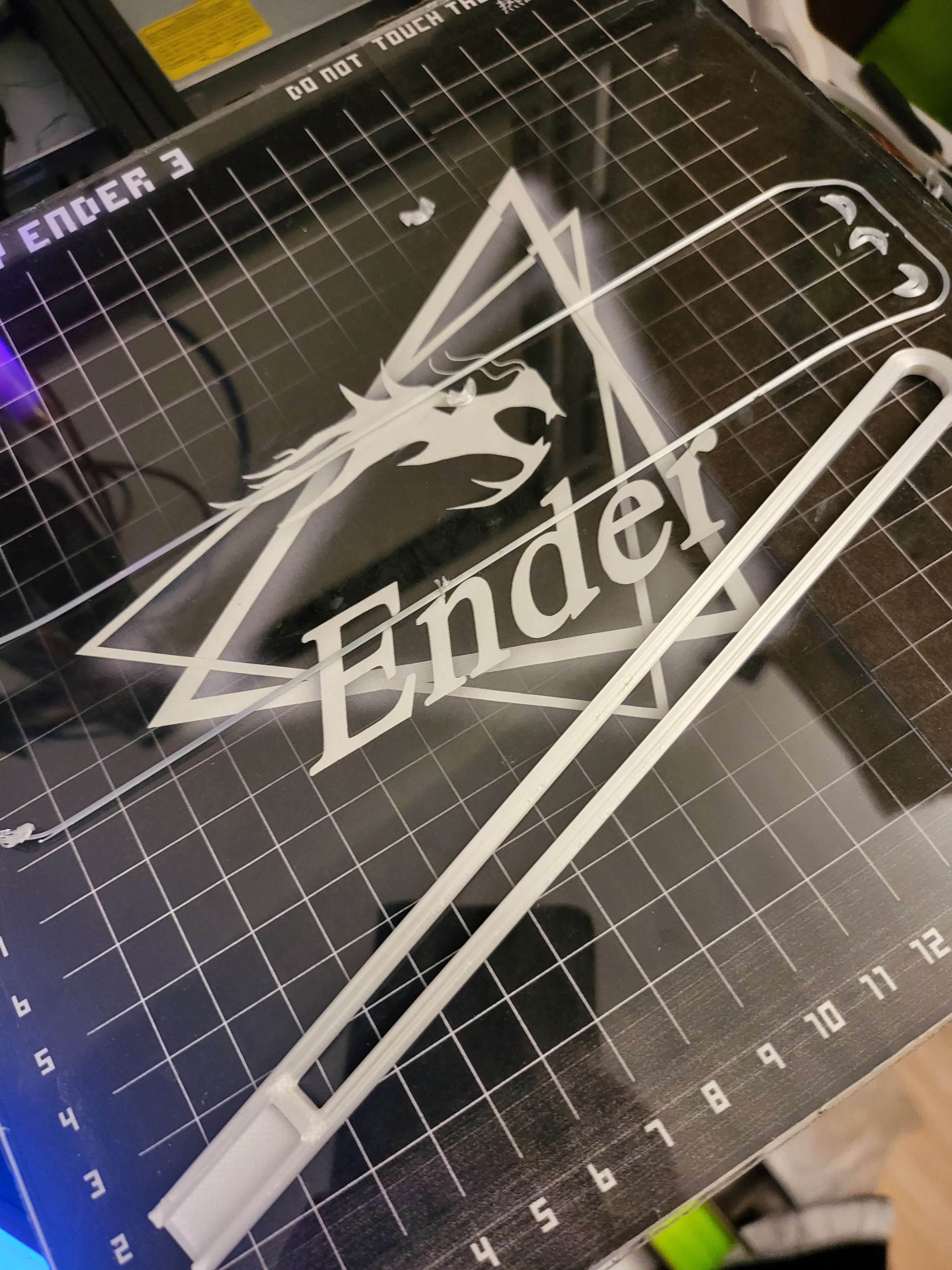
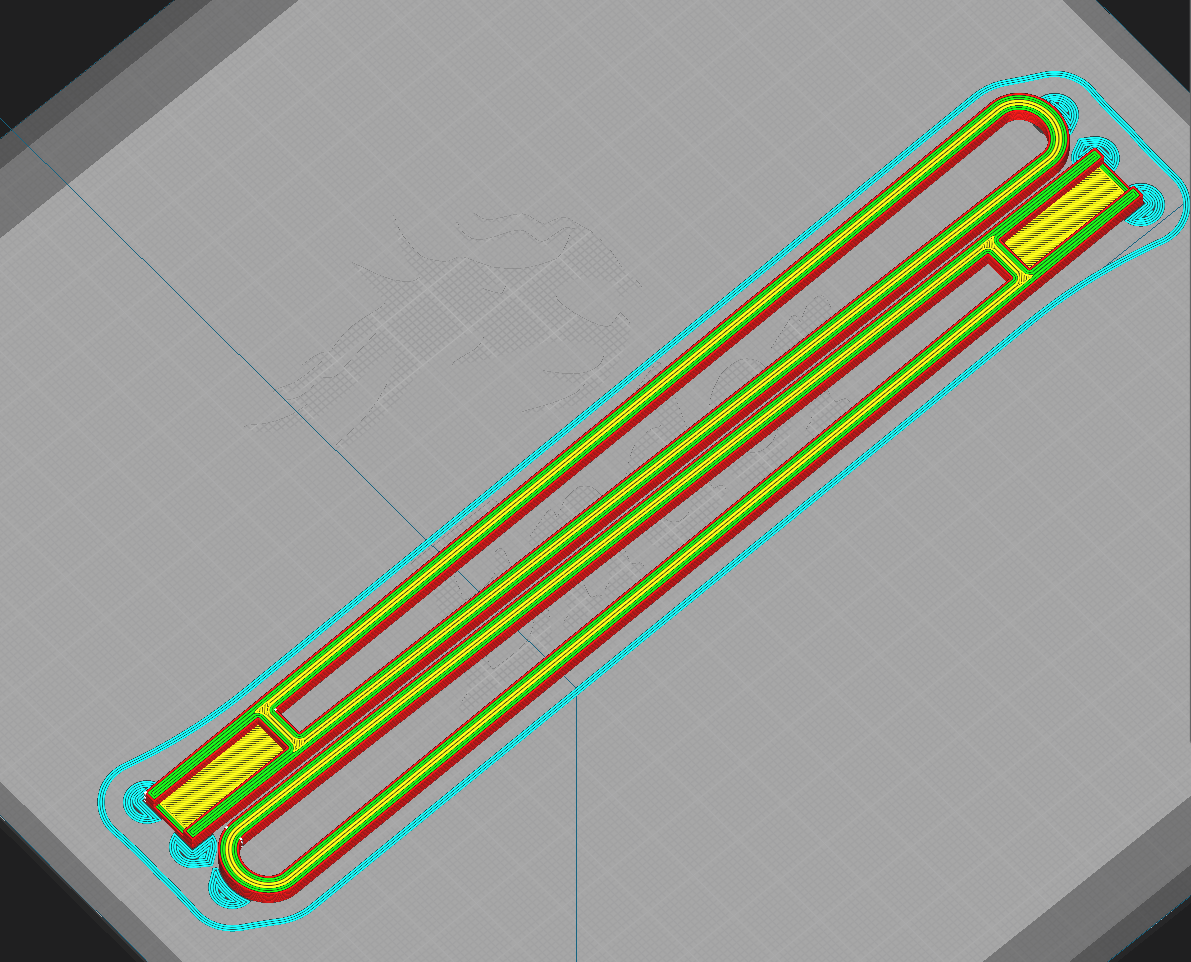
Sliced 3d print for ears
-
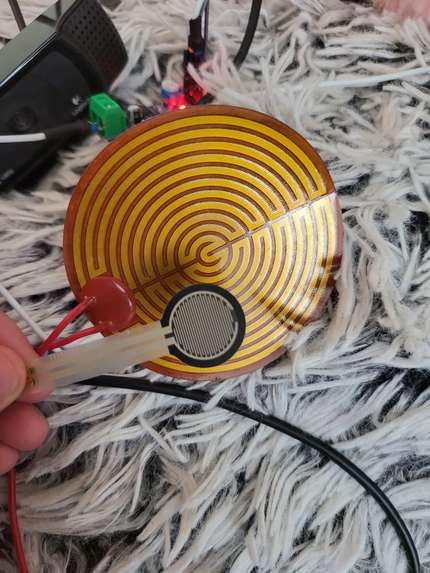
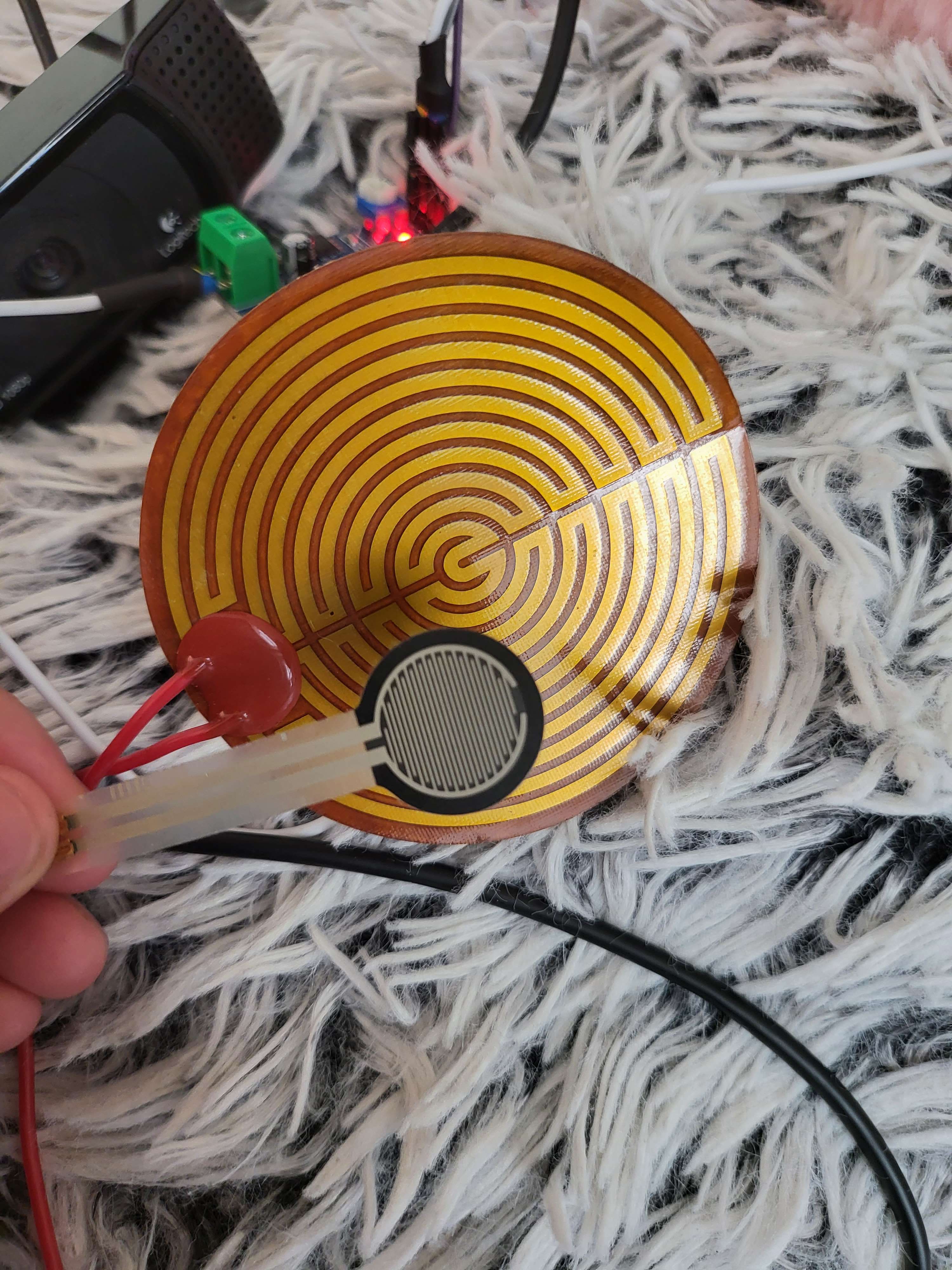
Force resistive sensor + resistive heater
-
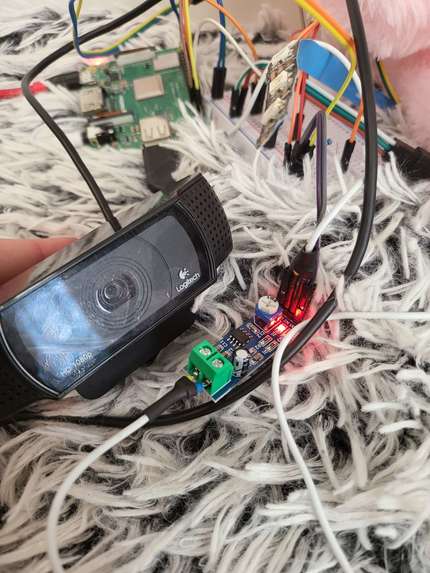
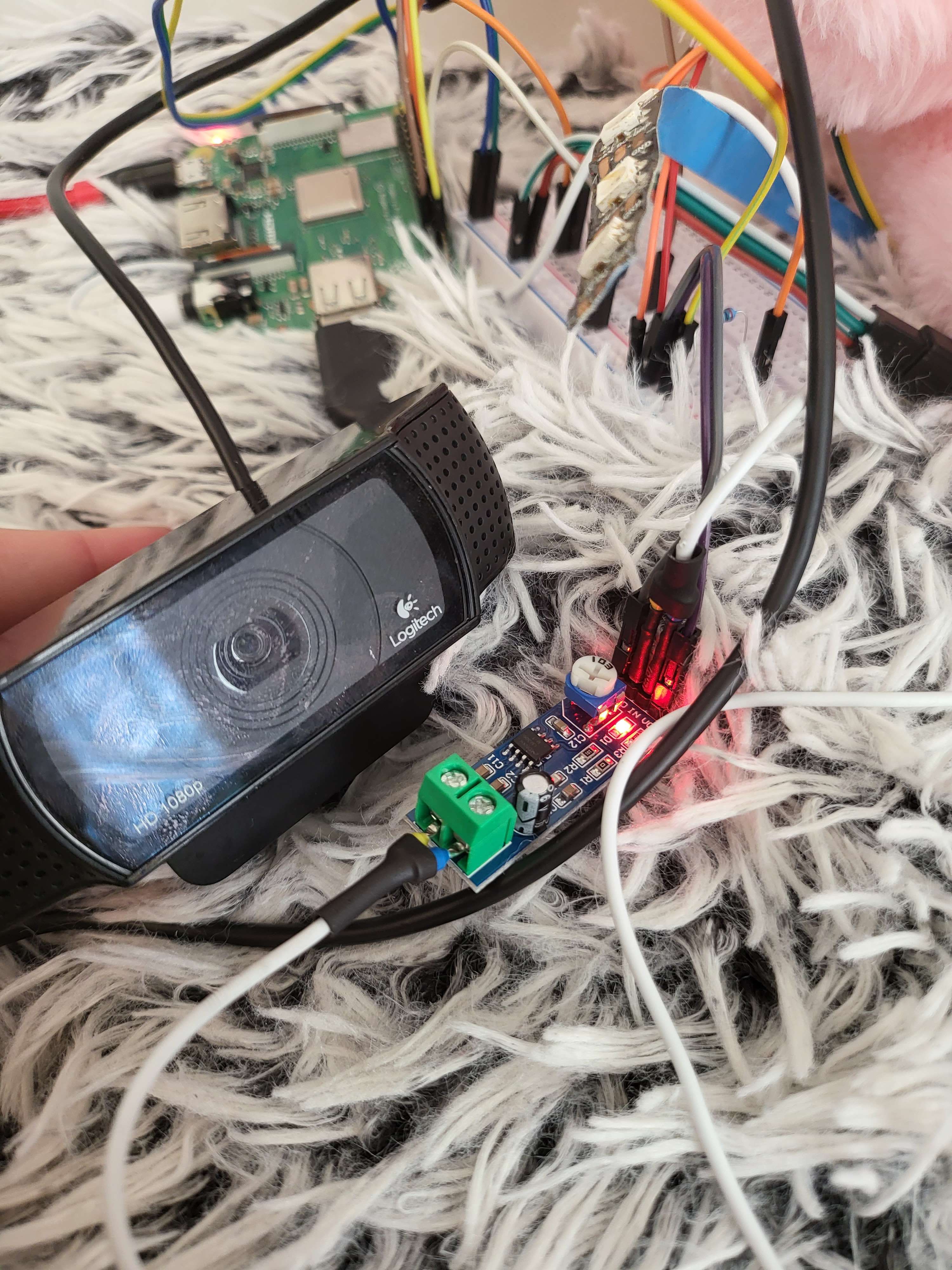
Mic workaround
Inspiration
I originally wanted to make a mental health chatbot to act as an everyday therapist, as traditional therapy isn't available 24/7 and often has a financial barrier. However, this has already been done as there as several of these chatbots out there, but "Analysis: Chatbots for mental health care are booming, but there’s little proof that they help", due to the inherent "barrier" that is there between you and the screen. During the opening talks, the idea of a chatGPT powered plush toy that a kid could have to go to sleep with, which was a major inspiration for this project!
What it does
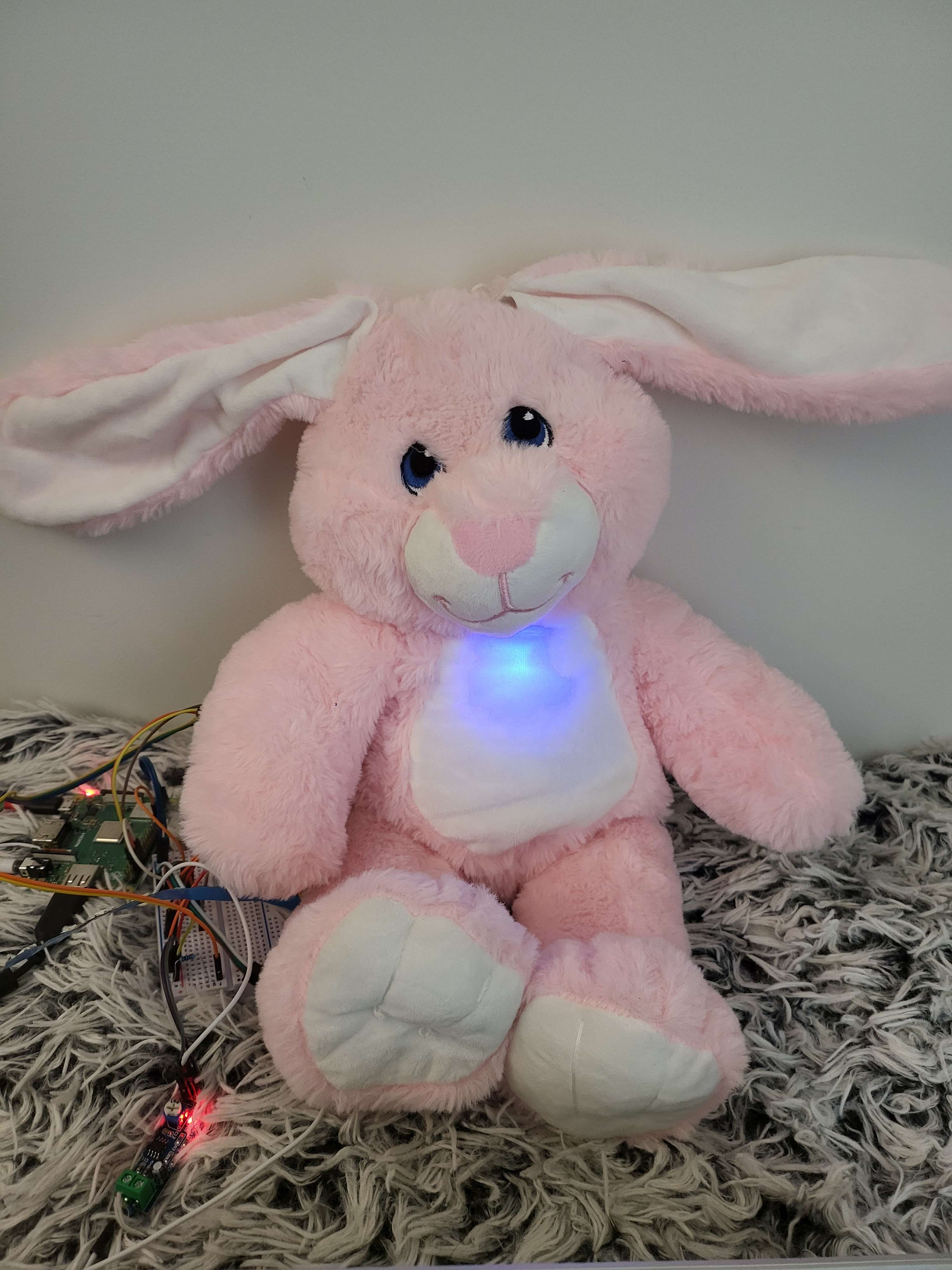
BunnyBotBeacon aims to be a friendly and fluffy everyday companion! It aims to go beyond the role of just a online chatbot and interact with you by wiggling its ears and blinking its LED. It will talk to you when prompted to via a button, uses a microphone with speech to text and then text to speech with a speaker that will answer your questions, and retain memory.
How we built it
BunnyBot was built using 2 servos to control each one of the ears, both of which were CAD'ed and 3D printed. Full disclosure, I used this tutorial here for much of the project: https://learn.adafruit.com/robotic-ai-bear-using-chatgpt/overview
Challenges we ran into
Time was a really difficult factor due to being a one man team, as flashing the specific Raspberry Pi, sourcing hardware, and running into issues getting the hardware to work together properly. It took quite a bit of late night lab scavenging to find the right hardware, and even then I ran into issues such as having too quiet of a speaker (which required splicing a audio amplifier in the middle). Many of the features that I wanted to implement (force sensing resistor to detect being patted) didn't work consistently enough, or I simply ran out of time (heating element to make your toy extra cozy for warmth). I also couldn't put the pi on the university network, and had to rely on my laptop, which often gave out intermittently and would require a full restart of the pi to fix.
Accomplishments that we're proud of
I'm pretty proud of just being able to get the bunny bot to work I suppose, and managing to stuff it back up with my limited sewing skills haha. I tried to do as much as I could beyond the original tutorial, such as adding LED, and using "prompt engineering" to try and break the digital barrier and really let chatGPT interact with the real world by letting it control the LED and servo in the bunny using specific keywords.
What we learned
I have never used openAI or Azure or any kind of speech/voice/text project, so it was really cool being able to implement this, even if a lot of it was following a guide. It was fun to see my bunny that usually sits still on my shelf come to life. :)
What's next for BunnyBotBeacon
There are lots of bug fixes that are needed, and I would like to get the LED strip working so that the bot can truly be a "beacon". I would like to further improve the interactions that chatGPT can have with the bunny and to be able to control it.

Log in or sign up for Devpost to join the conversation.