


















Inspiration
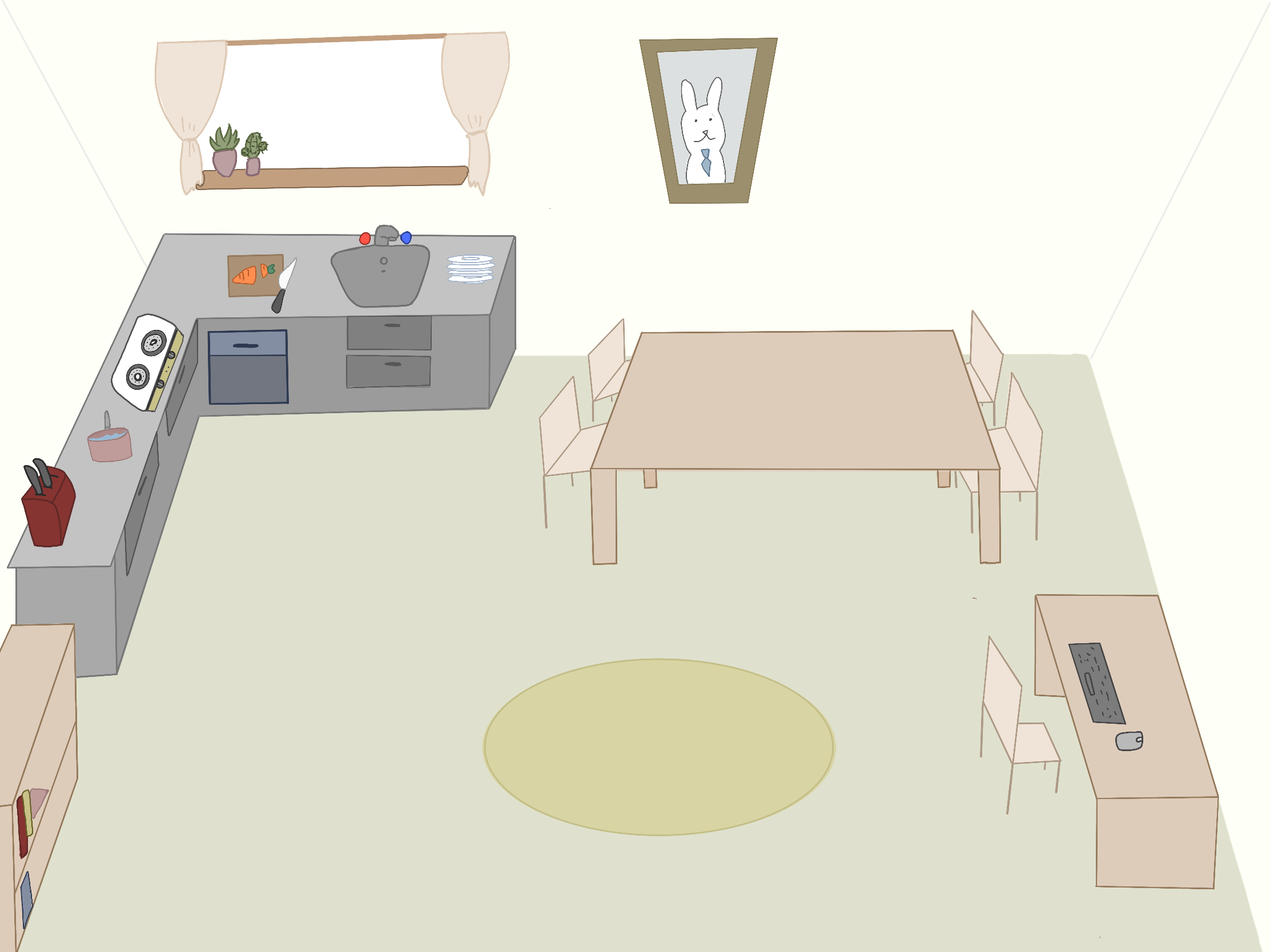
This program was inspired by the lack of a hands-on organization. This is especially true when it comes to the workplace as sometimes, there might just not be a unifying way to get employees organized. In the theme of the program, it is based on the year of the rabbit with there being rabbits working all around the UI, giving the user a desire to work.
What it does
This program helps organize items and provides quick functions for a person that is in the supply chain. With the different windows, it could be a very effective desktop for a browser where the user would be able to have an organized desktop on a website. Additionally, the demo also shows that there are account systems in the website which, further more, helps with management of a supply chain.
How we built it
We built this project on replit and used HTML, CSS and JS. Additionally, we used Google Maps API to enable the use of the map and the distance between two points. By using HTML, we could make an overall layout of the website. CSS on this website changes how the website looks and the visual effects and looks. Lastly, the JS is used the most as we had to add new elements and access HTML and CSS to affect them. Using JS, we were able to create new elements which allowed us to duplicate and make the code more standardized for every element.
Challenges we ran into
Some challenges that we have run into would be trying to implement the whiteboard and making the windows draggable as a whiteboard needs a lot of inputs and is very strict about positioning. On the other hand, the dragging of the window was hard to accomplish as it needed cooperation from all branches of the website where it needed the list, HTML, CSS, and JS to have the dragging functional.
Accomplishments that we're proud of
We're proud of making all of the windows to be draggable and duplicatable which was a hard thing to overcome, it really makes the project look more professional and look more like an organized desktop. Additionally, we are very proud that every one of the images on the website is hand drawn by our team.
What we learned
We learned a lot, from remembering to add String() to learning to use classes to make the code more organized and to create objects. We also learned how to use jQuery, solidified our HTML and CSS basics, and most importantly, allow us to learn more about JS and gain more experience in making a website responsive.
What's next for Bunny Time Organizer
I believe that next, we could link the whole thing to a database where we could drag each window and send it to other users which would allow the whole organizer to be organizing a whole business instead of organizing a desktop.

Log in or sign up for Devpost to join the conversation.