-
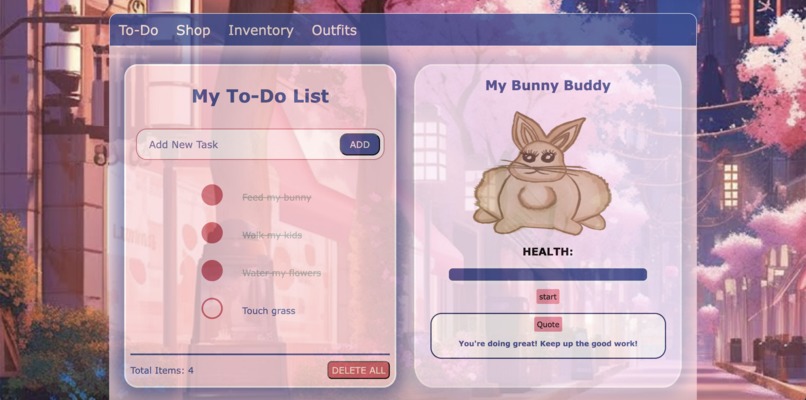
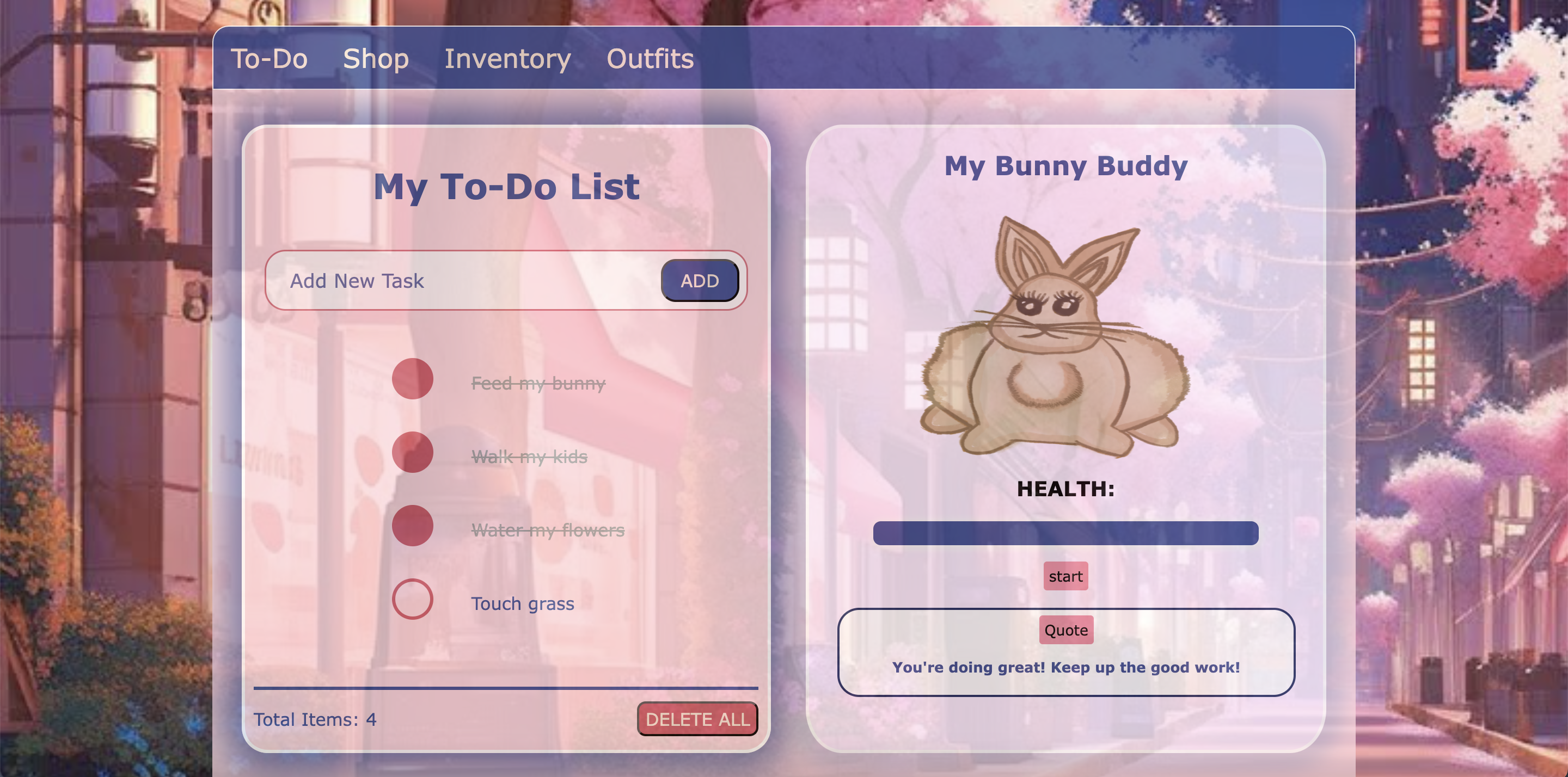
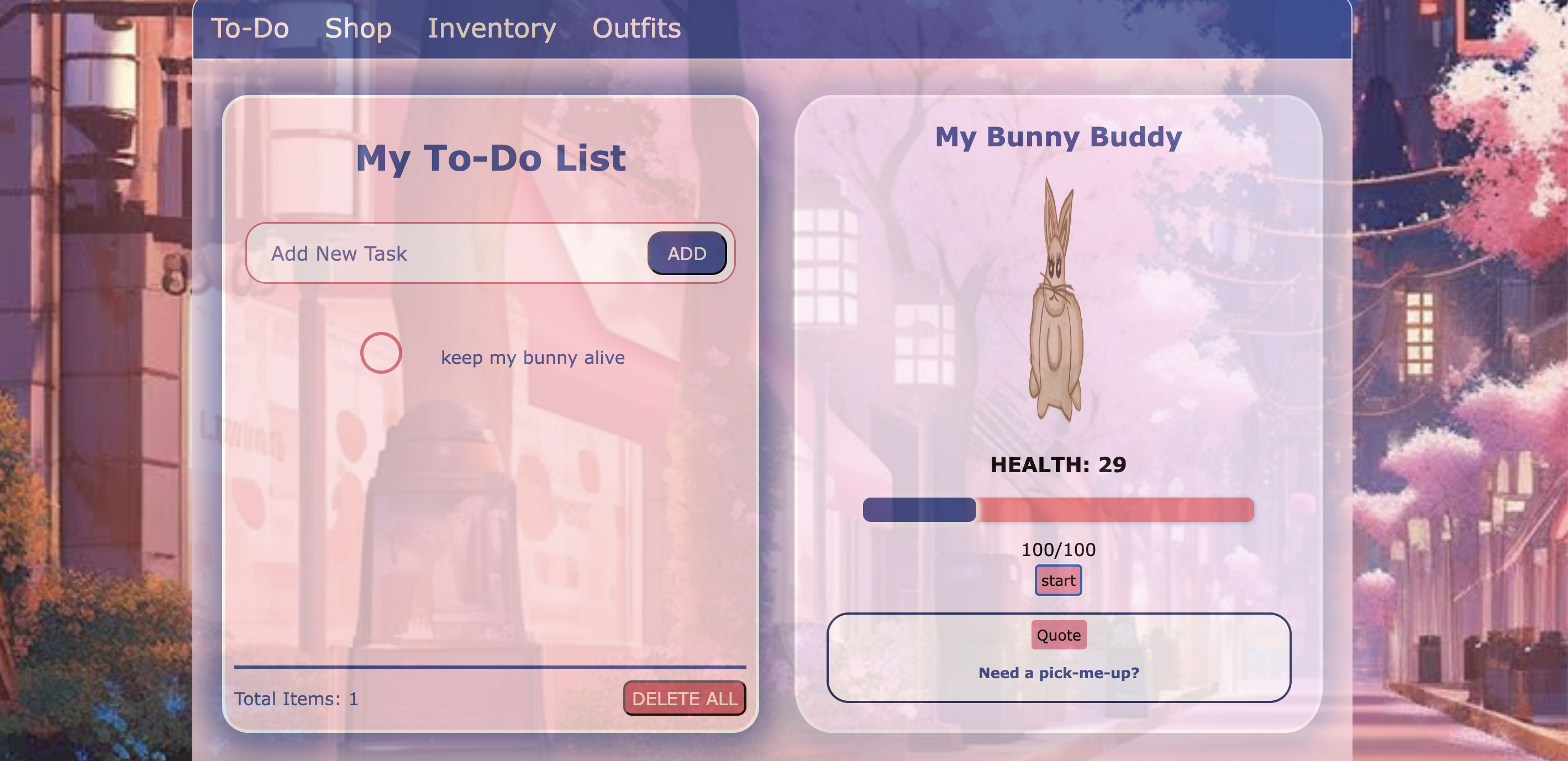
The to-do page - featuring your favorite bunny
-
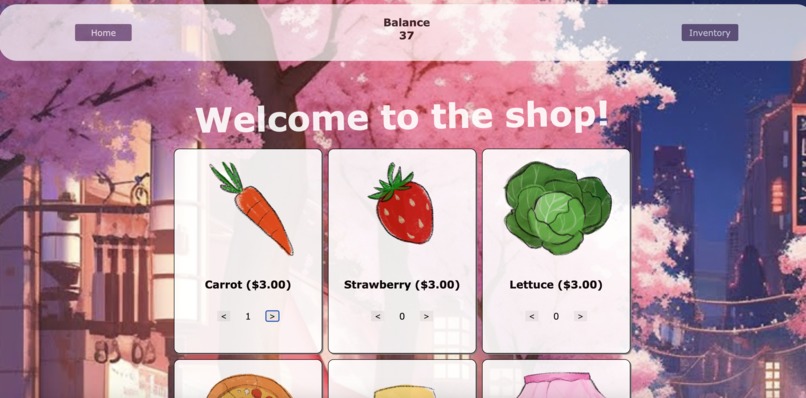
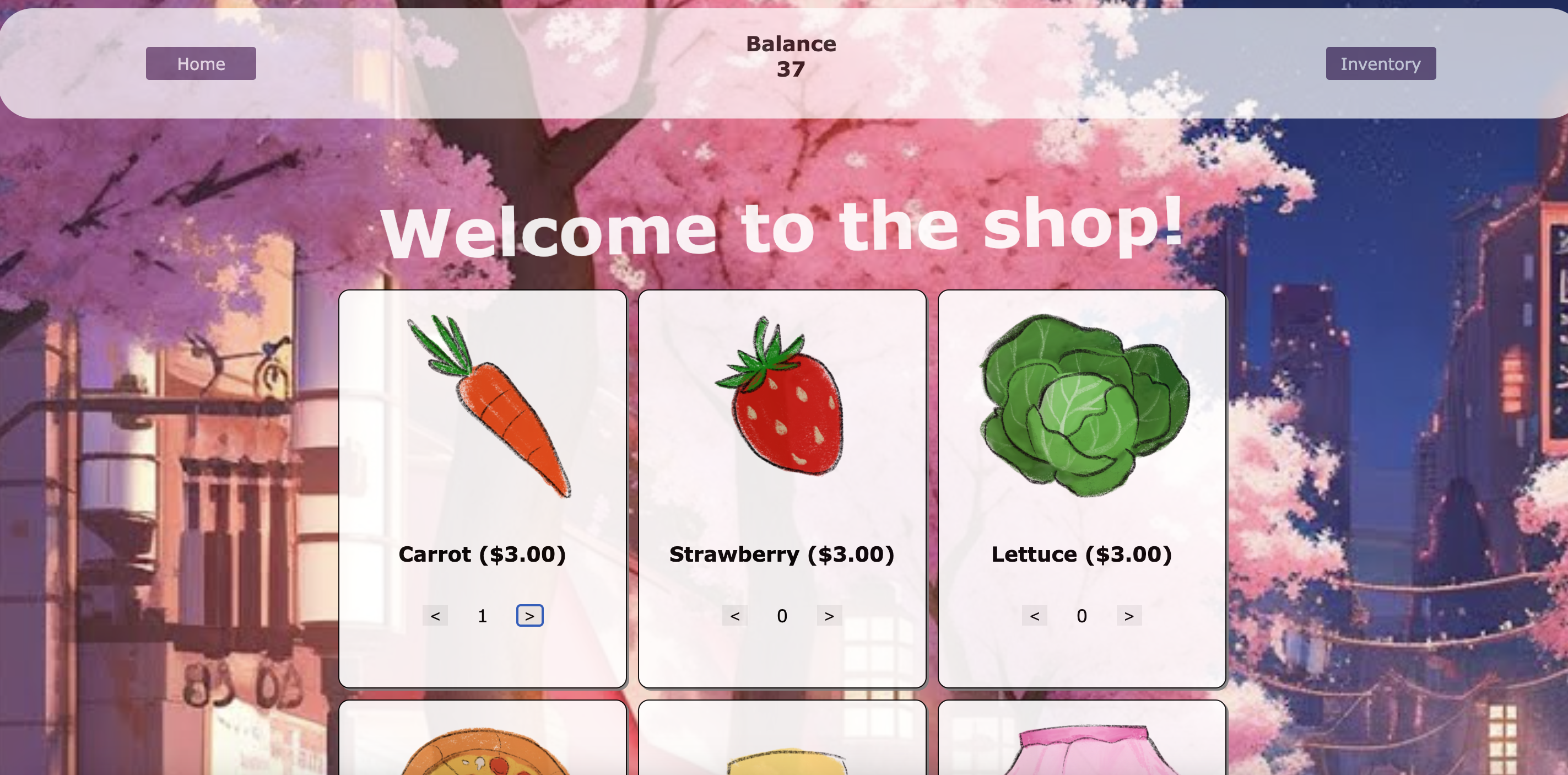
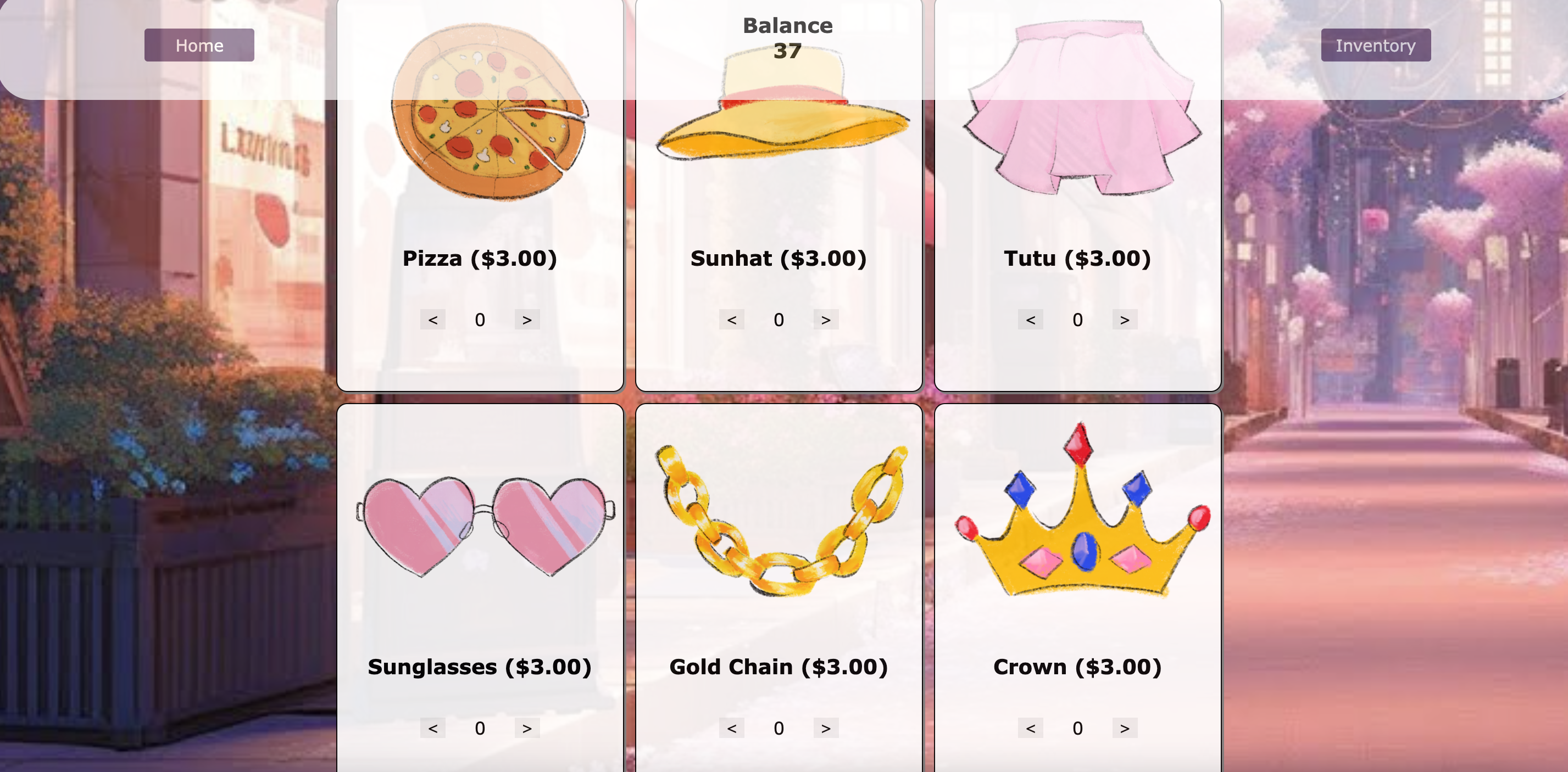
What will you buy today for your bunny?
-
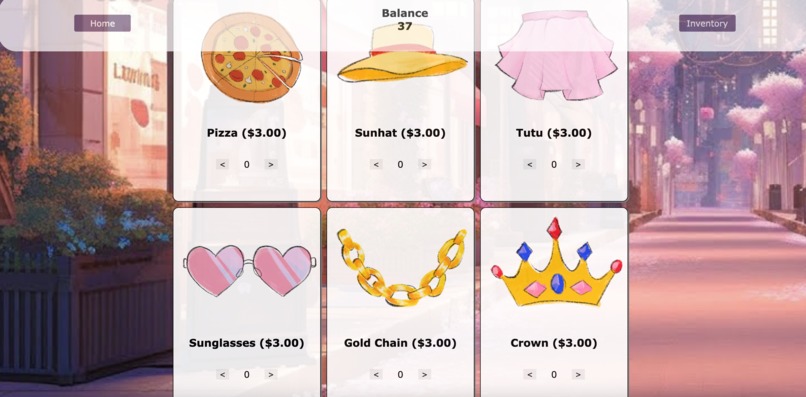
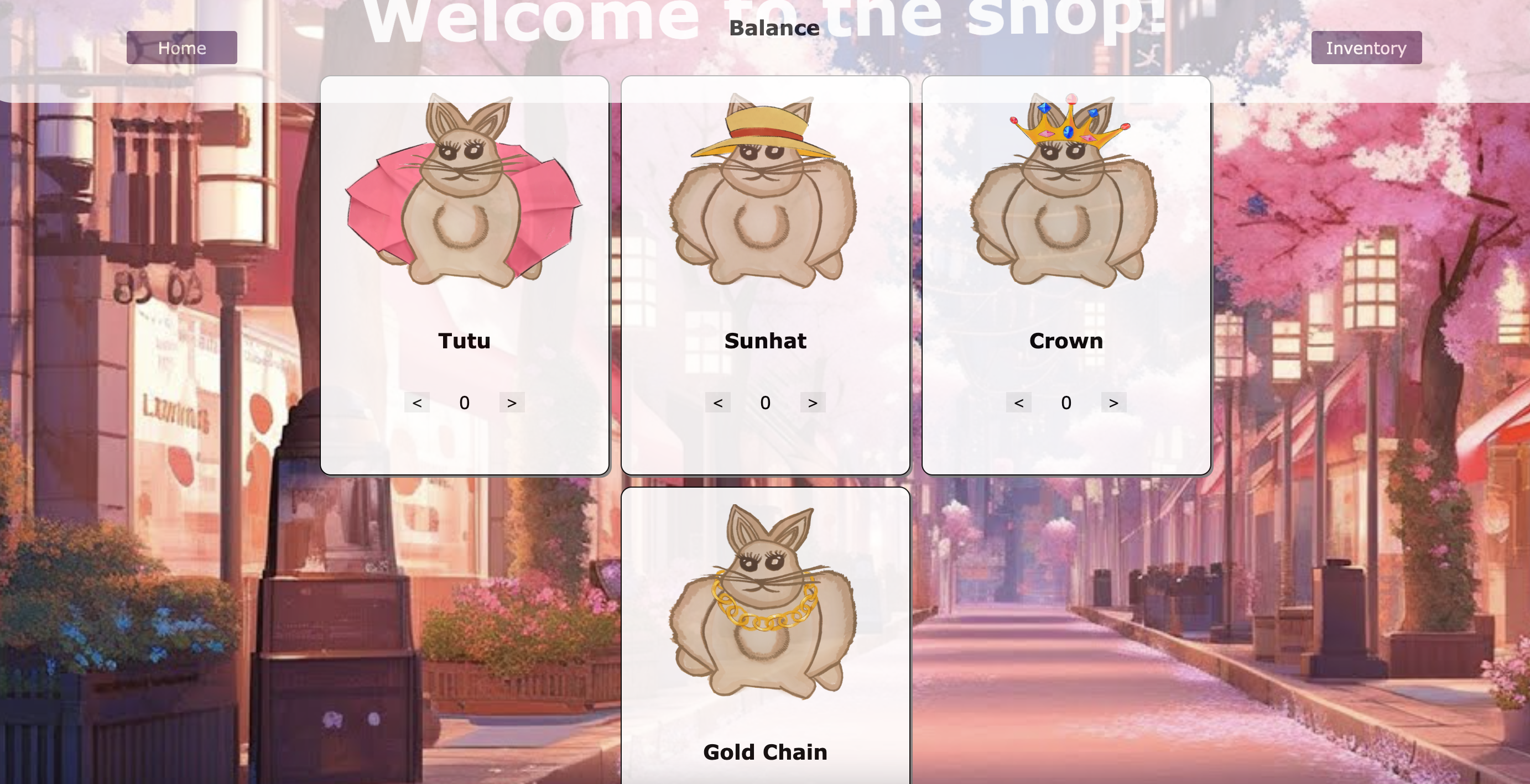
Does your bunny like a bit of bling?
-
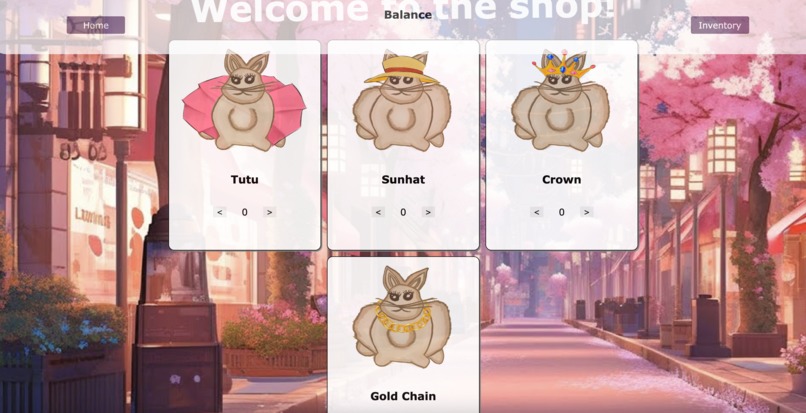
You like our drip?
-
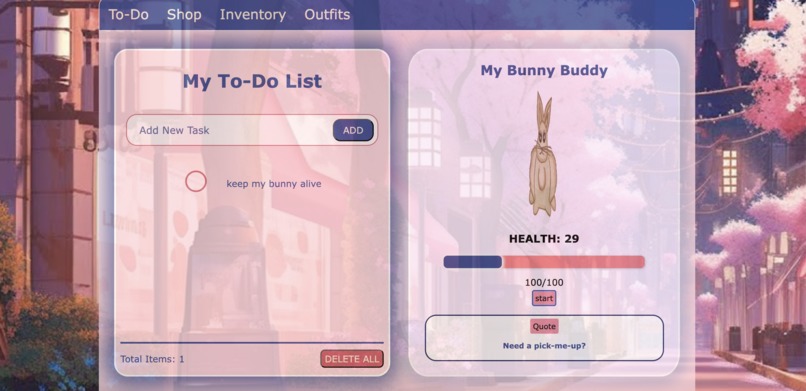
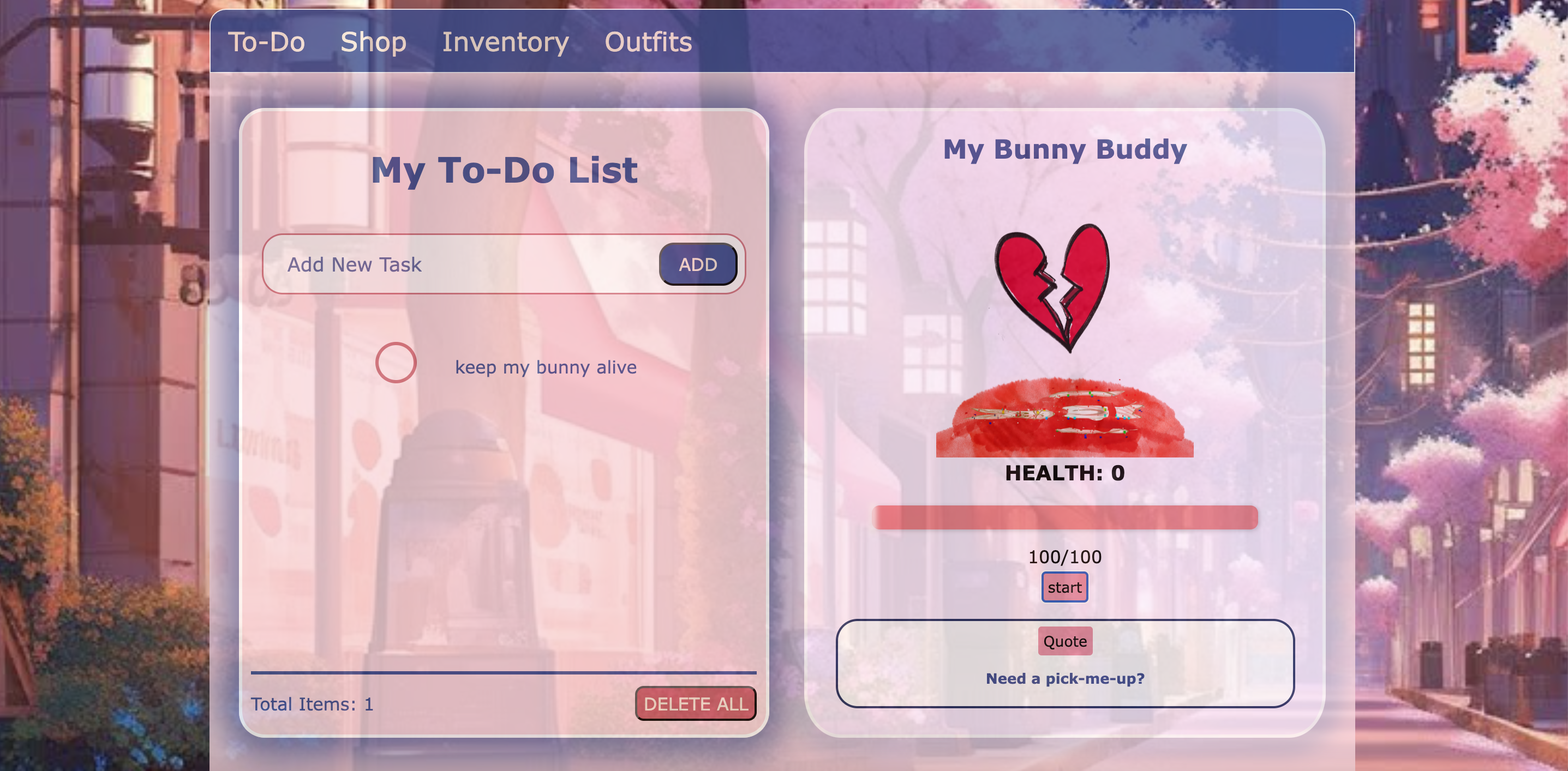
Bunny what's happening to your health ???
-
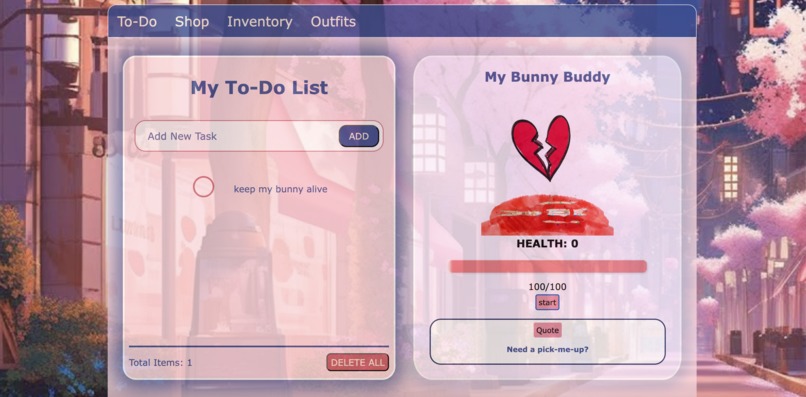
NOOOOOOOOOOOOOOOO
Inspiration
Study Buddy is inspired by both Tamagotchi pets and our own wish to create a personalized studying website. Many in our group use various websites and even paper to create our daily to-do lists, so we wished to create our own version. We created it to be more personalized, humorous, and overall engaging, in order to both brighten up a user’s day and keep them on track for their goals.
What it does
Study Bunny is a website which hosts a bunny character which accompanies you in your tasks. A functioning to-do list tab allows you to write out the goals you wish to achieve for the day. As you complete tasks, you earn coins. Use your coins to buy both food and clothing for your bunny! Be careful however, as if the Study Bunny is not fed, and tasks are not completed, the sweet bunny loses health. If you reach 0, your bunny will die.
Study Bunny tries to keep motivated with inspirational quotes as well! If you succeed in collecting coins, you can go through to check out the shop tab, in addition to inventory and outfits. In later progressions of the game, we hope to make the shop and inventory tabs more functional, so Study Bunny can eat and wear stylish clothing.
How we built it
We used HTML, CSS, JavaScript, and JSON to create the framework of the website with an interactive to-do list and healthbar that keeps track of how many tasks and coins you earn from completing tasks. We incorporated the use of the local storage to keep track of the user’s currency between the HTML pages. Furthermore, the images were hand-drawn using procreate and animated using CSS and javascript to make the UI more engaging for users.
Challenges we ran into
Creating a health bar that matches the health of the rabbit as time passes (learning the difficulties of using js variables to edit css variables) Positioning graphics onto each other in a cohesive manner Storing variables that can be used through multiple HTML pages Updating the currency the user earns and spends through completing tasks and purchasing accessories and goods
Accomplishments that we're proud of
Tabs that change colours when hovering :D We were able to create a well-functioning to-do list that dynamically updates with the bunny’s life status, incorporating animations and hand-drawn images. A working health bar! Creating a store, working outfits and an overall aesthetically pleasing design
What we learned
CSS animations The basics of CSS, HTML, and Javascript A way to collaborate on code together using LiveServer
What's next for Bunny Buddy
Making the bunny animation more smooth as it loses health To improve user retention rate, we have many ideas that we can incorporate in this application to encourage our customers to keep using our app and stay on task. Most importantly, we wish to create a level up system for one’s avatar based on how well a user is taking care of its rabbit. Subsequently, their progress will be shown on a weekly leaderboard, which will play upon our target market’s competitive nature so users are inclined to level up more. We will also incorporate in-app purchases through the “Shop” page, which will allow our audience to customize their character, wallpaper, and accessories to an even greater extent. Finally, our last short-term goal is to create a reward system giving benefits to users for consecutive log-in streaks.
Built With
- css3
- friendship
- html5
- javascript
- json
- procreate


Log in or sign up for Devpost to join the conversation.