Inspiration
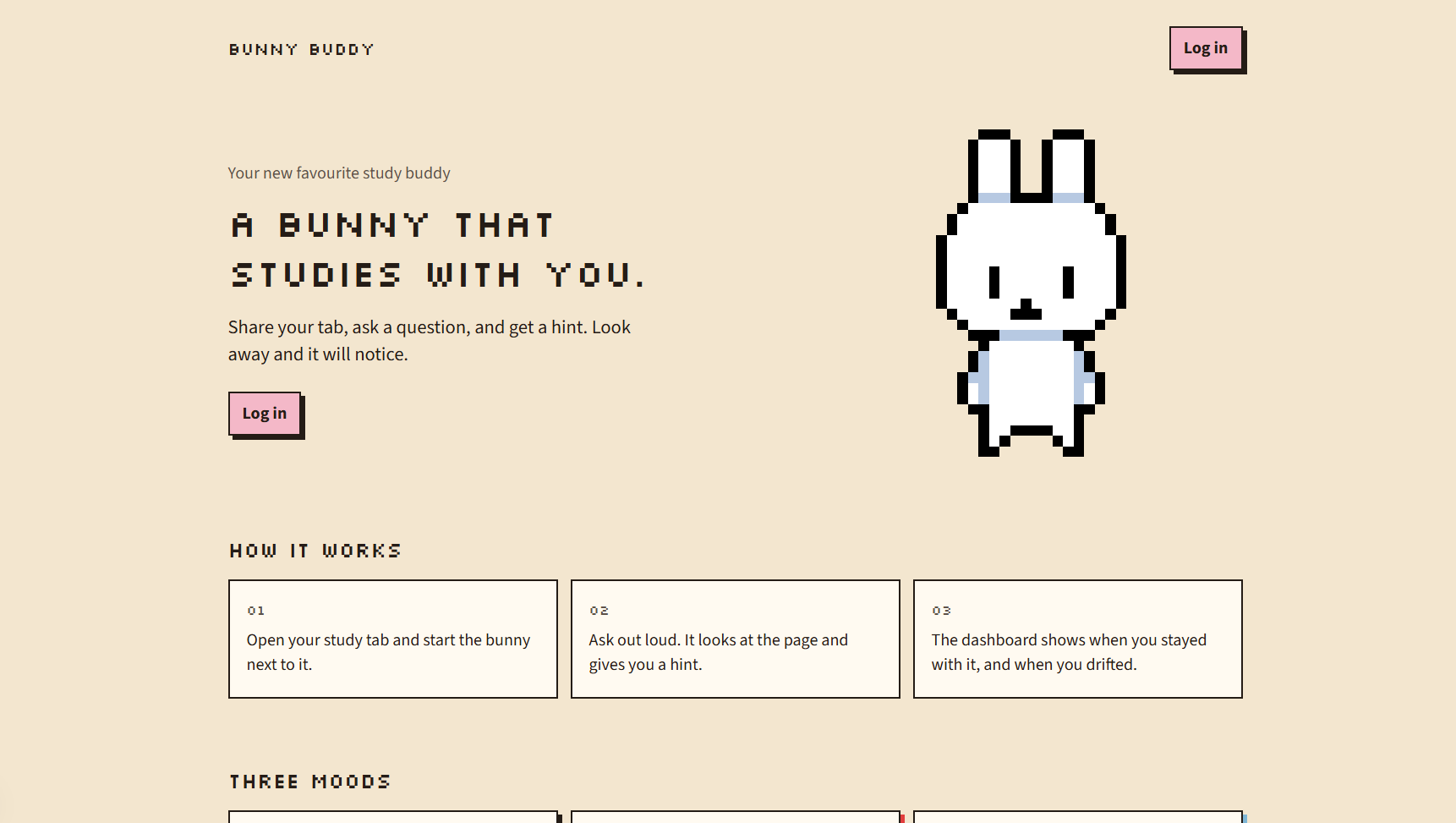
Studying with a tab open is easy until you drift. You look at your phone, you reread the same line, and nothing on the page notices. We kept wishing there was someone sitting next to the work who could see the tab, hear the question, and tell when we had checked out. That is Bunny Buddy. A pixel bunny in the side panel, not another chat box you paste your homework into.
What it does
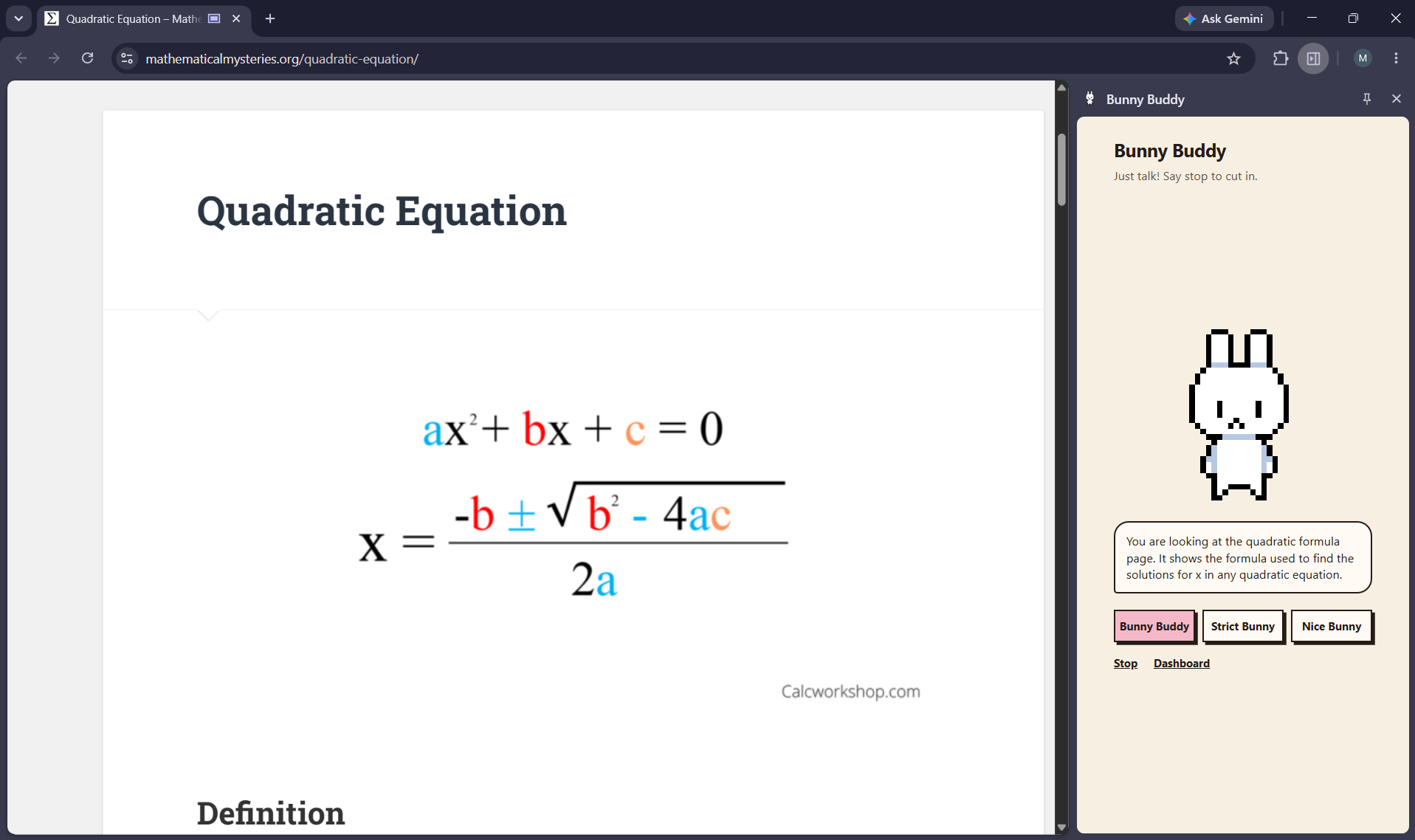
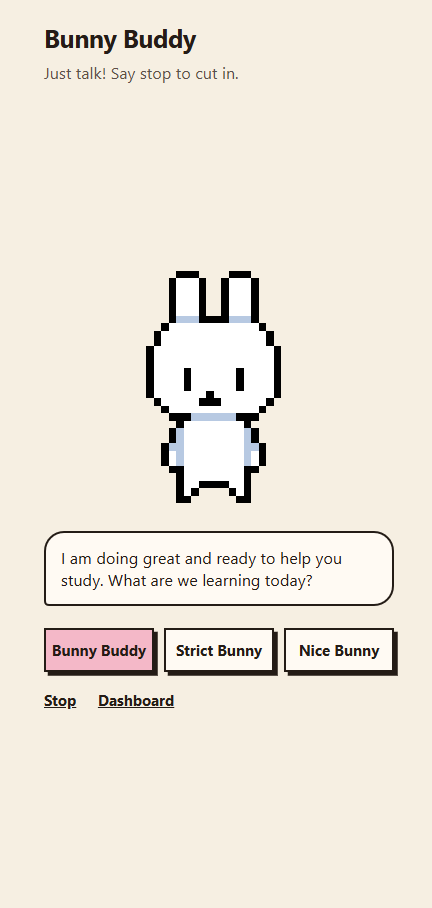
Bunny Buddy shares the tab you are already studying and listens while you talk. You do not hold a button. Ask something and it gives you one short hint instead of dumping the answer, in whatever language you just spoke. The words show up when the voice actually starts, so you are not reading ahead of the bunny.
It has three moods. Bunny Buddy is the normal one. If your face leaves the camera, Strict Bunny gets blunt and tells you to get back to the page. If a stress reading comes in, Nice Bunny slows down and eases off. You can also just say "lock in," "be nicer," "slow down," "speed up," or "stop." Saying stop cuts it off mid-sentence.
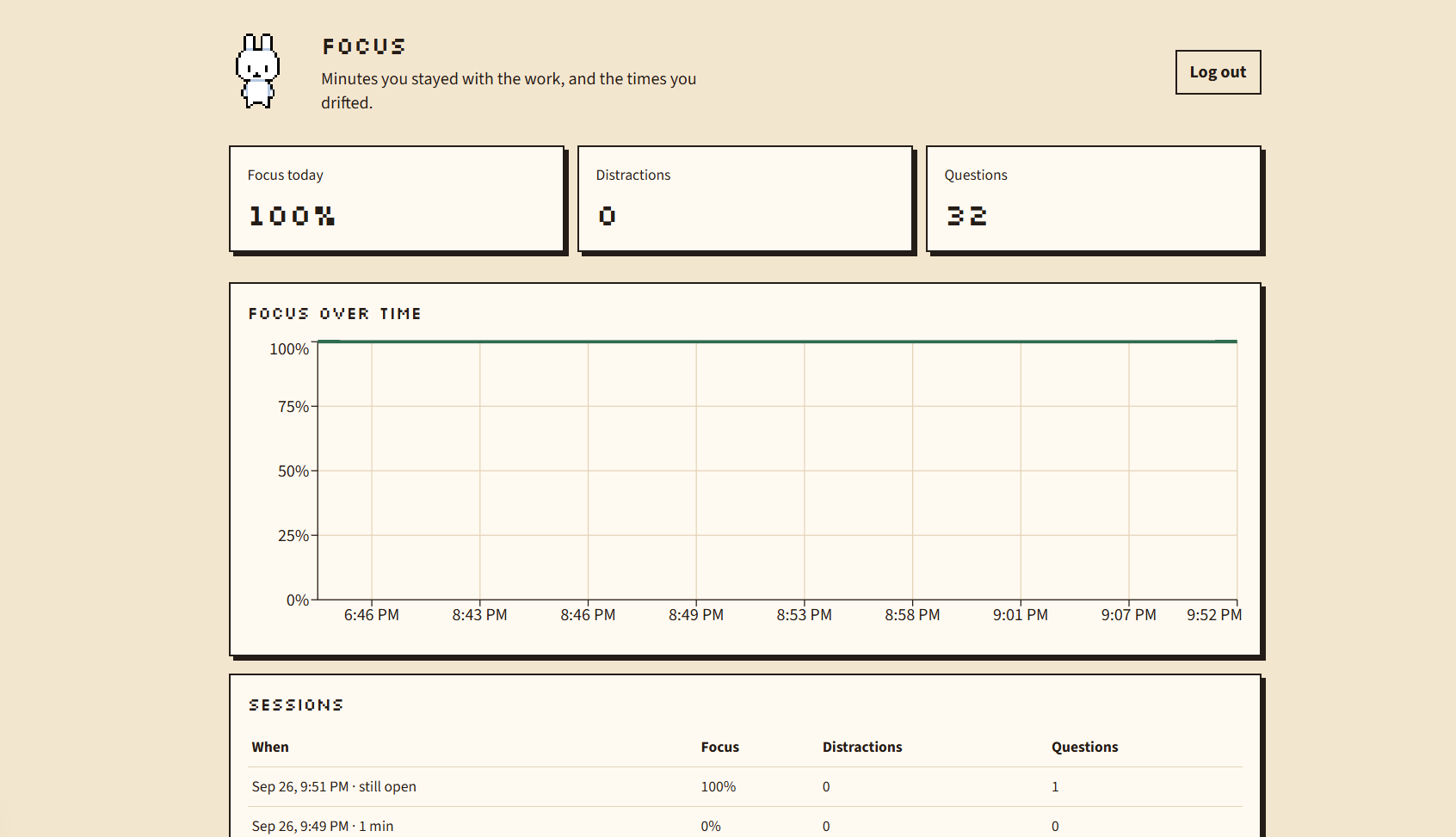
The screen and the webcam stay on your machine. The site only keeps when the session started, when you looked away, and how many questions you asked. After you stop, the dashboard charts that.
How we built it
We split it into three pieces that talk to each other on your laptop. A Chrome extension does the session. A small Presage program reads the webcam. A Next.js site handles login and the dashboard.
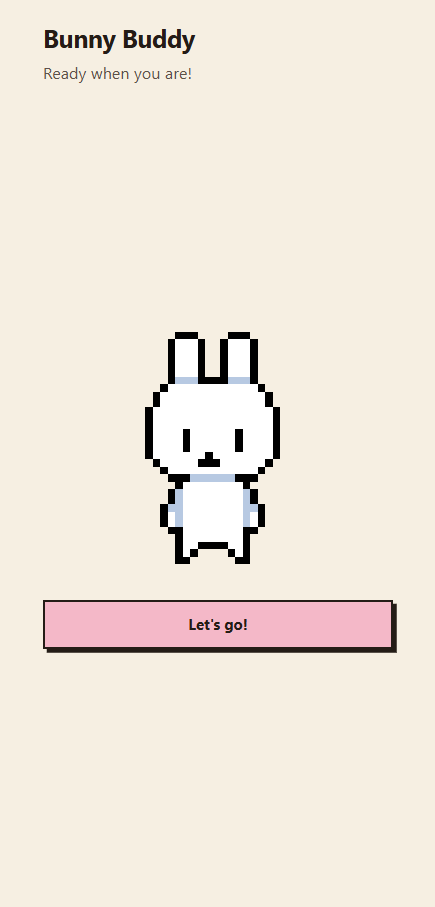
The extension grabs the tab and the mic when you press Let's go. An offscreen page sends frames and audio to Gemini Live, because the side panel itself is a bad place to hold a long-lived connection. Gemini answers out loud, ElevenLabs speaks that reply in the panel, and the bunny's mouth flips between two frames we drew while the audio plays. Presage watches the webcam for a face and for a stress reading, and tells the extension when to switch moods. The site logs those events after Auth0. If there is a database URL they go to Tiger Data. If not, they go in a local file so the chart still works during the hackathon.
Architecture
study tab
    |
    |  click the icon, then Let's go
    v
Chrome extension
    side panel     the bunny, the mic, and the voice you hear
    background     login and permission to capture the tab
    offscreen      Gemini Live, ElevenLabs, webcam frames
    |
    |  frames over a local WebSocket
    v
Presage sidecar
    focus and stress from the webcam
    |
    |  session, focus, and question events
    v
Next.js site
    Auth0 login
    dashboard
    Tiger Data, or a local file if the database URL is empty
Gemini decides what to say. ElevenLabs only speaks it. Presage only reports the camera. The site never receives the frames.
Challenges we ran into
A lot of the weekend was the live path breaking in dumb ways. Gemini's live model would not hand back plain text, so we had to use the audio plus a transcript. The words kept popping up way before the voice, which felt broken even when the answer was right. We started streaming the audio and hid the caption until the sound actually played.
Presage crashed if we sent a frame before it was ready. Then it flipped to Strict Bunny while we were still looking at the laptop, because "too dark" and "face not forward" were being treated like looking away. Those fire all the time on a webcam pointed at a screen. Now only a missing face counts. Stress was its own trap. It is a heart-rate number, not an angry expression, and the first reading needs your face in frame for a while. We spent a bit convinced our eyebrows were supposed to do something.
Login was two separate things. Being signed in on the website did not sign in the extension, so Let's go said "log in first" even though the site looked logged in. A stray slash on the API audience made Auth0 fail with a page that just said an error occurred, and hid the real message. The voice took a few tries too. The first tutor voice sounded mean. A second strict voice sounded like a different person. The free tier blocked some of the voices we actually wanted. Strict Bunny ended up as the same warmer voice, just flatter and faster.
Accomplishments that we're proud of
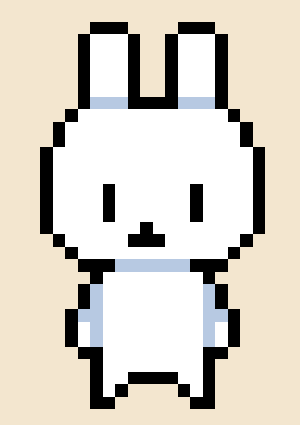
We are happy we got an MVP working end to end. You can talk to it, it can see the tab, and it answers out loud. The UI is cute on purpose, and the bunny is art we drew ourselves, including the open mouth it flips to while it talks! Getting look-away, stress, and a dashboard onto that same little character felt like the whole project finally clicked.
What we learned
We learned a bunch of new tools, and we will definitely keep using them. Gemini Live, ElevenLabs, Presage, Auth0, and Tiger Data all had to sit in one demo, and each one failed in its own weird way before it worked. A nicer bunny does not matter if login is broken or the caption shows up a second early. The useful lesson was how to wire them so one session survives from the icon click to the chart.
What's next for Bunny Buddy
Next is putting it somewhere people can actually use it. After that we want more animations, more moods, and more voices!


Log in or sign up for Devpost to join the conversation.