-
-

BunkBuddy LOGO
-
-
-

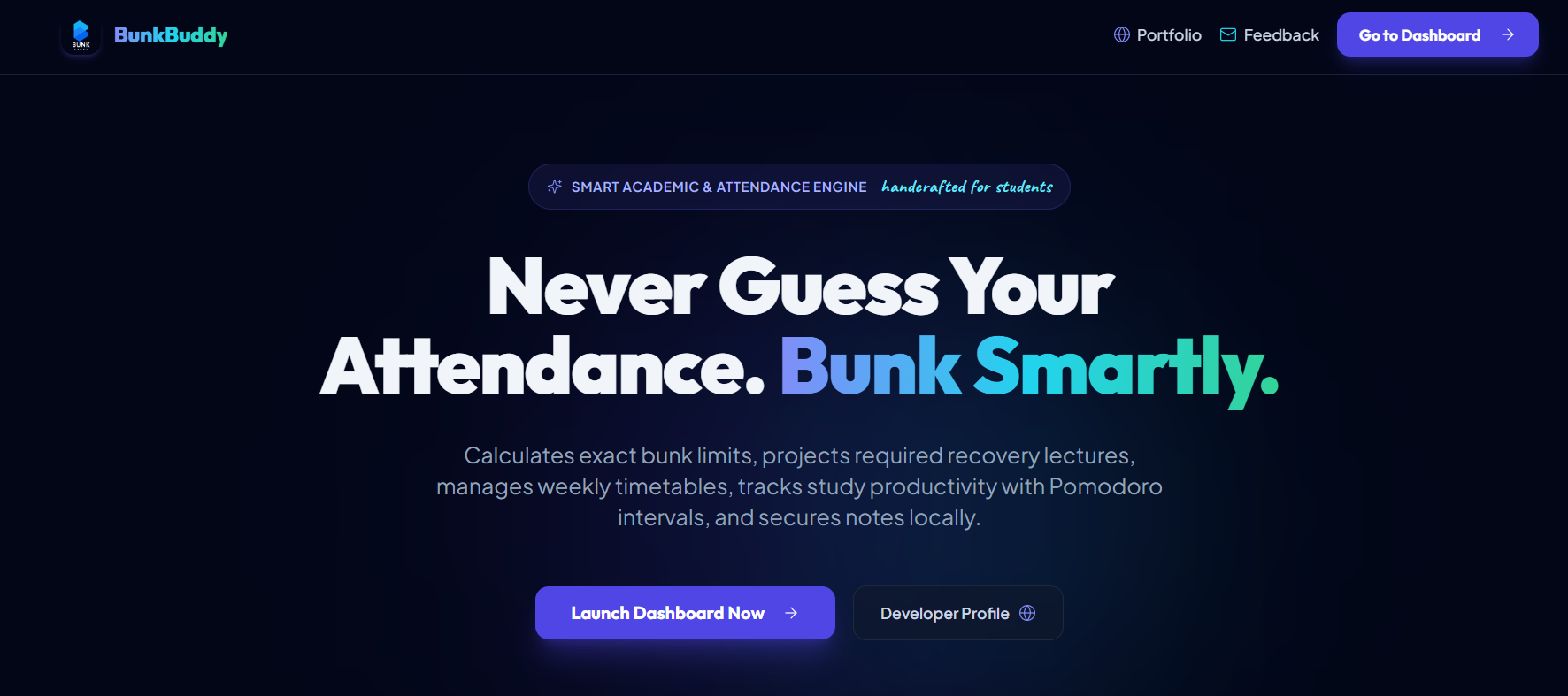
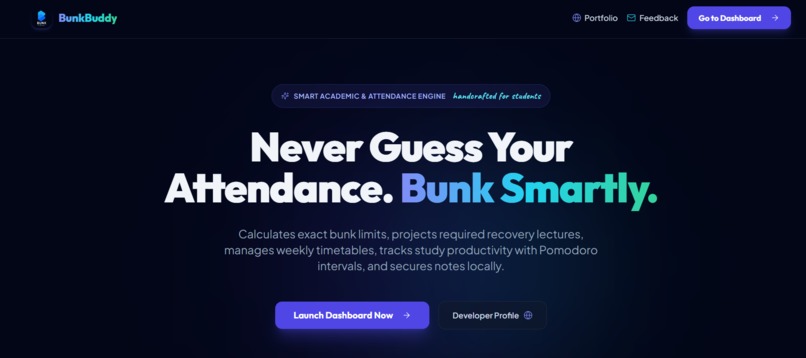
BunkBuddy – The Ultimate College Survival Appliance
Let us be real for a second. College is 10% studying and 90% calculating if skipping tomorrow's 8 AM lecture will get your hall ticket cancelled.
BunkBuddy is the ultimate main character app for every student who wants to live their best life without getting detained by the attendance committee. No thoughts, just strategic bunking and staying in the green zone.
The Vibe Check
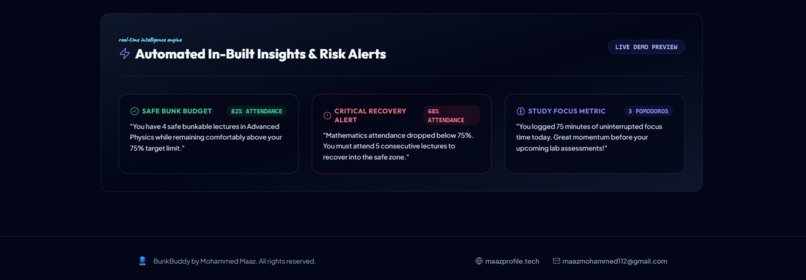
Why guess if you are safe to sleep in when an app can tell you exactly how many lectures you can skip without regrets?
BunkBuddy does the heavy lifting so you can focus on what actually matters: coffee runs, back-bench gossip, and last-minute cramming sessions.
What BunkBuddy Gives You
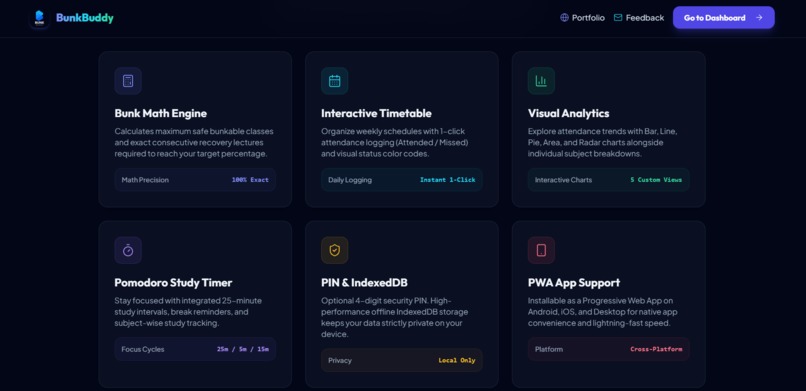
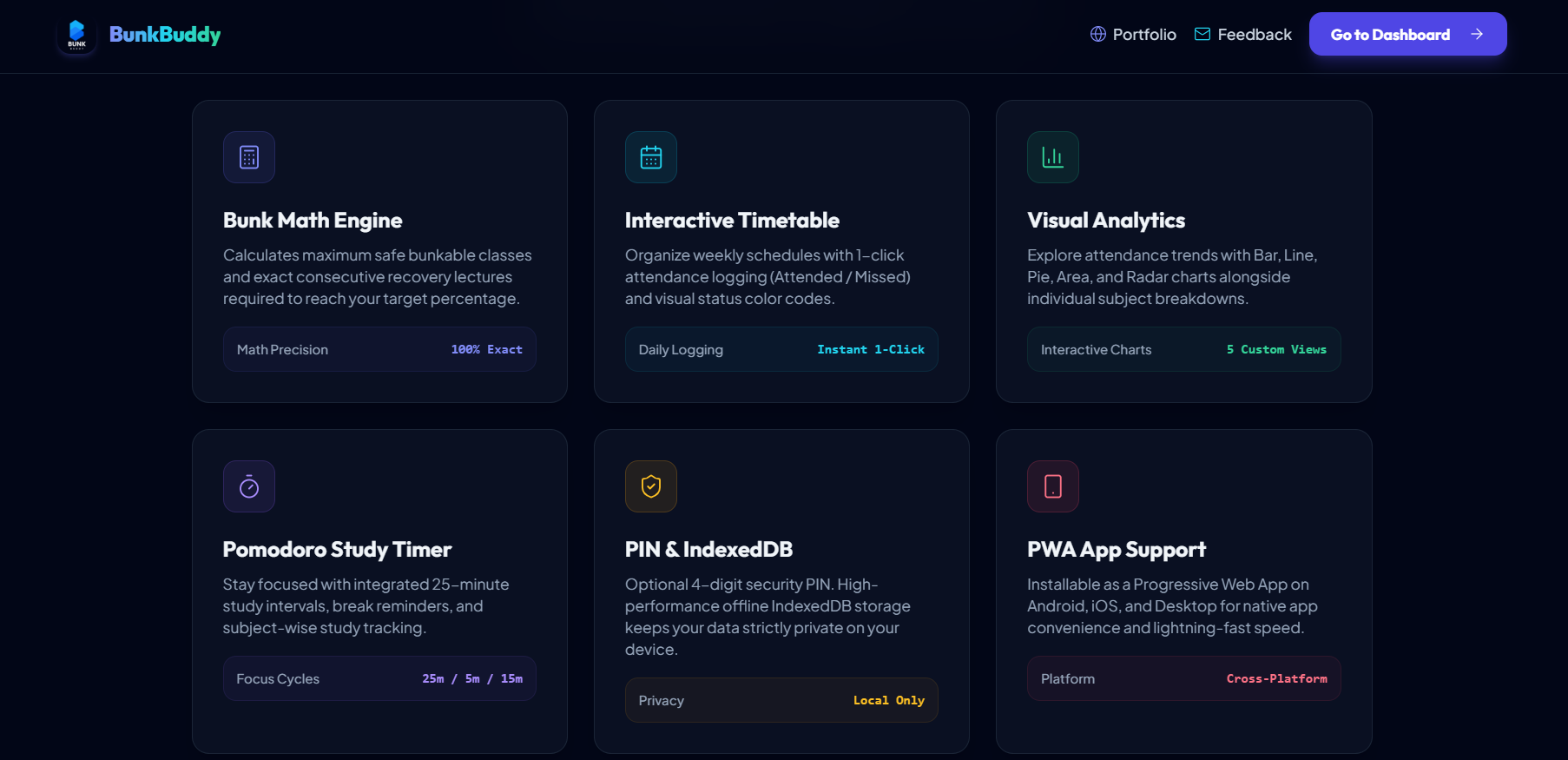
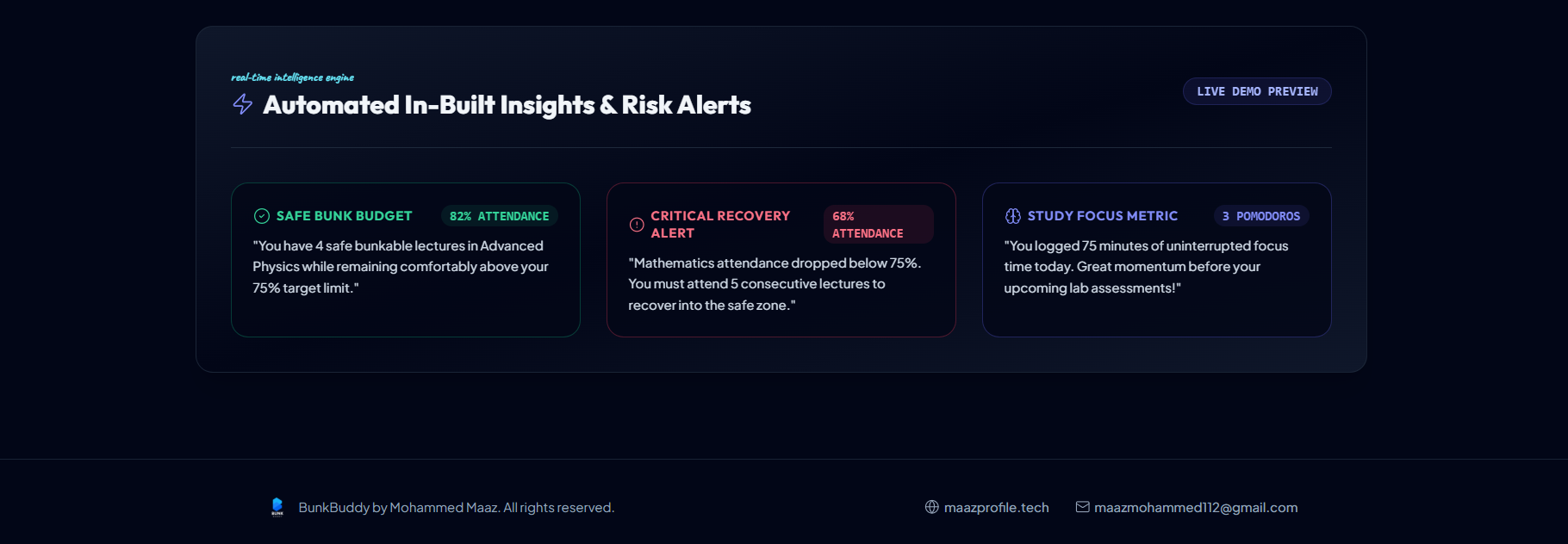
- The Safe Bunk Budget: Know the exact number of classes you can skip before your professor notices your absence.
- The Attendance Recovery Plan: Accidentally bunked too much? Get the exact count of consecutive classes you need to attend to save your grade.
- 1-Click Attendance Logger: Tap Attended or Missed and get on with your day.
- The Lock-In Pomodoro Timer: For when exam season hits and you actually need to lock in for 25 minutes straight.
- Secret Notes Vault: Keep assignment reminders and class notes hidden behind an optional 4-digit PIN.
- 100% Offline & Private: All your attendance data stays strictly on your device in local storage. We are not watching you, and your professors definitely cannot see this.
How to Live the BunkBuddy Life
- Add Your Subjects: Set your minimum attendance limit because we all have boundaries.
- Setup Your Timetable: Map out your week like a pro.
- Log & Bunk Responsibly: Check your safe bunk budget before closing your eyes when your alarm rings.
- Lock In When Needed: Use the study timer when deadline panic finally kicks in.
Credits & Support
Created with pure student survival energy by Mohammed Maaz.
- Developer Portfolio: maazprofile.tech
- Feedback & Complaints: [email protected]


Log in or sign up for Devpost to join the conversation.