Inspiration
Imagine entering an unfamiliar hospital, school, museum, or office. A sighted visitor can glance at a floor plan and immediately understand where the corridors lead, where the exits are, and how the building fits together.
For someone who is blind or visually impaired, that picture is often missing.
Tactile maps can restore that independence by allowing people to understand a building through touch. But producing one normally requires a specialist to study the floor plan, redesign it around tactile standards, add braille, manufacture the map, and deliver it. The process is expensive and can take weeks.
Many organizations genuinely want to make their spaces more accessible, but they cannot afford the cost, time, or specialized expertise. The problem is not a lack of care. The process itself is the barrier.
That inspired me to build bumps: a way to automate weeks of expensive work into a process that takes minutes.
What it does
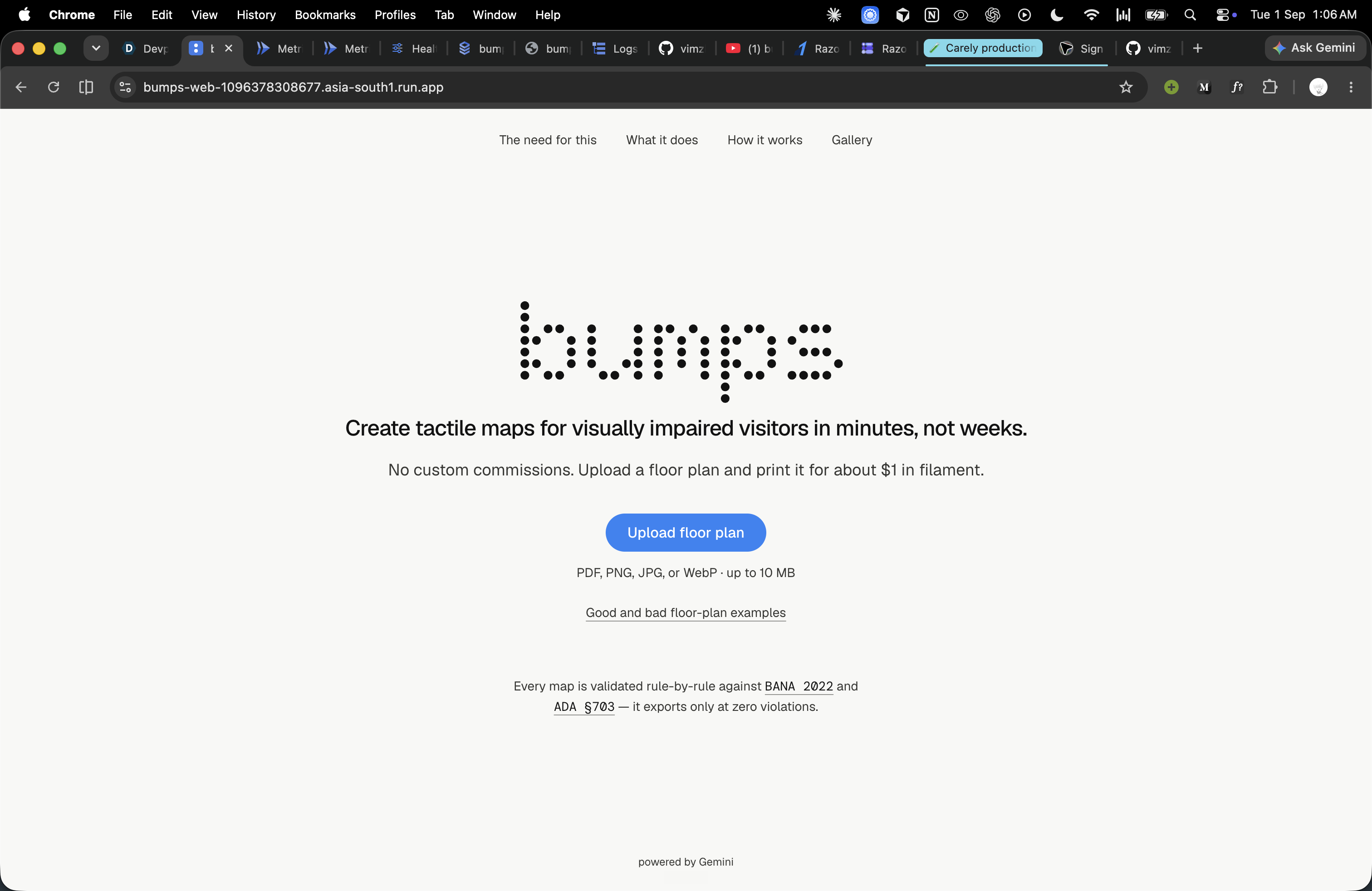
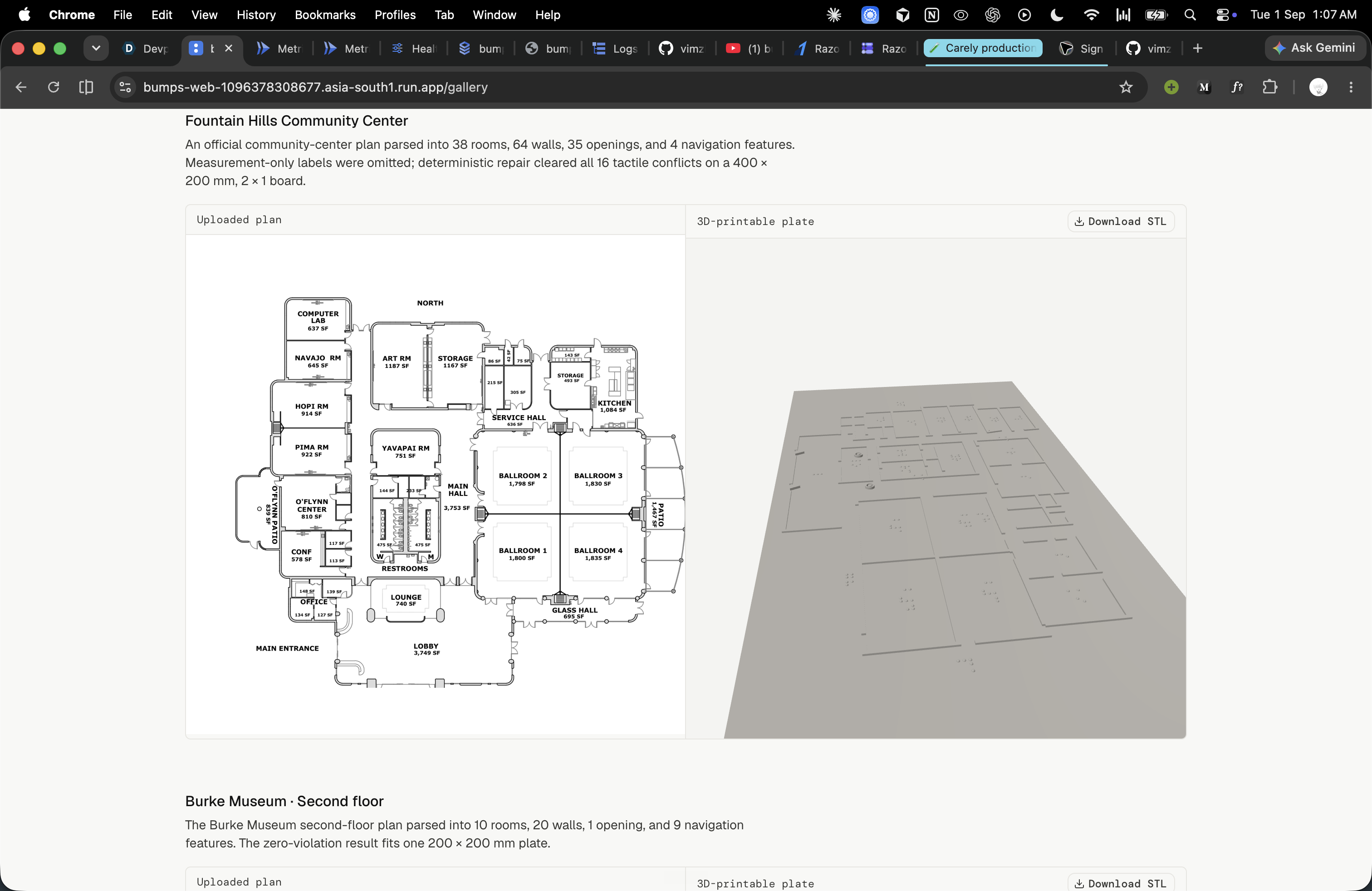
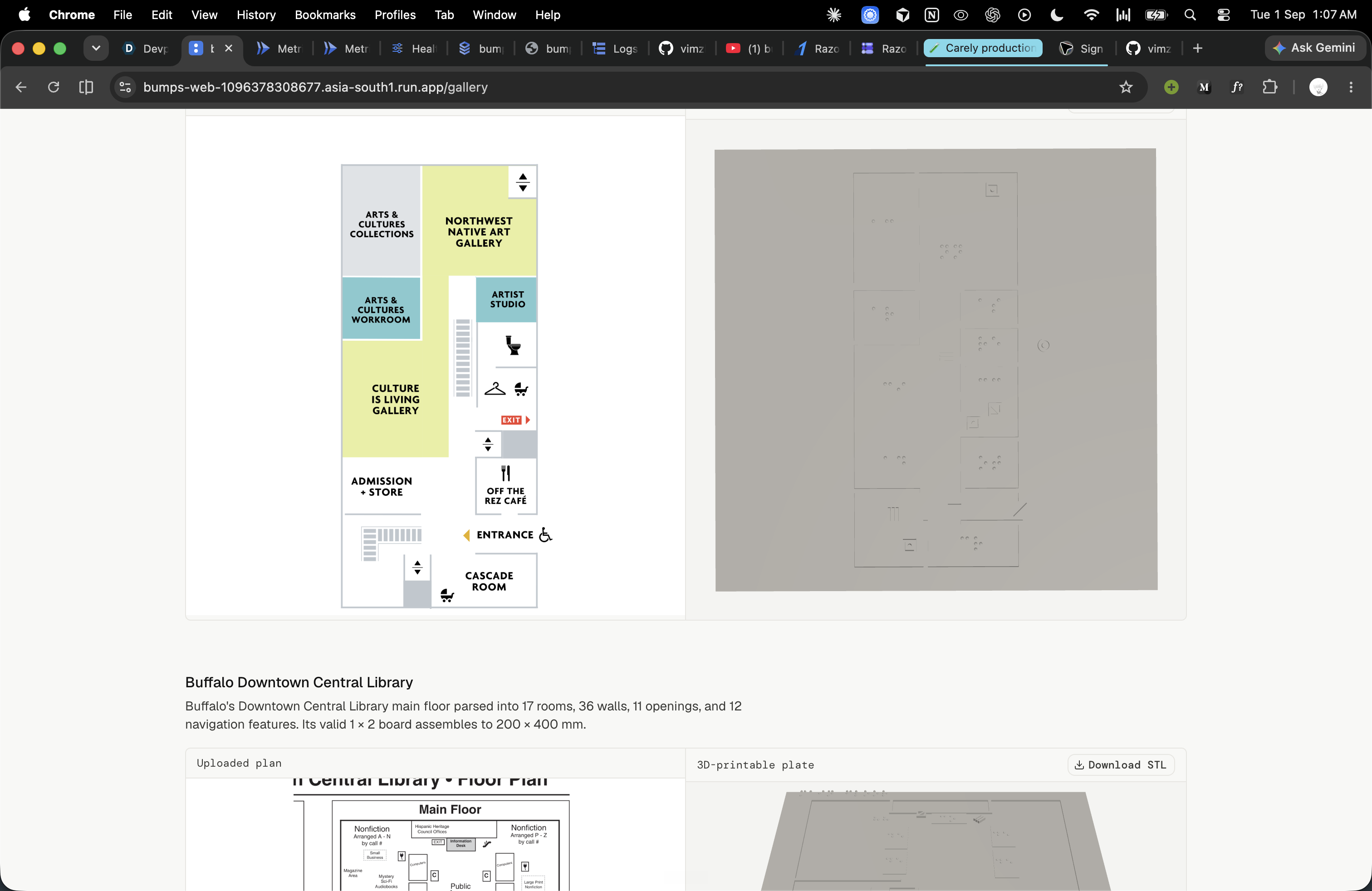
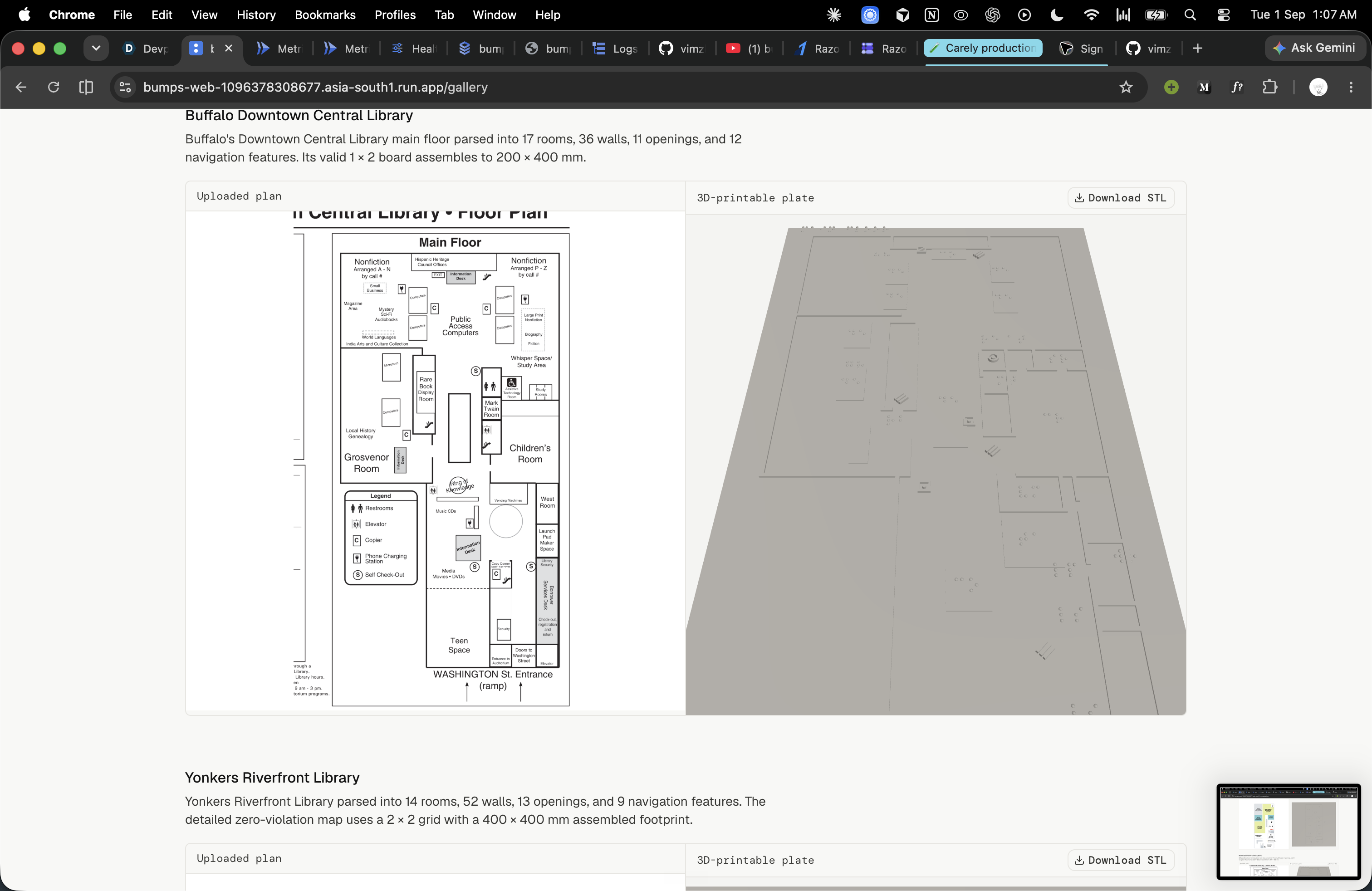
bumps turns an ordinary floor plan into a 3D-printable tactile map for blind and visually impaired people.
A user uploads a PDF, PNG, or JPG. AI agents identify rooms, walls, doors, entrances, stairs, elevators, and other important features. The extracted layout appears on an editable canvas, where the user can make corrections manually or give instructions such as “rename this room Reception.”
bumps then converts the reviewed layout into a touch-readable design with raised walls, standardized tactile symbols, braille keys, readable spacing, and a matching legend plate.
Finally, it generates a watertight STL that can be downloaded and printed using a consumer 3D printer.
Floor plan → reviewed layout → validated tactile design → printable map, in minutes instead of weeks.
How I built it
I built bumps with Google’s Agent Development Kit for TypeScript and Gemini, using specialized agents for different parts of the workflow:
- The Parser Agent converts the uploaded floor plan into structured geometry.
- The Critique Agent compares that extraction with the original image and asks the parser to correct mistakes.
- The Edit Agent translates natural-language requests into safe editing operations.
- The Tactile Agent helps position braille labels and tactile symbols.
I followed one important rule:
AI proposes. Geometry disposes.
AI helps interpret the plan and suggest changes, while deterministic TypeScript code enforces the physical requirements. The validator checks braille dimensions, symbol sizes, fingertip spacing, plate boundaries, and layout collisions. A map cannot be exported until it reaches zero validation violations.
The application uses Next.js for the interface, Bun and Hono for the API, SQLite for persistence, Three.js for the 3D preview, and manifold-3d for generating watertight printable meshes.
Challenges I ran into
Floor plans are far more complicated than they appear. Different plans use different symbols, scales, labels, and drawing conventions. I needed the system to recognize uncertainty instead of confidently inventing missing details.
Braille and tactile geometry introduced another level of difficulty. A tiny error in dot spacing, orientation, or height can make braille unreadable. Visual details that look clear on a screen can also merge together beneath a fingertip.
Large buildings created a physical limitation: shrinking everything onto one plate would make the map impossible to read. I addressed this with multi-plate layouts that divide large maps across printable tiles while preserving exact seams.
I also learned that model output alone could never guarantee accessibility. Every AI-generated result had to be checked again using deterministic measurements.
Accomplishments that I’m proud of
I built a complete pipeline that turns a floor plan into a downloadable, 3D-printable tactile map in under five minutes, with human review included.
I am especially proud that bumps does not hide uncertainty or treat accessibility standards as suggestions. Low-confidence elements are shown to the user, agents critique and refine their own work, and invalid designs are blocked from export.
I also created automatic multi-plate generation for large buildings, exact braille geometry, a separate tactile legend, prompt-based editing, and watertight STL exports.
Most importantly, I transformed a process that traditionally demands weeks of specialist work and significant expense into something far more approachable.
What I learned
I learned that accessibility is not a decorative feature added at the end. It has to shape every technical decision from the beginning.
A tactile map is not simply a visual floor plan with raised lines. It must communicate clearly through touch. Spacing, height, texture, braille placement, and physical scale all determine whether the result is genuinely useful.
I also learned that AI works best when its role is carefully limited. Agents are excellent at interpreting plans, finding discrepancies, and understanding editing requests. Deterministic code is better at enforcing measurements and guaranteeing printable geometry.
What’s next for bumps
My most important next step is testing physical prints with blind and visually impaired users. Their feedback will guide improvements to the symbols, braille placement, textures, and overall reading experience.
I also want to support contracted braille, additional languages, more floor-plan formats, and outdoor tactile maps for campuses, parks, and public spaces.
Longer term, I want schools, libraries, museums, hospitals, businesses, and local governments to create tactile maps without needing a large accessibility budget or weeks of specialist work.
My goal is simple: if an organization has a floor plan and access to a 3D printer, it should be able to create a map that people can feel.
Built With
- agent
- bun
- cloud
- development
- gemini
- kit
- next.js
- run
- three.js
- typescript

Log in or sign up for Devpost to join the conversation.