Inspiration
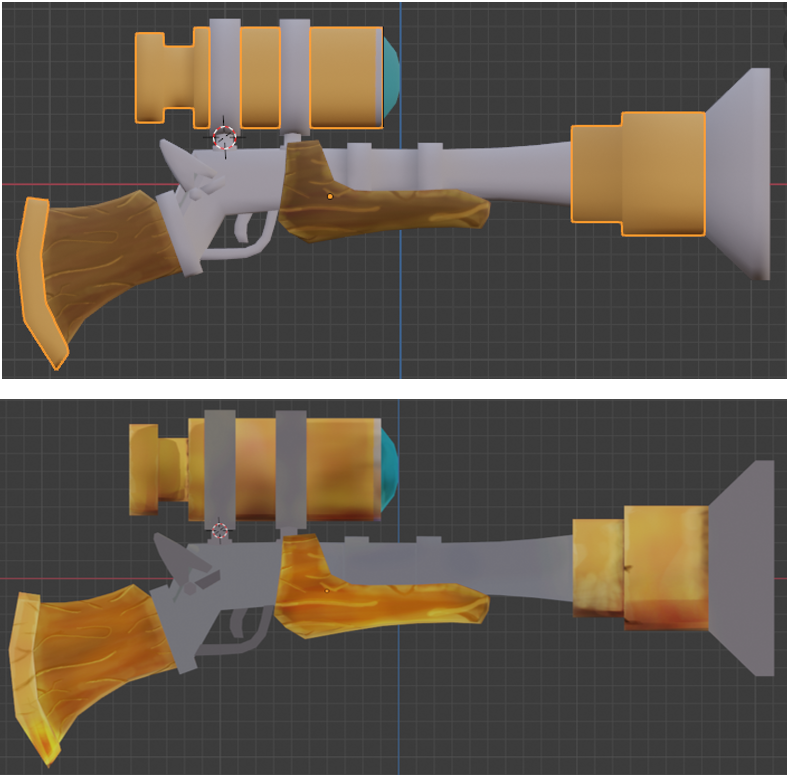
In the realm of game development and digital content creation, transforming a creative idea into a functional and visually striking 3D asset is a critical skill that can elevate your projects to a professional level. This tutorial will guide you step-by-step through the entire process of creating a 3D weapon, starting from a simple concept sketch to its final integration into a Horizon World Desktop Editor. Whether you're a beginner in 3D modeling or an experienced creator looking to streamline your workflow, you'll learn practical techniques and accessible tools to bring your visions to life. We’ll use industry-standard software like Blender for modeling, texturing and paiting and finally import the result into the Horizon World Desktop Editor, Meta’s platform for building immersive metaverse experiences. Get ready to unleash your creativity and craft assets that not only look stunning but are also optimized for games and virtual environments.
What it does
This tutorial will guide you step-by-step through the entire process of creating a 3D weapon, starting from a simple concept sketch to its final integration into a Horizon World Desktop Editor. Whether you're a beginner in 3D modeling or an experienced creator looking to streamline your workflow, you'll learn practical techniques and accessible tools to bring your visions to life. We’ll use industry-standard software like Blender for modeling, texturing and paiting and finally import the result into the Horizon World Desktop Editor, Meta’s platform for building immersive metaverse experiences. Get ready to unleash your creativity and craft assets that not only look stunning but are also optimized for games and virtual environments.
How we built it
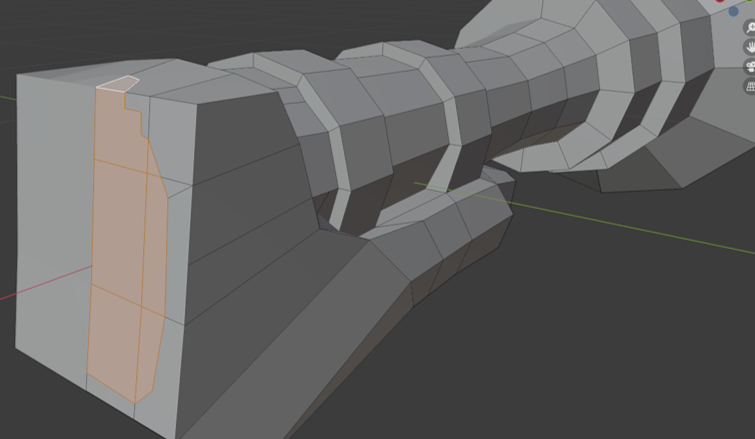
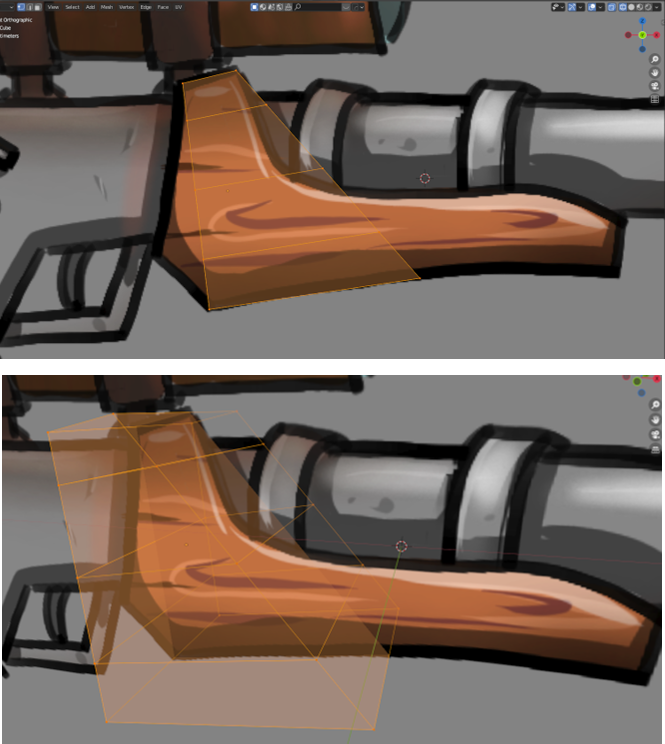
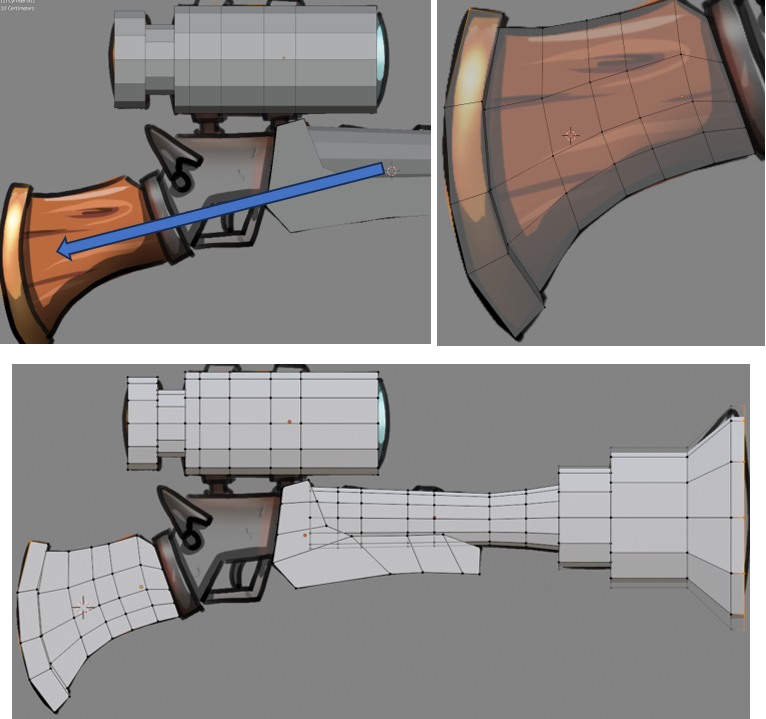
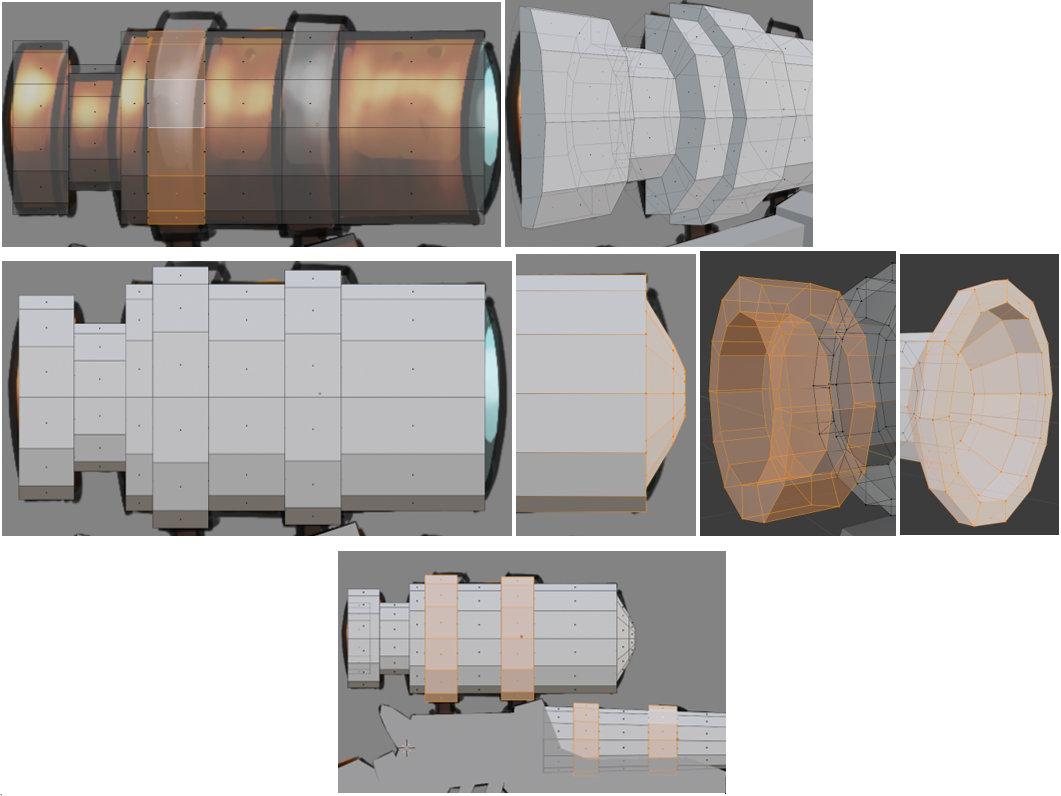
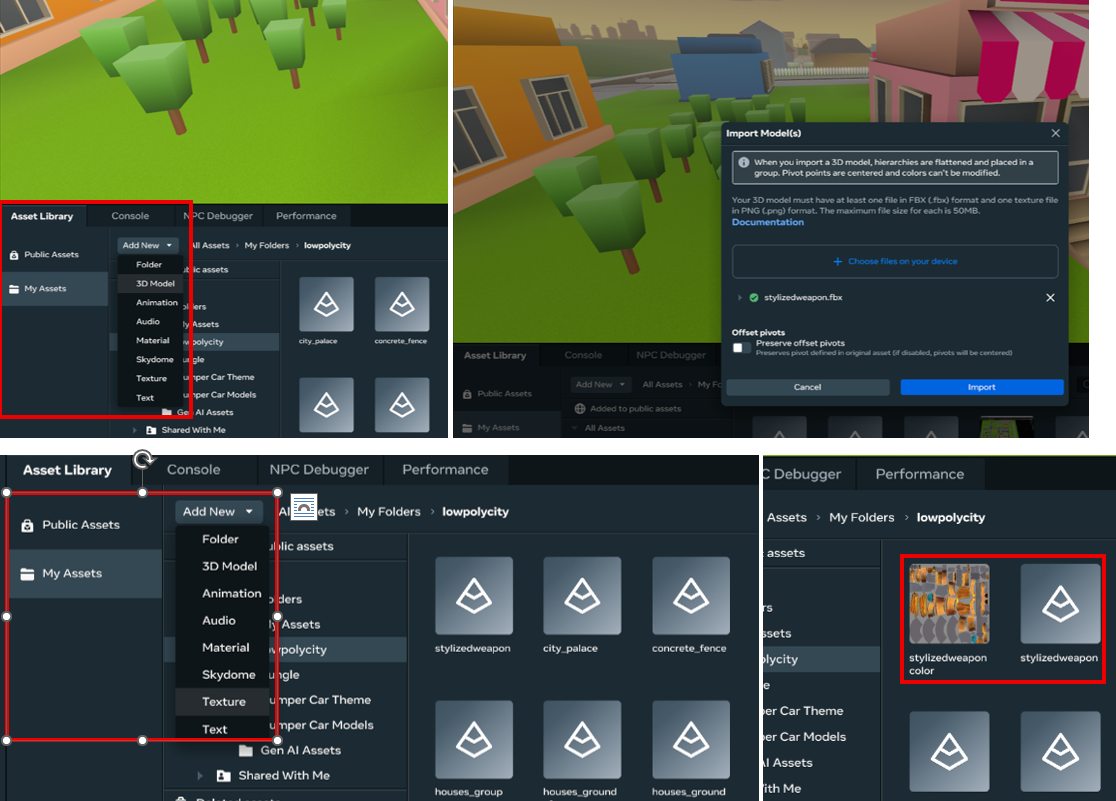
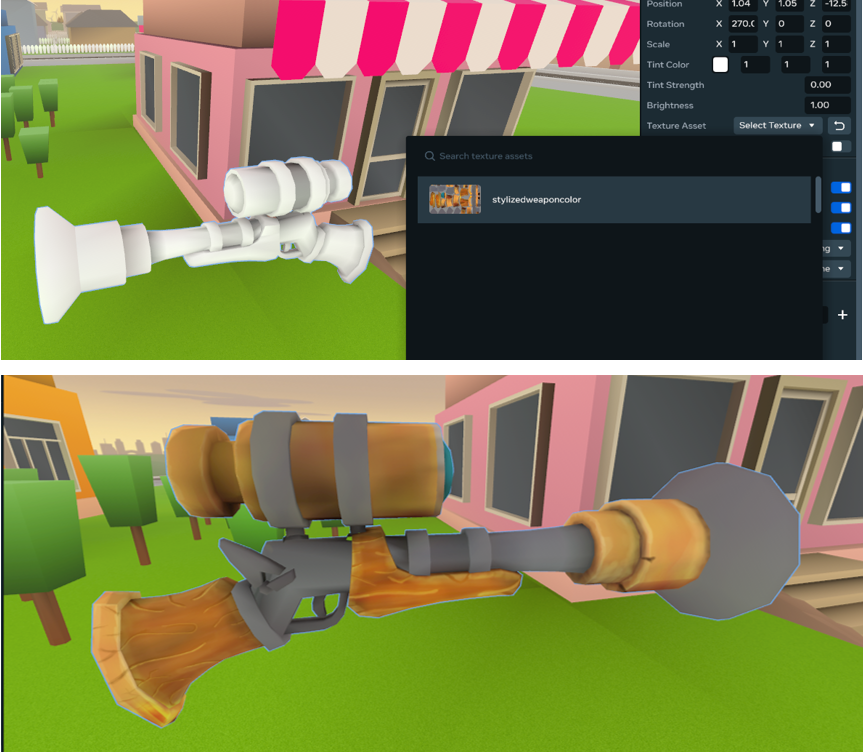
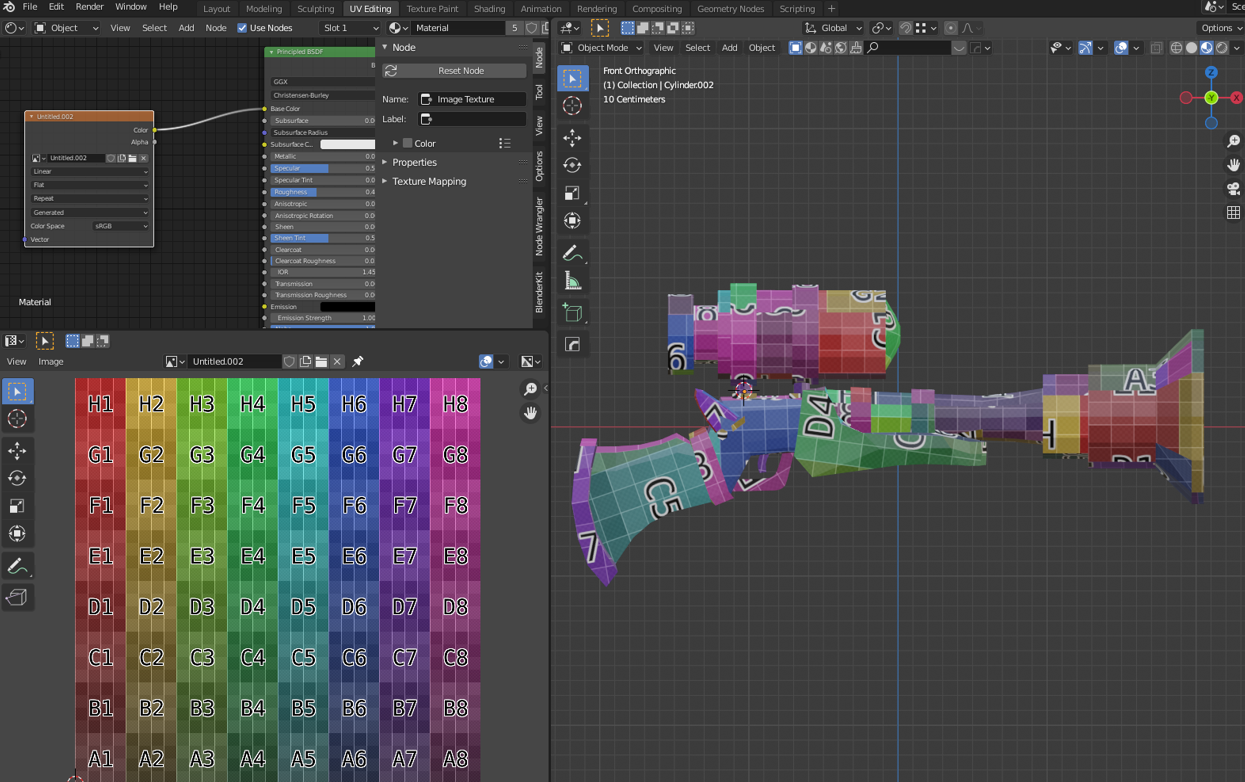
The tutorial is divided into four parts that guide the user through modeling from a reference image. The final part focuses on explaining how to import the model and texture into the Horizon World Desktop Editor.
You can read the full tutorial here with video demo included and we also pull request our full readme file, screenshots, source files in Blender format and image reference in the MHCP Github account according to the steps provided to us.
Challenges we ran into
Present something simple and fun that people can use to create applications in general
Accomplishments that we're proud of
Contribute knowledge and experience acquired during our time as part of the MHCP community
What we learned
From a simple sketch we can create 3D models using Blender to then be incorporated into our virtual world.
What's next for From Concept Art to Stunning 3D Game Assets
Create other tutorials to be shared with the MHCP community
Built With
- blender
- horizonworld

Log in or sign up for Devpost to join the conversation.