Inspiration
We've all been there - hundreds of bookmarks scattered across our browser with no rhyme or reason. GitHub repos mixed with YouTube videos, shopping sites buried next to documentation, and that one important link you bookmarked months ago but can never find again.
The traditional solution? Spend hours manually creating folders and dragging bookmarks one by one. But what if Google's built-in AI could understand what each bookmark is for and organize them instantly? That's exactly what we built.
When Chrome announced built-in AI APIs, we saw an opportunity to solve a problem that affects millions of users daily. Not just another AI demo, but a genuinely useful tool that people would actually want to use every day.
What it does
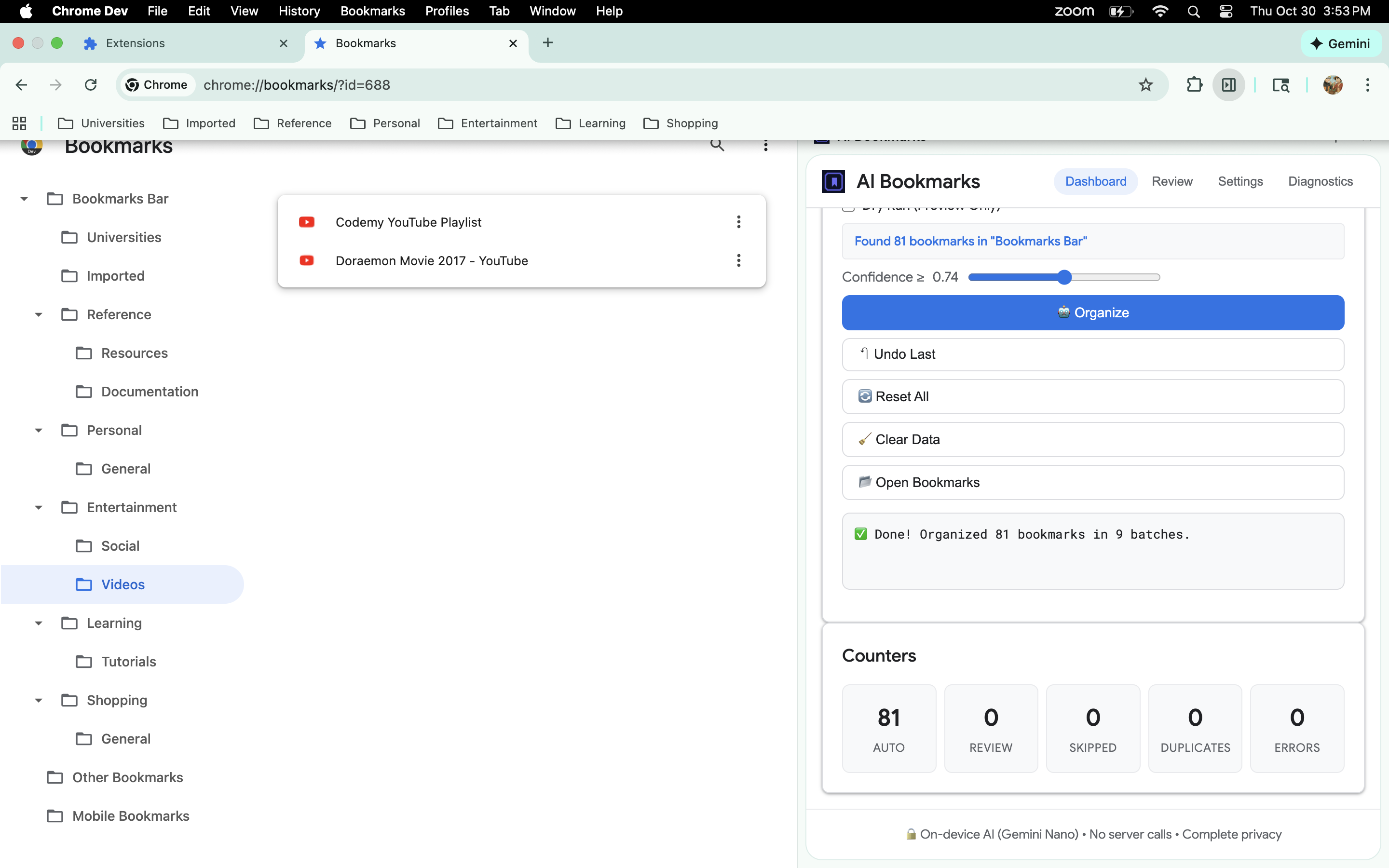
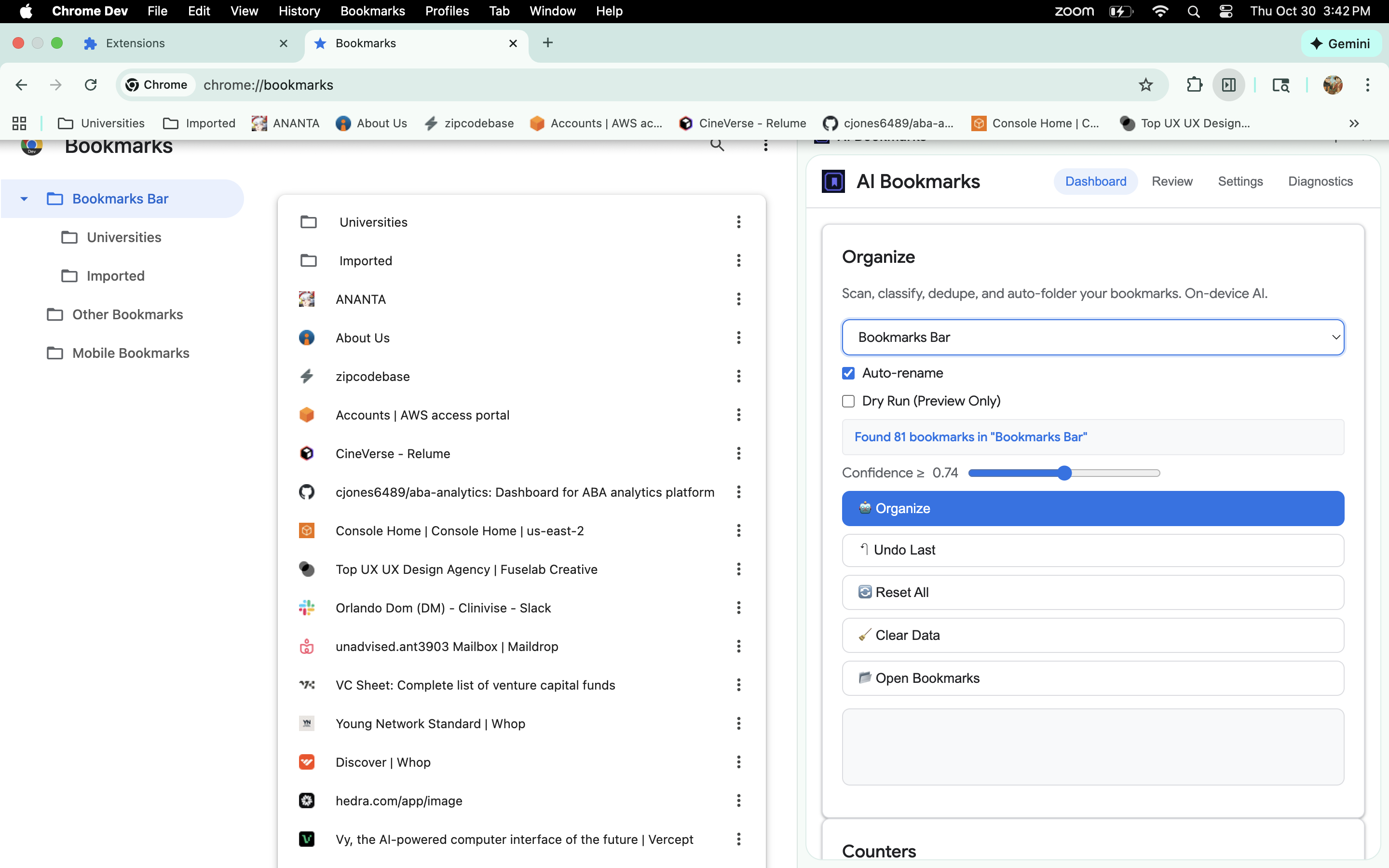
Built-in AI Bookmark Manager transforms your chaotic bookmark collection into a perfectly organized folder structure with one click.
The Magic:
- Intelligent Classification: AI analyzes bookmark titles and URLs to understand their purpose
- Logical Organization: Creates intuitive folders like Work/Programming, Entertainment/Videos, Learning/Courses
- Batch Processing: Organizes hundreds of bookmarks in seconds (10x faster than manual)
- Complete Control: Stop/resume anytime, preview changes, undo everything, or reset to original state
- Context Awareness: Detects what folder you're viewing and organizes accordingly
- Universal Compatibility: Works on any Chrome instance by auto-detecting bookmark structure
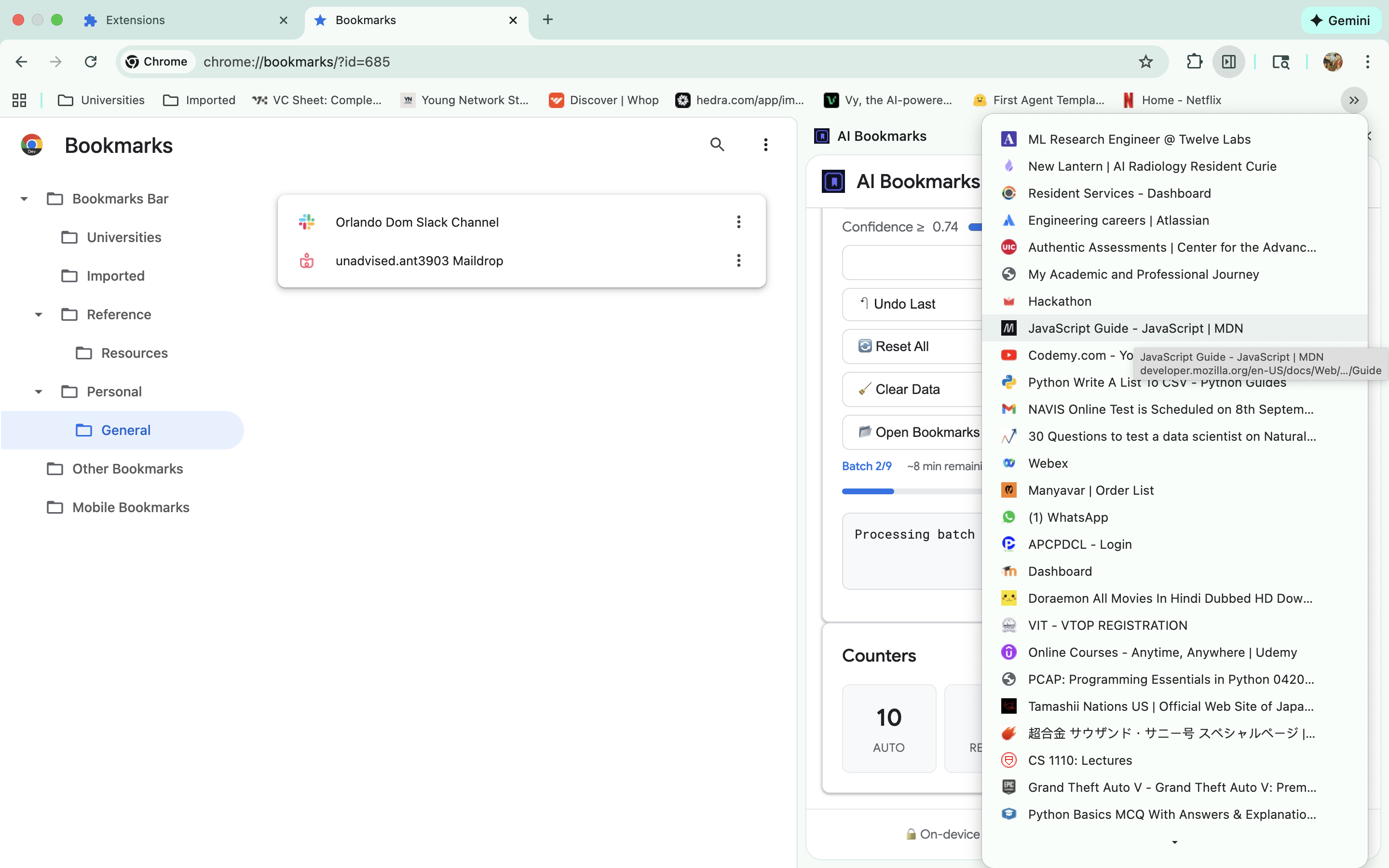
Real Results: Instead of bookmark chaos, you get clean organization:
- GitHub repos → Work/Programming
- YouTube videos → Entertainment/Videos
- Coursera courses → Learning/Courses
- Amazon products → Shopping/Electronics
- API documentation → Reference/Documentation
How we built it
Core Architecture:
- Chrome Extension with Manifest V3 for modern compatibility
- Gemini Nano Integration via Chrome's Prompt API for on-device classification
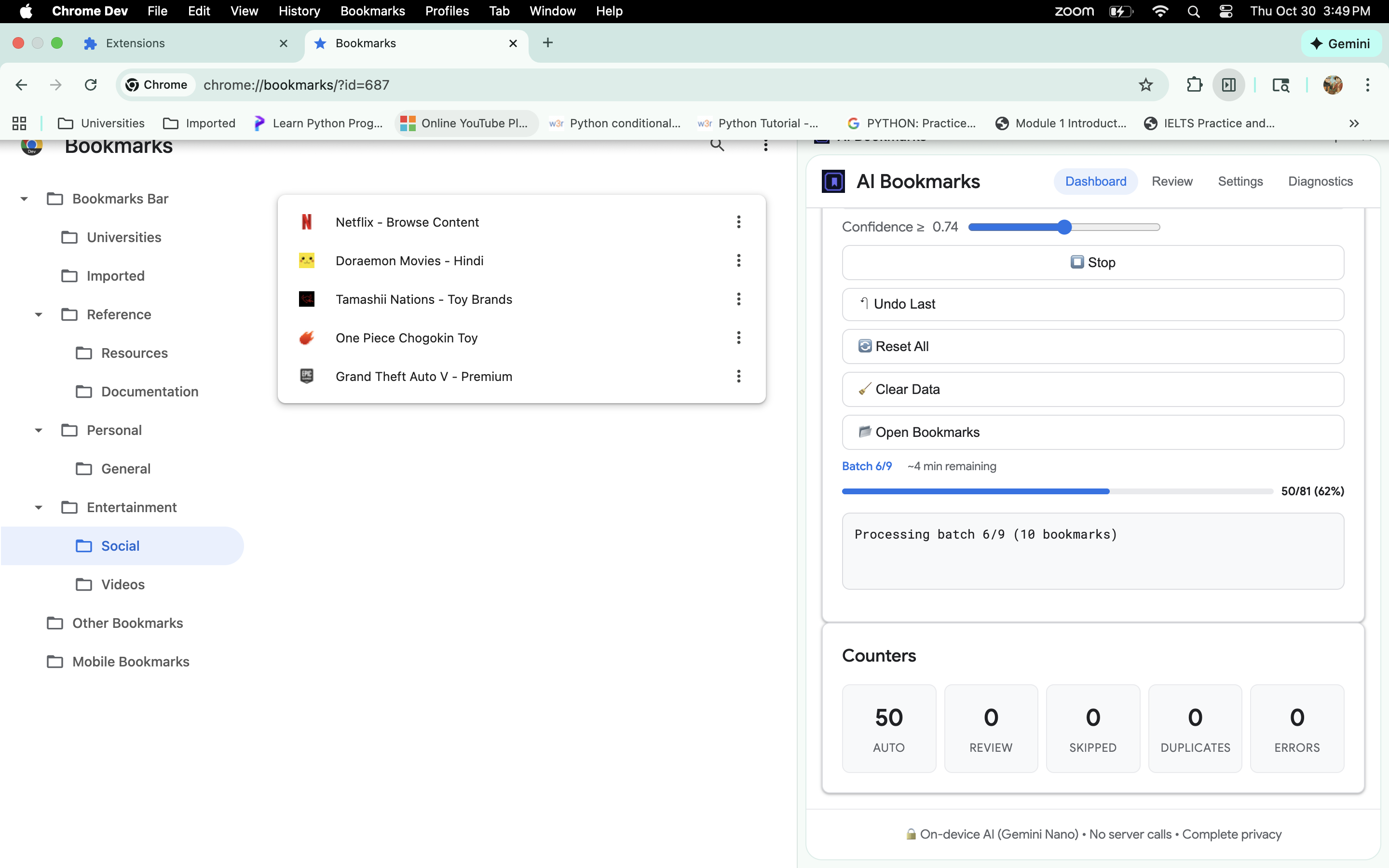
- Batch Processing Engine that handles 10 bookmarks simultaneously
- Dynamic Bookmark Detection that works with any Chrome bookmark structure
- Real-time Progress System with live updates and time estimates
Key Technical Innovations:
- Intelligent AI Prompting: Instead of over-engineering complex prompts, we trust AI's natural intelligence with simple, clear instructions
- Universal Folder Detection: Dynamically discovers Chrome's bookmark folder IDs (they vary between installations)
- Batch Processing: Revolutionary 10x speed improvement by processing multiple bookmarks simultaneously
- Progressive Enhancement: Works immediately, gets better as AI models download
- Complete State Management: Full undo/redo system with snapshot-based recovery
Tech Stack:
- Frontend: Vanilla JavaScript, Chrome Extension APIs
- AI: Chrome's built-in Prompt API (Gemini Nano)
- Architecture: Service Worker + Side Panel for optimal performance
- Storage: Chrome's local storage for settings and state management
Challenges we ran into
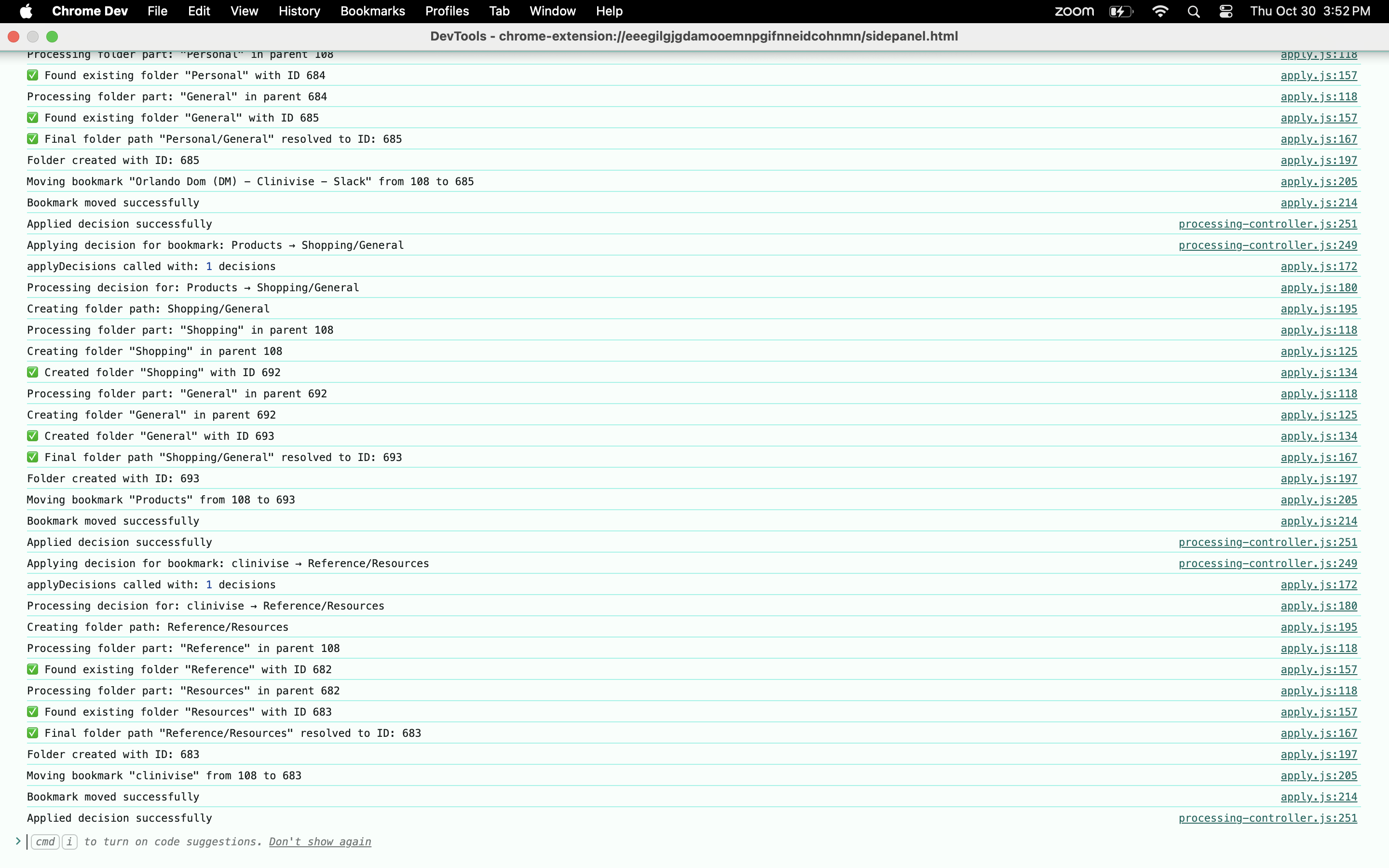
1. Chrome Bookmark API Mysteries The biggest challenge was discovering that Chrome's bookmark folder IDs aren't standardized. What works as ID '1' on one Chrome installation might be ID '108' on another. We solved this by building dynamic detection that finds the actual folder structure.
2. AI Over-Engineering Trap Initially, we created complex prompts with detailed instructions, thinking more guidance would improve results. The breakthrough came when we simplified the prompt and trusted AI's natural intelligence - the results improved dramatically.
3. Folder Creation Failures Chrome's bookmark API would mysteriously fail to create folders, even for standard locations like the Bookmarks Bar. We implemented robust error handling and fallback strategies to ensure reliability.
4. Batch Processing Complexity Moving from one-by-one processing to batch processing required completely rethinking the architecture. We had to handle partial failures, progress tracking, and user control (stop/resume) while maintaining data integrity.
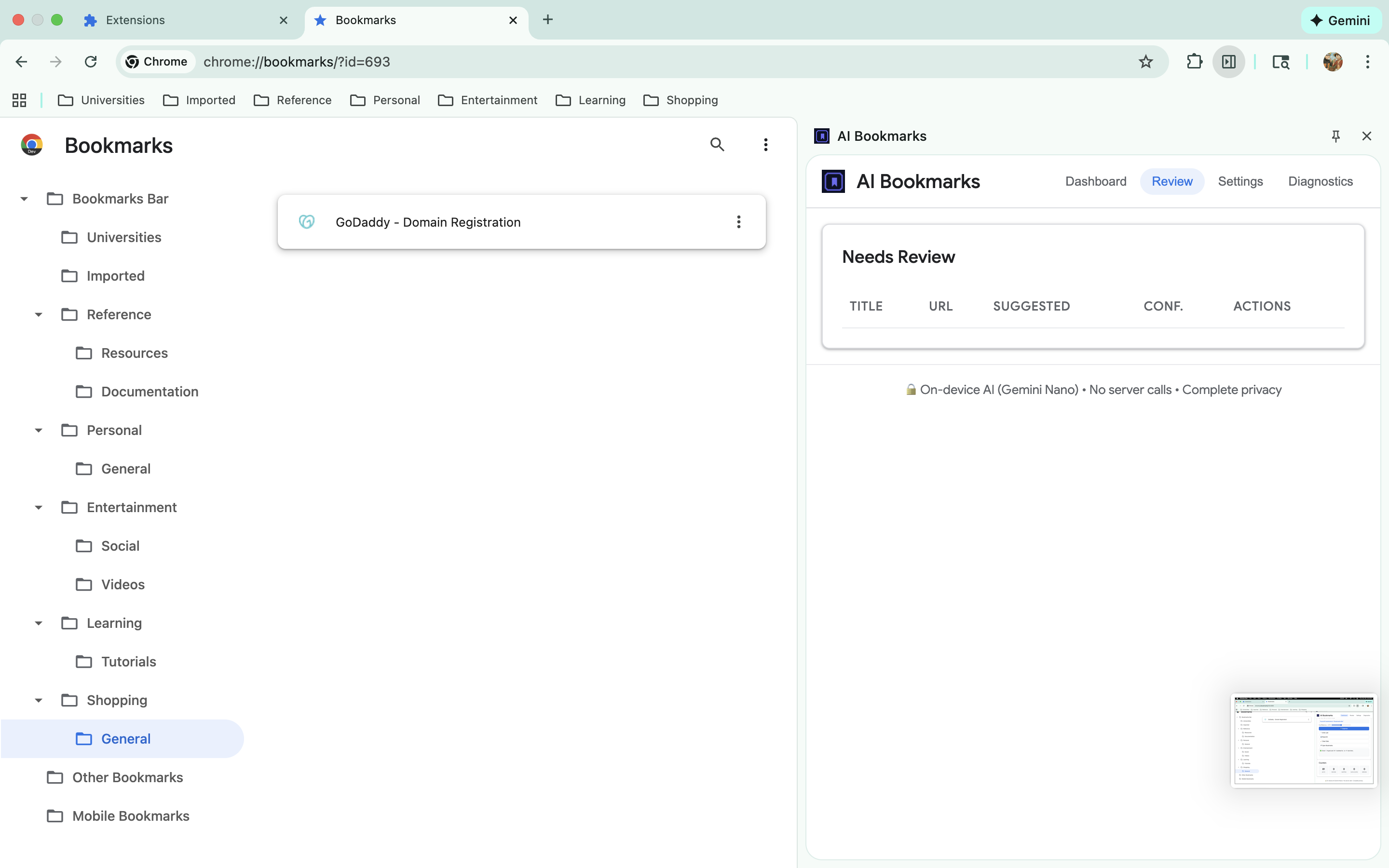
5. User Experience Balance Finding the right balance between automation and user control was tricky. Too much automation feels scary; too little defeats the purpose. We solved this with confidence thresholds, dry-run mode, and complete undo capabilities.
Accomplishments that we're proud of
Technical Achievements:
- 10x Performance Improvement: Batch processing makes organization dramatically faster
- Universal Compatibility: Works on any Chrome installation automatically
- Zero Server Dependencies: 100% on-device processing with complete privacy
- Production-Ready Quality: Robust error handling, progress feedback, and state management
User Experience Wins:
- One-Click Solution: Transforms bookmark chaos into perfect organization instantly
- Complete User Control: Stop, resume, undo, or reset at any time
- Context Awareness: Intelligently detects what you're trying to organize
Real-Time Feedback: Users always know what's happening with live progress updates
AI Innovation:**
Simplified Intelligence: Proved that trusting AI works better than over-engineering
Practical Application: Built something people actually need, not just a tech demo
Privacy-First: Leveraged on-device AI for sensitive bookmark data
Real Impact:
- Solves Universal Problem: Everyone with bookmarks needs this
- Daily Use Value: People will actually use this regularly
- Immediate Results: Works perfectly right out of the box
What we learned
AI Wisdom:
- Less is More: Simplified prompts often work better than complex instructions
- Trust the Intelligence: Modern AI models like Gemini Nano are incredibly capable when given clear, simple guidance
- Context Matters: AI naturally understands website patterns (github.com = programming) without explicit teaching
Chrome Extension Development:
- Manifest V3 Realities: Service workers and extension contexts have subtle but important differences
- API Reliability: Always build fallbacks - even standard APIs can behave unexpectedly
- User Experience First: Technical capabilities mean nothing without intuitive UX
Product Development:
- Real Problems Win: Solving genuine user pain points beats flashy tech demos
- Progressive Enhancement: Start with core functionality, add sophistication gradually
- User Control is King: People want automation but need to feel in control
Performance Engineering:
- Batch Processing Power: Sometimes architectural changes yield dramatic improvements
- Feedback Loops: Real-time progress updates transform user perception of speed
- Error Recovery: Robust error handling is what separates demos from production software
What's next for Built-in AI Bookmark Manager
Immediate Enhancements:
- Multimodal AI: Add image analysis for bookmark favicons and page screenshots
- Voice Control: "Hey Chrome, organize my programming bookmarks"
- Smart Suggestions: Proactively suggest organization as users browse
Hybrid AI Strategy:
- Cloud Fallback: Firebase integration for when local AI isn't available
- Cross-Device Sync: Organize bookmarks across all your devices
- Collaborative Intelligence: Learn from anonymized organization patterns
Advanced Features:
- Smart Collections: Auto-create project-based bookmark collections
- Temporal Organization: Organize by when you saved bookmarks
- Usage-Based Sorting: Prioritize frequently accessed bookmarks
- Duplicate Intelligence: Advanced duplicate detection and merging
Platform Expansion:
- Mobile Support: Bring organization to Chrome mobile
- Other Browsers: Adapt for Firefox, Safari, Edge
- Web App Version: Standalone web application for bookmark management
AI Evolution:
- Learning System: Adapt to individual user preferences over time
- Predictive Organization: Suggest folders before you even save bookmarks
- Content Analysis: Analyze actual page content for better categorization
- Multi-Language Support: Handle bookmarks in any language seamlessly
The ultimate vision: Make bookmark organization so intelligent and effortless that users never have to think about it again. Just save, and let AI handle the rest.
Built With
- chromebuiltinapis
- css
- html5
- javascript
- manifeastv3


Log in or sign up for Devpost to join the conversation.