Inspiration
Construction delays cost the industry $1.6 trillion globally every year. We discovered that 98% of projects face delays, yet 52% of contractors still track progress with paper clipboards and highlighters. Enterprise solutions cost $50,000+, pricing out small contractors who need help the most. We built BuildPulse to democratize AI-powered construction tracking—making it accessible to everyone from solo contractors to major developers.
What it does
BuildPulse is an AI-powered construction progress tracking platform that:
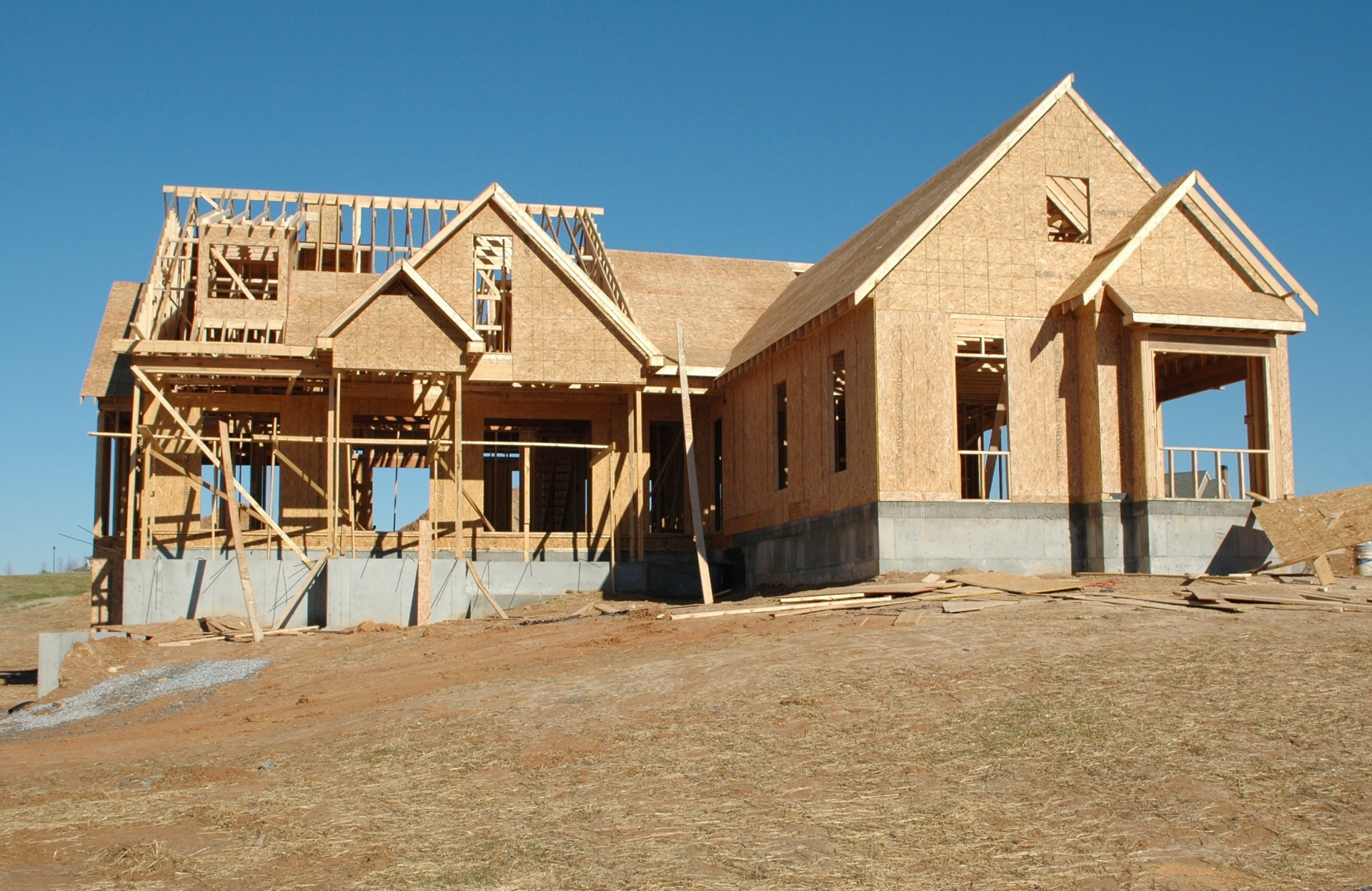
- Analyzes construction photos using computer vision to automatically detect completion percentage
- Supports 3D building models (GLB/GLTF) with interactive zone assignment for mesh-level tracking
- Predicts project delays using machine learning on progress velocity data
- Calculates financial impact showing exact dollar costs of delays ($15K+/day)
- Generates AI video reports for stakeholders with zone-by-zone breakdowns
- Identifies what's complete vs missing (e.g., "Framing done, roofing still missing")
How we built it
Frontend
- Next.js 16 with App Router and React 19 for a modern, performant UI
- React Three Fiber + Three.js for interactive 3D model visualization with orbit controls
- Tailwind CSS 4 for styling
- Radix UI components for accessible, polished interactions
- Recharts for progress tracking visualizations
Backend
- MongoDB + Mongoose for scalable project and zone data storage
- Auth0 for secure authentication
- MongoDB GridFS saved the project by helping us store 3D models
AI/ML
- Google Gemini 2.0 Flash for construction photo analysis — detects building components (roof, walls, foundation, etc.), estimates completion percentage, and lists what's done vs. missing
- Gemini AI also powers our smart zone naming suggestions when users click on 3D model meshes
- Linear regression for progress velocity predictions and estimated completion dates
- OpenNote SDK for generating AI-narrated video reports for stakeholders
Challenges we ran into
- 3D mesh selection: Getting click-to-select working on GLB models required building a custom SelectionManager with raycasting and material-based grouping
- AI accuracy: Tuning Gemini prompts to reliably identify construction stages (framing vs. finishing) took extensive iteration
- Real-time sync: Keeping 3D viewer state, database, and UI in sync when analyzing photos required careful state management
- File size limits: 3D models exceeded Supabase's limits, so we implemented base64 encoding with MongoDB storage for the hackathon
Accomplishments that we're proud of
- ✅ Full working prototype with 3D model support, AI analysis, and video report generation
- ✅ Smart component detection: Gemini correctly identifies building elements like "Roof", "Foundation", "Exterior Wall" from mesh geometry
- ✅ Financial impact calculator that shows exact delay costs based on project budget
- ✅ Scroll animations and premium UI with glassmorphism, 3D progress cylinders, and interactive cards
- ✅ End-to-end flow: From project creation → 3D upload → zone assignment → photo check-in → AI analysis → video report
What we learned
- Gemini's vision capabilities are incredibly powerful for domain-specific analysis when given proper context
- Three.js in React requires careful memory management and camera positioning for user-friendly 3D experiences
- Construction industry pain points are massive—there's genuine need for accessible AI tools
- Hackathon scope management: Starting with core features (AI analysis) before polish (animations) was crucial
What's next for BuildPulse
- 📱 Mobile app for on-site photo capture with offline support
- 📊 Multi-project dashboards for construction firms managing portfolios
- 🚁 Drone footage analysis for large-scale site monitoring
- 🤝 Contractor marketplace connecting delayed projects with available workers
- 🌱 Carbon footprint tracking to quantify sustainability impact of early delay detection
Built With
- next.js
- react
- three.js
- react-three-fiber
- tailwind-css
- mongodb
- mongoose
- auth0
- google-gemini
- opennote
- vercel
- recharts
- radix-ui


Log in or sign up for Devpost to join the conversation.