-

logo
-
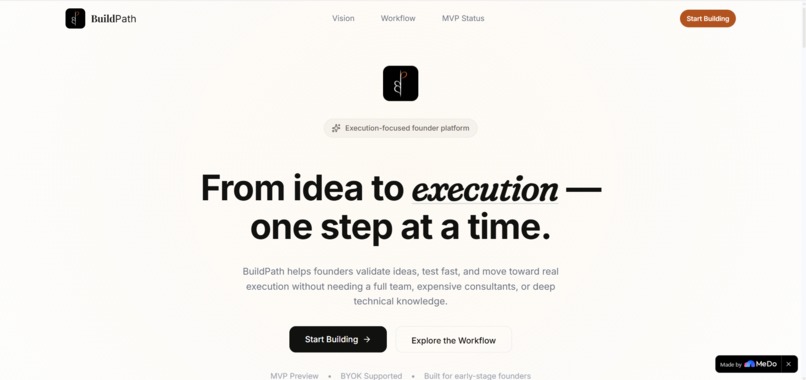
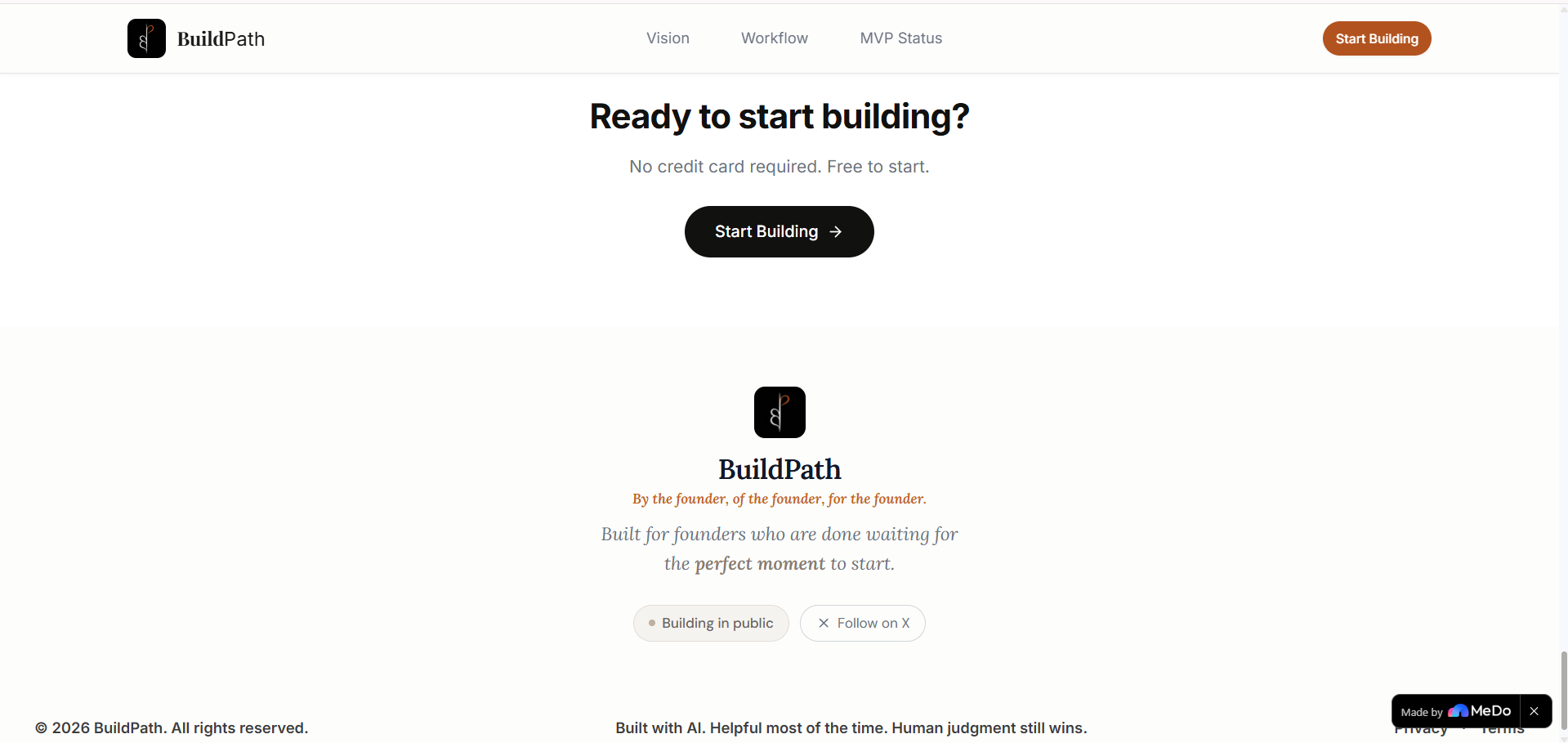
home page
-
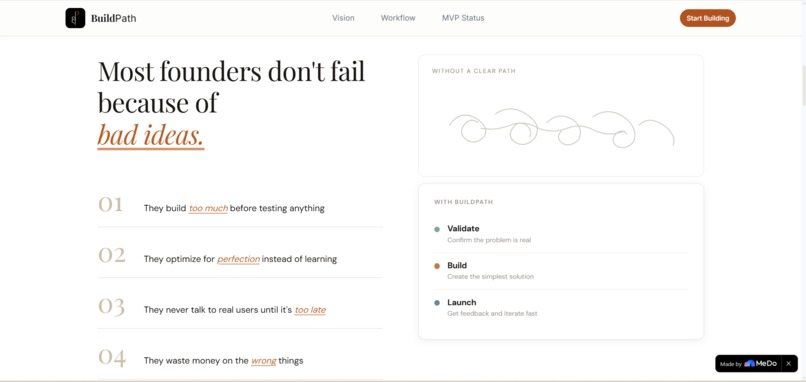
section 2
-
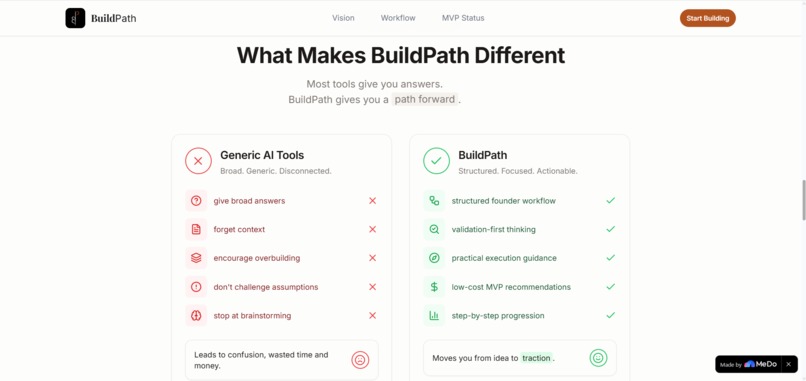
section 4
-
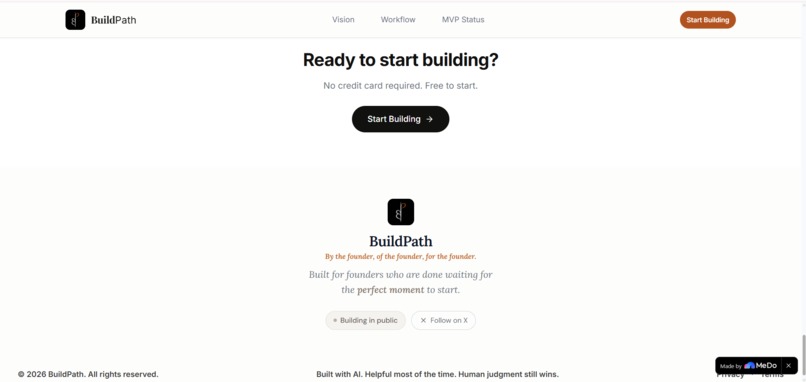
footer
-
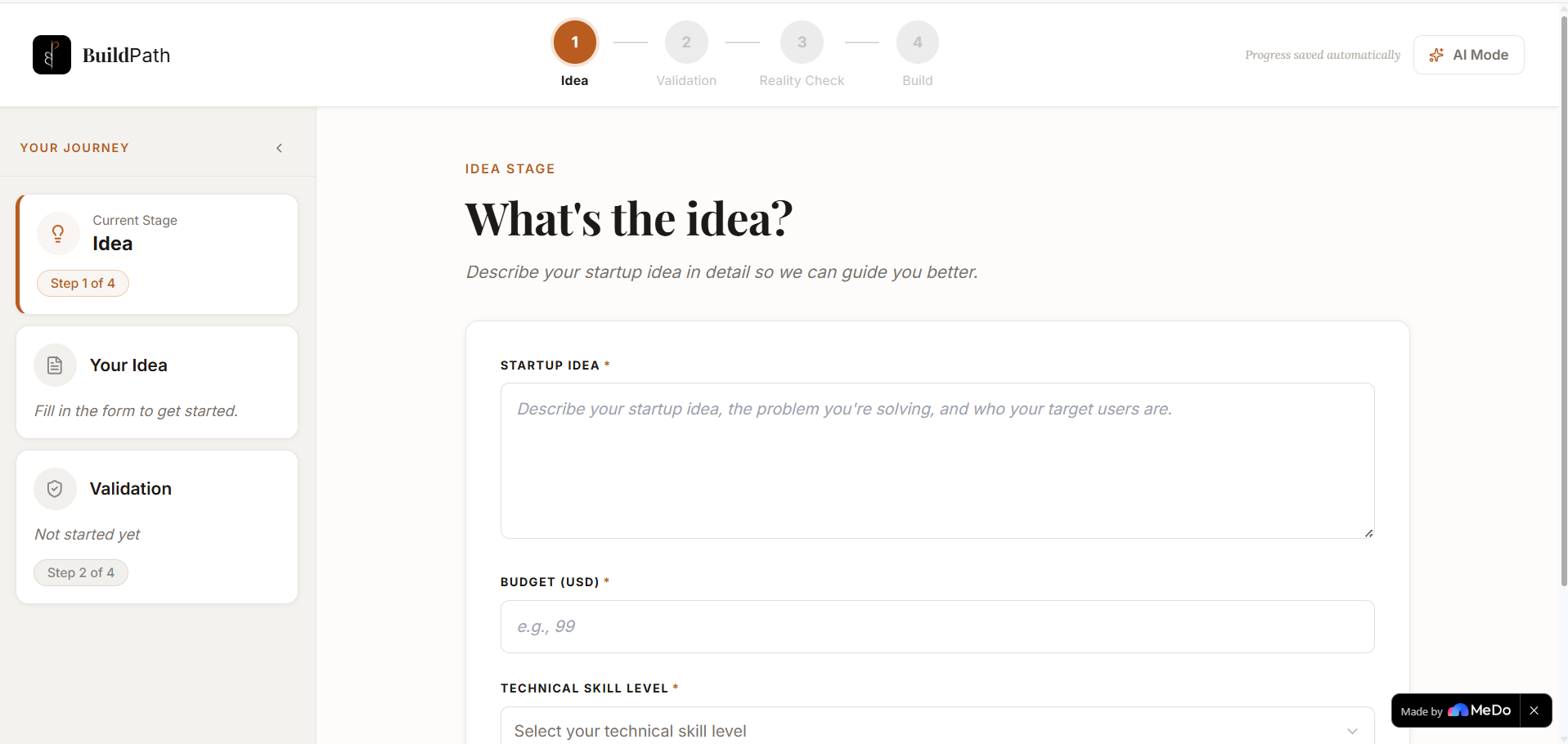
1st app page
-
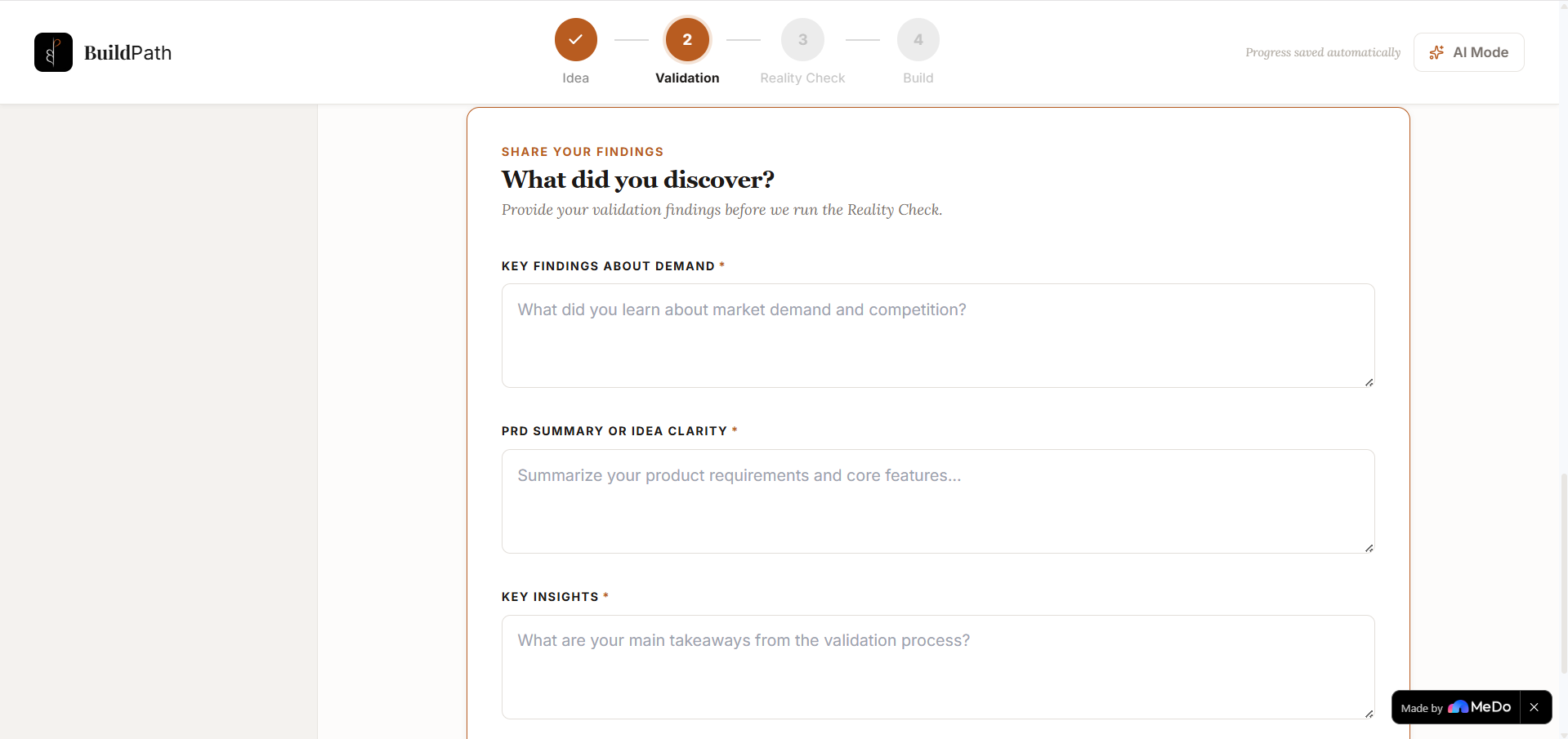
2nd app page
-
2nd app page
-
2nd app page
-
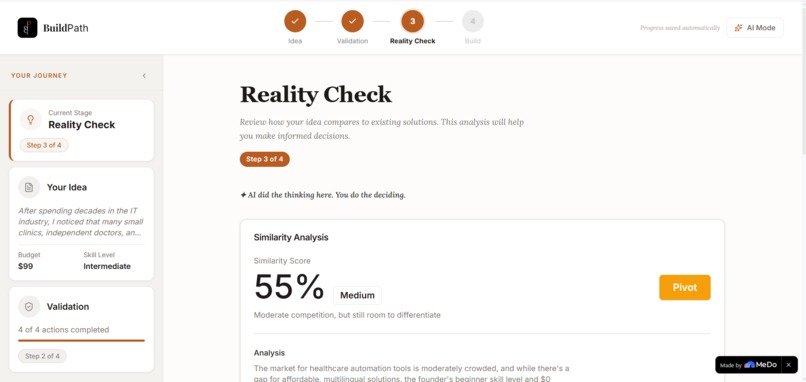
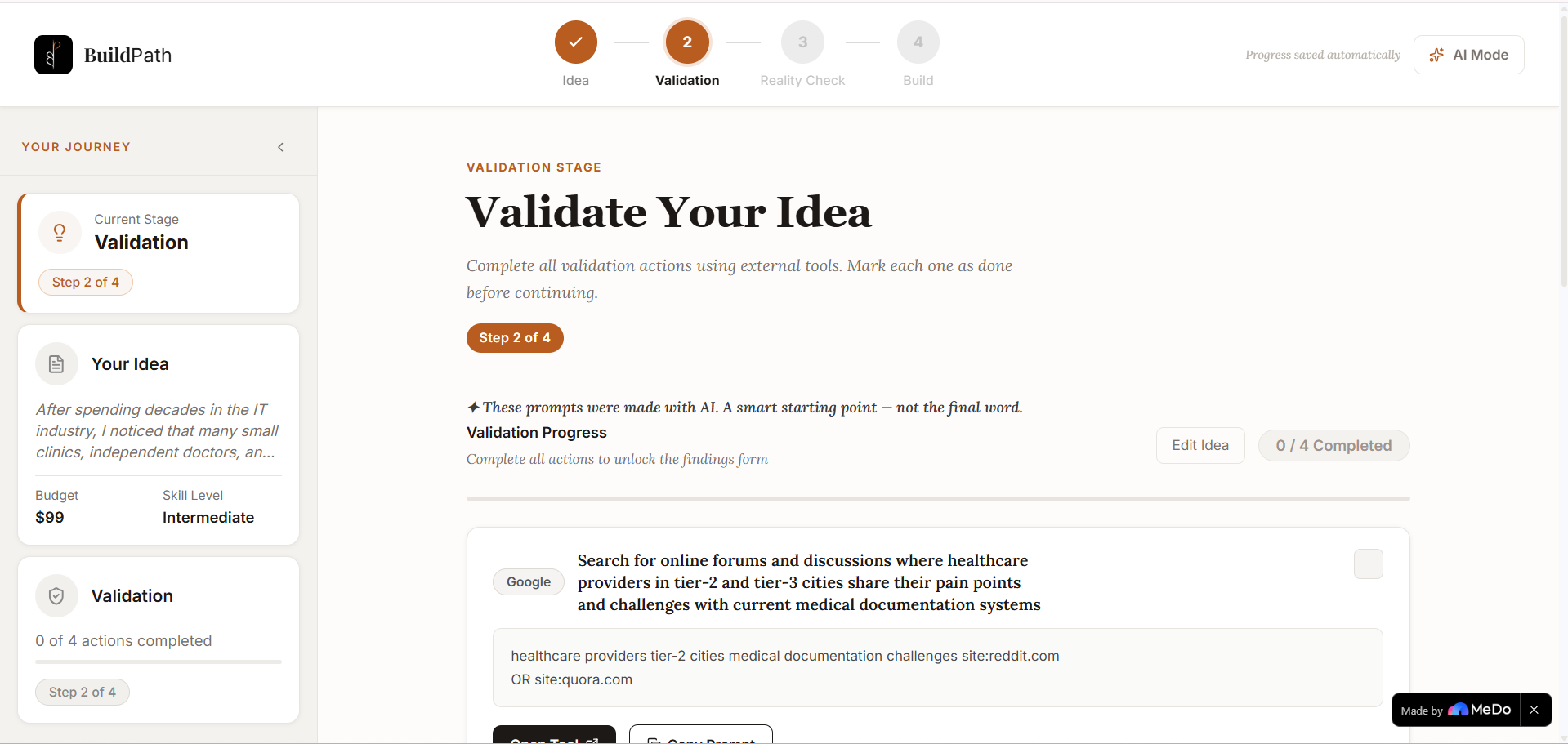
3rd app page
-
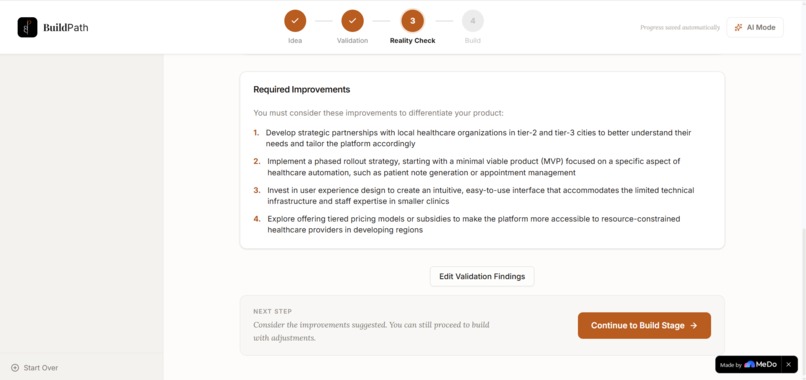
3rd app page
-
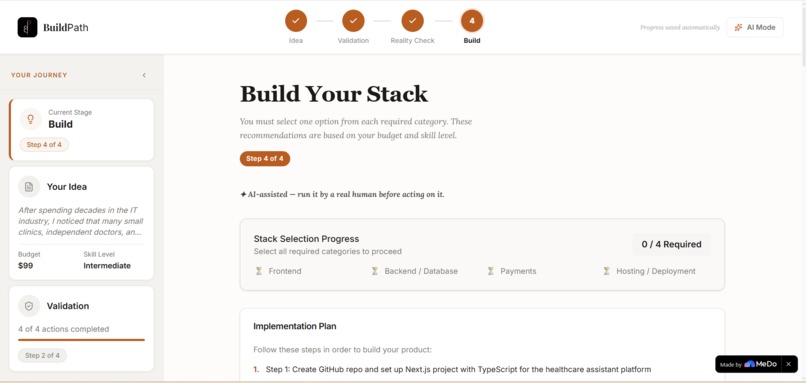
4th app page
-
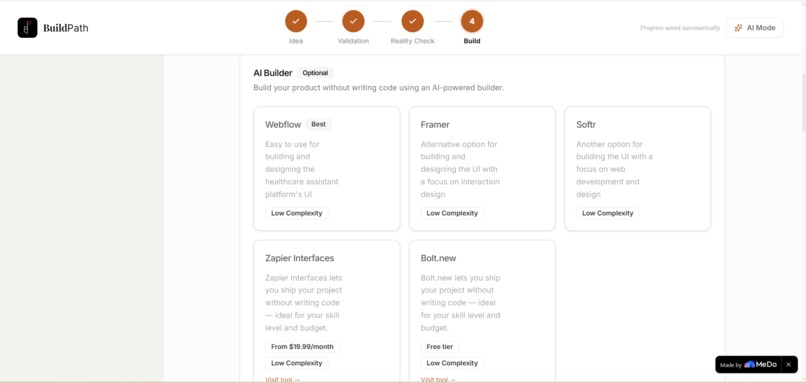
4th app page
-
4th app page
-
4th app page
-
4th app page
-
5th app page
-
5th app page

BuildPath — Project Story
Inspiration
Every founder hits that moment — you have an idea that actually feels good, maybe even great, but no clue what comes next. So you do what everyone does: open Google, search "how to validate a startup idea," and suddenly you're buried in endless tabs, outdated articles, and generic startup advice that never gives you real clarity on what to do with your specific idea.
That's the gap BuildPath was built to fill.
The inspiration came from personal frustration — being stuck not because of a lack of ambition, but because of a lack of structure. No co-founder, no $50,000 consultant — just the need for something to sit next to you and say "okay, here's exactly what to do first. Then this. Then this."
The motto says it all: By the founder, of the founder, for the founder.
What It Does
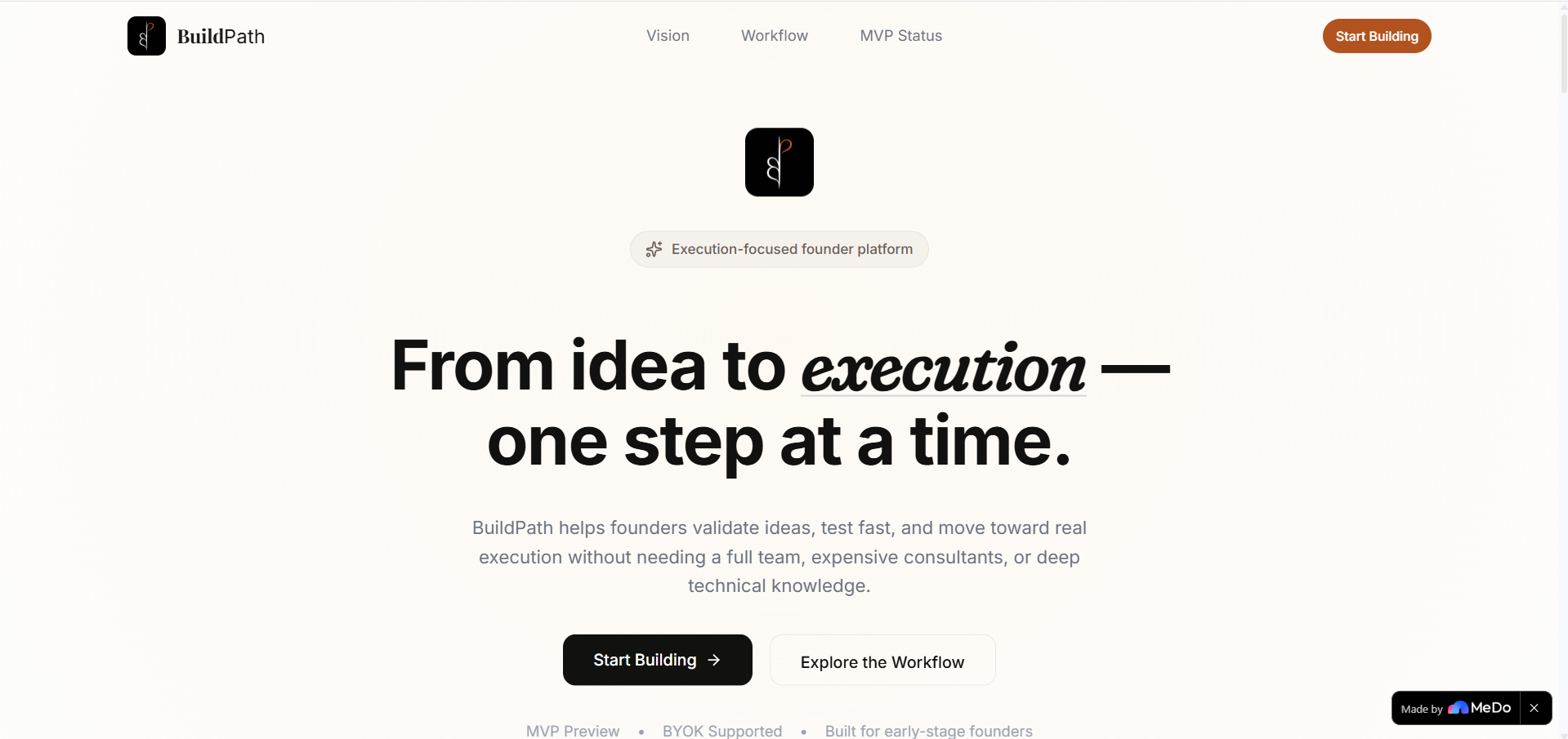
BuildPath is a guided startup builder for indie hackers. It takes a founder from raw idea to a working build plan through a strict, step-by-step workflow — no skipping, no hand-waving, no generic advice.
The journey has four stages:
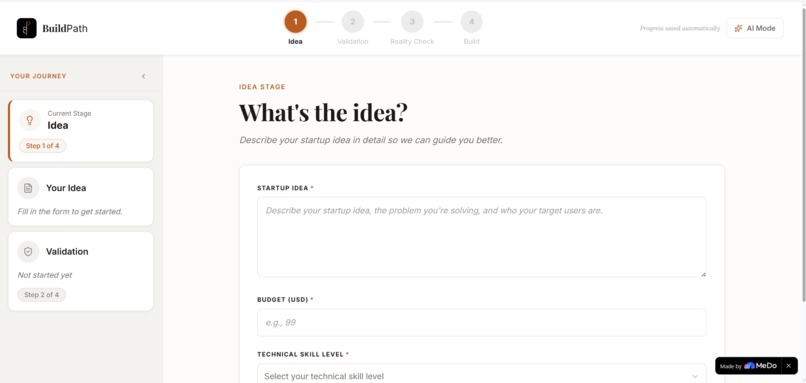
1. Idea — You describe your startup idea, set your budget, and select your technical skill level. That's it. Three inputs. BuildPath does the rest.
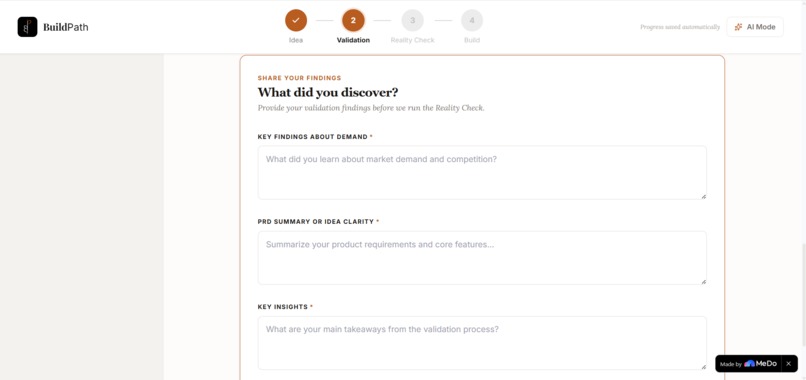
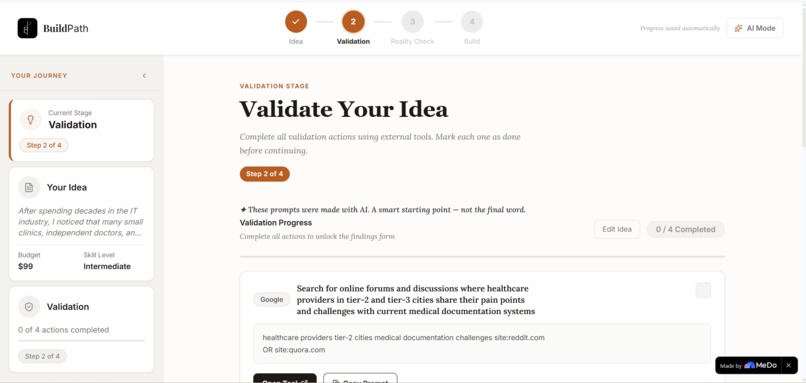
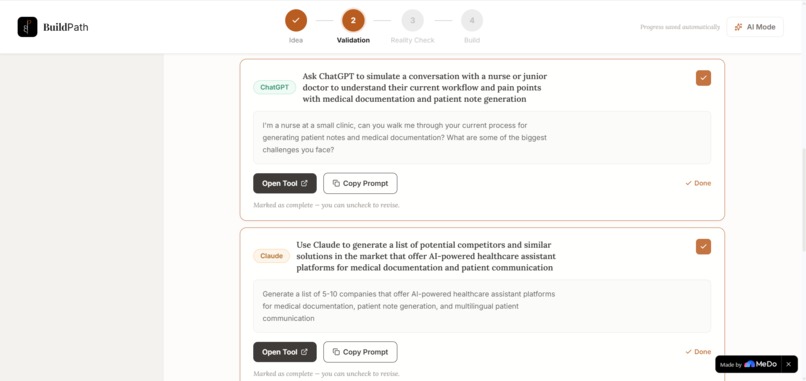
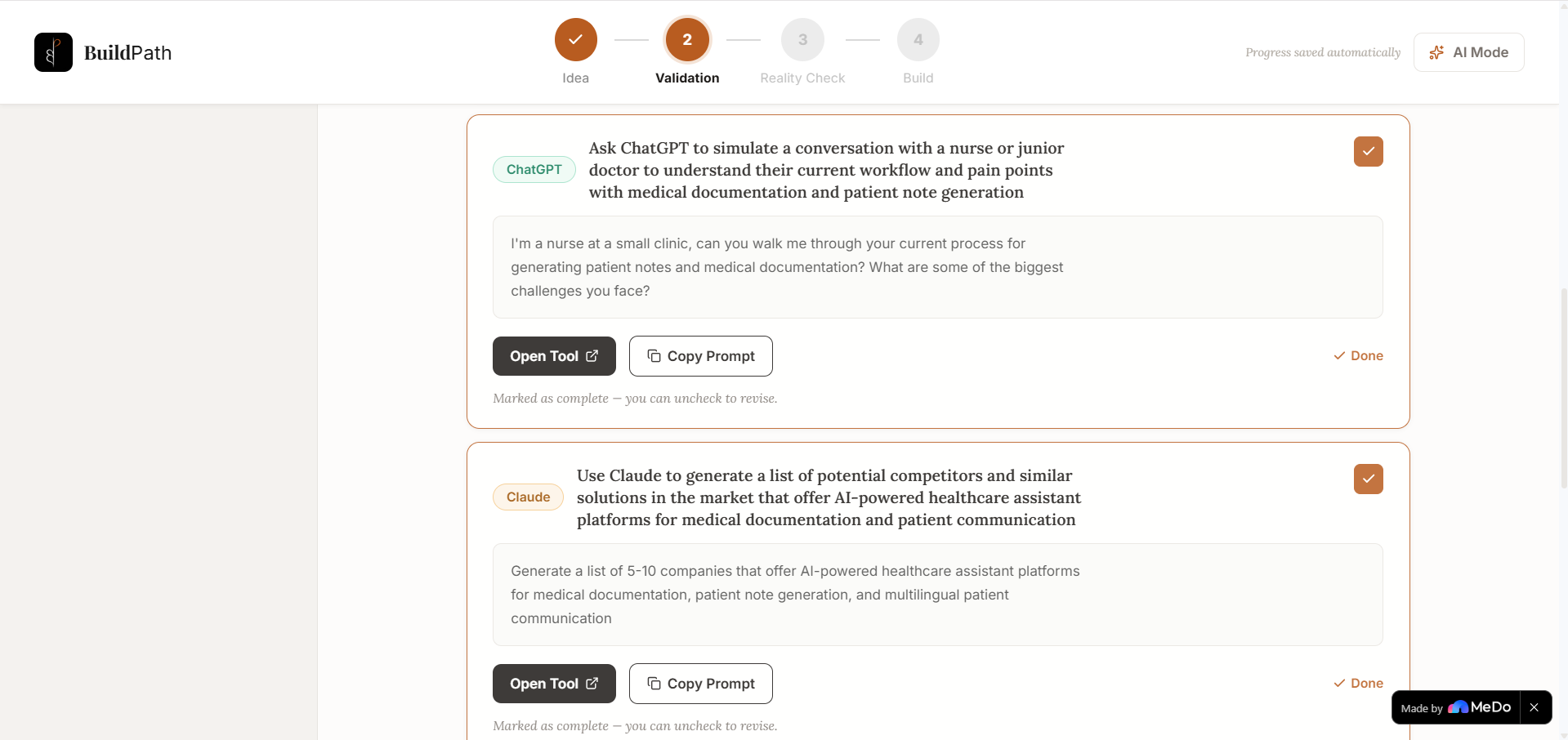
2. Validation — BuildPath generates 3–5 tailored validation actions using real external tools like Perplexity, ChatGPT, and Claude. Each action includes an exact prompt, a direct link to the tool, and a copy button. You go do the work, come back, mark it done, and submit your findings.
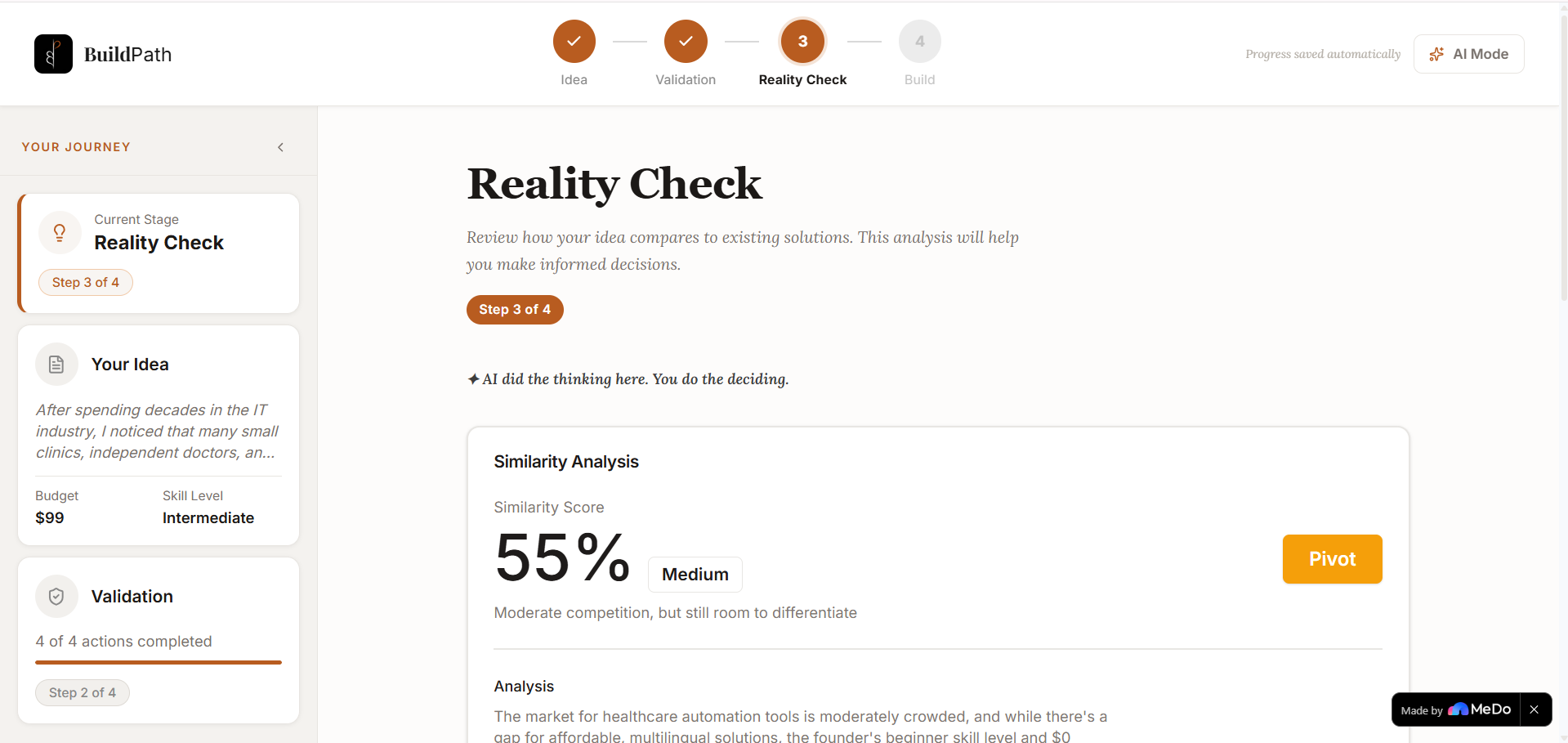
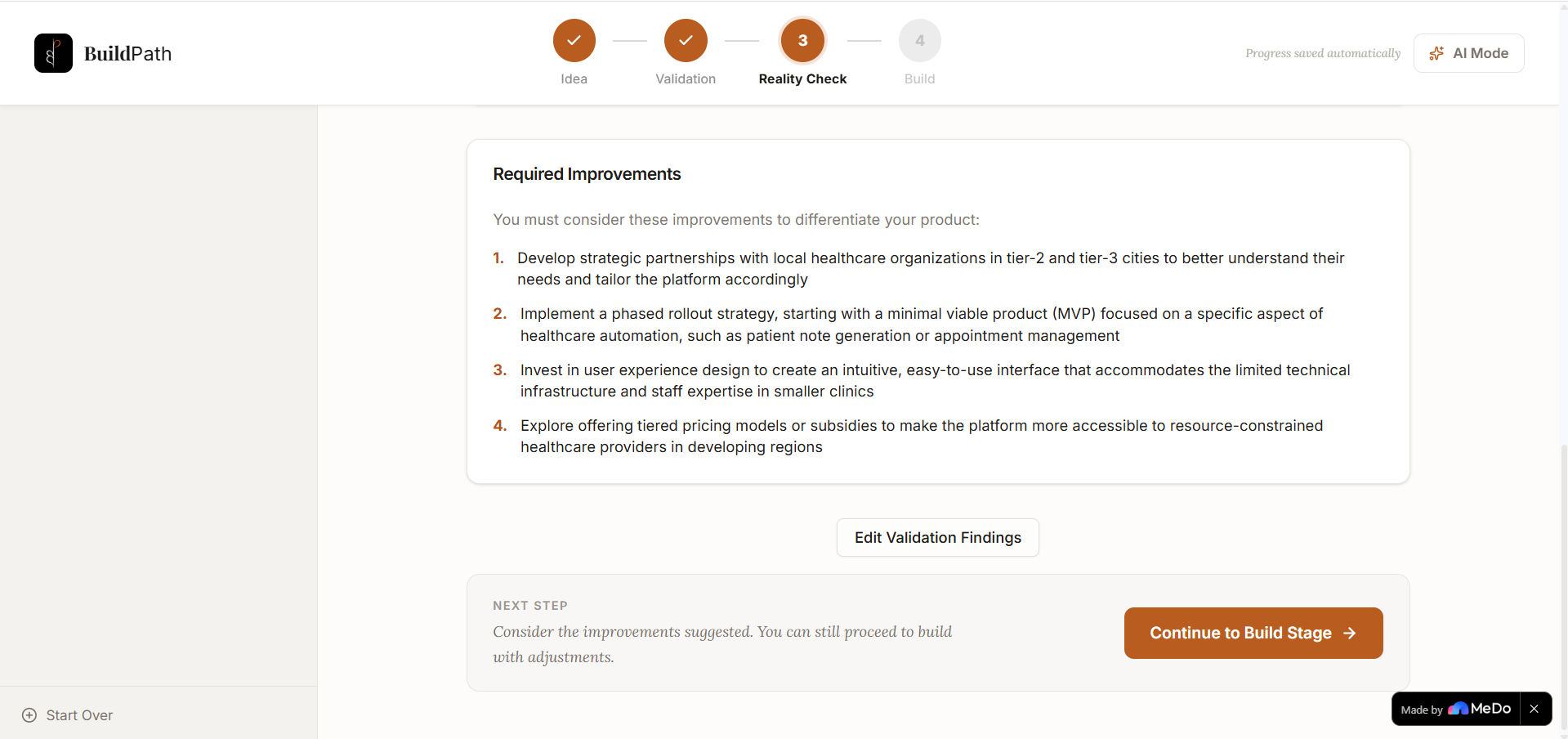
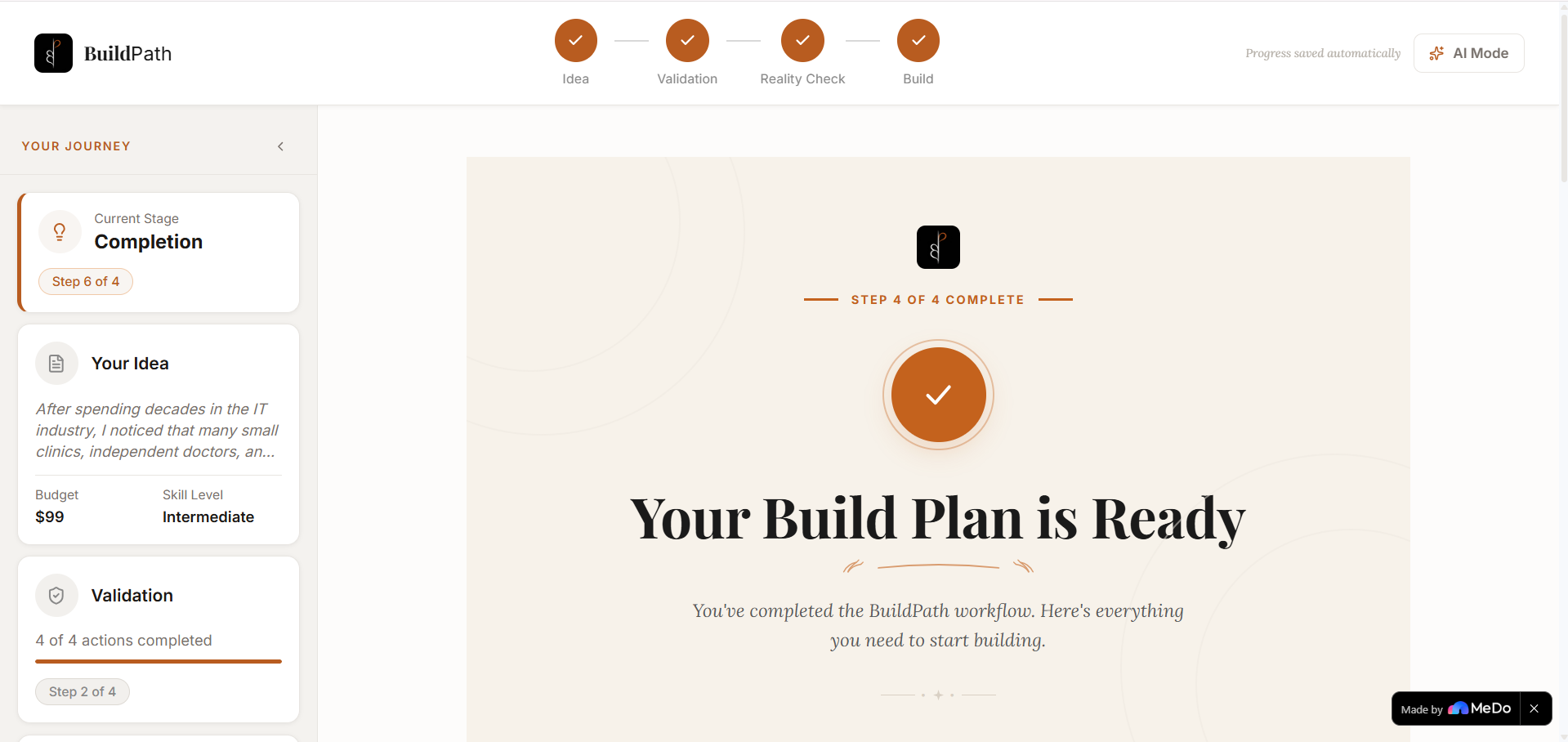
3. Reality Check — BuildPath analyzes your idea against the market. It produces a similarity score, a verdict (Build / Pivot / Don't Build), a list of similar products, and specific improvement suggestions — so you know exactly where you stand before you write a single line of code.
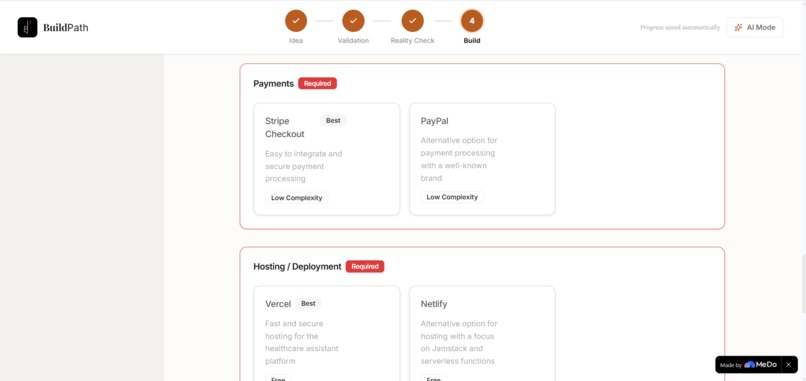
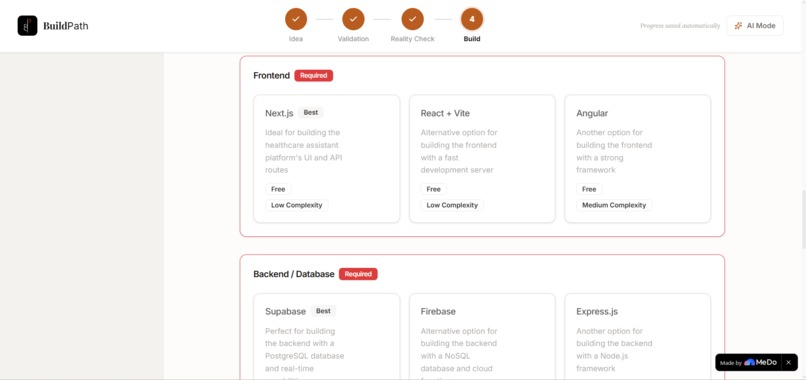
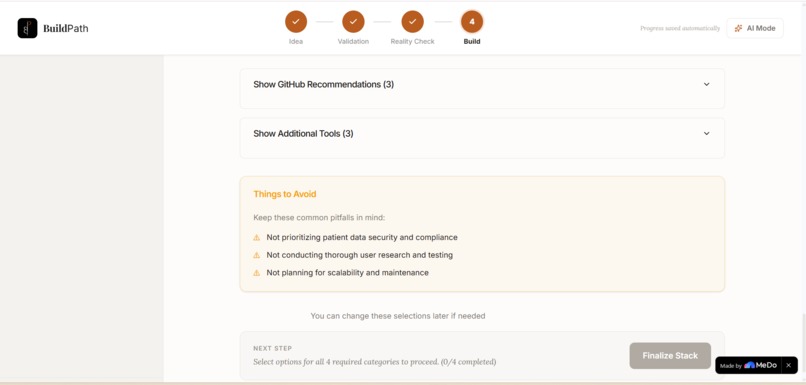
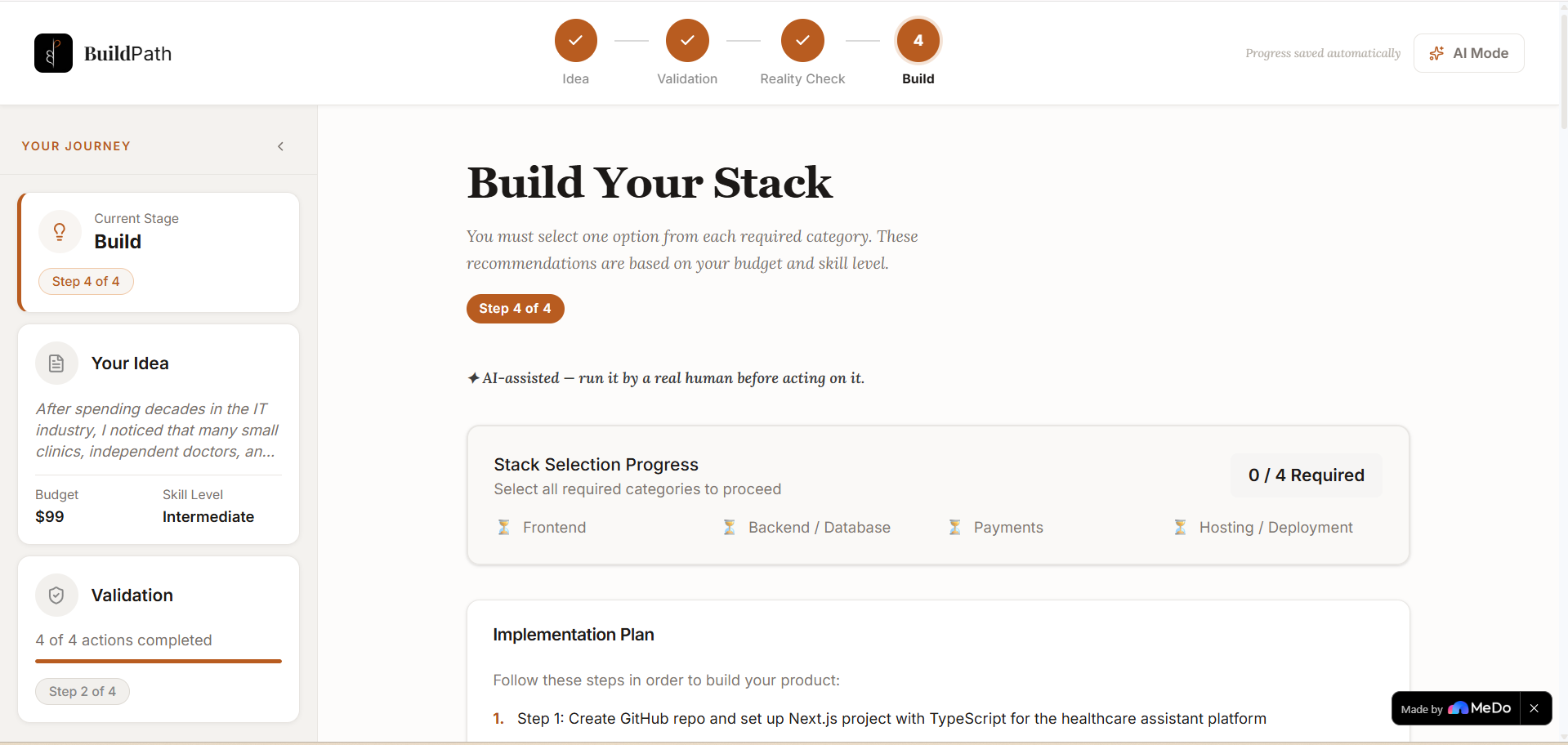
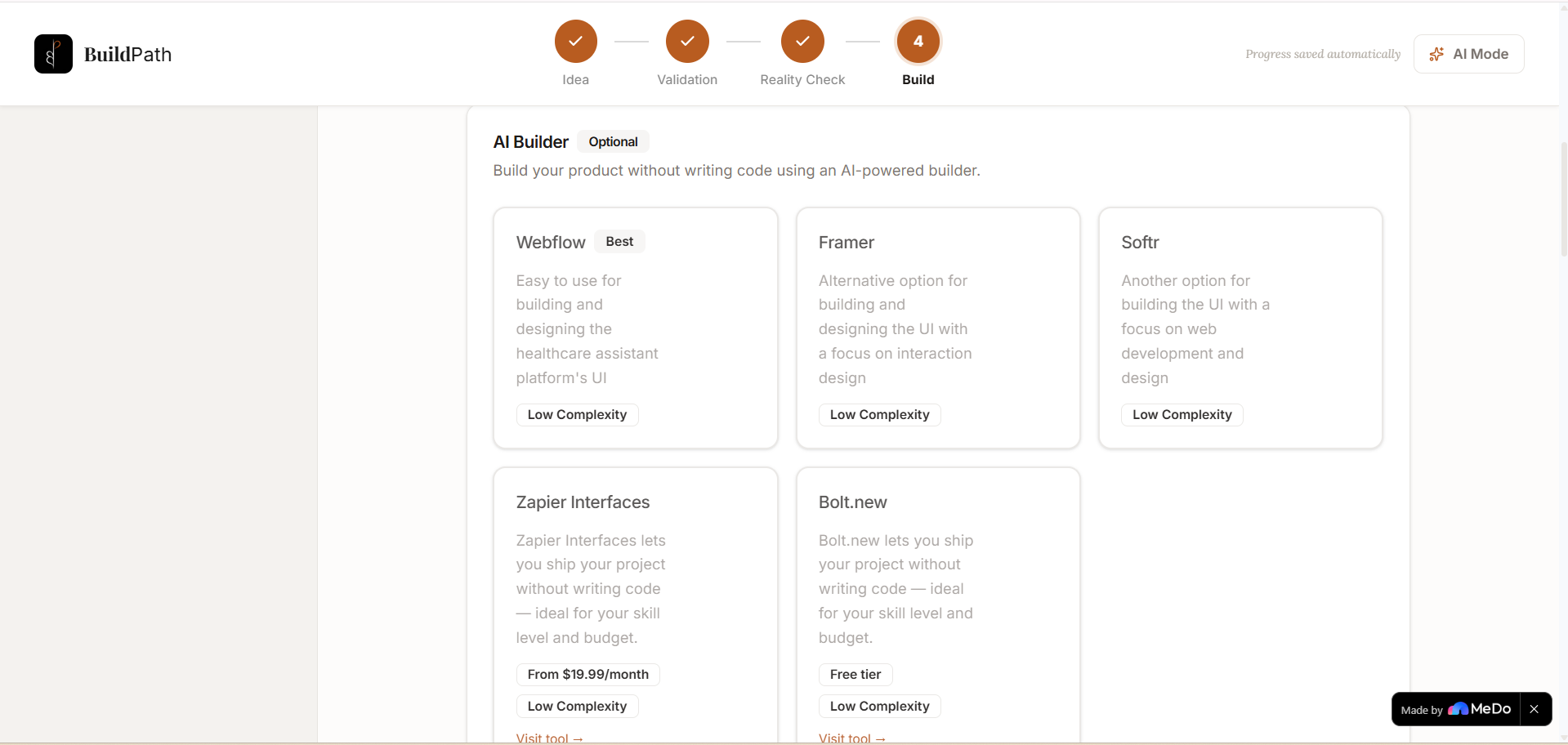
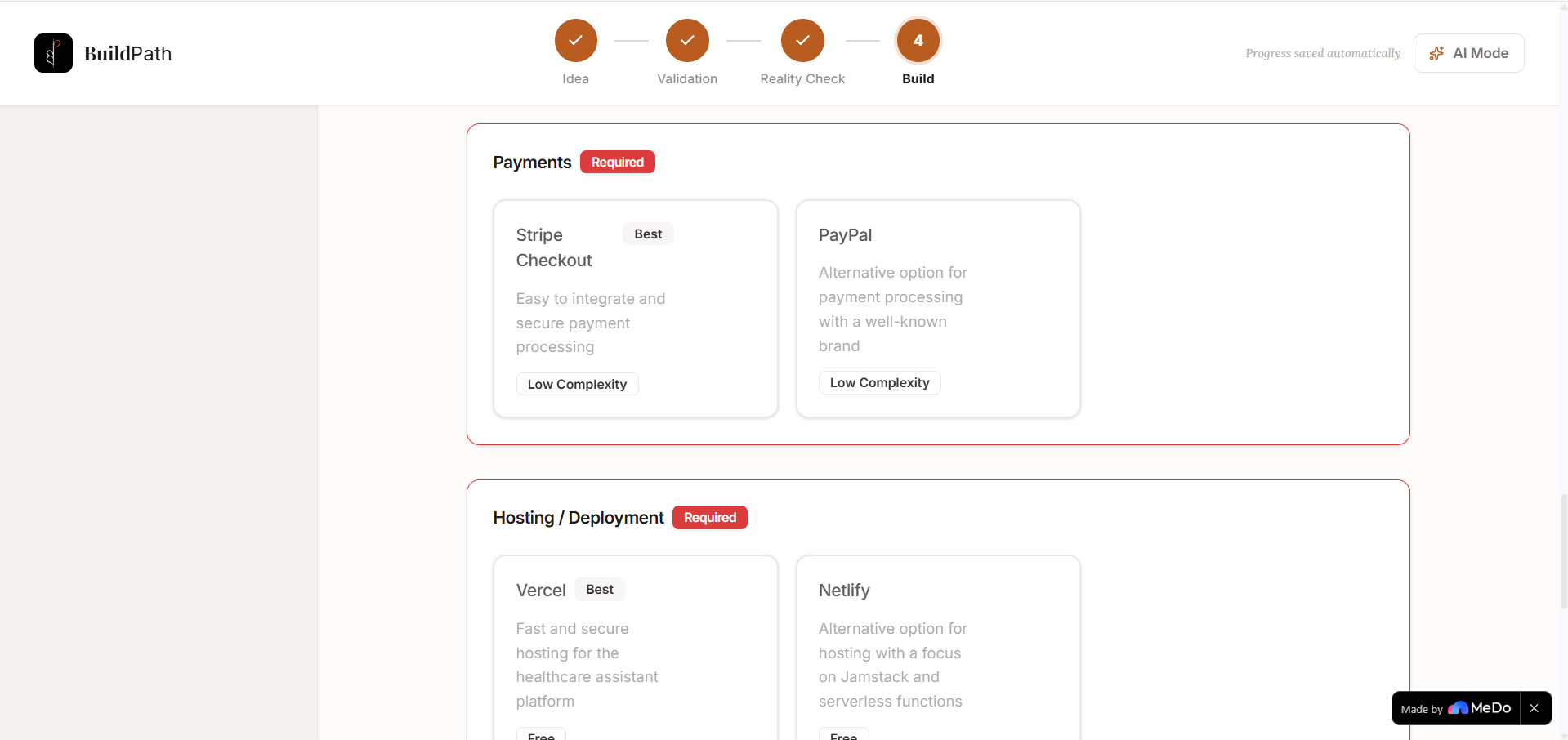
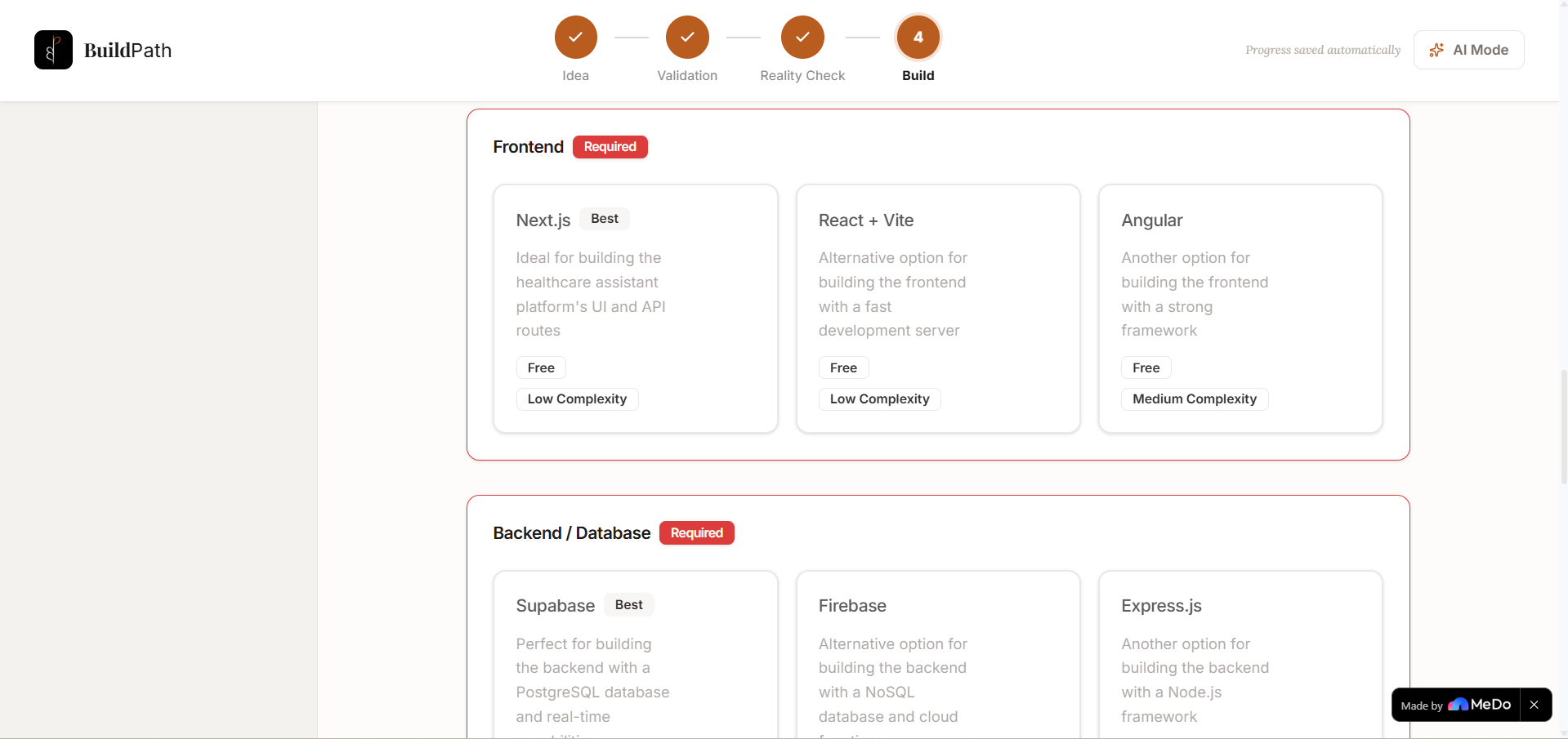
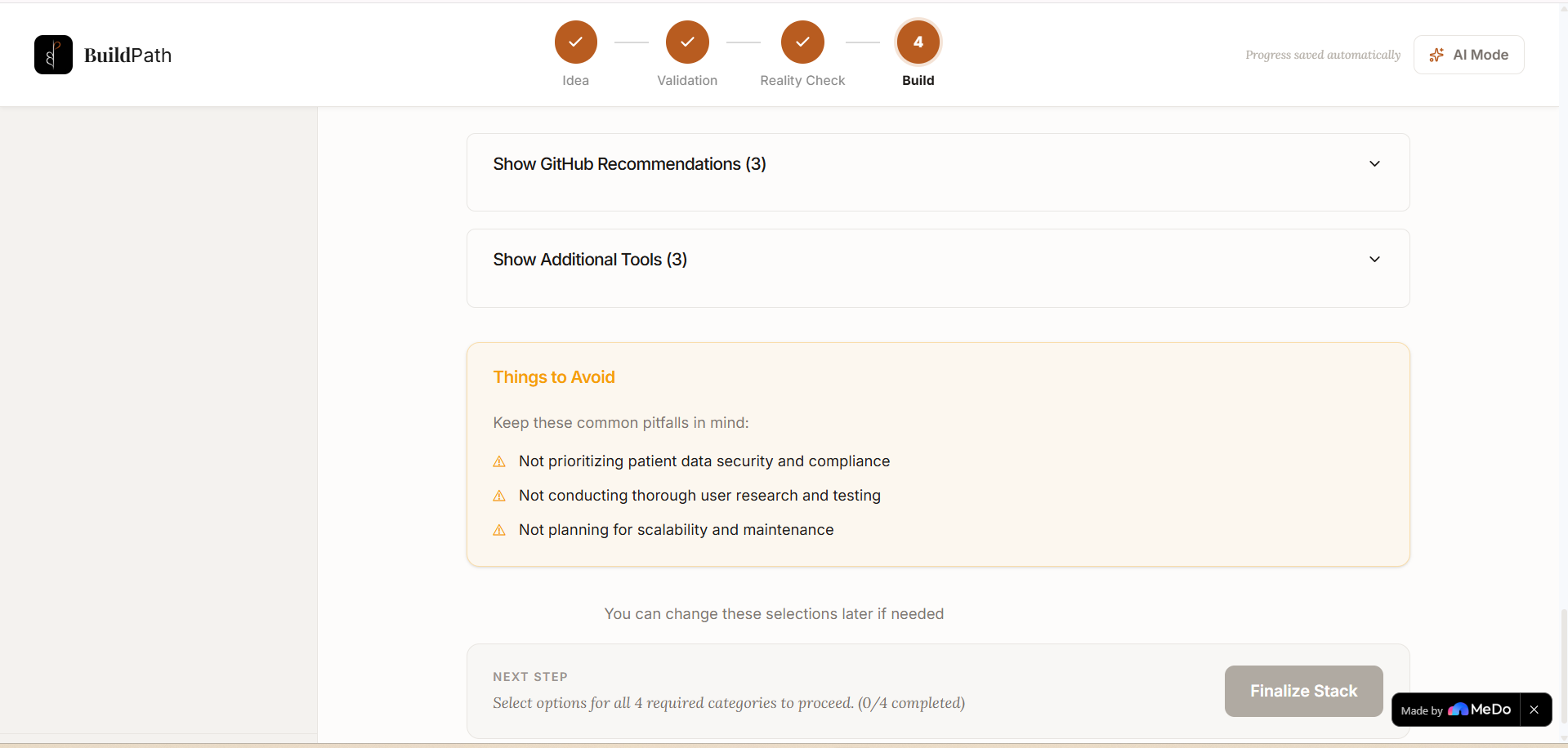
4. Build — BuildPath recommends a complete tech stack tailored to your idea, your skill level, and your budget. Frontend, backend, payments, hosting, optional tools, GitHub repos, and what to avoid — all in one place. You pick your stack, finalize your decisions, and walk away with a real build plan.
Everything persists in your browser. No account required. No credit card. No fluff.
How We Built It
BuildPath is a single-page React application — a strict state machine where only one stage is active at a time and future stages are locked until the current one is completed.
Architecture decisions:
- State machine workflow — enforced stage progression means users can't skip steps or cheat the process. The discipline is the product.
- localStorage persistence — all idea data, validation responses, stack selections, and stage progress auto-save after every action. Refresh the page and you're exactly where you left off.
- Dual AI modes — Demo Mode uses smart rule-based logic (skill level + budget + idea type keyword detection) to generate personalized suggestions without any API key. AI Mode connects to Groq or Gemini via the user's own key for fully LLM-generated, idea-specific recommendations.
- Tool suggestion engine — a curated pool of 45+ AI builders and coding tools, mapped by skill level, budget range, and idea type. Beginners see Lovable, Framer, and Bolt. Intermediate users see Cursor and Replit. Advanced users see Claude Code, GitHub Copilot, and Antigravity.
- Design system — warm cream
#F7F2EAbase, burnt orange#C4621Daccent, Playfair Display for headings, Inter for UI, Lora for human moments. Built to feel like a thoughtful coach, not a cold SaaS dashboard.
Challenges We Ran Into
Designing the right flow from scratch — One of the earliest and hardest challenges was figuring out what the app should even feel like to walk through. How many stages? What order? What does the user need to do at each step before they're allowed to move forward? Getting the flow wrong would mean the whole product falls apart — too loose and founders skip the important steps, too strict and they abandon it. Finding that balance — four stages, each with clear entry and exit conditions, each earning its place — took real iteration before it clicked.
Making personalization work without an API call — The hardest design problem was making Demo Mode feel genuinely tailored when most users would never configure an API key. The solution was layered: idea keyword detection for project type, budget thresholds for tool cost filtering, and skill level mapping for complexity. The reasoning strings are dynamically interpolated with the user's idea — so it never feels generic.
The state machine discipline — Building a UI where stages are truly locked required careful state management. Every button, every navigation element, every transition had to respect the machine. There were several moments where adding "just one shortcut" was tempting — and each time, we said no. The constraint is the value.
Designing for trust, not just usability — Founders are skeptical. They've seen a hundred tools promise to help them and deliver noise. Every design decision — the warm colors, the serif headings, the quiet AI notice, the honest "this is a first draft" disclaimers — was made to earn trust rather than demand it.
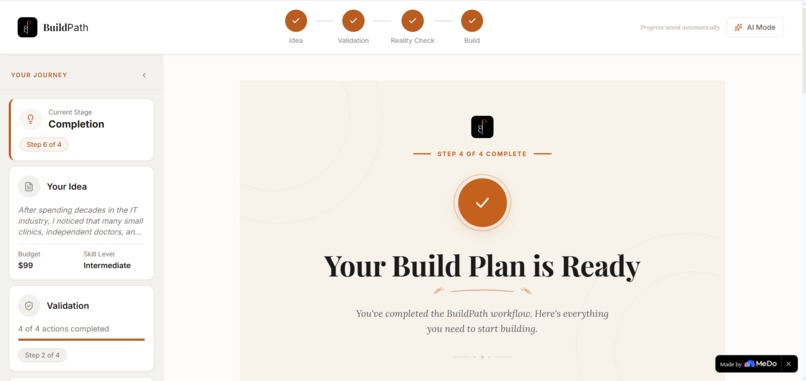
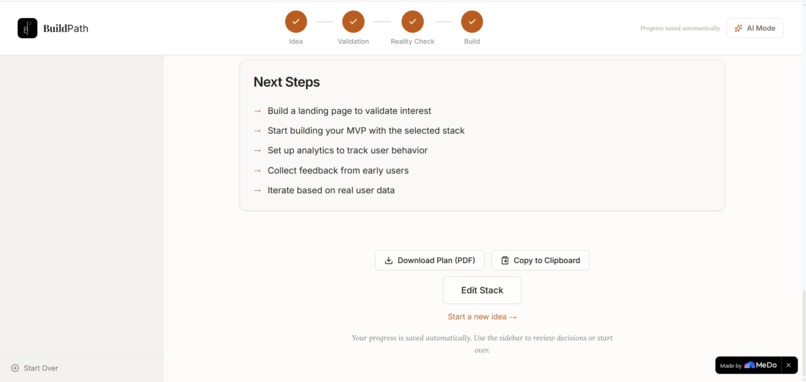
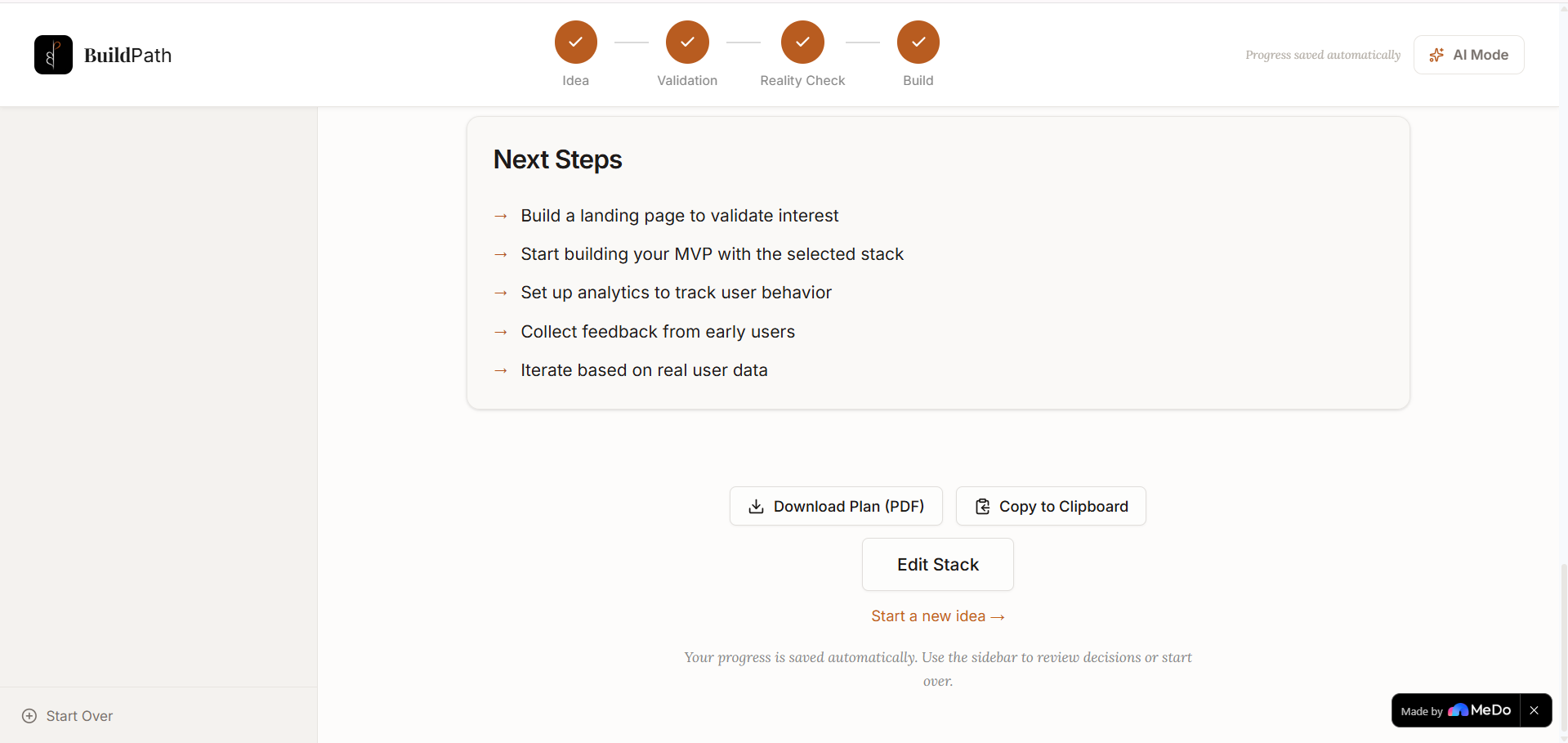
The completion problem — The original "Your Build Plan is Ready" page was a dead end. No logo, no way back, a broken "Start Building" button, no export. Rebuilding this into a real, satisfying conclusion — with a proper hero, PDF export, a "Start a new idea" flow, and restored navigation — turned out to be one of the most impactful UX fixes in the project.
Accomplishments That We're Proud Of
The logo — A calligraphic BP mark where the B and P share one spine and the whole form reads simultaneously as letters, a blooming plant, and a figure standing tall. The orange P petal blooms at the top. Designed from a hand-sketch to a world-class mark through iteration.
The motto — "By the founder, of the founder, for the founder." Three words that say everything about why this exists. It lives quietly in the footer in orange — a personal statement, not a marketing line.
A genuinely warm SaaS product — Most startup tools feel cold, corporate, and intimidating. BuildPath feels like sitting across from someone who's been through it and wants to help. That warmth was designed deliberately, at every level.
The AI tool suggestion system — 45+ tools mapped intelligently across skill levels, budgets, and idea types. A beginner with $50 gets different suggestions than an advanced developer with $200. The app feels current and opinionated, not like a static list.
Zero fluff — No social login, no onboarding tour, no empty dashboard. You land, you describe your idea, you start. That restraint is an accomplishment in itself.
What We Learned
Structure is the product. The value of BuildPath isn't the AI, the tool suggestions, or the design. It's the fact that it makes you slow down and do each step. The state machine enforces the discipline that most founders skip — and that discipline is what changes outcomes.
Warm design is a competitive advantage. In a world of cold blue SaaS tools, being the product that feels human, editorial, and considered is genuinely differentiating. Founders noticed. Every design decision that leaned warmer was the right one.
Honest AI is better than impressive AI. Adding the quiet "AI-assisted — use your own judgment too" line everywhere AI is involved wasn't a legal move — it was a trust move. Founders respected it more than if we'd hidden it.
The ending matters as much as the beginning. The Completion page was an afterthought that became a critical moment. How you leave a product is how you're remembered. A dead button and no path home is not how you want to be remembered.
What's Next for BuildPath
Cloud persistence and user accounts — localStorage is a starting point. Real founders need their build plans to survive a browser clear, a device change, or six months of thinking.
Collaborative validation — Bring a co-founder, a mentor, or a trusted friend into your validation stage. Share a link. Get feedback on your PRD before you build.
Real API integrations — Live GitHub repository suggestions, real market data for Reality Check, and automated validation action results rather than manual copy-paste.
Community layer — Anonymous idea sharing where founders can see how others validated similar ideas, what stacks they chose, and what they'd do differently. Learning in public, built into the product.
Mobile — The workflow is designed for focus. Mobile is the right form factor for the thinking phase — capturing an idea at 11pm, running validation on a commute.
Shareable build plans — A shareable link for your investor deck. A Notion import for your planning doc. The plan you built deserves to live somewhere permanent and easy to share.
BuildPath — From idea to execution, one step at a time.
Built With
- css3
- html5
- llm
- radix
- react
- shadcn
- tailwind
- typescript
- vite


Log in or sign up for Devpost to join the conversation.