-
-
IMG1
-
IMG2
BuildHalo — Instructions Where the Work Happens
Inspiration
Traditional assembly instructions force users to switch attention between a physical object and a printed manual, video, or phone. This creates interruptions and adds cognitive effort, especially when interpreting diagrams or understanding how components fit together.
BuildHalo explores a different approach: putting visual instructions directly beside the physical task using spatial augmented reality.
What it does
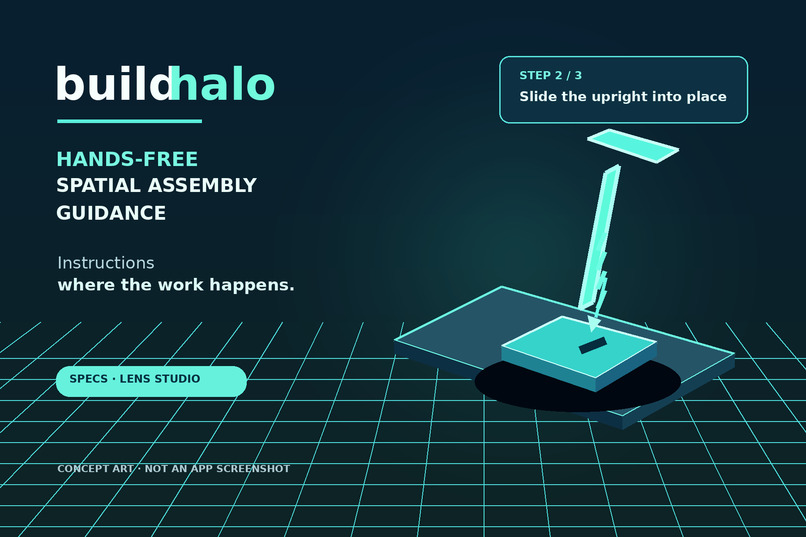
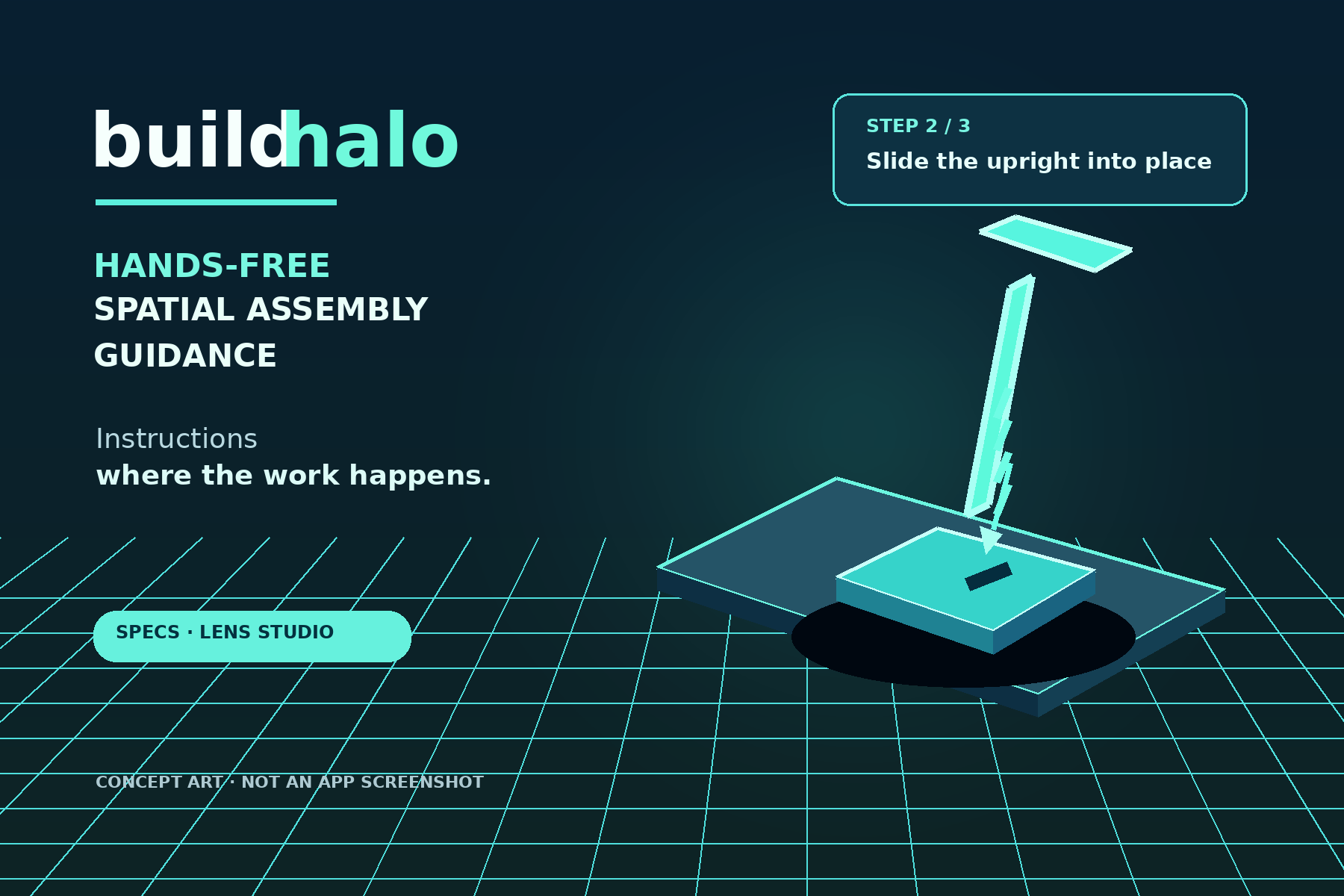
BuildHalo is a proposed augmented reality assembly assistant designed for Snap SPECS glasses.
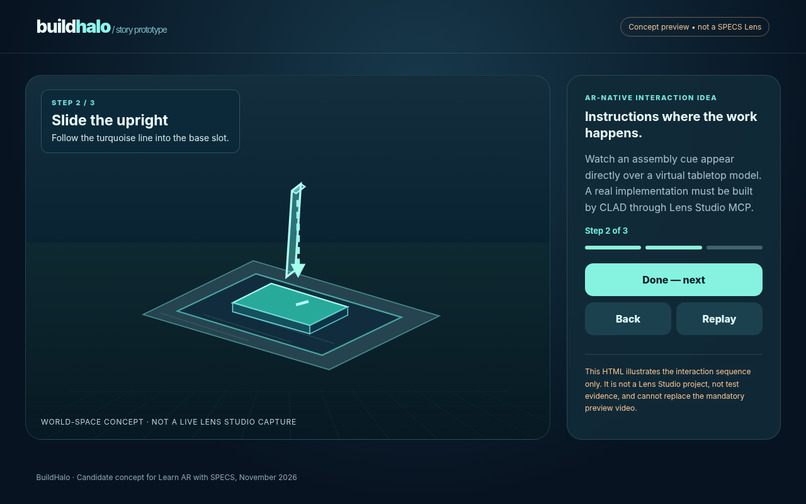
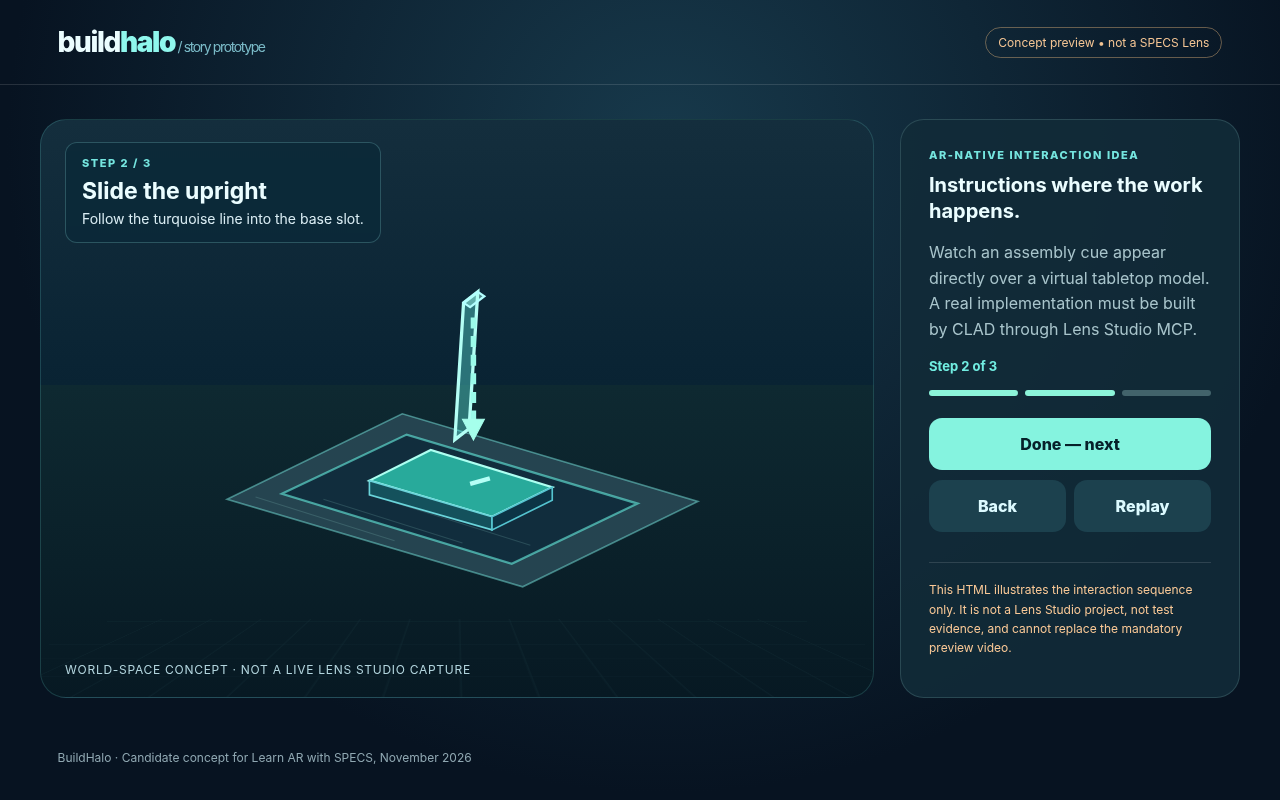
The initial experience focuses on assembling a three-piece tabletop phone stand. A translucent 3D guide illustrates how each component should be positioned and connected, with animated directional cues showing the intended movement.
The planned experience includes:
Spatially positioned 3D assembly guidance.
Contextual instructions beside the relevant component.
Animated ghost components showing insertion and positioning.
Large, accessible pinch controls to advance or replay instructions.
Step-by-step progress and completion feedback.
A simulated workbench for testing without physical glasses.
Rather than placing a traditional interface in front of the user's eyes, the concept prioritizes guidance at the point of action.
How we're approaching the build
The preparation package includes a proposed spatial design brief, interaction flow, browser-based storyboard, CLAD build instructions, and a LEAF testing plan.
The intended implementation uses the Devpost Learn skill pack for planning, CLAD with Lens Studio MCP for development, and Spectacles Interaction Kit and UI Kit for spatial controls.
The browser prototype demonstrates the intended interaction sequence, but it is not yet a functioning Lens Studio project. The official CLAD implementation and Lens Studio preview testing remain to be completed.
Challenges
One major design challenge is presenting enough information to support assembly without overwhelming the limited field of view of AR glasses.
The proposed solution uses progressive disclosure: display one relevant instruction at a time, keep controls near the workspace, and remove completed guidance as the user progresses.
Another constraint is that the Lens Studio preview cannot reliably demonstrate recognition of real assembly components. BuildHalo therefore proposes virtual part stand-ins rather than claiming unsupported computer vision capabilities.
What we've learned so far
The design phase has reinforced three principles:
Spatial guidance should be located where an action happens, not on a floating dashboard.
AR interactions should minimize visual clutter and use simple, forgiving targets.
A focused, verifiable interaction is more valuable than a broad concept that cannot be convincingly demonstrated.
The next milestone is to validate these decisions through a functioning CLAD-built Lens, LEAF tests, and the actual Lens Studio preview.
What's next
Complete the official plan-lens workflow, implement and test the interactive Lens in Lens Studio, record a demonstration of its actual behavior, and publish the project files with the approved design brief.
