-
-
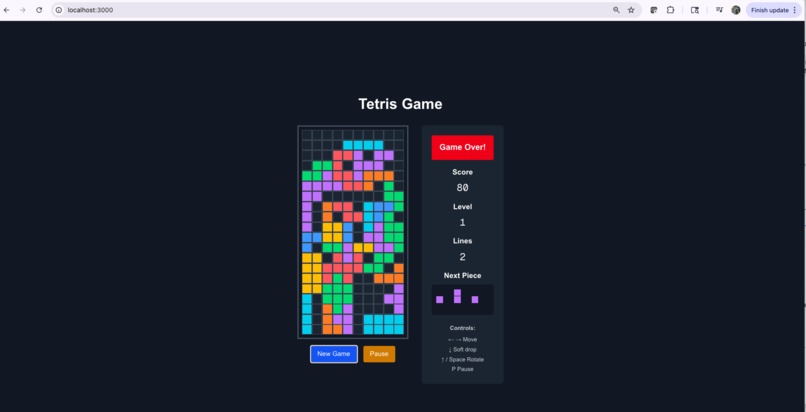
2nd time play
-
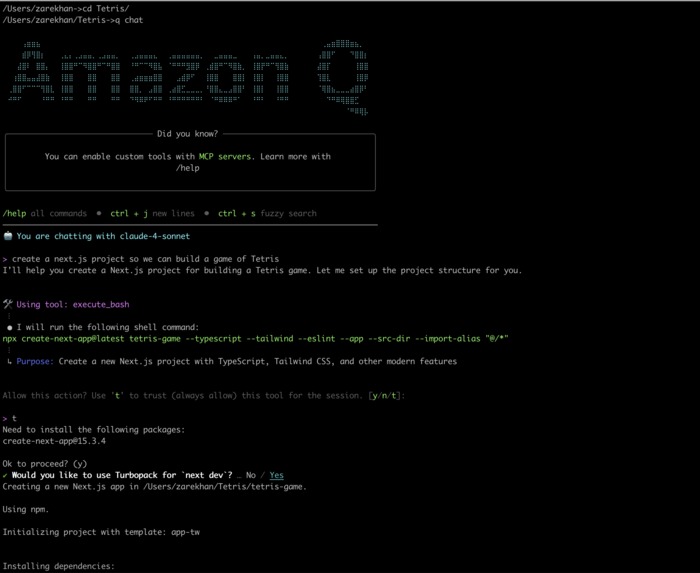
Installation
-
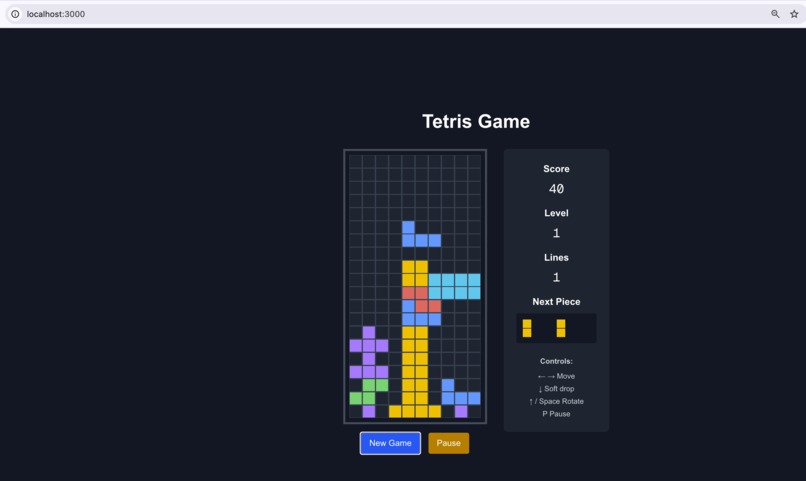
Lets play retro game Tetris
-
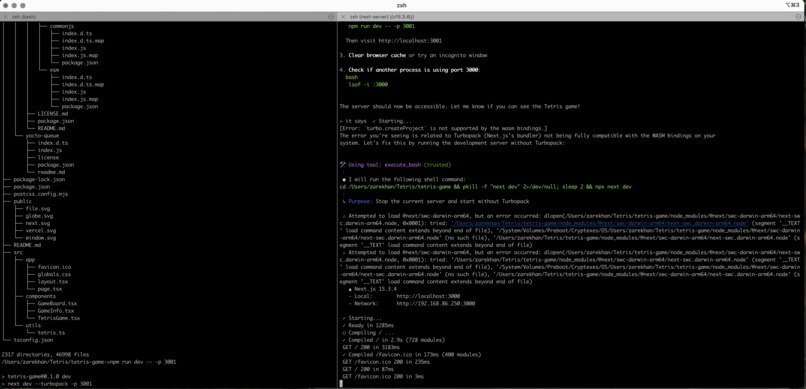
Installation
-
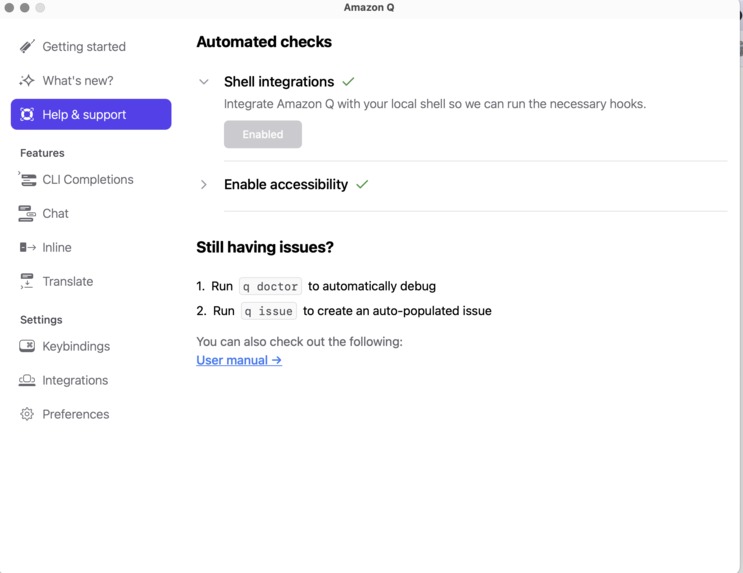
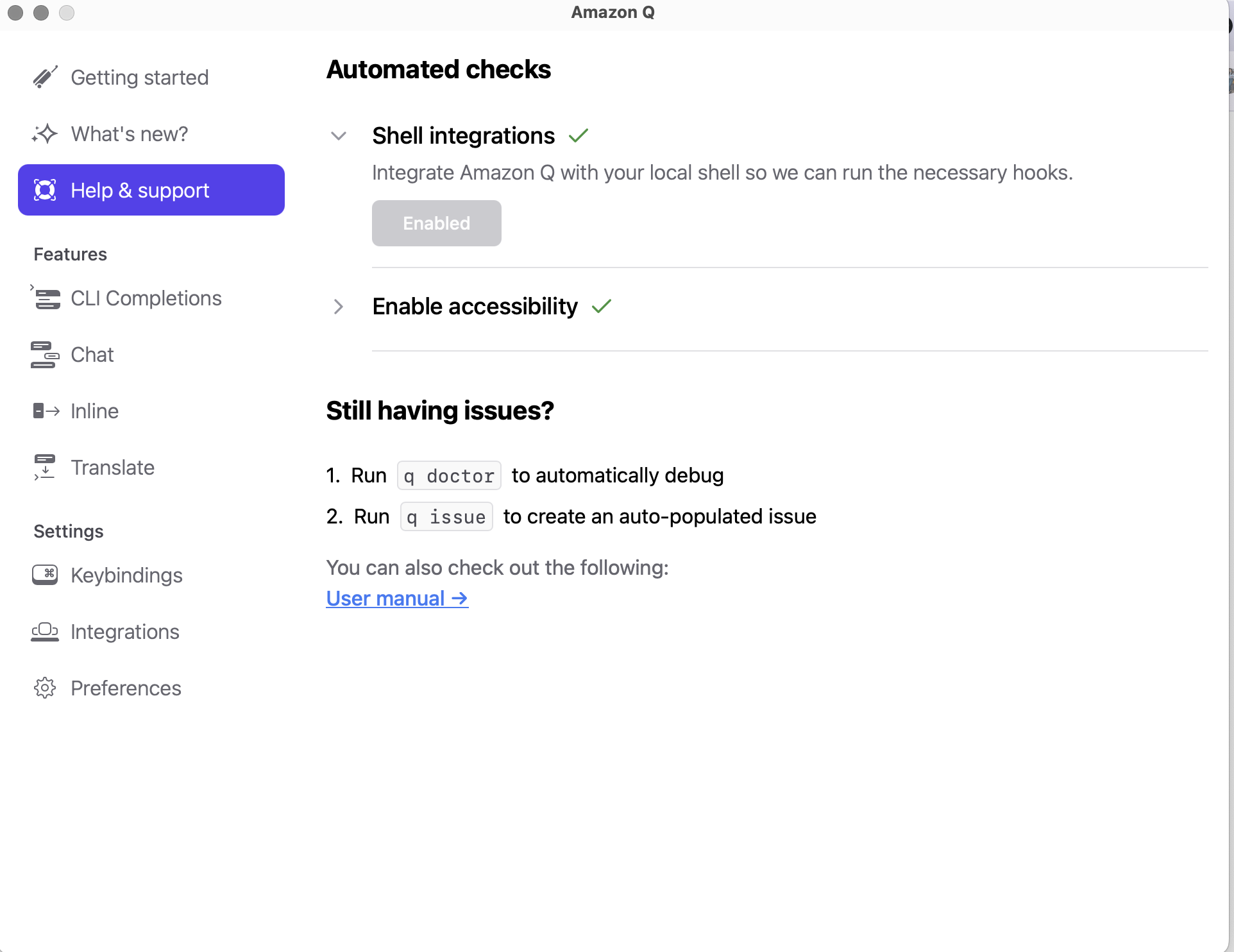
Amazon Q UI
-
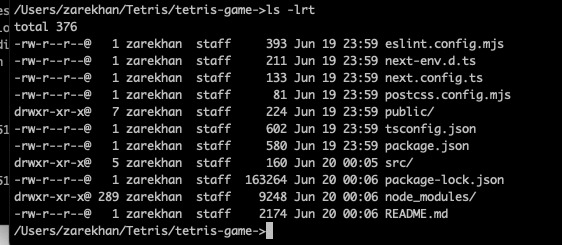
-
Inspiration
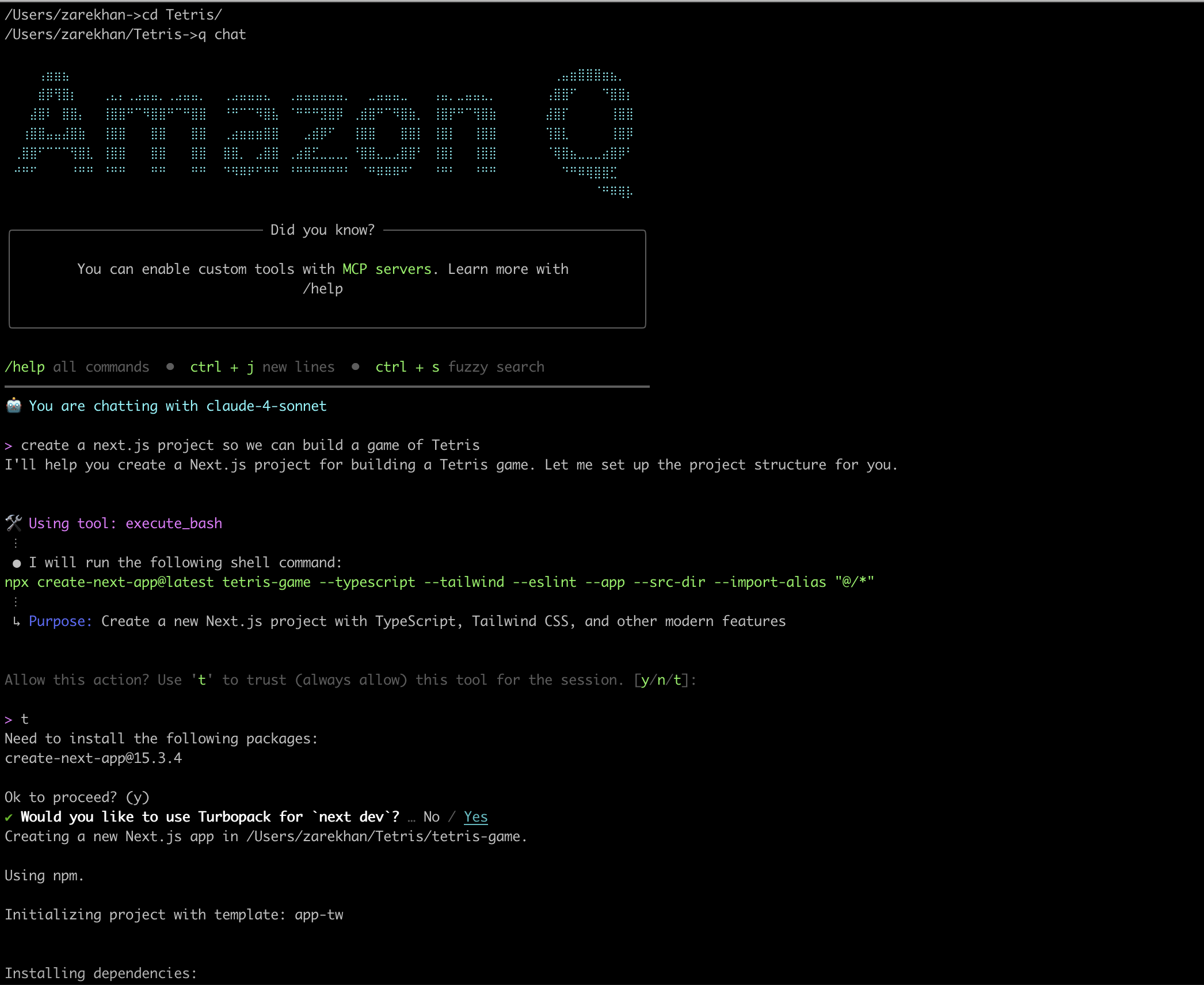
I've always been inspired by the simplicity and addictiveness of retro games, especially Tetris. It’s a timeless puzzle that challenges logic, reflexes and strategy. As a SRE/DevOps engineer curious about AI's potential in development workflows, I wanted to explore how tools like Amazon Q Developer CLI could help rapidly scaffold, build and debug a project that would traditionally take days or weeks to finish.
The idea was to blend nostalgia with innovation — and build something fun while testing the limits of AI-assisted development.
What it does
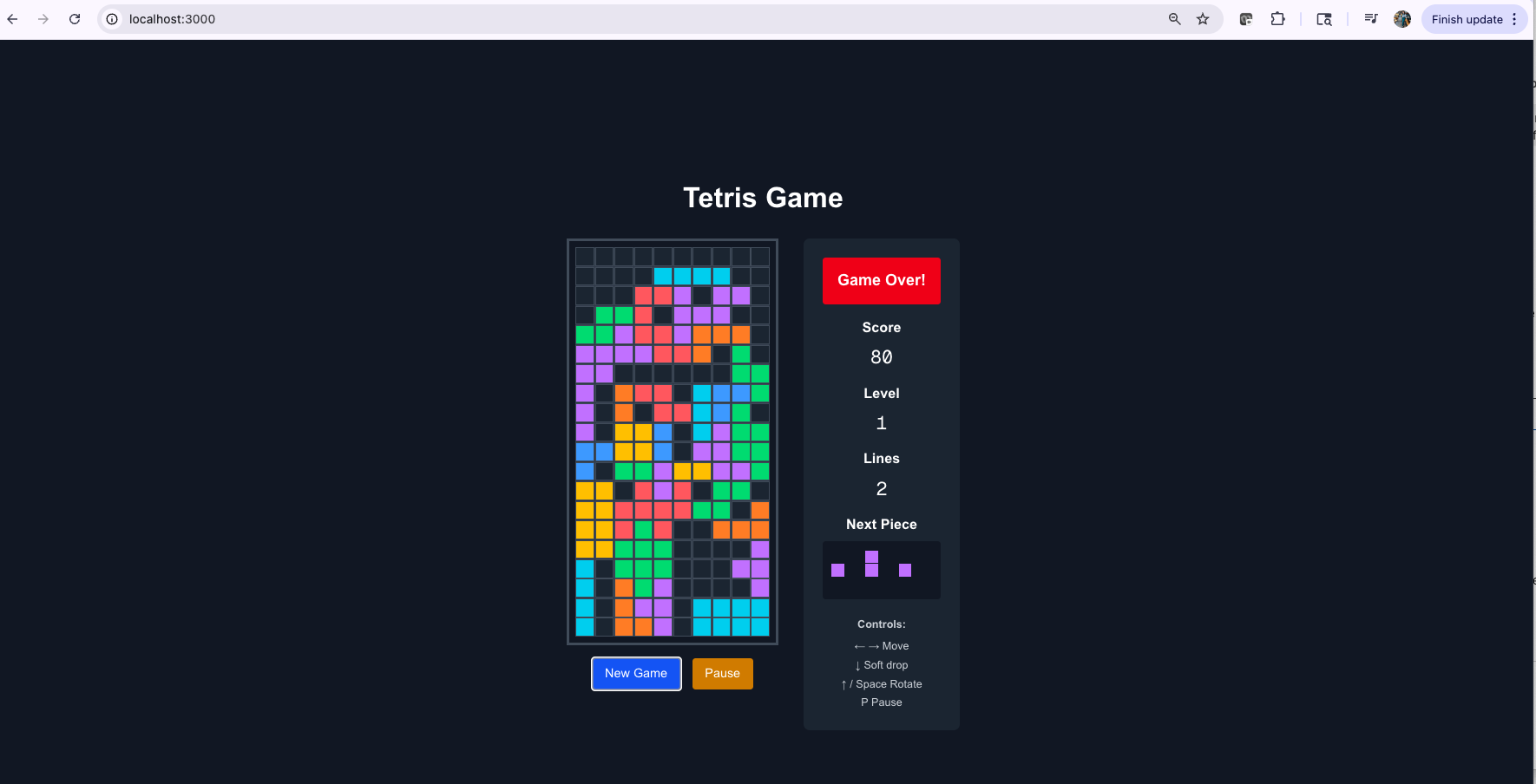
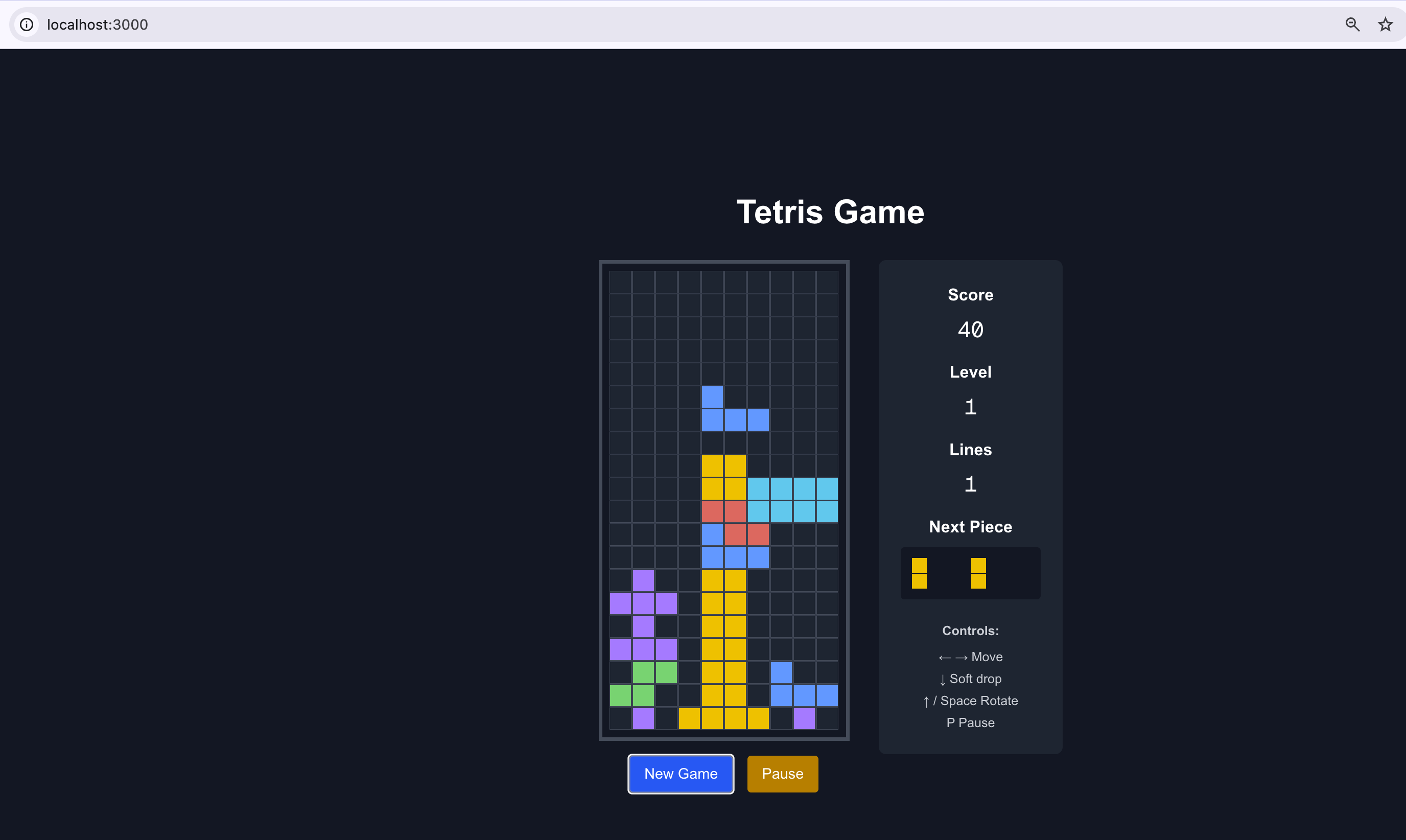
This is a fully functional Tetris game built with Next.js and TypeScript, enhanced using Amazon Q Developer CLI. Players can: Move and rotate falling blocks Clear rows for points Track score in real time Play a smooth, responsive version of classic Tetris in the browser
The core gameplay mechanics are accurate to the original Tetris style and delivered through a clean, modular UI that works across screen sizes.
How I built it
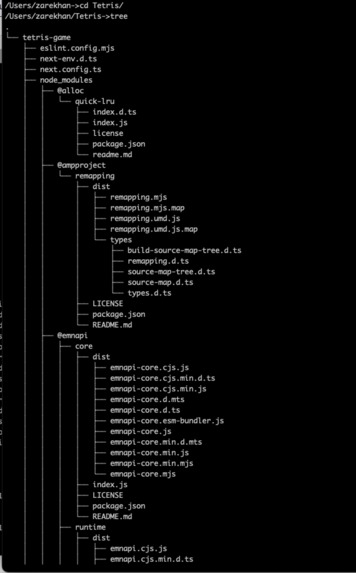
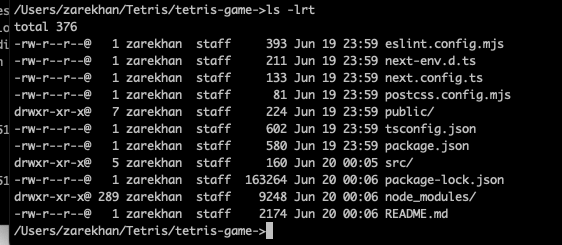
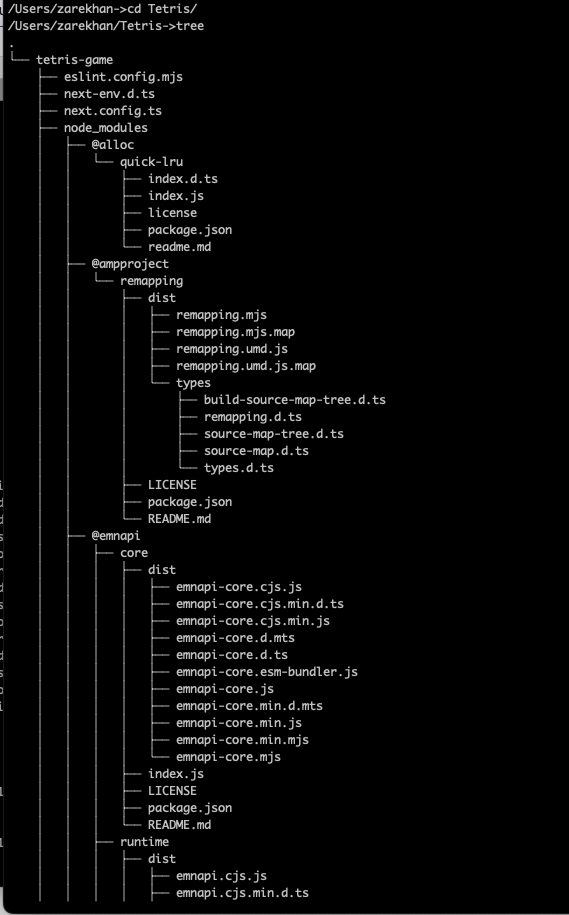
Framework: Built on Next.js with TypeScript for modern frontend architecture Frontend: Used React components to manage UI state and game logic Development Support: Leveraged Amazon Q Developer CLI to: - Scaffold the project from a natural language prompt - Generate core game logic and layout - Suggest code modularity and reusable components - Help debug block overlap and game loop issues Styling: PostCSS and basic CSS for styling Tooling: Used ESLint for quality, VS Code for development, and Git for version control
Challenges I ran into
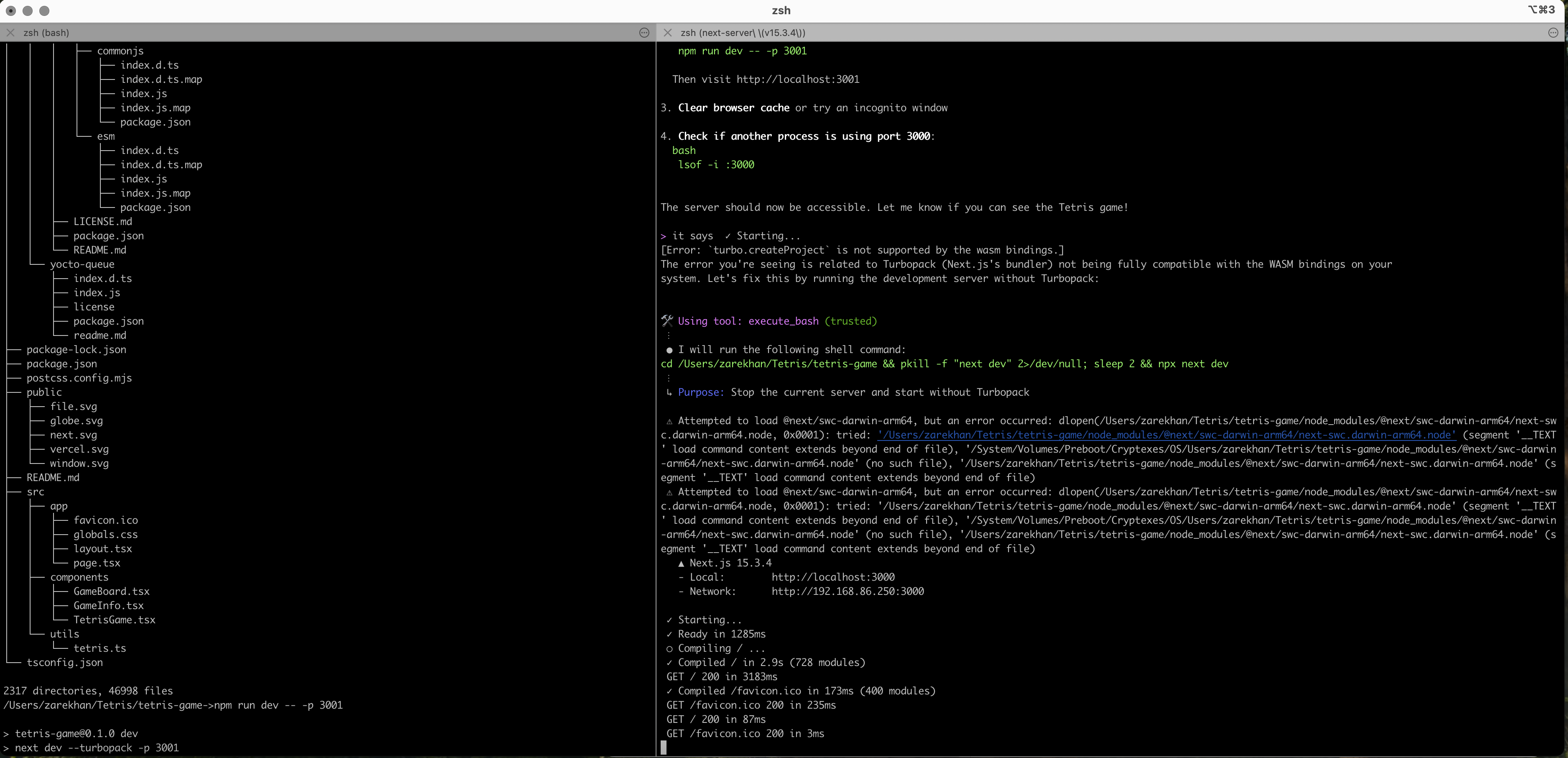
Managing accurate block rotation without causing overlaps or grid corruption Ensuring the game loop and rendering logic ran smoothly and efficiently in the browser Fixing an issue where the local server wouldn't load the game — which was resolved with Amazon Q's help Keeping game logic and UI state cleanly separated, especially as the component complexity grew
Accomplishments that I'm proud of
Successfully building a responsive, bug-free version of Tetris with clean logic Using Amazon Q Developer CLI to significantly speed up development — from idea to playable game in just hours Debugging game logic like collision detection and row clearing with AI suggestions Demonstrating how AI can be a co-creator, not just a code generator
What I learned
How to break down a complex game like Tetris into modular, testable components The power of AI-assisted development, especially for debugging and architectural guidance Best practices for game state management in React with TypeScript Importance of clear separation between logic and rendering for long-term code maintainability
What's next for Build Tetris Game Using Amazon Q Developer
Add persistent high scores using Firebase, Supabase or localStorage Introduce sound effects, visual themes and difficulty levels Build a leaderboard feature to compare scores
Built With
- amazon-q-developer-cli
- css3
- eslint
- html5
- javascript
- next.js
- node.js
- postcss
- typescript
- vs

Log in or sign up for Devpost to join the conversation.