-
-
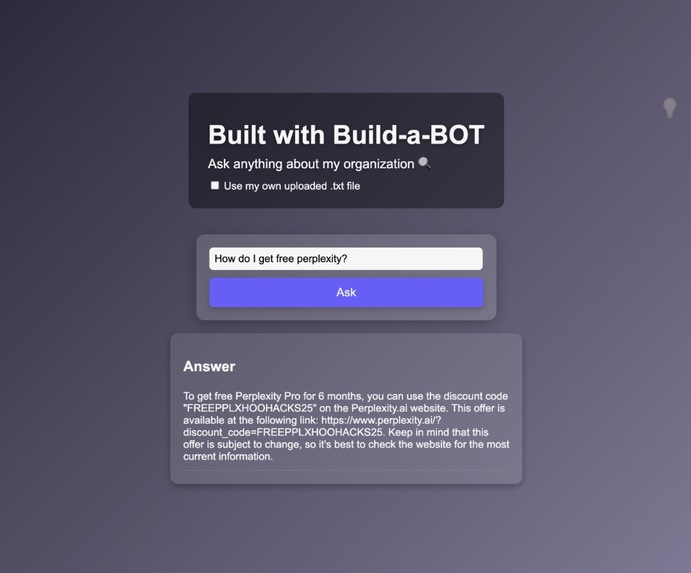
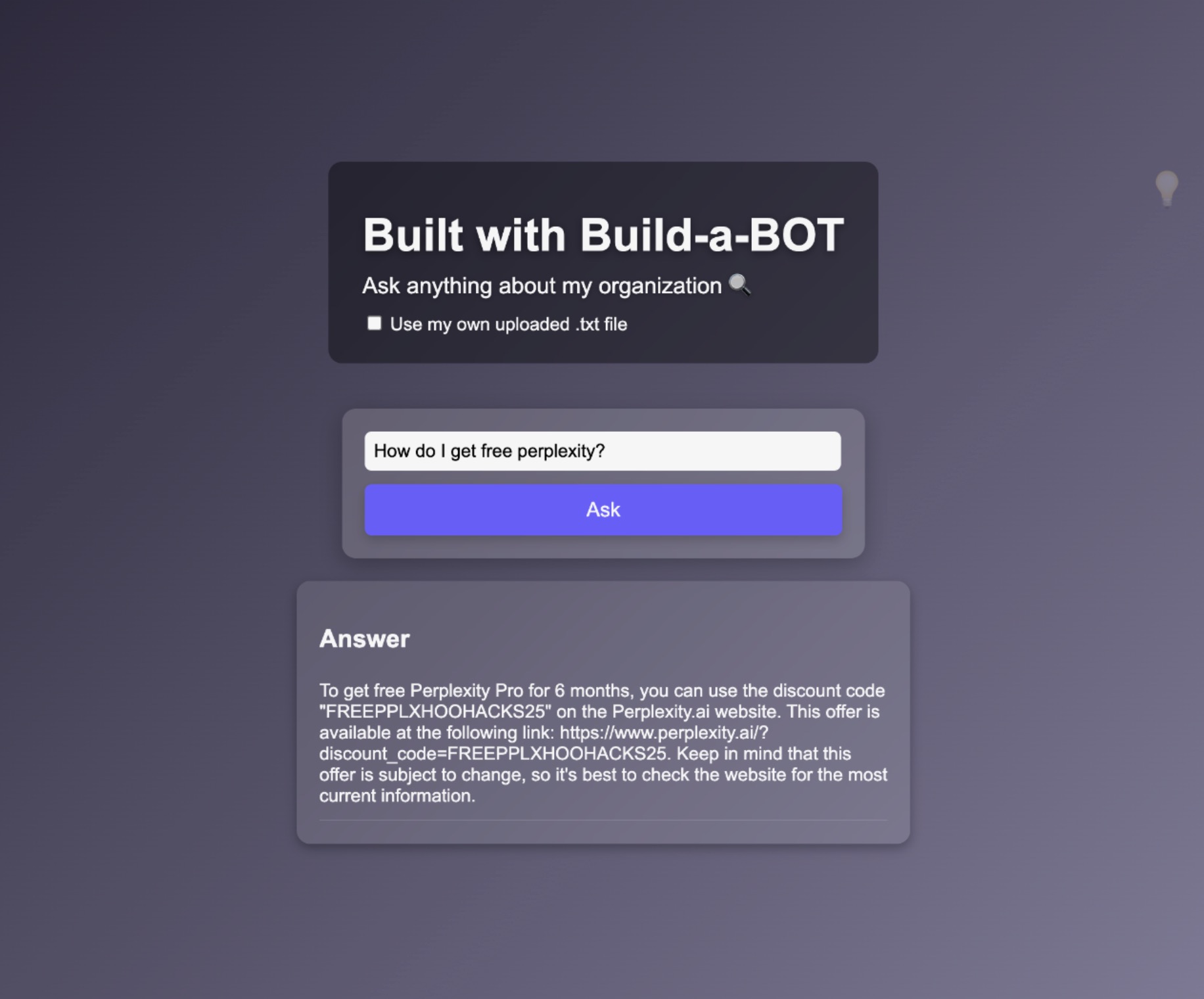
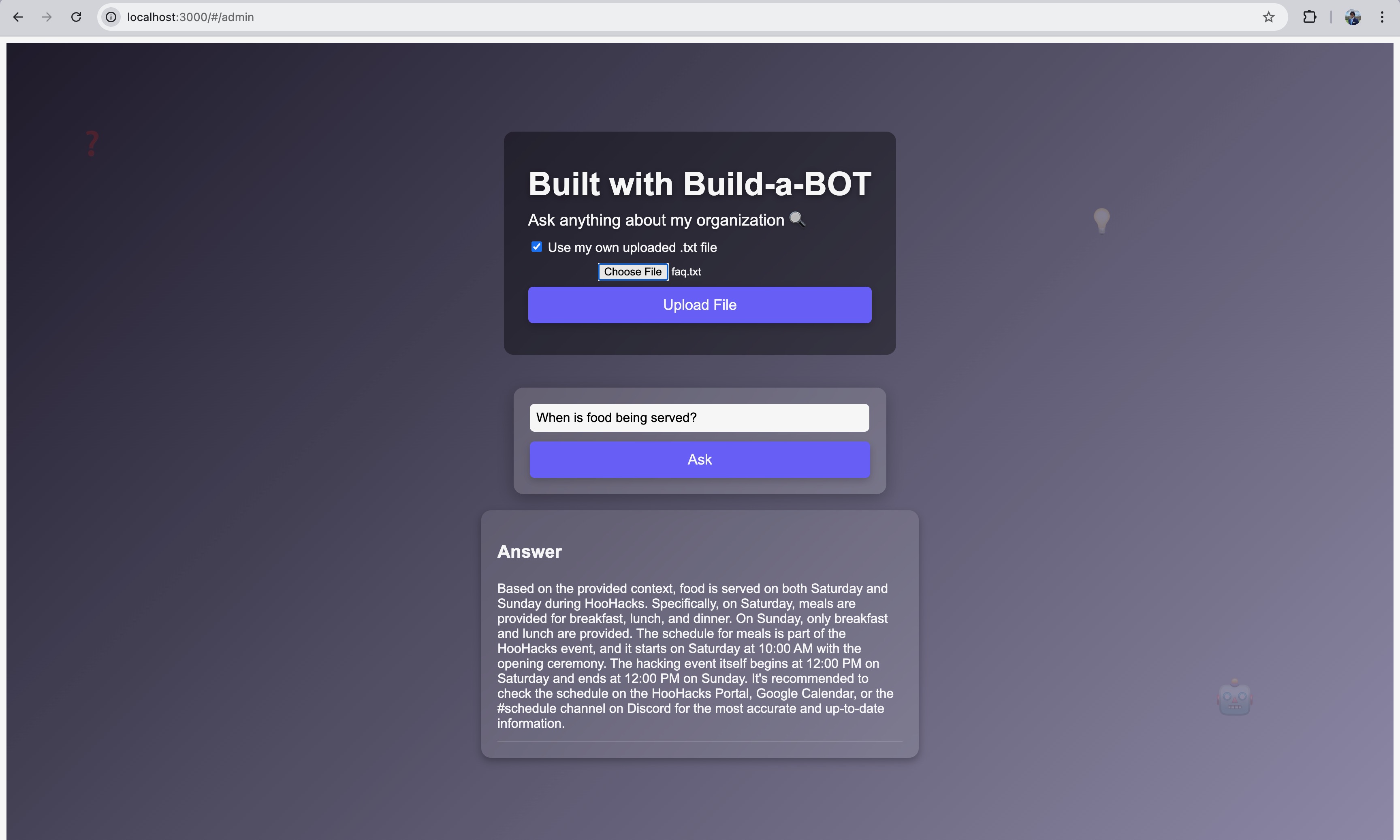
A simple UI for users to ask questions!
-
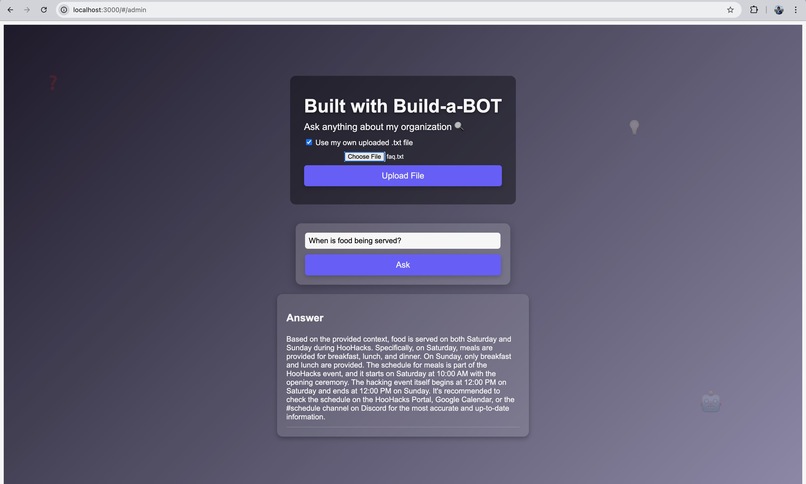
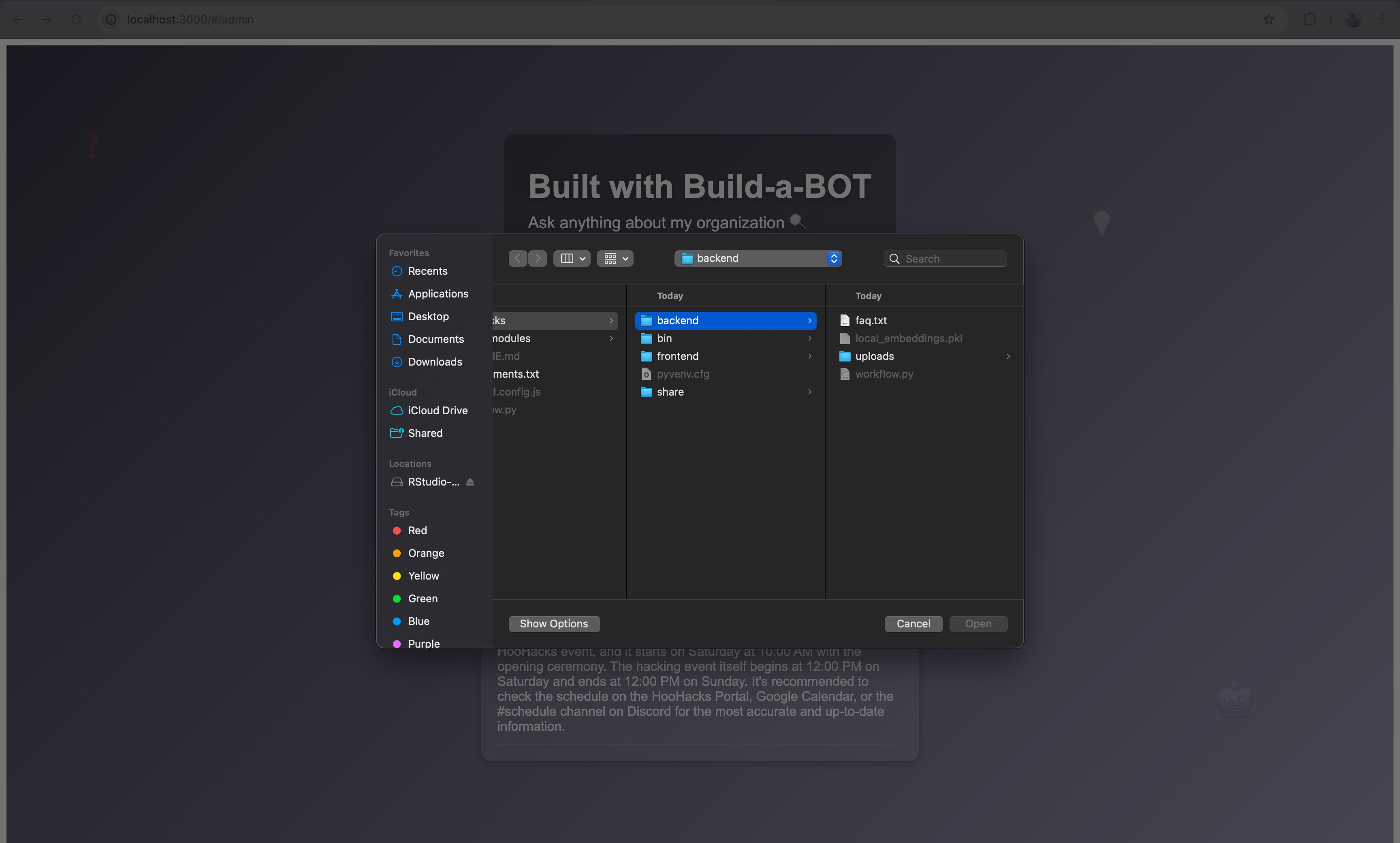
File upload box expanded
-
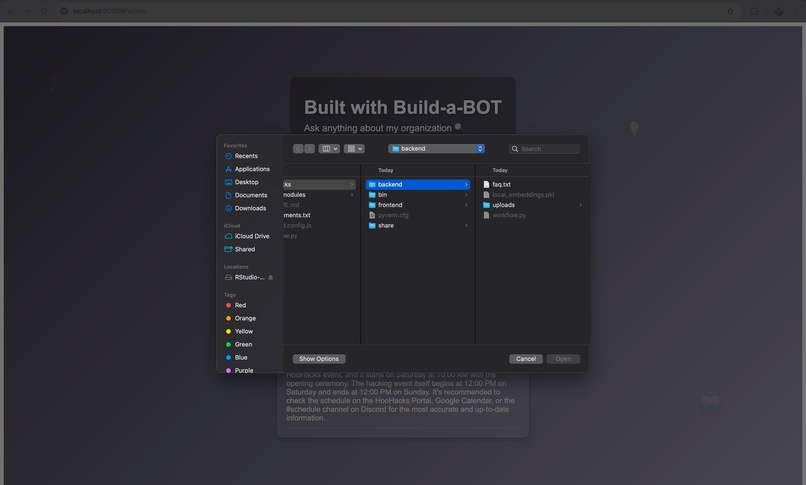
File upload option
Inspiration
College clubs, student orgs, and academic departments often struggle to stay organized and answer recurring questions, whether it’s "How do I join?", "Where’s the syllabus?", or "When are officer elections?" Most of these groups don’t have the time, budget, or technical expertise to build their own chatbot or FAQ system. We built Build-a-BOT to change that — a no-code, plug-and-play solution that empowers anyone in an academic setting to turn their raw documentation into a smart, searchable assistant in minutes.
What it does
Build-a-BOT is a customizable chatbot that turns any .txt document — like club guidelines, course FAQs, or advising policies — into an interactive assistant.
Students can ask questions in plain English, and the bot responds instantly based on the content uploaded. Whether it’s a club answering new member questions, a TA reducing office hour traffic, or a professor streamlining course FAQs, Build-a-BOT makes knowledge access fast, easy, and personalized — without coding or AI experience.
How we built it
We built Build-a-BOT as a full-stack web app with a unified interface that supports both file uploading and chat — all on one clean, intuitive screen.
- Frontend: Built in React with a clean split between an “admin” upload area and a “chat” section. The experience is tailored to non-technical users — just drag, drop, and go.
- Backend: Flask handles file uploads and processes chat queries. When a .txt file is uploaded (e.g. club constitution, syllabus), we generate embeddings using HuggingFace and store them in a local FAISS vector index.
- LLM Integration: When a question is asked, the backend retrieves the most relevant text chunks using vector search and sends them to the Together.ai API, powered by Mistral, to generate a natural language response. This entire setup runs locally and requires only a simple script to launch — making it perfect for student orgs and faculty to use on-campus without worrying about expensive cloud dependencies.
Challenges we ran into
- React errors like useRef crashes due to hook misuse were tricky to debug and derailed early progress. We learned to build incrementally and use clean isolation between components.
- Ensuring that file upload, embedding, and chatbot flows worked in one page without overwhelming the user required careful UX testing.
- Balancing performance and simplicity — especially for running local vector search — took time, but we found FAISS to be a sweet spot.
Accomplishments that we're proud of
- We made an actually usable no-code AI tool for students, clubs, and educators.
- Our chatbot works entirely locally — no cloud database or third-party account required.
- We built an intuitive, accessible UI that doesn’t require any prior setup or onboarding.
- The tool makes student-led organizations more autonomous, allowing them to onboard and inform members without needing to assign someone to “just answer DMs.”
What we learned
- How to build and integrate a complete retrieval-augmented generation (RAG) system using open-source tools.
- The value of thinking from a user-first mindset — every feature was shaped by imagining how a stressed club leader or overwhelmed student might interact with it.
- How important visual clarity and layout is to trust: our split interface for uploading and chatting made the whole experience feel polished and easy to understand.
What's next for Build-a-Bot
- PDF & DOCX support for course syllabi and handbooks
- Multiple file uploads so professors or clubs can handle layered documentation (e.g., policies + deadlines)
- User authentication so departments or clubs can have their own bot portals
- Deploy-to-Vercel/GitHub button for true one-click install
- Campus-wide mode: let schools or CIOs offer it as a plug-and-play bot for any org on campus

Log in or sign up for Devpost to join the conversation.