Inspiration
While working on my Chrome extension project, I became familiar with the Prompt API and its capabilities. Around the same time, I was helping a friend who runs a small business—they were manually copying invoice data into spreadsheets, spending hours each week on data entry. When I suggested using online OCR services, they were hesitant: "I can't upload client invoices to random websites. What about data privacy?"
This got me thinking. We have powerful AI models running locally in Chrome now, with multimodal capabilities. Why are we still forcing people to choose between productivity and privacy for something as fundamental as document extraction?
The Chrome AI Challenge was the perfect opportunity to explore whether on-device AI could solve this problem. Could Gemini Nano, running entirely in the browser, extract structured data from documents without any server uploads?
What it does
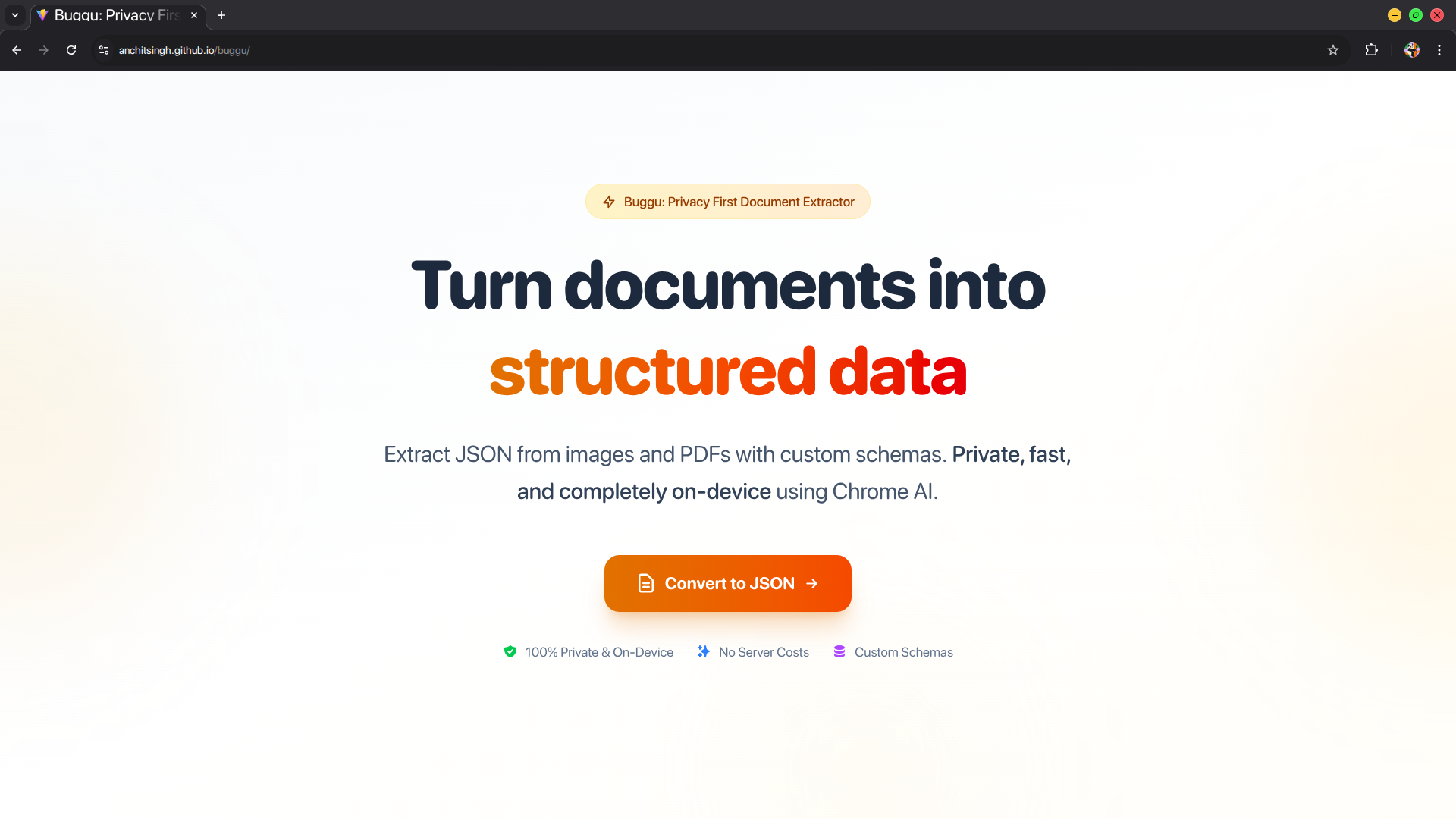
The application extracts structured JSON data from PDFs and images using natural language instructions—completely on-device with zero server communication.
Core workflow:
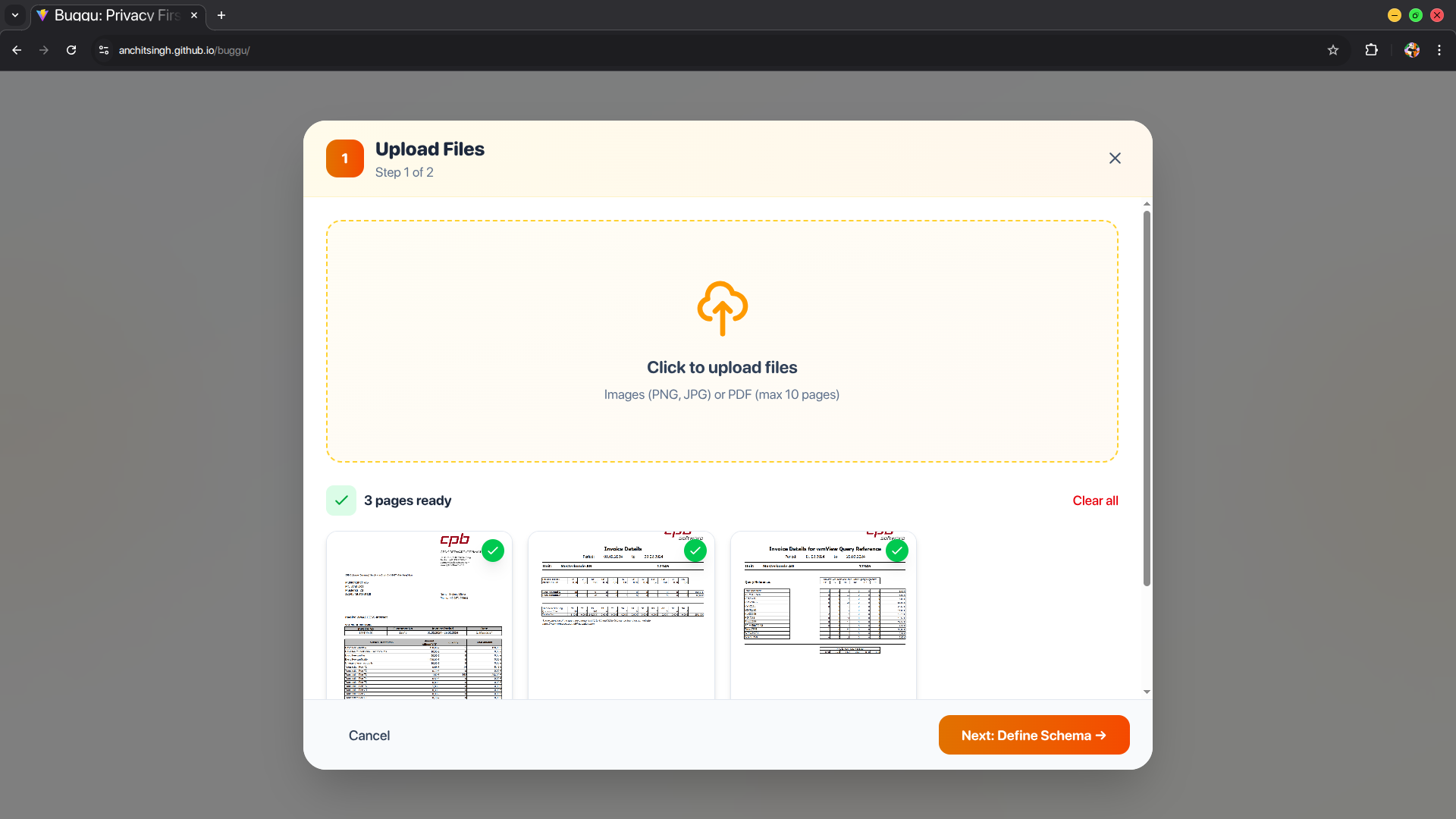
- Users upload documents (invoices, receipts, forms, study materials)—up to 3 pages, supporting PDF, JPG, PNG, WebP
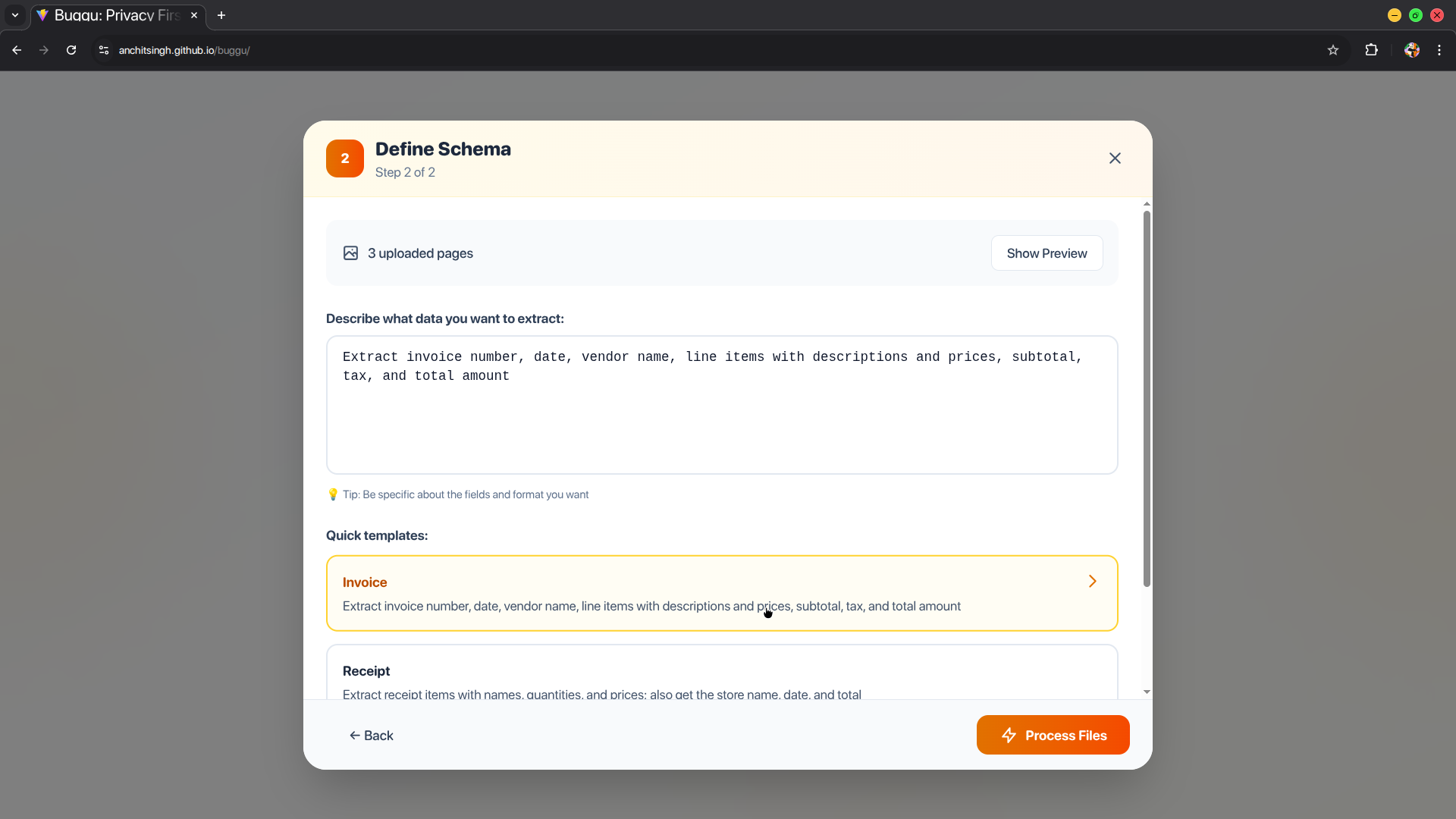
- They describe what data they need in plain English (e.g., "extract invoice number, date, line items with prices, and total")
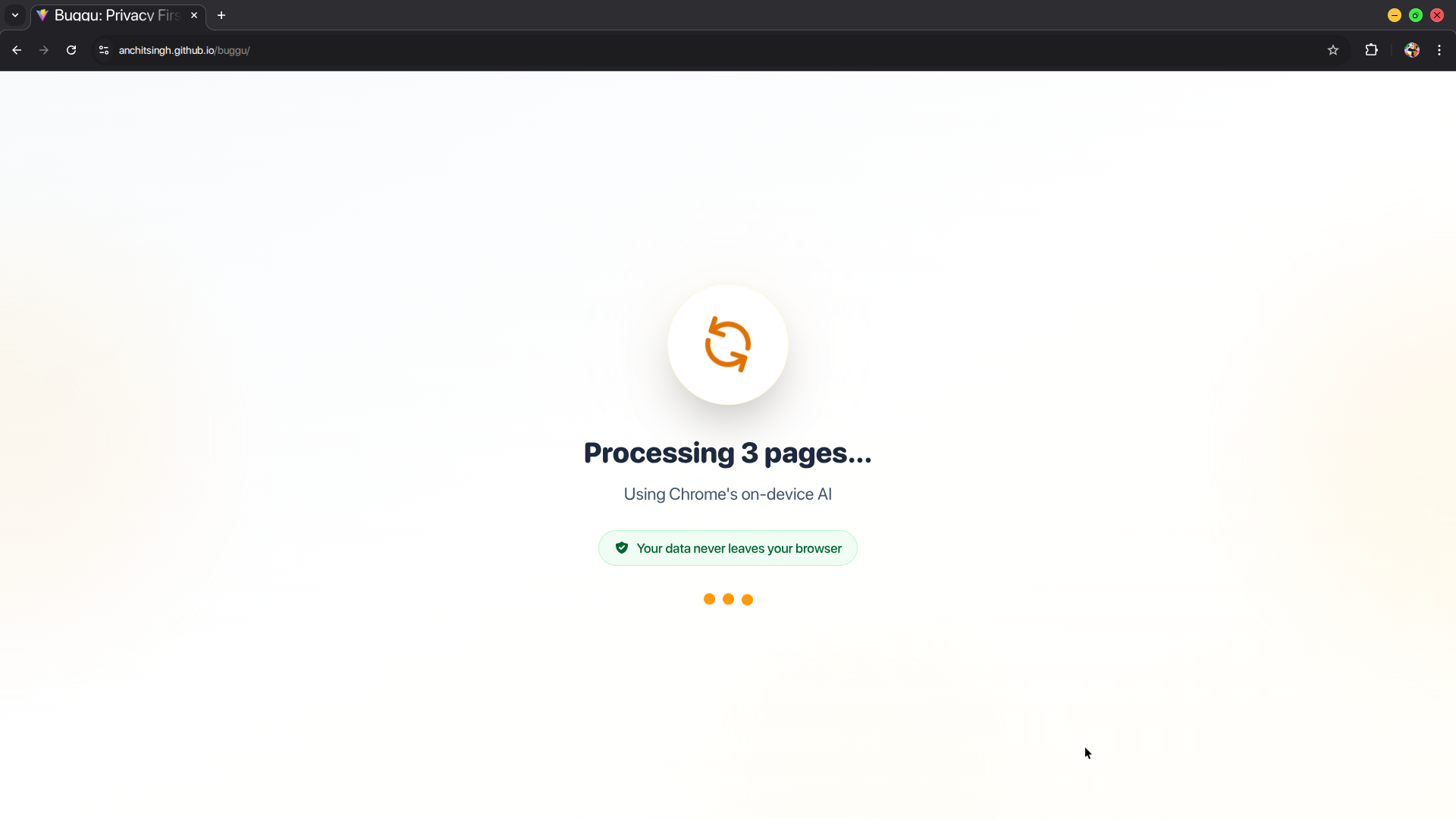
- The app processes documents locally using Chrome's Prompt API with multimodal input
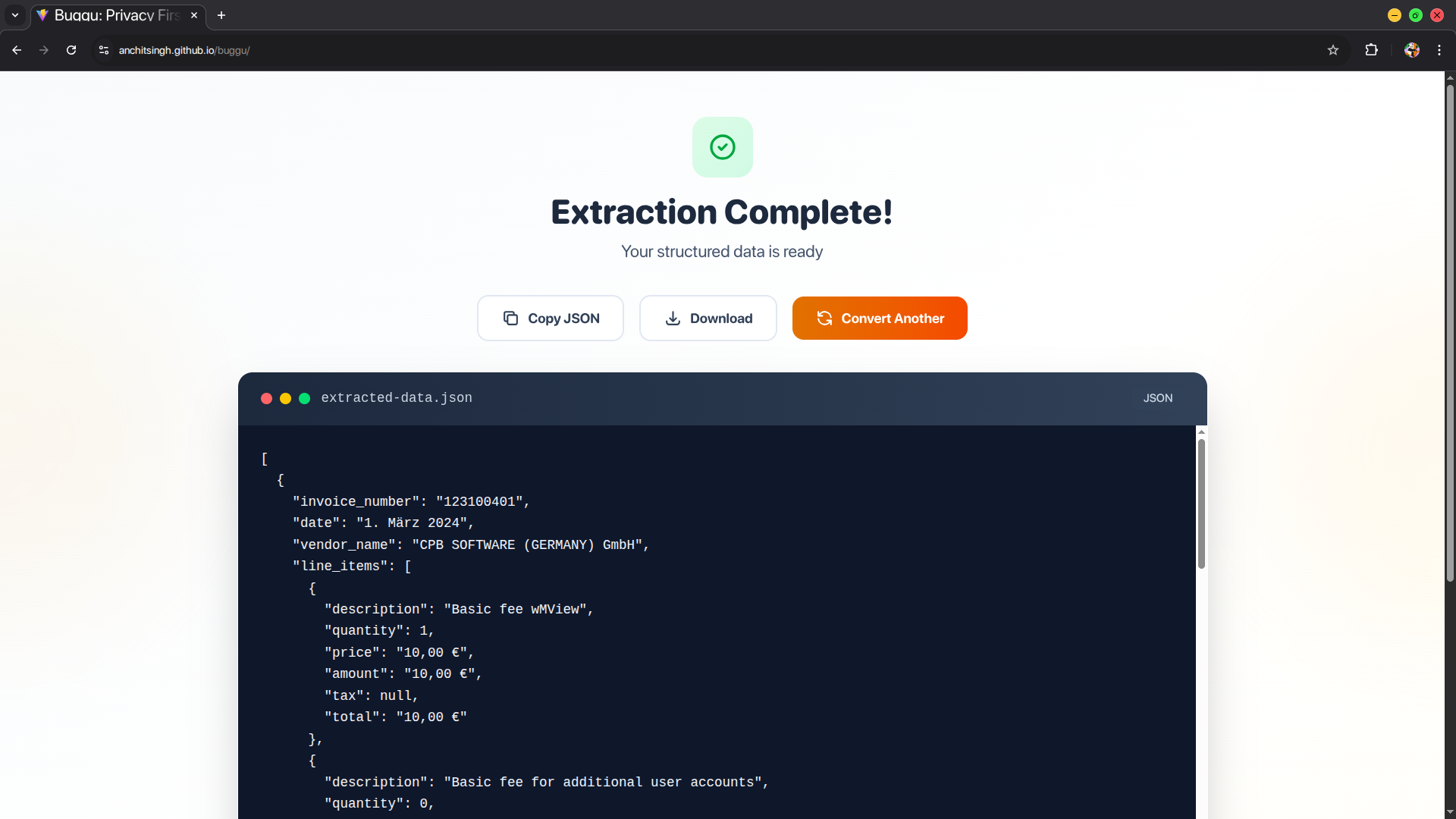
- Structured JSON output is displayed with copy/download options
Technical implementation:
- Multi-page PDFs are rendered to high-resolution canvas elements using PDF.js (2x scale for quality)
- Canvas data is converted to PNG blobs
- Blobs are sent to Gemini Nano through Chrome's Prompt API as multimodal input
- The system prompt configures the model for data extraction tasks
- User's natural language request is combined with document images in a single message
- Response is sanitized (removing markdown artifacts) and parsed as JSON
Privacy verification: The Network tab in DevTools shows zero outbound requests during processing—everything happens locally.
How we built it
Frontend Stack:
- React 18 with Vite for fast development iteration
- CSS3 for styling (gradients, flexbox, grid)
Document Processing:
- PDF.js library for client-side PDF rendering
- Canvas API for high-quality image conversion (2x viewport scale)
- Blob API for efficient binary data handling
AI Integration:
- Chrome Prompt API (Gemini Nano) with multimodal support
- Session management with proper initialization and cleanup
- System prompts to configure extraction behavior
Key technical decisions:
Why images instead of text extraction? After testing both approaches, we found that visual processing preserves critical document structure—table layouts, form field positions, and spatial relationships—that pure text extraction loses. Gemini Nano's vision capabilities can "see" these structural elements.
Why 2x canvas scaling? Initial tests at 1x scale showed quality loss on text-heavy documents. Doubling the resolution improved extraction accuracy significantly while keeping file sizes manageable (each page ~500KB-1MB).
Handling multimodal prompts: Chrome's Prompt API accepts message arrays with mixed content types. We construct messages as:
{
  role: 'user',
  content: [
    { type: 'text', value: userPrompt },
    { type: 'image', value: pageBlob1 },
    { type: 'image', value: pageBlob2 }
    ...
  ]
}
JSON sanitization pipeline:
AI models sometimes wrap JSON in markdown fences or add explanatory text. We implemented a cleaning function that extracts pure JSON by finding the first { or [ and last } or ], removing everything outside those bounds.
Challenges faced:
Session management: Initial implementation reused sessions, which caused stale context issues. Solution: Destroy and recreate sessions after each extraction.
API format confusion: Early documentation was unclear about multimodal syntax. After reading the spec carefully, we found that
expectedInputs: [{ type: 'image' }]and message content arrays were the correct approach.Preview memory management: Canvas blob URLs consumed memory. Solution: Use
URL.createObjectURL()for previews and explicitly revoke withURL.revokeObjectURL()on unmount.
What's next for Buggu - Your Privacy-First Document Extractor
Immediate improvements:
- Streaming support: Implement
promptStreaming()to show real-time extraction progress ("Processing page 2...", "Extracting table data...") - JSON Schema validation: Add optional schema enforcement using the
responseConstraintparameter for stricter output formats - Batch processing: Support multiple PDFs in a single session with combined output
The goal is to prove that privacy-first AI tooling can be as capable and user-friendly as cloud-based alternatives, encouraging more developers to build with on-device AI.
Built With
- prompt-api
- react
- tailwind
- vite

Log in or sign up for Devpost to join the conversation.