-
-
Plugin Title
-
-
-

-
Inspiration
I chose this project because I had never created a plugin for ChatGPT before. I use ChatGPT all the time to help me with coding, so I asked for some plugin ideas. When I saw the idea for Bug Time Machine, I thought it could actually help me with some of my own projects.
Normally, when I run into a coding problem, I paste the code into ChatGPT and ask it to find the error, update it, or make it better. I wanted to see what would happen if I built a plugin that could work with the repository and investigate where a bug came from.
What it does
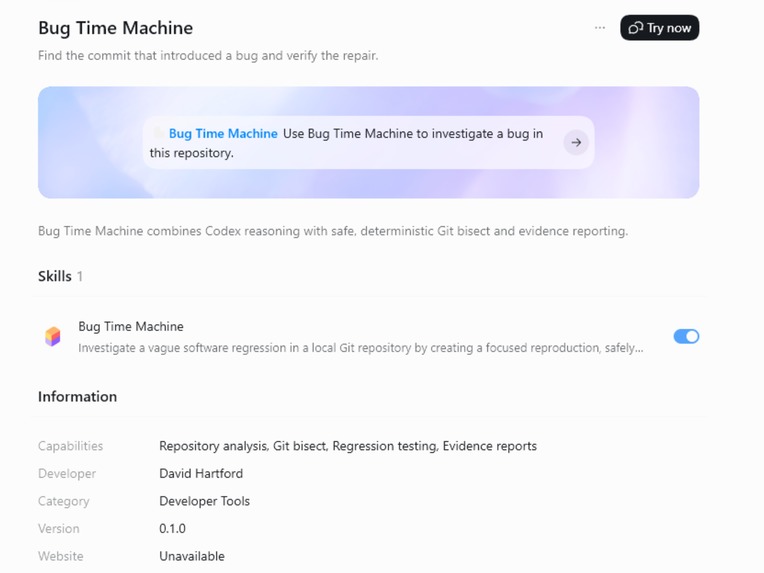
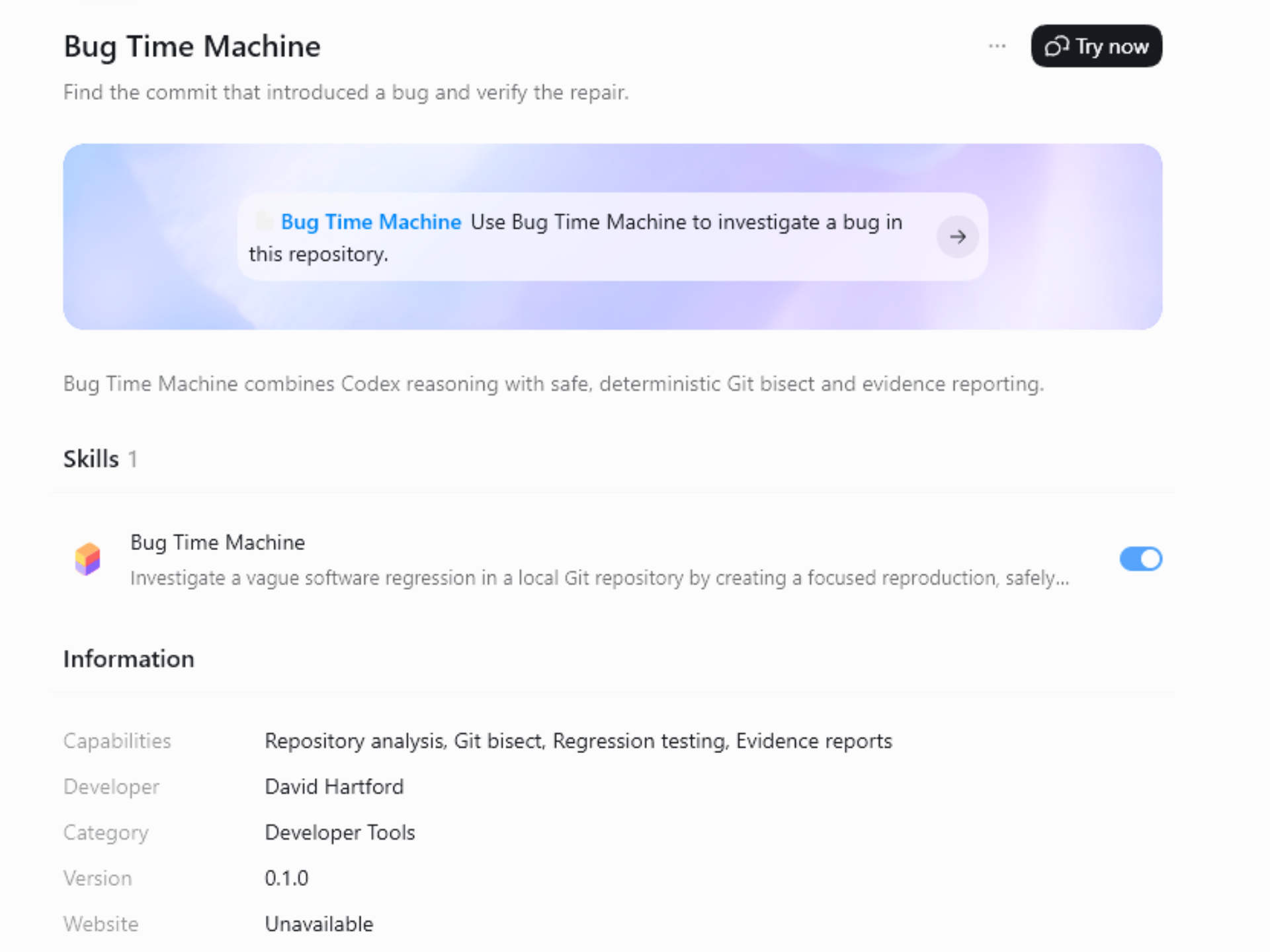
Bug Time Machine helps find a bug that was introduced somewhere in a Git repository’s commit history.
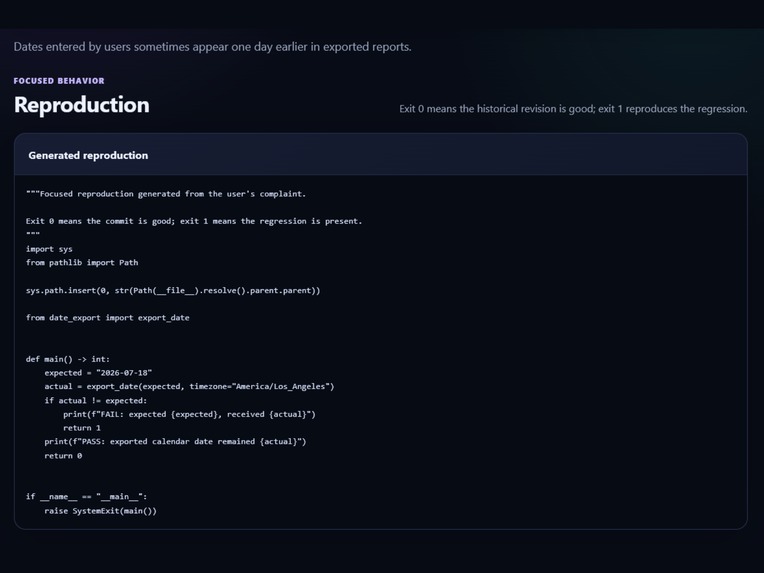
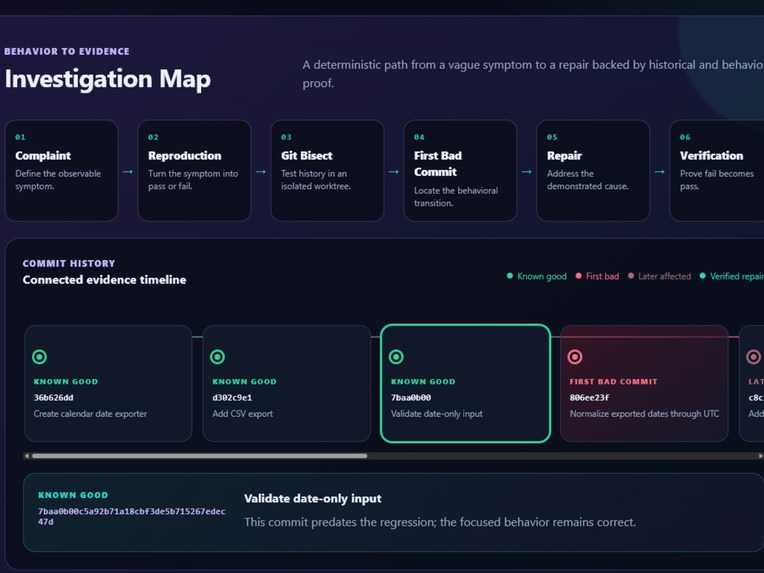
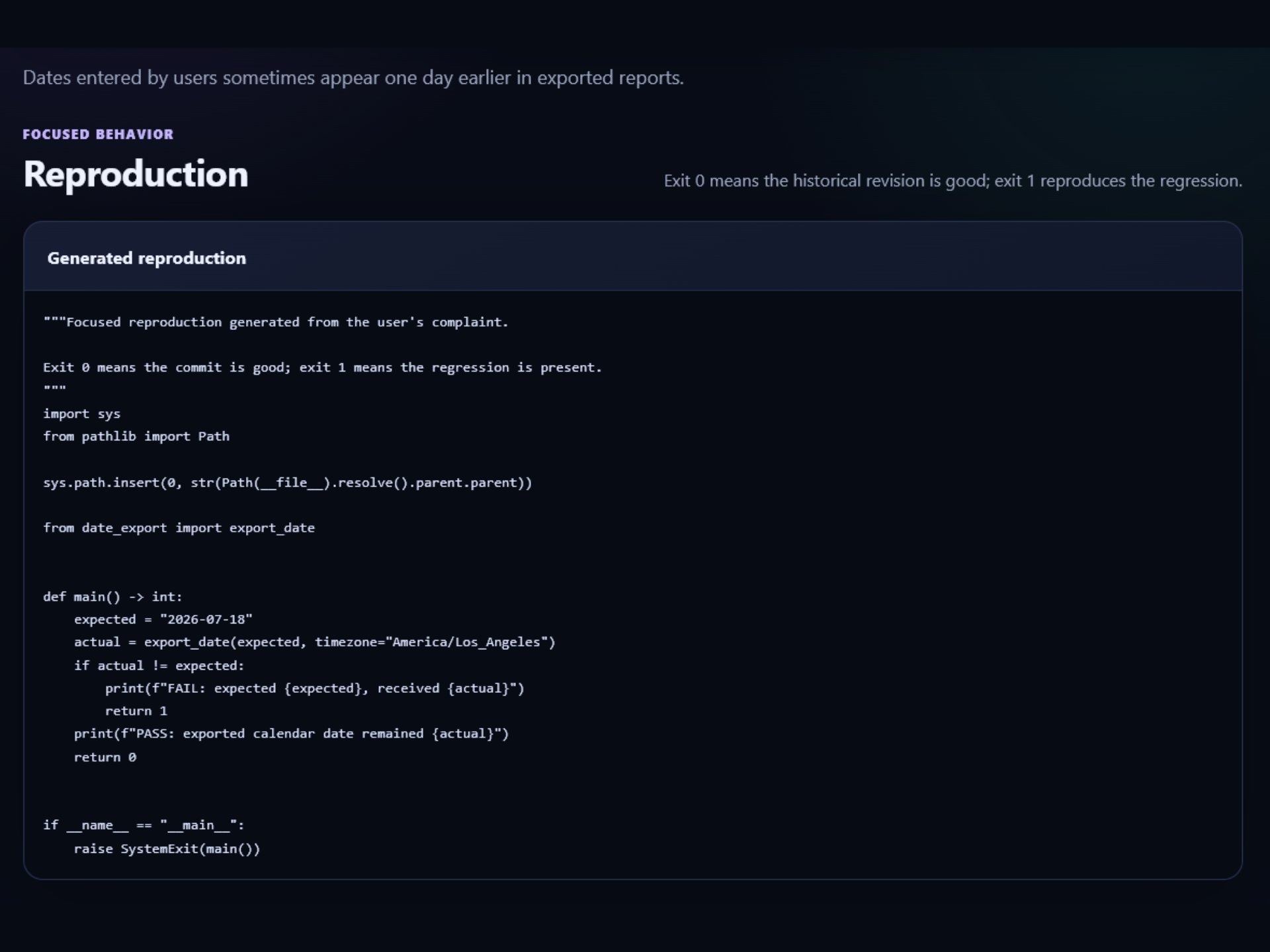
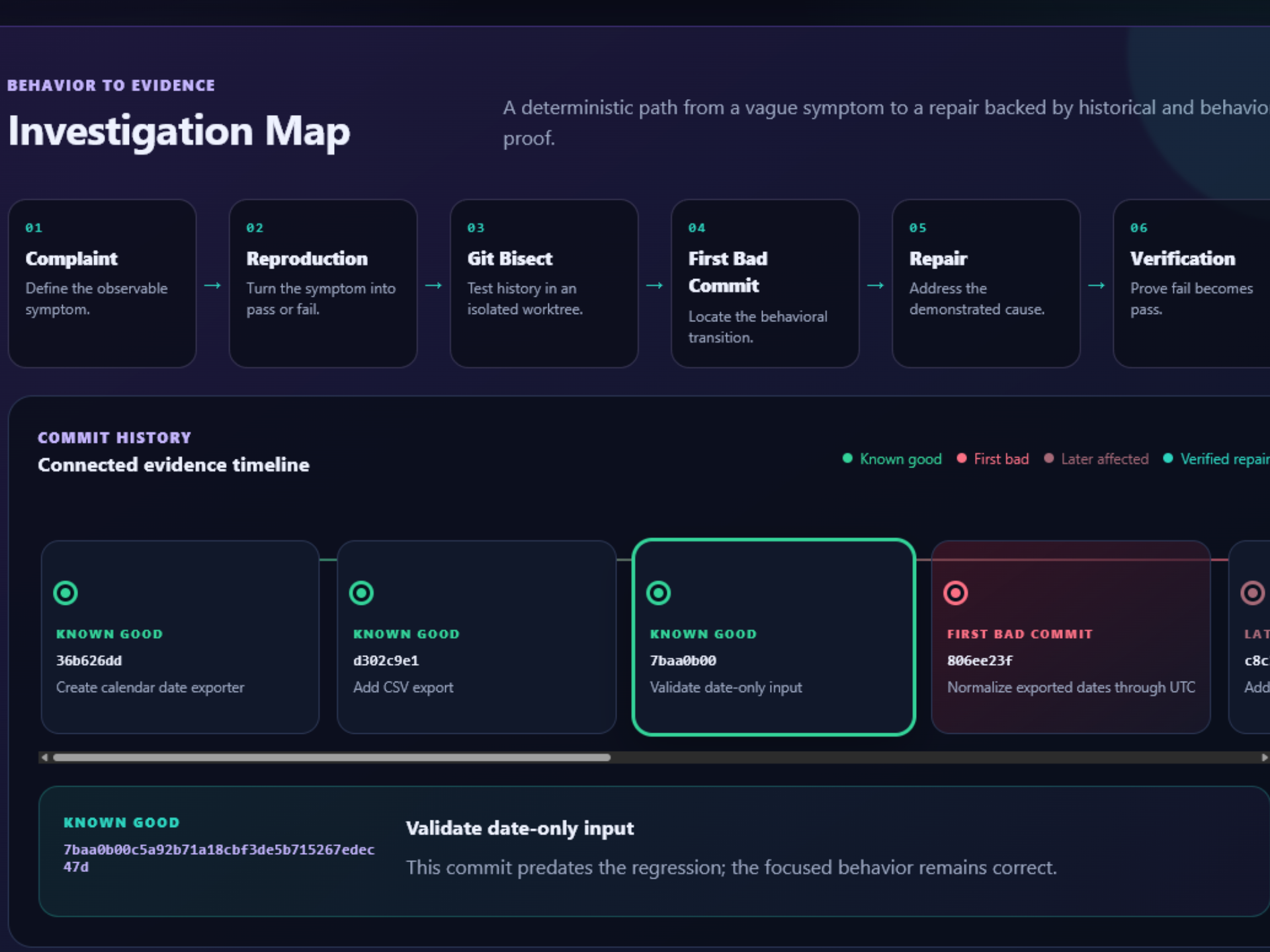
A user describes the problem in normal language. The plugin creates or selects a focused test, checks the repository’s history, and finds the first commit where the behavior changed from working to broken.
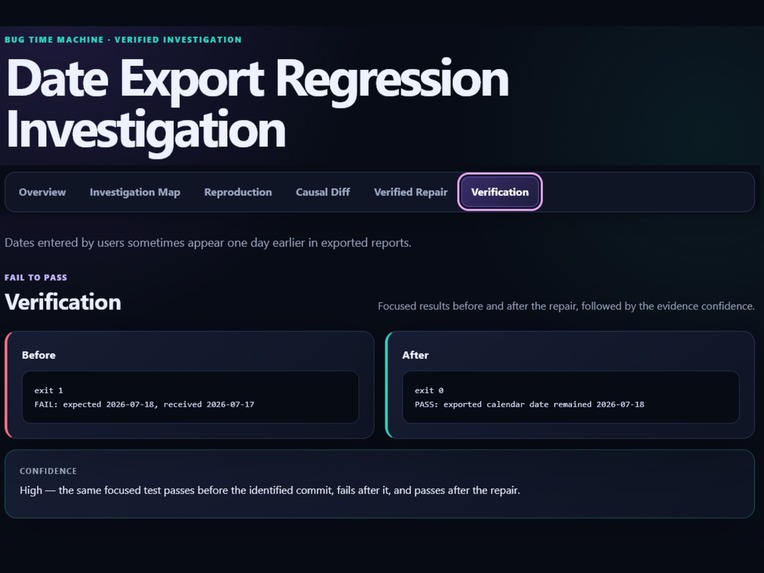
It then helps the user understand what changed, explains why the change caused the bug, proposes a repair, and tests the repair to make sure it works.
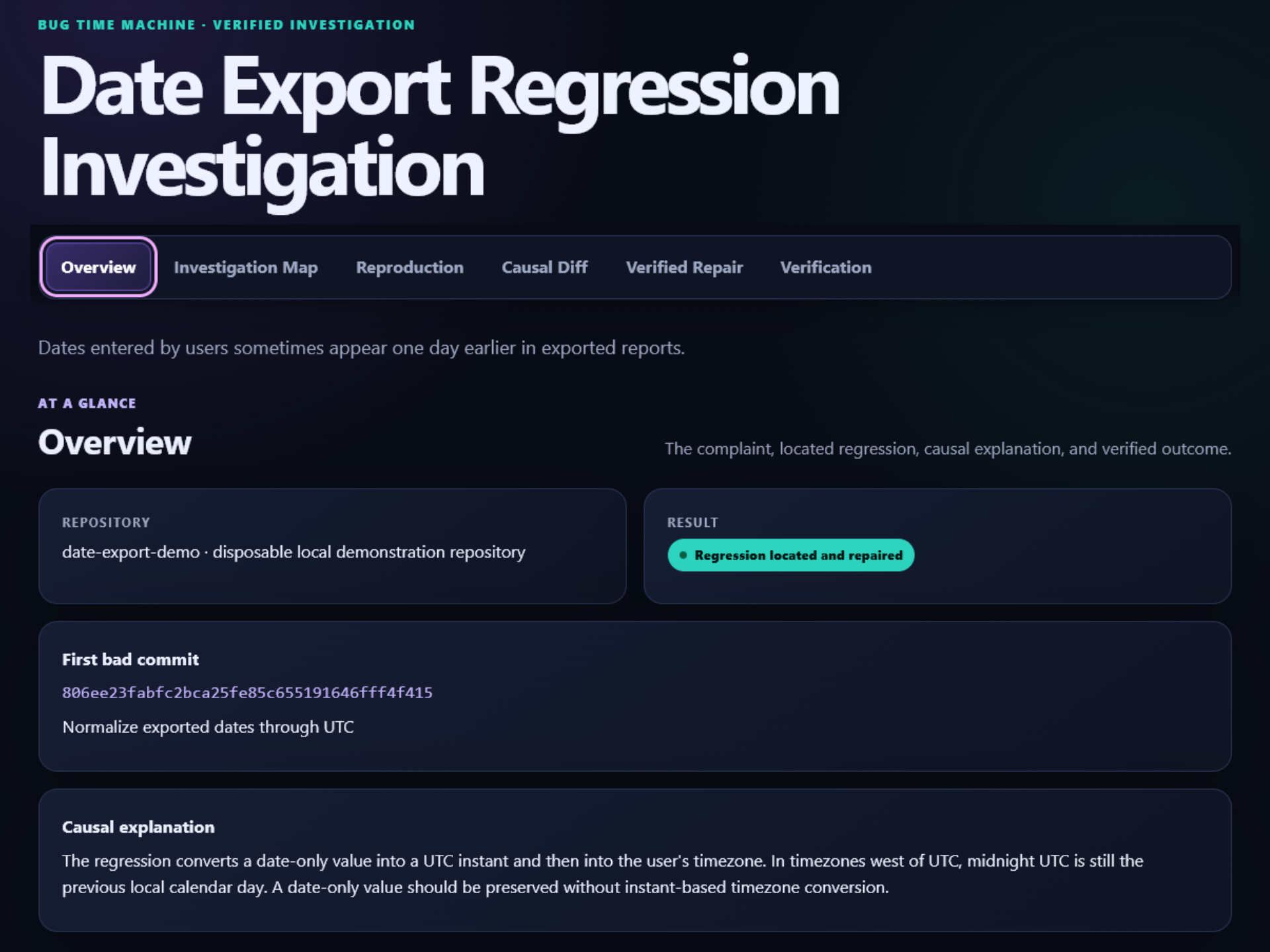
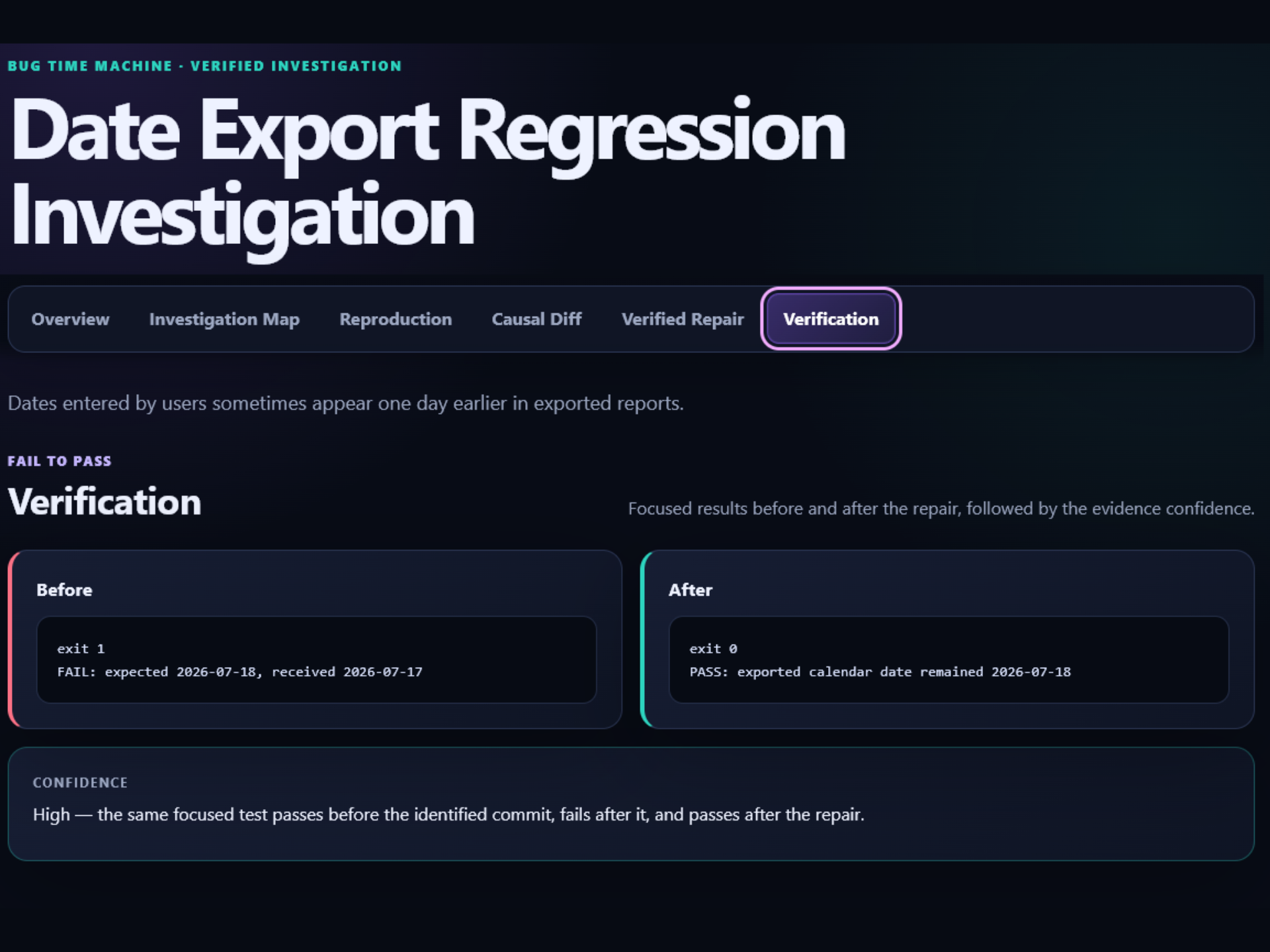
The demonstration uses a date-export bug. A date entered as July 18 is incorrectly exported as July 17 for some time zones. Bug Time Machine searches the repository’s history, finds the commit that introduced the problem, explains the timezone mistake, and verifies a repair.
How I built it
I built the project with prompts using Codex and GPT-5.6 Sol.
I originally thought I would need to work mostly in VS Code, copy code into ChatGPT, and then copy the changes back into the project. Once I started using Codex, I realized GPT-5.6 Sol could work directly with the project files, write the code, run the tests, find problems, and make improvements inside ChatGPT.
Codex helped me plan the plugin, create the Python and Git tools, build the demonstration repository, test the investigation workflow, create the HTML evidence report, fix Windows compatibility issues, and publish the project to GitHub.
The plugin uses GPT-5.6 for reasoning about the reported problem and uses Python and Git for the repeatable testing. Git bisect helps locate the first bad commit, while temporary Git worktrees protect the user’s active project during the investigation.
Challenges I faced
The coding portion was not as difficult for me as I expected because Codex handled a lot of the implementation from my prompts.
The biggest issue I faced was getting the ChatGPT desktop application working so I could install and test the plugin. The application would appear to start and then immediately close. After troubleshooting it, I discovered that an older global Node.js setting on my computer was preventing the Electron application from launching.
After fixing that setting, I was able to install Bug Time Machine through my personal plugin marketplace and run the complete demonstration on Windows.
I also learned that something can work in one environment but still need changes before it works correctly in another. We made additional Windows fixes, added regression tests, and tested the complete plugin again before publishing it.
What I am proud of
I am proud of how the project turned out because this is the first program and plugin I created with ChatGPT from inside ChatGPT.
Before this, I mainly used ChatGPT by pasting code into a conversation and asking it to update the code or check it for errors. With Codex, I was able to work on the complete project in one place. It created files, ran Git commands, tested the program, fixed issues, built the report, and helped prepare the public release.
The final plugin correctly finds the planted bug, identifies the first bad commit, explains the cause, verifies the repair, passes its automated tests, and creates a visual evidence report.
What I learned
This project was a learning experience for me. I learned how a ChatGPT/Codex plugin is structured, how a personal plugin marketplace works, and how Codex can work directly with a complete project instead of only reviewing code pasted into a message.
I also learned that the AI reasoning should not be the only proof that a repair works. Bug Time Machine combines GPT-5.6’s explanation with repeatable Git history and test results.
Most importantly, I learned that I can start with an idea and use prompts, Codex, and GPT-5.6 to turn it into a working plugin without manually moving every piece of code back and forth.


Log in or sign up for Devpost to join the conversation.