-
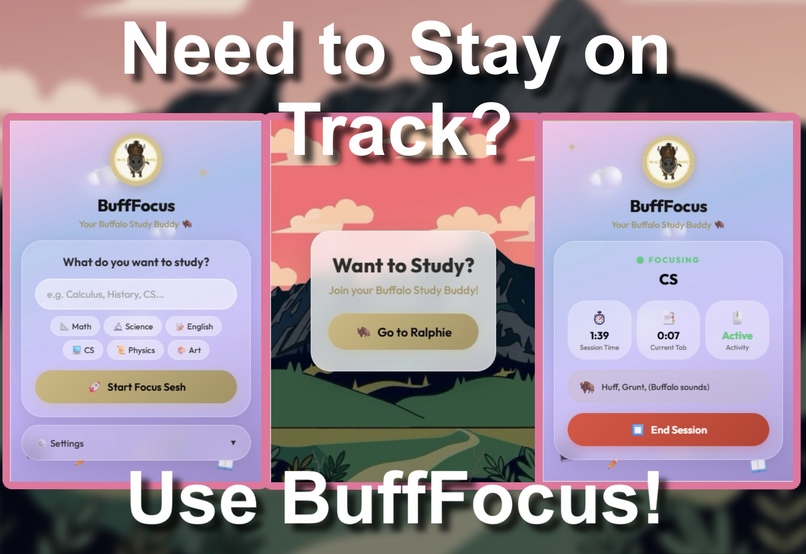
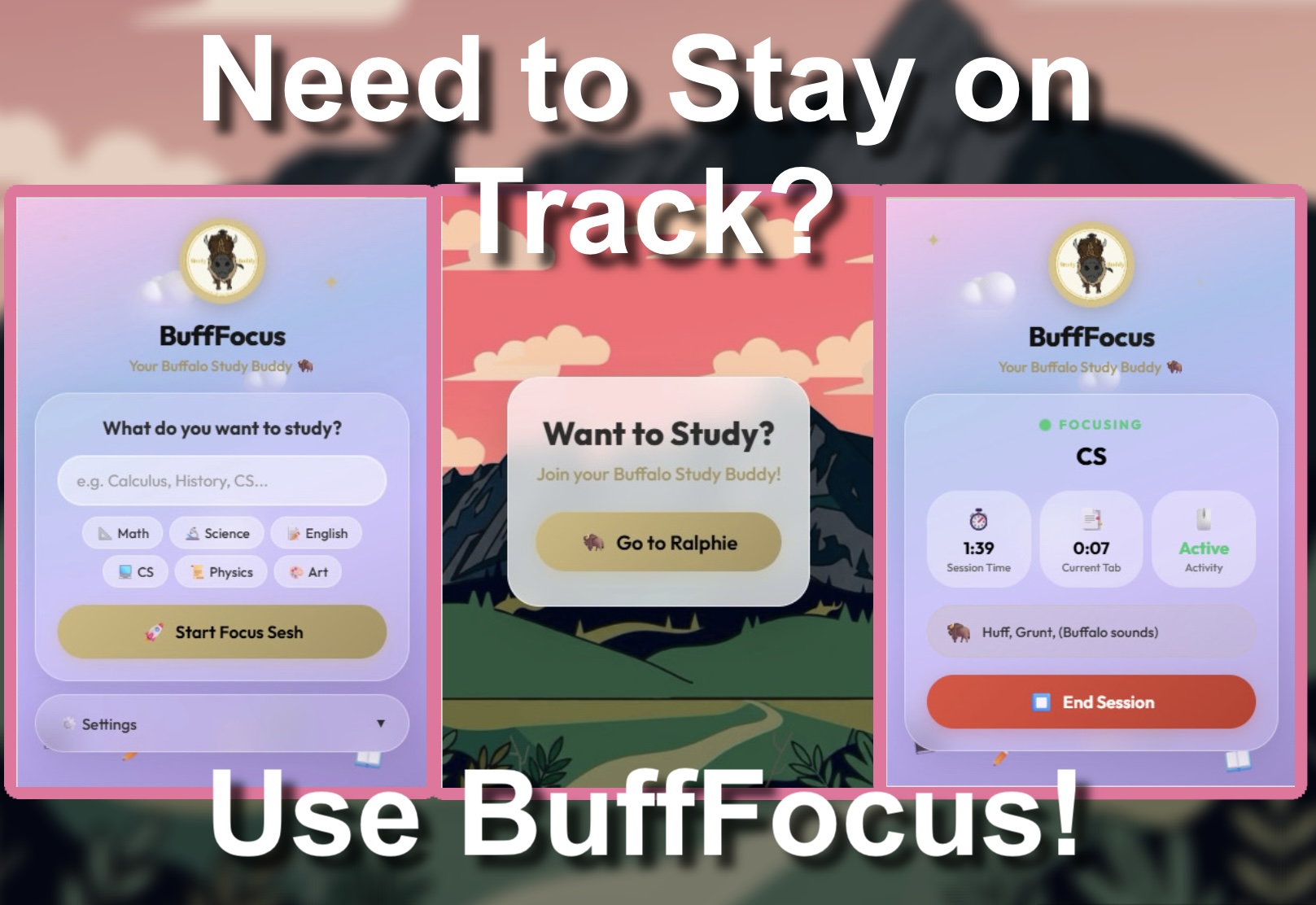
Main Design
-
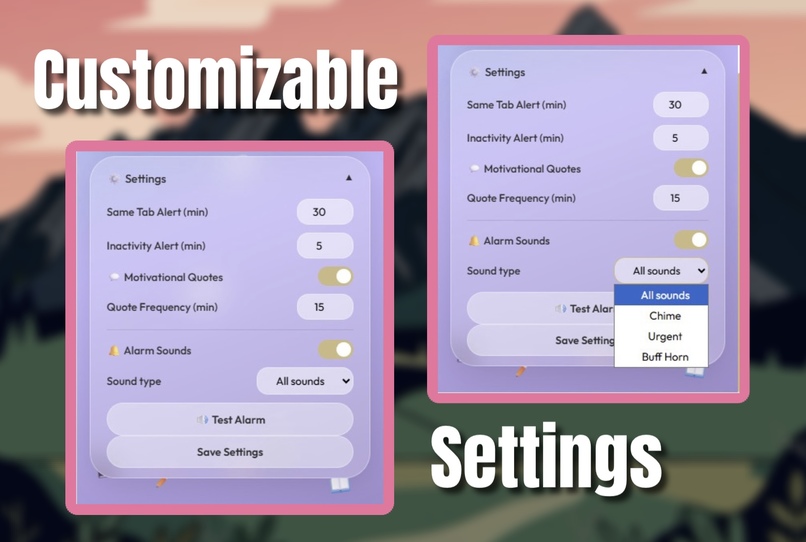
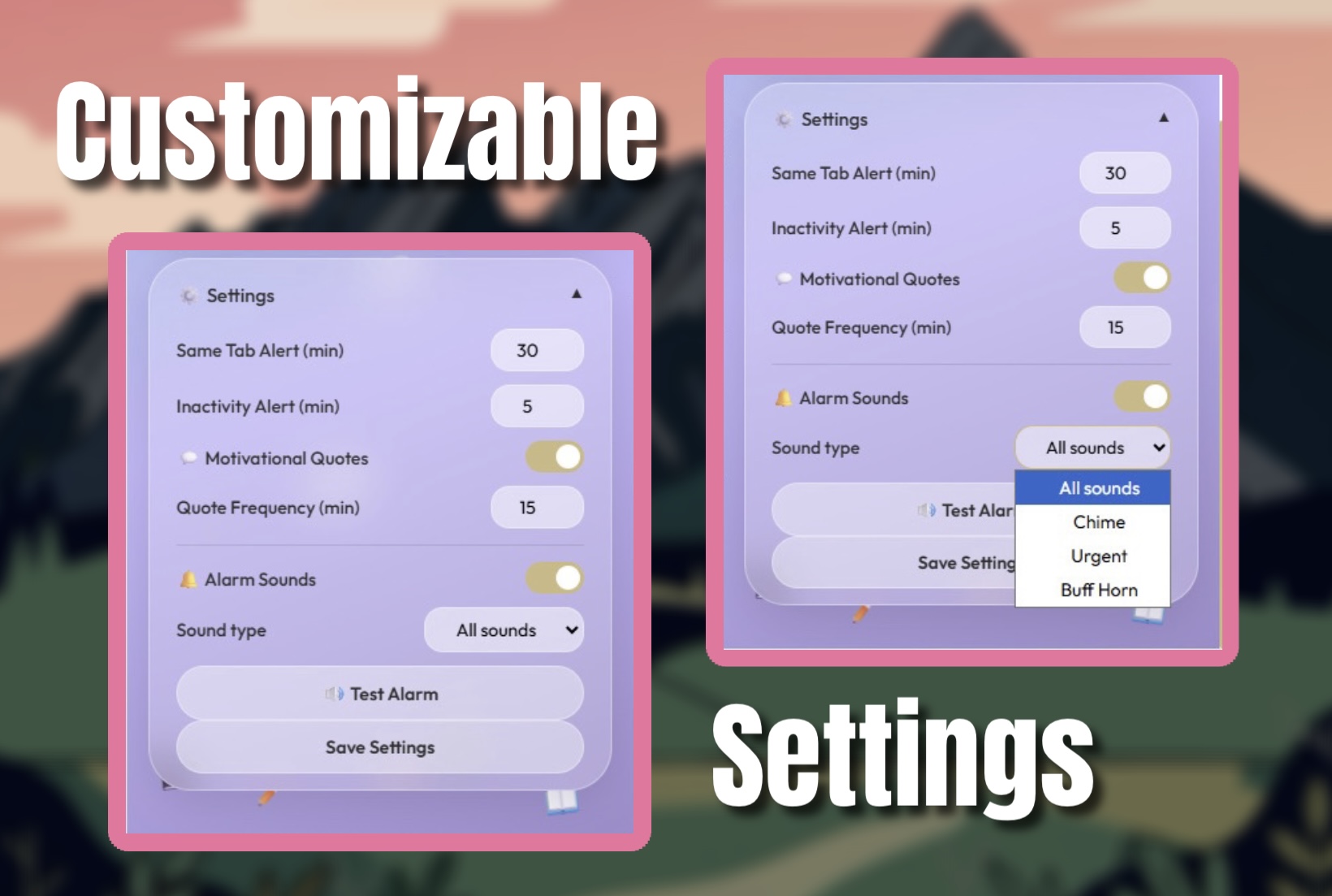
Settings Design
-
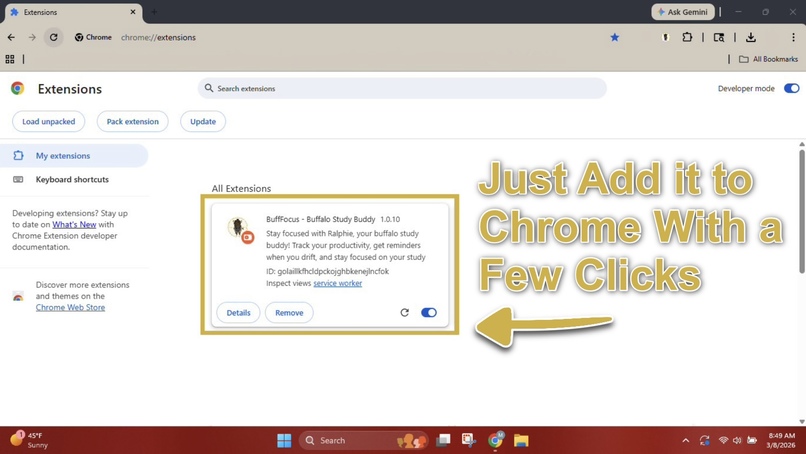
Extension Page
-
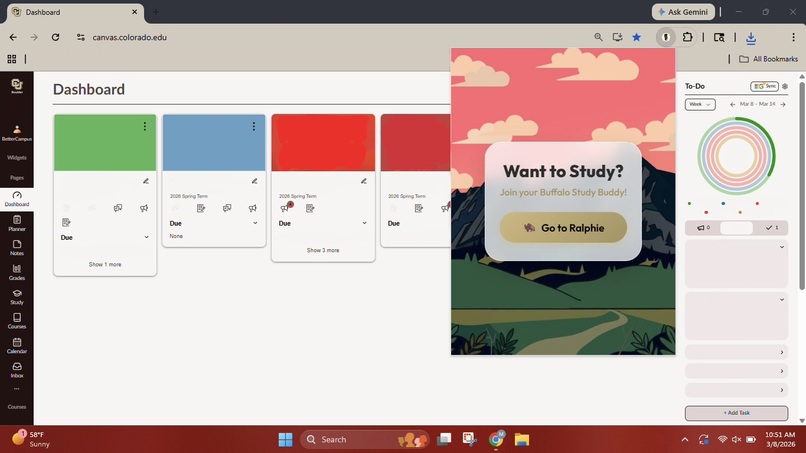
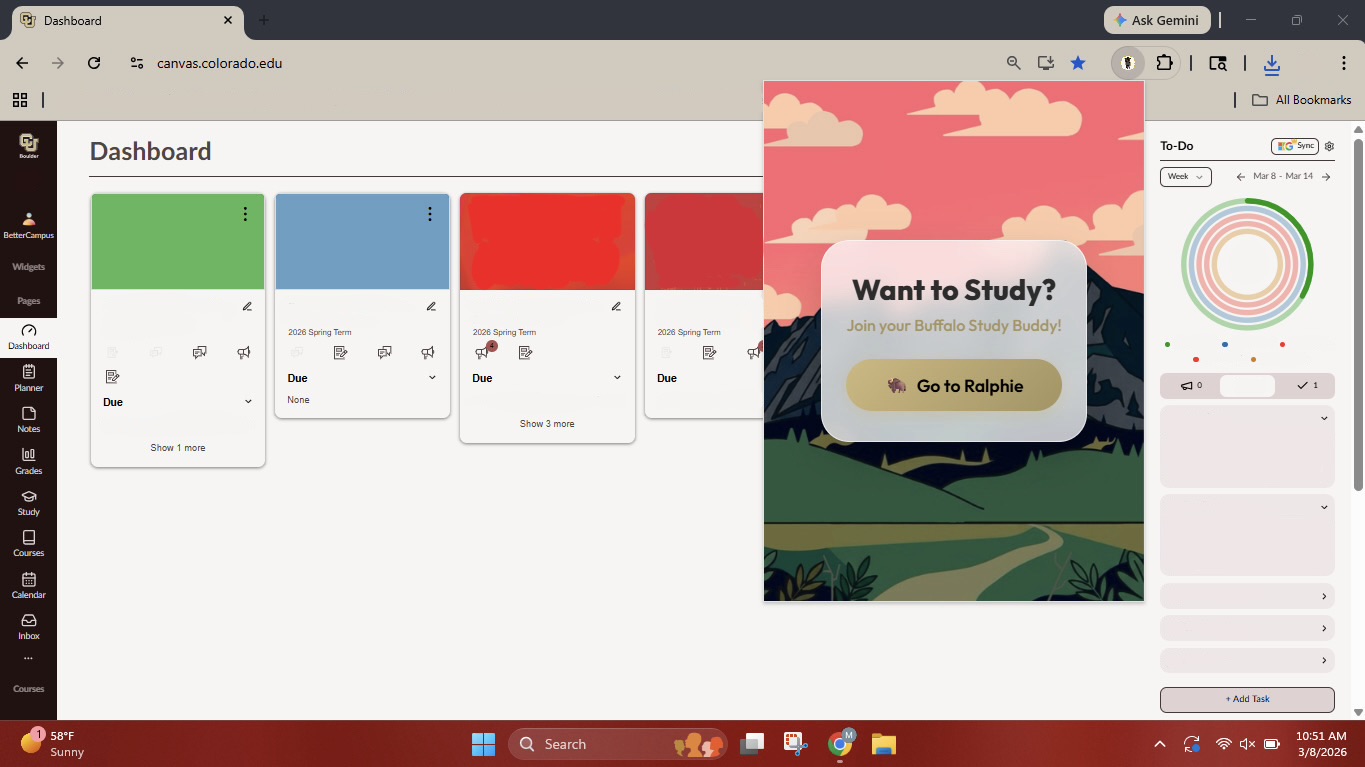
Popup View on Canvas
-
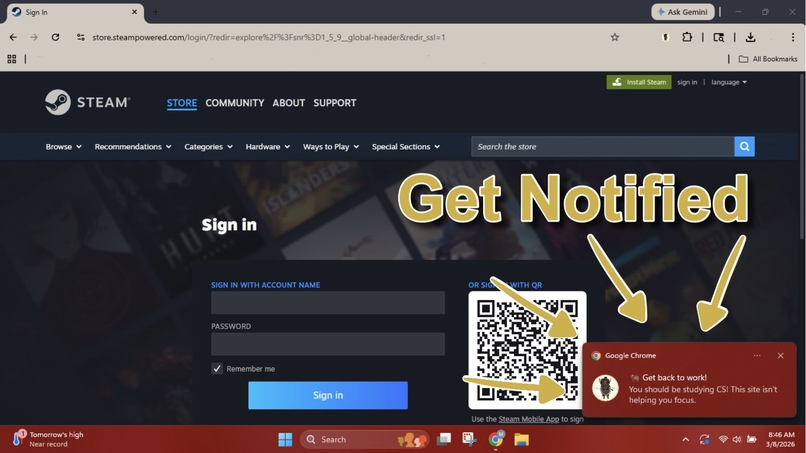
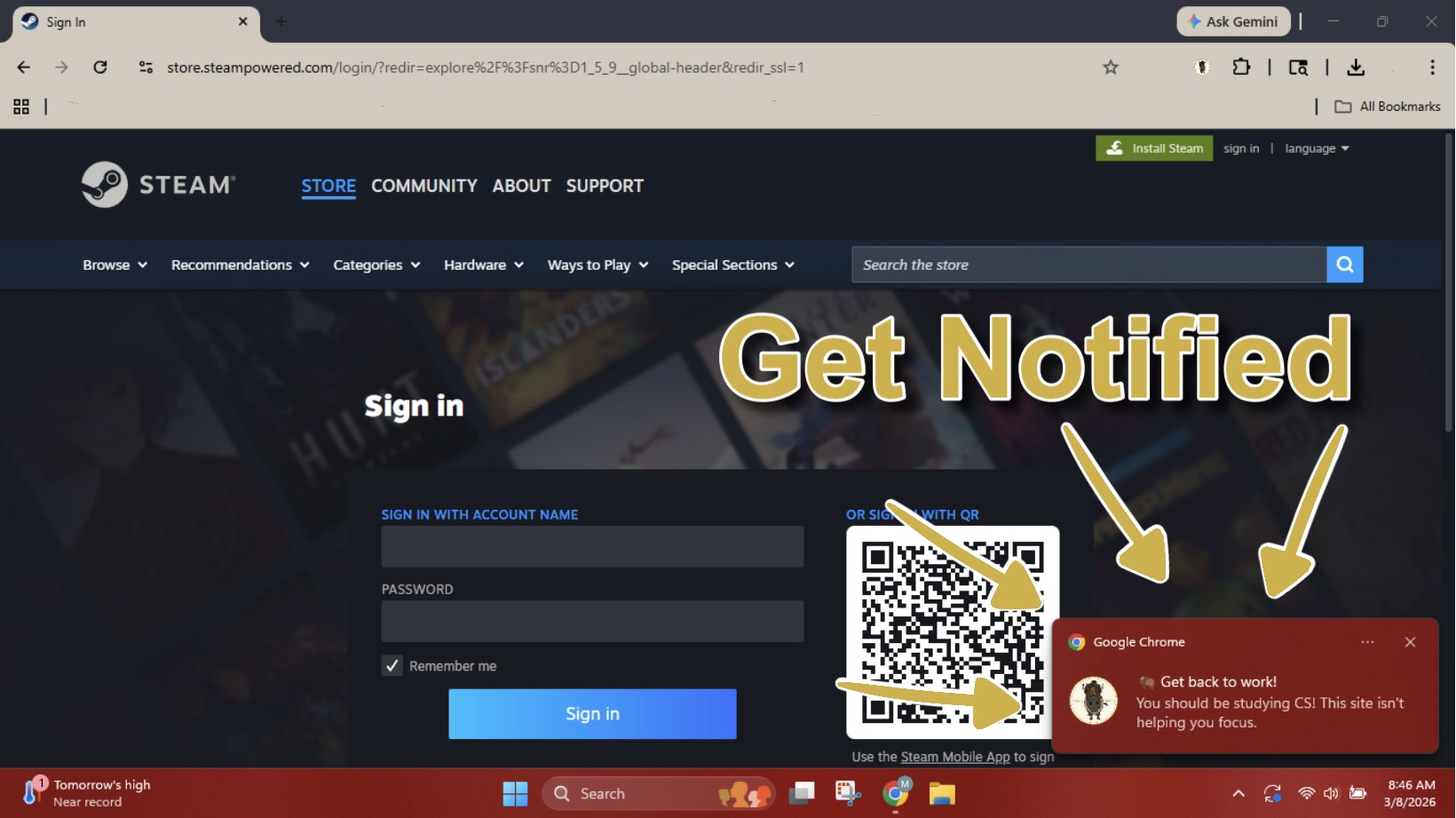
Notification Screen
-

BuffFocus Logo
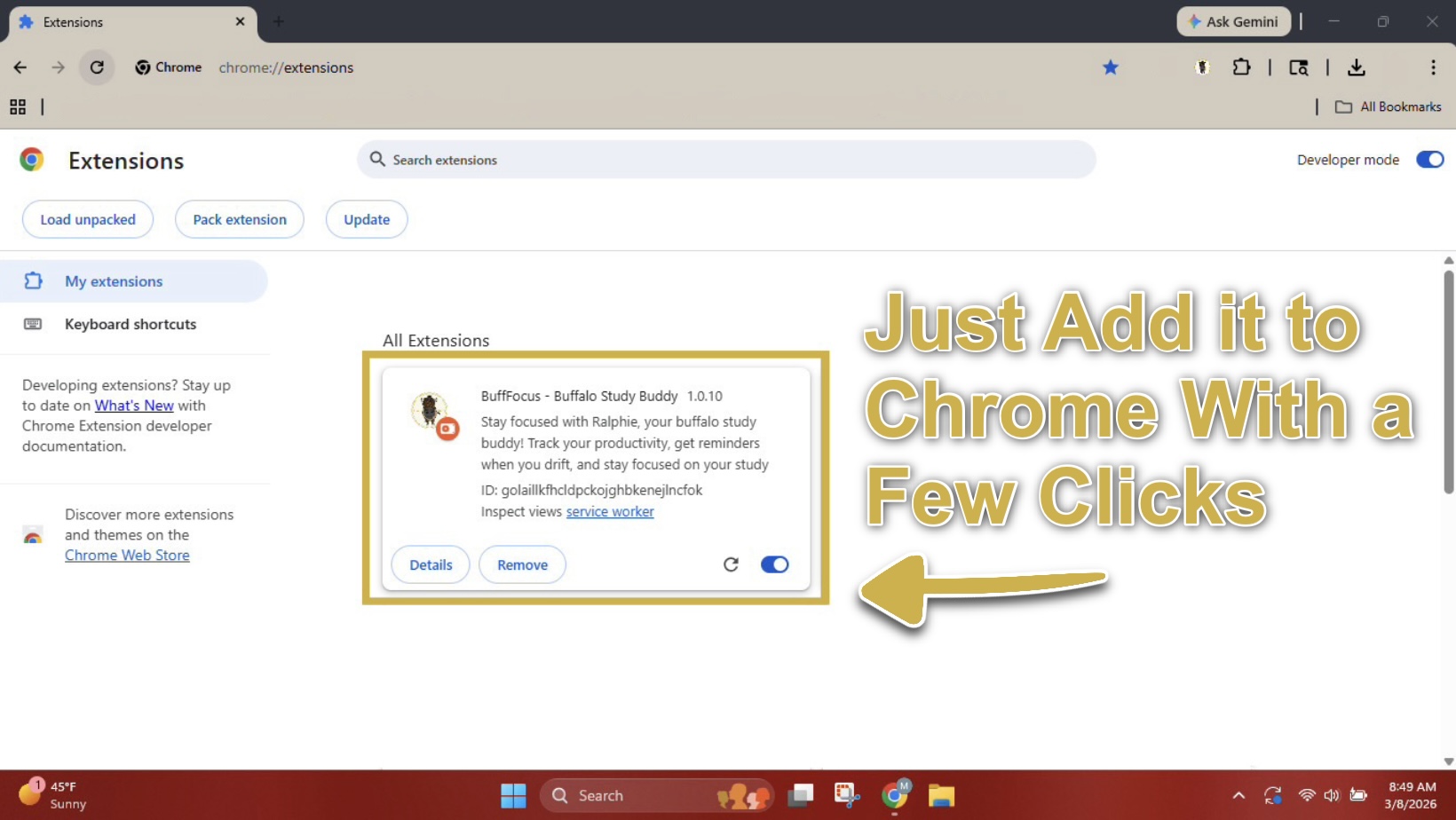

How to Download
- Go to github
- Download the .zip file
- Extract all files in File Explorer
- Go to chrome://extensions/
- Enable Developer Mode in the top right corner
- Click Load Unpacked
- Select HackCU12-master
- Enable BuffFocus and start studying!
Inspiration
As Students ourselves, we know the struggle of sitting down to study and somehow ending up 50 reels deep. We wanted to build something that holds you accountable, and what better an accountability partner than Ralphie, CU's beloved buffalo? BuffFocus was born from our own poor habits of doomscrolling and the need for a fun, campus spirit driven productivity tool.
What it does
BuffFocus is a Chrome extension that helps students stay focused during study sessions. You tell it what you're studying, start a session, and it watches your back. It detects when you visit unproductive sites like YouTube, Instagram, or TikTok and fires off a warning. It also tracks idle time, notifies you when you've been on the same tab too long, and sends motivational quotes to keep your energy up. Everything is customizable: alert timing, alarm sounds, and quote frequency.
How we built it
For drafting up the original version 1.0.0 we used Claude Opus 4.6 in Google Antigravity to get the ball rolling. The main languages used for this extension are JavaScript, CSS, and HTML, with the Web Audio API to generate alarm sounds entirely in code so no audio are files needed.
Challenges we ran into
The biggest challenge we faced was just getting started overall. We decided as a team the best course of action was to attend multiple workshops in order to understand the tools we've been given to maximize our Hack. Another challenge was working with PNG formatting to make BuffFocus visually polished and customizing it with hand drawn images rather than the placeholders we started with took more effort than expected.
Accomplishments that we're proud of
We're proud to have completed all our first Hackathon with a fully working hack! For a team new to hackathons and web development, creating something real and polished in 24 hours is something we'll remember.
What we learned
Through MLH workshops and the resources available at HackCU12, we got to explore a range of AI tools that made our development more efficient and streamlined. We also gained hands on experience in HTML, CSS, and JavaScript; languages none of us had worked with before the Hackathon.
Future steps for BuffFocus
- A study session streak tracker
- Refined UI design
- Different study method options (ie. Pomodoro Technique)
- Integrating for Apple macOS (untested)
Built With
- antigravity
- chromeextension
- claude
- css
- html
- javascript
- vscode
- webaudiopai


Log in or sign up for Devpost to join the conversation.