-
-
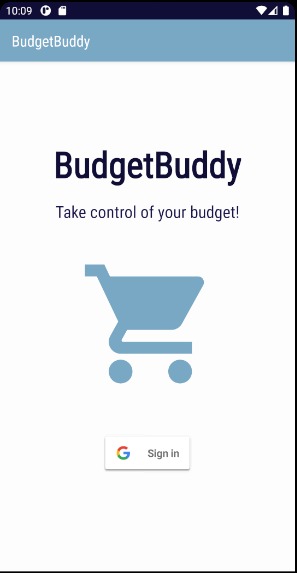
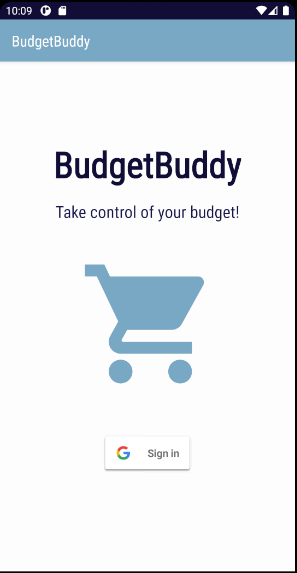
Sign in page with Google Account
-
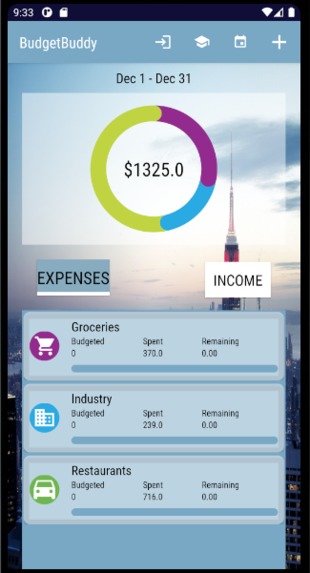
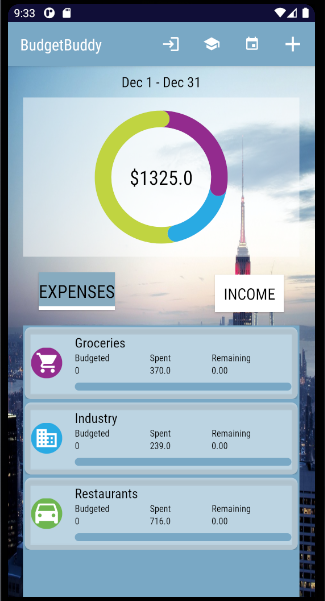
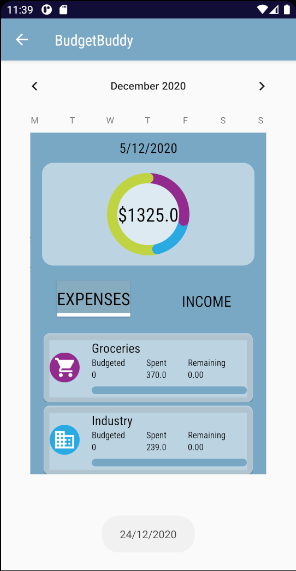
The main screen shows a graphic representation of the listed user's monthly expenses and incomes, and how they are distributed.
-
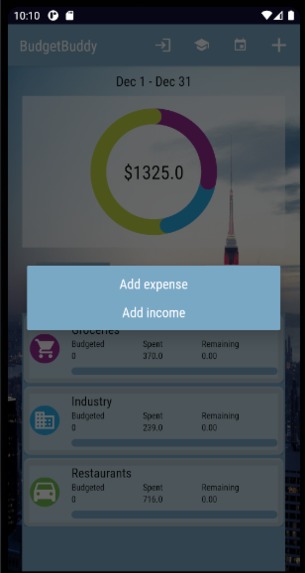
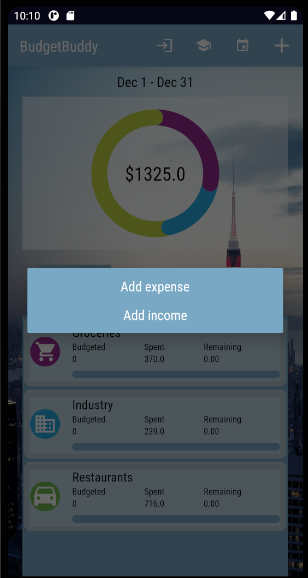
The user can add its monthly incomes and expenses choosing from the predetermined options
-
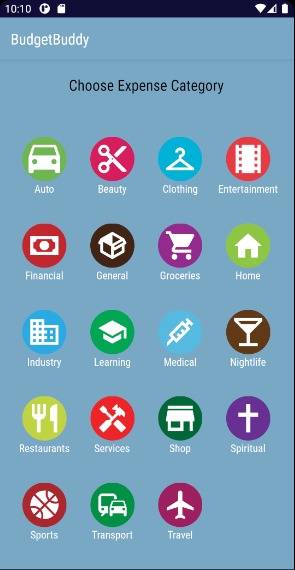
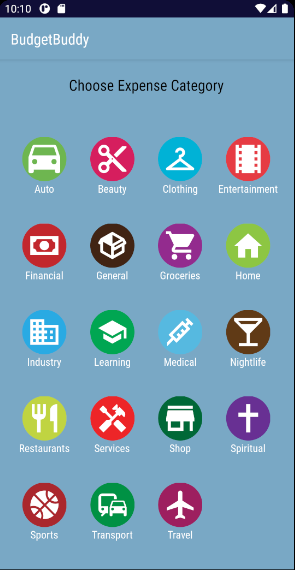
Expense category options
-
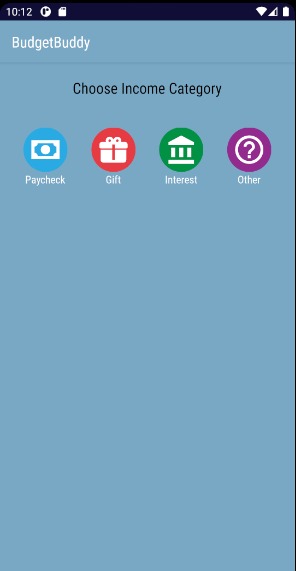
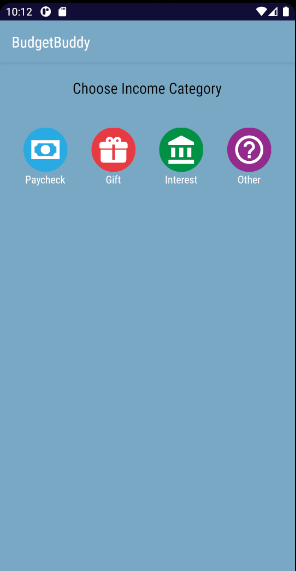
Income category options
-
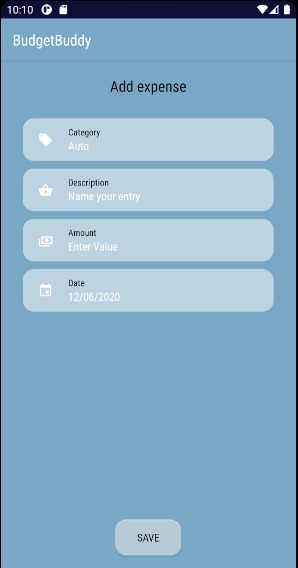
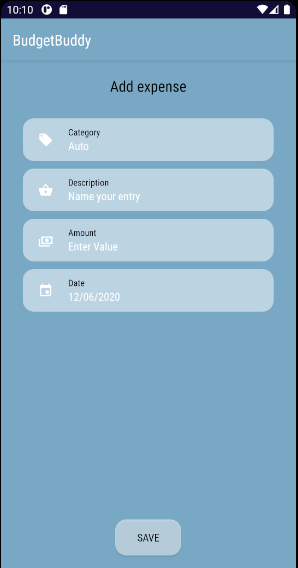
Required data to add an new income or expense
-
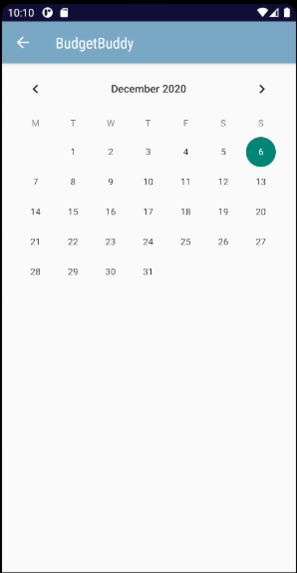
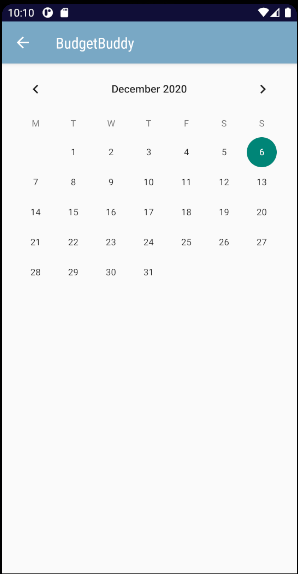
Expenses and Incomes can also be viewed in a calendar
-
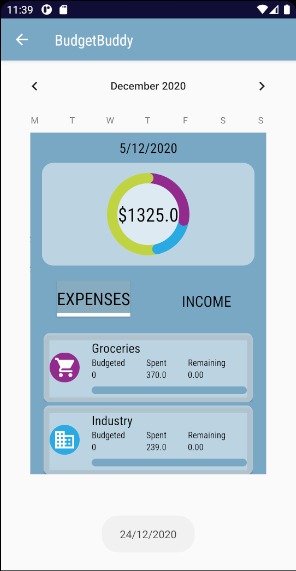
Expenses and Incomes of the selected day
-
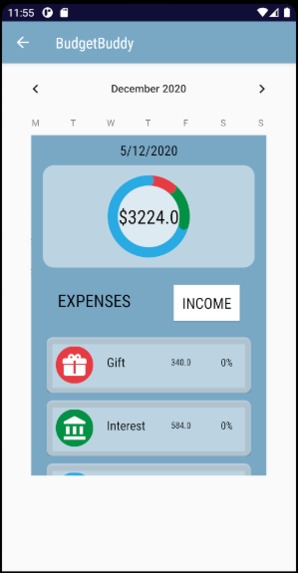
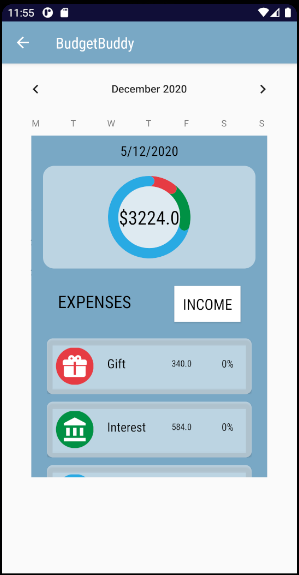
Various types of income can be recorded
-
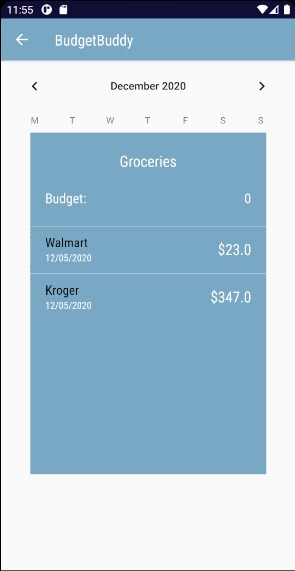
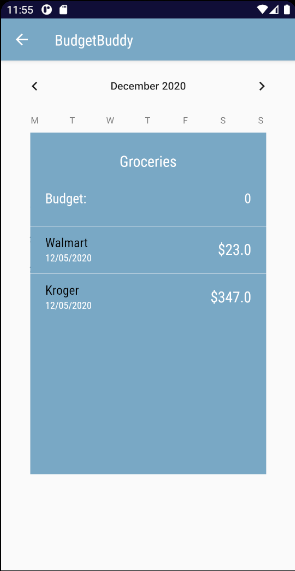
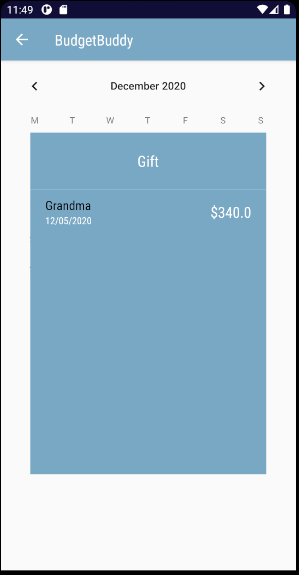
Details on the Expense or Income can also be visualized
-
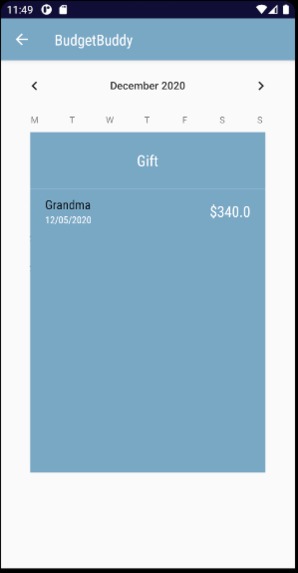
Miscellaneous expense recorded
-
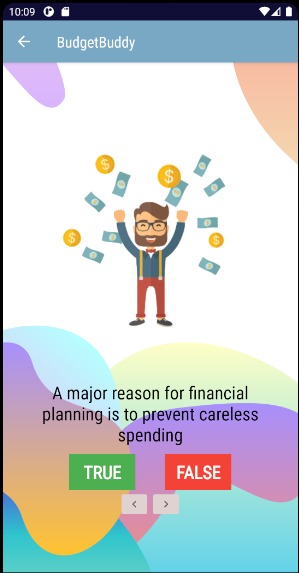
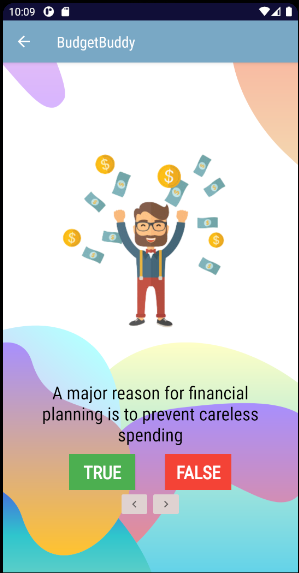
Financial quiz section
-
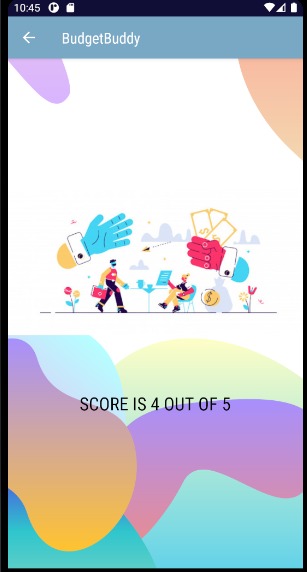
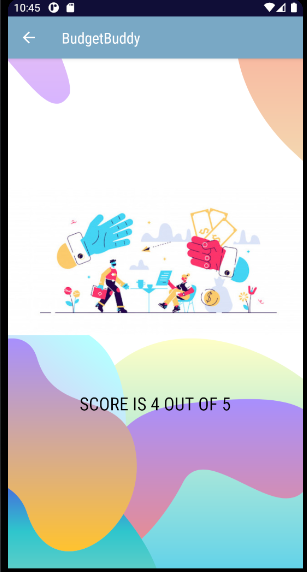
An example of results from the (short) financial literacy quizzes integrated in the app.
Domains registered: embraceFinancialGrowth.online, myFinance.space, budgetzilla.tech, myBudgetBuddy.online
Inspiration
When we thought about Embracing Uncertainty, we thought about how the world is teetering towards an incoming economic crisis--we don't know who will still have a job by the end of the day. This change caused by the pandemic is causing an unprecedented amount of stress. We wanted to build a solution that builds confidence in its users by providing them with the resources that will allow them to navigate their finances better and improve their financial literacy.
What it does
BudgetBuddy is a user-friendly budgeting app with a daily calendar that shows a user's daily expenses. Users can track their sources of income and expenses, which is displayed as a ring chart. Different sources of income and expenses are further categorized, and when you click on category it will show the users' spending habits breakdown with the relevant amounts, dates, and descriptions. There is also a financial quiz that serves as an educative tool, popping up on a biweekly basis to fine-tune the user's financial literacy. Users can also manually set a budget for each category, which will automatically calculate how well the users are staying within their planned budget.
How we built it
This app was built with Java on Android Studio. All components (background, icons, everything) of the UI were made in house. The backend development and the database were made with Firebase. We incorporated Google Oauth to generate user accounts and to reliably tie data to its specific user.
Challenges we ran into
We were unable to incorporate our desired features of the app how we initially envisioned it. For example, we spent a significant amount of time searching through many libraries before we found one that even worked with the ring chart that shows a user's spending, which was Phil Jay's MP Android Chart library.
Accomplishments that we're proud of
We were able to develop a fully coded app in a short amount of time with all of the planned functionalities and an appealing design to all the more provide the ultimate user experience.
What we learned
In a short period of time, we learned how to work with fragments and recyclerview. Additionally, we learned how to communicate data between fragments (through Firebase), implementing aesthetically-pleasing and functional ring charts into the app's UI as well as implementing many libraries and API's.
What's next for BudgetBuddy
We plan on polishing out the user interface and making the app compatible on all platforms (not just Android). We also plan to add more accessibility features such as Google Assistant (and Siri, Cortana, Bixby, etc.) so the app is more accessible to individuals who may be differently-abled. Additionally, we need to figure out how to incorporate AI into BudgetBuddy when a user is taking the financial literacy quiz so the app can automatically personalize the user's financial literacy lesson plans (in an optimal fashion), which we also plan to finalize and incorporate.
Built With
- android-studio
- firebase
- google-oauth
- java


Log in or sign up for Devpost to join the conversation.