Budget Wizard

Inspiration
As college students, we have all experienced overspending. Personally, for our team, the overspending was not recognized until weeks after it occurred, when monthly credit card bills or bank statements were received. This website synced with Google Calendar creates a budget plan that will be checked daily.
What it does
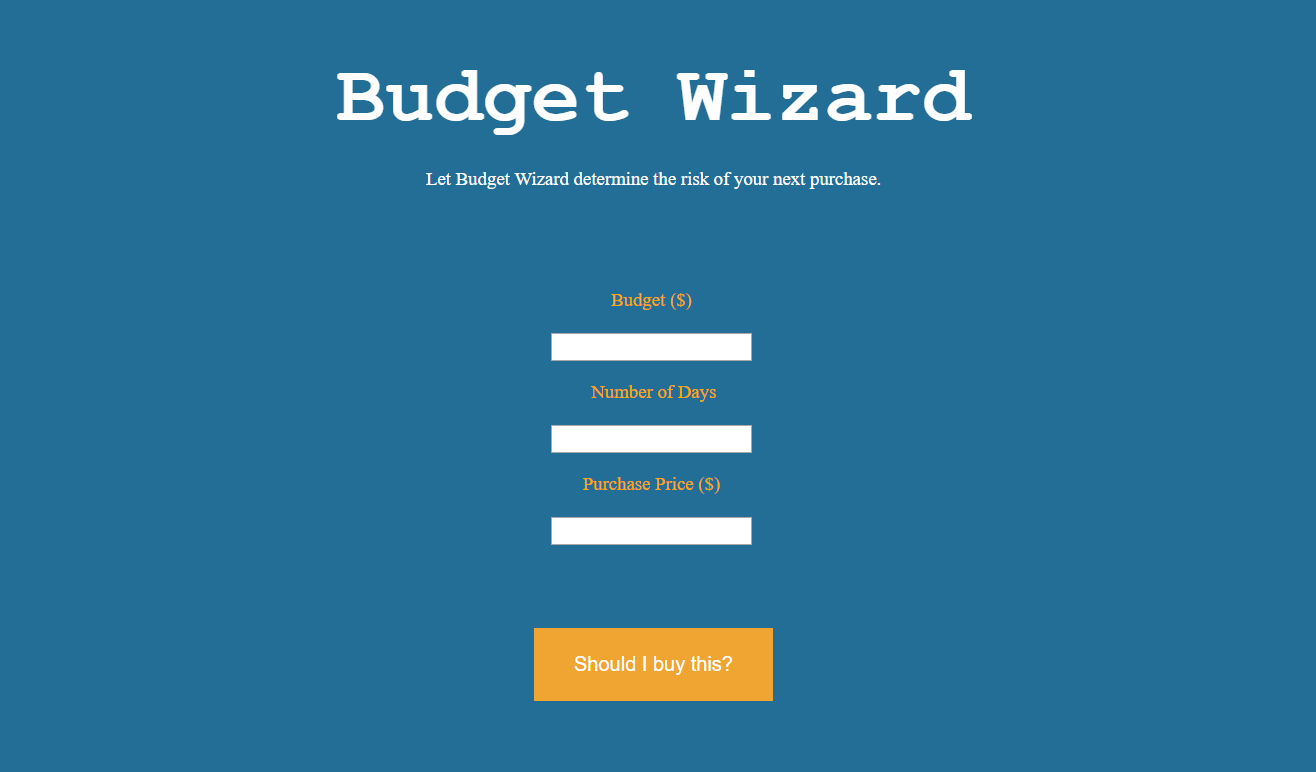
The website prompts users to enter their desired budget over a certain time. In addition, the website will prompt the user to enter the amount of any purchases they are debating. Based on the daily budget the website will advise the user if the purchase financially fits into their budget. After the decision is made, the user has the option to load the new daily budget plan into their Google Calendar. The Google Calendar will be populated with daily budget amounts to prompt the user to stay on budget.
The Google Calendar is something that is checked daily by college students and young professionals, whereas credit card and bank accounts are not checked as frequently. Having this constant reminder and plan may be a different channel to encourage saving and budgeting.
How we built it
This website was collaboratively built on glitch.com using JavaScript, HTML, and CSS. This platform allowed us to deploy our site on the web without the trouble of getting our own domain name, so we found it to be perfect for the limited scope of a hackathon project.
Challenges we ran into
As new programmers, we had much to learn to successfully create a working website, including three languages that we had no experience with (JavaScript, HTML, and CSS). Additionally, we decided to incorporate Google Calendar interactivity, so that users could see their calculated daily budgets in an accessible manner. It was a huge challenge to work with the Google API in order to enable this feature, but in the end, it was successful!
Accomplishments that we're proud of
We are very proud of this website, as we had no prior experience in any of the three languages used in the project. We are especially proud of its Google Calendar applications, which enables users to efficiently access their daily budgets. The creation of this project was a long journey full of questions and challenges, but we have all gained an incredible amount of knowledge throughout this process.
What we learned
Given that we all came into this hackathon with no knowledge of web development, it is safe to say that we all learned quite a bit. Our first several hours were literally spent learning JavaScript, CSS, and HTML before we began to work on the site. Beyond the new coding proficiency we all took away from developing this project, we also learned about the process of taking an idea of our own and implementing it into a full, functional project. This process involved a great deal of collaborative coding, which we had not encountered in the past.
What's next for Budget Wizard
In the future, we will look to sync our website with credit card applications to provided autonomous budget updates. These updates will be reflected daily in the Google Calendar. Look to market to college students and young professionals to help with budgeting and saving.


Log in or sign up for Devpost to join the conversation.