-
-
This image is currently processing. Please be patient...

-
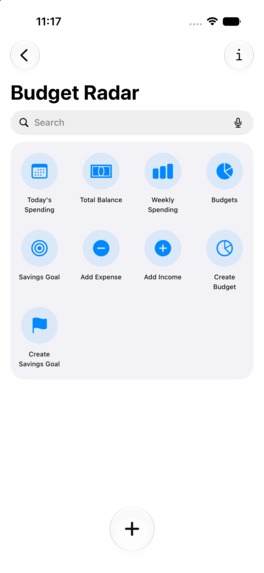
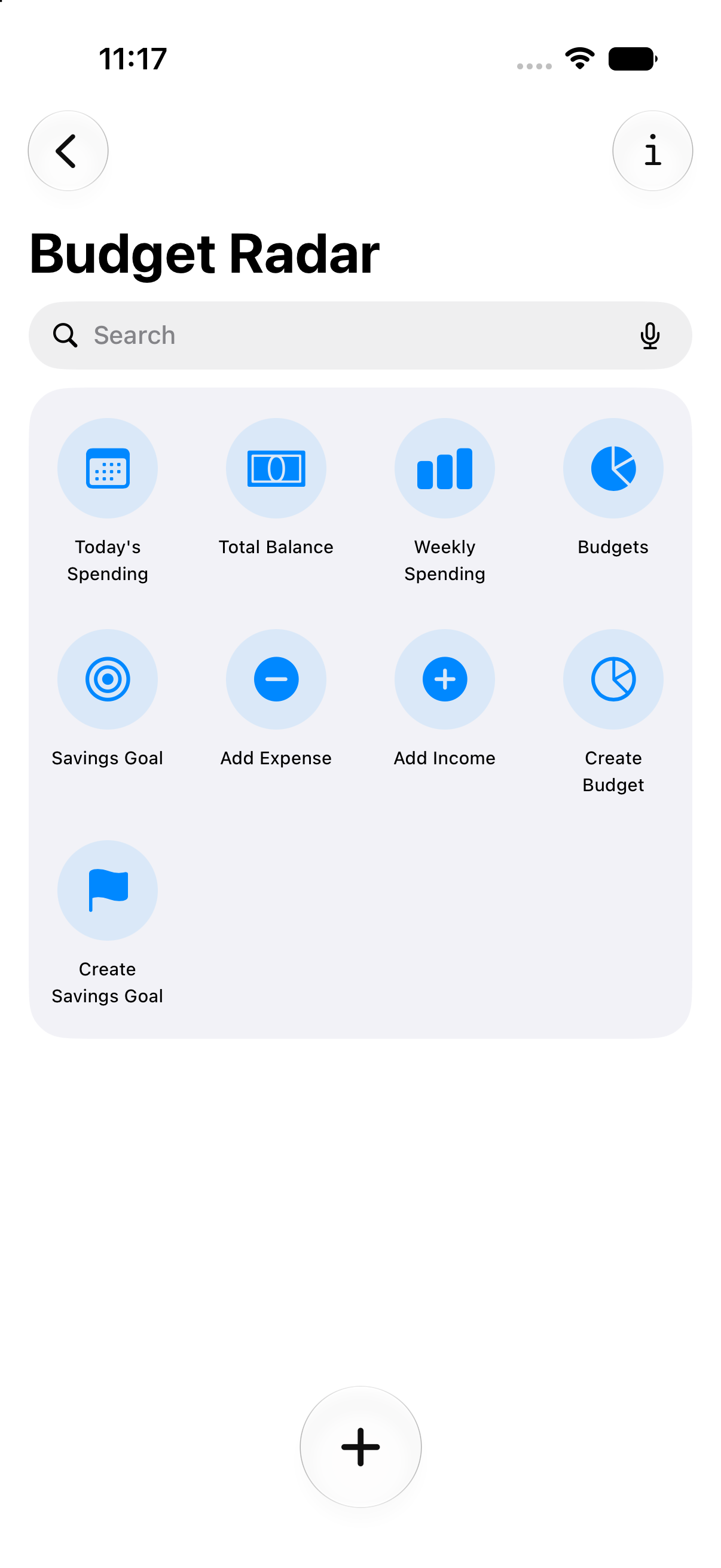
Shortcuts-Light
-
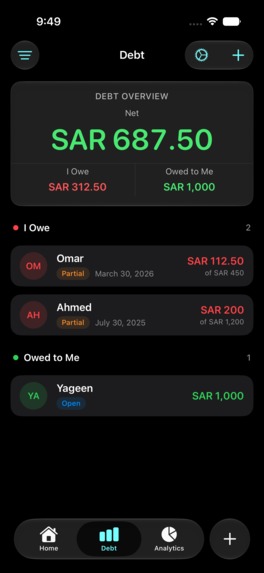
Dept-Dark
-
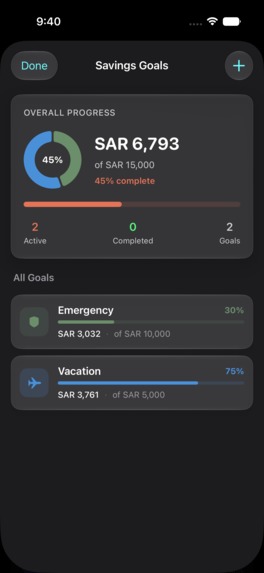
Savings-Dark
-
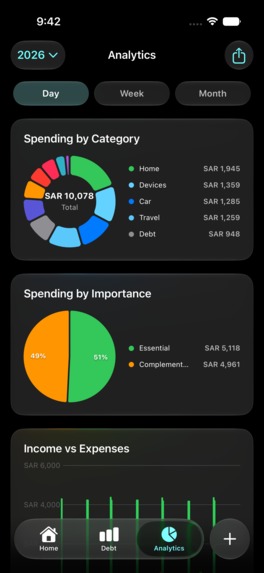
Alanlytics-Dark
-
create_budget_short-Dark
-
Income_sheet-Dark
-
Home-Dark
-
Alanlytics-3-Dark
-
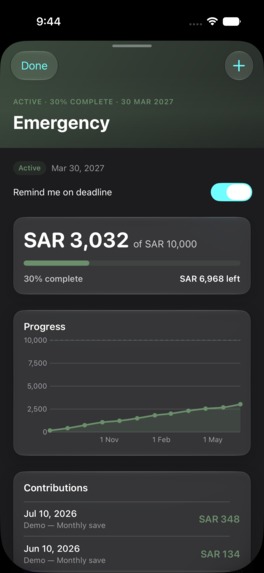
Budget_details-Dark
-
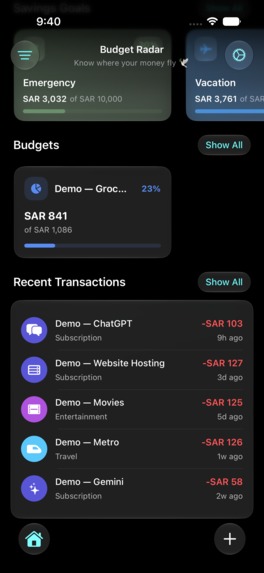
Home_transactions-Dark
-
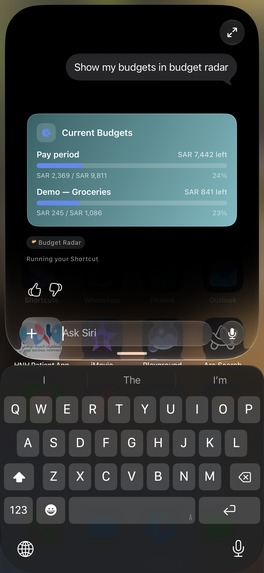
Siri-01
-
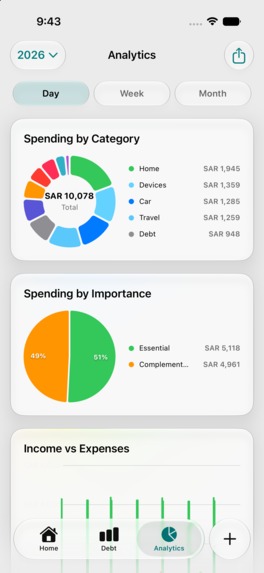
Alanlytics-Light
-
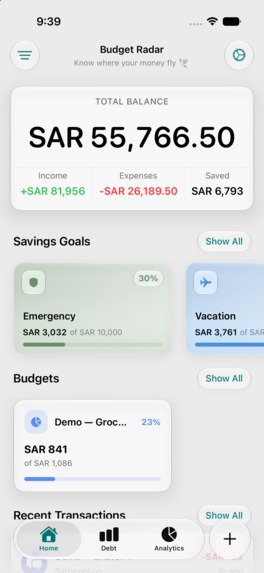
Home-Light
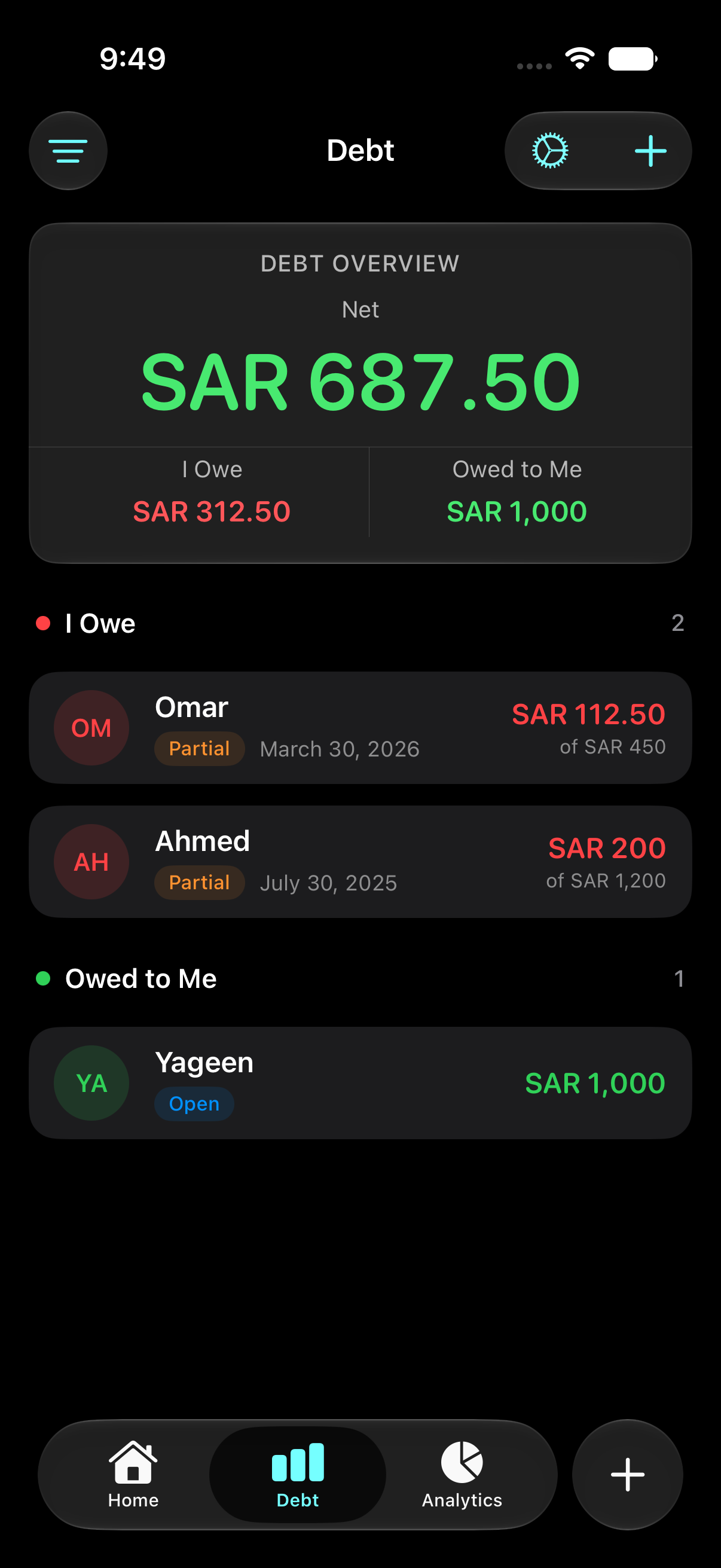
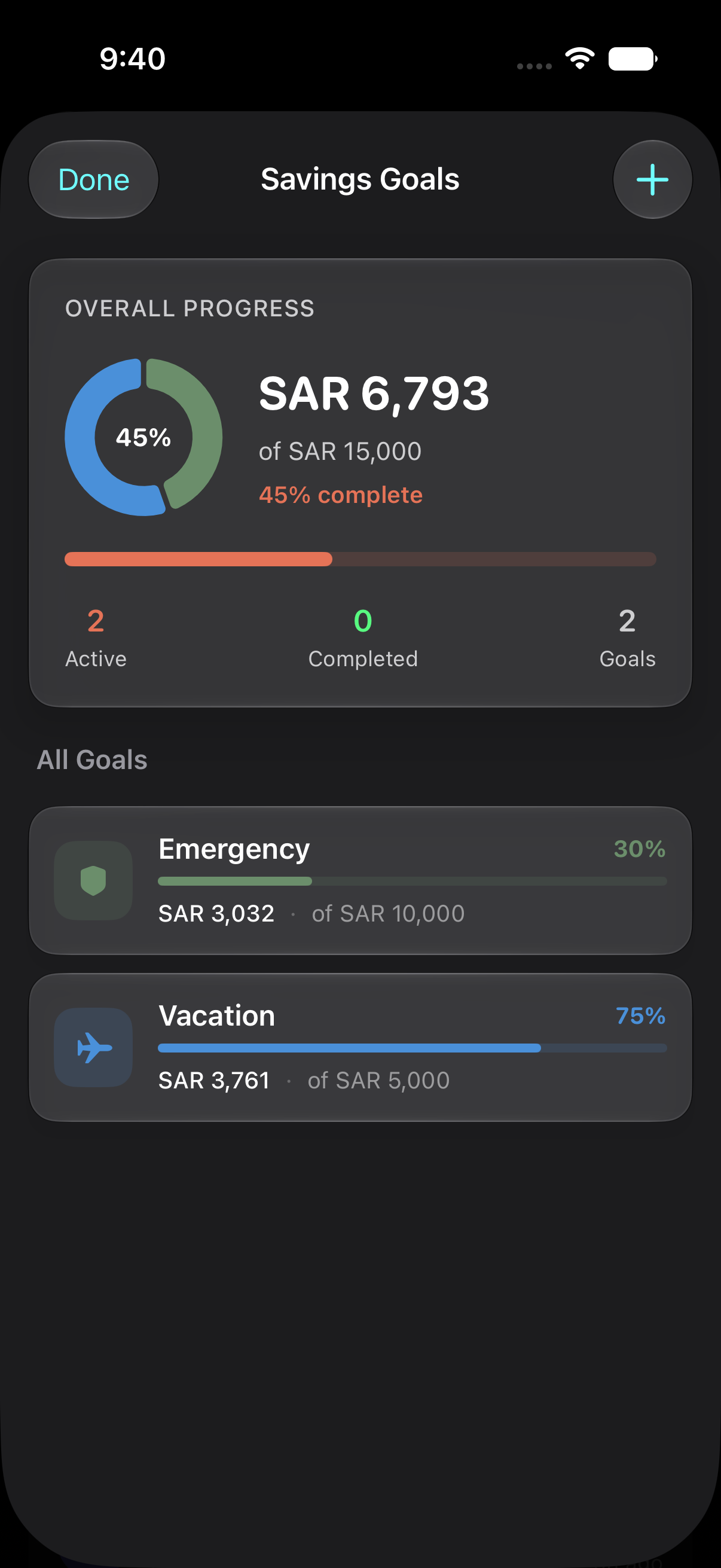
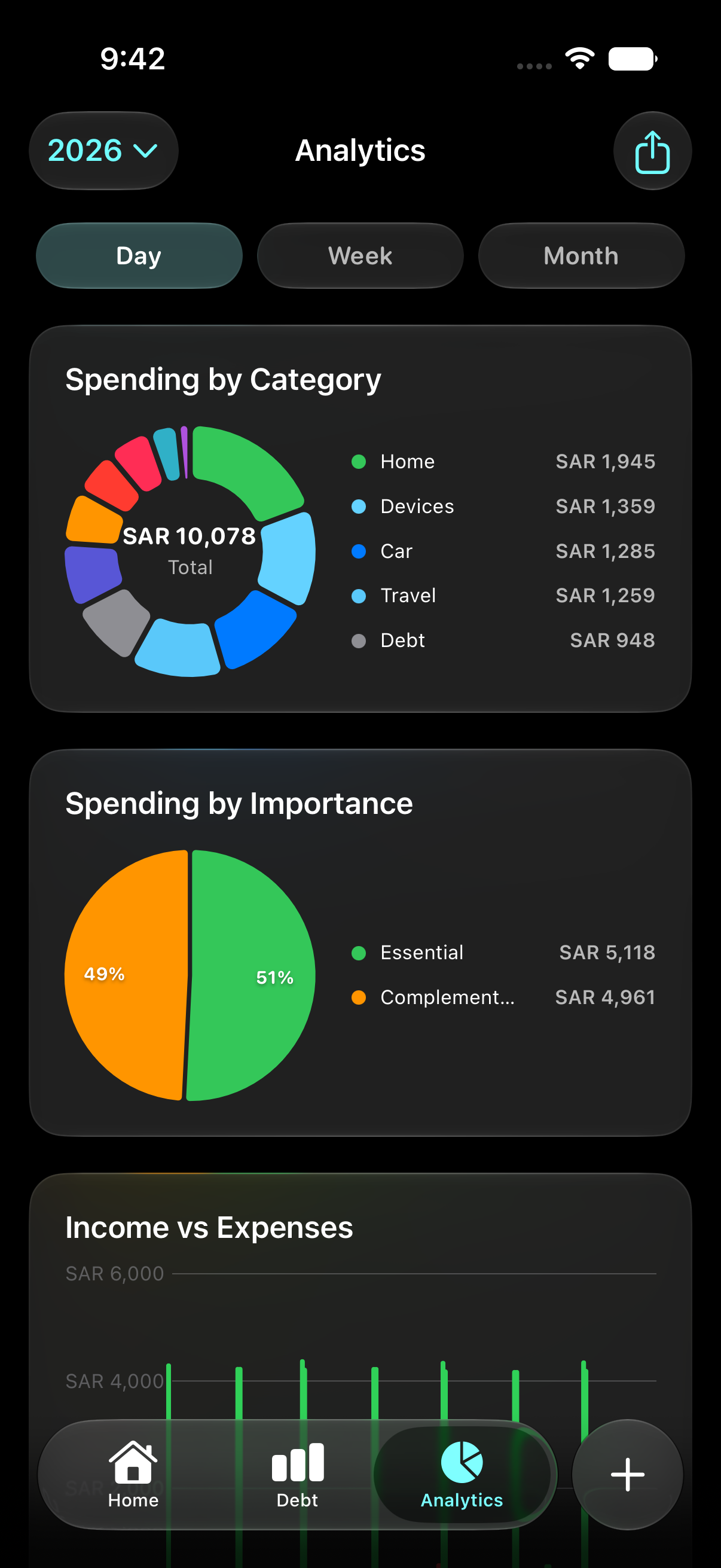
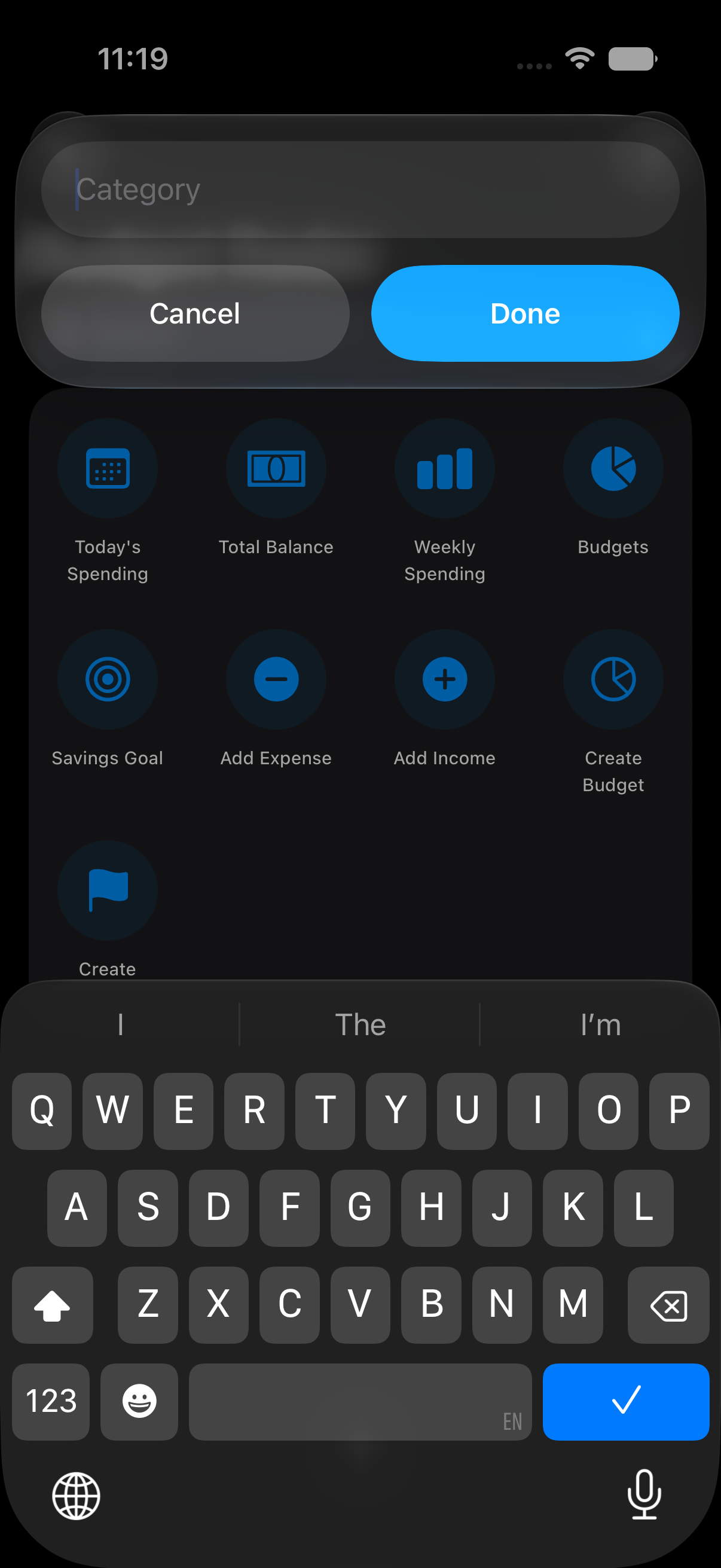
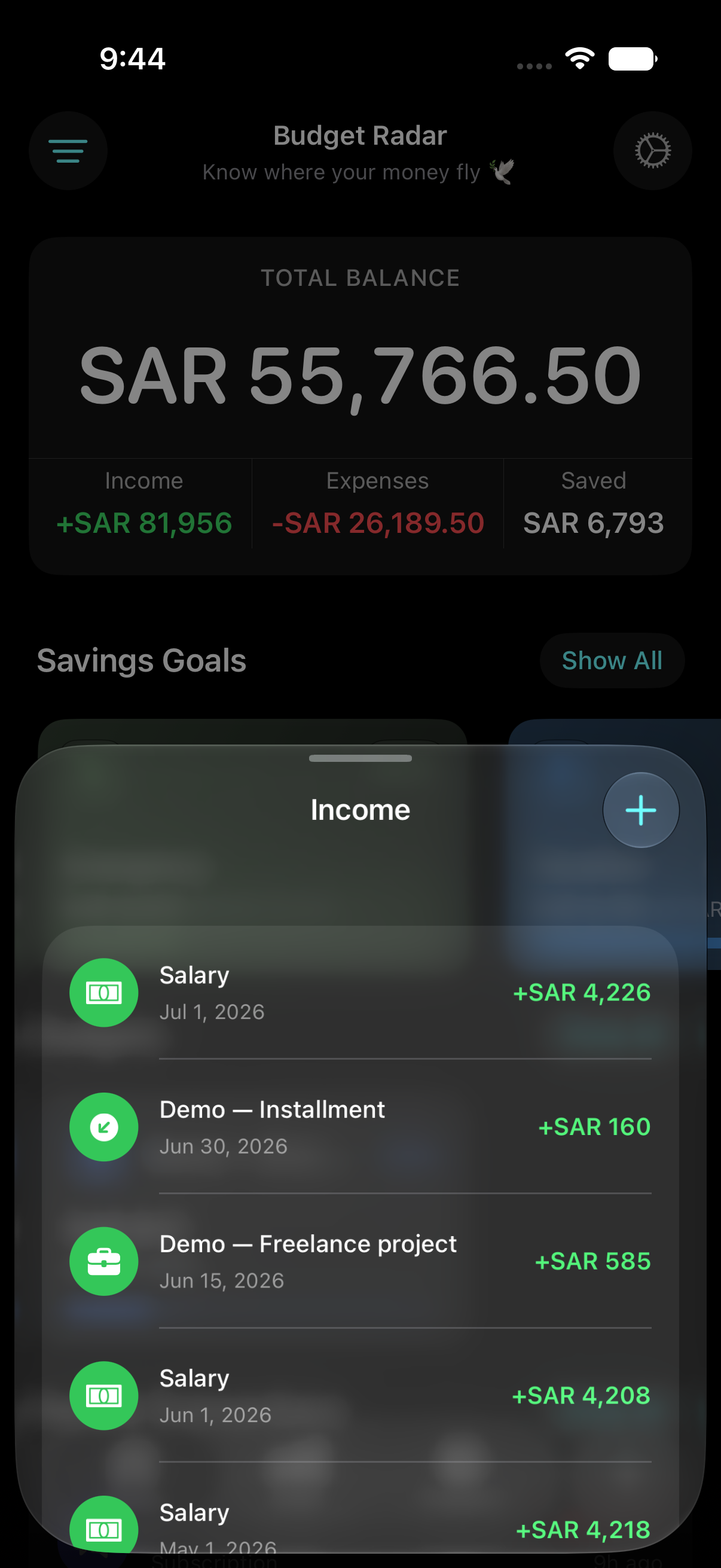
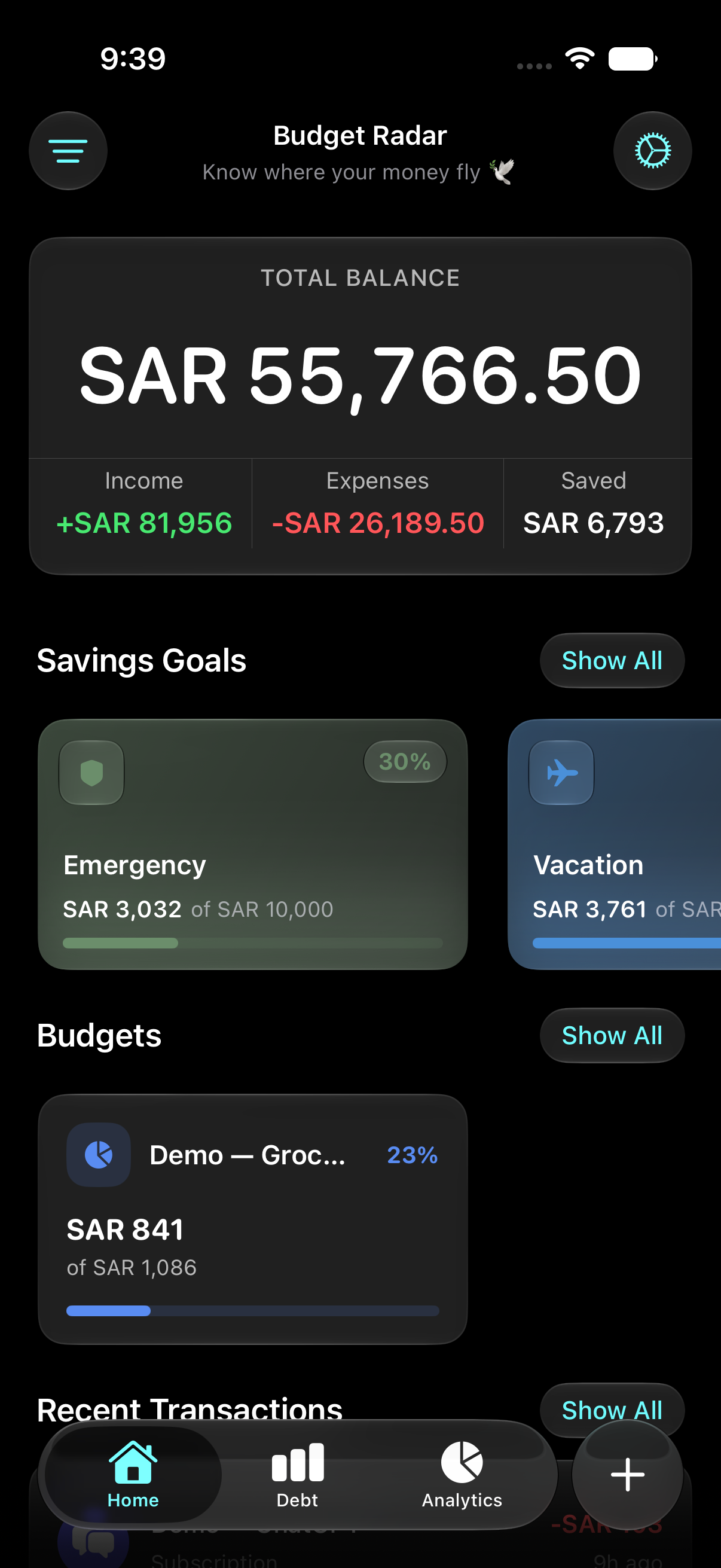
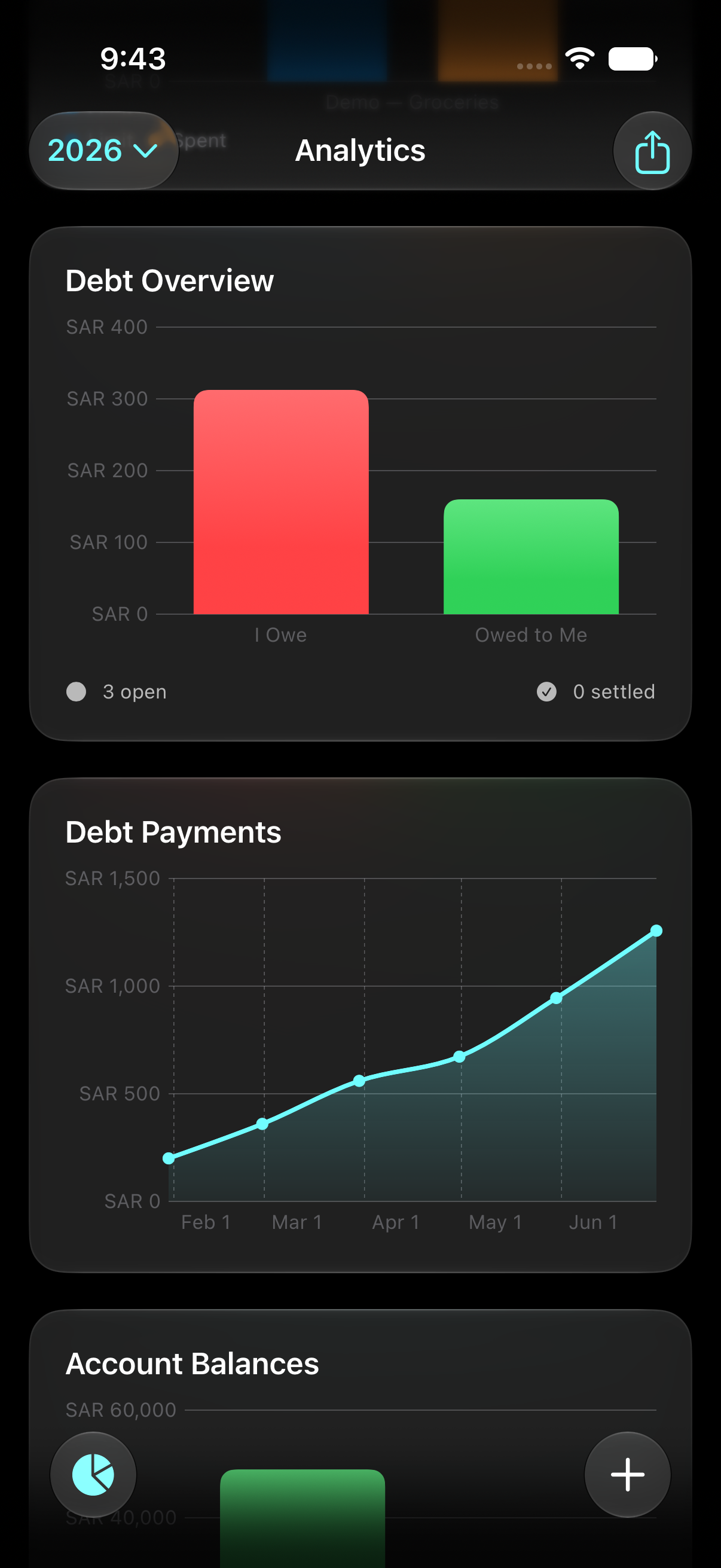
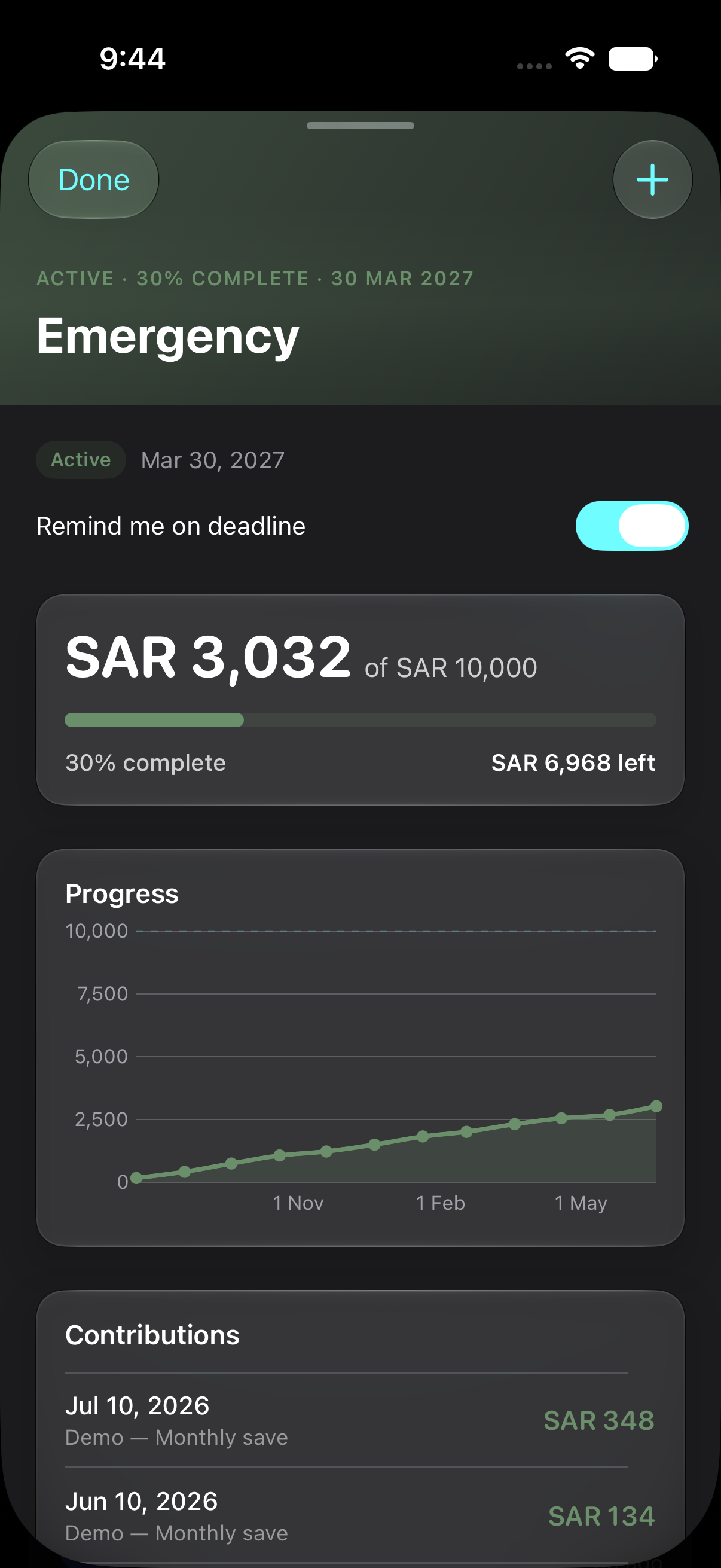
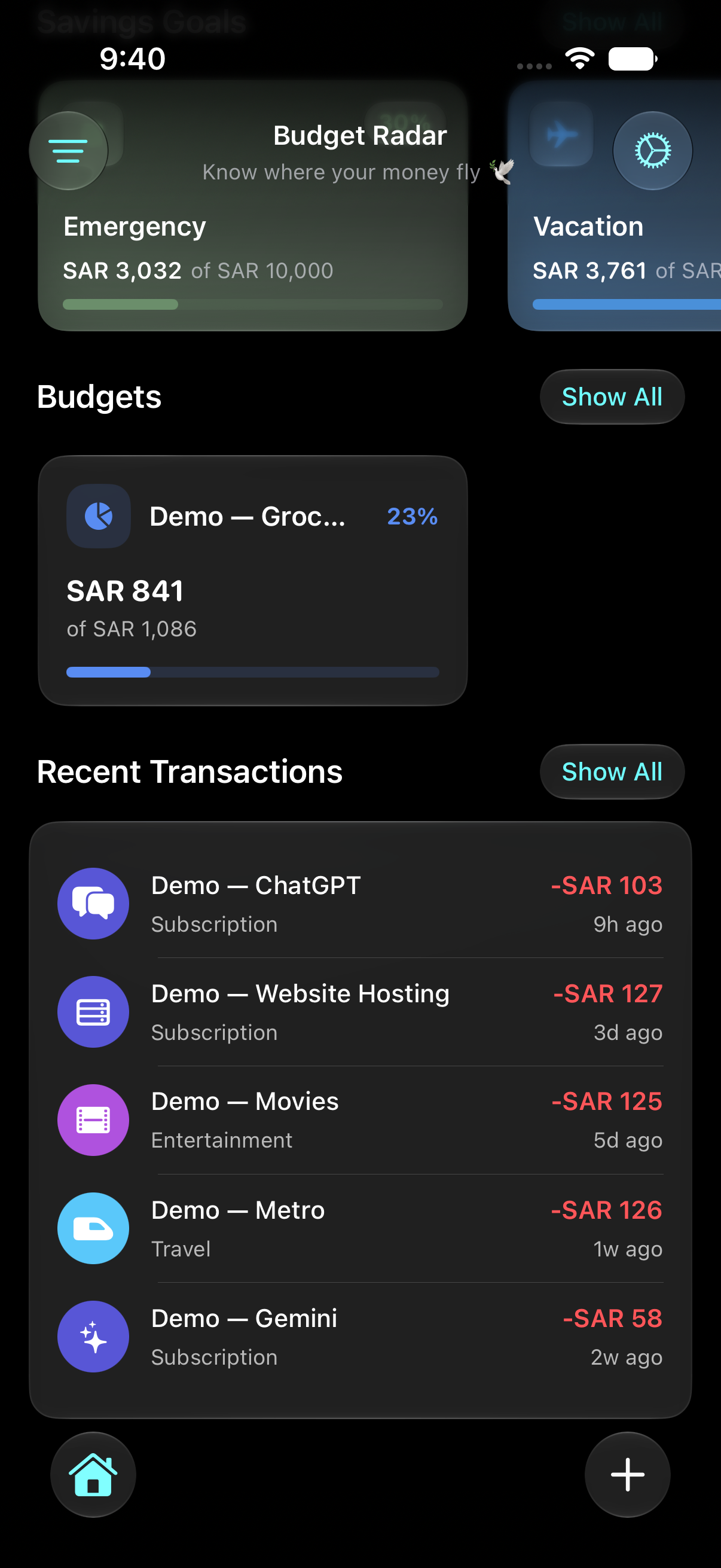
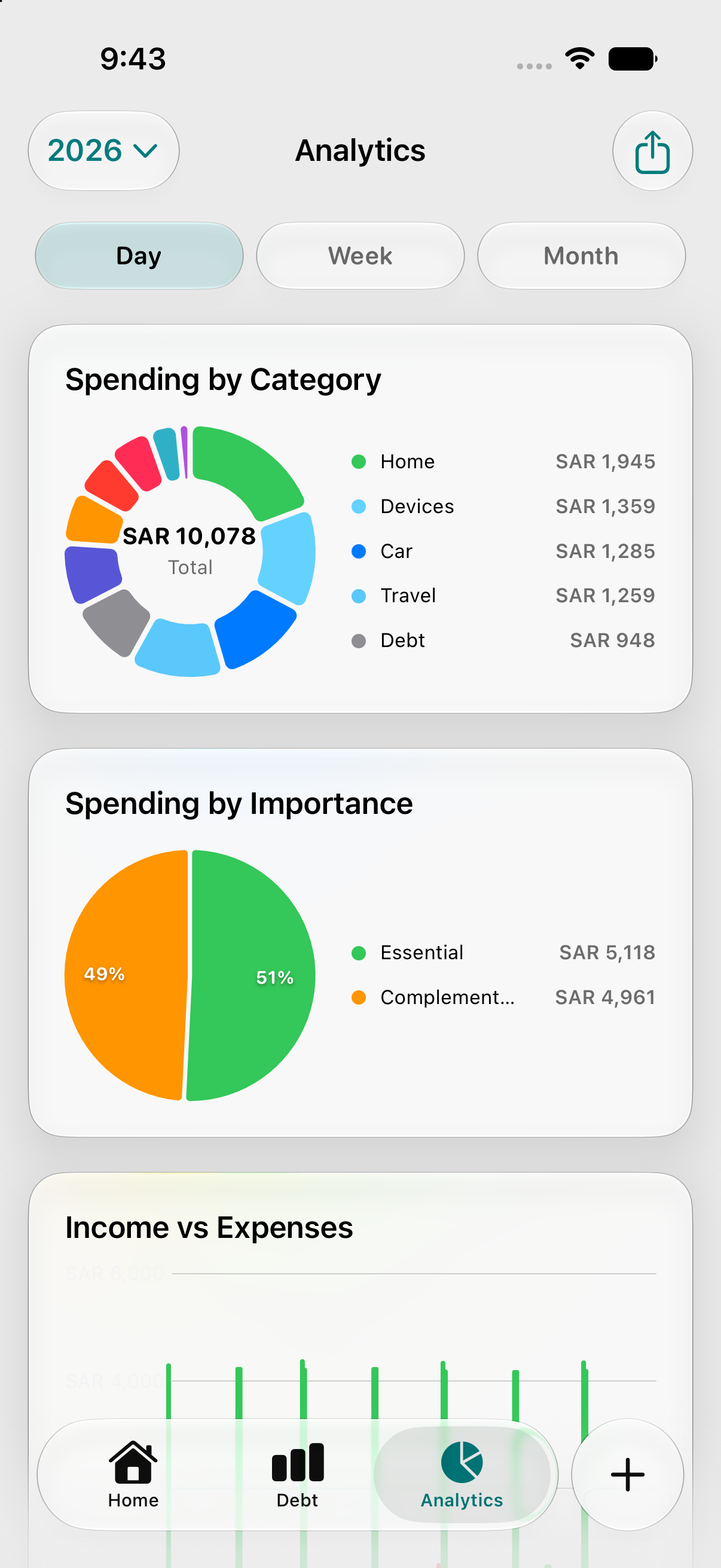
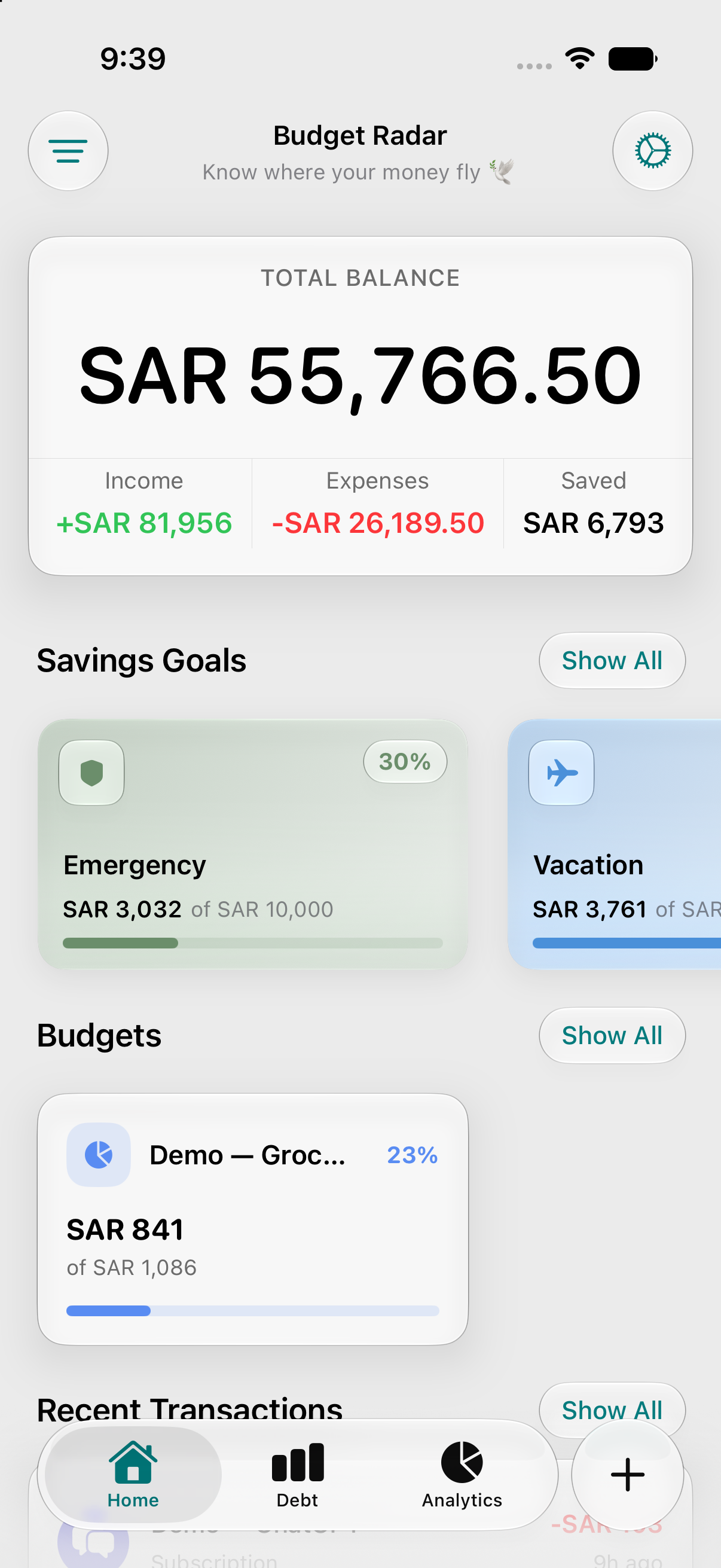
Budget Radar is a personal finance app for iPhone that helps people see where their money goes each pay period — not just each calendar month. Instead of treating budgeting as a spreadsheet exercise, the app uses a simple metaphor: a radar that scans your income, spending, budgets, savings, and debts so nothing slips through unnoticed.
The tagline says it plainly: "Know where your money flies." Money moves fast between payday, bills, debt payments, and everyday spending. Budget Radar is built to make that movement visible before it's gone.
What Inspired Me
Most budgeting apps assume life runs on calendar months: January 1 → January 31. Real life often doesn't work that way. For many people — especially in salary-based workflows common across the Middle East and beyond — money is organized around payday:
- When does the salary land?
- How much is left before the next one?
- Which bills hit mid-cycle?
- How much can still go toward savings or debt?
I wanted an app that answered those questions on day one, not after the user manually configures complex rules. That led to three core product decisions:
- Pay-period budgeting tied to salary day and amount
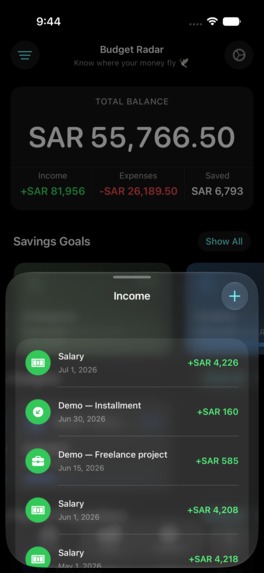
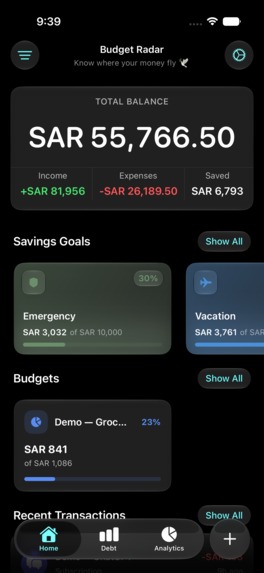
- One home screen that shows balance, income, expenses, savings, budgets, and recent activity together
- Arabic and English from the start, with RTL layout and support for regional currencies (SAR, AED, KWD, BHD, QAR, EGP, and more)
The "radar" idea came from wanting clarity without noise: not another finance dashboard with fifty menus, but a focused scan of what matters right now in the current pay cycle.
What I Learned
Building Budget Radar pushed me far beyond "a SwiftUI CRUD app." Here are the biggest lessons.
1. Model the user's mental calendar, not the system calendar
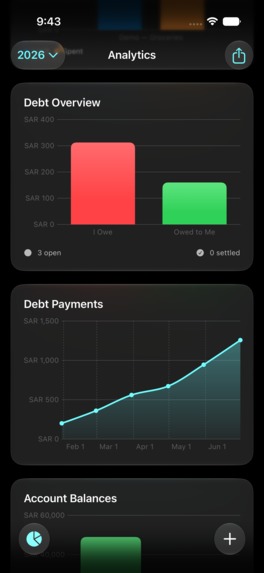
Users think in pay periods, not ISO weeks or month boundaries. Designing around that changed everything — from budget creation to notification timing to analytics filters.
2. Local-first data builds trust in finance apps
Budget Radar stores data on-device with SwiftData. No account required to start tracking. For a personal finance product, that lowers friction and respects privacy — especially important when users are logging sensitive spending patterns.
3. Automatic expense logging removes the biggest source of drop-off
Manual entry is where most budgeting apps lose people — nobody wants to log every coffee by hand. Budget Radar now supports automatic expense import from bank SMS: an on-device AI model reads incoming bank text messages and turns them into transactions, entirely on the device. Nothing is sent to a server, and no bank API or Open Banking integration is involved — the design deliberately avoids that route in favor of a standalone, privacy-first approach.
Set-up runs through a "Radar SMS" Shortcuts automation (iOS 26+), so the app taps into the Shortcuts app's access to Messages rather than requesting broad permissions itself. The result: transactions appear in the radar automatically, without the user opening the app after every purchase — which is exactly the kind of low-friction logging that keeps a budgeting habit alive.
4. Notifications must be contextual, not generic
A daily "don't forget to budget!" ping gets ignored quickly. I learned to compose notifications from actual user state:
- quiet days with no activity
- days with income only
- moderate vs. heavy spending relative to budget
- approaching or exceeded budget thresholds
- upcoming bills, debts, and savings reminders
Budget alerts fire when spending crosses a threshold ratio:
$$ r = \frac{\text{spent}}{\text{limit}} \geq 0.8 $$
The notification layer became a summary engine, not just a scheduler.
5. Localization is architecture, not translation
Adding Arabic wasn't a late pass over English strings. It affected:
- layout direction (RTL)
- number formatting (Western vs. Arabic-Indic digits)
- currency presentation
- onboarding copy tone
Building AppLocale and language-aware UI early prevented expensive refactors later.
6. Platform features multiply value when they match real habits
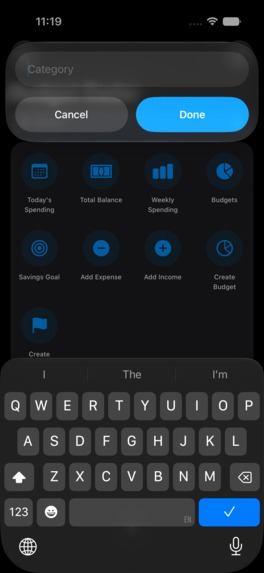
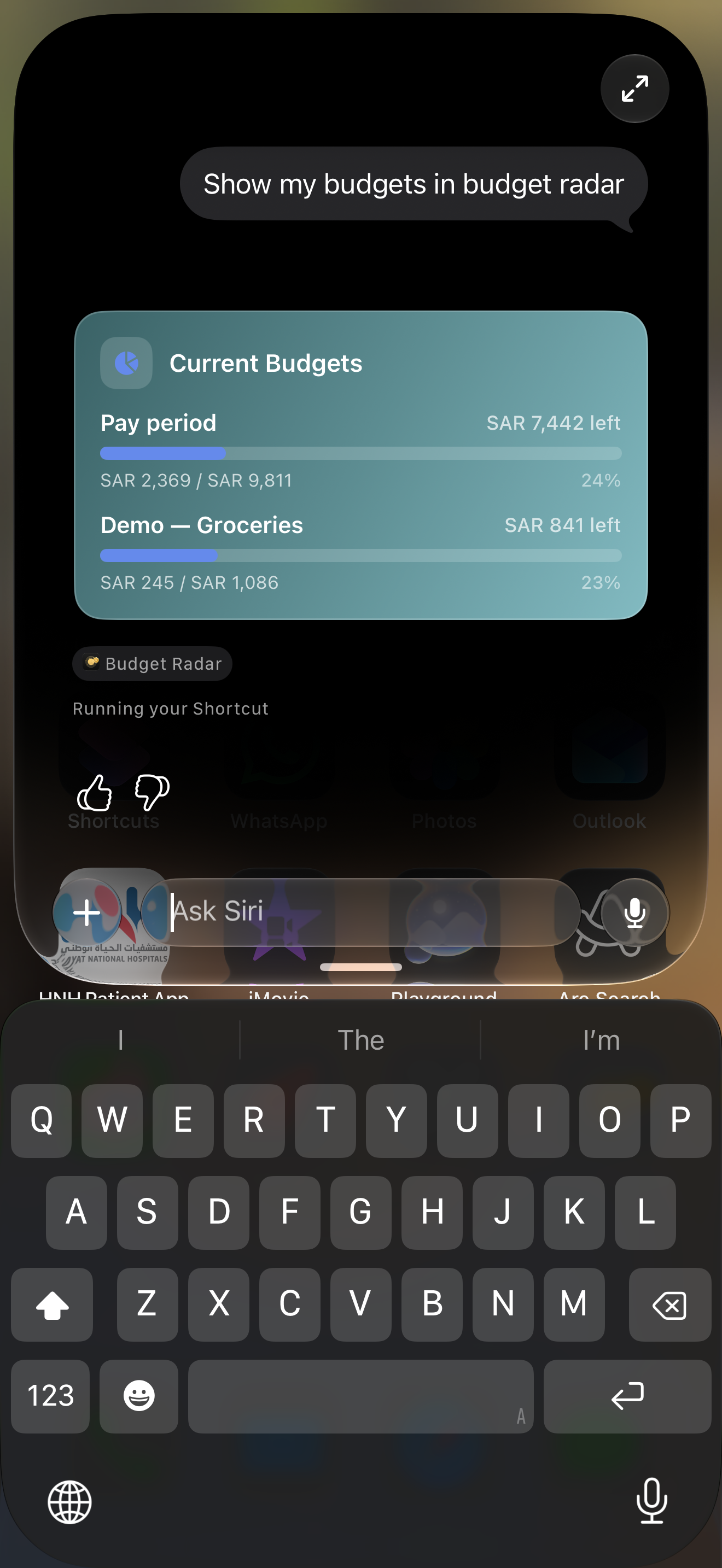
Siri Shortcuts and Control Center controls matter because finance actions are often quick and interrupt-driven:
"How much did I spend today?" "Log 50 SAR for coffee."
If the user has to open the app, find the form, and tap through categories every time, they stop logging — and the radar goes blind. Combined with automatic SMS import, most transactions now reach the radar with zero manual effort.


Log in or sign up for Devpost to join the conversation.