-
Budget Controller
Inspiration
Both my partner and I enjoy playing video games on our PC's, however, we miss the feel of a controller in our hands. Conventional controllers are too expensive and take a day to be delivered. For this reason, we decided to make our own.
What it does
It is used as a controller for PC video games that are compatible with the XBox 360 controller.
How we built it
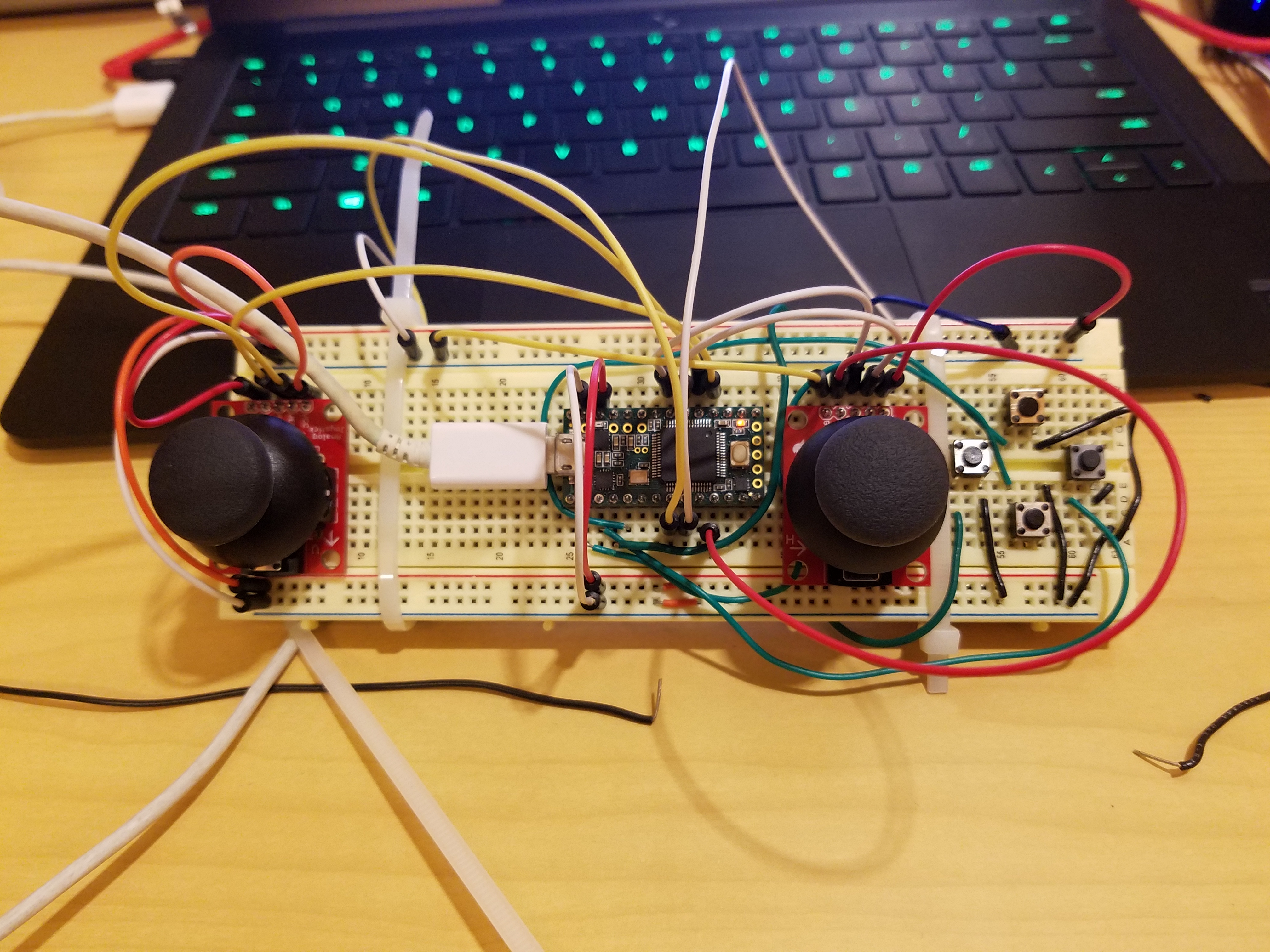
We built it by connecting the necessary hardware(i.e. joysticks, buttons, teensy, etc.) on a breadboard.
Challenges we ran into
Getting the computer to recognize our controller as a gamepad and not simply a joystick was one of our biggest challenges due to our unfamiliarity with the topic. Also, having the buttons constantly falling out during testing was a challenge.
Accomplishments that we're proud of
Our main accomplishment was getting each button to do what they're supposed to do.
What we learned
We learned how joysticks work. We also learned how to properly take advantage of external libraries.
What's next for Budget Controller
Our next milestones in this project would be to add all button functionality, make it wireless by using Bluetooth, make it more robust by soldering the components onto a perfboard, and lastly, potentially remaking it onto a PCB with a proper case to improve ergonomics.

Log in or sign up for Devpost to join the conversation.