Inspiration
Major League Hacking & Developer Student Community
What it does
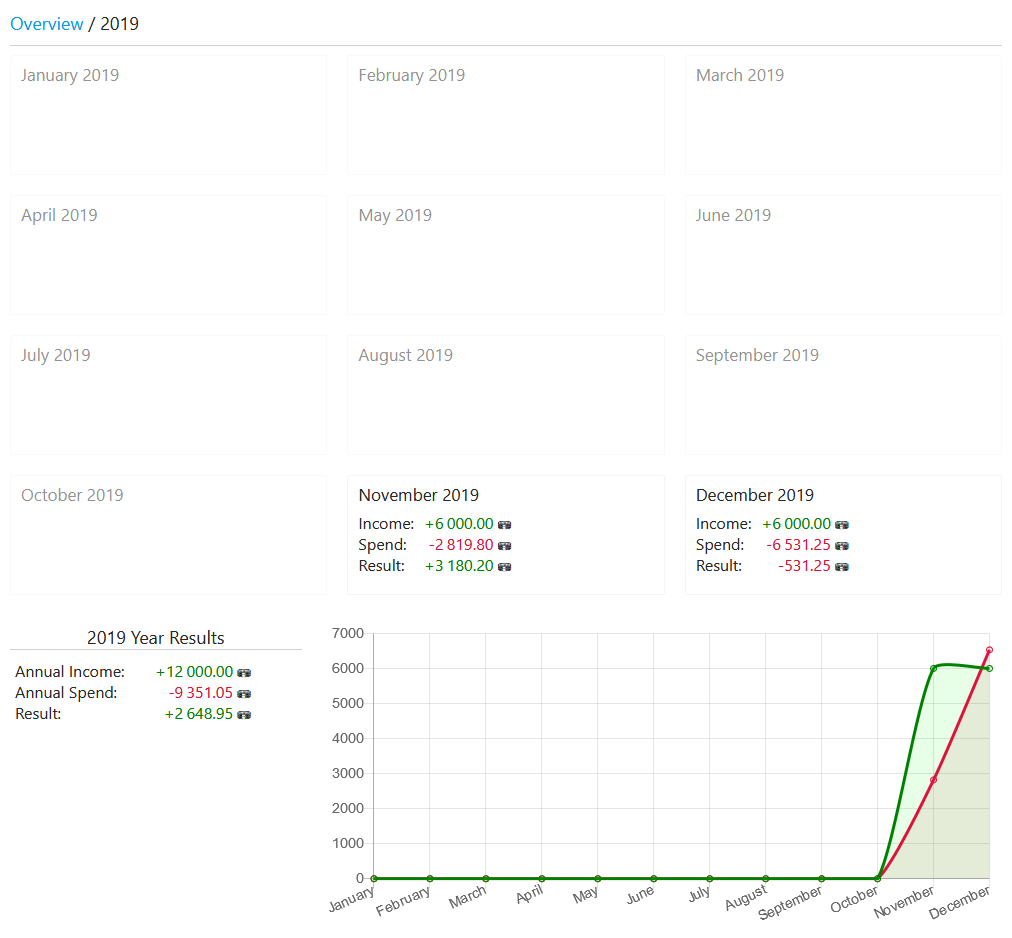
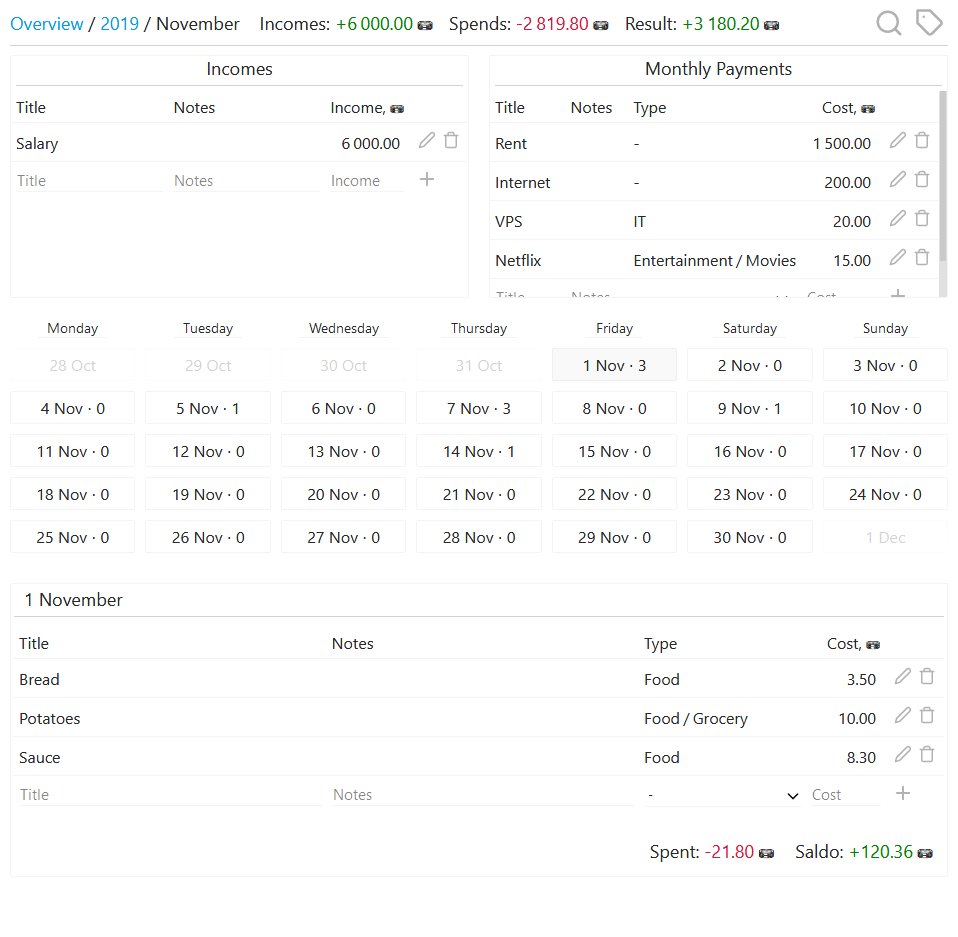
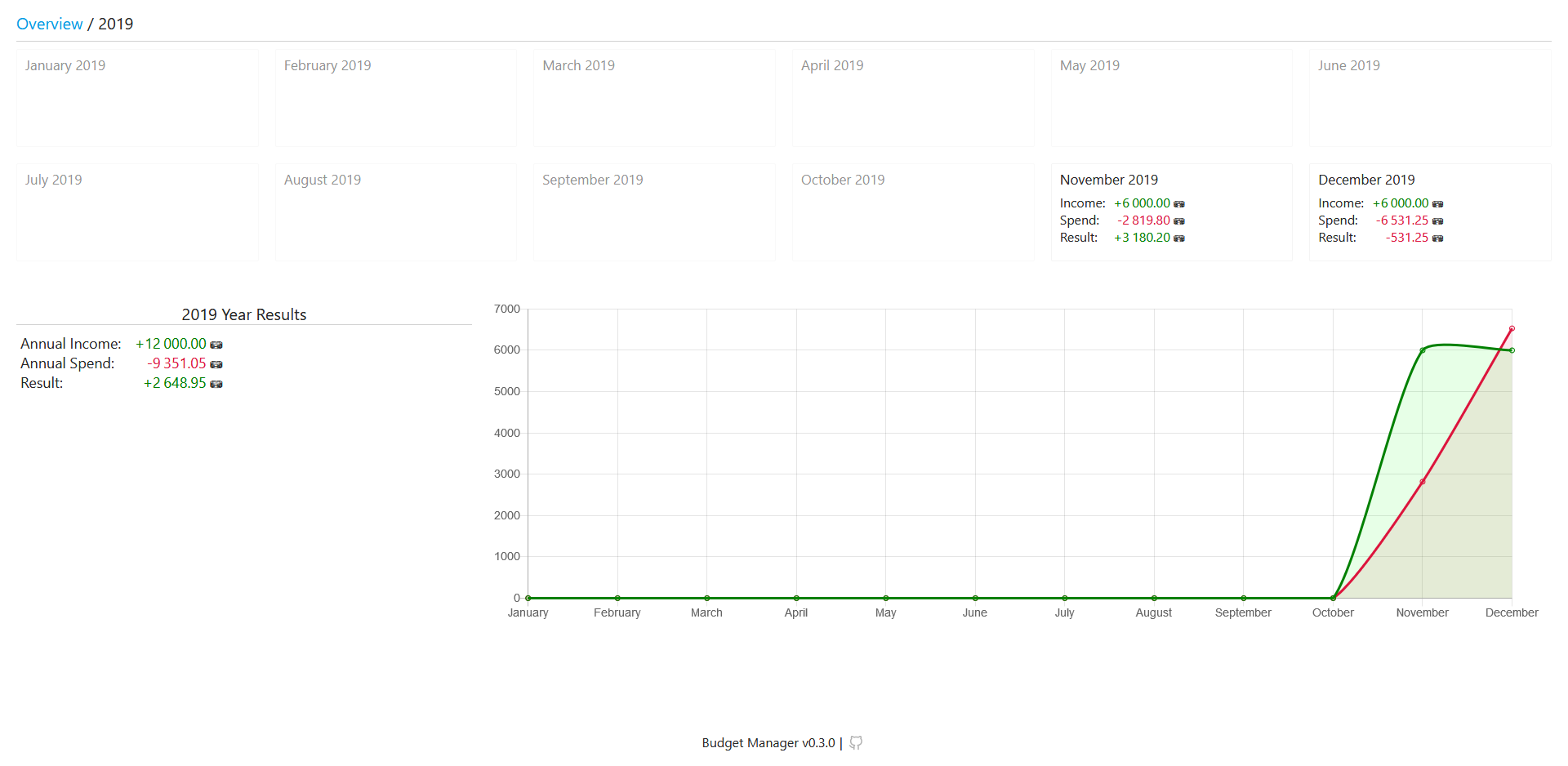
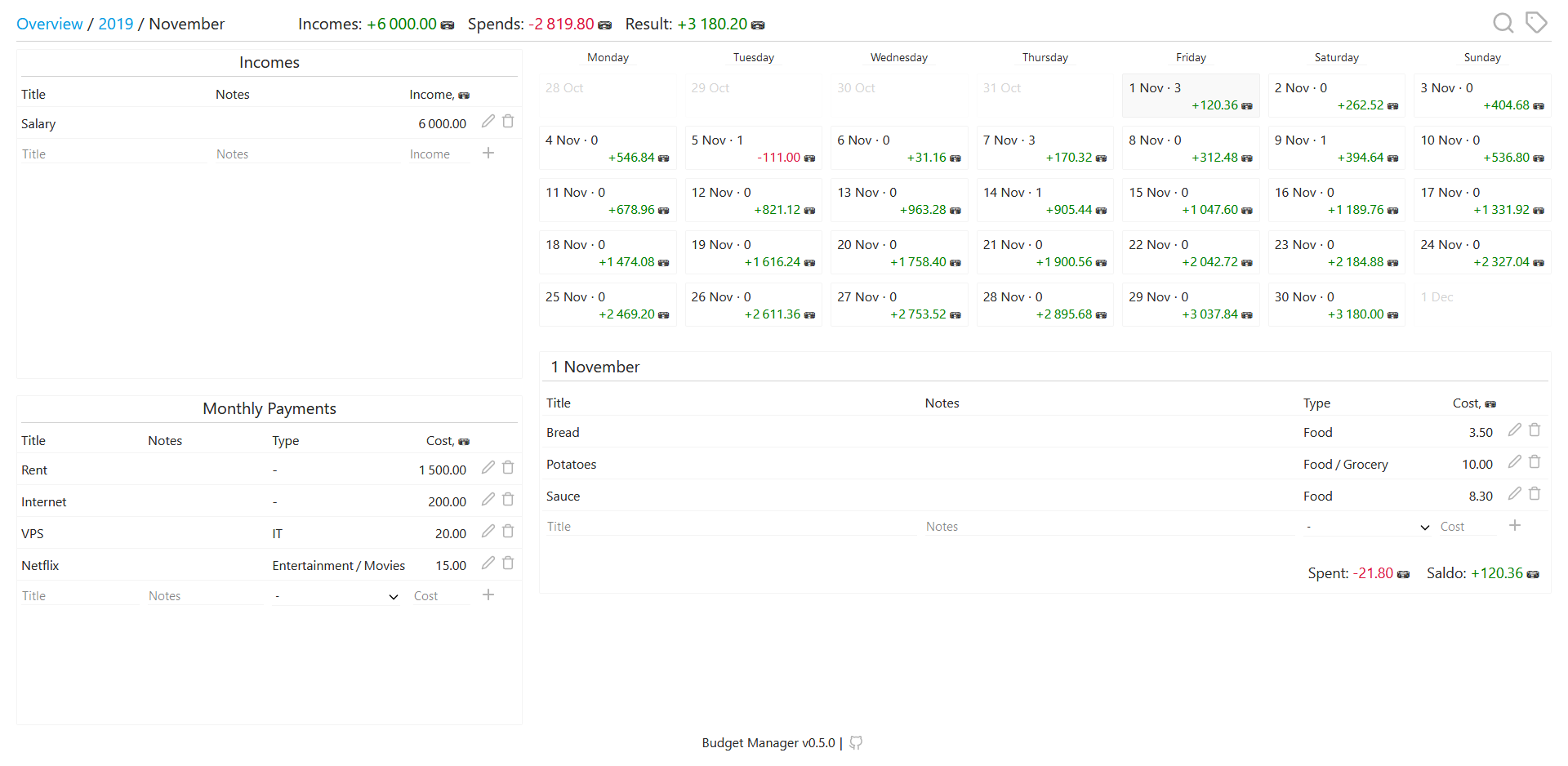
Managing Budget with effective resources
Budget App
Easy-to-use, lightweight and self-hosted solution to track your finances
Features:
Easy-to-use - simple and intuitive UI
Lightweight - backend is written in Go, HTML is prepared with Go templates. Vanilla JavaScript is used just to make frontend interactive. So, JS code is very primitive and lightweight: it won't devour all your CPU and RAM (even with Chrome 😉)
Self-hosted - you don't need to trust any proprietary software to store your financial information
Install
Configuration
Development
Commands
Tools
Endpoints
Install
You need Docker and docker-compose(optional)
Create
docker-compose.ymlwith the following content (you can find more settings in Configuration section:version: "2.4" services: budget-manager: image: ghcr.io/shoshinnikita/budget-manager:latest container_name: budget-manager environment: DB_TYPE: postgres DB_PG_HOST: postgres DB_PG_PORT: 5432 DB_PG_USER: postgres DB_PG_PASSWORD: very_strong_password DB_PG_DATABASE: postgres SERVER_PORT: 8080 SERVER_CREDENTIALS: your credentials # more info in 'Configuration' section ports: - "8080:8080" postgres: image: postgres:12-alpine container_name: budget-manager_postgres environment: POSTGRES_USER: postgres POSTGRES_PASSWORD: very_strong_password POSTGRES_DB: postgres volumes: # Store data in ./var/pg_data directory - type: bind source: ./var/pg_data target: /var/lib/postgresql/data command: -c "log_statement=all"Run
docker-compose up -dGo to
http://localhost:8080(change the port if needed)Profit!
Development
Commands Run
# Run the app with installed Go and PostgreSQL in Docker container
make
# Or run both the app and PostgreSQL in Docker containers
make docker
API documentation
swag is used to generate API documentation. You can find more information about API endpoints in section API
API
You can find Swagger 2.0 Documentation here. Use Swagger Editor to view it


Log in or sign up for Devpost to join the conversation.