Inspiration
We knew a lot of students who use excel to track their spending, but that means that they would have to implement the calculation process themselves in each cell. Our goal was to do this for them, so we did.
What it does
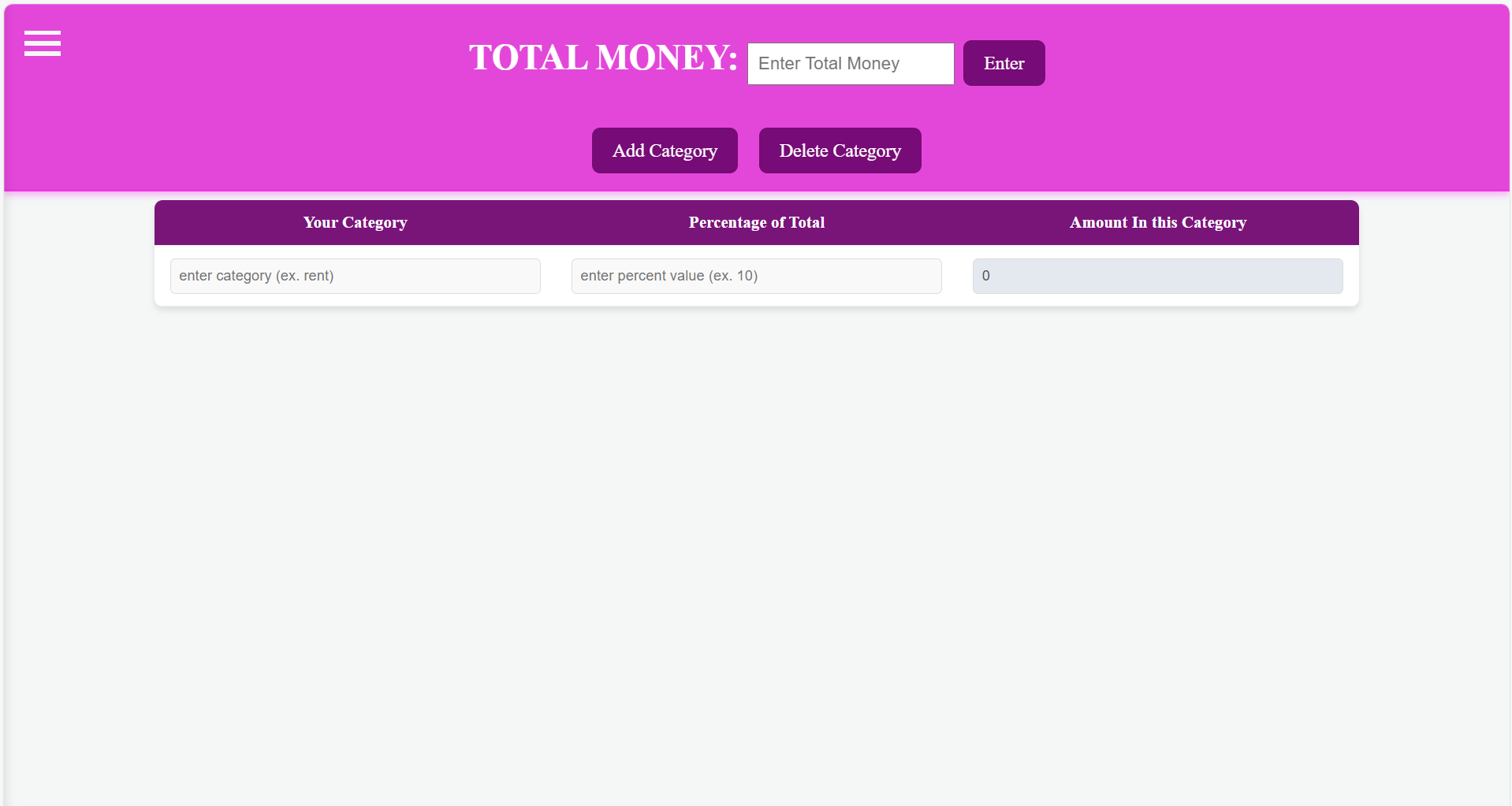
It takes in user input of their total money and the percent of that category they want to take out of their total. Then, it calculates how much money based off of the percent to put into the expense category.
How we built it
We used Visual Studio code, and used a combination of html, javascript, and css. We each coded separate parts, (front-end, back-end) and then merged them together to form our final product!
Challenges we ran into
We are new to github, so that was an obstacle. Programming wise, we learned html, css, and javascript yesterday, so we had to spend a lot of time doing research before executing basic code, and then made it look nice after.
Accomplishments that we're proud of
We are very proud of the way our program works, and the way we actually got it to look how it does.
What we learned
We learned 3 different languages and how to collaborate on a project efficiently. We also learned the design process of how these Hackathon project work.
What's next for Budget App
We want to make a Budget App 2.0, where it can connect to your bank account, and increase the automaton effects. We would also like to make it into a real mobile user friendly app.
Built With
- css
- html.
- javascript

Log in or sign up for Devpost to join the conversation.