-
-
-
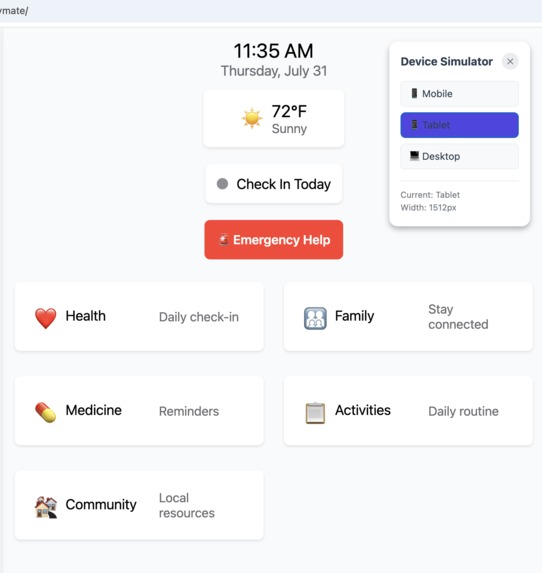
BuddyMateMain_TabletView
-
-
-
-
-
-
-
-
-
-
-
-
-
-
-
-
Inspiration
The inspiration for BuddyMate came from a deeply personal place. Watching my father struggle with medication management and daily health routines made me realize how challenging it can be for individuals, especially seniors, to maintain their health independently. The COVID-19 pandemic further highlighted the critical need for accessible, user-friendly health management tools that could bridge the gap between professional healthcare and daily wellness. BuddyMate was born from the vision of creating a compassionate digital companion that could: - Simplify complex medication schedules - Foster meaningful family connections around health - Provide gentle reminders and encouragement - Bridge the digital divide for users of all ages - Create a supportive community for health and wellness
What it does
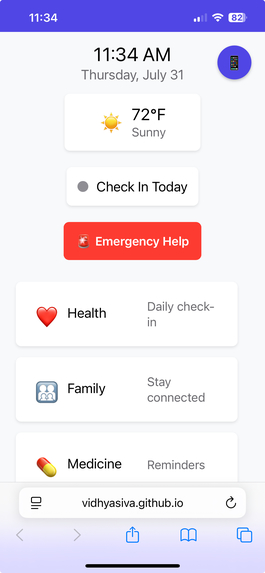
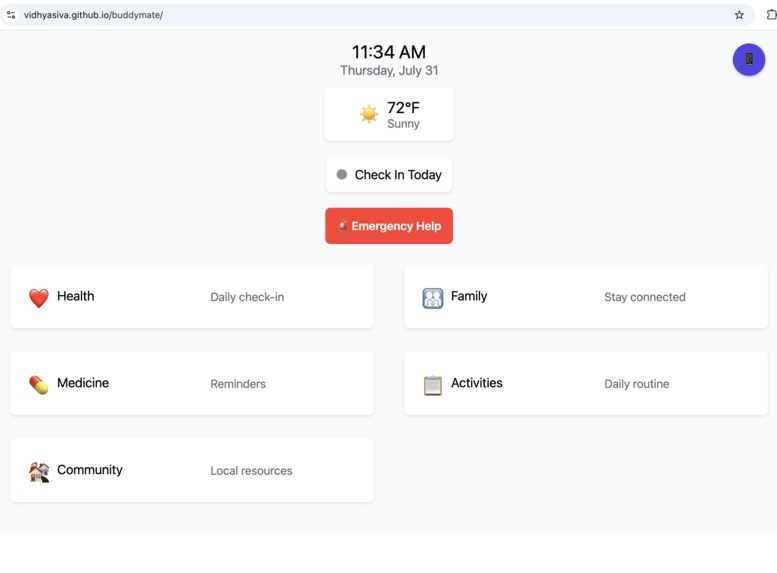
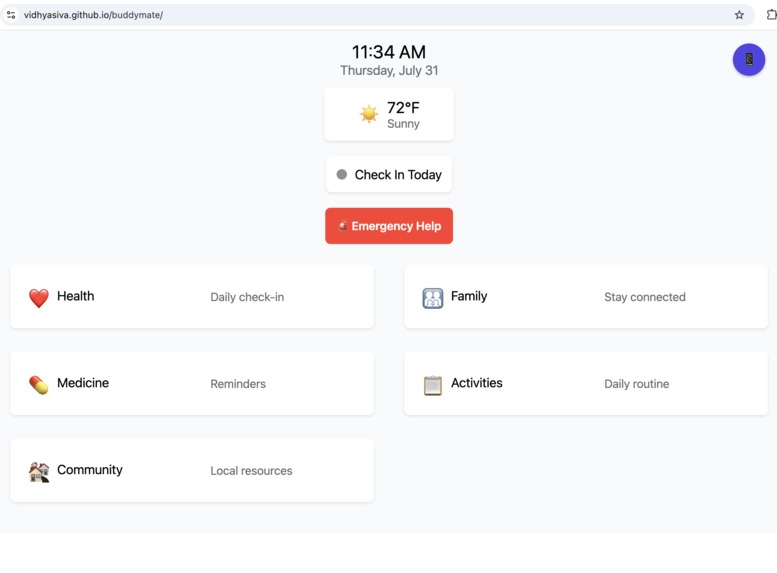
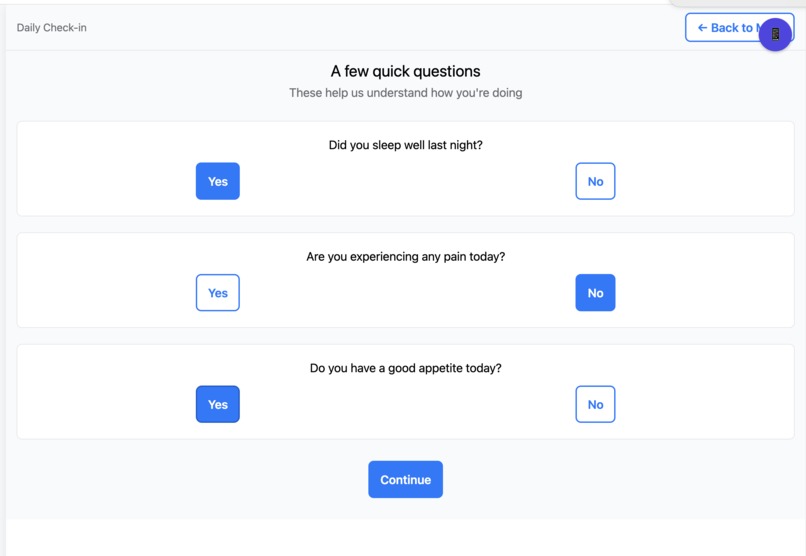
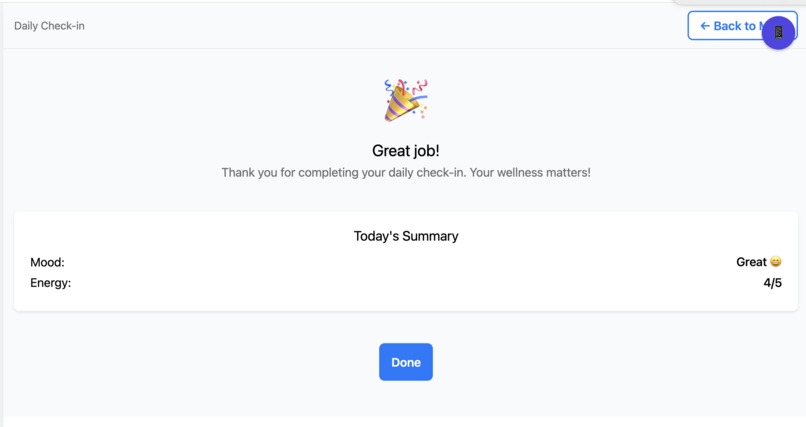
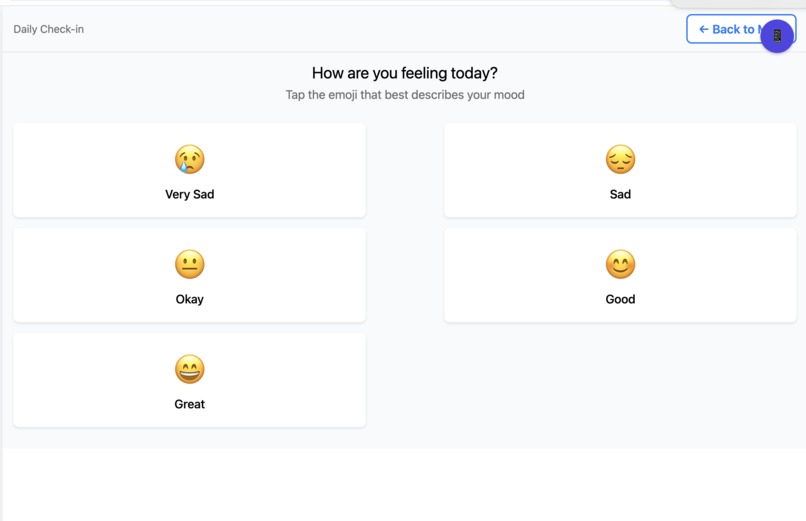
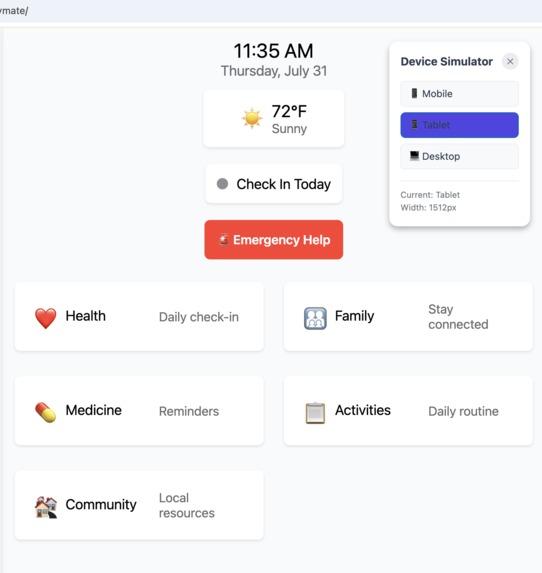
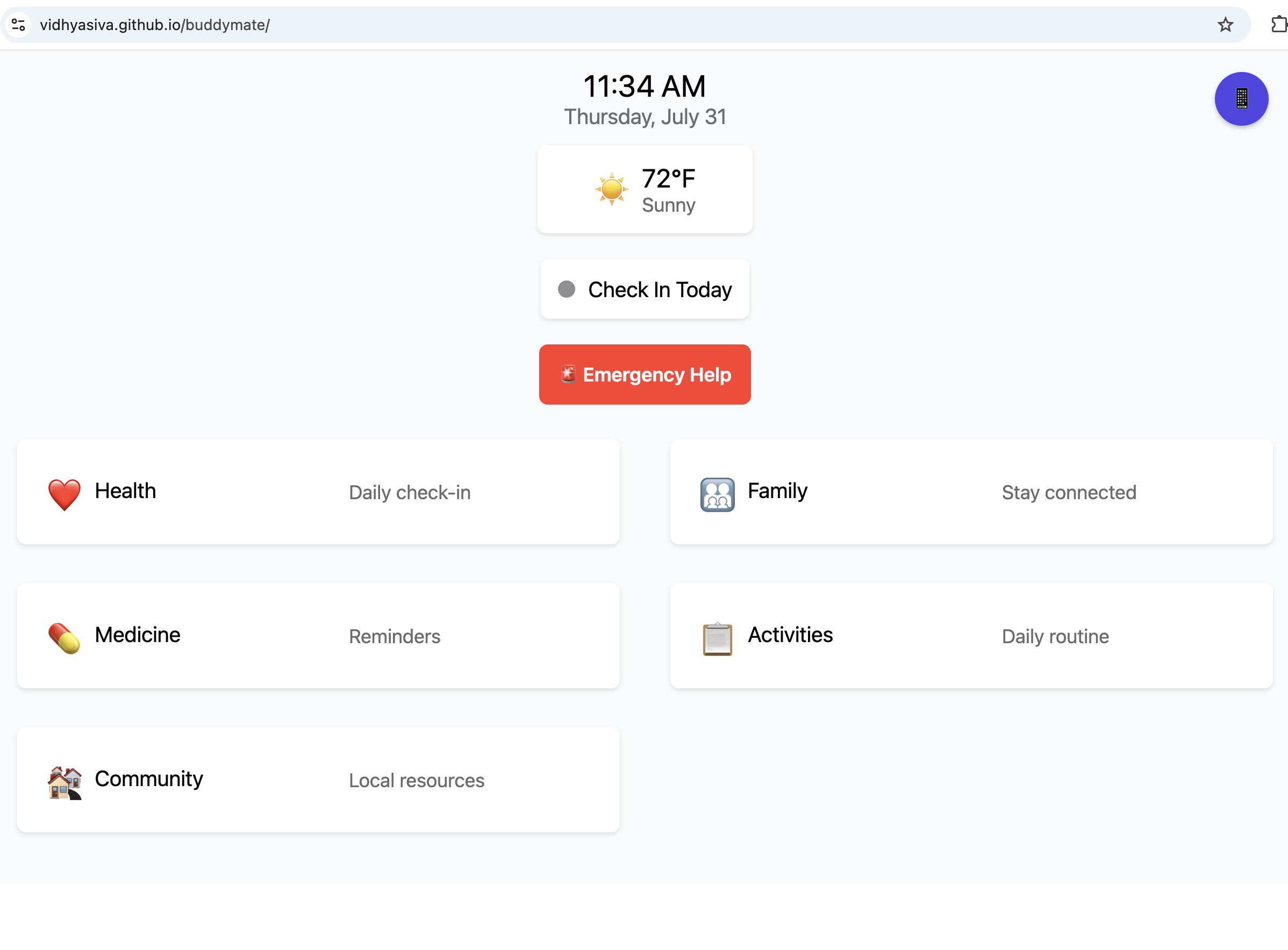
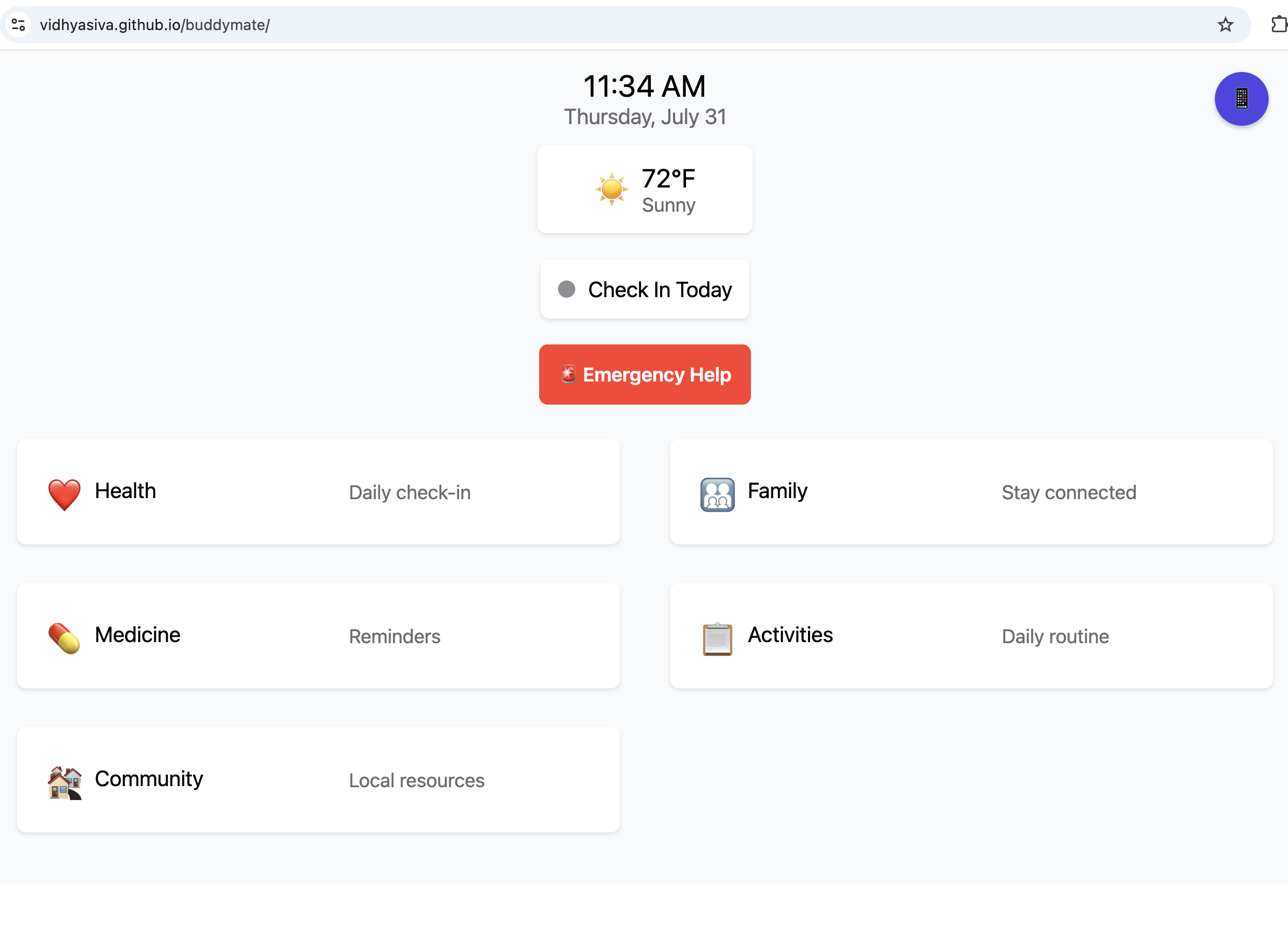
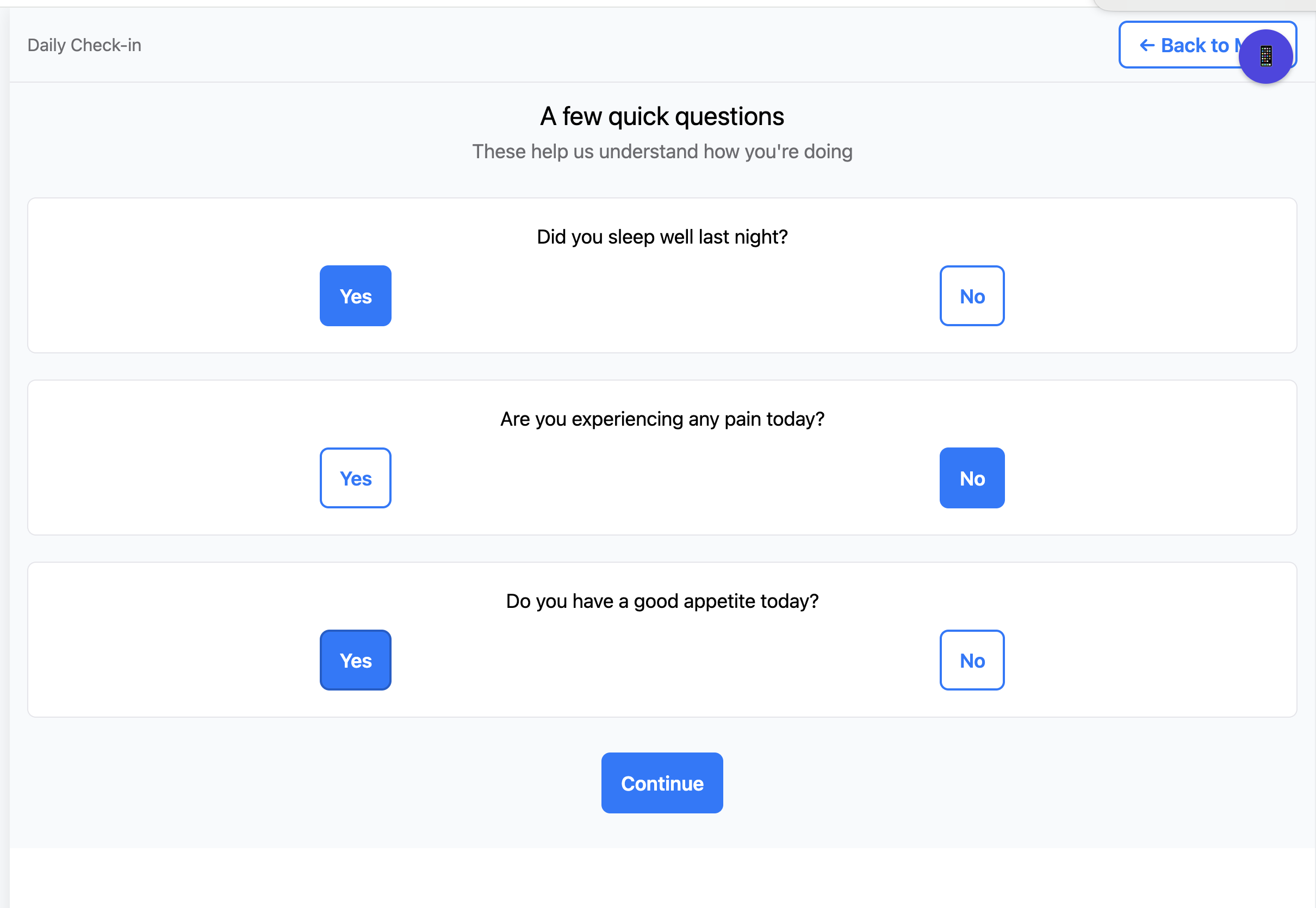
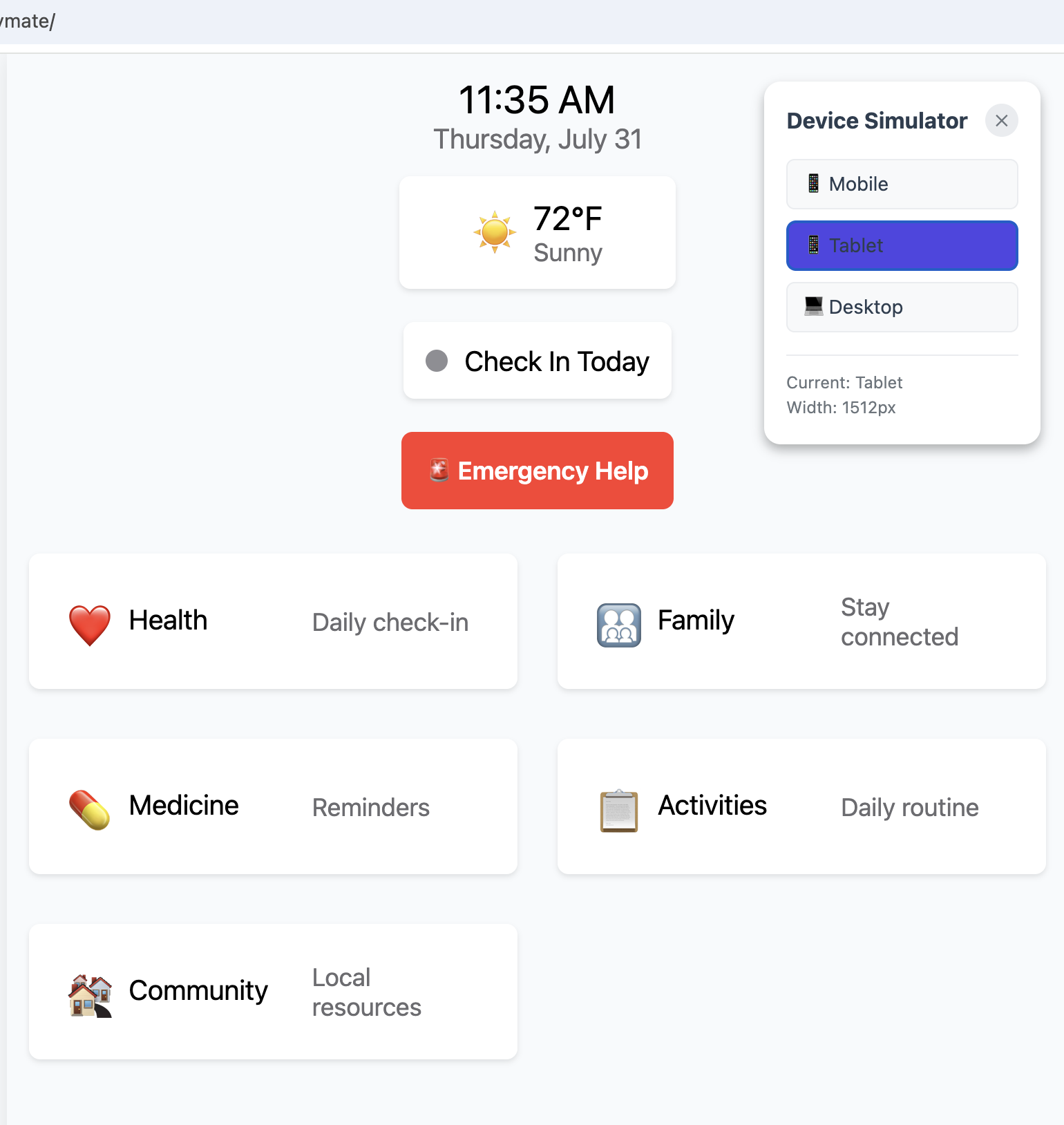
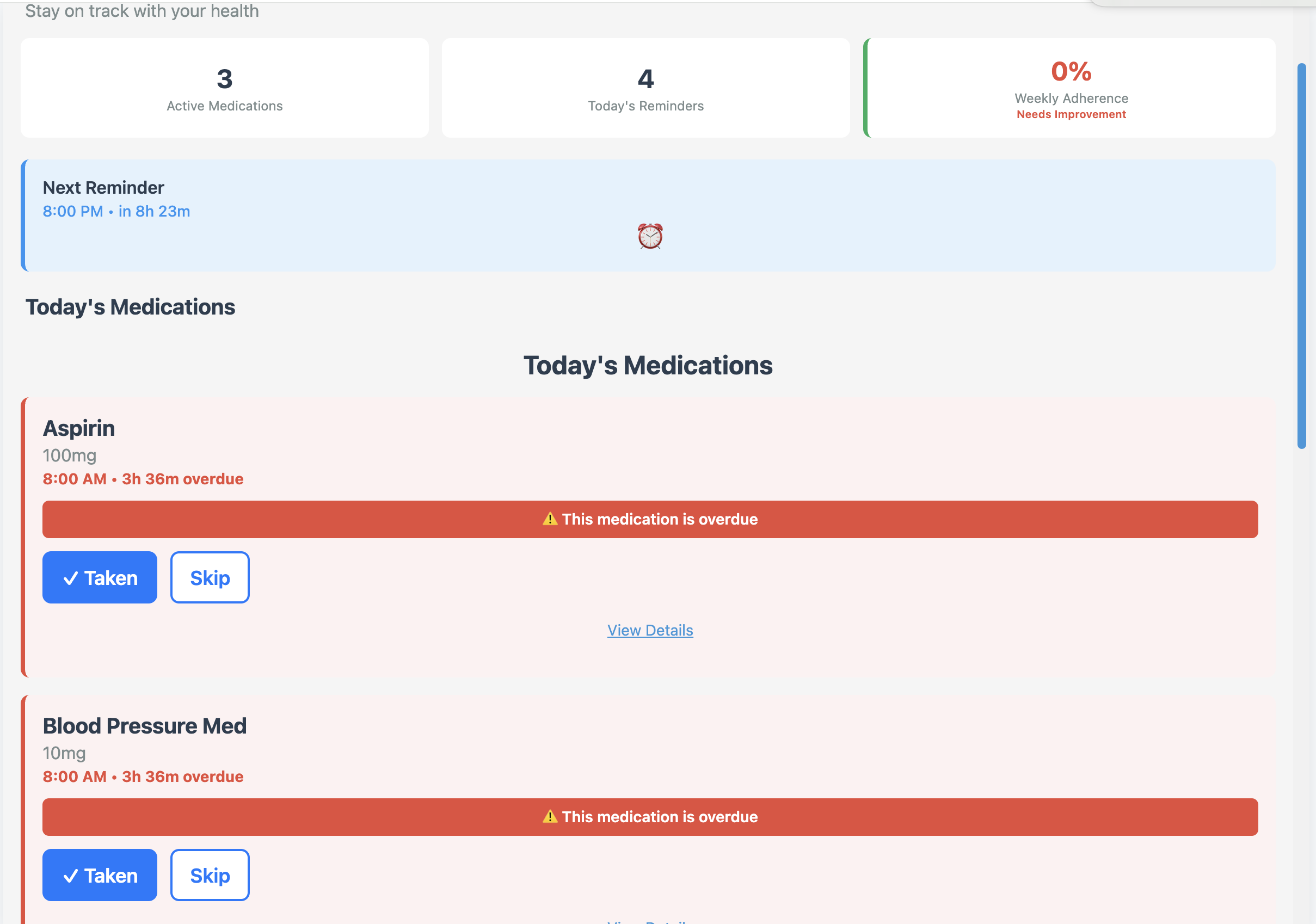
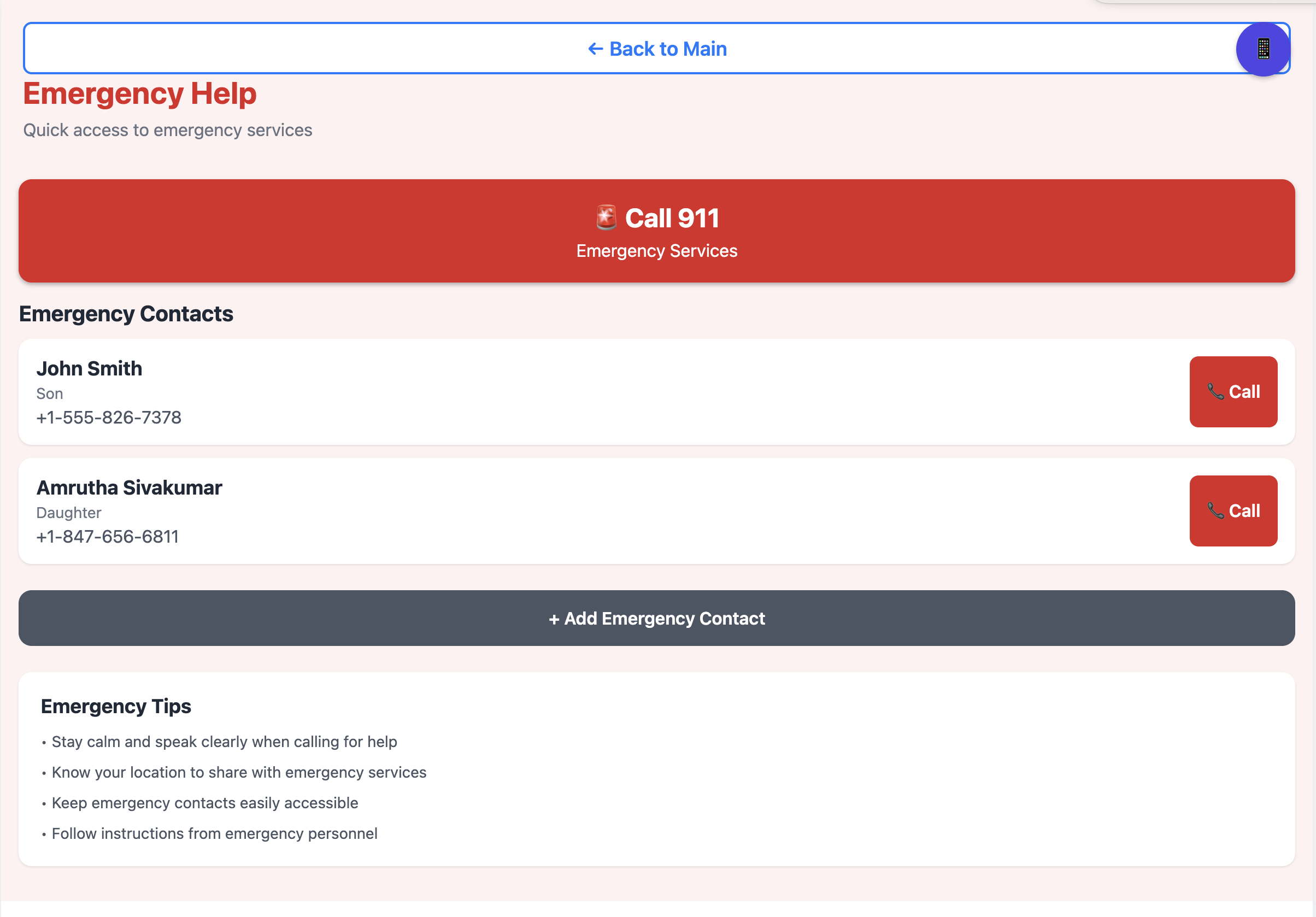
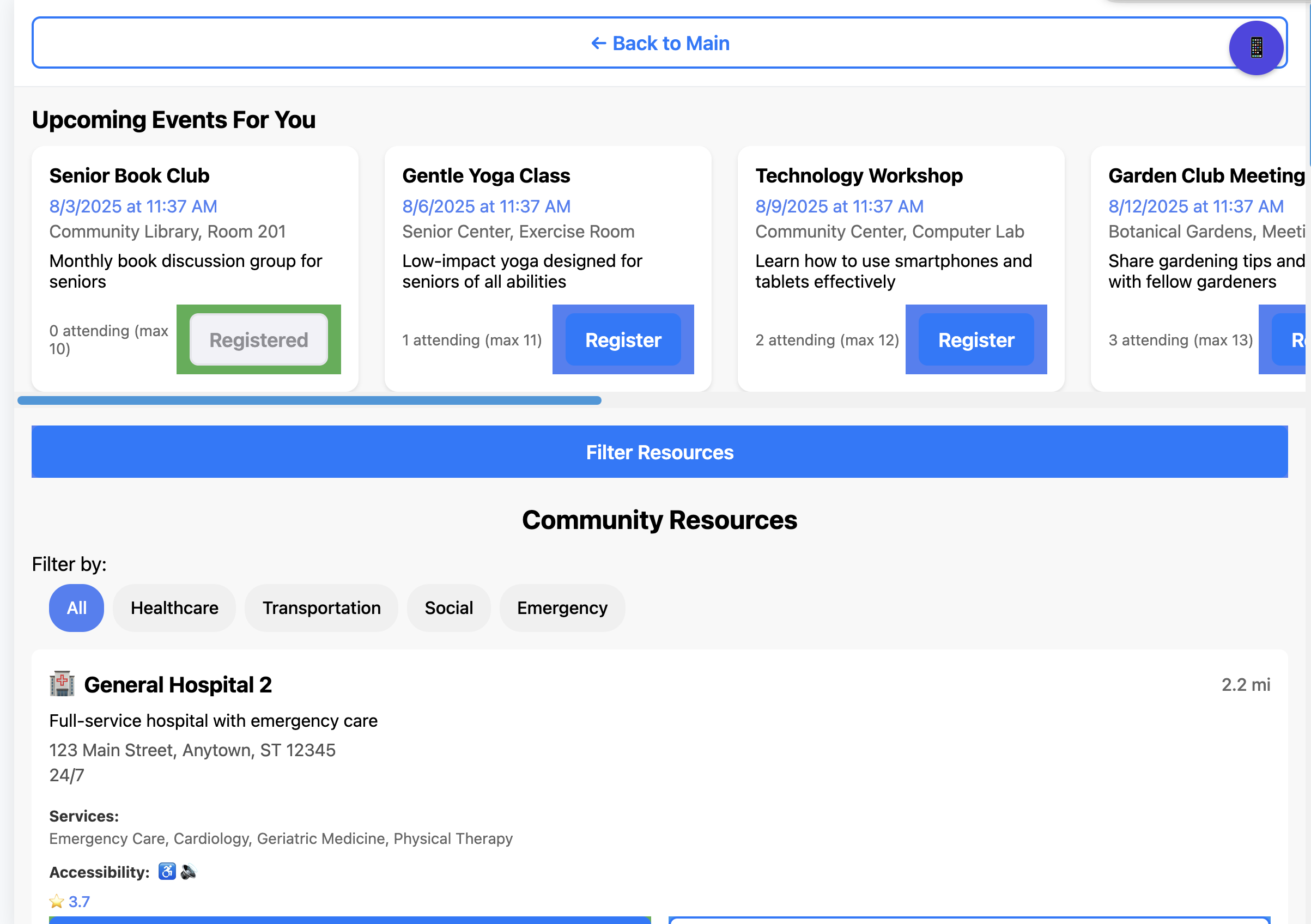
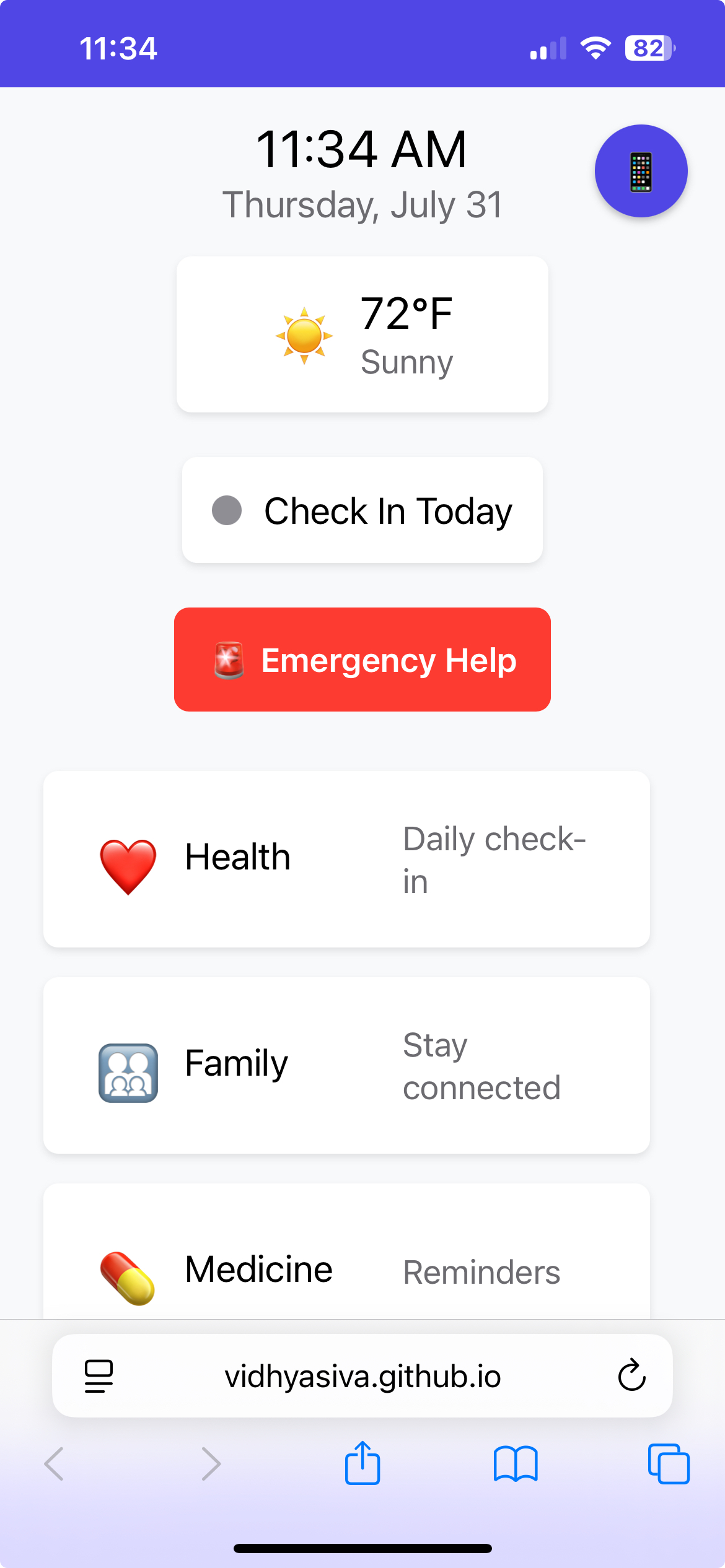
BuddyMate is a comprehensive health and wellness companion app designed to simplify and enhance daily health management. Think of it as a personal digital health buddy that helps seniors/adults living alone stay on track with medications, maintain family connections around health, and build healthy daily routines. Core Purpose & Functionality BuddyMate serves as an all-in-one health companion that bridges the gap between professional healthcare and daily wellness management. The app is built with accessibility and user-friendliness at its core, making health management approachable for users of all ages and technical abilities. Key Features:
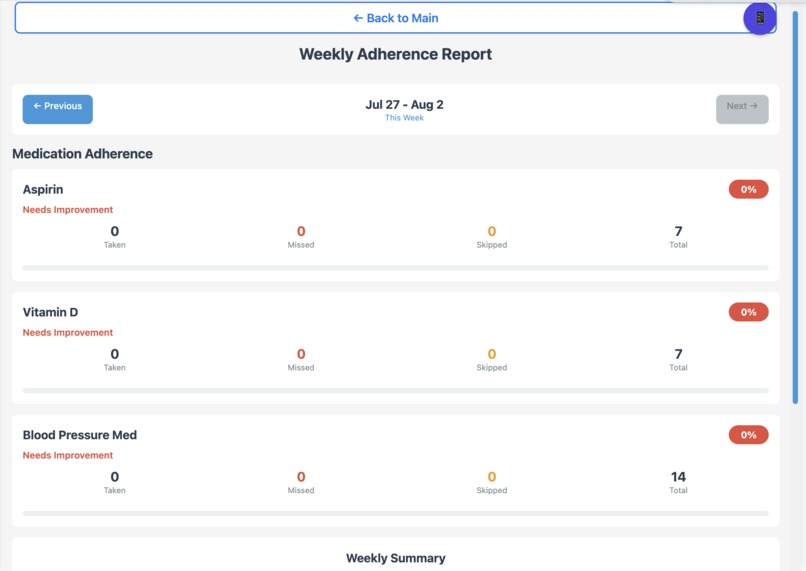
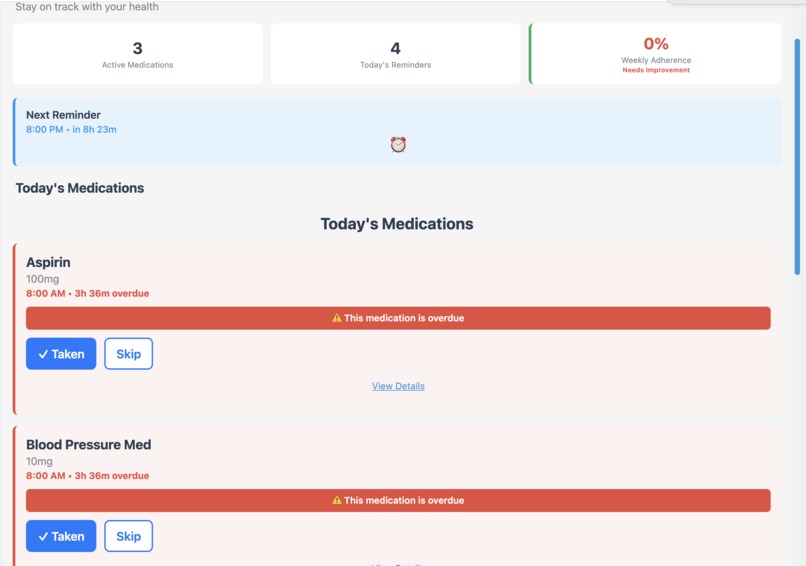
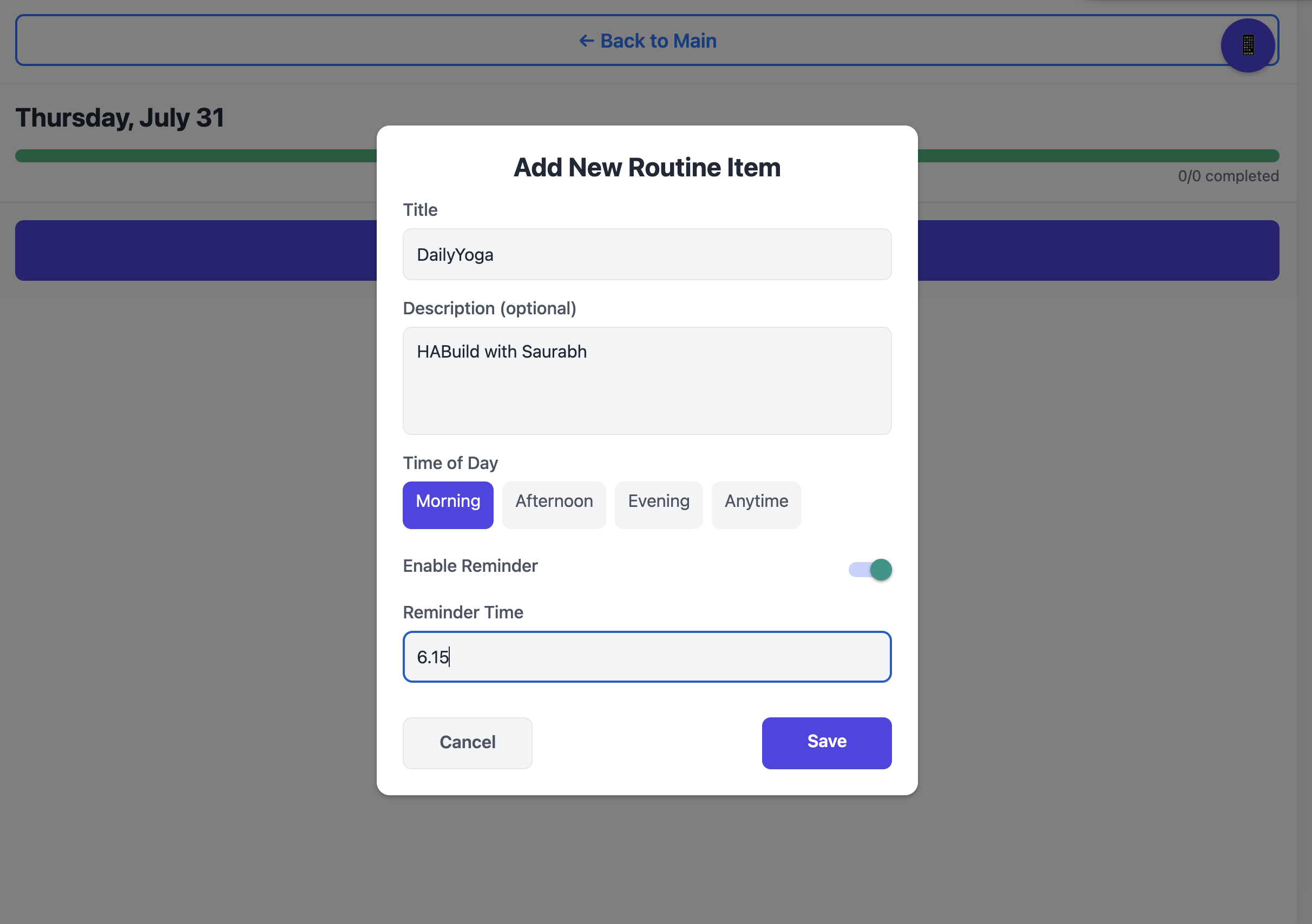
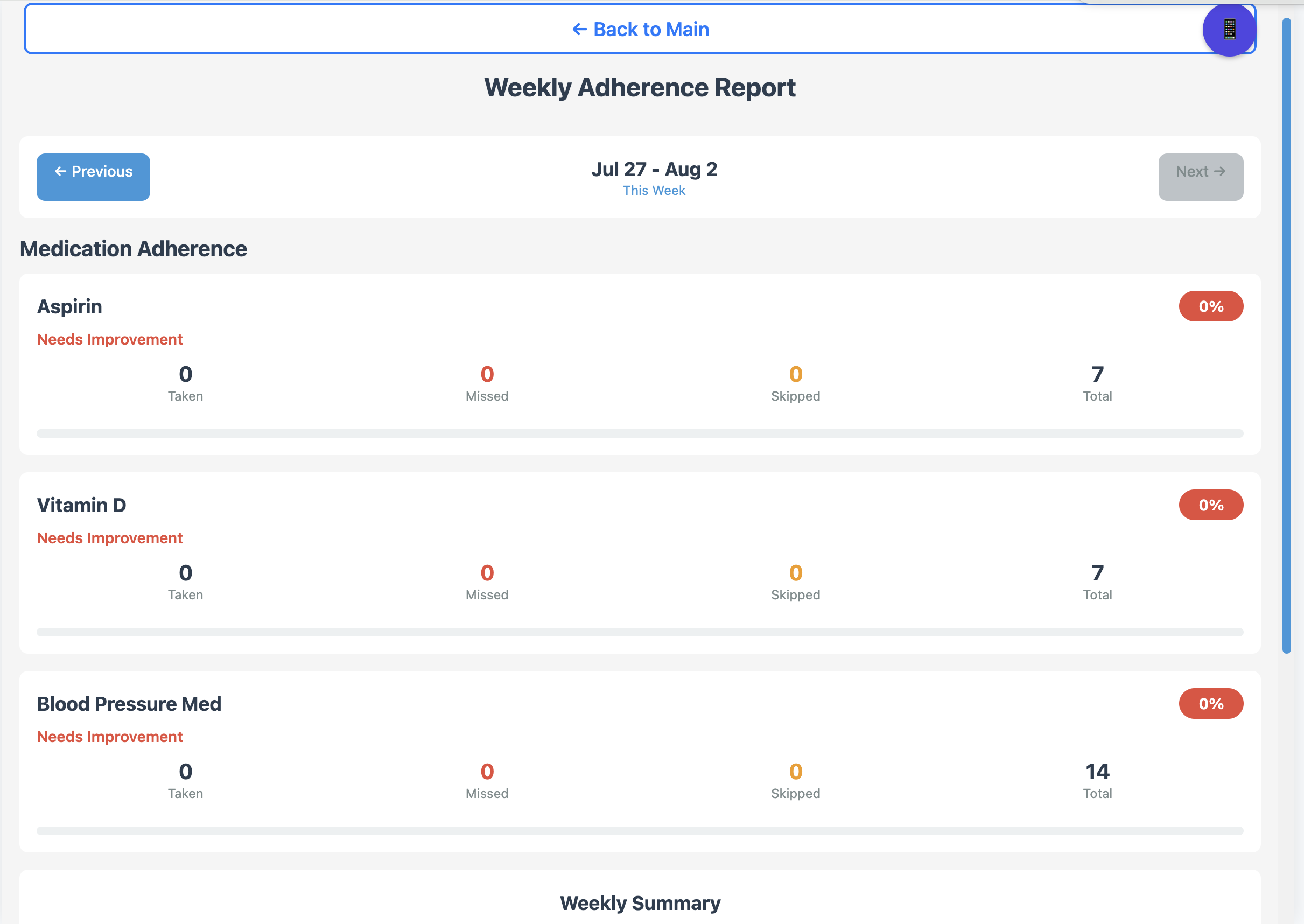
- Medication Management: BuddyMate helps track, manage, and never miss taking medications. You can add new medications with detailed schedules, set up reminders, view weekly adherence reports, and even clean up duplicate entries. The app provides gentle reminders and tracks your medication adherence over time, helping you maintain consistency in your health routine.
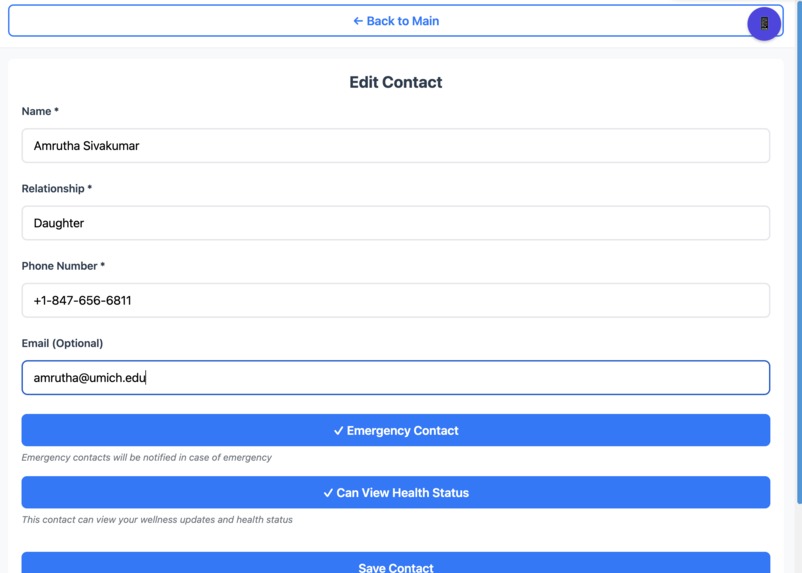
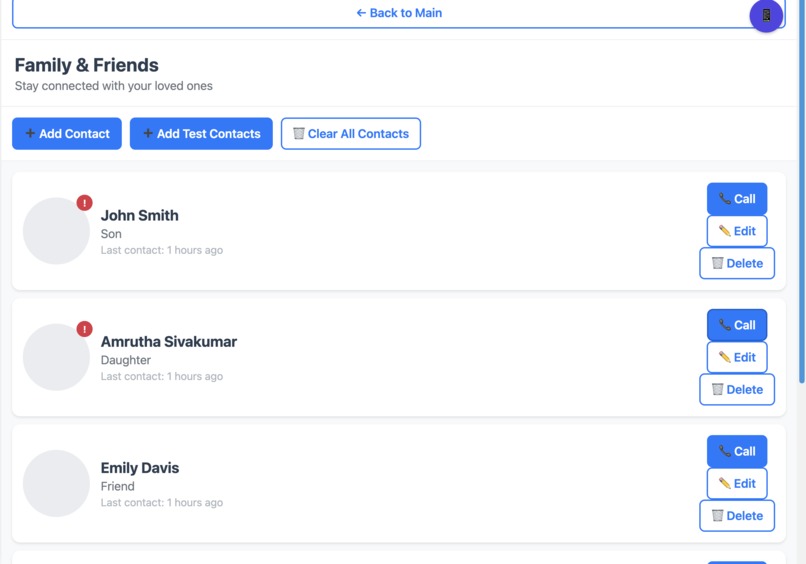
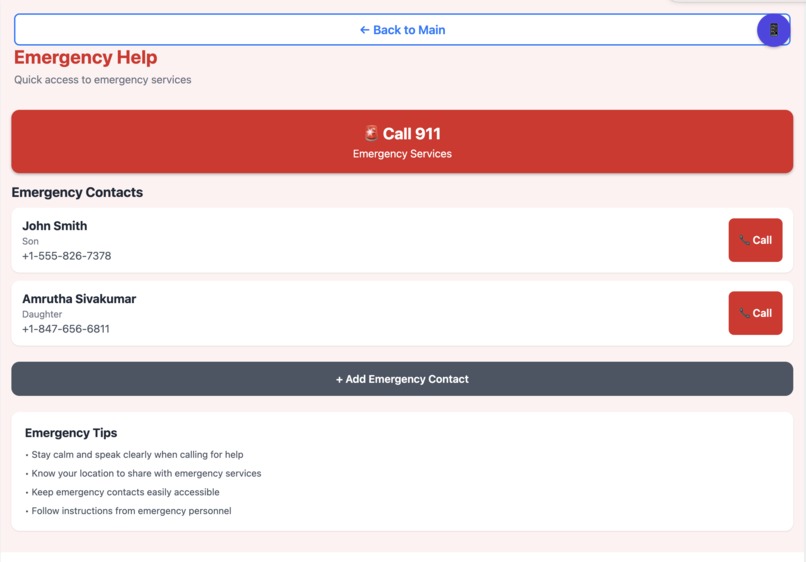
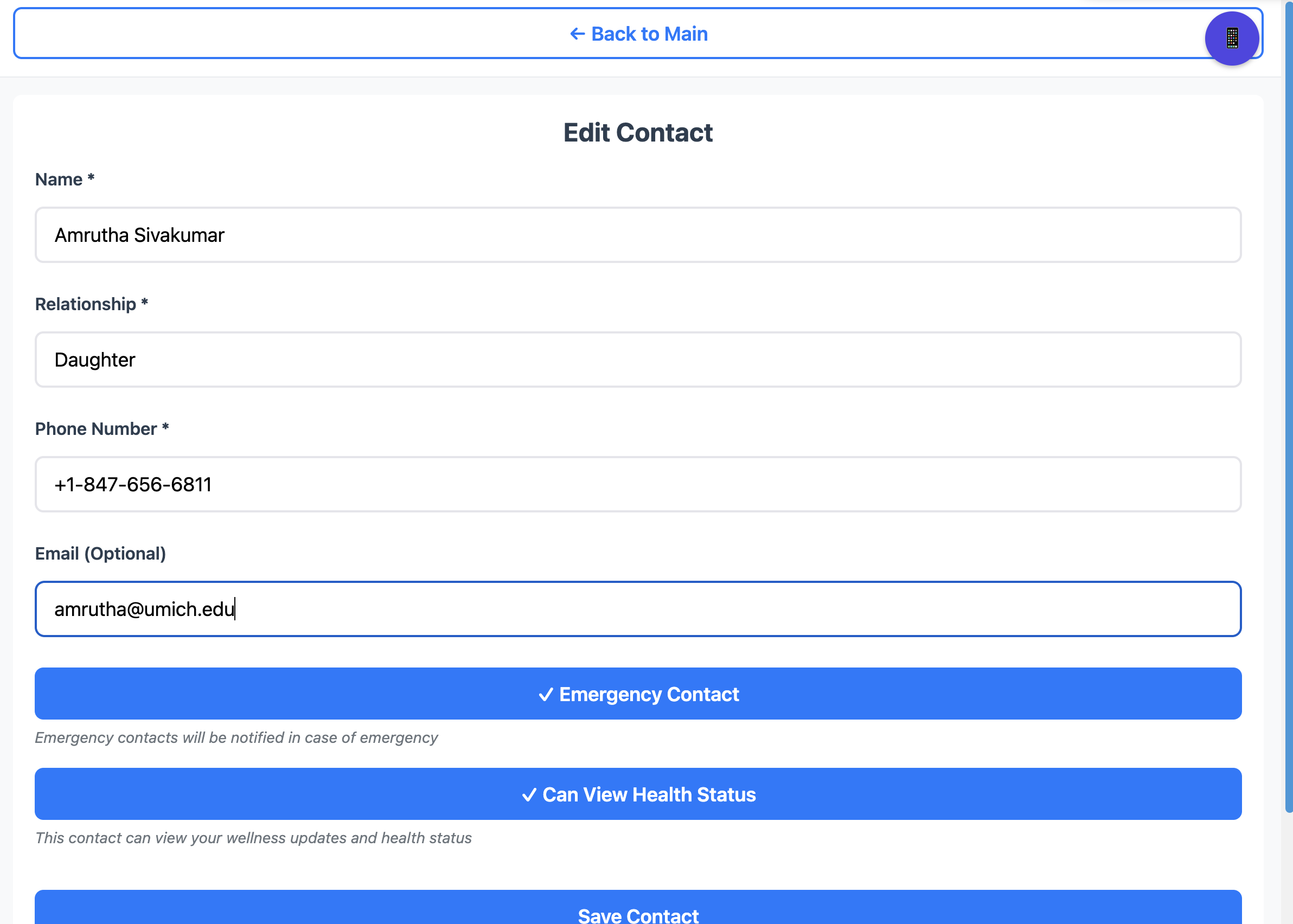
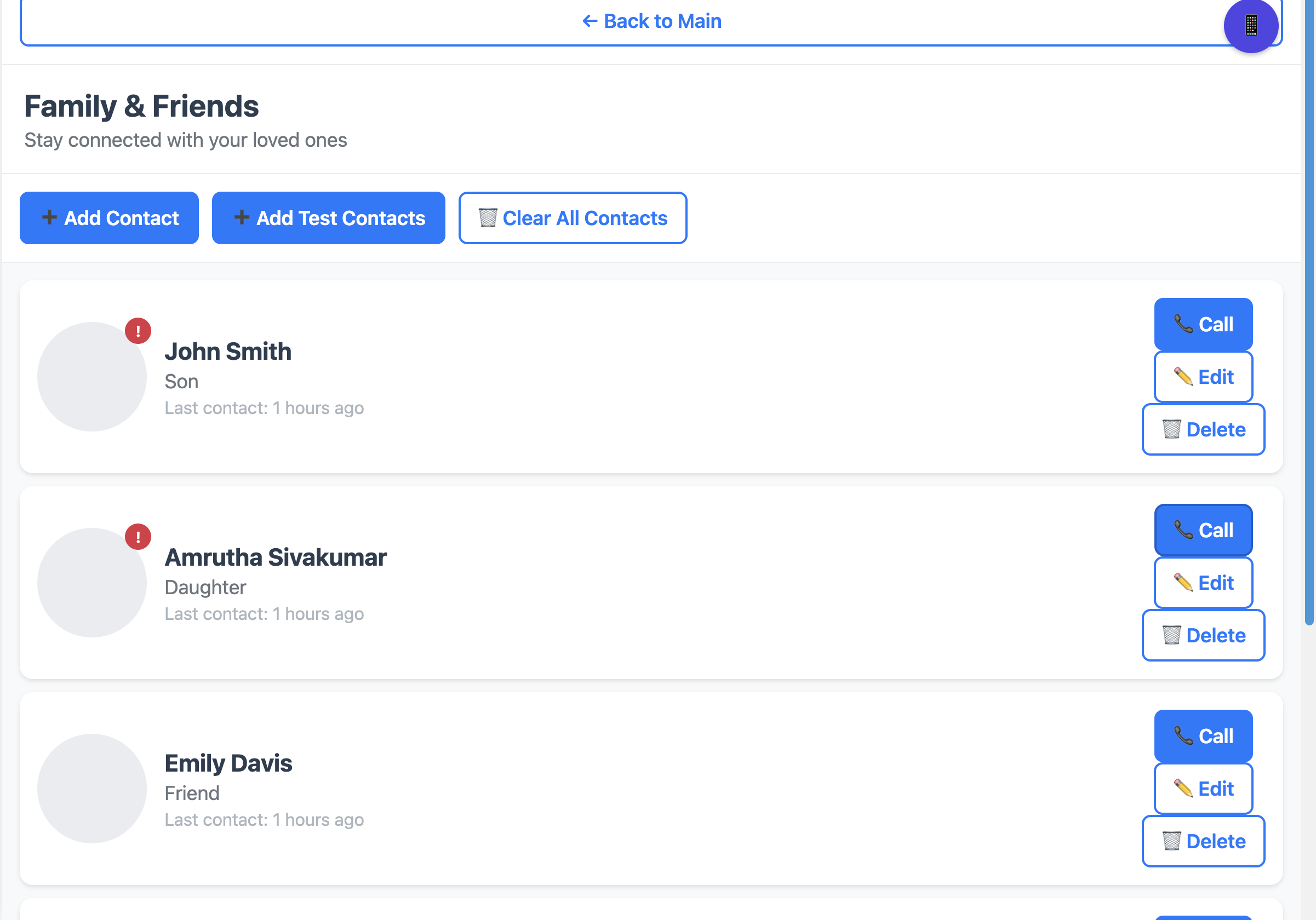
- Family Health Coordination: The app fosters meaningful connections around health by helping you manage family contacts, track communication with loved ones, and coordinate health-related activities. You can add family members, set up emergency contacts, and maintain a health-focused communication network that keeps everyone informed and supported.
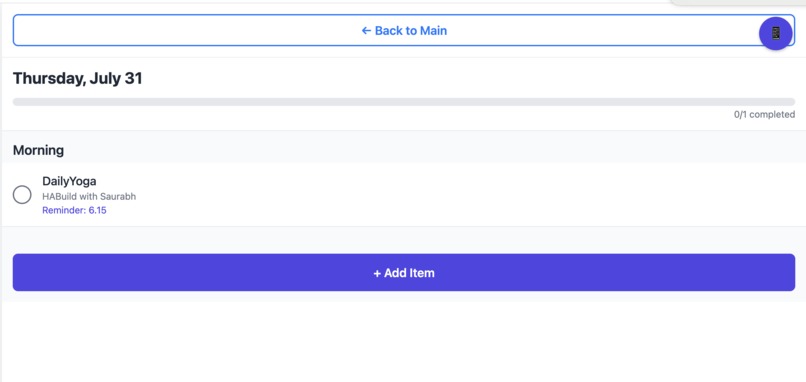
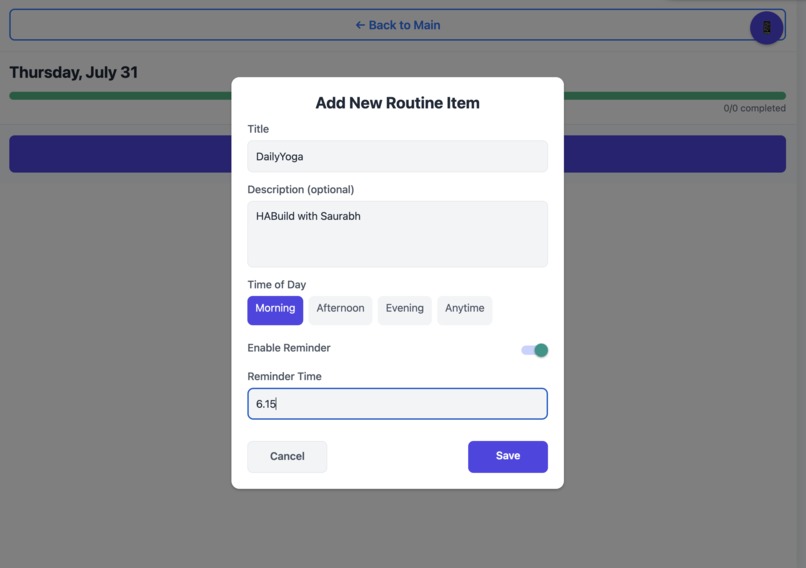
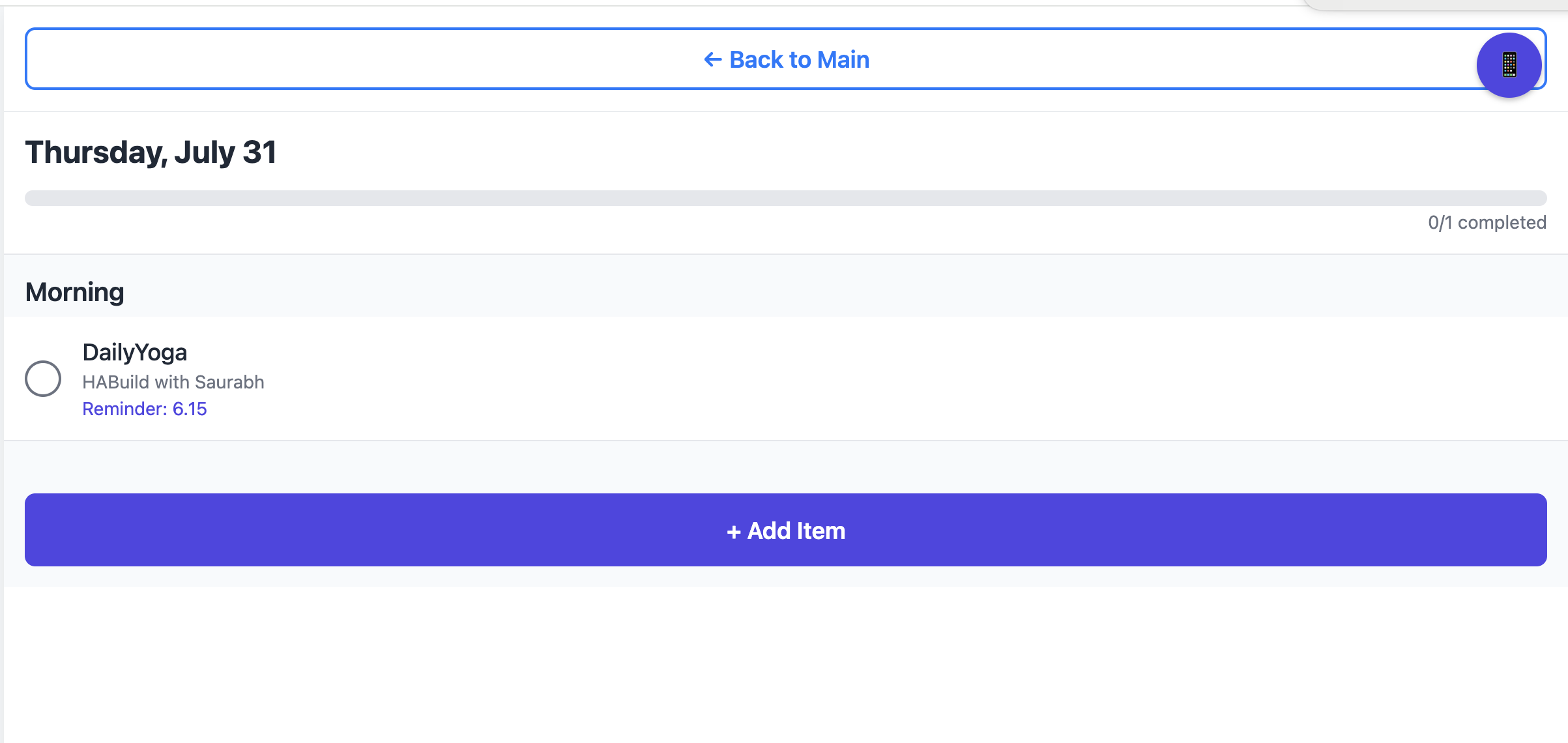
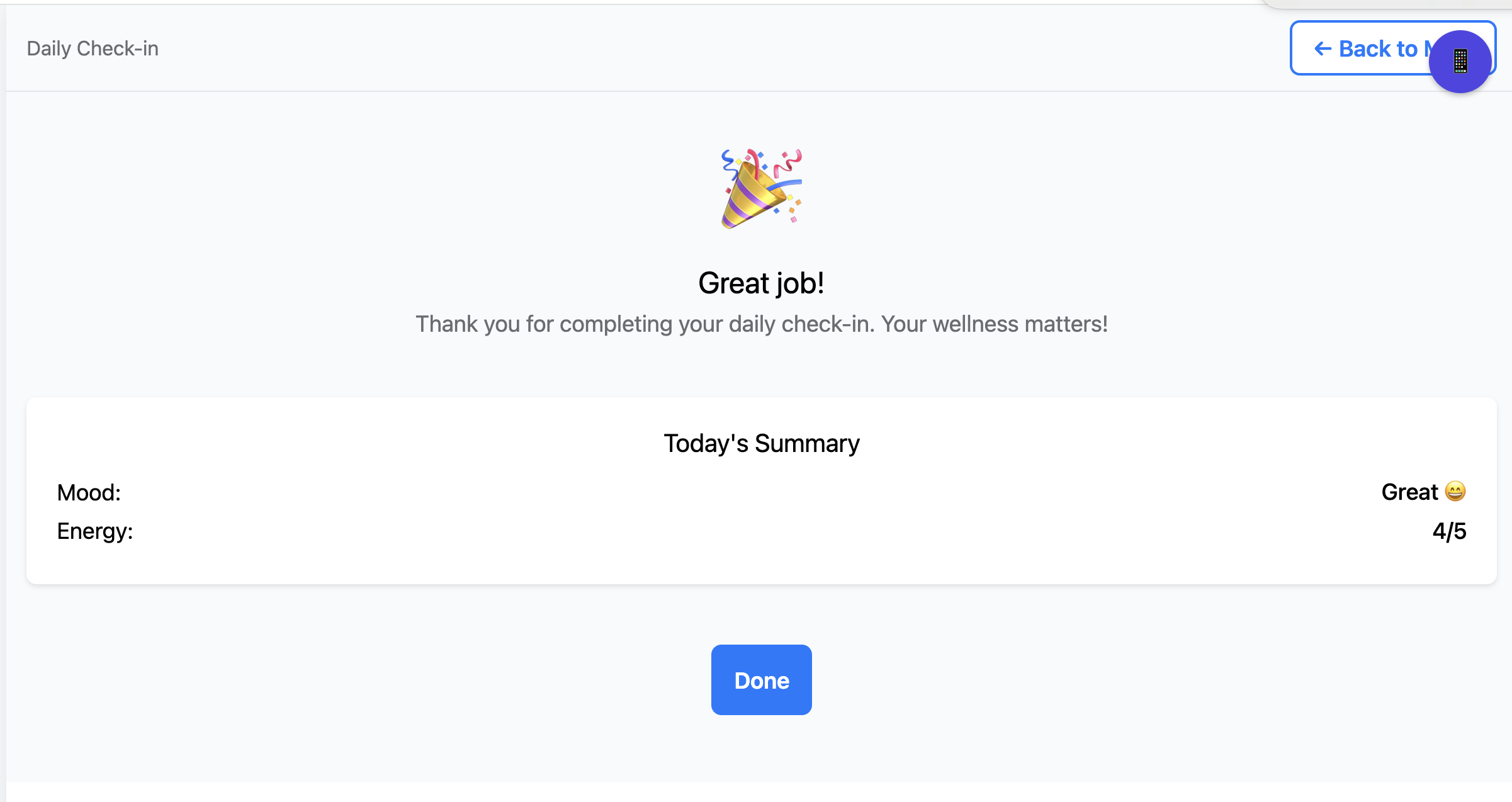
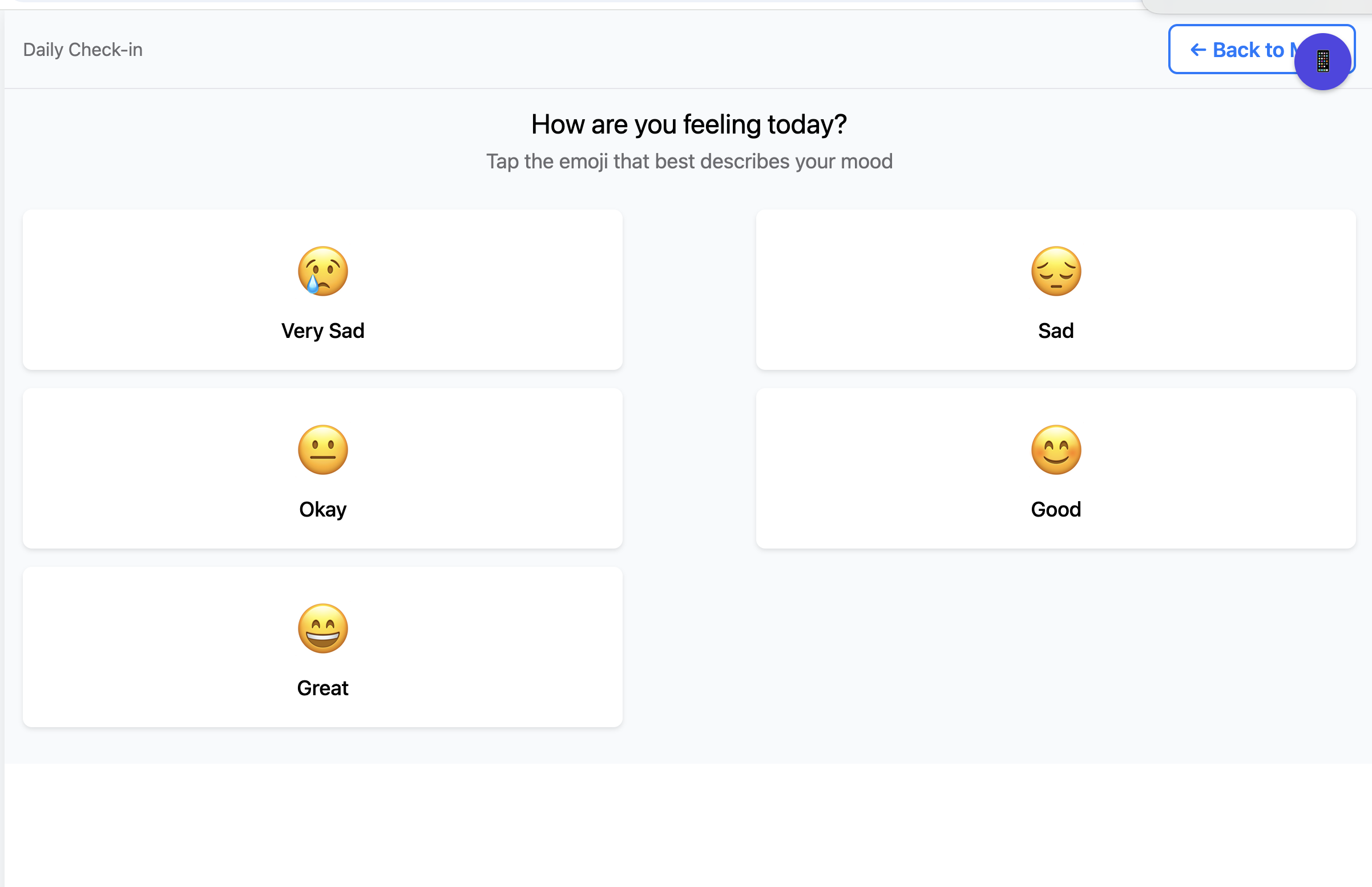
- Daily Wellness Activities: BuddyMate encourages healthy daily routines through customizable activity tracking. Whether it’s exercise, meditation, hydration, or other wellness goals, the app helps you build and maintain positive health habits with progress tracking and motivational prompts.
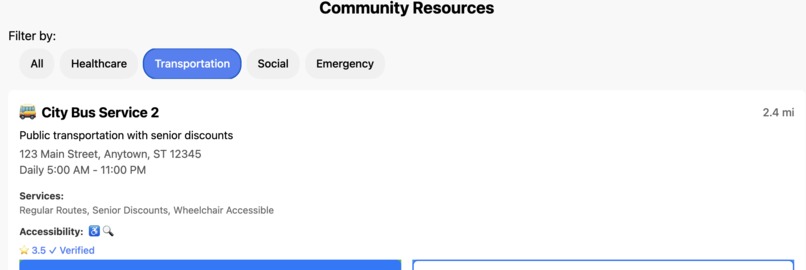
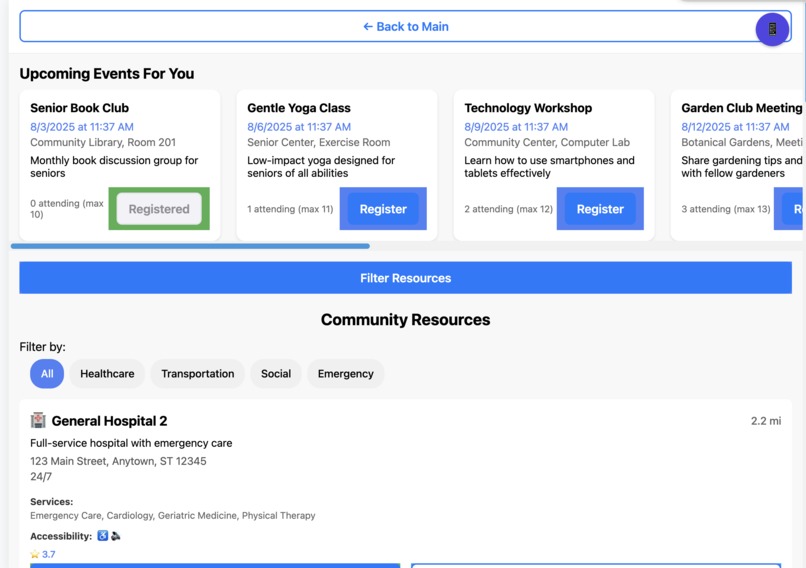
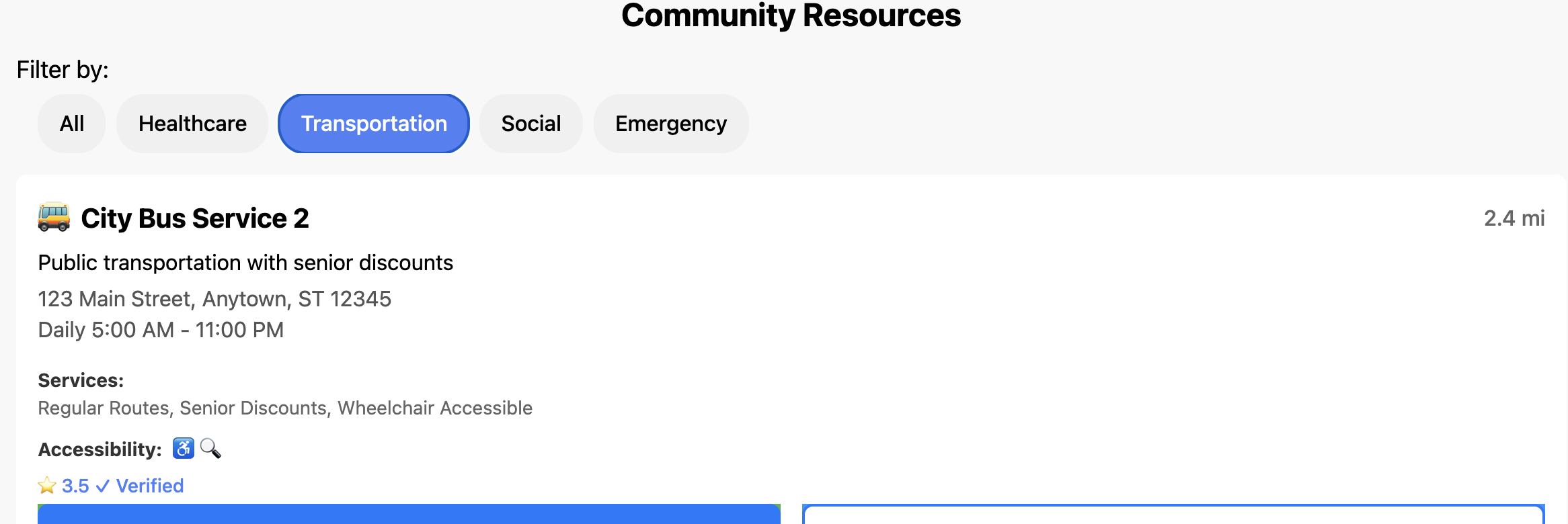
- Community Support: The app provides access to health resources, educational content, and community support. Users can find reliable health information, connect with others on similar health journeys, and access curated wellness resources to enhance their health knowledge and motivation.
- Universal Accessibility: BuddyMate is designed with accessibility-first principles, featuring screen reader support, voice commands, high contrast modes, and touch-friendly interfaces. This ensures that users with diverse abilities can fully engage with their health management.
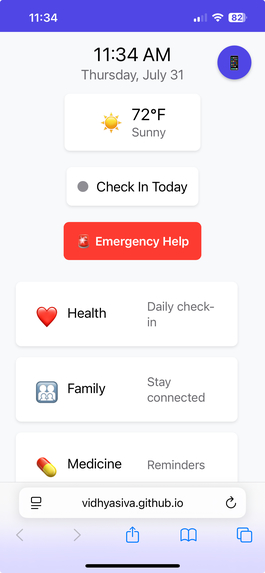
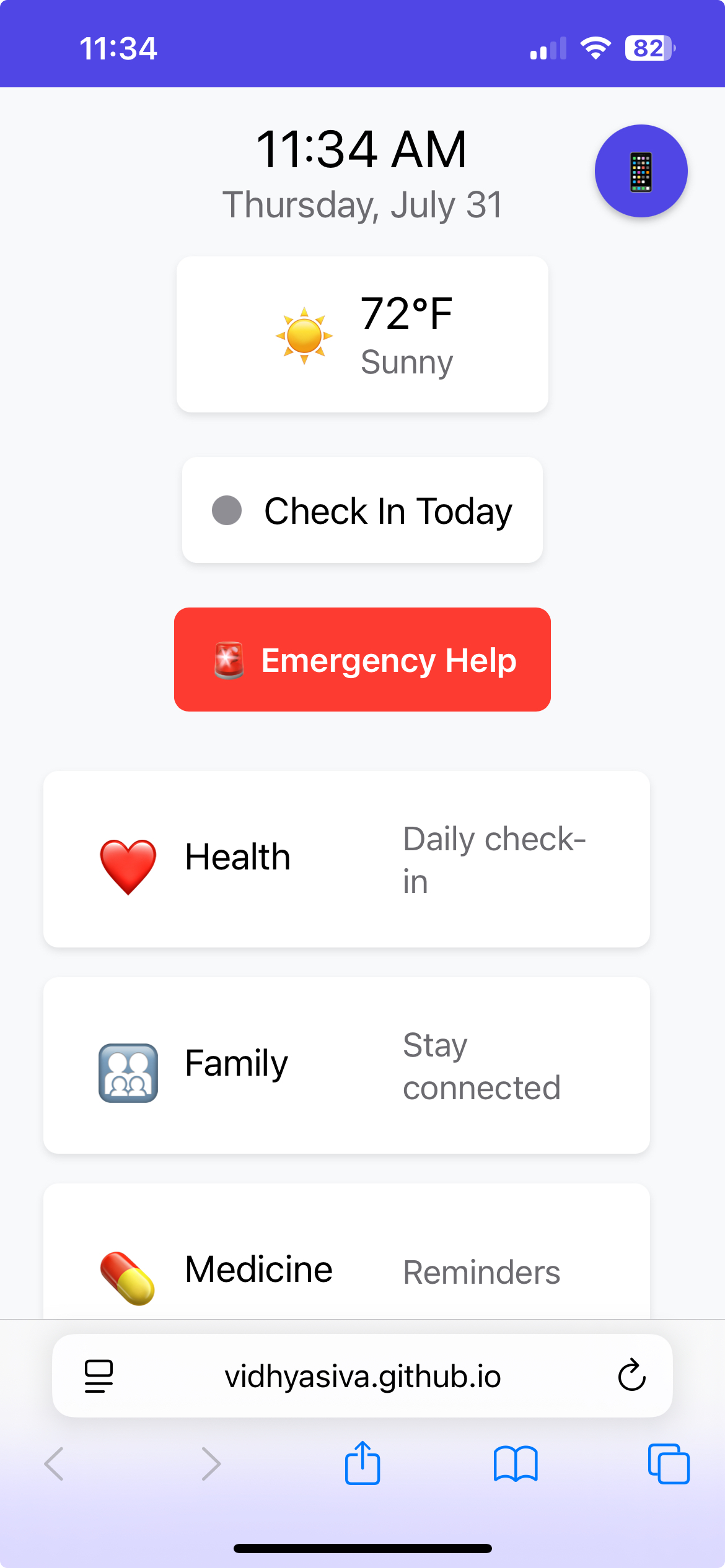
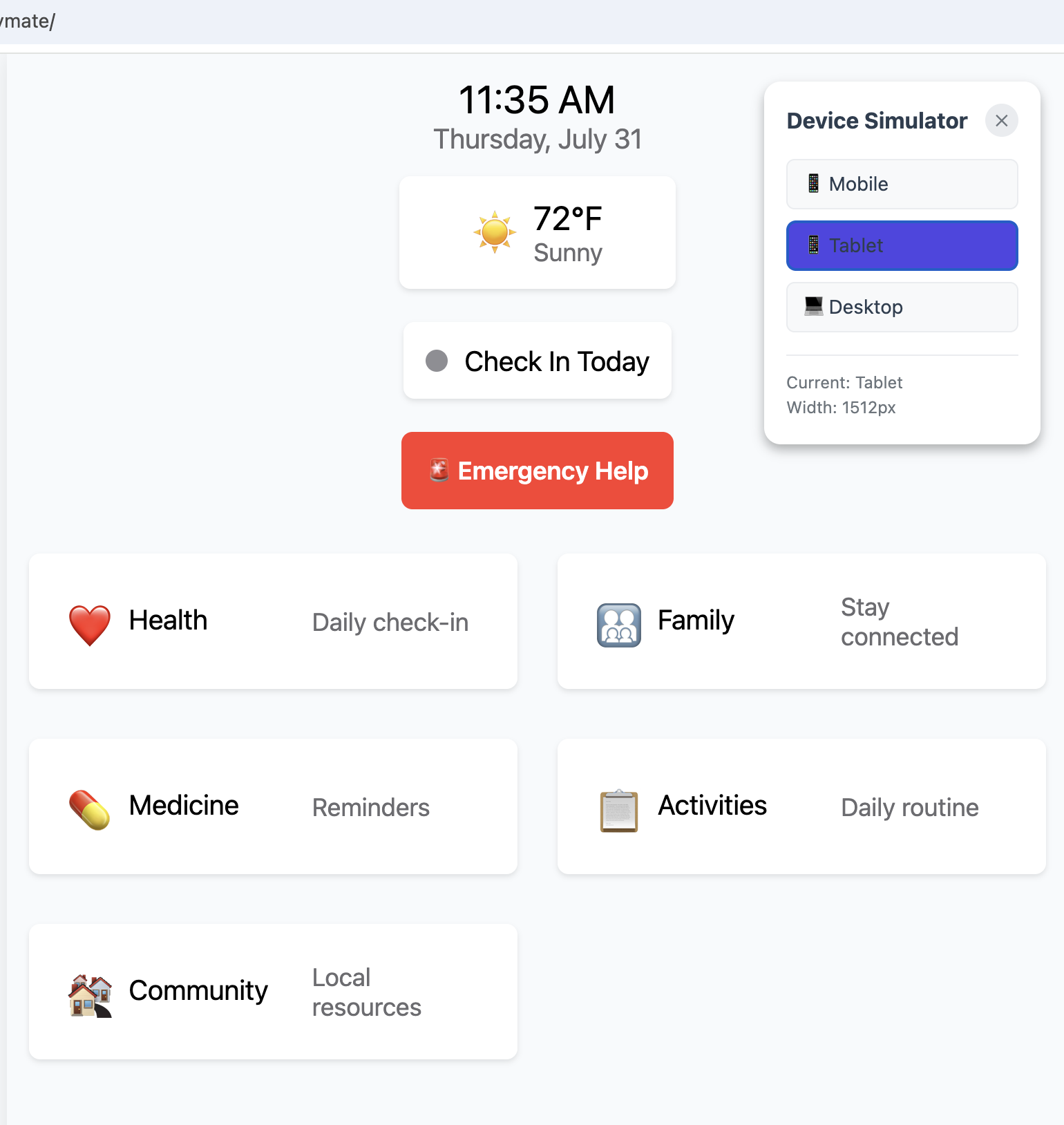
- Cross-Platform Compatibility: The app works seamlessly across mobile devices, tablets, and desktops, providing a consistent experience regardless of how you access it. The responsive design adapts to your device while maintaining all functionality.
- Privacy & Security: Your health data is protected with encryption and secure storage practices, ensuring your personal health information remains confidential and secure.
BuddyMate transforms the often overwhelming task of health management into a supportive, engaging experience. It’s not just an app—it’s your compassionate digital companion that understands the challenges of maintaining health and provides the tools, reminders, and support you need to thrive on your wellness journey.
How we built it
Phase 1: Starting with Kiro I began my development journey using Kiro, an AI-powered development platform. Kiro helped me: - Rapidly prototype the initial concept - Generate foundational code for React Native components - Explore different architectural patterns for the health companion app - Understand the requirements for accessibility and user experience.
Phase 2: Transitioning to Cursor As the project complexity grew, I transitioned to Cursor, a more advanced AI-powered IDE that provided: - Enhanced code completion and intelligent suggestions - Better debugging capabilities for complex React Native web implementations - Improved collaboration with AI for iterative development - Advanced refactoring tools for maintaining code quality.
Key Learnings from Both Platforms From Kiro: • Rapid prototyping techniques for healthcare applications • User-centered design principles for accessibility • Initial requirements, architecture, and task planning for cross-platform development.
From Cursor: • Advanced debugging techniques for React Native web • Performance optimization strategies • Complex state management patterns • Production deployment workflows
Challenges we ran into
Throughout the development of BuddyMate, I encountered several significant technical challenges that tested my problem-solving skills and pushed me to think creatively.
- One of the most persistent issues was cross-platform compatibility, as getting React Native components to work properly on web browsers required extensive customization. This included creating a custom AsyncStorageWeb wrapper for localStorage and implementing web-specific navigation systems.
- Mobile scrolling problems proved particularly frustrating, as vertical scrollbars were missing on actual mobile devices despite working fine in desktop browser simulations; this required implementing iOS-specific CSS fixes and JavaScript enhancements to force proper scroll behavior.
- State management complexity emerged as the app grew, with multiple services causing conflicts until I implemented the singleton pattern and centralized data access layers.
- GitHub Pages deployment presented its own set of hurdles - built files weren't serving correctly, requiring me to move files to the root directory, add SPA routing support with custom 404.html files, and create GitHub Actions workflows for automatic deployment.
- Accessibility compliance demanded careful attention to screen reader support, voice commands, and keyboard navigation, requiring comprehensive accessibility contexts and ARIA labels.
Each challenge pushed me to learn new debugging techniques, understand platform-specific behaviors, and develop more robust error-handling strategies, ultimately making the app more resilient and user-friendly across all devices and use cases.
Accomplishments that we're proud of
Throughout the development of BuddyMate, I'm particularly proud of successfully building a comprehensive health companion app that seamlessly bridges the gap between complex healthcare needs and user-friendly digital solutions.
The most significant accomplishment was creating a fully functional cross-platform application using React Native for the Web that works flawlessly across mobile, tablet, and desktop devices—a technical challenge that required extensive customization and problem-solving.
I'm especially proud of implementing a robust accessibility-first design system that includes screen reader support, voice commands, and universal design principles, ensuring the app is truly inclusive for users of all abilities.
The successful use of Kiro and Cursor for SDLC, code deployment to GitHub Pages with automatic CI/CD workflows, complete with SPA routing and mobile-optimized scrolling, represents a major technical achievement that demonstrates my ability to handle complex software application development and deployment scenarios.
Most importantly, I'm proud of creating an application that genuinely serves a meaningful purpose - helping people manage their health with compassion and support, transforming what could be an overwhelming experience into an engaging and supportive digital companion that makes health management accessible to everyone.
What we learned
AI-Assisted Development Workflows: I learned to effectively leverage AI-powered development platforms, starting with Kiro for rapid prototyping and concept exploration, then transitioning to Cursor for advanced debugging and production-ready development. This experience taught me how different AI tools can complement each other throughout a project's lifecycle, from initial ideation to final deployment.
Cross-Platform React Native Development: I gained deep expertise in building React Native applications for web deployment, including custom web compatibility layers, responsive design implementation, and handling platform-specific challenges like mobile scrolling issues and accessibility requirements across different devices and browsers.
Production Deployment & CI/CD: I learned comprehensive deployment strategies, from local development with webpack-dev-server to production builds with GitHub Pages, including SPA routing, automatic deployment workflows, and troubleshooting complex deployment issues like port conflicts and file serving problems.
What's next for BuddyMate
Senior Living Community Integration: BuddyMate is perfectly positioned to become the premier digital health companion for senior living communities, offering zero-cost deployment to enhance resident care while reducing staff workload. The app's accessibility-first design, medication management, and family connection features directly address the most critical needs of senior communities - medication adherence, family communication, and emergency response - making it an invaluable tool for improving resident safety and quality of life.
AI-Powered Health Insights & Predictive Care: The next phase will introduce intelligent health monitoring that analyzes medication patterns, daily routines, and family communication to provide predictive health insights and early warning systems. This proactive approach will help senior living communities prevent health incidents before they occur, reducing emergency calls and hospital visits while providing families with peace of mind through real-time health status updates and automated wellness check-ins.
Built With
- actions
- amazon-web-services
- asyncstorage
- babel
- cli
- cloudfront
- eslint
- explored)
- for
- git
- github
- html/css
- javascript
- jest
- json
- library
- local
- native
- node.js
- npm
- pages
- python
- react
- s3
- server)
- storage
- testing
- typescript
- vs
- web
- webpack

Log in or sign up for Devpost to join the conversation.