-
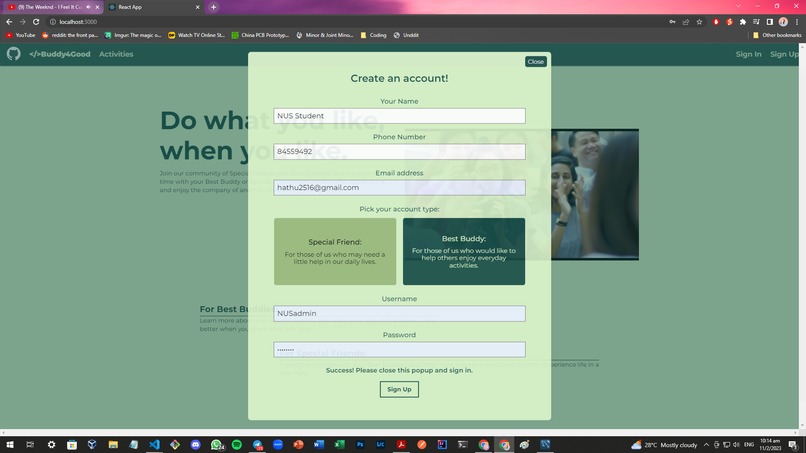
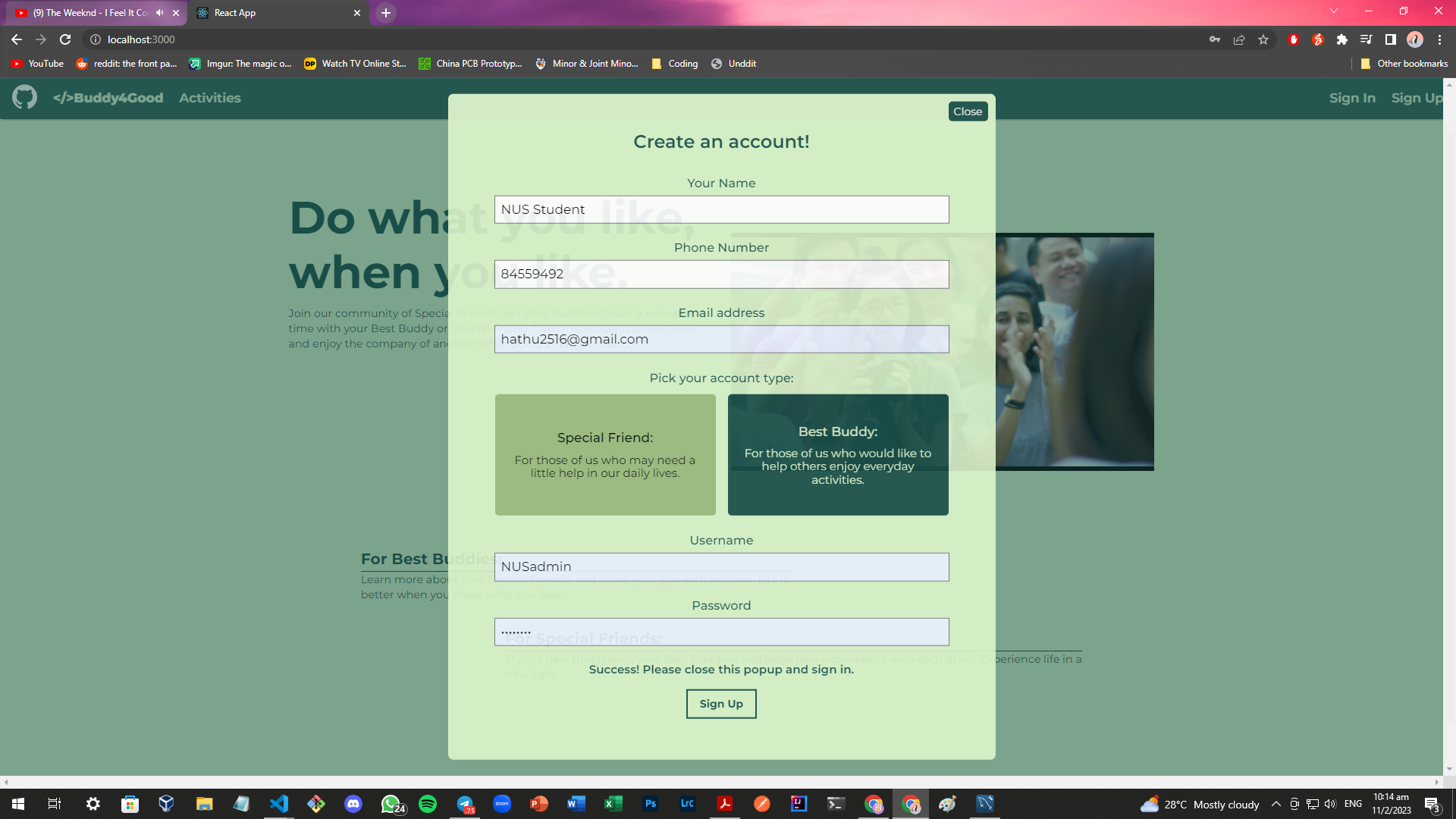
Sign Up for an account here
-
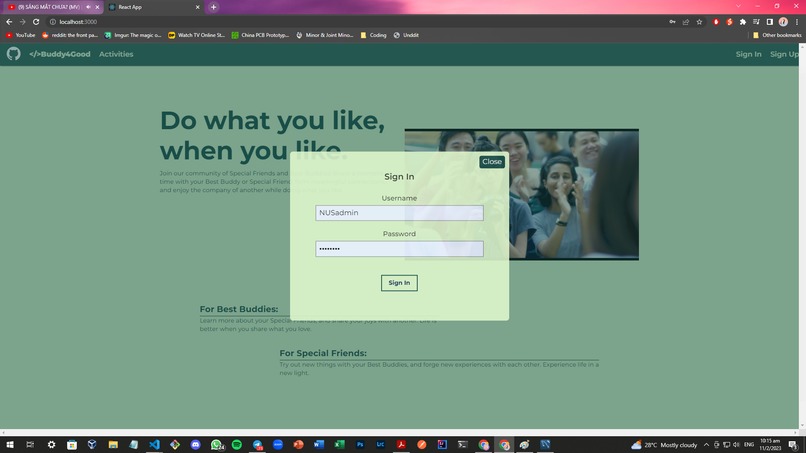
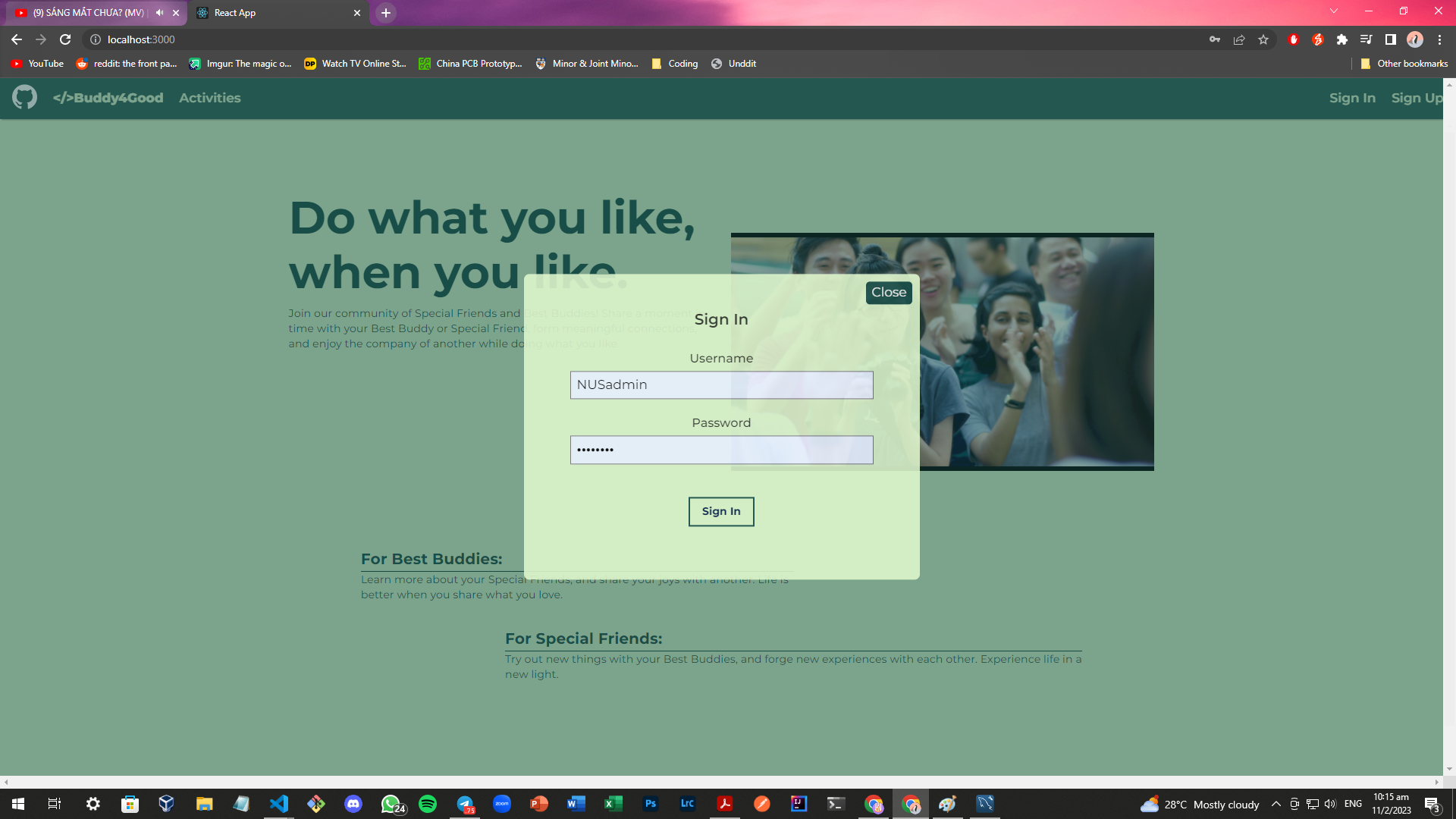
Sign into your account here
-
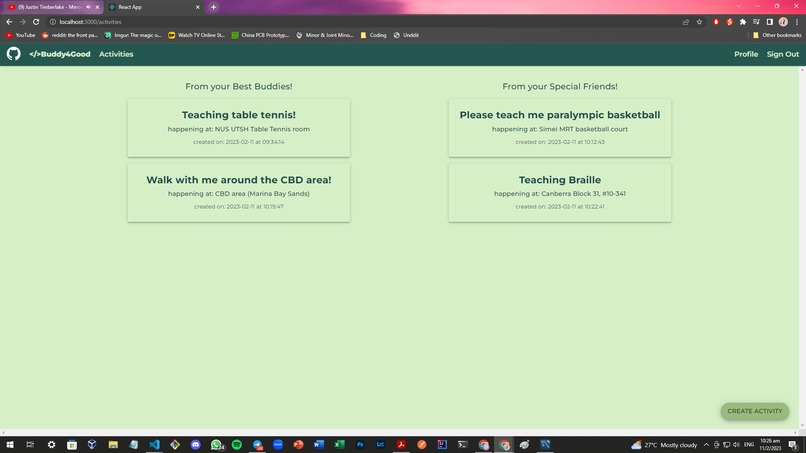
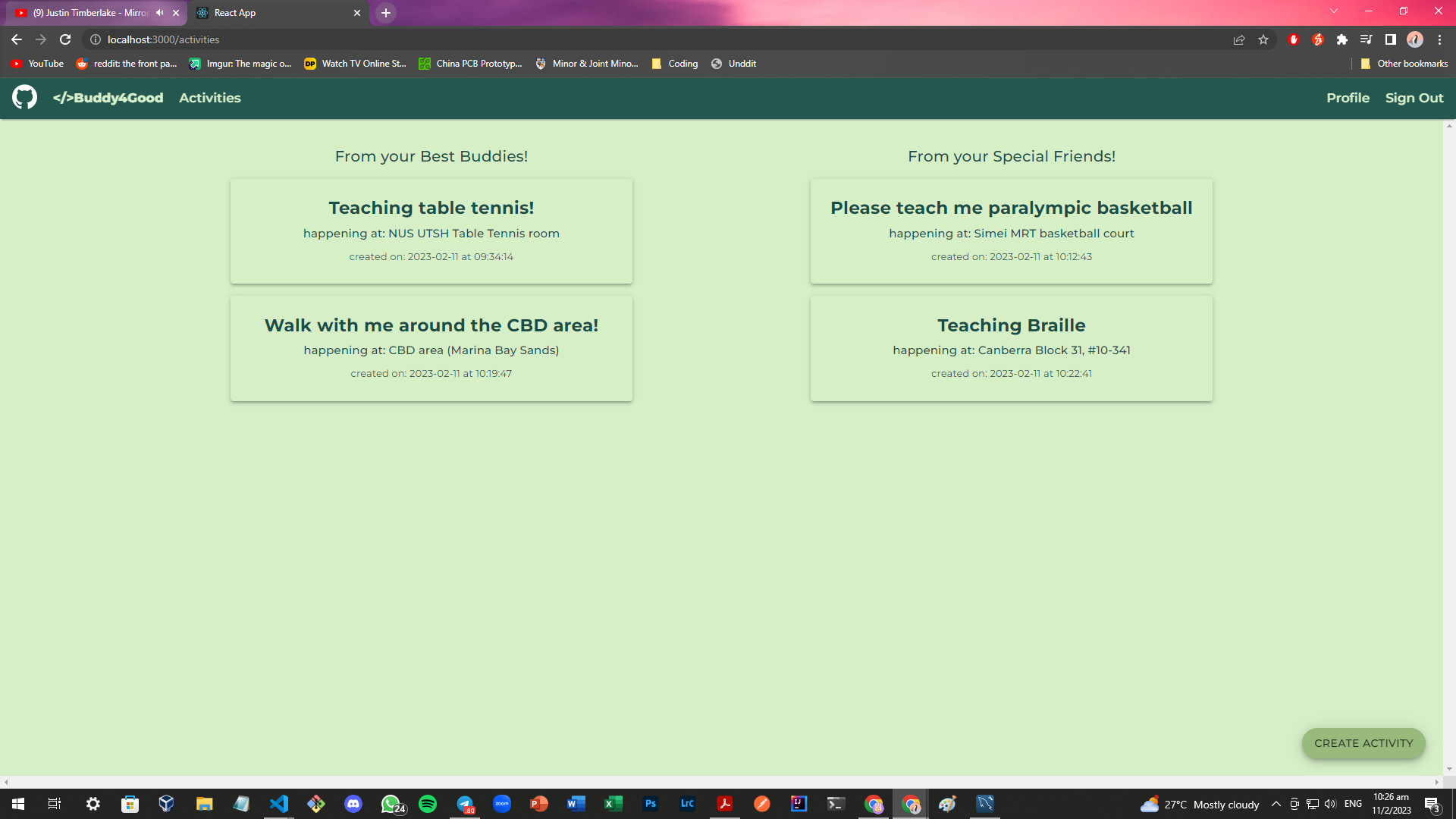
A list of activities, made by both our best buddies and special friends
-
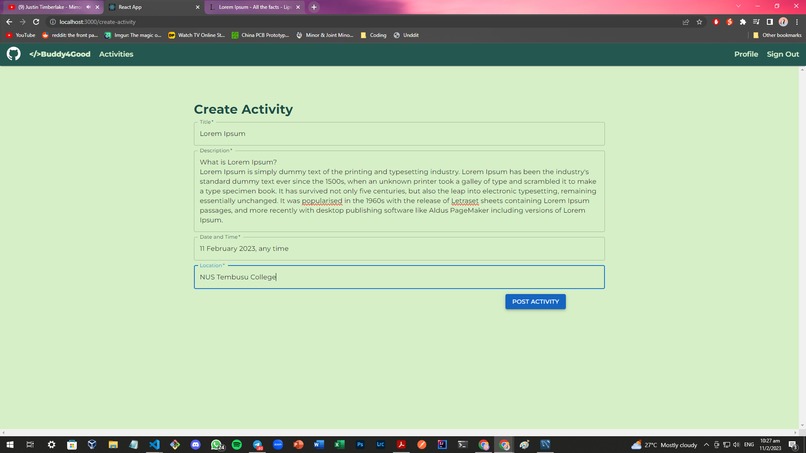
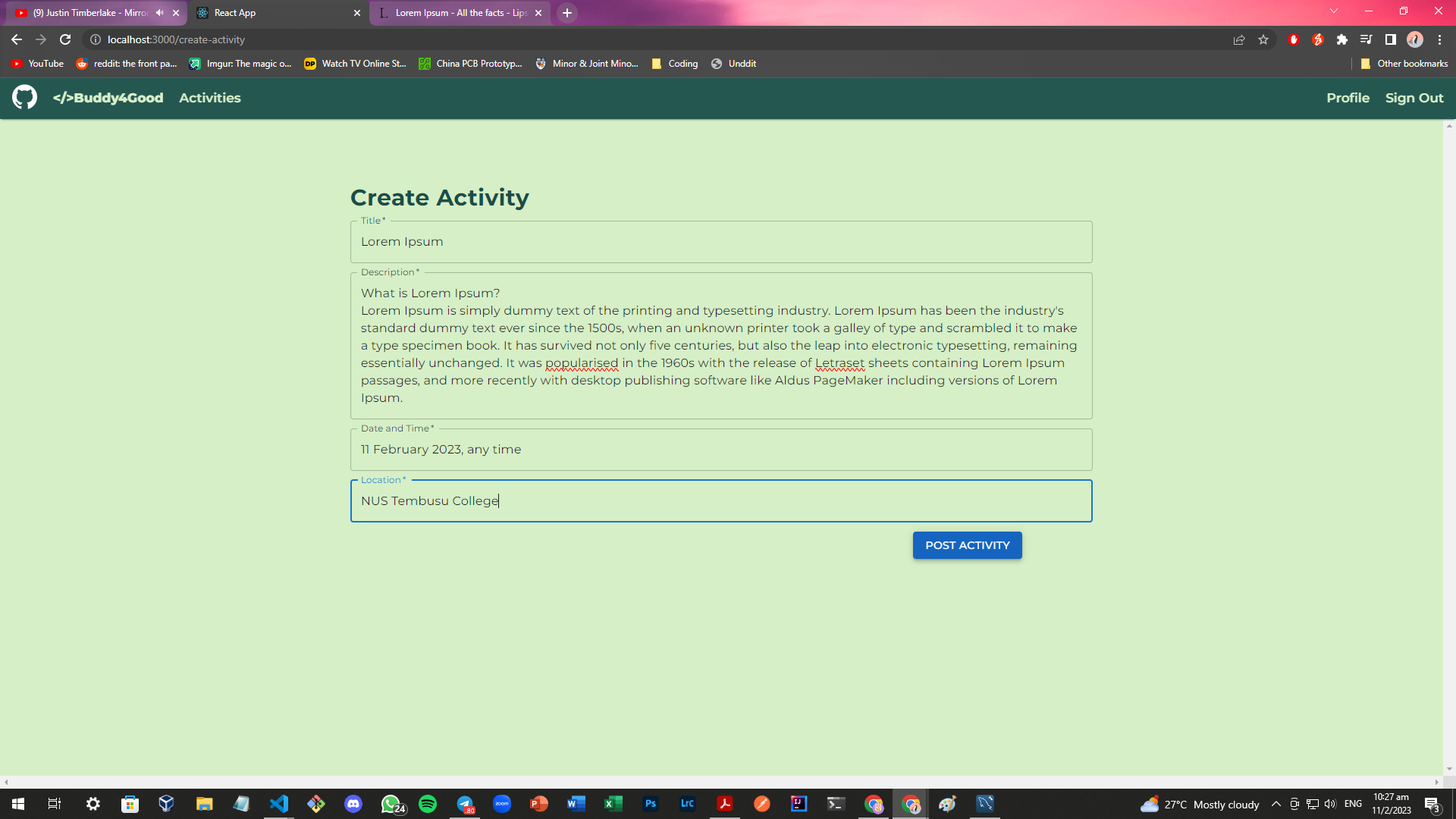
Create your own activity!
-
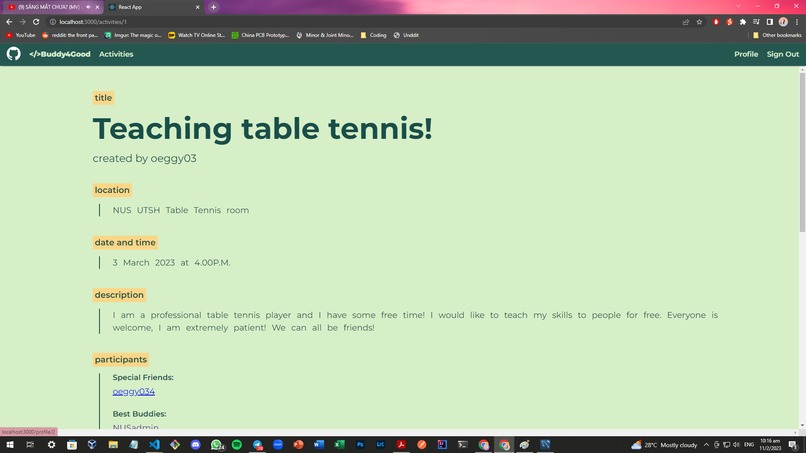
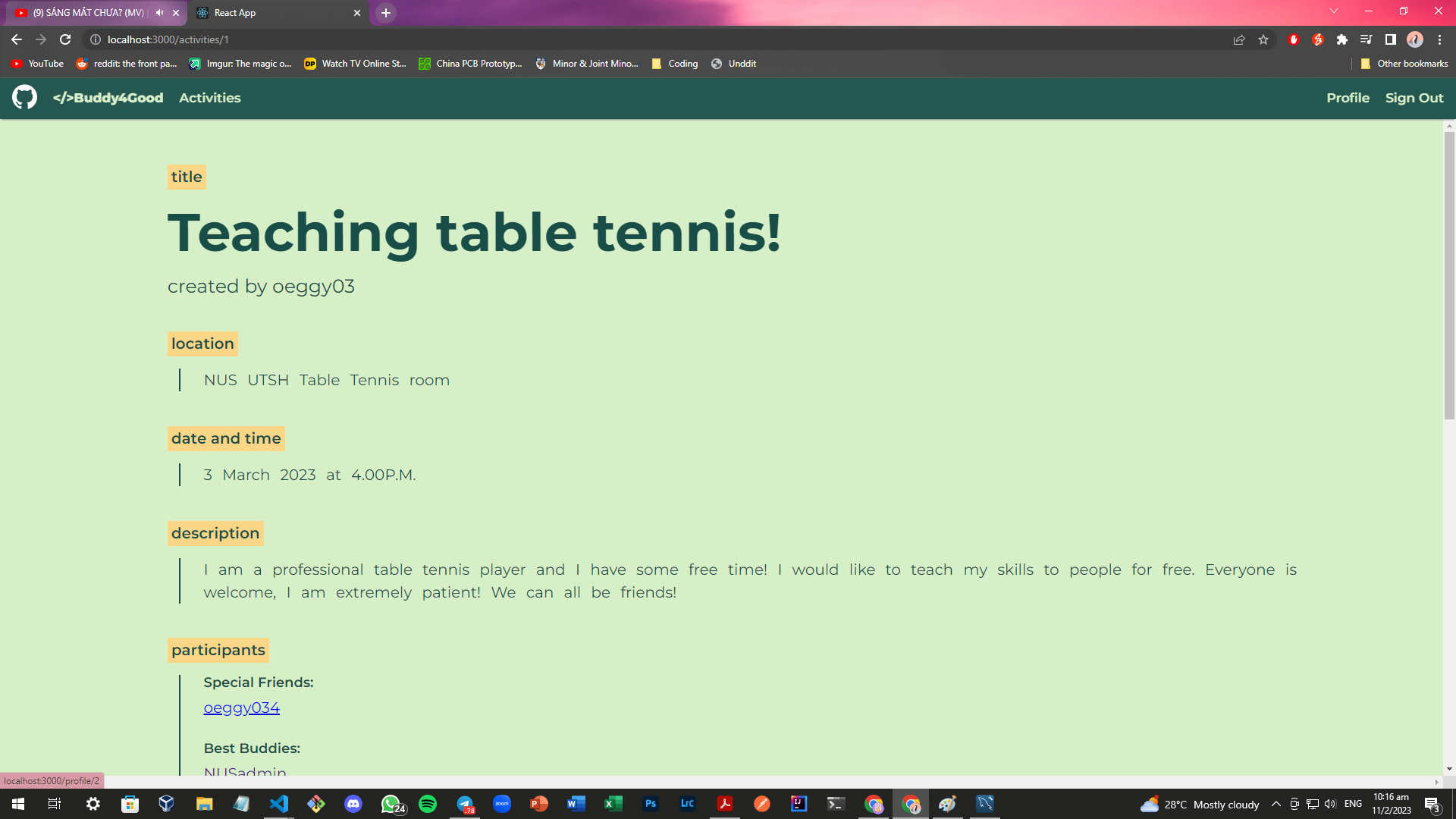
Viewing someone else's activity.
-
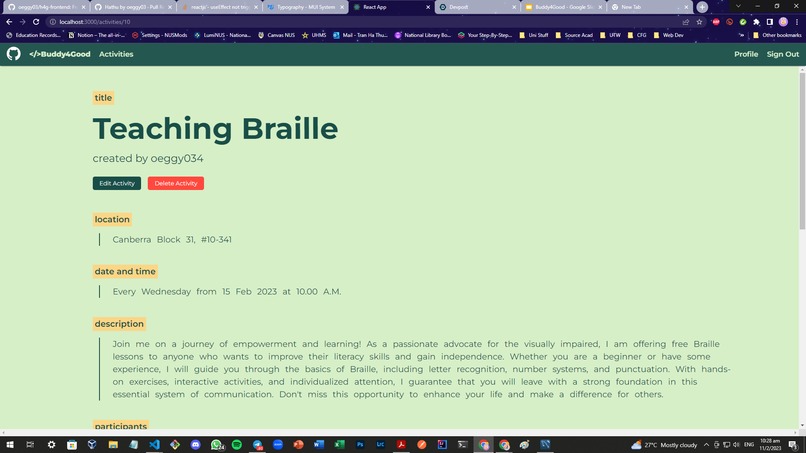
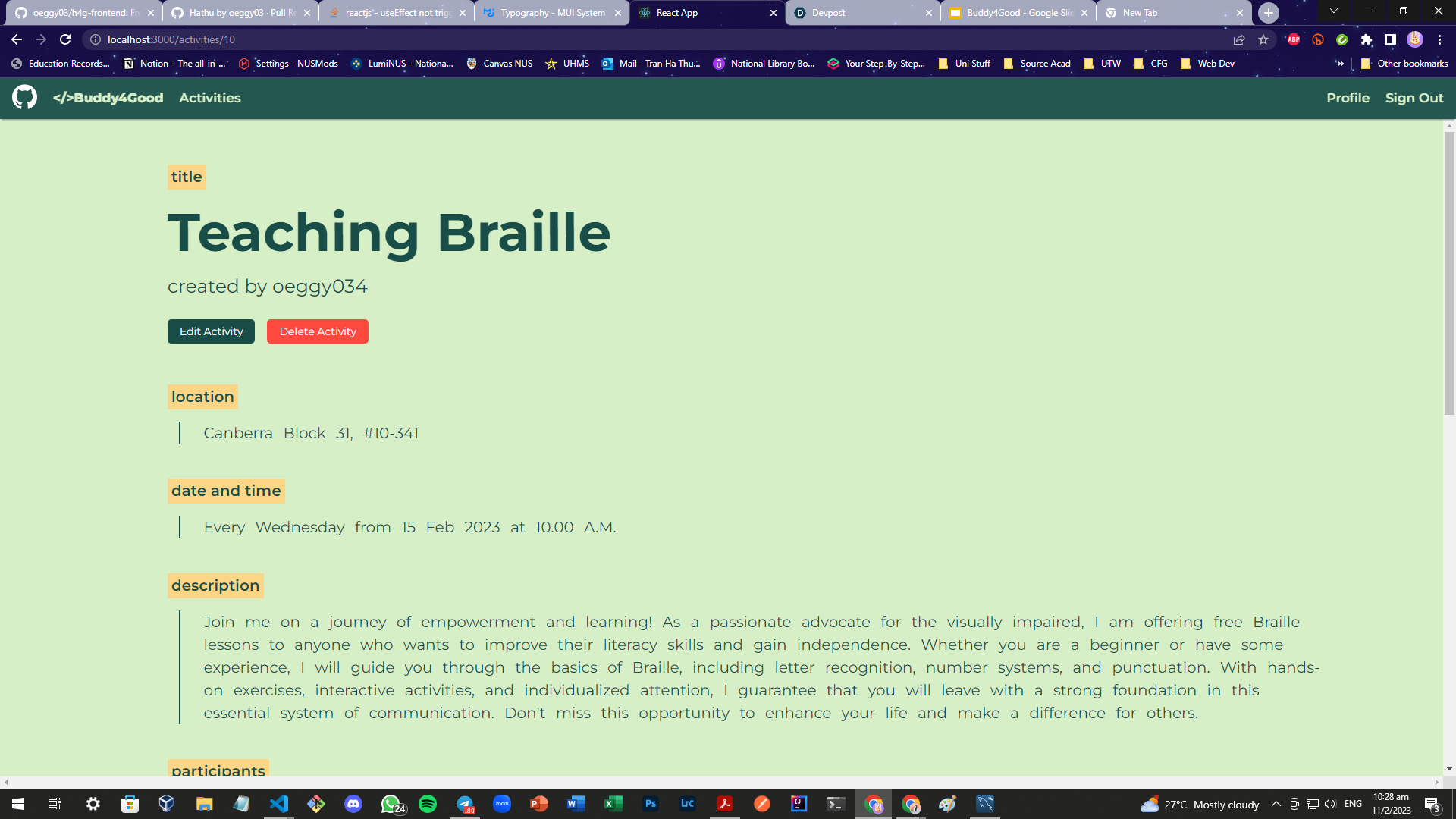
Viewing your own activity.
-
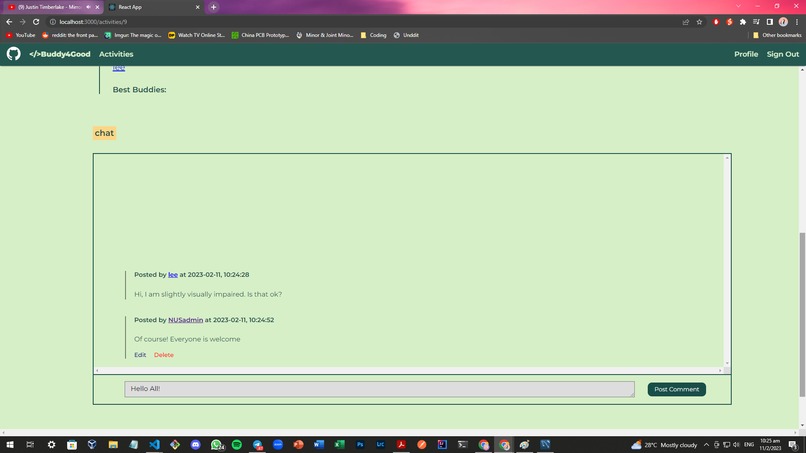
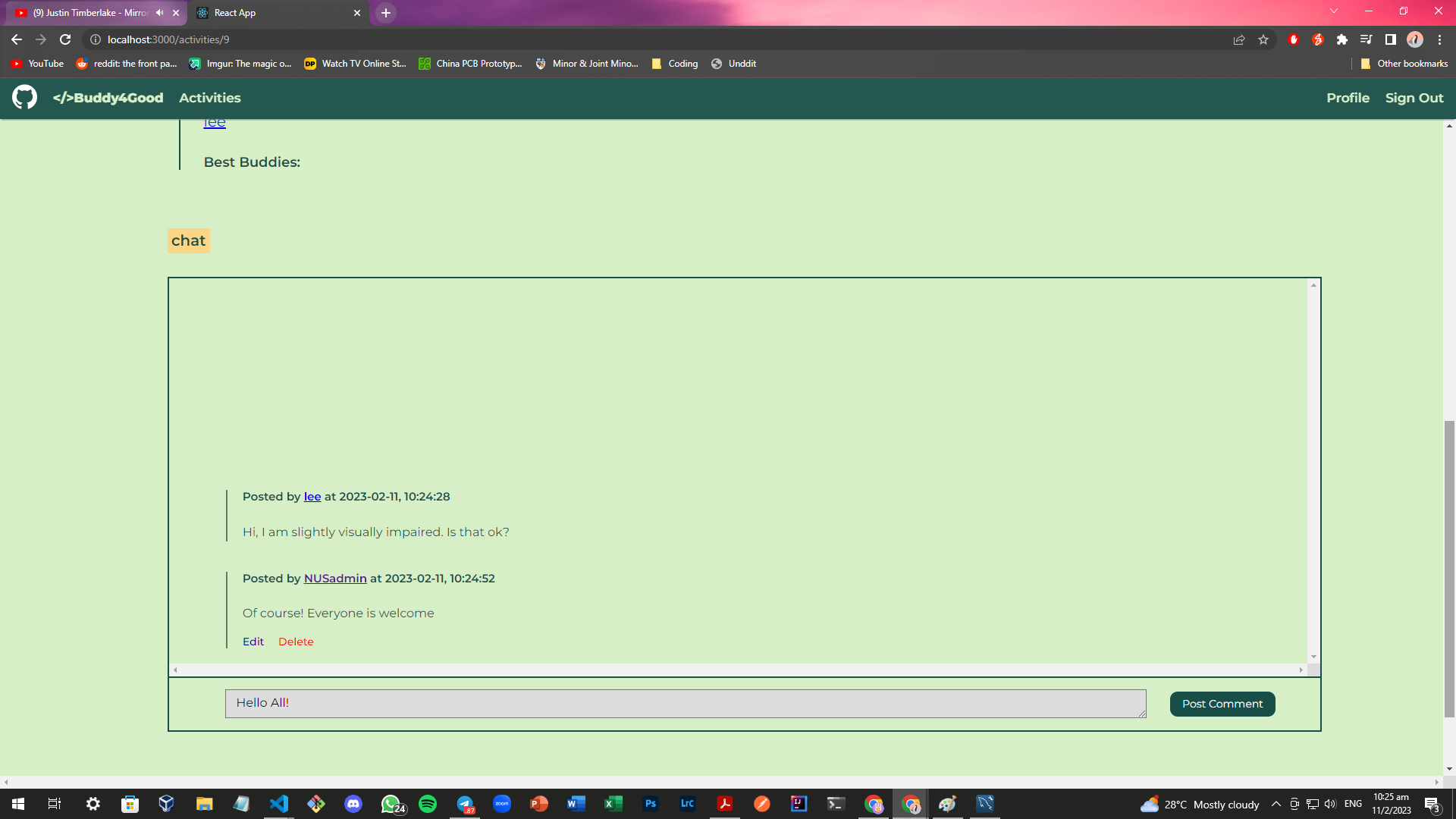
The chat section of a activity.
-
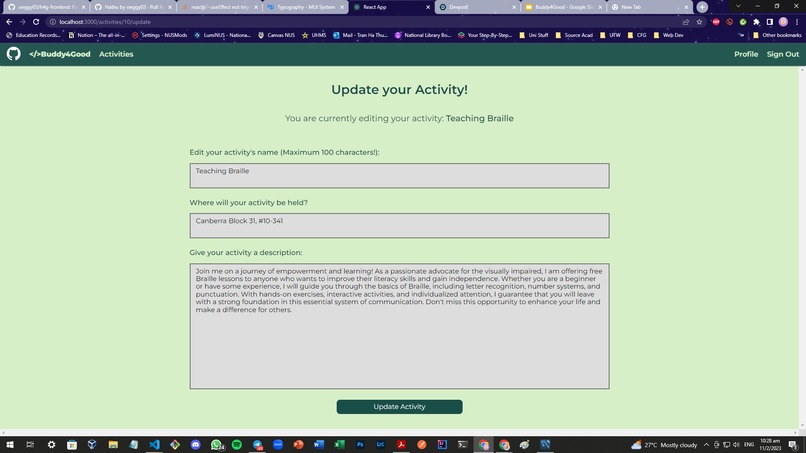
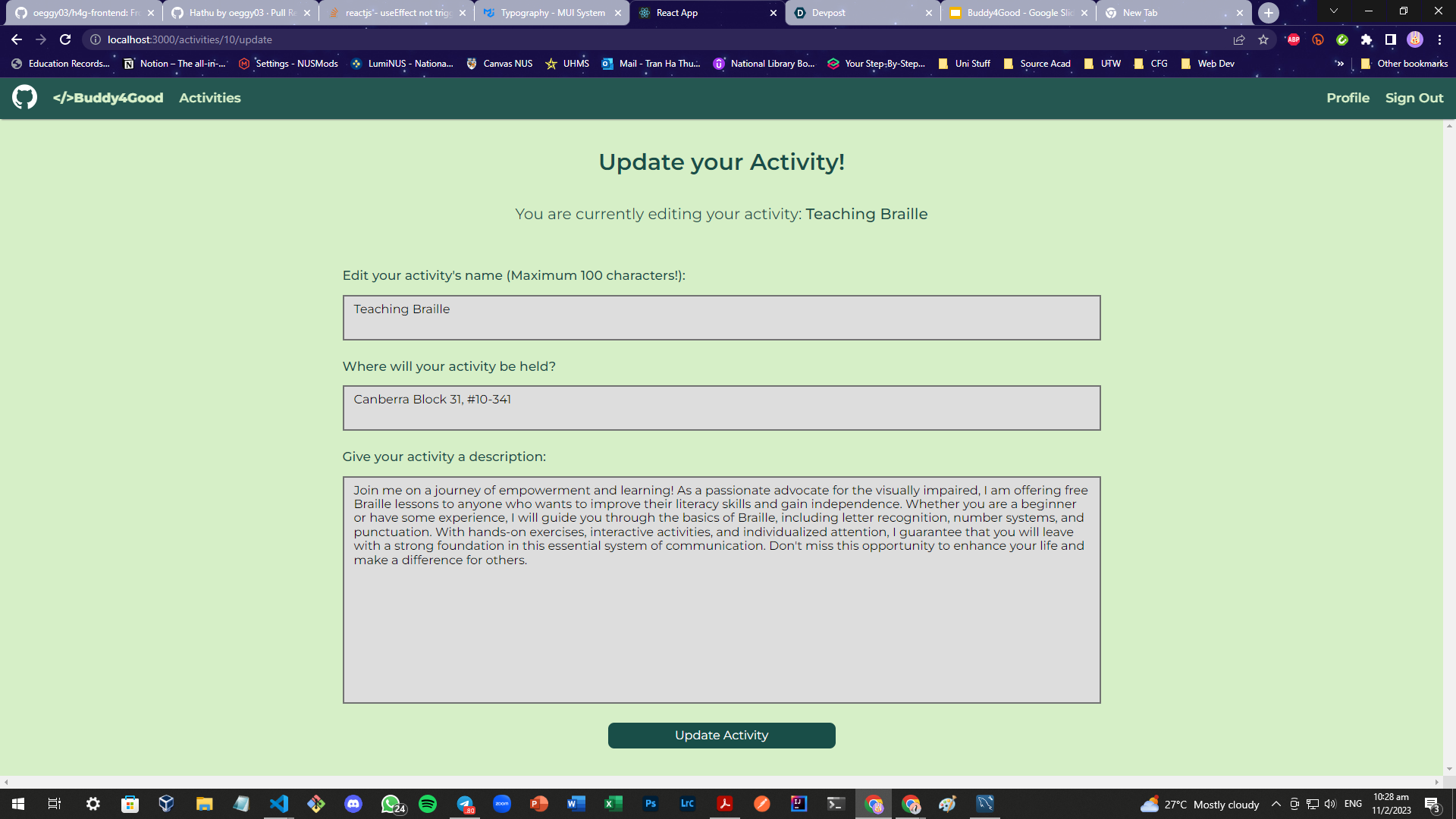
Updating your created activity!
-
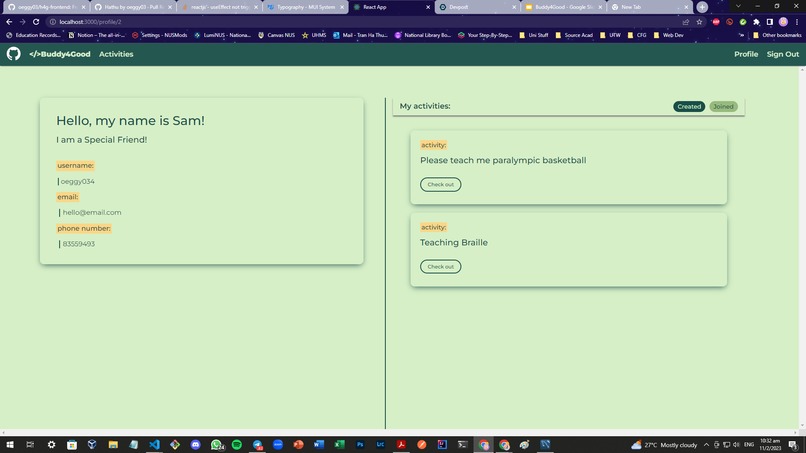
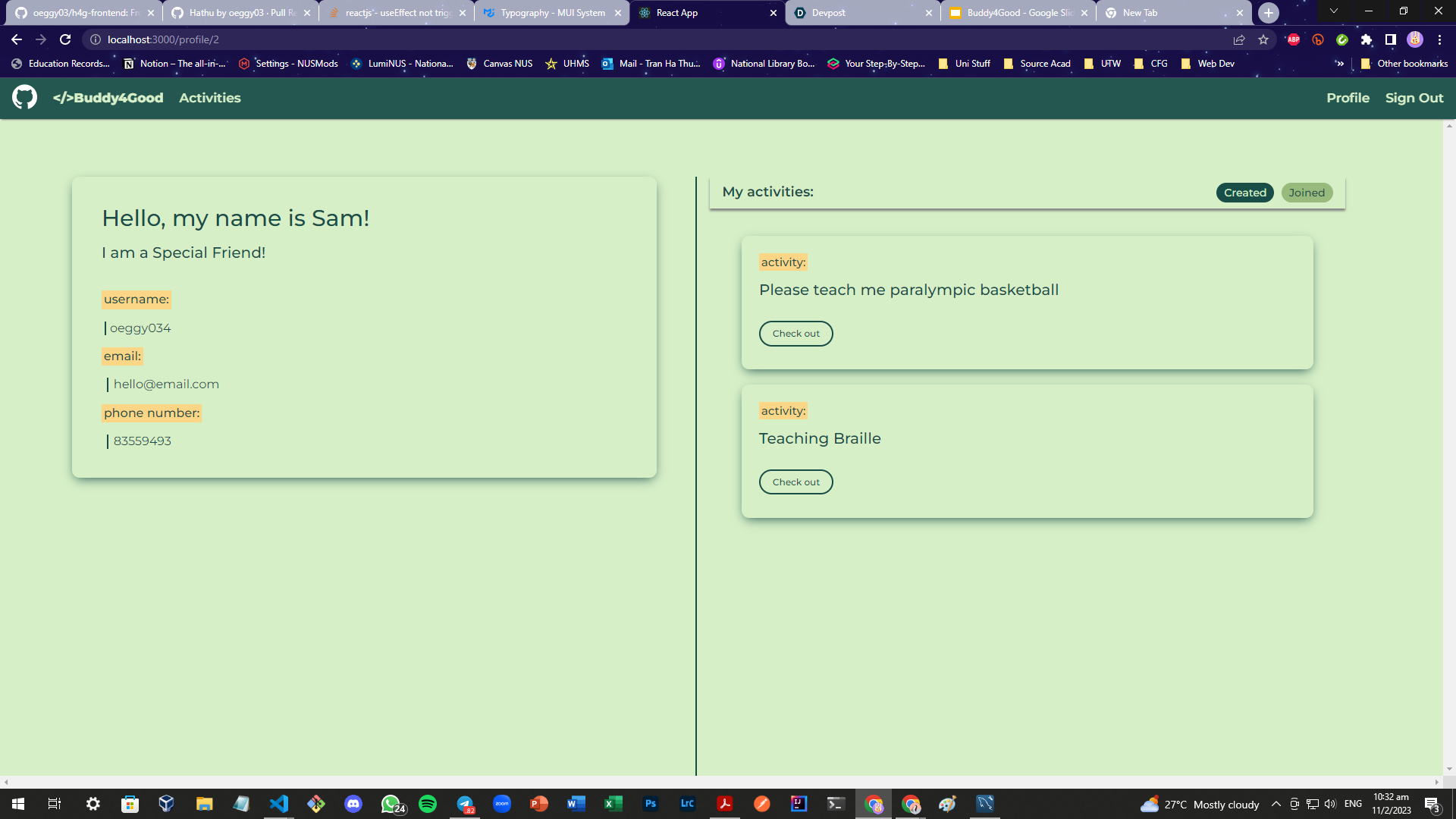
Your profile page: View your created activities, as well as those that you joined!
Buddy4Good
The problem statement that we have chosen to tackle is:
How might we, as a community empower, equip and co-create with persons with disabilities to enable them to access, use and enjoy places, services, produces and/or information, whether physical or virtual, so that persons with disabilities can connect to and be included in the wider community?
This is the problem statement from SGEnable, under pillar 1
From our research, we find that people with disabilities have more trouble getting around and mingling with others, compared to most of us. In addition, not all of these people have friends or family who are willing and able to bring them out for activities, or help them enjoy the many wonders of the world like the way we do.
However, there is no lack of helpful, kind-hearted people in Singapore. Yet, there is a lack of platforms aimed at connecting both groups. Hence, we have created Buddy4Good, which aims to encourage both disabled and able-bodied people to go out and enjoy activities together.
Buddy4Good is a platform for both persons with disabilities and able-bodied persons to connect with each other. Buddy4Good encourages the buddying up of able-bodied people (Best Buddy) with disabled people (Special Friend) to spend time doing activities together. These may be workshops, exercising, bird-watching, or any interest either party may have.
Our presentation slides:
Set-up instructions
Notes:
- All of this was set up on a Windows PC. If you are using another OS, I apologise but I will not be able to give specific instructions for it.
- We have the frontend and backend in separate repos.
Frontend: https://github.com/oeggy03/h4g-frontend Backend: https://github.com/oeggy03/h4g-backend
Set-up for backend
- Install Go, MySQL server and MySQL workbench
- Clone the backend repo
- Using the terminal, run
go mod tidyin the project directory - Create the database "h4g_db" locally using MySQL. (Run
CREATE DATABASE h4g_db) - Change the username and password in the .env file to your own for the MySQL server
- (Optional) In the "SQLfile" folder, there are 4 .sql files. You can choose to run them in MySQL workbench to get a pre-made set of users, comments and activities. Otherwise, you will have to create accounts, posts and comments on your own.
- Using the terminal, run
go run main.go. You may get a popup from Windows Defender, click agree. (Note: if this step fails, it may be because of your antivirus / firewall)
Set-up for frontend
- Install node.js
- Clone the frontend repo
- Run
npm installin the project directory. You may get a few vulnerability warnings, but ignore it, that is normal. - Run
npm start. - Launch your browser and go to localhost:3000/
Future Plans
- We were unable to deploy the product online due to the limited time we had and the costs involved.
- We plan to host the MySQL database on Google Cloud SQL rather than MySQL server for easier setup.
- Feature wise, we plan to implement badges and a point system for people who create or join many activities, in order to encourage use of the platform
- We could also add a feature, which displays all handicapped-friendly areas in Singapore. However, we will need an api for that.
- Set up a backend middleware to improve backend authentication and security.

Log in or sign up for Devpost to join the conversation.