-
-
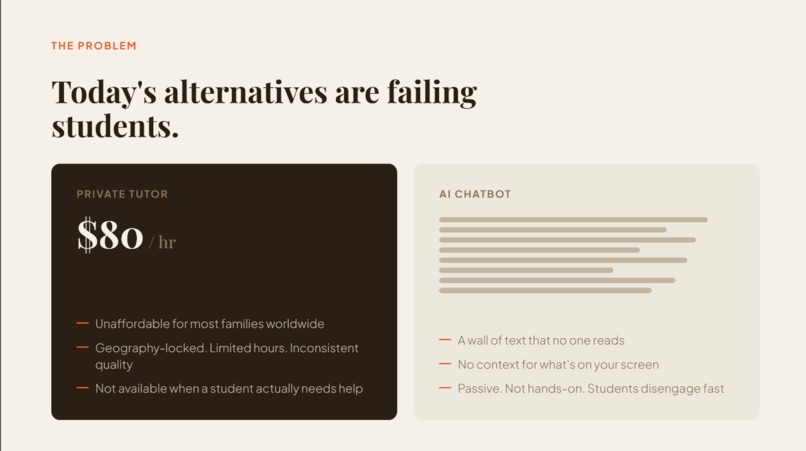
Problem
-
Insight
-
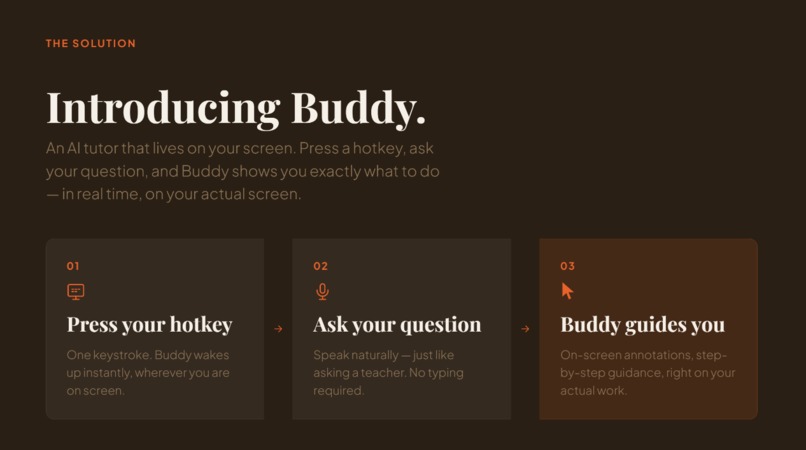
Solution
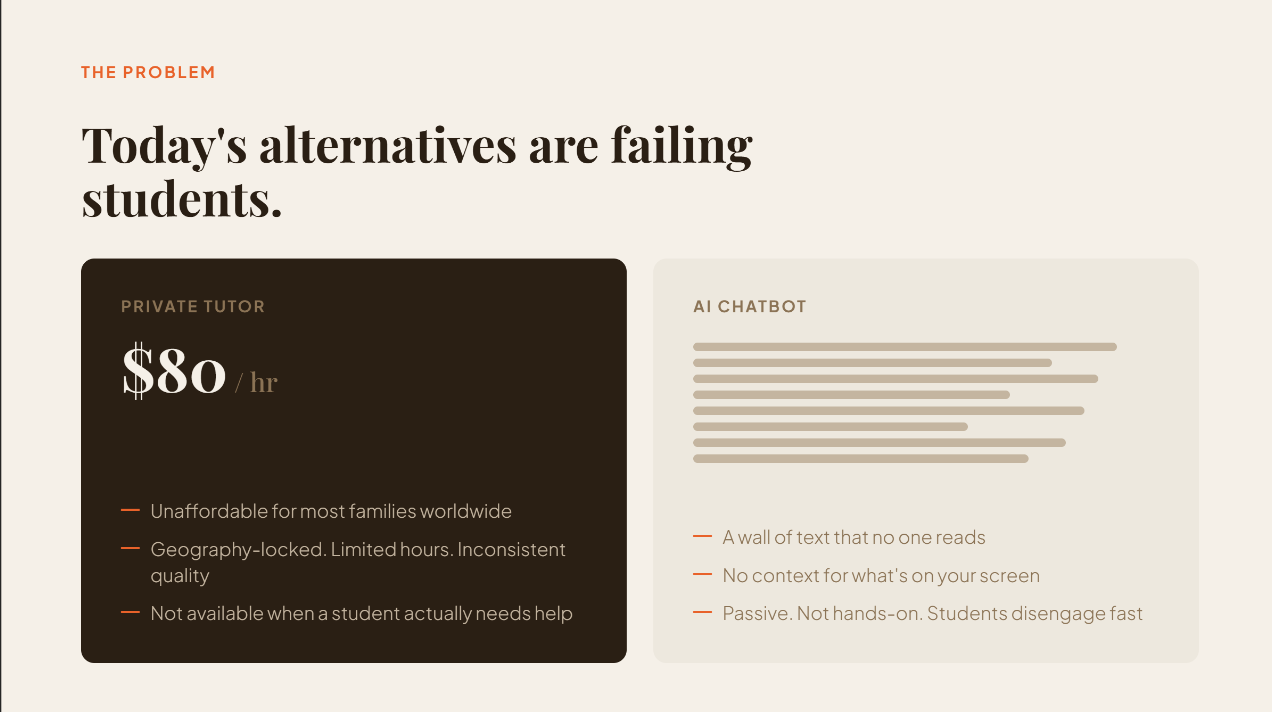
Inspiration
Tuition in Singapore runs 50 to 150 dollars an hour. If your family can't pay that, your options are a YouTube video, a wall of ChatGPT text, or asking a friend who is just as stuck.
None of those do the one thing a good tutor actually does. The moment that helped me when I was stuck on math wasn't a paragraph of explanation. It was a teacher leaning over my page, circling the exact line I got wrong and saying "you missed a step right here." That act of pointing at the thing in front of you is what every AI tool is missing. So we built it.
What it does
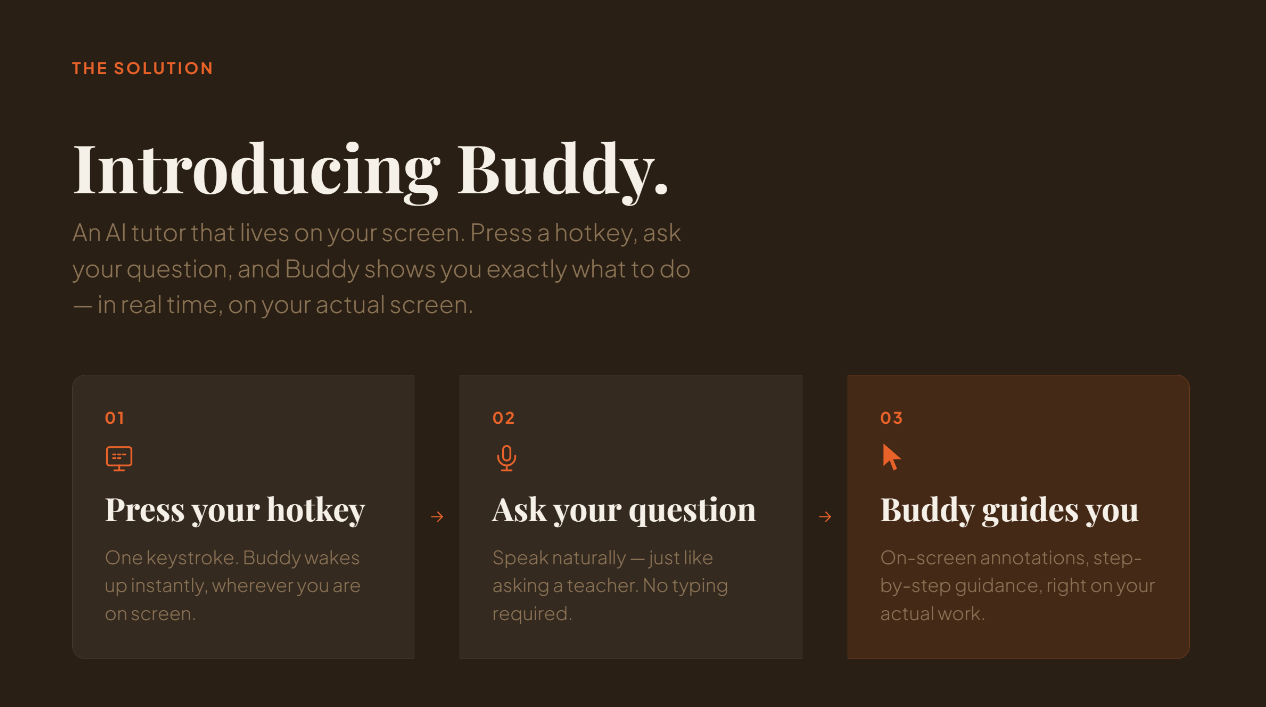
Buddy is an AI tutor that lives next to your cursor. You hold a hotkey and just talk to it, like a friend who happens to know the subject.
You ask "why is my answer for question 3 wrong?" and Buddy looks at your screen, finds the exact step you messed up, and draws right on top of your work. It circles the mistake, draws an arrow to where you should go, underlines the rule you forgot, and writes a quick correction. At the same time it explains it out loud in a sentence or two, not a wall of text.
The drawings fade once you have read them, or the moment you ask your next question. It works on top of any app, whether that is a worksheet, a PDF, or a website.
How we built it
When you hold the hotkey:
- OpenAI GPT-Realtime opens the mic and talks back to you, voice to voice, so there is no awkward wait.
- When you let go, we take a screenshot of your screen.
- OpenAI GPT-5.4 (or Claude) reads the screenshot and tells us exactly where to draw, down to the pixel.
- We draw the circles and arrows on a see-through layer that floats over everything and never blocks your clicks.
- ElevenLabs gives Buddy its voice.
It is bring your own key. You pick your providers in settings: OpenAI, Claude, AssemblyAI, Cartesia, ElevenLabs, or free local models if you don't want to pay for anything.
Challenges we ran into
The whole thing only works if it circles the right line. A tutor that circles the wrong step is worse than no tutor at all.
Our first version used GPT-4o to find the spot and it was consistently about 70 pixels off, enough to land on the wrong line. We almost gave up on using OpenAI for the pointing. Then we tested GPT-5.4 and it came back 5 pixels off a real worksheet. That one result changed the whole build.
The other hard part was making sure the voice never reads coordinates out loud (nobody wants to hear "point, 340, comma, 210") and making the drawings land in the right place on laptops with odd screen scaling. We rewrote that part over and over until it was solid.
What we learned
The model call is the easy 20 percent. The other 80 percent is everything around it that nobody sees: the latency, the see-through overlay that works on any app, keeping the voice clean, landing the pixel exactly. That invisible work is the whole difference between something that feels like a person sitting next to you and a chatbot in a box.
And the model matters more than the prompt. "AI can't point at pixels" was just the wrong model, not a real limit. The newest ones are accurate enough to actually teach with.


Log in or sign up for Devpost to join the conversation.