-
-

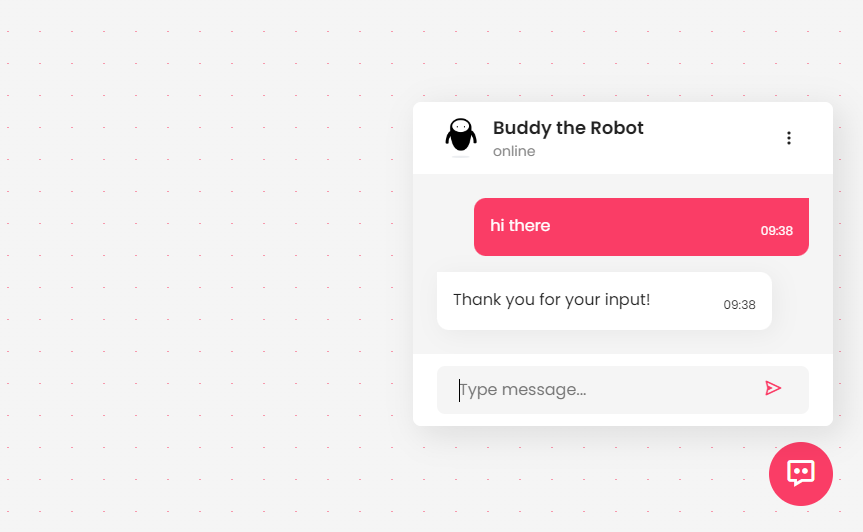
When not in use, the bot exists as a small unobtrusive icon on the bottom right of the screen.
-
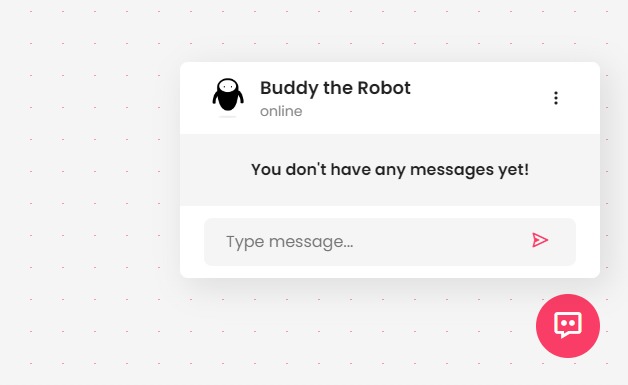
The icon expands into a window when you click on it.
-
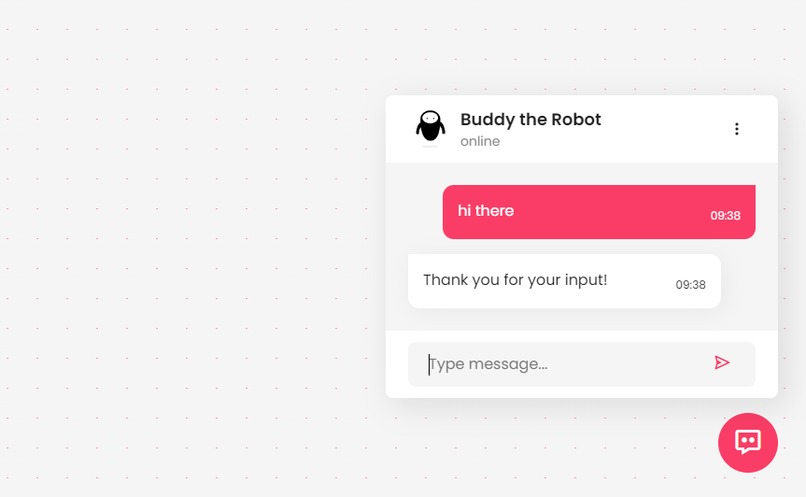
The bot can respond to messages you send and auto detect information required to create appointments.
-
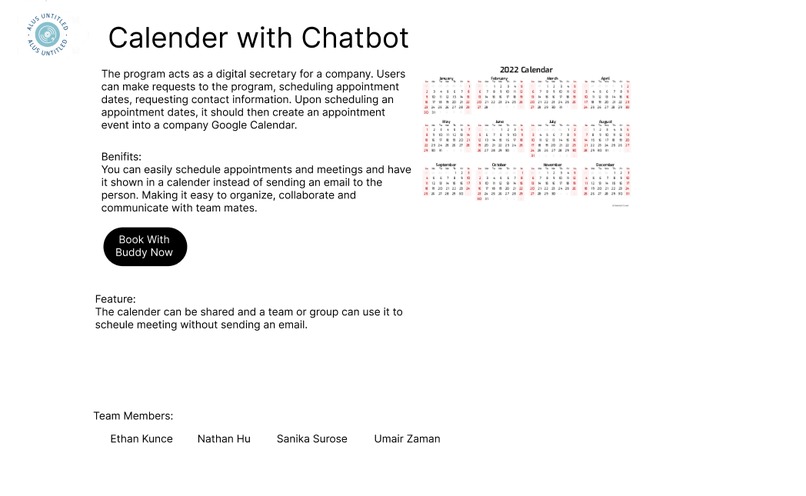
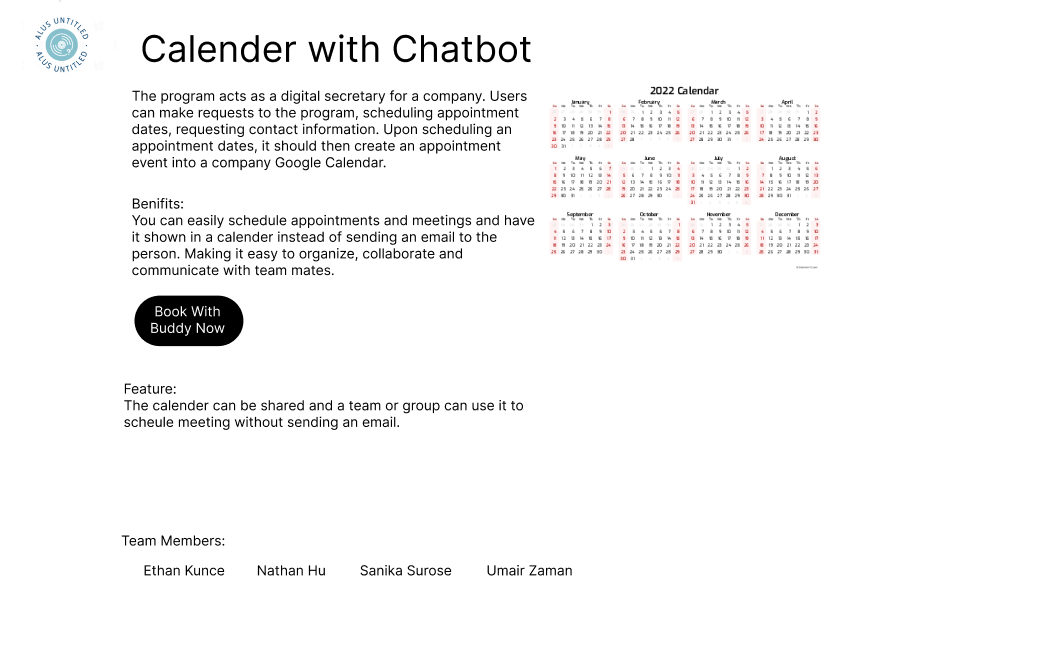
Information webpage that would offer the link to install the bot.

Inspiration
We were inspired by technology like IoT that helped make life more convenient. We realized the power of bots to help facilitate a better experience interacting with computers, and wanted to create something that felt like a virtual secretary.
What it does
You can talk to this bot like you would with your secretary. You can schedule appointments or events that you want to add to your google calendar much quicker. Tell it what you want, and it will automatically pick up important details and who you are. Should it need further information, it will automatically ask you for it politely and all you need to do is respond with the appropriate information. It’s convenient to access, nesting itself in a small icon on the bottom right of your screen, click it and it expands to a small window with the messaging box.
How we built it
The main chatbot platform with the small icon and the message box was created by Sanika using a combination of HTML, CSS and JavaScript. The main webpage, logos and information page was created by Umair using Figma. Backend development was handled by Ethan and Nathan using Python, Flask, Javascript, as well as Postman. While the main webpage contains the bot and messaging, the messages are sent to a python program via the use of Flask. The python program then parses and processes messages to scan it for any key information required, if it is missing any data it will try to obtain it by sending more messages. When all the data is collected, it sends the data to postman which interacts with the Google API with proper authorization, allowing it to create the Google Calendar event.
Challenges we ran into
During development we had serious issues integrating Python code into web development. The flask platform was difficult to use and integrate properly into our project and we were unable to properly test our project without fully integrating it into the webpage. Unfortunately, we were unable to overcome these issues.
Accomplishments that we're proud of and what we learned
This was many of our first hackathons and so we are proud of what we were able to create. We learned so many new skills during the hackathon and were able to implement them very well in our project. The skills we acquired allowed us to create beautiful graphics and webpages with html and css, designing with figma, as well as give us further skills with programming with Python or Javascript. Despite our woes, we learned a lot of new skills.
What's next for us
We will continue trying to improve our skills and attending more hackathons to learn and compete.

Log in or sign up for Devpost to join the conversation.