
Inspiration
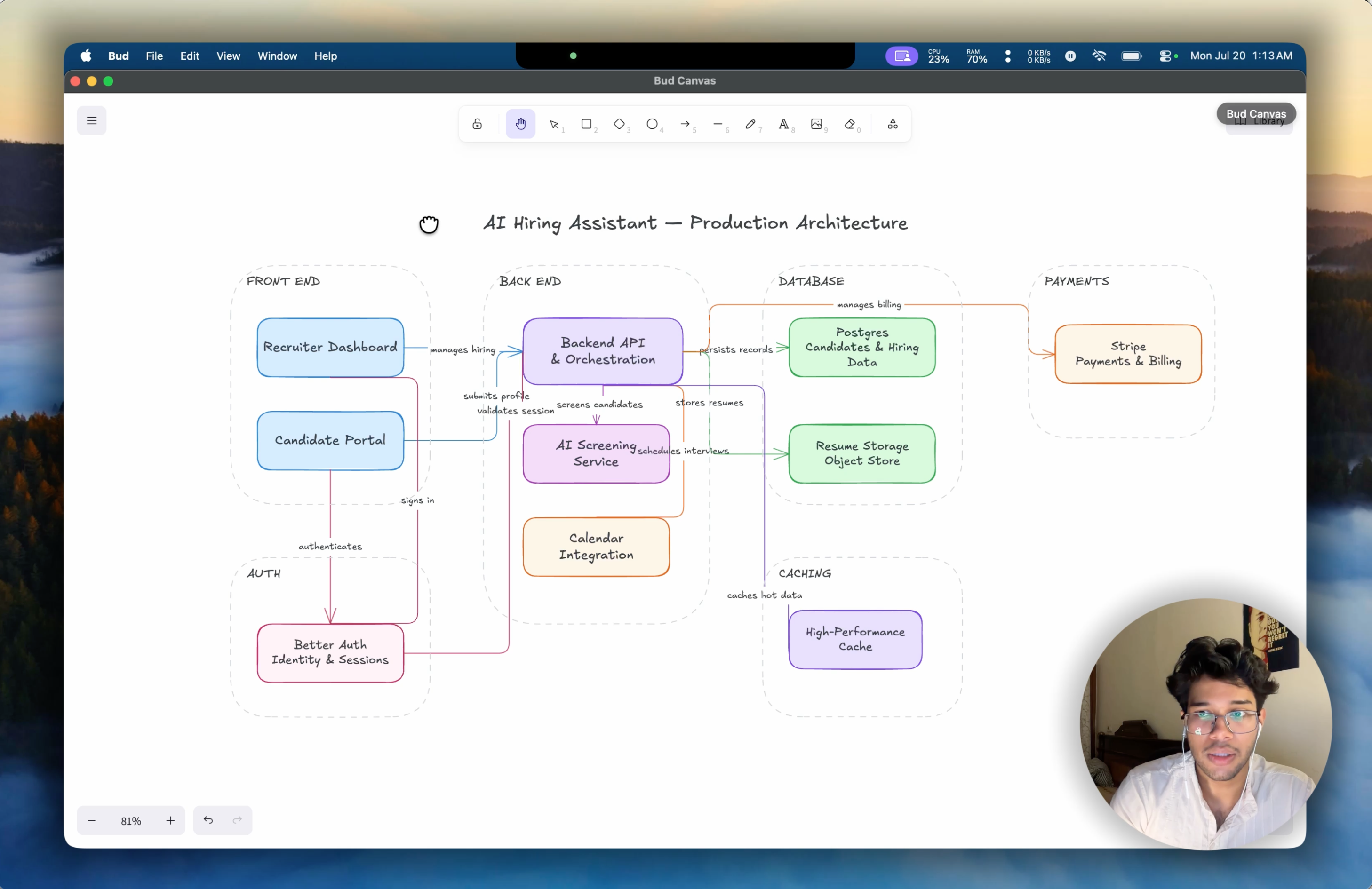
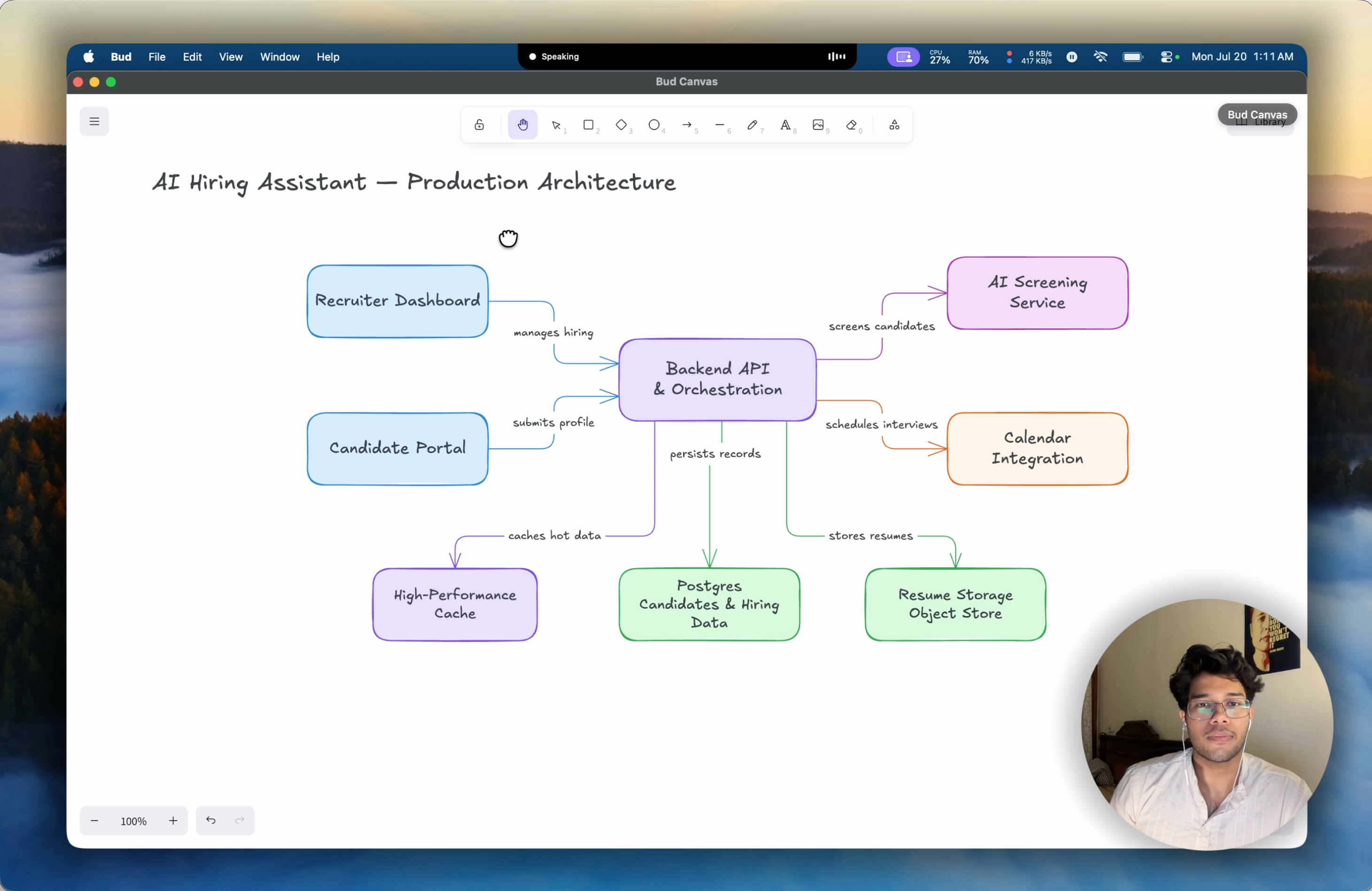
Putting your ideas on a screen, canvas, or Excalidraw is difficult—whether it's a workflow, a high-level architecture, or a mindmap for your next app. Drawing these diagrams piece by piece is tiring. People often use Claude or other alternatives to build them, but they still have to manually write prompts and stare at a blank screen while an uninteractive agent slowly generates the result. This is super boring. We decided to streamline this process with Voice. Bud turns diagramming into a live conversation. You speak, Bud draws directly on an Excalidraw canvas, and it talks back—allowing you to refine designs hands-free in real time.
What it does
- Speak to Draw: Real-time hands-free drawing of flowcharts, architectures, and sequence diagrams.
- Two-Way Voice & Barge-In: Bud talks while drawing; interrupt mid-sentence anytime to redirect it ("actually, put the DB on the left").
- Full Voice Canvas Control: Edit, align, group, restyle, undo, and export to PNG/SVG/JSON hands-free.
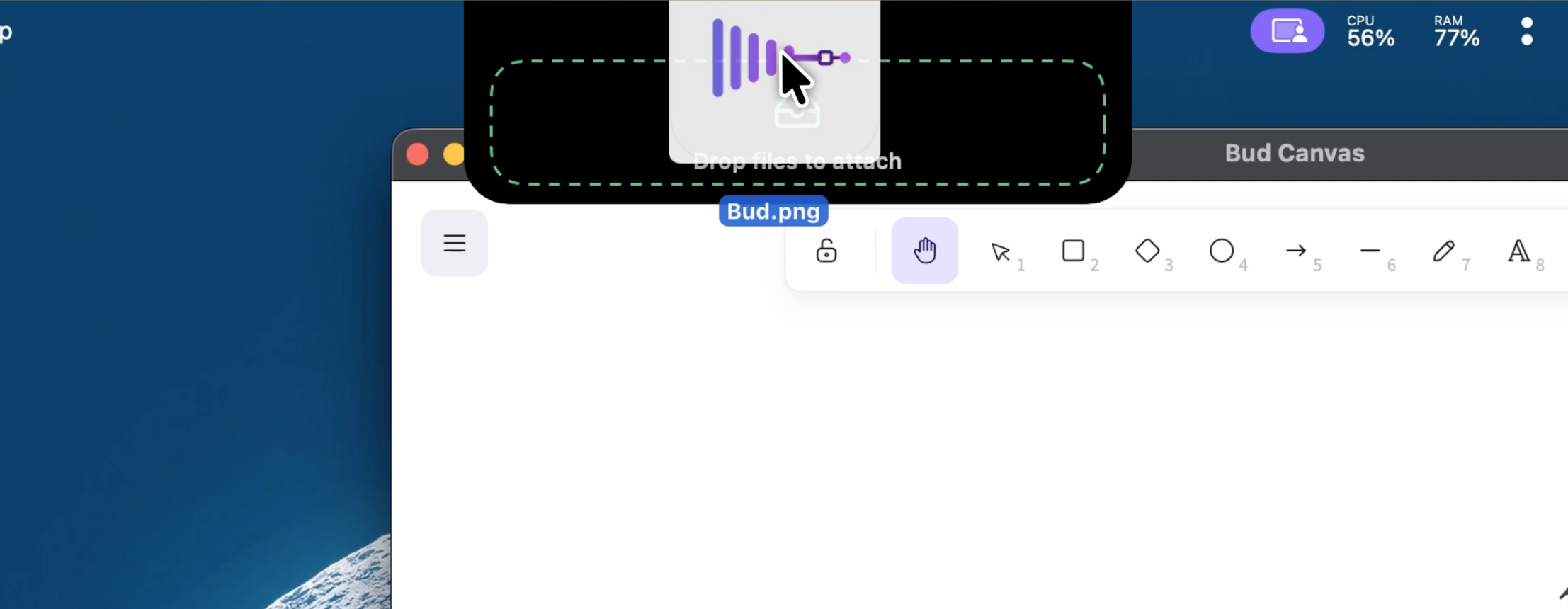
- Native Desktop Apps: Ambient macOS notch UI (native Swift/SwiftUI app) and a floating panel for Windows
How we built it
- Modular Pipeline: Switched from WebRTC to an interruptible pipeline:
Cartesia STT → GPT-5.6-Terra (Responses API) → Cartesia TTS → Canvas Tools10x Speedup via Programmatic Tool Calling: Instead of single tool calls, GPT-5.6 writes JS executed directly in OpenAI's hosted V8 sandbox to batch canvas operations server-side. Multi-step builds dropped from 1–2 minutes to under 10 seconds. - Prompt Caching & Privacy: Static instructions use
prompt_cache_keyfor low latency. Withstore: false, we maintain privacy by replaying a transient response-item ledger and encrypted reasoning content. - Built with GPT 5.6 : Used GPT 5.6 as our primary coding agent to scaffold, refactor, and write tests across our Electron app, Convex backend, and Swift notch companion.
Challenges we ran into
- Voice Latency: Solved via Programmatic Tool Calling (server-side V8 orchestration), prompt optimization and model parameter tuning for best cost-to-quality ratio
- Barge-In / Interruption: Instantly cancels TTS playback and in-flight API runs when user speaks, rolling back state cleanly.
- Visual Layouts: Built a semantic scene compiler to translate LLM output into well-spaced Excalidraw elements with custom skill we developed inspired from offical/unoffical sources for excalidraw mcps/skills and Custom Json diagram examples/references.
Accomplishments that we're proud of
- 10x Faster and 2x Higher Visual Quality: Significantly outperforms existing diagramming alternatives in both execution speed and generated designs/diagrams
- First voice-first, barge-in canvas built specifically for sketchnoting and whiteboarding.
- Shipped a cross-platform desktop suite (native Swift macOS notch + Electron app) in 7 days.
What we learned
- Programmatic Tool Calling replaces heavy client-side orchestration with server-side V8 logic.
- Managing the raw Responses API loop directly gives complete control over streaming, aborts, and state replay.
- Agentic workflows with Codex dramatically accelerate multi-platform desktop development.
What's next for BUD
- Smarter canvas (auto-layout algorithms, style transfers).
- Speculative tool execution to push latency down to instant replies.
- Multi-user collaborative voice whiteboarding.
Built With
- cartesiaapi
- electron
- excalidrawreactpackage
- openairesponseapi
- swift
- typescript


Log in or sign up for Devpost to join the conversation.