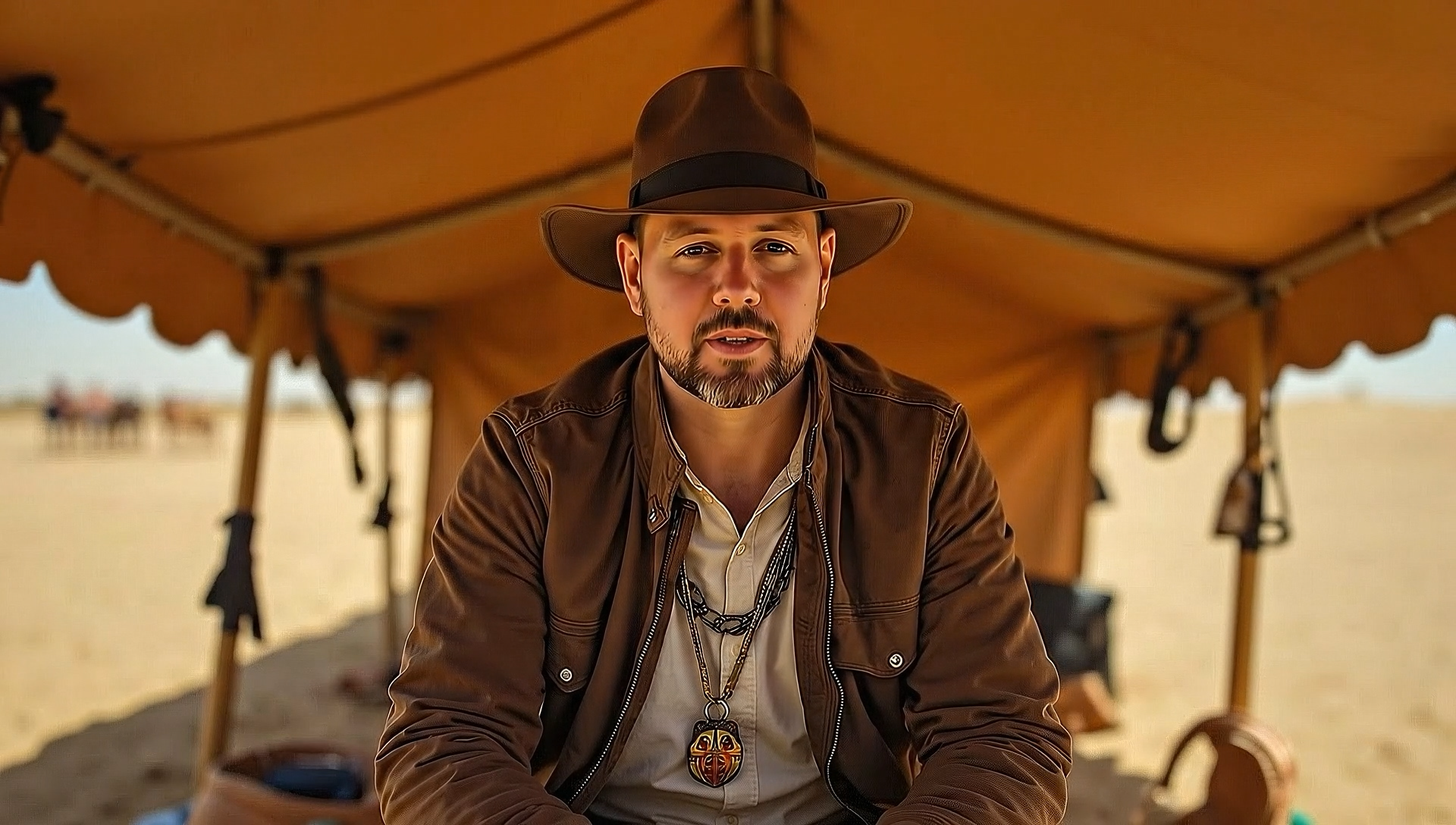
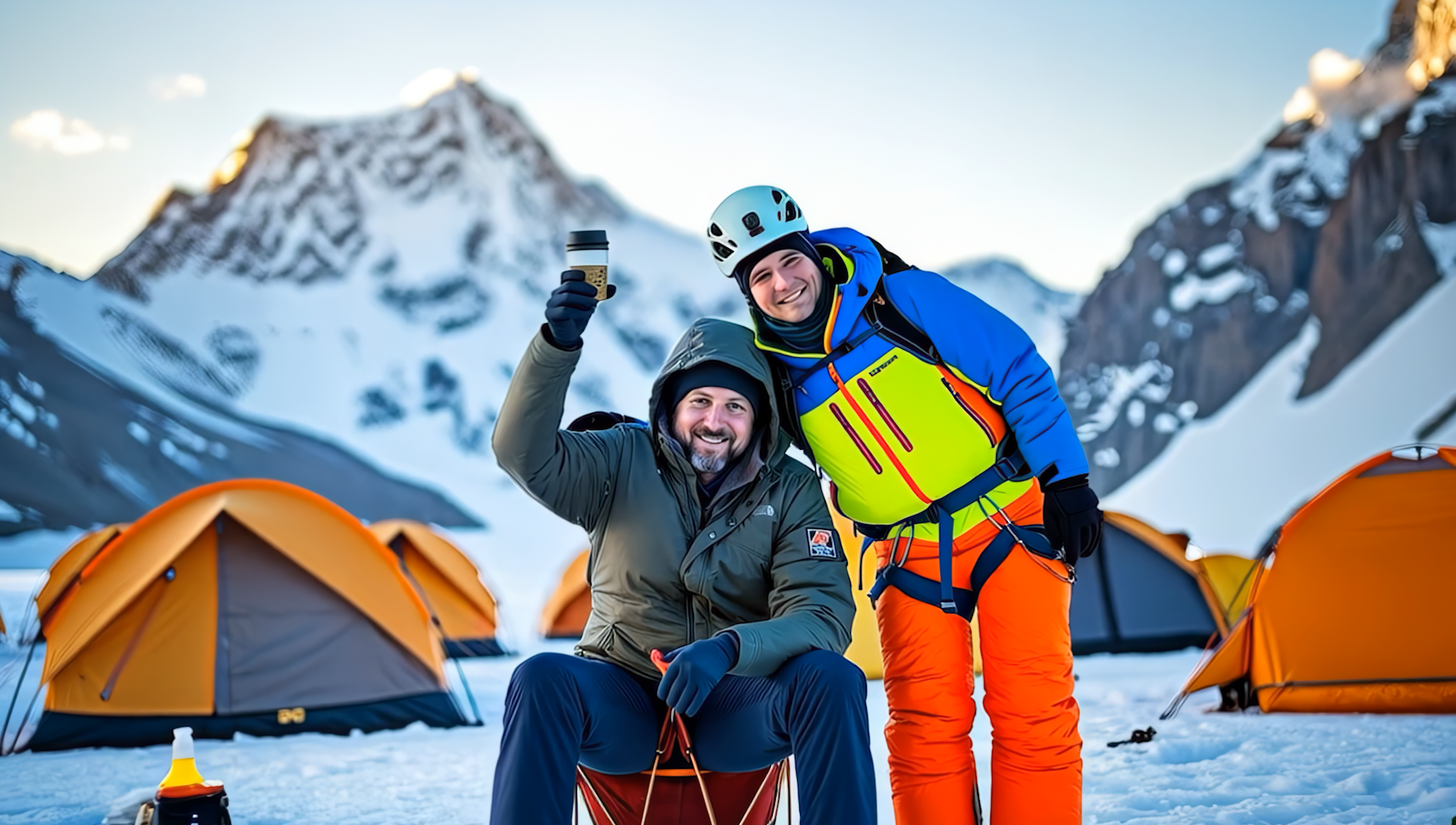
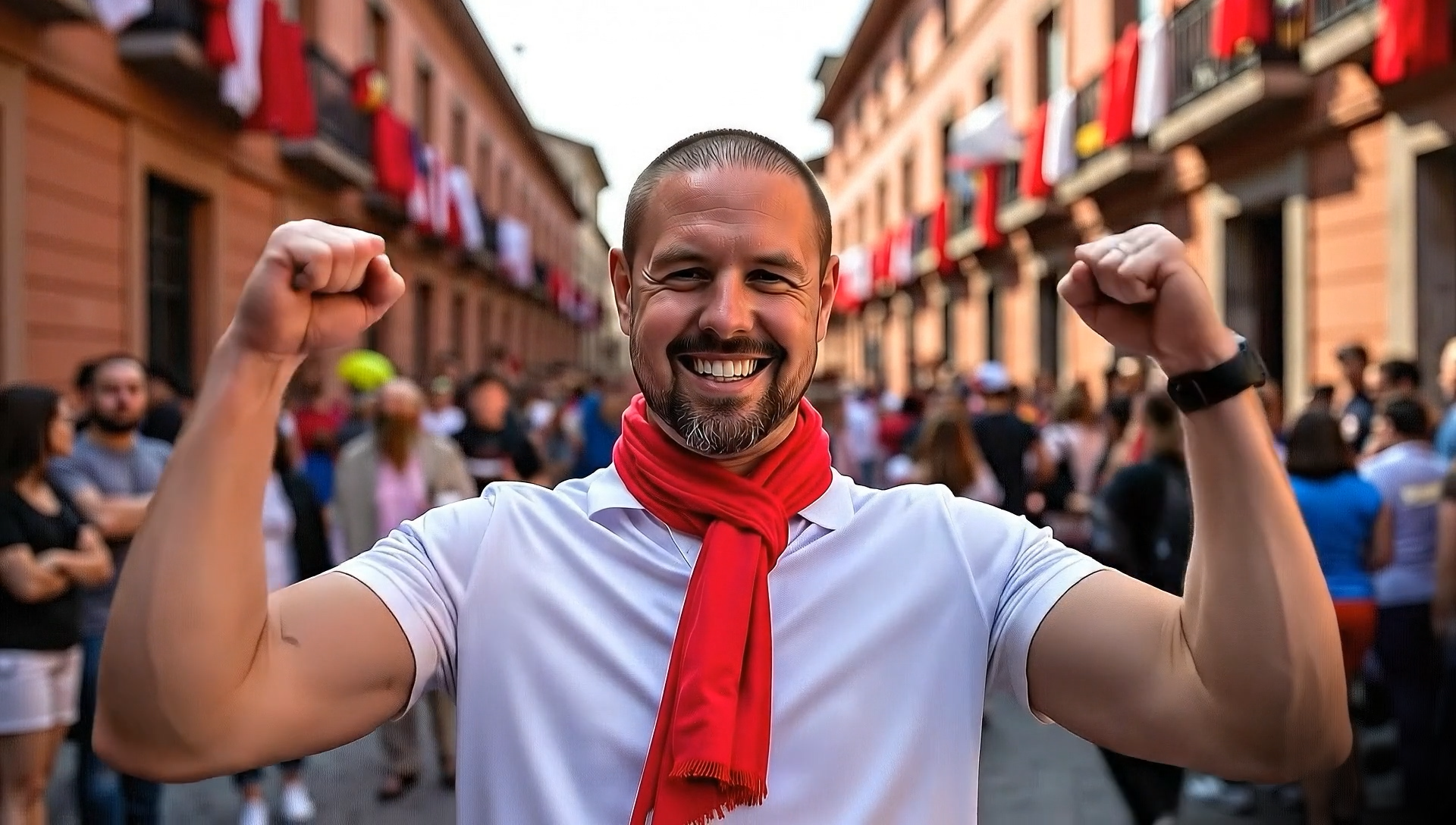
This film is the result of a multi-stage, hybrid process where no single tool did all the work. The pipeline was iterative and heavily reliant on a "best tool for the job" approach. I specifically designed this project to showcase the capabilities of image-to-video (i2v) technologies, using an interview format to build a cohesive, character-driven narrative and demonstrate long-form visual consistency.
1. Concept & Script (The "Think Tank" Phase)
The entire project started in Google Gemini. It was used as a creative partner for brainstorming and "proof of concept" development. I would bounce creative ideas back and forth, refining the script and shot lists.
To dramatically speed up my workflow, I also created a custom Flux prompt generator within Gemini. I could feed it short, simple descriptions (e.g., "Man walking in snow"), and it would translate them into the highly detailed, complex Flux prompts (T5xxl + ClipL) needed for high-quality image generation.
2. Image & Asset Generation (The "Pre-Production" Phase)
This was the most time-intensive part.
Custom Model: I trained a custom model on my character's likeness to ensure consistency.
ComfyUI Workflow: I built a custom workflow in ComfyUI that integrated Flux. This workflow would:
- Generate the initial image based on my Gemini-assisted prompts.
- Automatically upscale the image.
- Run a face detailer pass to maintain the character's likeness from the custom model.
Camera Angles: Flux Kontext was used extensively to generate multiple camera angles (close-ups, wide shots, etc.) for each scene, giving me editorial flexibility.
3. Video Generation (The "Production" Phase)
I used a split-tool approach for video generation:
Narrated Clips: Google VEO was used exclusively for any scenes involving dialogue or direct-to-camera narration.
B-Roll & Cinematics: For all non-verbal elements and atmospheric B-roll, I relied heavily on Hailuo(02) and Kling(2.5) for their strong cinematic output.
4. Post-Production (The "Final Polish")
Music: I used Gemini to generate thematic music lyrics for specific sections of the video (like the blooper reel and extended cut). These lyrics were then fed into SUNO to create unique, custom music tracks.
Cleanup & Upscaling: The final edit was assembled, Photoshop was used for any final digital painting or cleanup on specific frames, and then Topaz Video was used for upscaling and noise reduction.
Challenges & Lessons Learned This project was a profound lesson in patience and flexibility. The biggest takeaway was learning to be comfortable with "the art of the pivot." If a tool or a prompt wasn't working, the only path forward was to pivot, troubleshoot, and try a new approach, rather than trying to force a broken method.
The sheer volume of generation needed to get usable, high-quality clips was staggering. This "trial and error" process is best shown by the numbers:
- ~170 images were generated during the initial creative concepting just to nail down the look and feel.
- ~1,050 image generations were required to get the final set of still images needed for Image-to-Video.
- ~310 video generations were rendered to get the final clips used in the film.
Ultimately, this experiment was a success. It proved that while there is no single "magic button" for AI filmmaking, a dedicated creator can absolutely build a powerful, integrated workflow to bring complex, imaginative, and photorealistic stories to life.
Built With
- comfyui
- flux
- gemini
- google-cloud
- google-gemini
- google-veo
- hailuo
- hailuoai
- kling
- klingai
- kontext
- veo


Log in or sign up for Devpost to join the conversation.