-
-
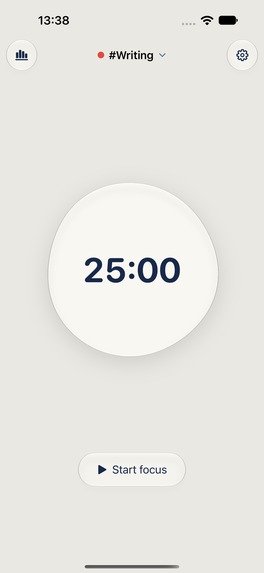
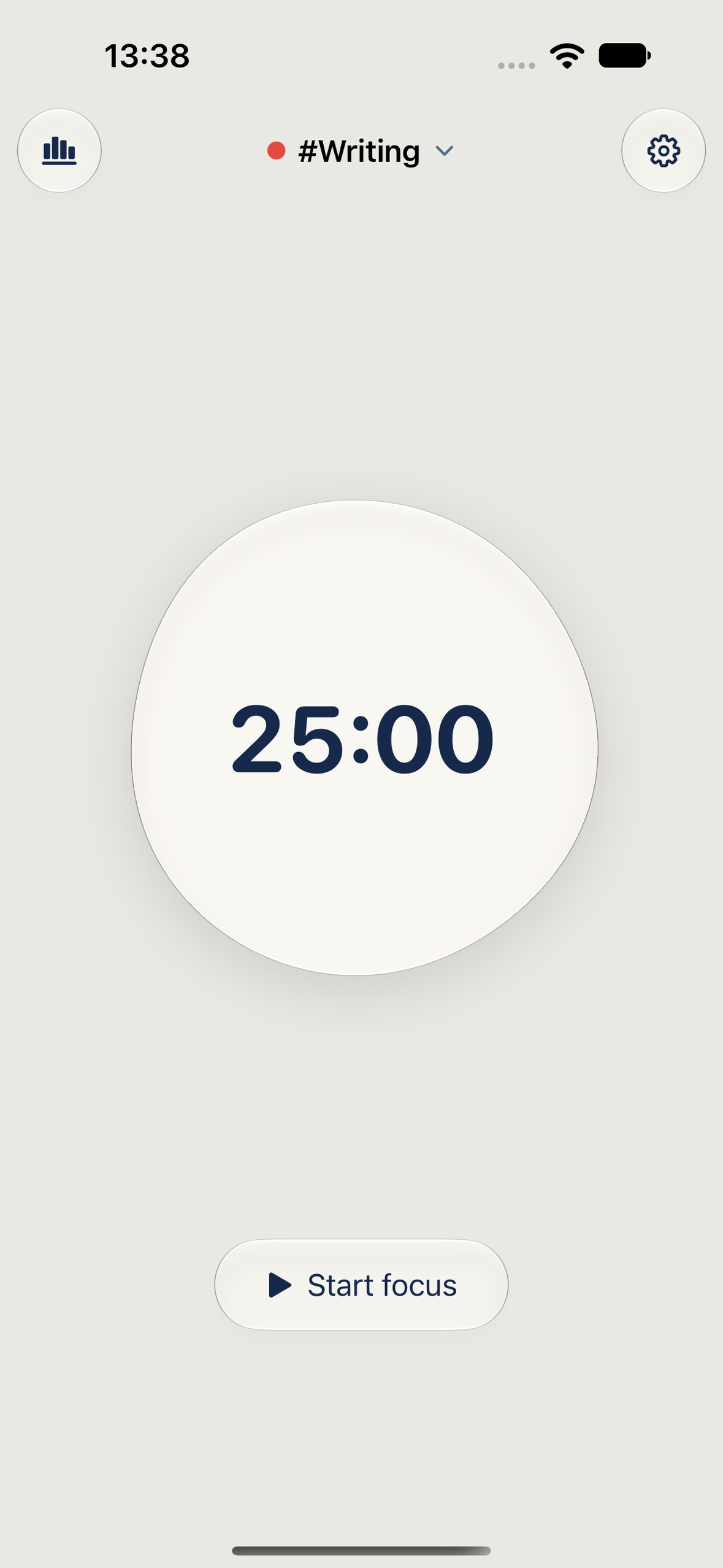
A glass bubble timer. Choose one task and start a focused session.
-
BubbleFocus app icon — 1024 × 1024, uncropped.
-
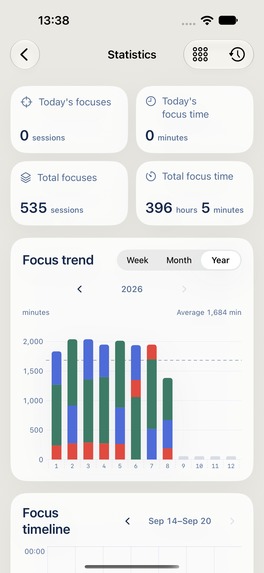
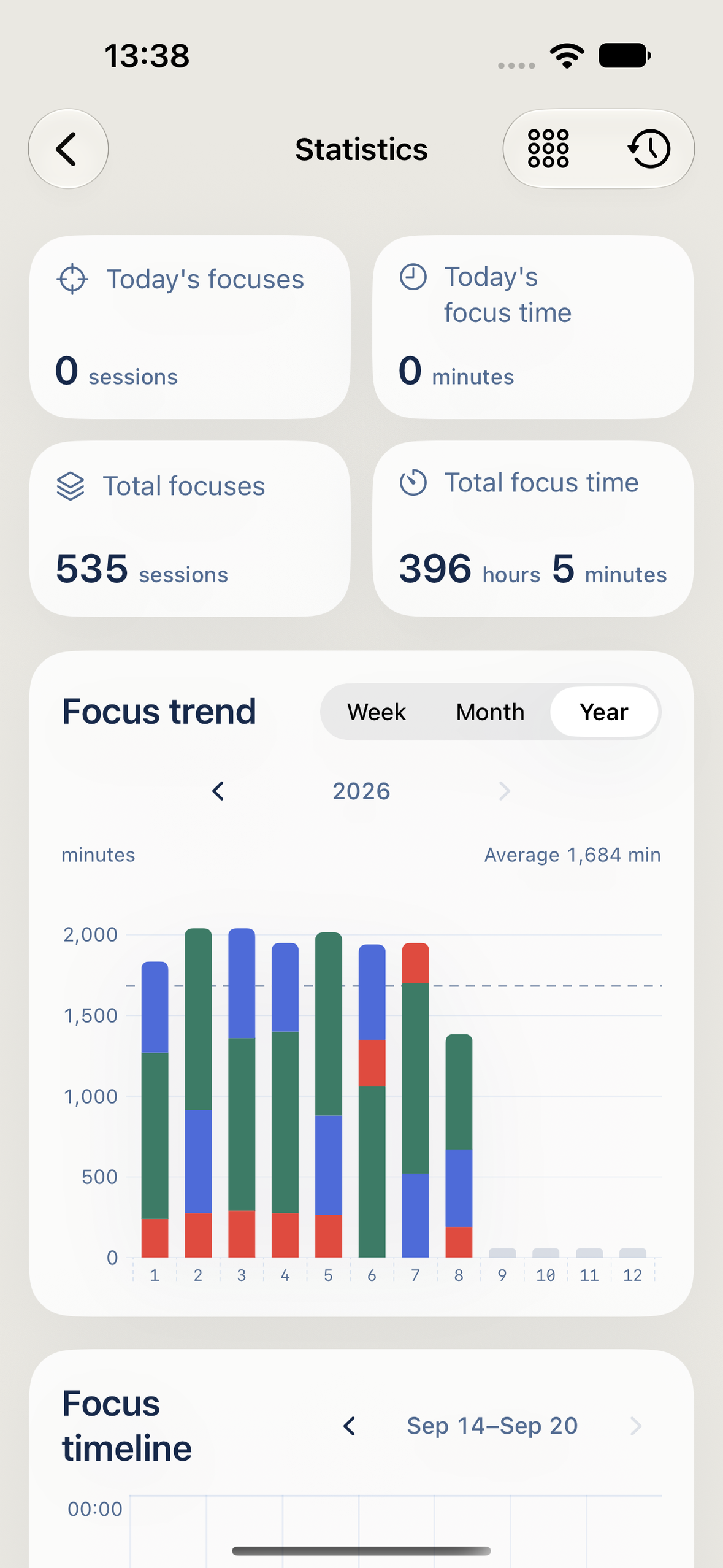
Pro focus trends and yearly totals. Sample data shown.
-
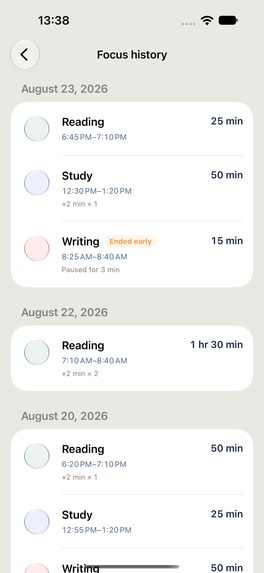
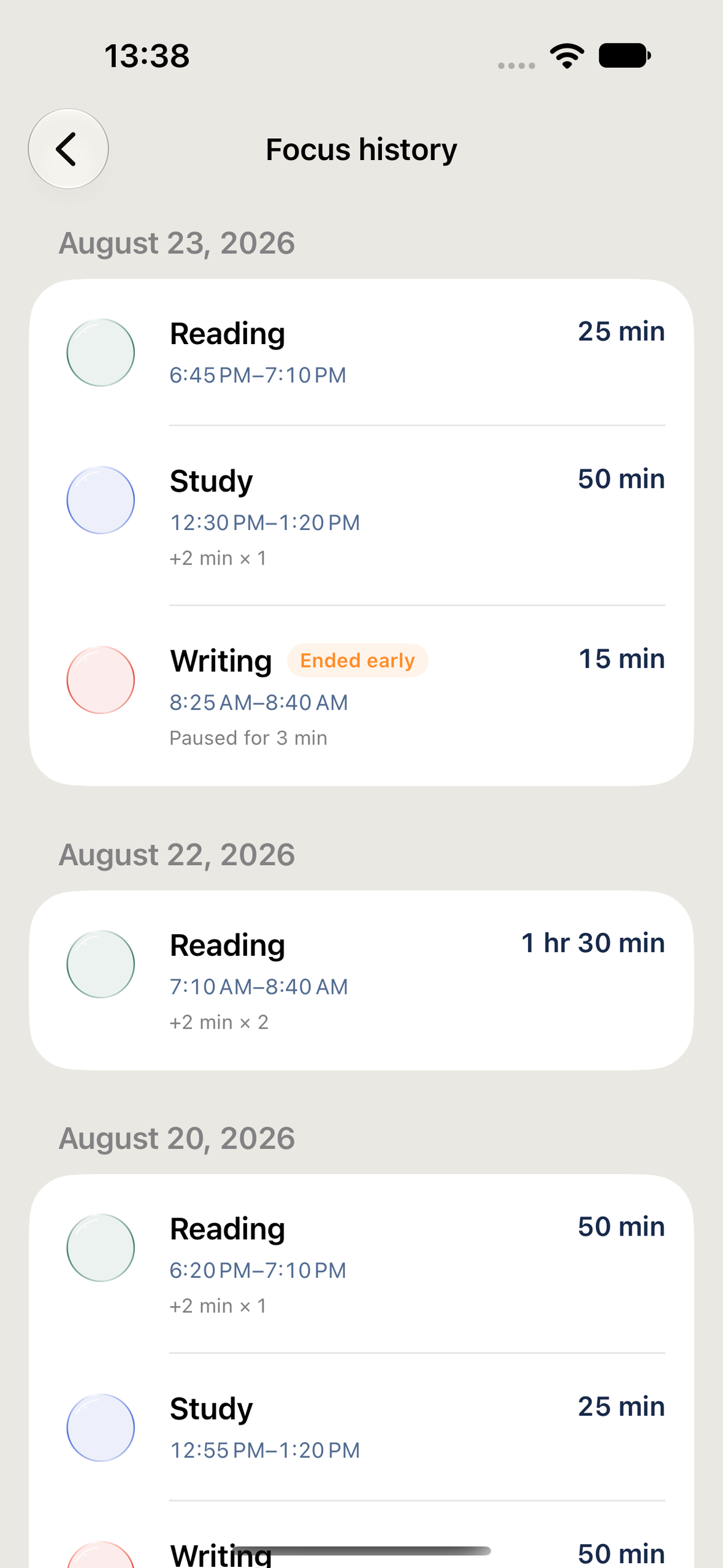
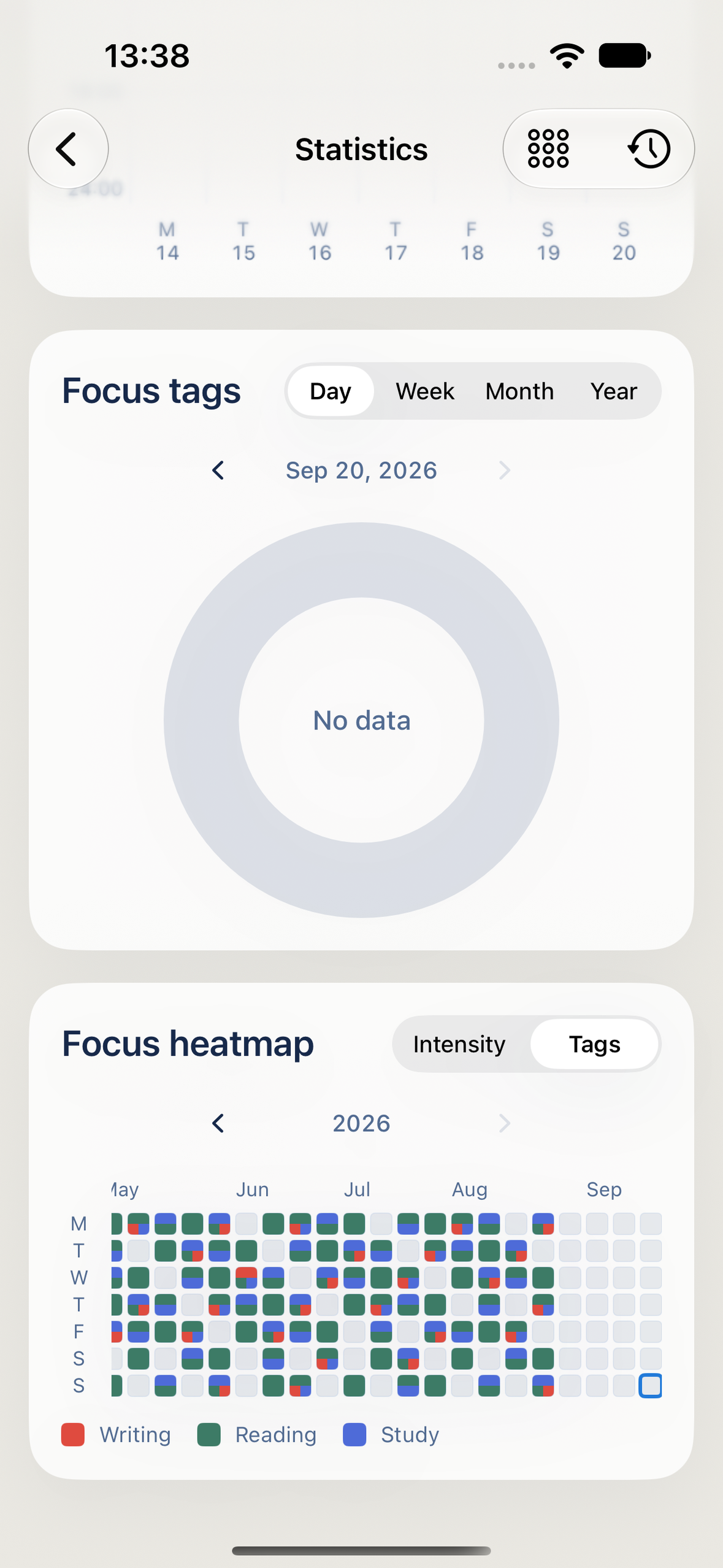
Tagged focus history, including pauses and extensions. Sample data shown.
-
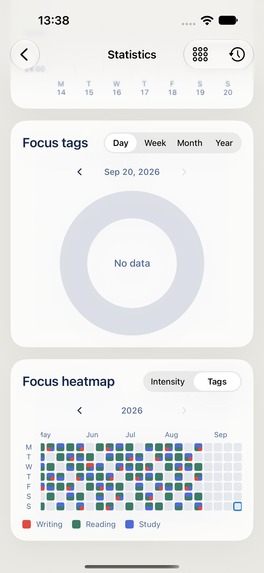
A yearly heatmap of focused time. Sample data shown; the selected day has no records.
-
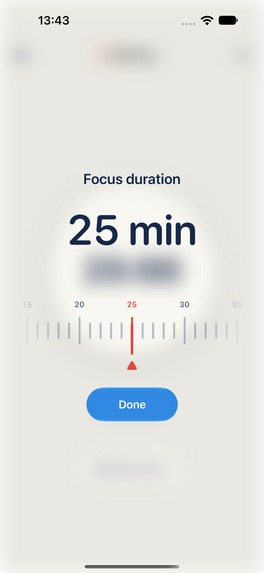
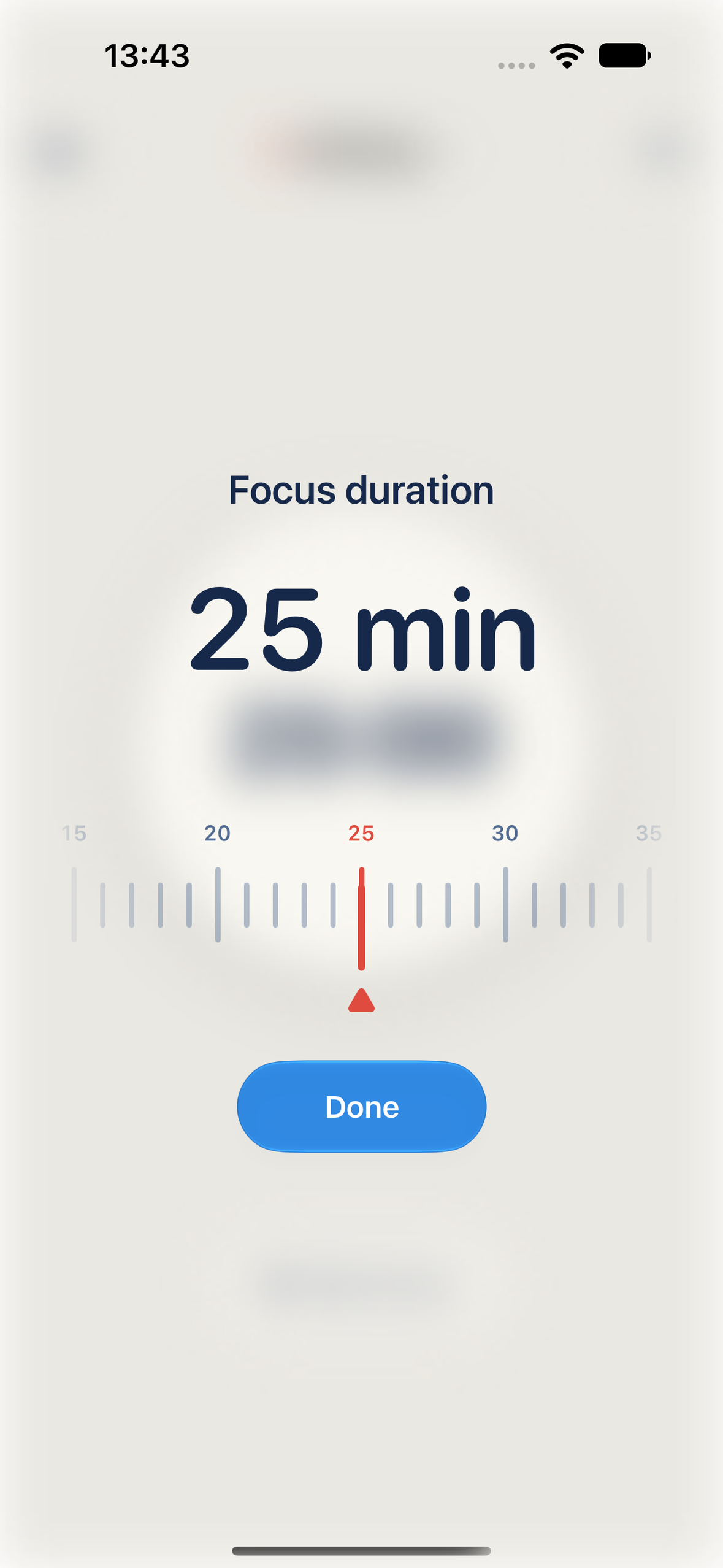
Choose a focus duration that fits your task.
-
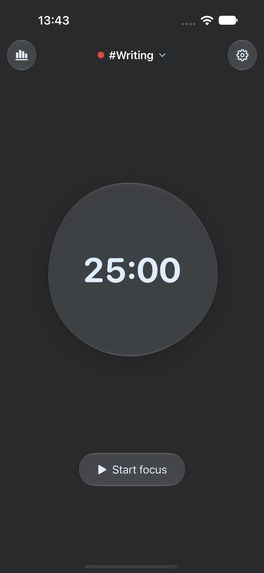
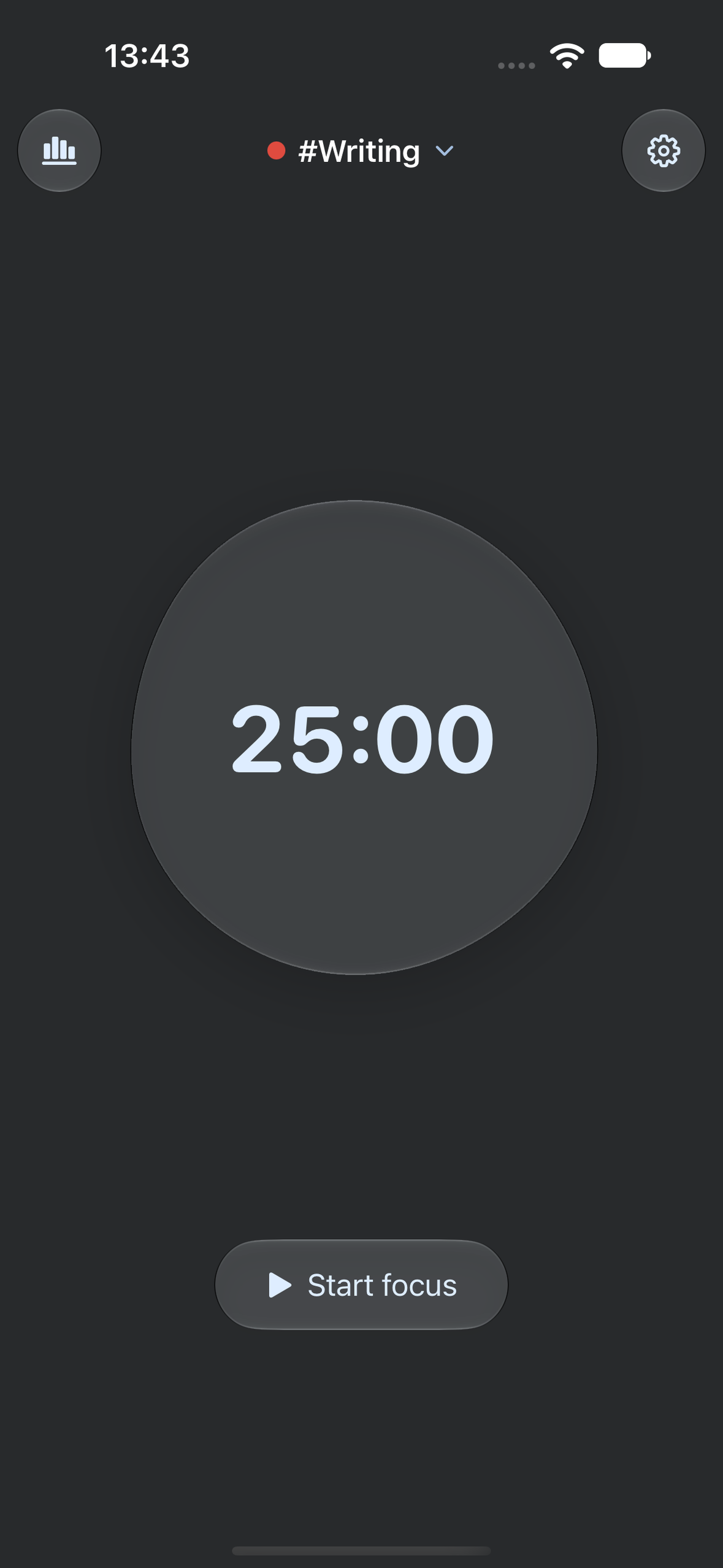
The same simple focus experience in dark appearance.
-
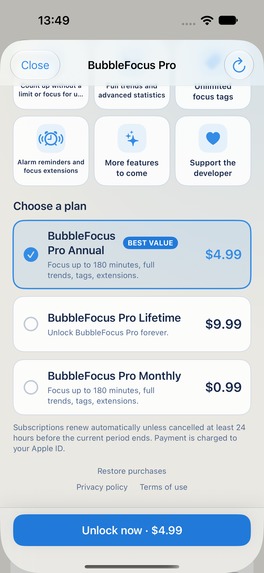
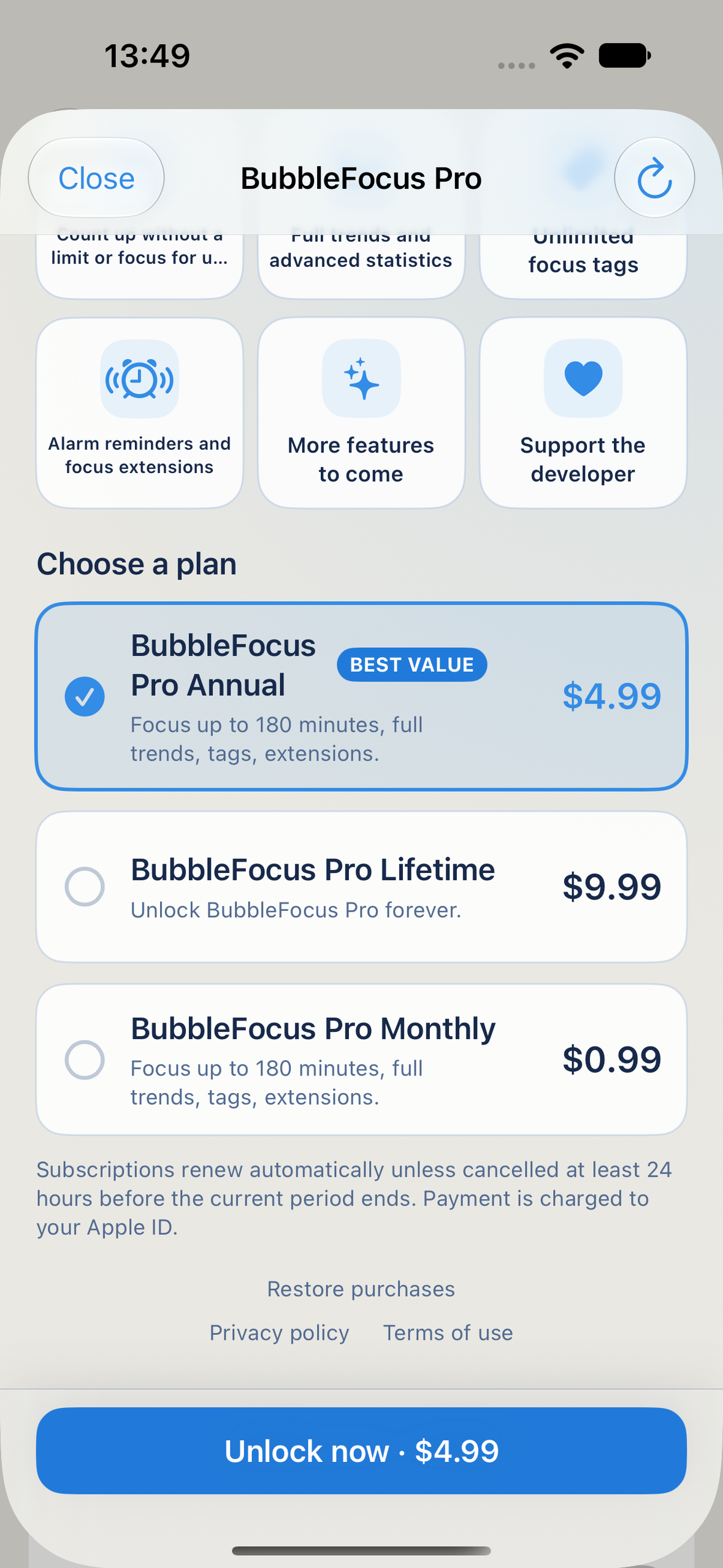
Monthly, yearly and lifetime Pro plans, with restore purchases available.
Inspiration
Starting a focused session should feel easy. BubbleFocus puts one task and one timer at the center of the screen, with a glass bubble as a quiet companion. The aim is to make the transition into work clear and the transition into a break feel lighter.
What it does
BubbleFocus is a native iPhone and iPad focus timer for studying, reading, writing, and everyday work. Choose a tag, set a countdown, and start. Pause and resume when you need to. On a supported iPhone, optional flip control starts a session when the phone is placed face down and pauses it when it is picked up, while the app is open on its home screen.
After a session, choose a break and enjoy the floating bubbles before returning to the next task. Completed focus sessions of at least five minutes are saved in a history organized by tags. Pro adds a count-up timer for open-ended work, longer sessions, detailed trends, a weekly timeline, tag distribution, and a yearly heatmap.
Live Activities keep the timer visible on supported devices. Light and dark appearances and a personal photo background let the experience fit the user's surroundings. No BubbleFocus account is required. Optional iCloud sync shares focus history and tags, while an active timer stays on the device where it began.
How it is built
The app uses Swift and SwiftUI, with SpriteKit and custom glass rendering for the bubble experience. The timer runtime owns session timing independently of animation and view state. SwiftData stores focus history, and shared snapshots support widgets and Live Activities.
RevenueCat manages the pro entitlement across monthly and yearly subscriptions and a non-renewing lifetime purchase. The paywall reads localized product information from the store. Restore purchases, membership refresh, and a dedicated purchase-support screen help users recover and understand their access. All paid options unlock the same Pro feature set.
Challenges
One central challenge is making a playful interface remain a dependable timer. Pausing, resuming, finishing, and returning from the background need consistent behavior even as the bubble scene changes. Keeping the runtime separate from rendering makes those responsibilities explicit.
Another challenge is keeping membership behavior understandable across subscriptions and lifetime access. The app uses one entitlement and marks paid features in context, with purchase recovery available from Settings.
What is shipped
The app first became publicly available on the App Store on September 8, 2026 as WaterFocus. Version 2.0.0, released on September 21, introduces the BubbleFocus name and redesigned bubble experience. It is the same app and App Store listing, available in the United States.
The submission targets the RevenueCat Design Award. Please look at the glass bubble timer, the change from focus to floating break bubbles, light and dark appearances, and the small set of gestures used to begin and manage a session.
Screenshots of history and statistics contain sample records to demonstrate those views. They are not evidence of user adoption, actual focus usage, or commercial growth.
What is next
The next step is to learn from use of the newly released BubbleFocus design and refine the transitions between starting, finishing, and resting, while preserving reliable timing and clear purchase recovery.
Try it
Built With
- activitykit
- cloudkit
- metal
- revenuecat
- sprite-kit
- storekit
- swift
- swiftdata
- swiftui
- widgetkit


Log in or sign up for Devpost to join the conversation.