-
-
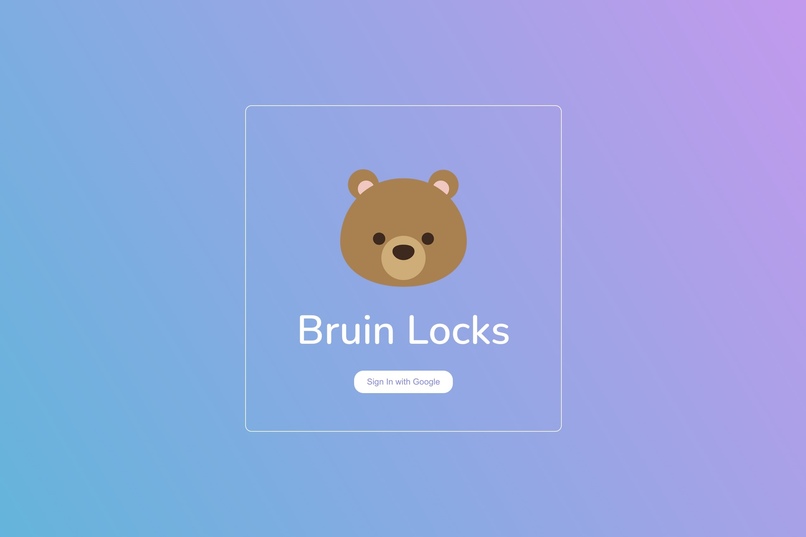
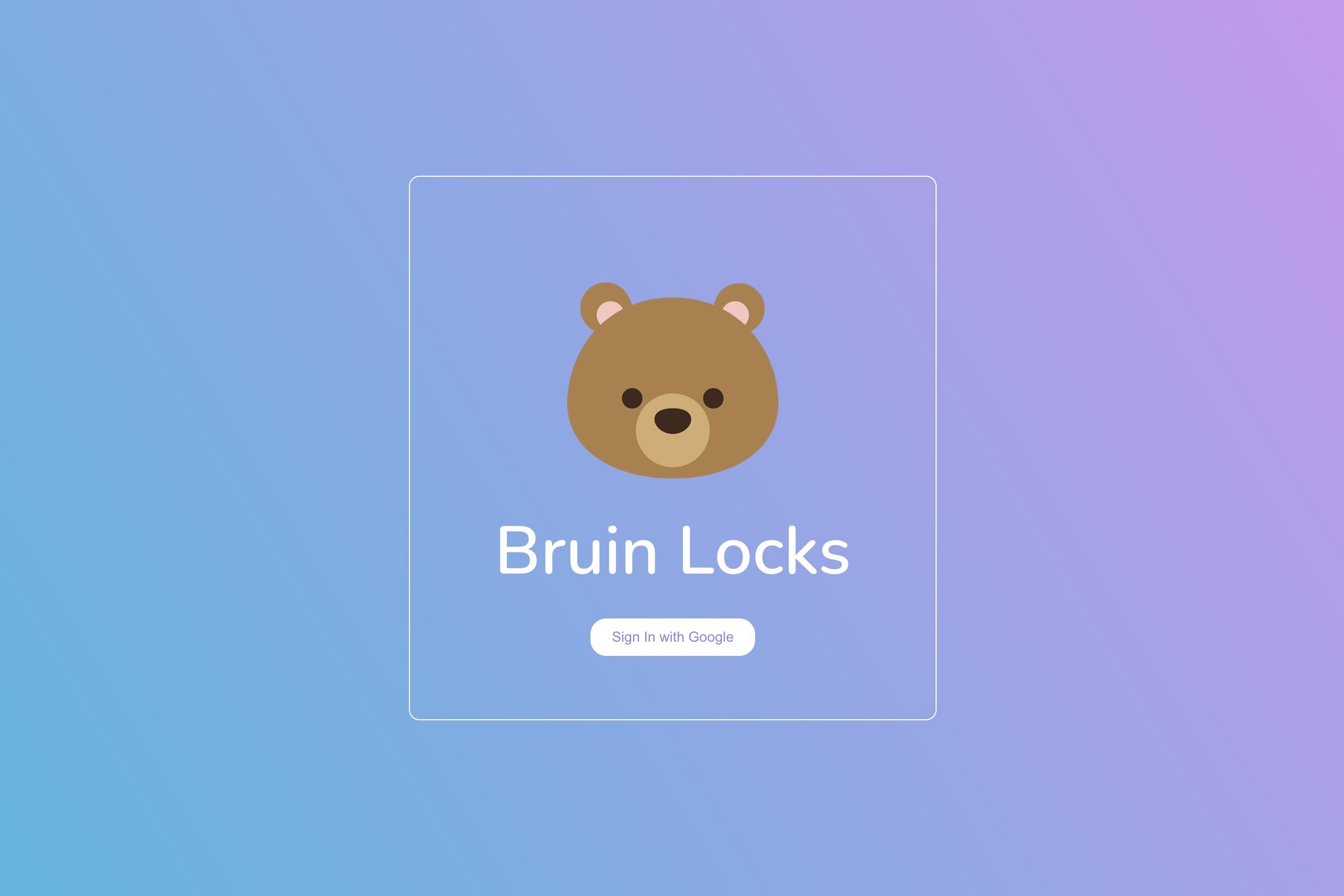
the login page
-
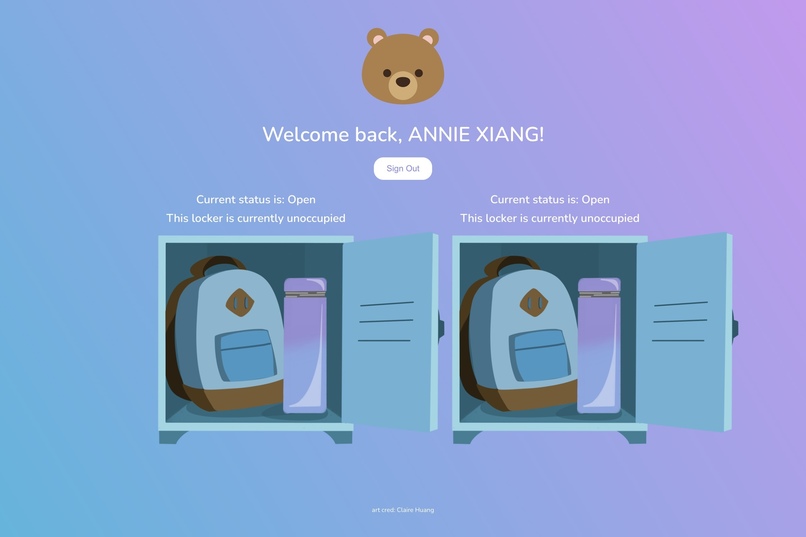
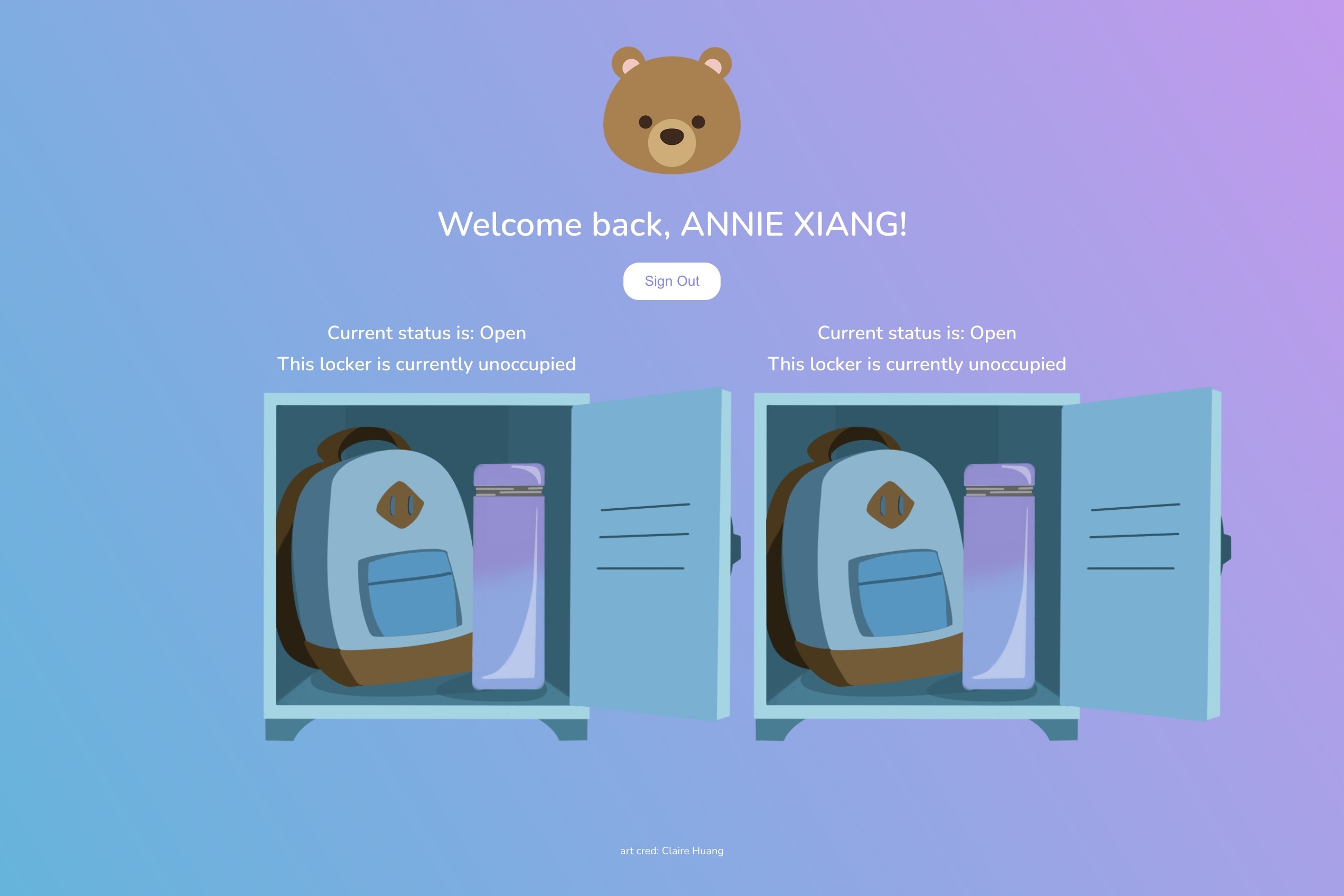
the home page
-
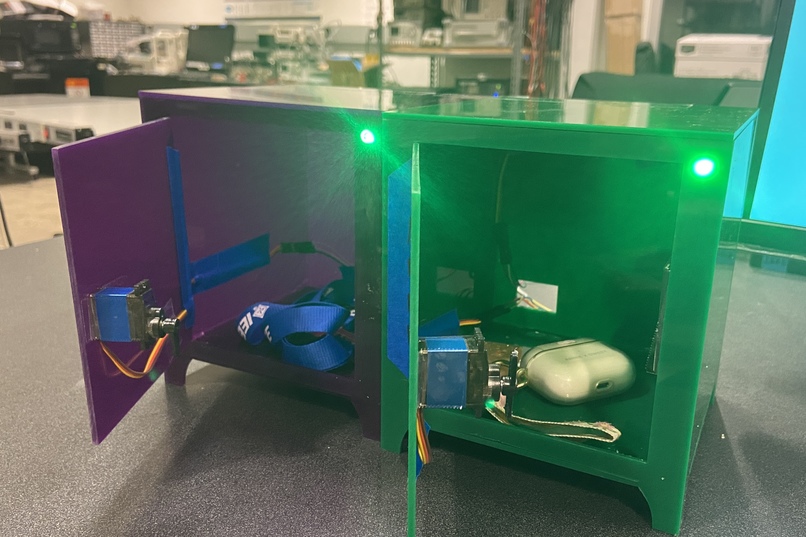
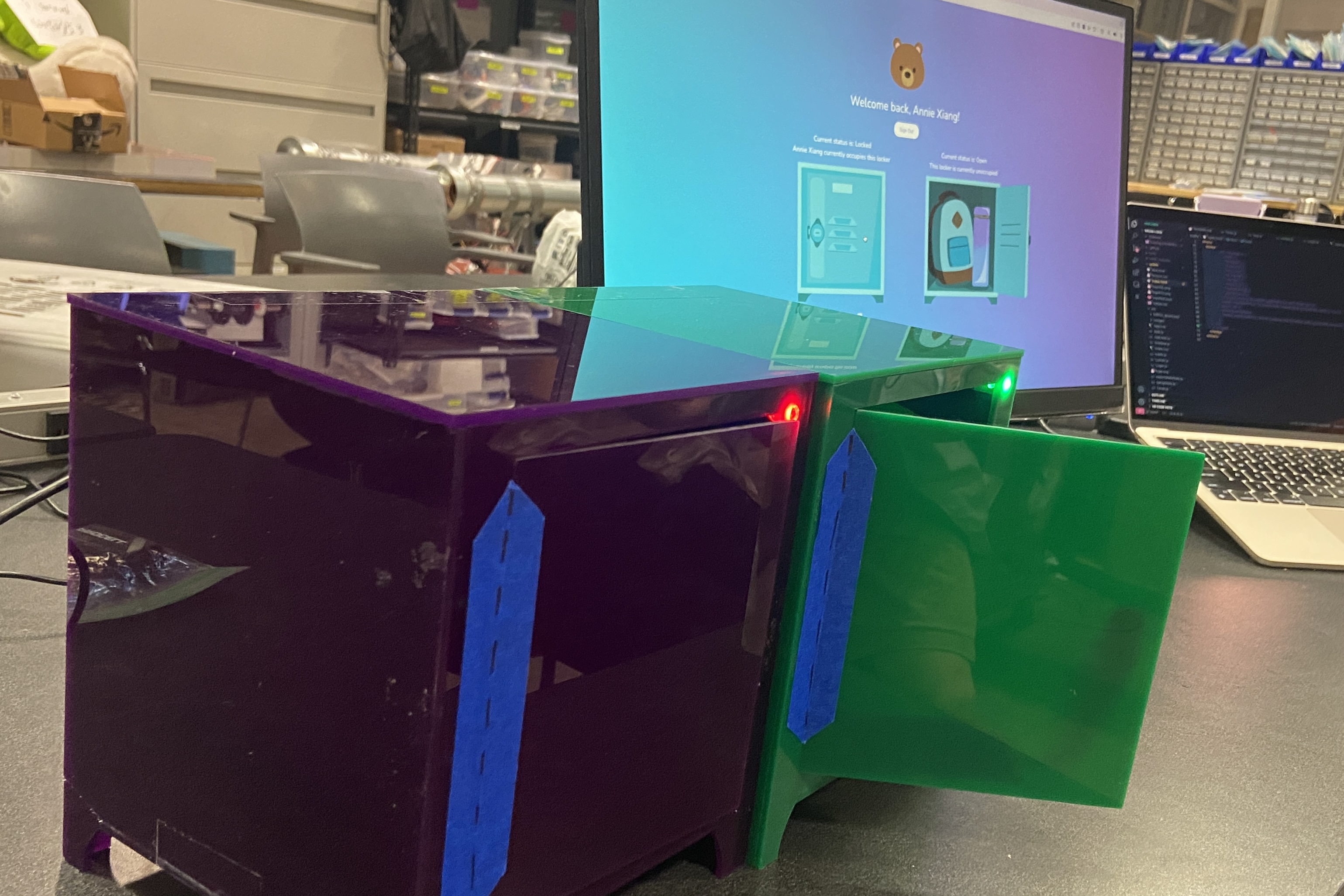
our physical locker models
-
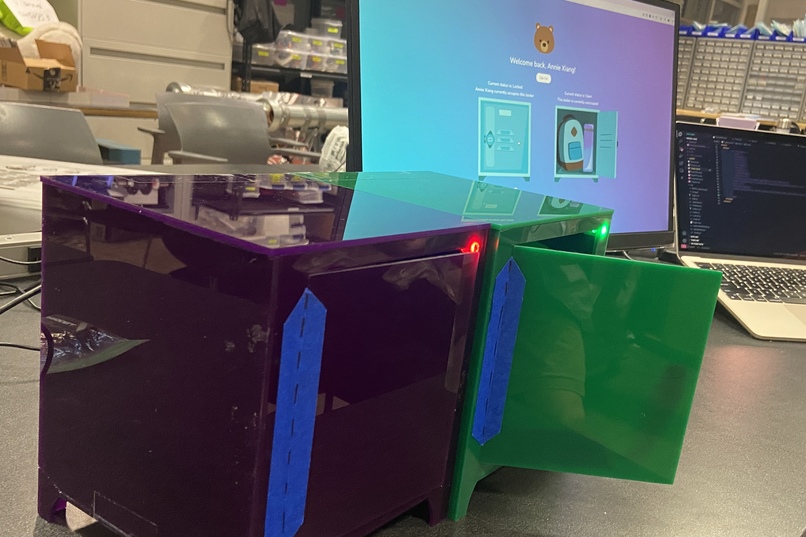
our lockers with the web app
-
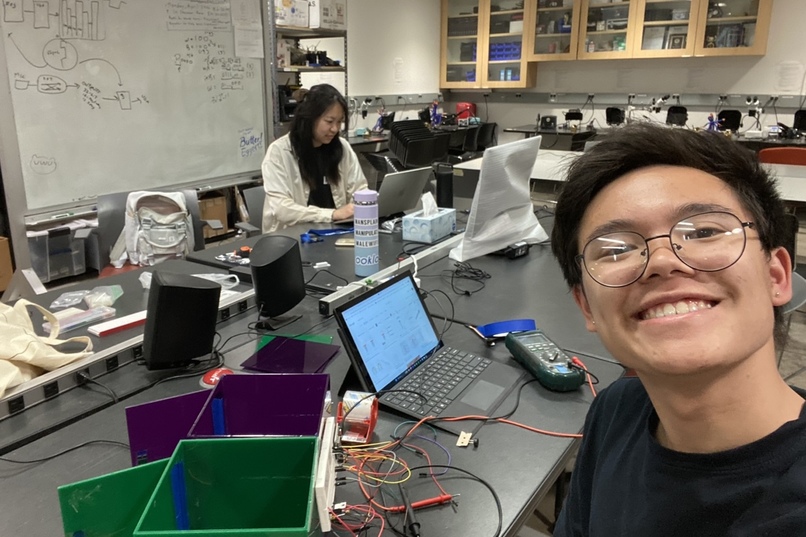
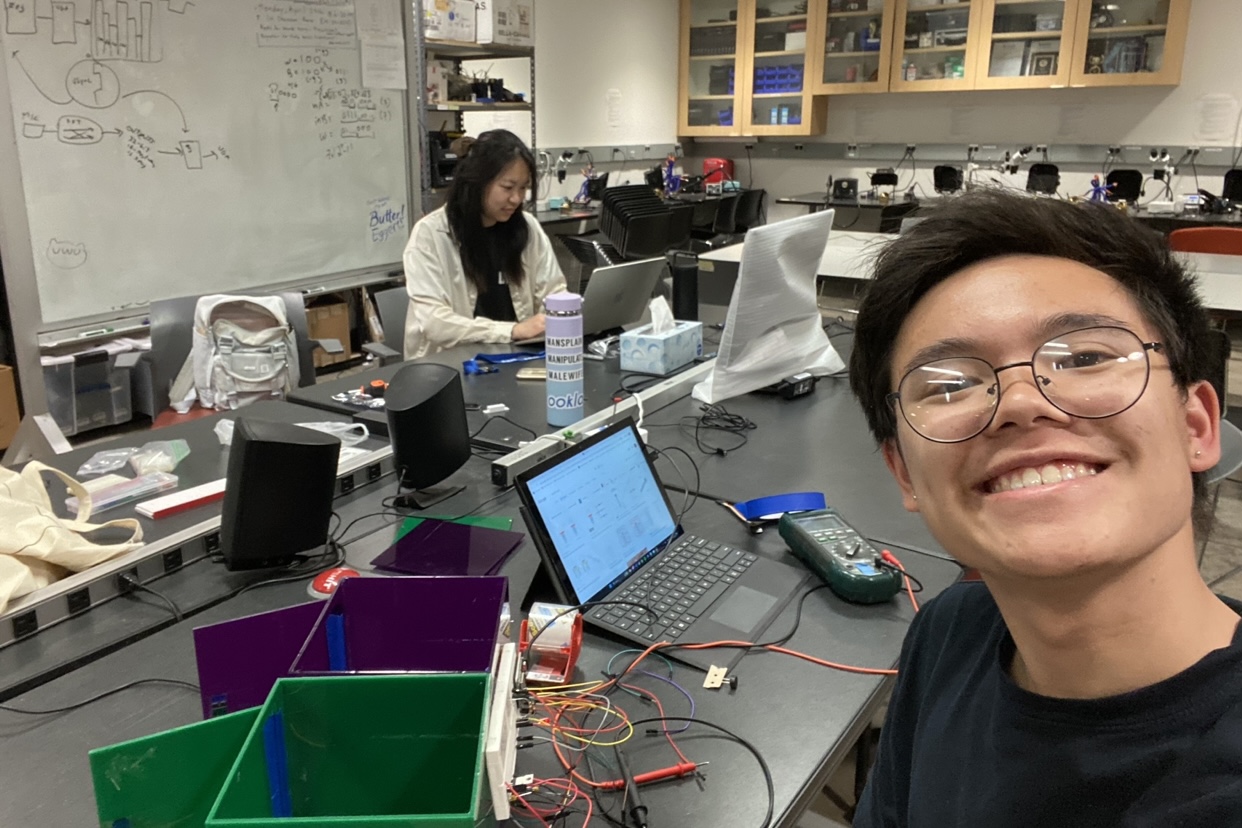
hardware specialist candid
-
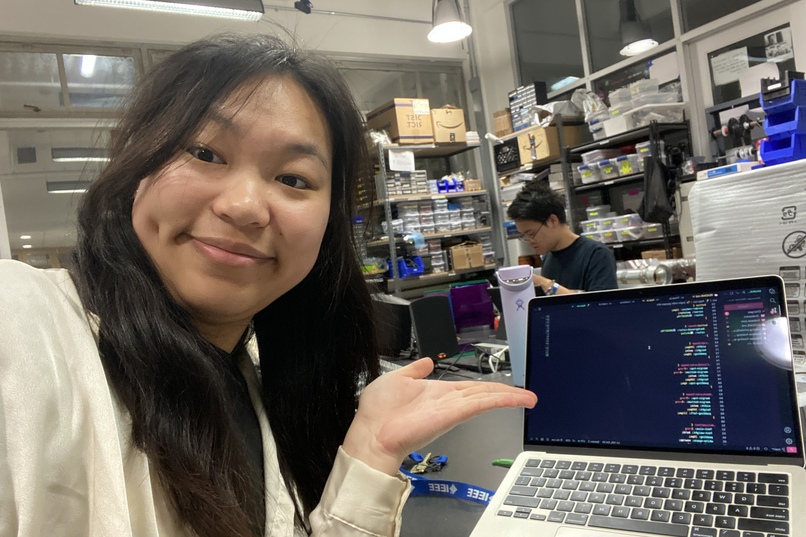
software specialist candid


Inspiration
We were inspired by the broken lockers by the dining halls at UCLA and how frustrating it is to not be able to use them in a secure and efficient manner. This inspired us to create Bruin Locks, an IoT smart locker system that allows users to reserve and unlock lockers quick and easy.
What it does
The Bruin Locks web app allows users to use and unlock the locker by logging in using their UCLA Google Account. The application also implements a maximum use time to increase efficiency. An admin could unlock all lockers, keep a log of locker usage, and set a max use time.
Our hardware, controlled by an ESP32, operates servos that opens and closes acrylic model locker doors and RGB LEDs that change color based on user interaction with the web app.
How we built it
We built the Bruin Locks web app using React and Firebase on Visual Studio Code. We used Firebase Authentication to manage user accounts, Firebase Realtime Database to store locker data and user data, and Firebase Hosting to host our domain. We used React to create the dynamic user interface.
We created the physical model locker using an ESP32, servos, laser-cut acrylic, RGB LEDs, and various miscellaneous small parts. We modeled the locker using Onshape and laser-cut the model lockers, assembling with hot glue and packing tape. We programmed the ESP32 on the Arduino IDE and connected it to Firebase to read the data changed by the web app.
Challenges we ran into
We faced several challenges during the development of Bruin Locks:
One of the main challenges was integrating Firebase Realtime Database with our React app. We had to learn how to use the Firebase SDK and how to read and write data from the database. We also faced some errors related to the database rules and permissions, which required some debugging and troubleshooting.
Managing the state of the app in React was another challenge we faced. We had to use
useStateanduseEffecthooks to manage the state of the app and ensure that the UI was updated correctly in response to user actions. Setting up Firebase Realtime Database references and querying data from the database was very challenging, involving using Firebase SDK functions to read or write data. We also encountered issues with updating state in the React components based on changes to the database.Another major challenge we faced was getting the hardware to properly connect with the Firebase Realtime Database and sync with its data.
Accomplishments that we're proud of
We were able to create an aesthetically pleasing web app that successfully allows users to log in, lock and unlock lockers, and display the time duration left. The web app successfully changes the state in Firebase, which the hardware reflects in the motion of the servos and the color of the RGB LEDs.
As our team only comprised of two people, we are very proud of how much we accomplished. Both of us had minimal front-end experience and are proud of the interface we are able to present.
What we learned
We learned how to implement functionality using React and Firebase during the development of Bruin Locks. We also learned a lot of front-end styling skills and how to sync ESP32 with data in Firebase.
What's next for Bruin Locks
In the future, we plan to add more features to Bruin Locks, such as a notification system to remind users when their locker reservation is about to expire or if they leave a radius around the location of the locker. We also plan to add LCD screens on the locker that display the countdown.


Log in or sign up for Devpost to join the conversation.